
Cross-platform reporting tool
Spend, clicks and conversions from Google Ads, Meta, Microsoft Ads, LinkedIn, TikTok and more, added up or side by side, per platform or per campaign, in one widget.
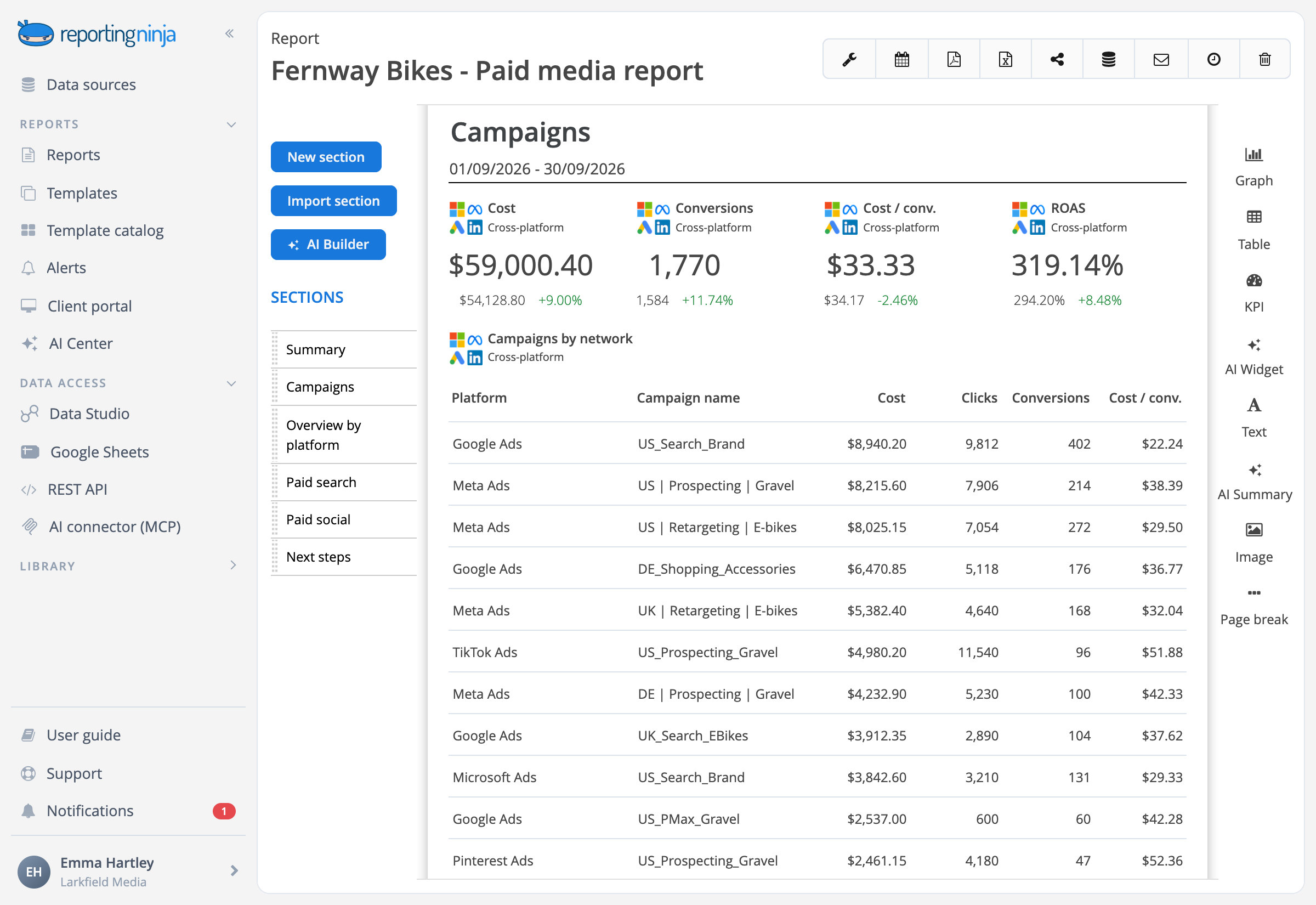


One widget, every platform
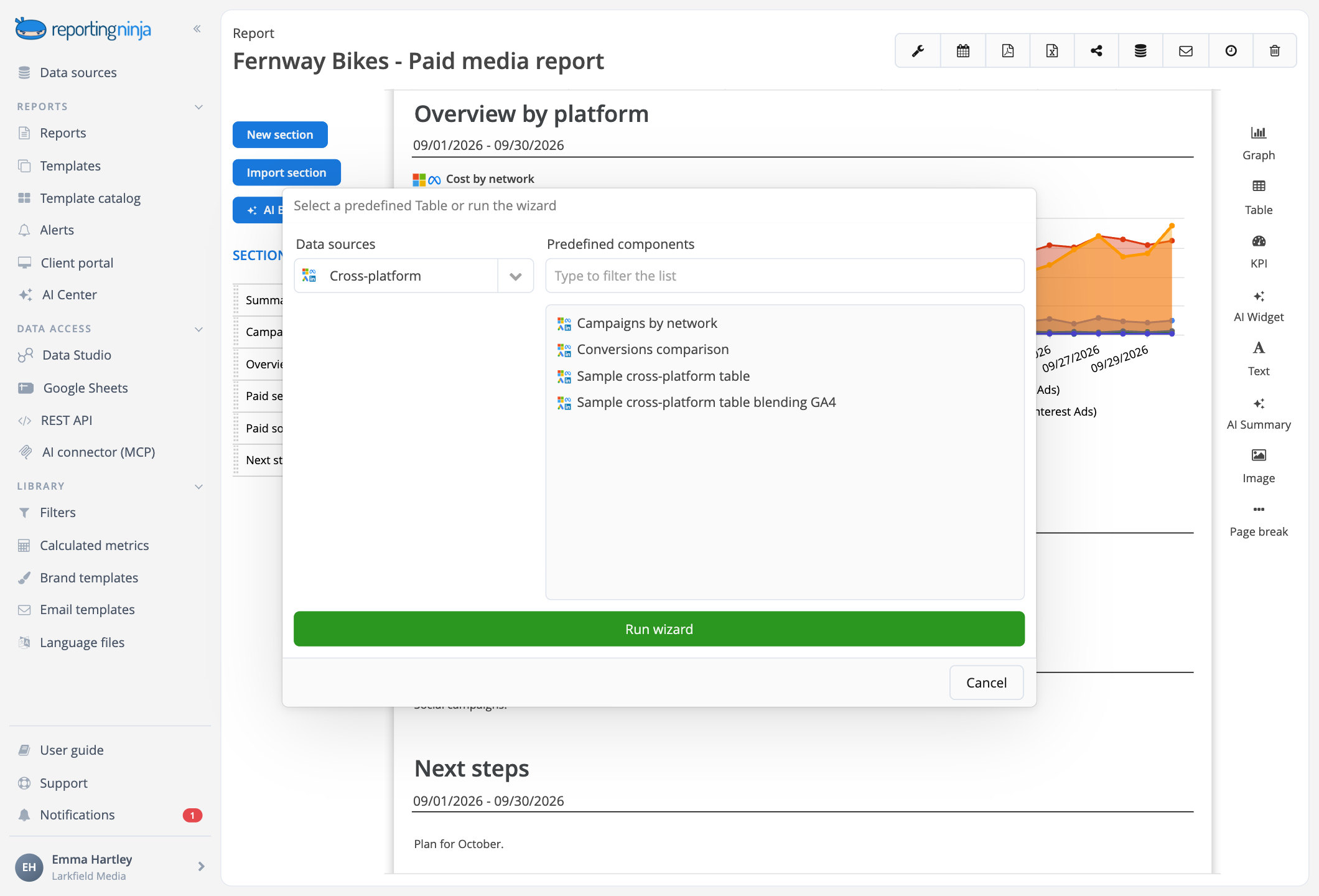
Add a KPI, a comparison, a campaign table or a trend to any report: one widget reads every ad account you pick.

Added up or side by side
The cross-channel total, or each platform on its own line.

A trend per platform or in total
One line per platform or one for all of them, with several metrics on one chart.

The same metrics on every platform
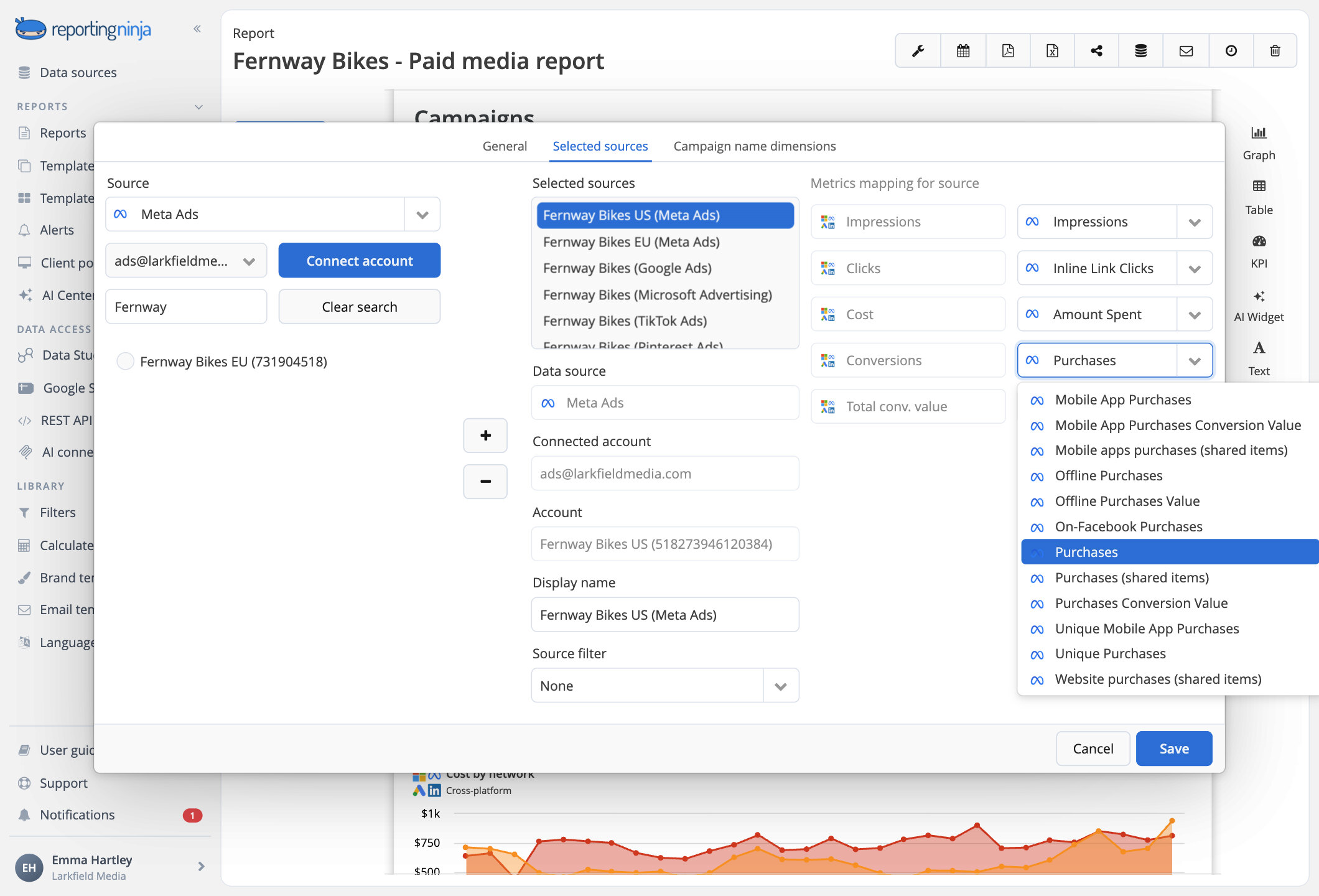
Cost, clicks, conversions, cost per conversion, ROAS and more, with the ratios worked out from the totals.

Ads next to analytics
Google Analytics 4 columns next to each platform's ad results.
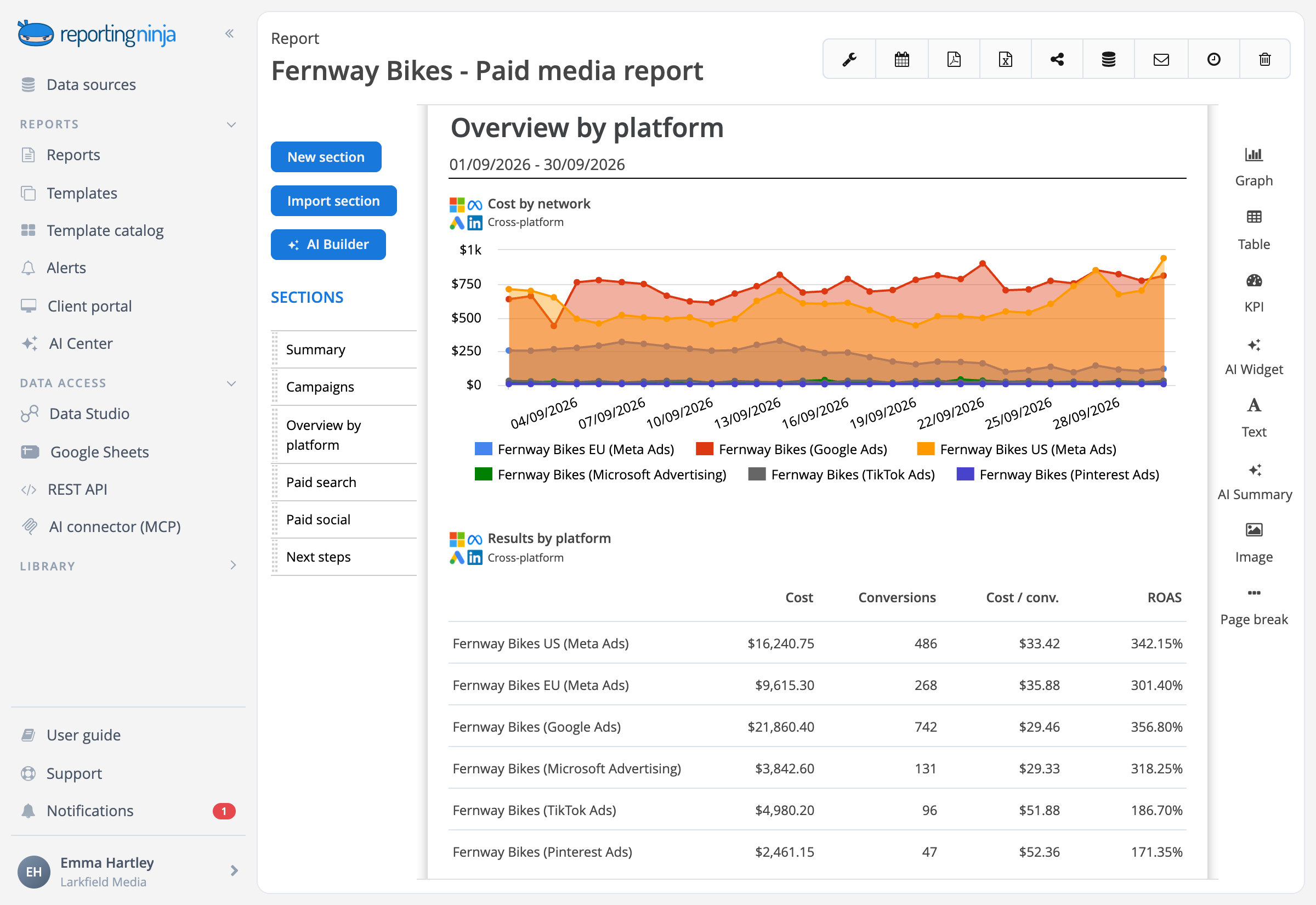
Down to the campaign
Break results down by campaign across all your ad platforms. Every campaign gets one shared status, Active, Paused or Other, with the platform's own status beside it.

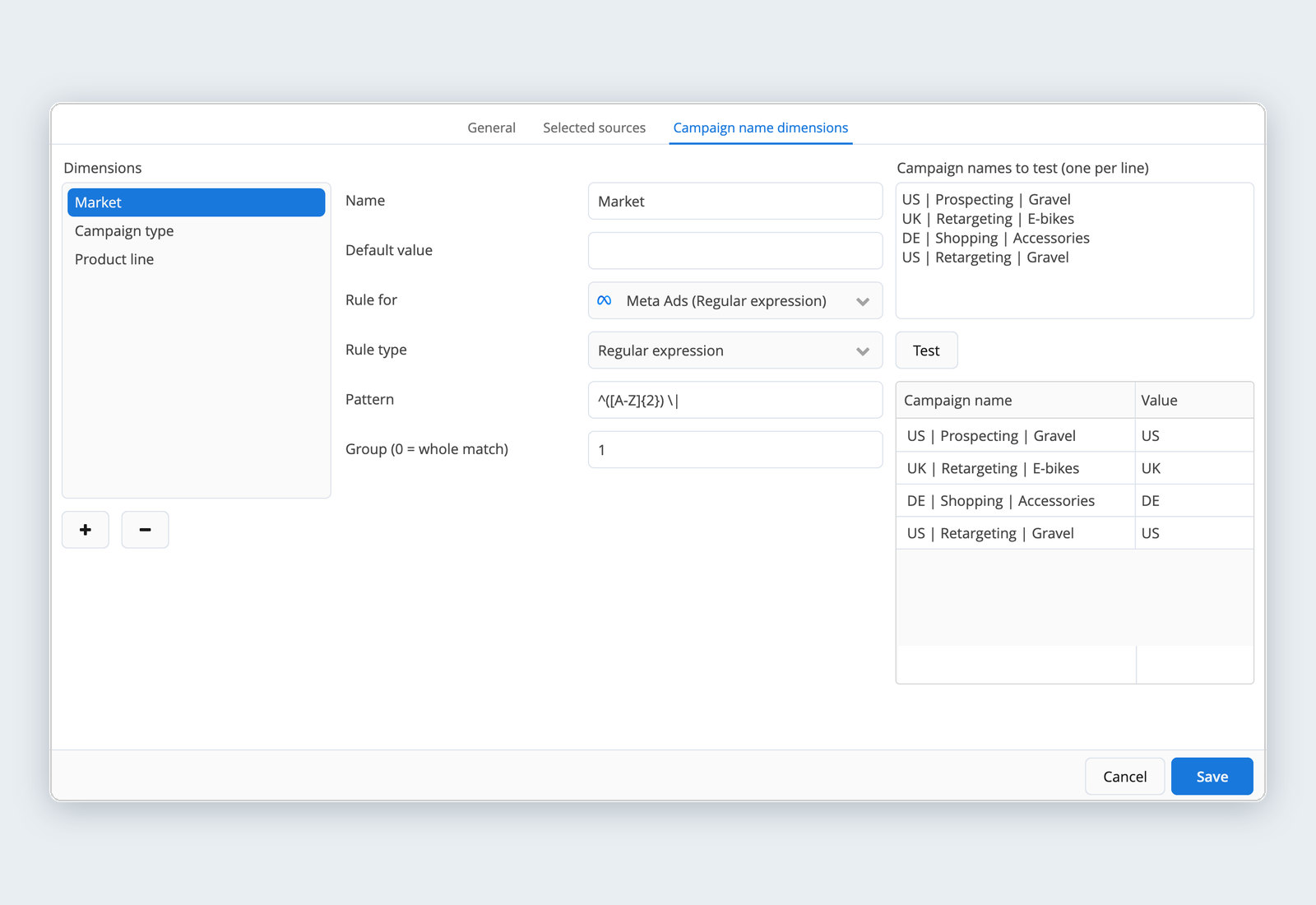
Dimensions from your campaign names
Turn your naming convention into dimensions such as country, campaign type or client.

Rules that fit each platform
Read a name by position, by "contains" or with a regular expression, with a different rule for each platform where you need it.

Test before you save
Paste a few campaign names and see the value each rule gives them.
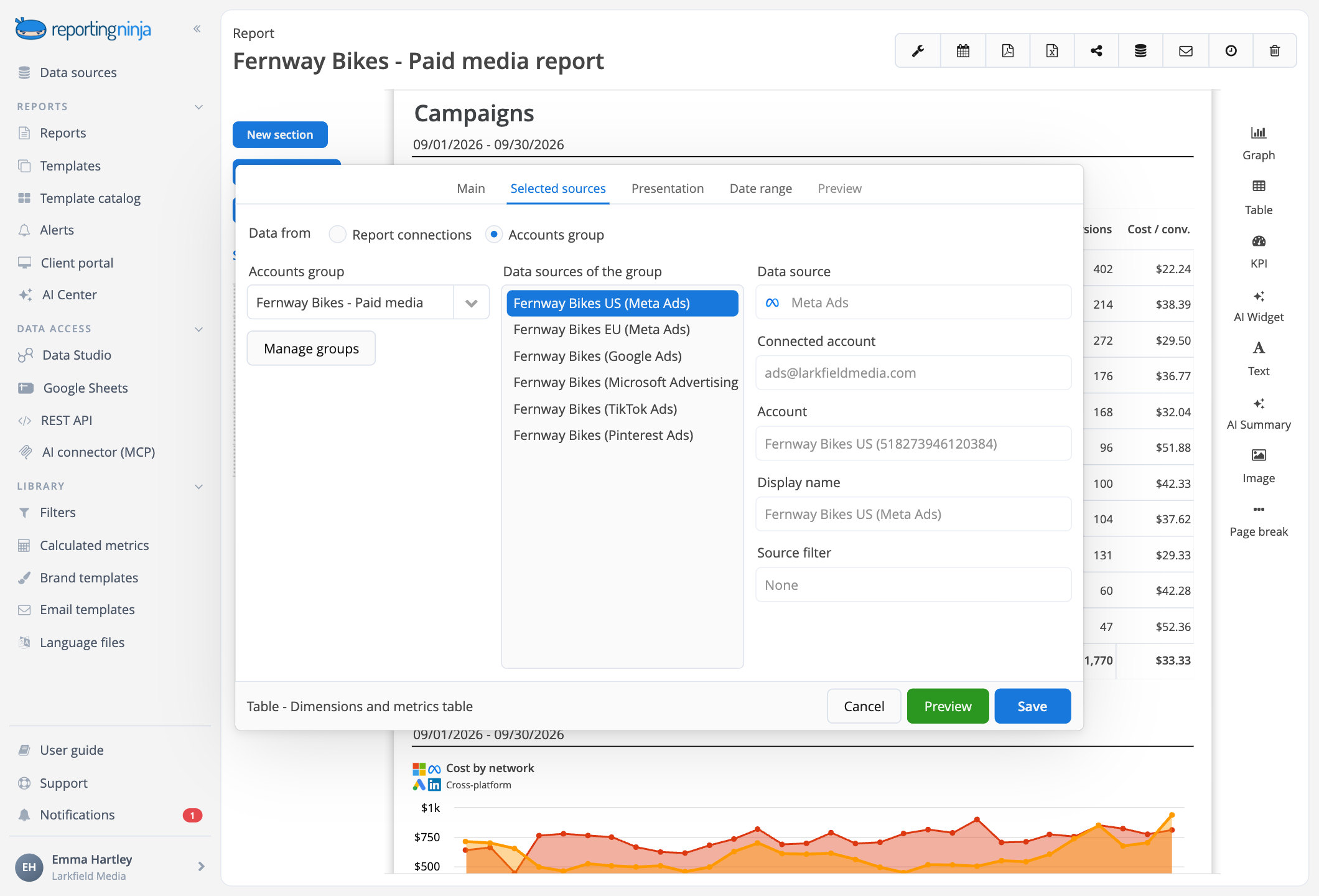
From separate ad accounts to one cross-channel report


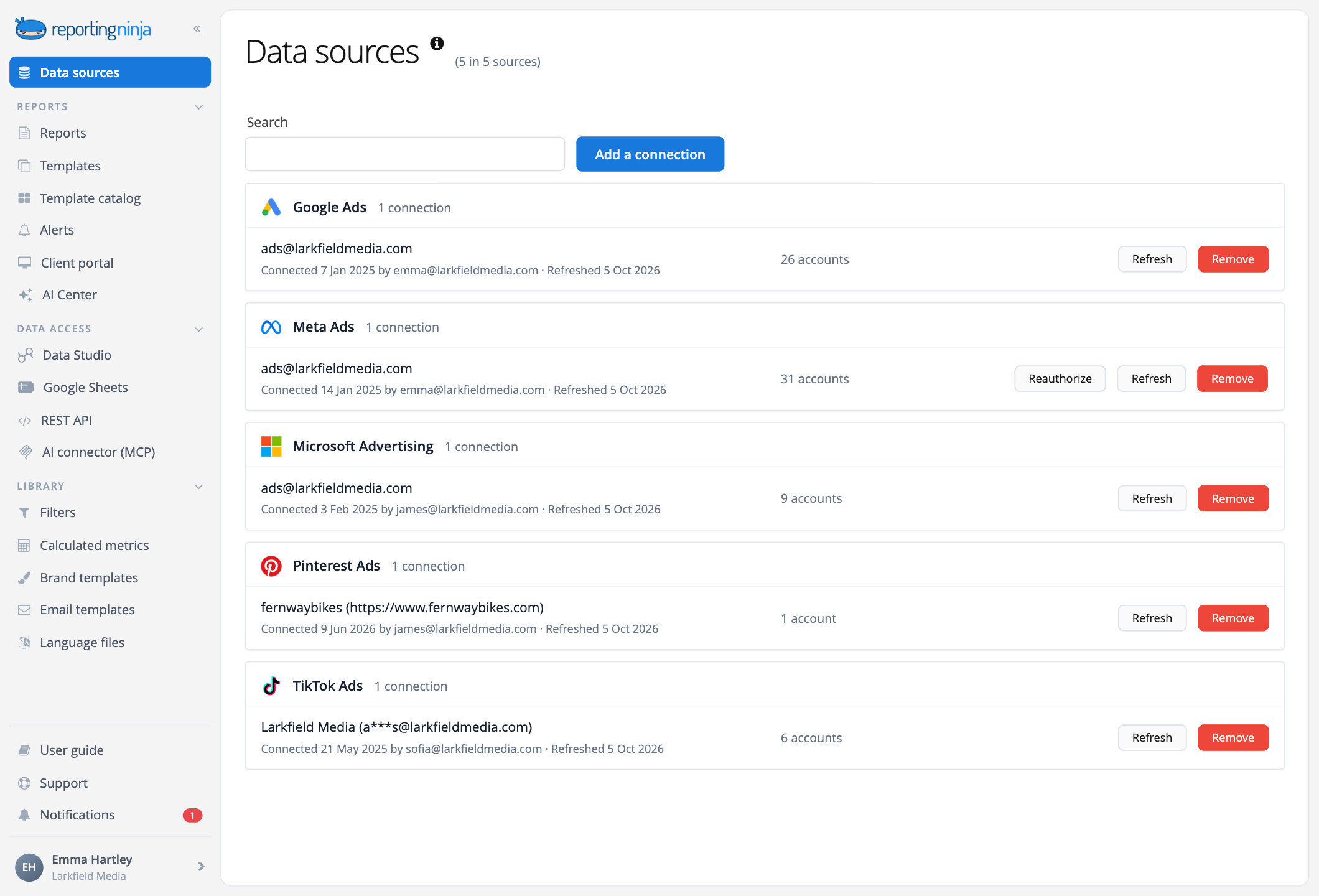
The same cross-channel data, wherever you work
Use it in your reports and your client portal, in Data Studio with the cross-platform connector, in Google Sheets, through the REST API and from your AI assistant.





Frequently asked questions
Which platforms can I combine?
Google Ads, Meta Ads, Microsoft Ads, LinkedIn Ads, TikTok Ads, Pinterest Ads, Snapchat Ads, Reddit Ads, X Ads, ChatGPT Ads and Amazon Ads, plus Google Analytics 4 columns in comparison tables. Amazon Ads works in reports, not in accounts groups.
Does it work at campaign level?
Yes. Break results down by campaign across platforms, with one shared status for all of them (Active, Paused or Other) and each platform's own status next to it. Ad sets and ads stay in each platform's own widgets.
Can I group campaigns by name?
Yes. Turn your naming convention into dimensions such as country, campaign type or client, with rules by position, "contains" or regular expression, set separately for each platform where you need it.
Every ad platform, one report
Spend and results across channels, per platform or per campaign.
