
SEO reporting tools
Search Console, GA4 and Google Business Profile in one client report: from what people searched for to the visits, calls and sales it brought. Branded and sent on schedule.


Connect it, build it, deliver it
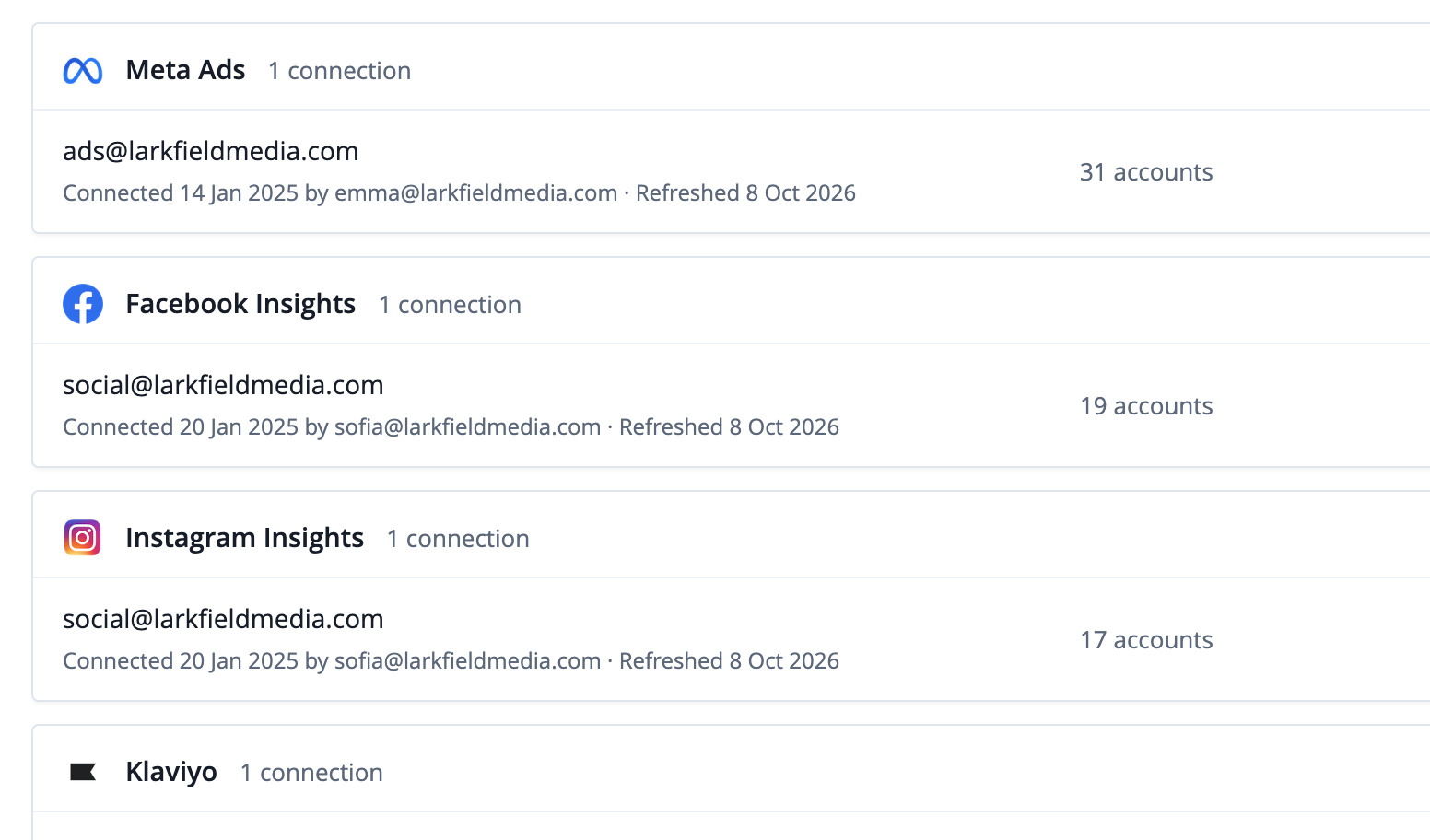
Connect
Your search data next to your other channels, also in Data Studio, Sheets, the API and your AI assistant.
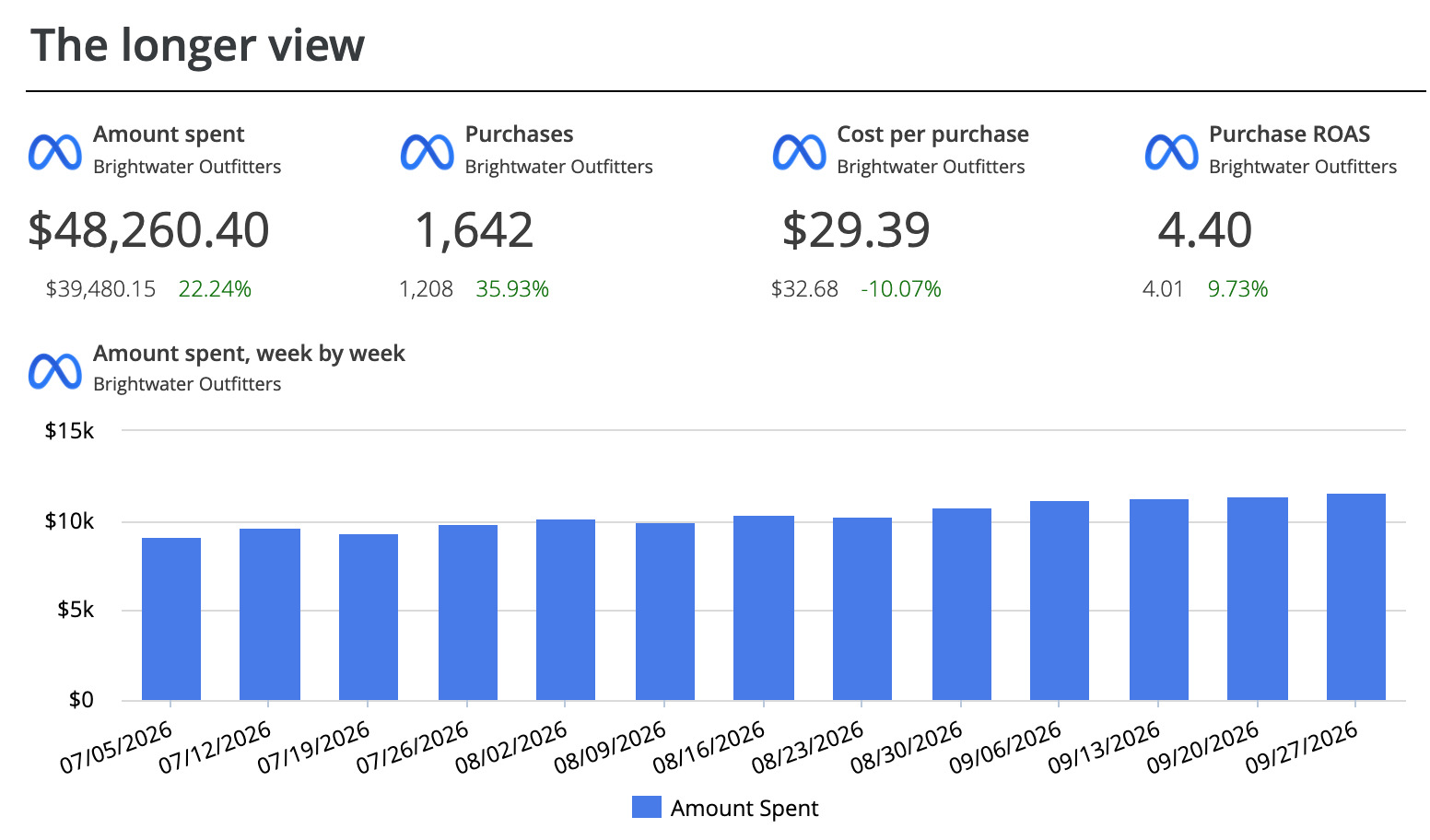
Build
Template, AI Builder, the editor, or Claude and ChatGPT.
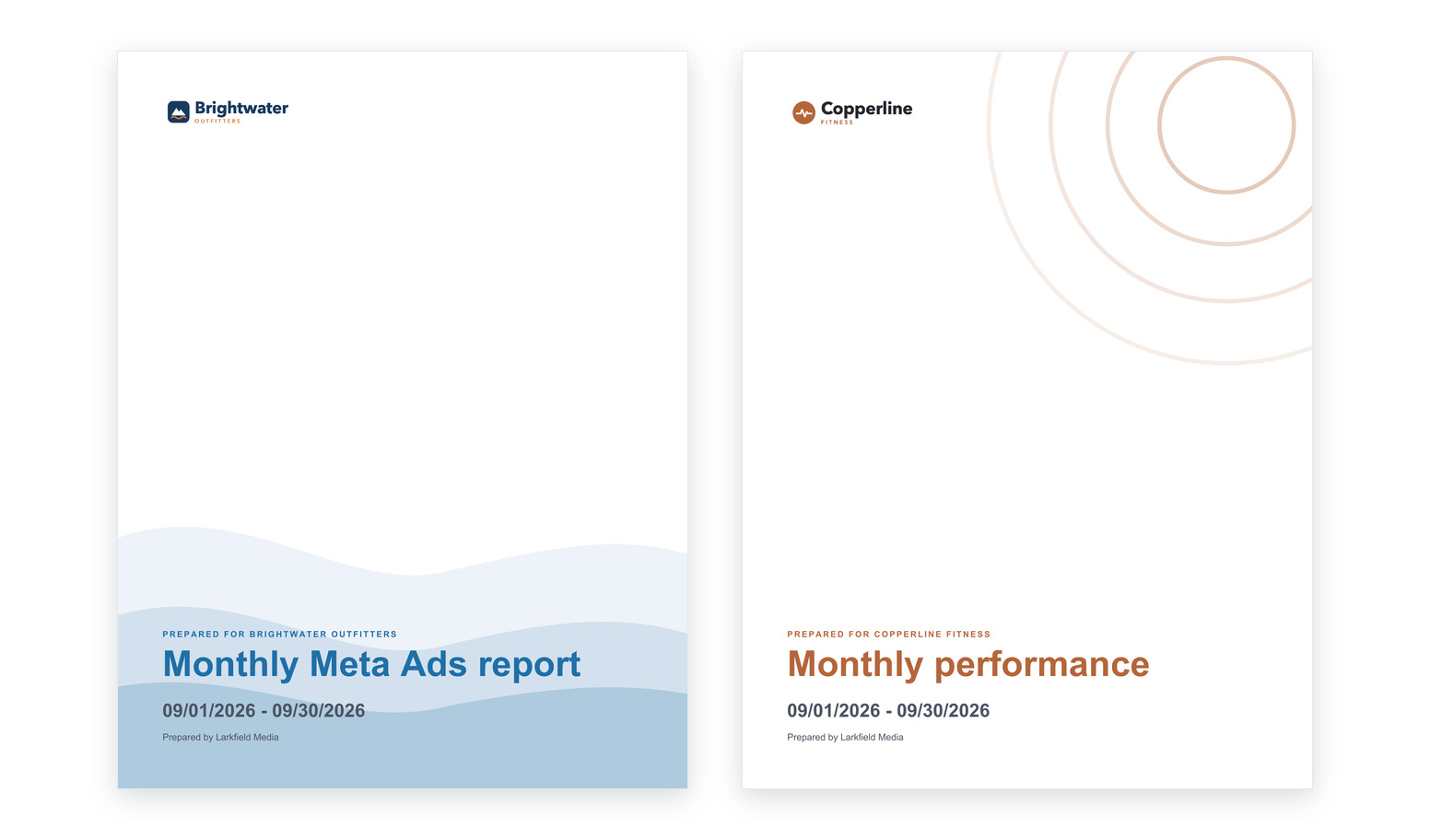
Describe the SEO report. Review the plan. Get the report.

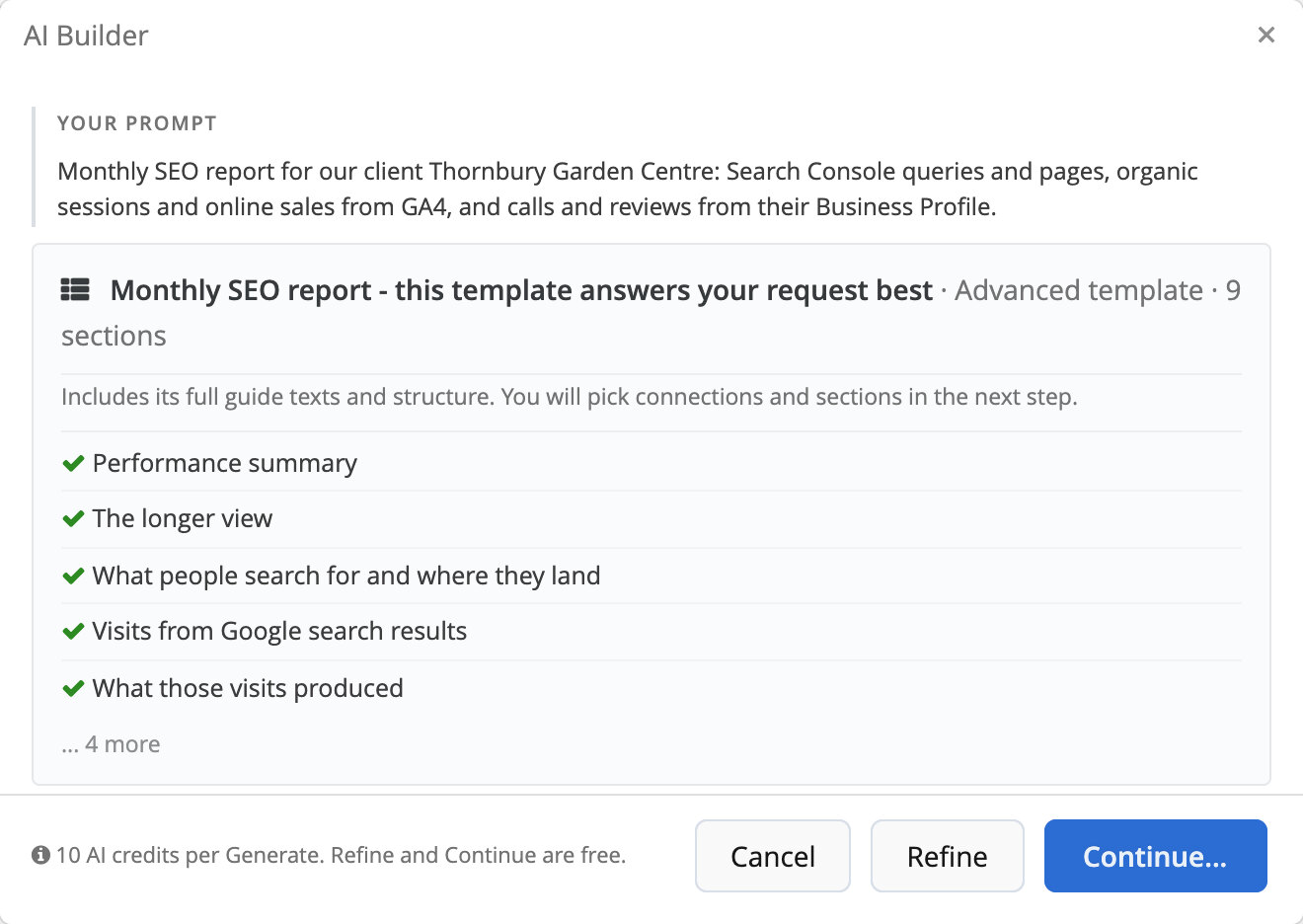
Start from the Monthly SEO report
From visibility to results: what people searched for, which pages caught it, what those visits did and what search brought in.

Google Search Console report
The four figures Google publishes, and what average position really measures.
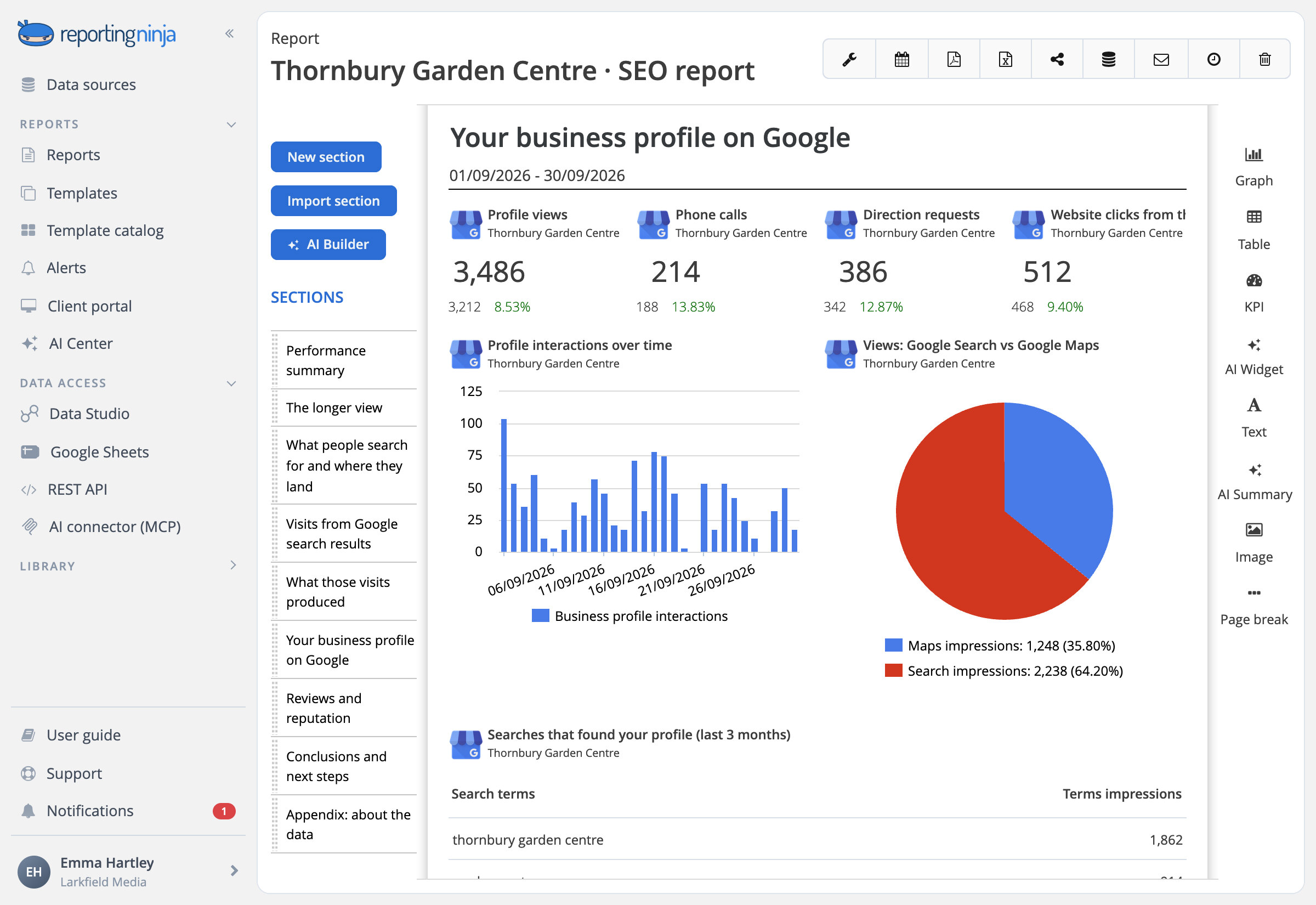
Google Business Profile report
What people did with the profile, then the reviews and the rating.
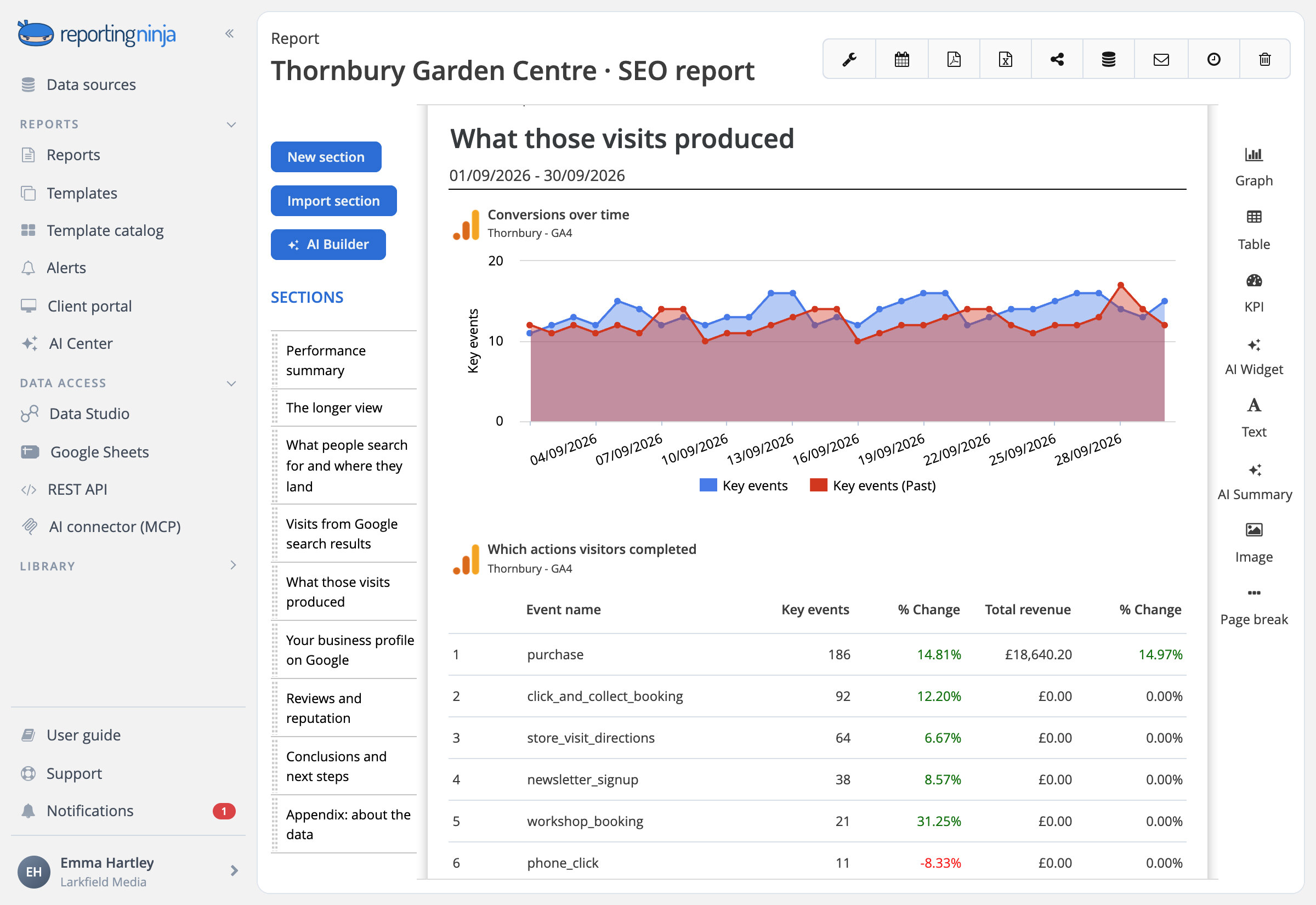
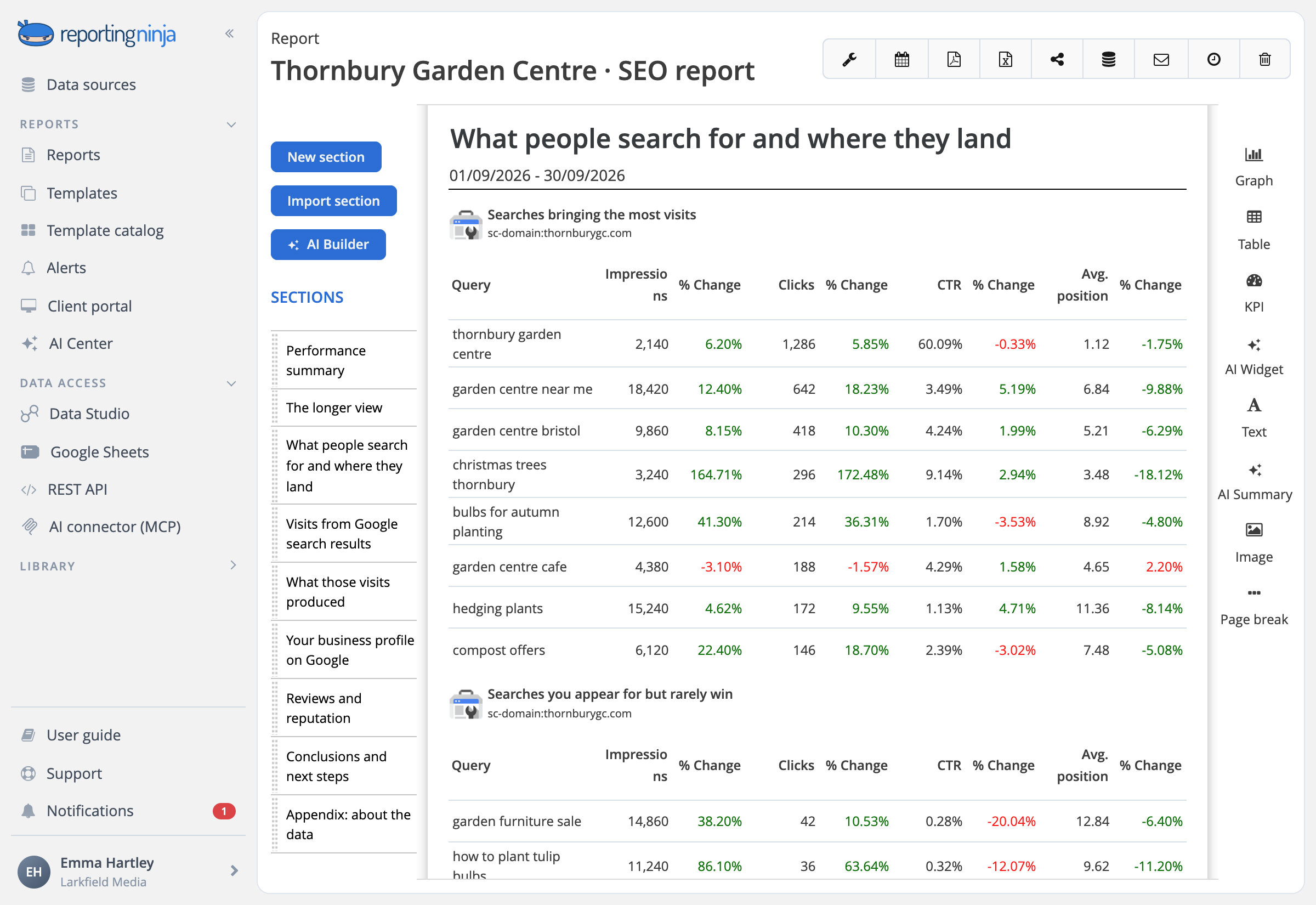
The searches, and the pages that caught them

Queries and pages
Clicks, impressions, CTR and average position for each query and each page.

Brand and non-brand
Split the queries with a regular expression on the brand name.

Device, country and search appearance
Where and how each result was found.
Calls, directions and reviews from the Business Profile
For a business people visit or call, its Google profile is half of SEO.

What people did
Calls, direction requests, website clicks, messages and bookings, week by week.

Reviews and rating
New reviews in the period, the lifetime rating and what customers wrote.

Catch a drop in organic traffic the next morning
Set a threshold on organic sessions or key events in GA4. Reporting Ninja checks it every day and, when it's crossed, emails you a short note written by AI.

Organic sessions below target
See the drop the morning after, not at month end.





















.webp)
![[2026] Google Analytics SEO dashboard examples & use cases](https://cdn.prod.website-files.com/65bd4cd0ea7dc98c12446765/69380622f39c35fadfe8abd6_Google%20analytics%20seo%20dashboard.webp)
.webp)









.webp)























.webp)















Frequently asked questions
Which SEO data can I report on?
Google Search Console for queries, pages, clicks, impressions, CTR and average position; Google Analytics 4 for organic sessions, key events and revenue; and Google Business Profile for calls, directions, website clicks and reviews.
Can I include rankings and backlinks from Ahrefs or Semrush?
Not through a direct connection: we don't connect rank trackers or backlink tools. Search Console's average position is in every report, and figures from other tools can go in as an Excel or Google Sheets data source.
Why don't Search Console clicks match GA4 organic sessions?
They count different things: Search Console counts clicks on Google's results, GA4 counts the visits it records from every search engine. The Monthly SEO report explains the gap in plain words.
Can one report cover several websites or locations?
Yes. Each section of a report reads the accounts you assign to it, so each Search Console property or Business Profile location can have its own section.
Show what search brought in, not just the clicks
Search Console, GA4 and the Business Profile, in one report.
