
Website analytics reporting tool
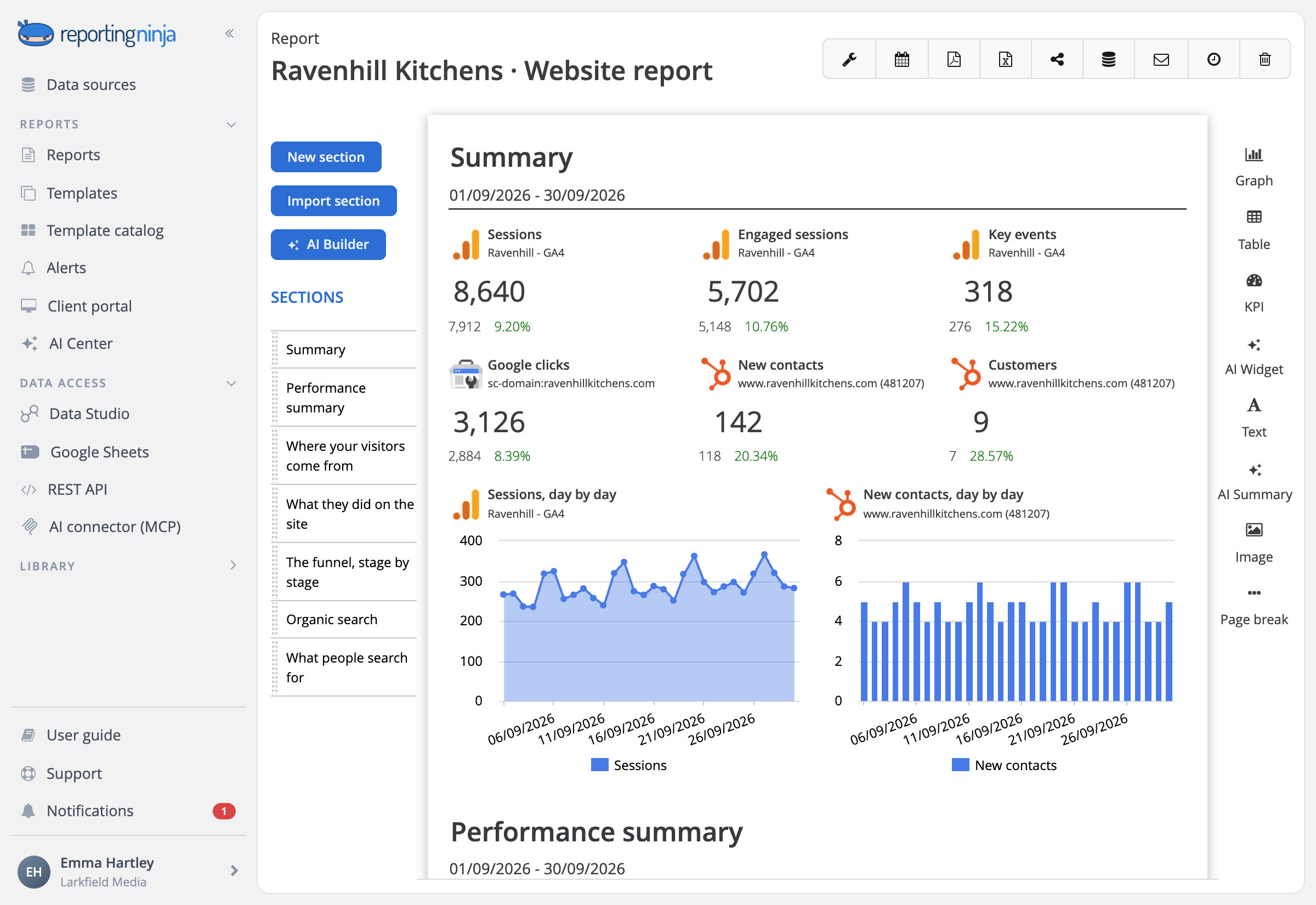
Google Analytics 4, Search Console and HubSpot in one client report: where visitors came from, what they did and which became leads, in plain words. Branded and sent on schedule.


Connect it, build it, deliver it
Connect
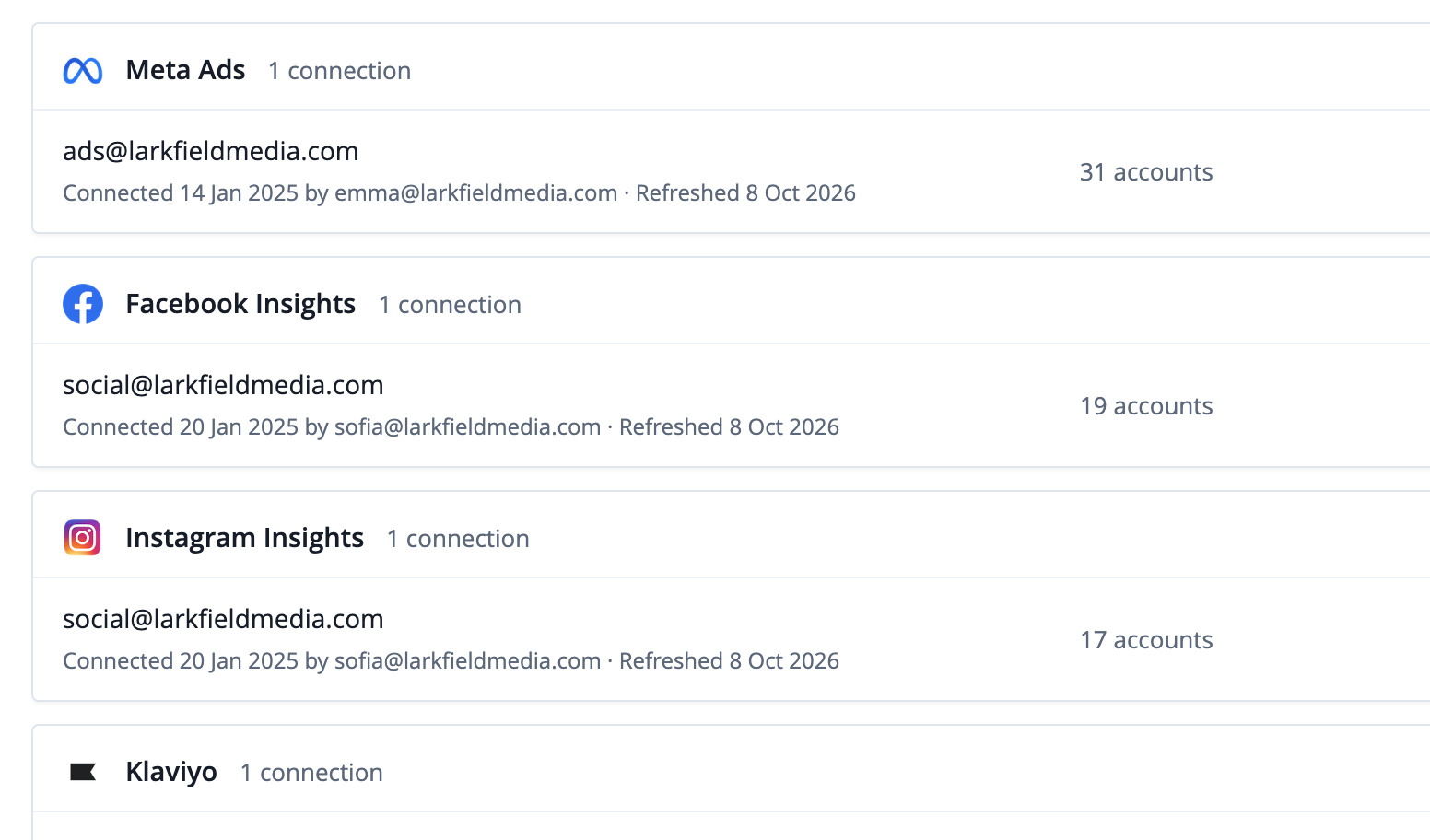
Your website data next to your other channels, also in Data Studio, Sheets, the API and your AI assistant.
Build
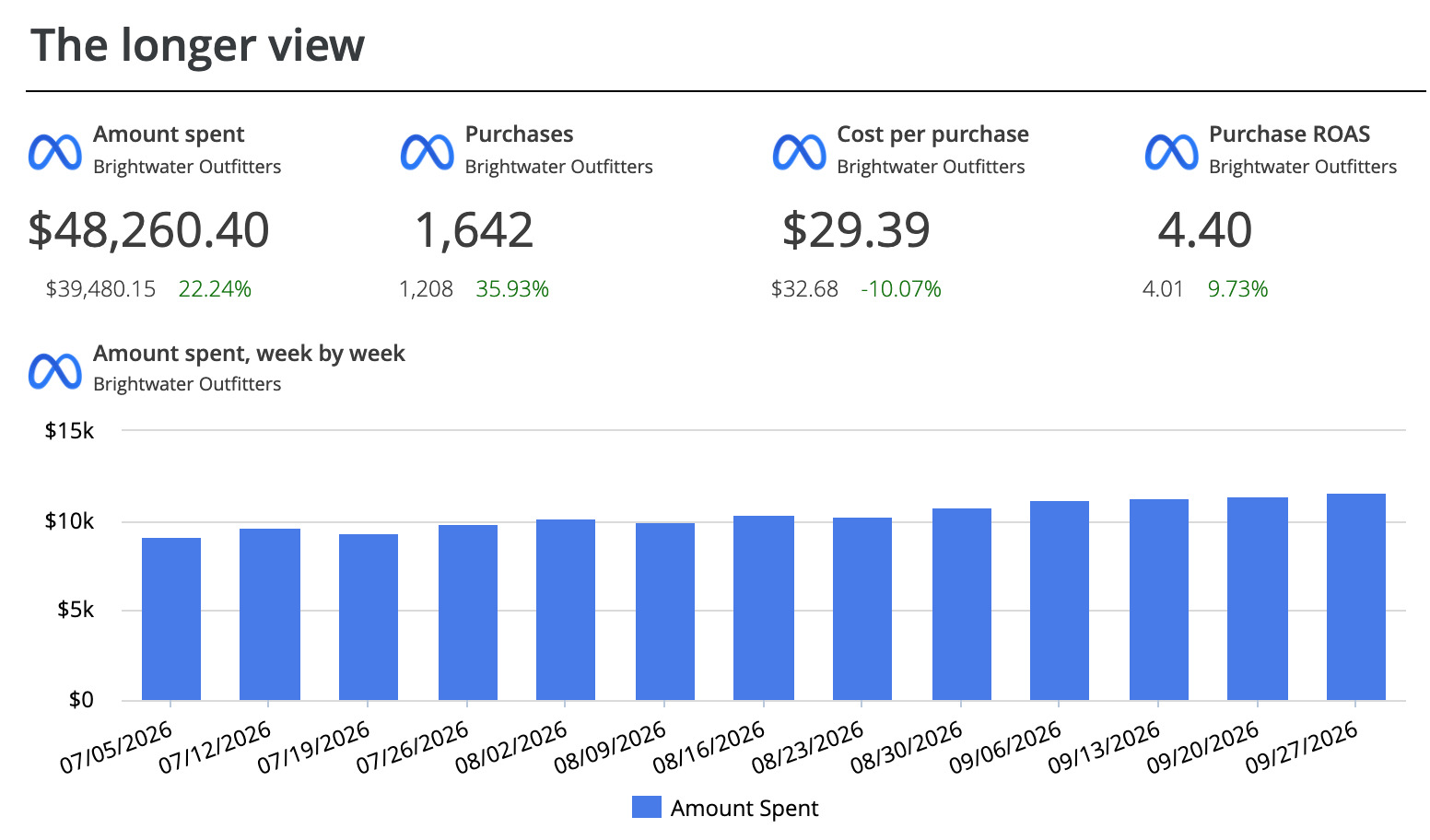
Template, AI Builder, the editor, or Claude and ChatGPT.
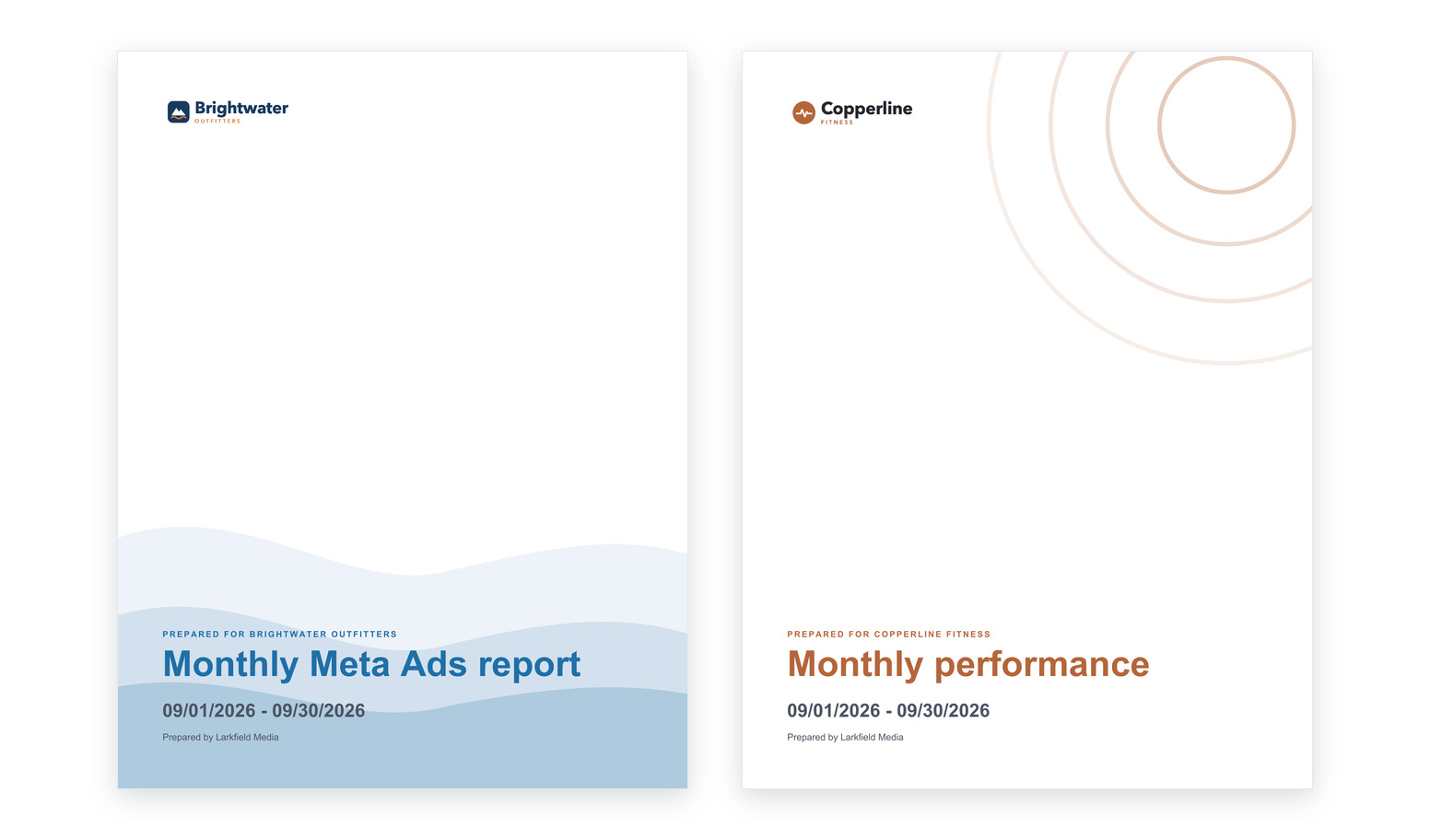
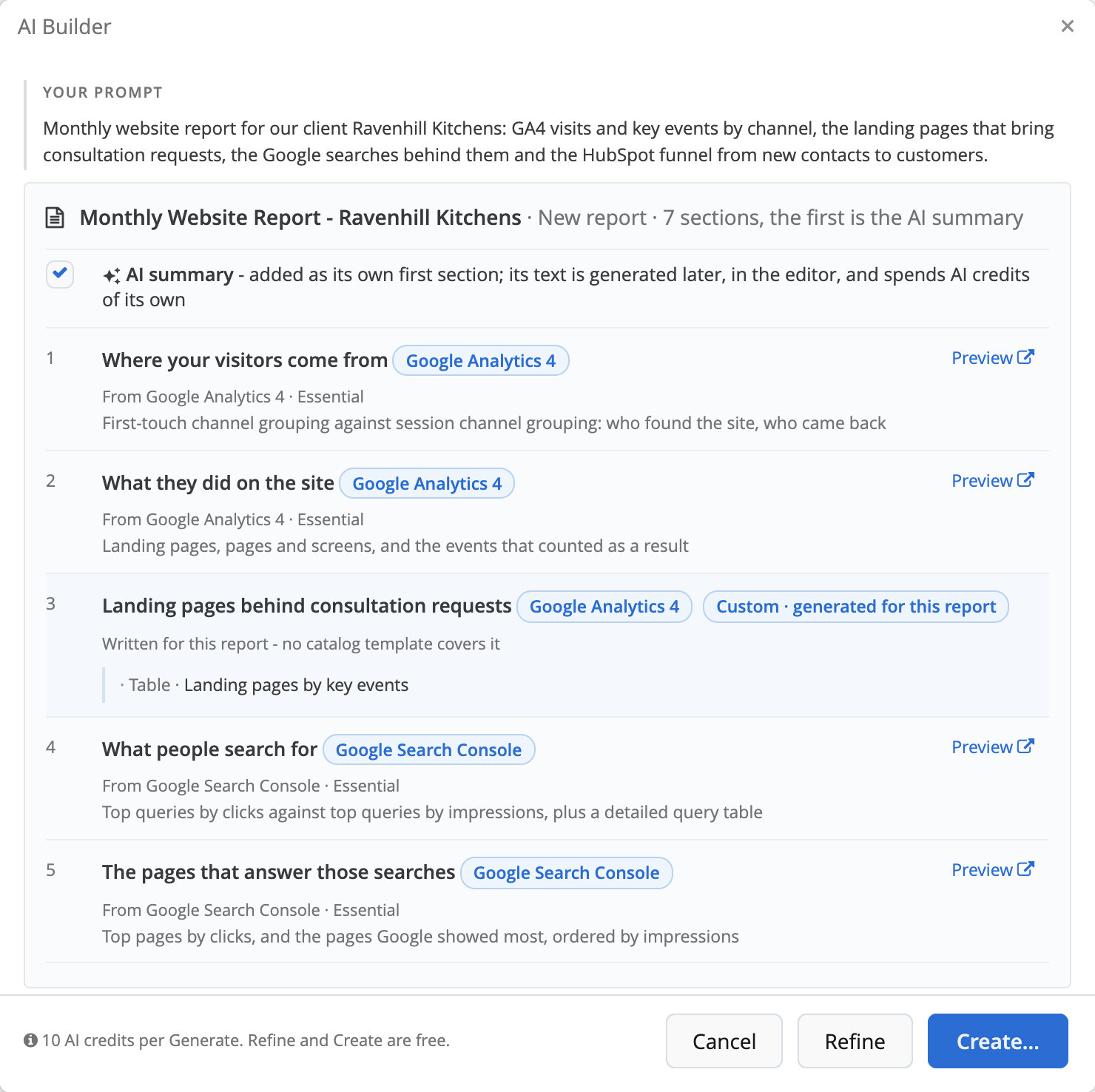
Describe the website report. Review the plan. Get the report.

GA4, in words your client understands
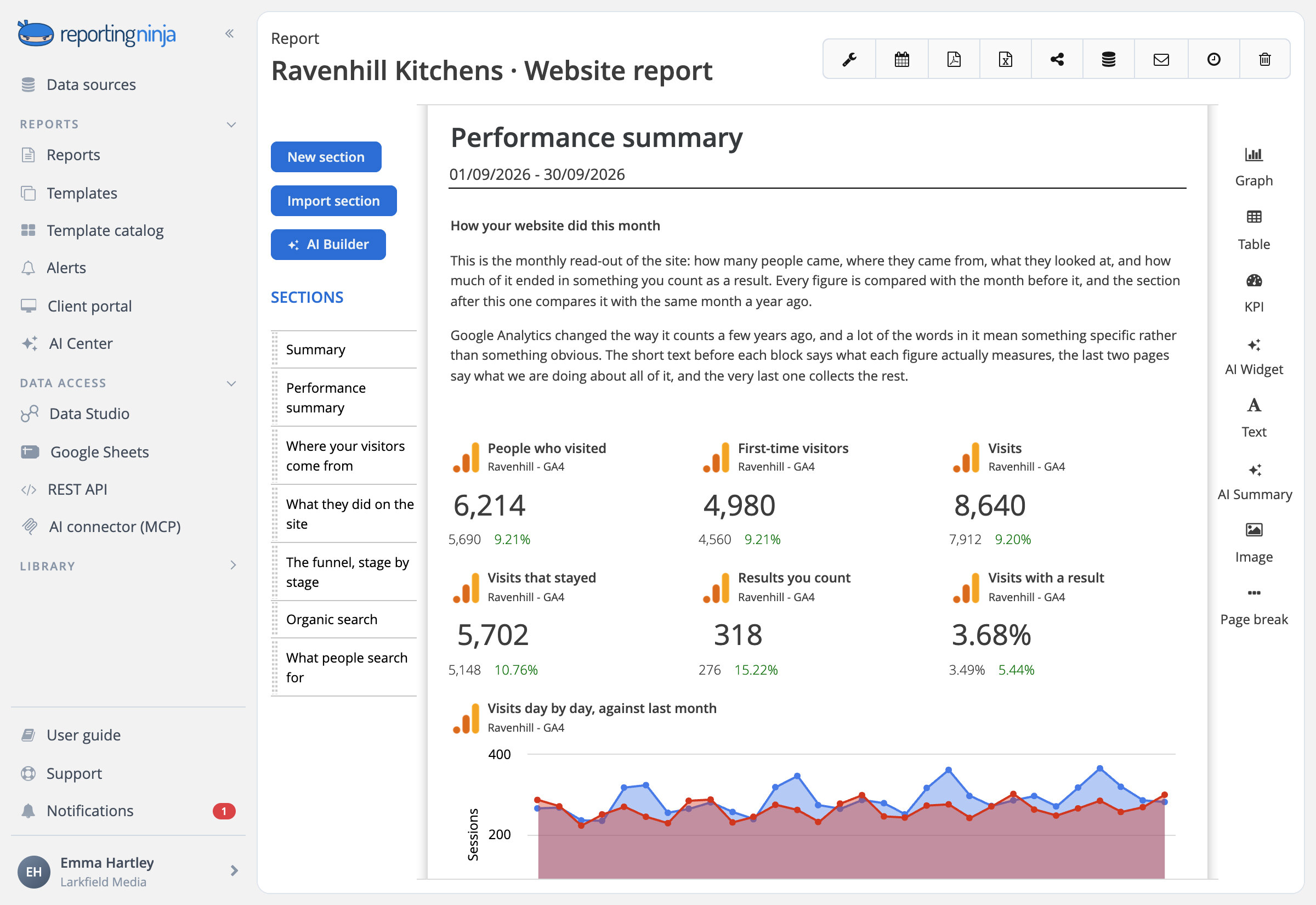
The Google Analytics 4 report opens with who came, how many were new and how many visits ended in a result, and says what an engaged session and a key event really are.

The whole site, not one channel
Visitors, visits and results first; then channels, pages and audience.

Your own events and dimensions
Each property's custom dimensions and metrics, plus your own calculated metrics.
From where visitors came to what they did

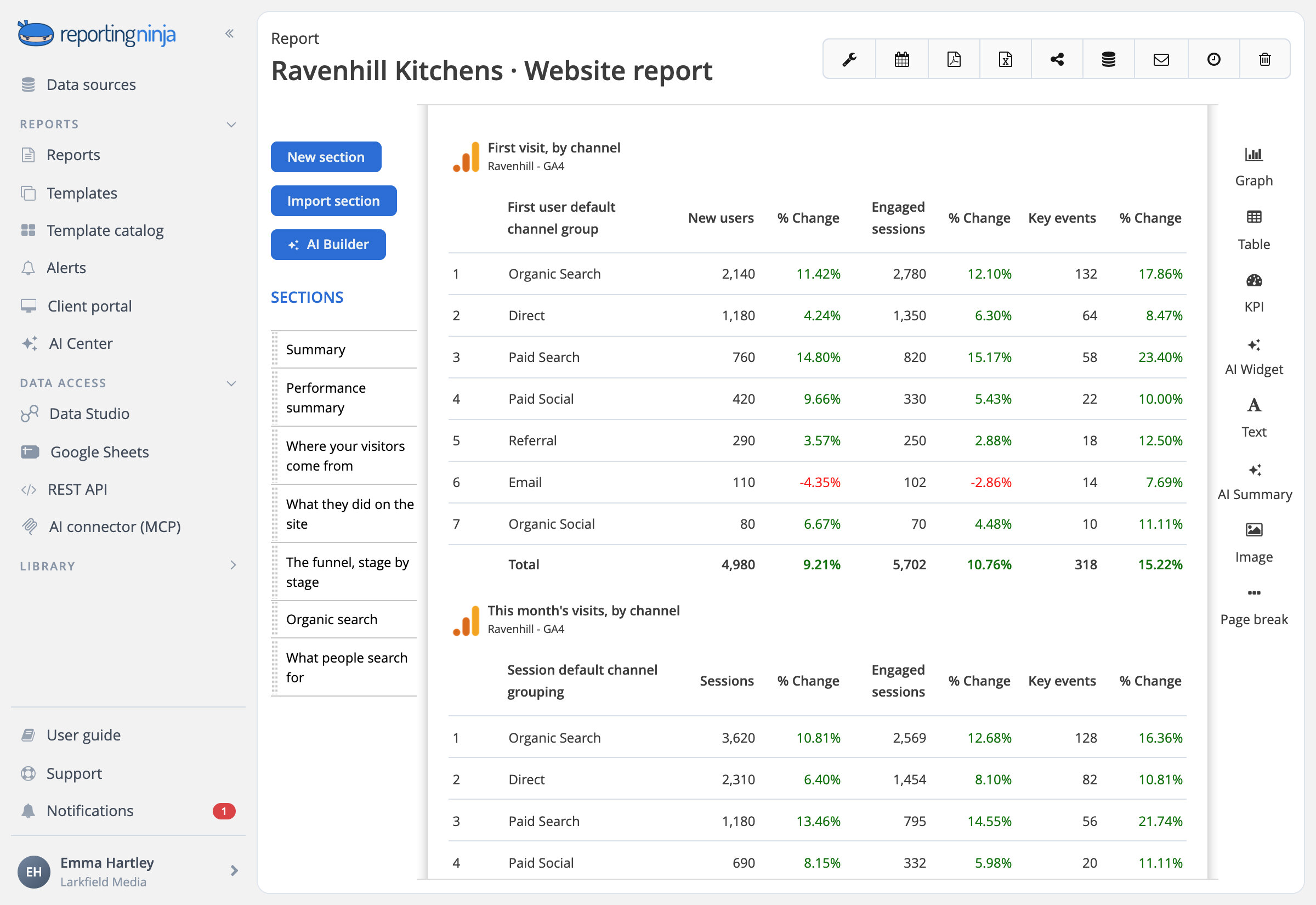
Channels and sources
First visit and this visit, by channel, source and campaign.

Landing pages that convert
Sessions, engagement and key events for each landing page.

One segment at a time
Saved filters for a channel, a page or a device, on any widget.
From visit to lead to customer
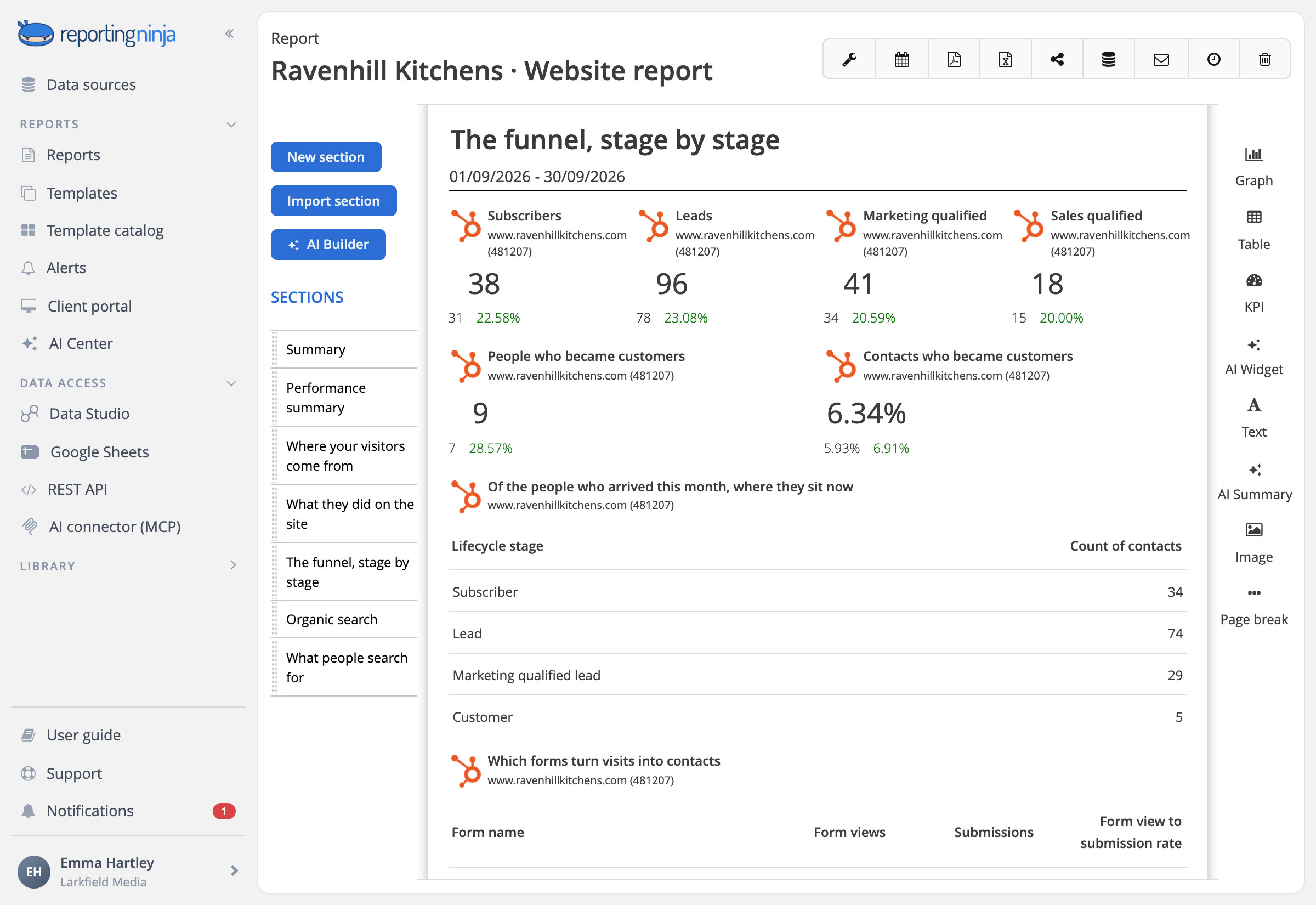
The HubSpot report follows sessions into contacts and contacts down the funnel, keeping apart who reached a stage this month and where this month's arrivals are now.

Lifecycle stages
Leads, marketing and sales qualified leads, opportunities and customers.

Forms and sources
Which forms people filled in, and which sources and UTM campaigns brought them.
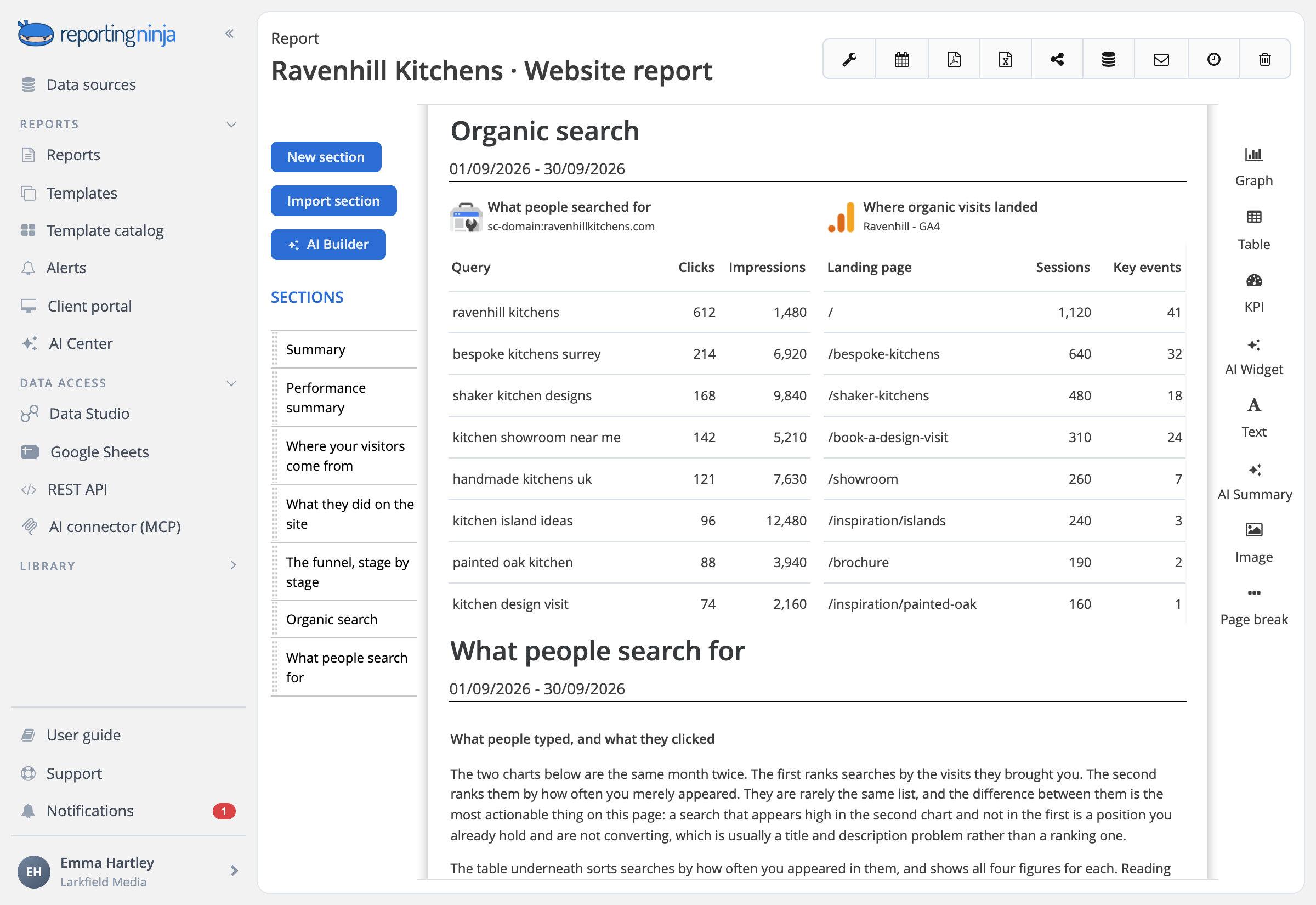
Search Console next to the site's numbers
What people searched on Google before they arrived, in the same report as what they did once there.

Queries and pages
Clicks, impressions, CTR and average position for each one.












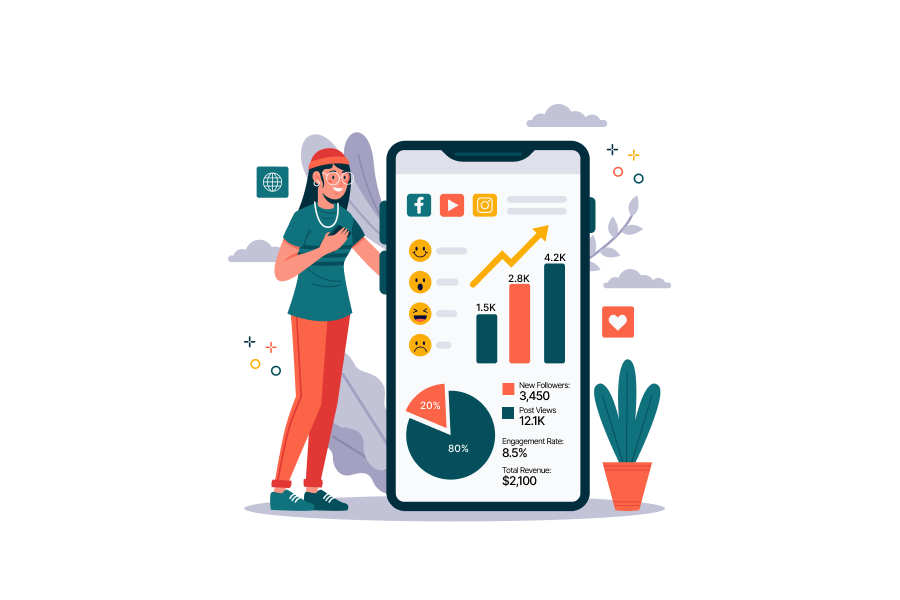
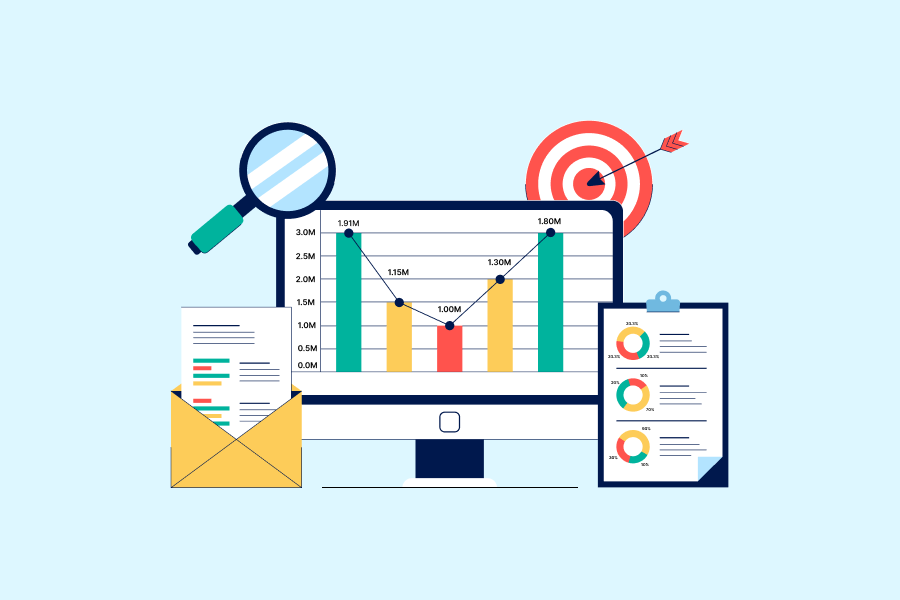




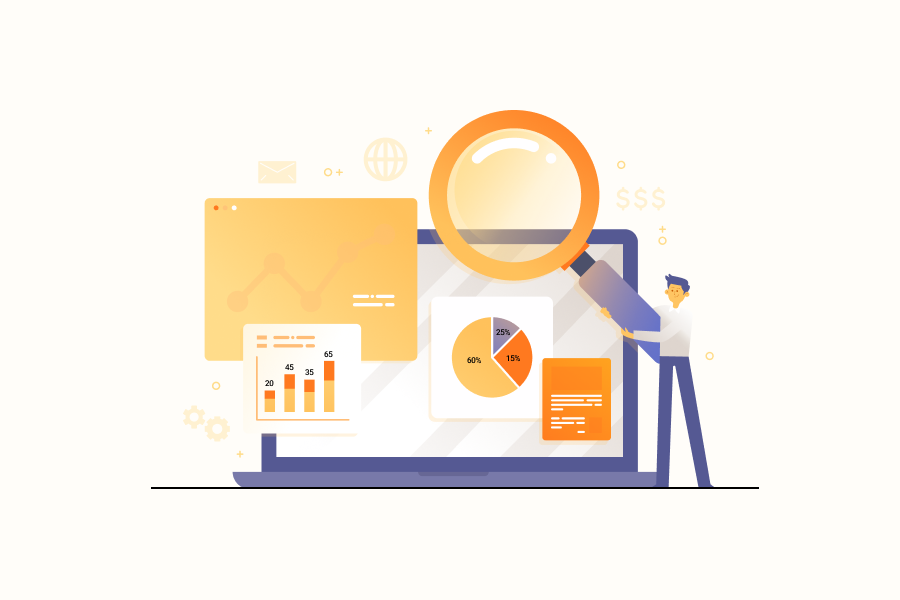






.webp)
![[2026] Google Analytics SEO dashboard examples & use cases](https://cdn.prod.website-files.com/65bd4cd0ea7dc98c12446765/69380622f39c35fadfe8abd6_Google%20analytics%20seo%20dashboard.webp)
.webp)











.webp)

























.webp)














Frequently asked questions
Which website data can I report on?
Google Analytics 4 for visits, engagement, key events and revenue; Google Search Console for the searches that brought people; and HubSpot for contacts, forms, the lifecycle funnel and marketing emails.
Can I use my own GA4 events and custom dimensions?
Yes. Each property's custom dimensions and metrics appear next to the standard ones, and you can build your own calculated metrics on top of them.
Why don't GA4, Search Console and HubSpot numbers match?
Each counts its own thing: Search Console counts clicks on Google's results, GA4 the visits its tag records and HubSpot the sessions its tracking code sees. Small gaps between them are normal.
Can one report cover several websites?
Yes. Each section of a report reads the accounts you assign to it, so each GA4 property, Search Console site or HubSpot portal can have its own section.
Show what the website brought in, not just the visits
Google Analytics 4, Search Console and HubSpot, in one report.
