
PPC reporting tools
Google Ads, Meta Ads, Microsoft Ads, LinkedIn Ads, TikTok Ads and more in one branded report. Show what each platform spent and what it brought in, and send it on schedule.


Connect it, build it, deliver it
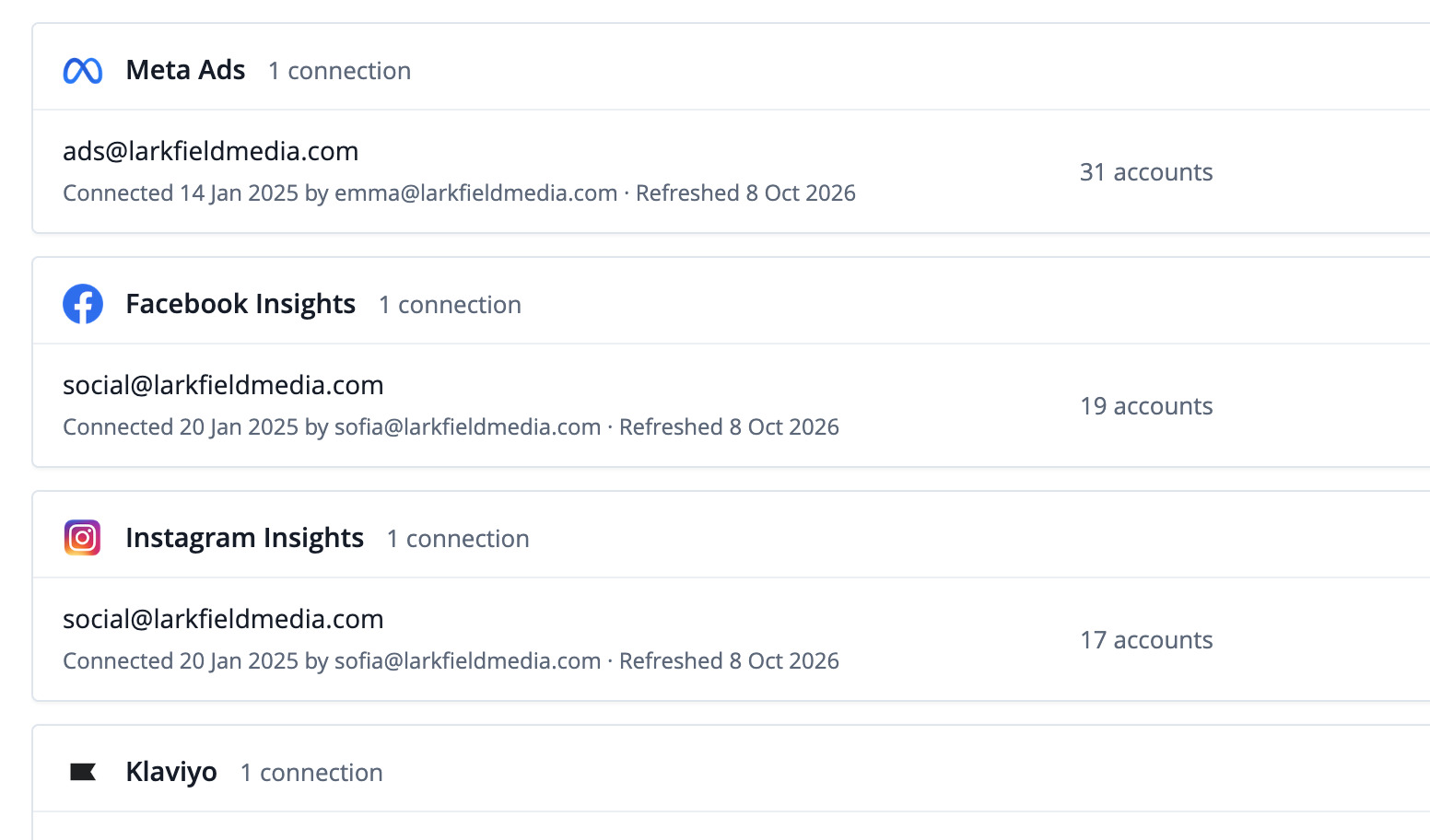
Connect
Your ad accounts next to your other channels, also in Data Studio, Sheets, the API and your AI assistant.
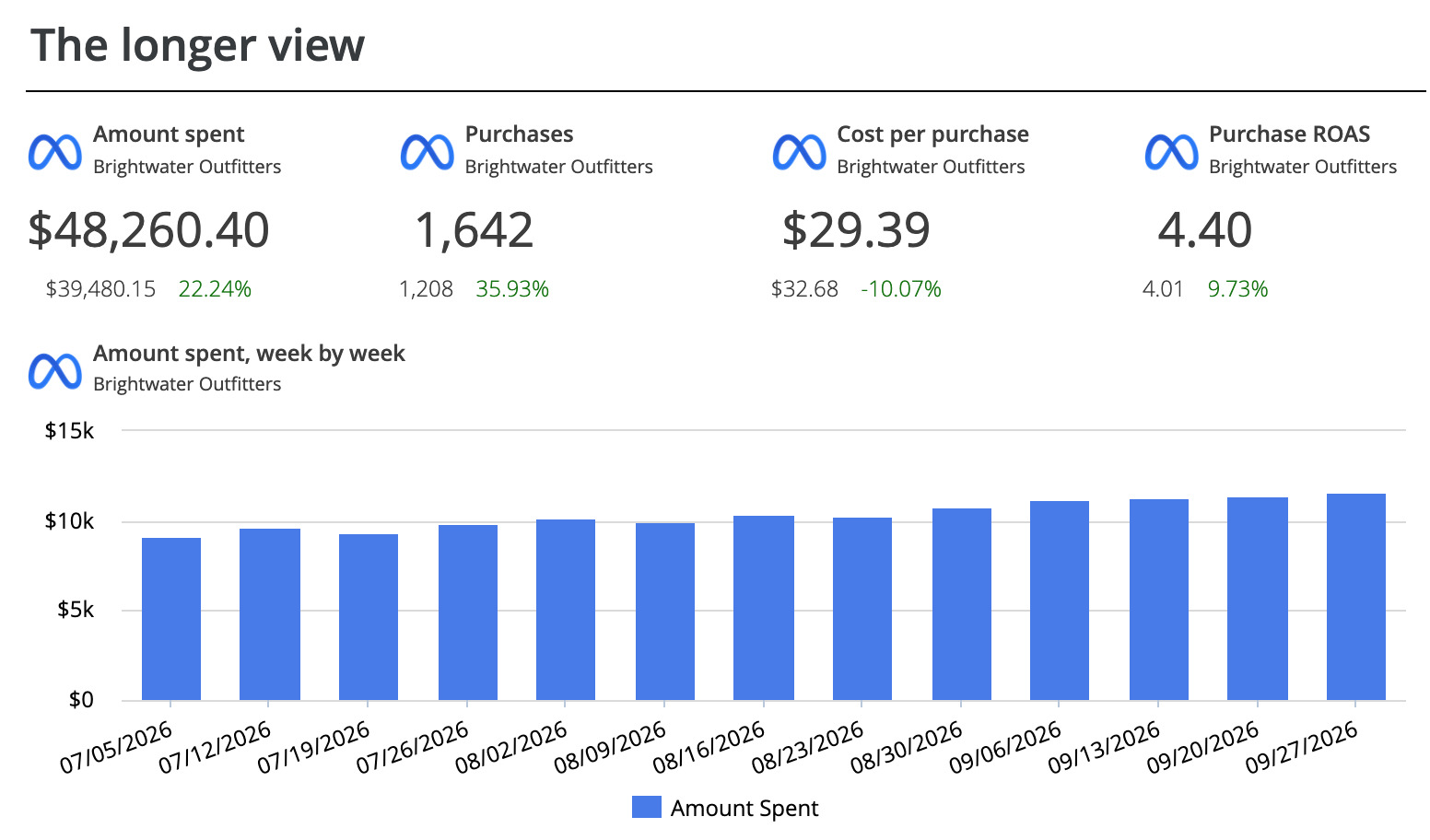
Build
Template, AI Builder, the editor, or Claude and ChatGPT.
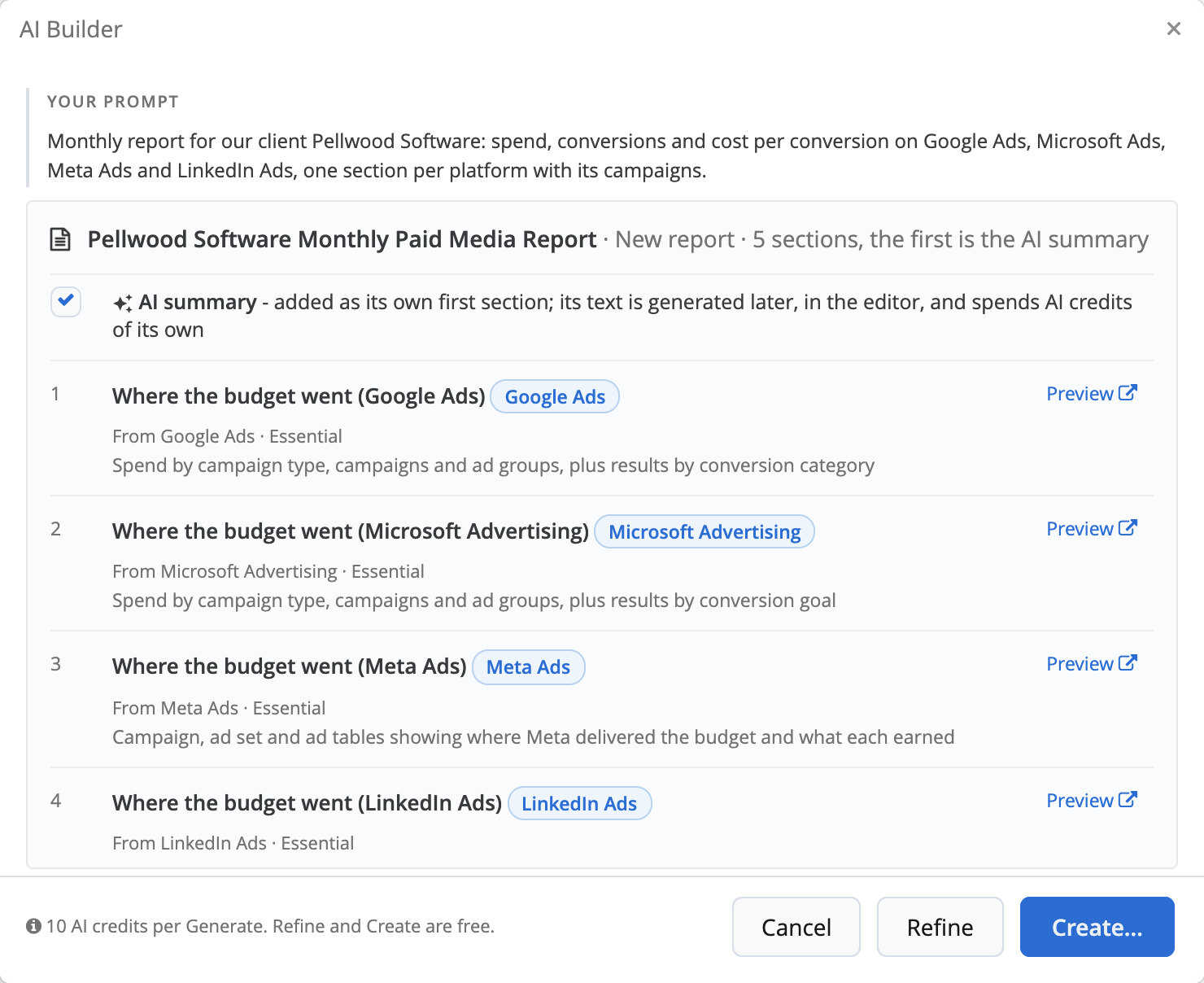
Describe the PPC report. Review the plan. Get the report.

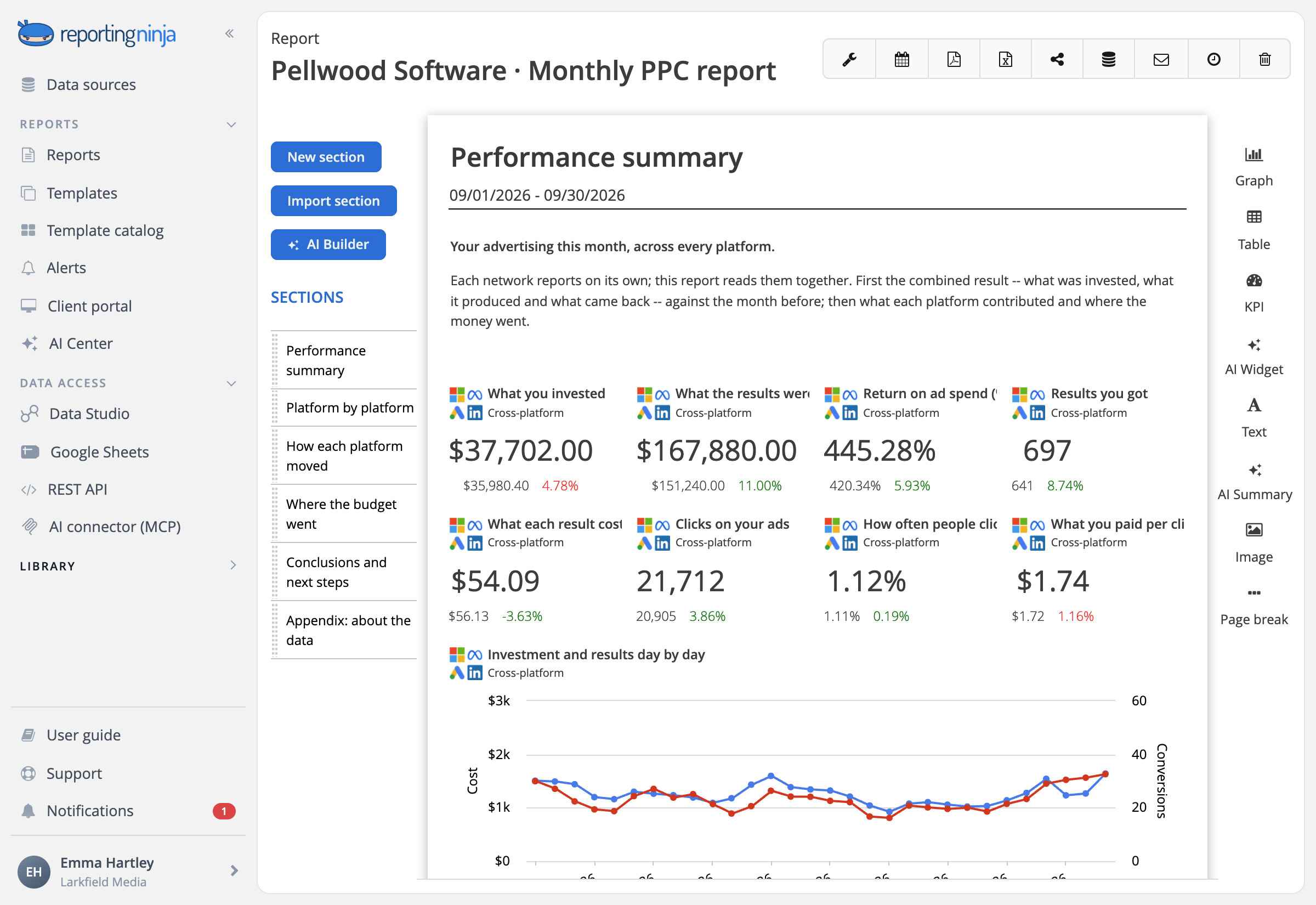
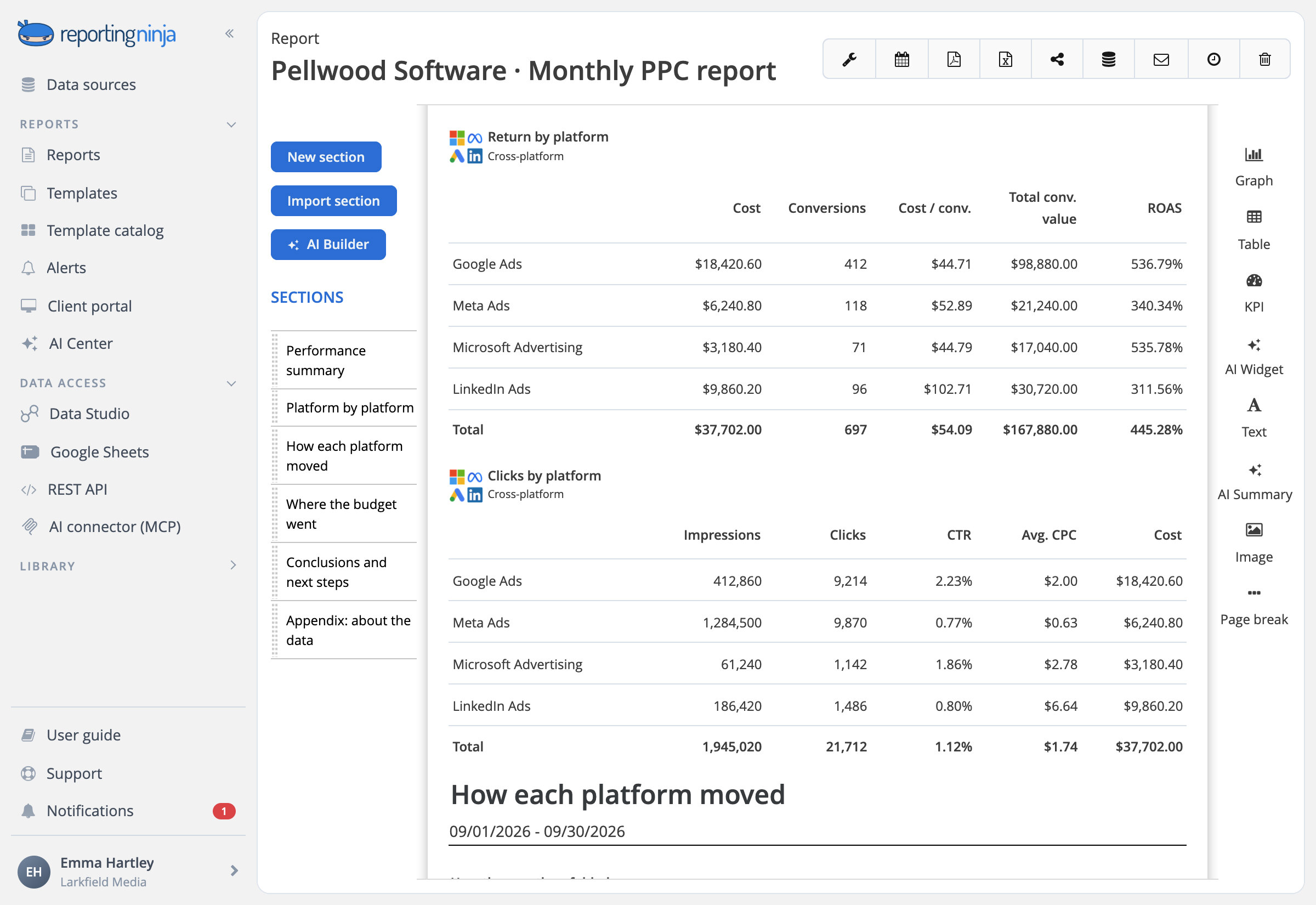
Every platform's spend and results, side by side
Google Ads, Meta Ads, Microsoft Ads and LinkedIn Ads in one table: what each spent, its conversions and what each cost, with the total.

Blended widgets
Spend, conversions, cost per conversion and ROAS across platforms in one KPI, chart or table.

Totals, not averages
Cost per conversion and ROAS for the total come from the sums.
Show spend with your fee included
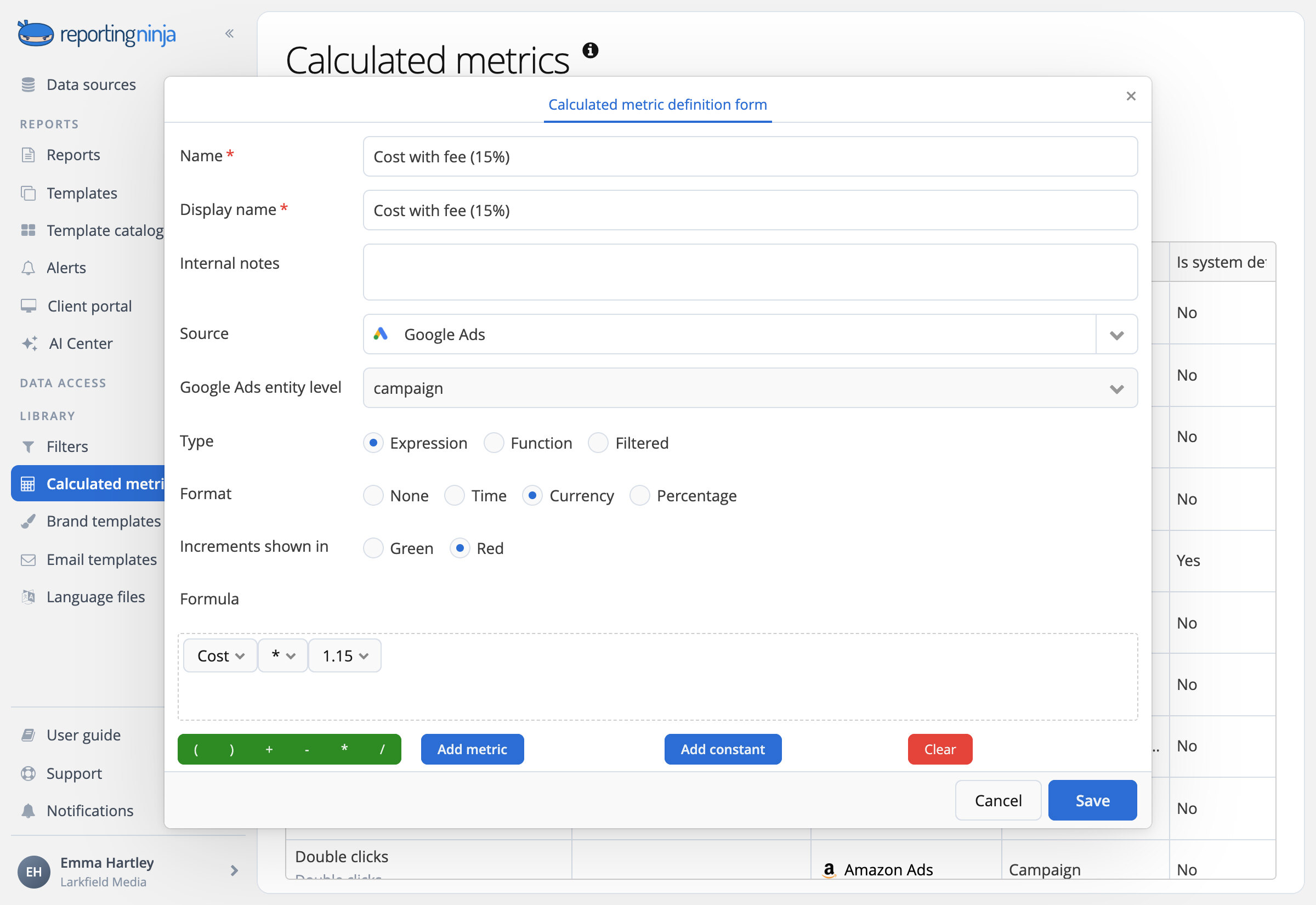
Bill a share of ad spend? Set your fee once as a calculated metric and use it in place of the raw cost in any widget.

Markup or margin
Cost × 1.15 for a markup, Cost ÷ 0.85 for a margin, or your own formula.

Across platforms too
Map each platform's fee metric once and blended widgets add it up.
One report per campaign, ready to create
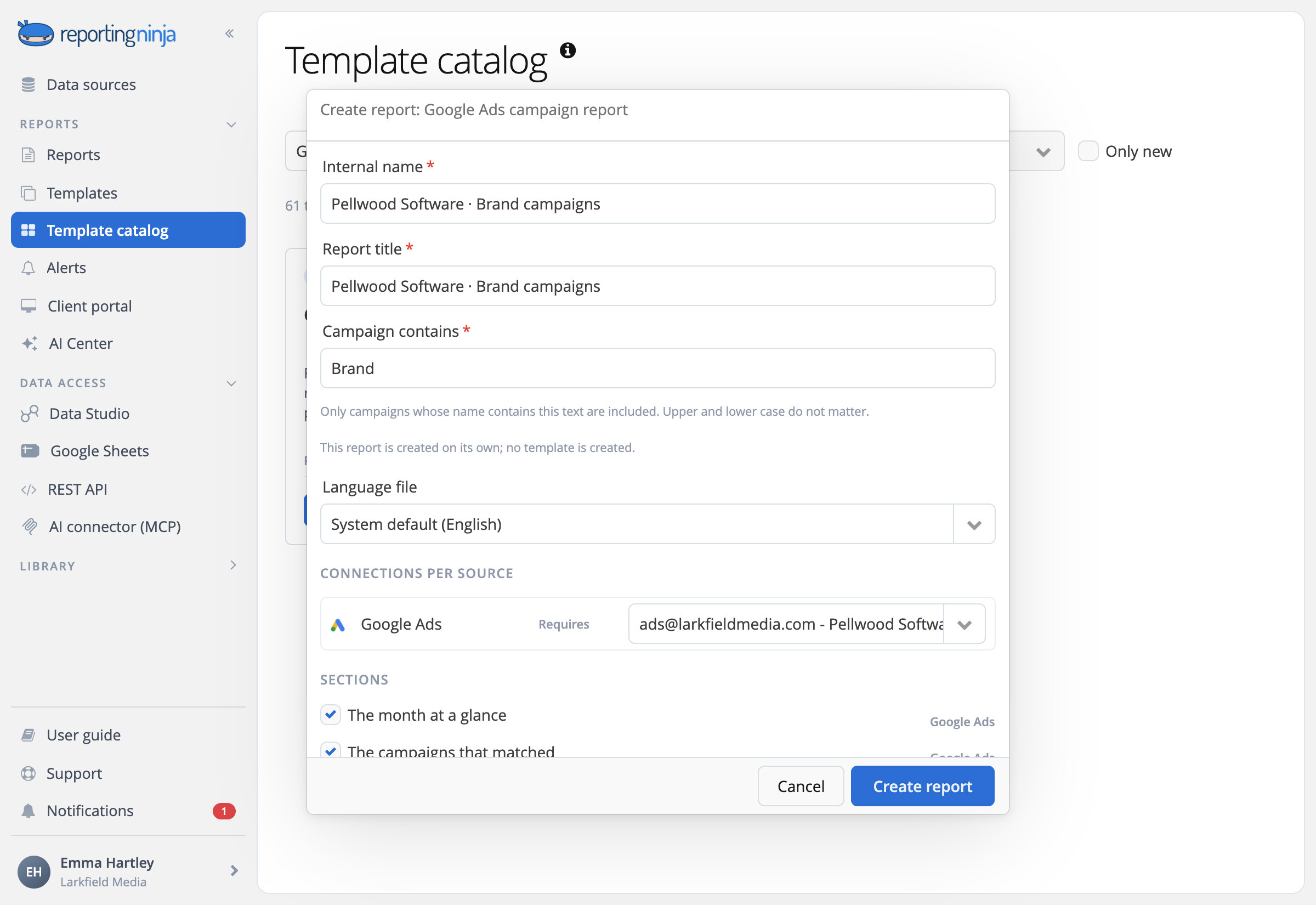
Type part of a campaign name when you create a campaign report, and every figure counts only those campaigns. For Google Ads, Facebook Ads, Microsoft Ads, LinkedIn Ads and TikTok Ads.

Google Ads report
What the budget bought, from campaign types down to the searches.
Google Ads account audit
Where it leaks: budgets that run out, missed auctions, the weakest ads.
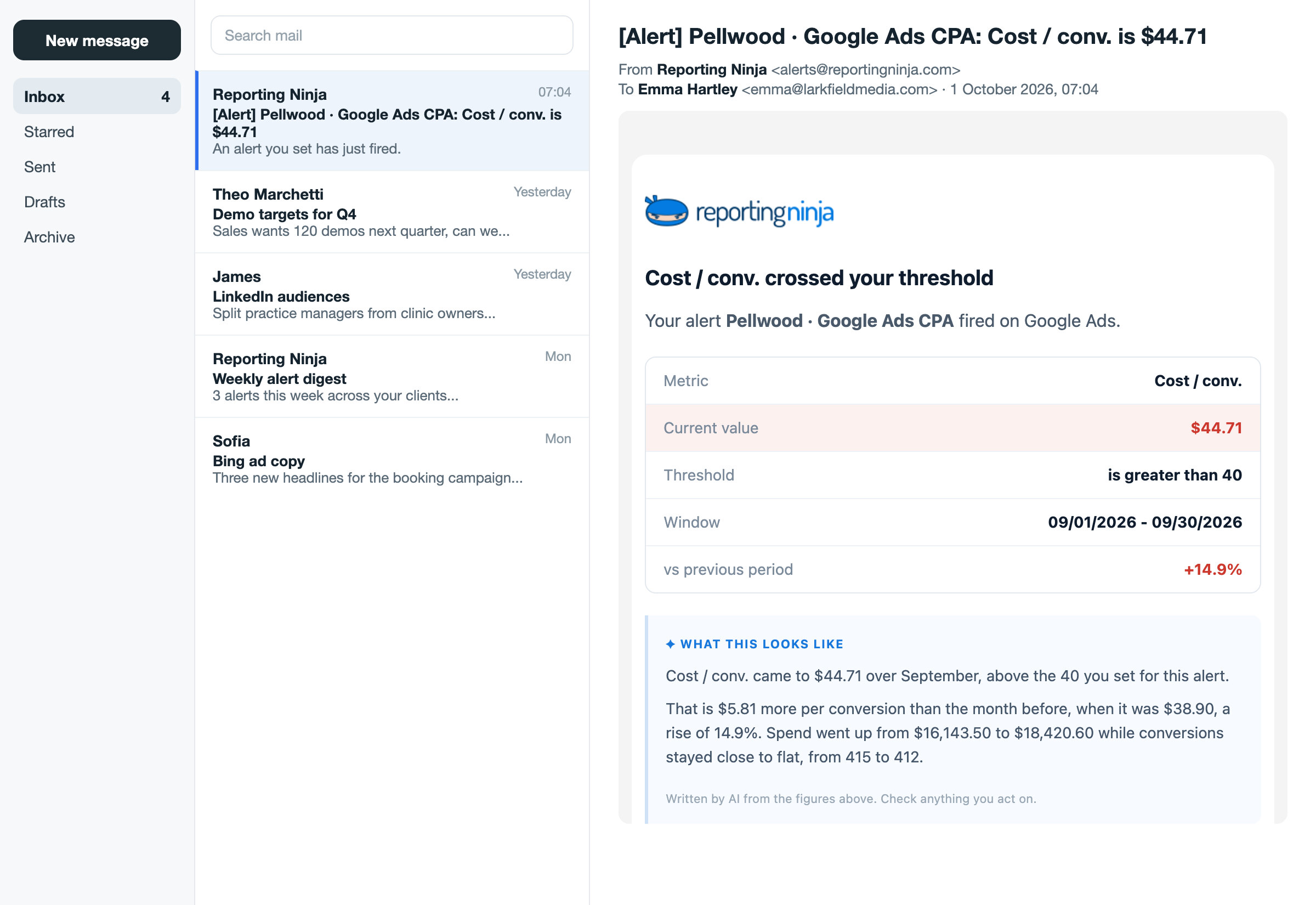
Catch overspend the next morning, not at month end
Set a threshold on spend, conversions or cost per conversion. Reporting Ninja checks it every day and, when it's crossed, emails you a short note written by AI.

Spend above budget
Before a campaign burns through the month.


















































































Frequently asked questions
Which ad platforms can I report on?
Google Ads, Meta Ads, Microsoft Ads, LinkedIn Ads, TikTok Ads, Pinterest Ads, Snapchat Ads, Reddit Ads, X Ads, Amazon Ads, ChatGPT Ads and Spotify Ads, next to Google Analytics 4 and the rest of your channels.
Can I compare platforms in one table or chart?
Yes. A cross-platform widget lines up every platform's spend, clicks, conversions, cost per conversion and ROAS, with a total worked out from the sums, not averaged.
Can my client see spend with my fee included?
Yes. Add your fee to the cost as a calculated metric, once per platform, and use it in any widget instead of the raw spend.
Can I report on a single campaign?
Yes. The campaign reports in the catalog, for Google Ads, Facebook Ads, Microsoft Ads, LinkedIn Ads and TikTok Ads, count only the campaigns whose name contains the text you type. Any widget can also be filtered by campaign.
Can I get an email when spend or cost per conversion goes off target?
Yes. Set a threshold on a metric of one ad account. Reporting Ninja checks it every day and, when it's crossed, emails you the next morning with a short note written by AI. Alerts work with every ad platform except Amazon Ads and X Ads.
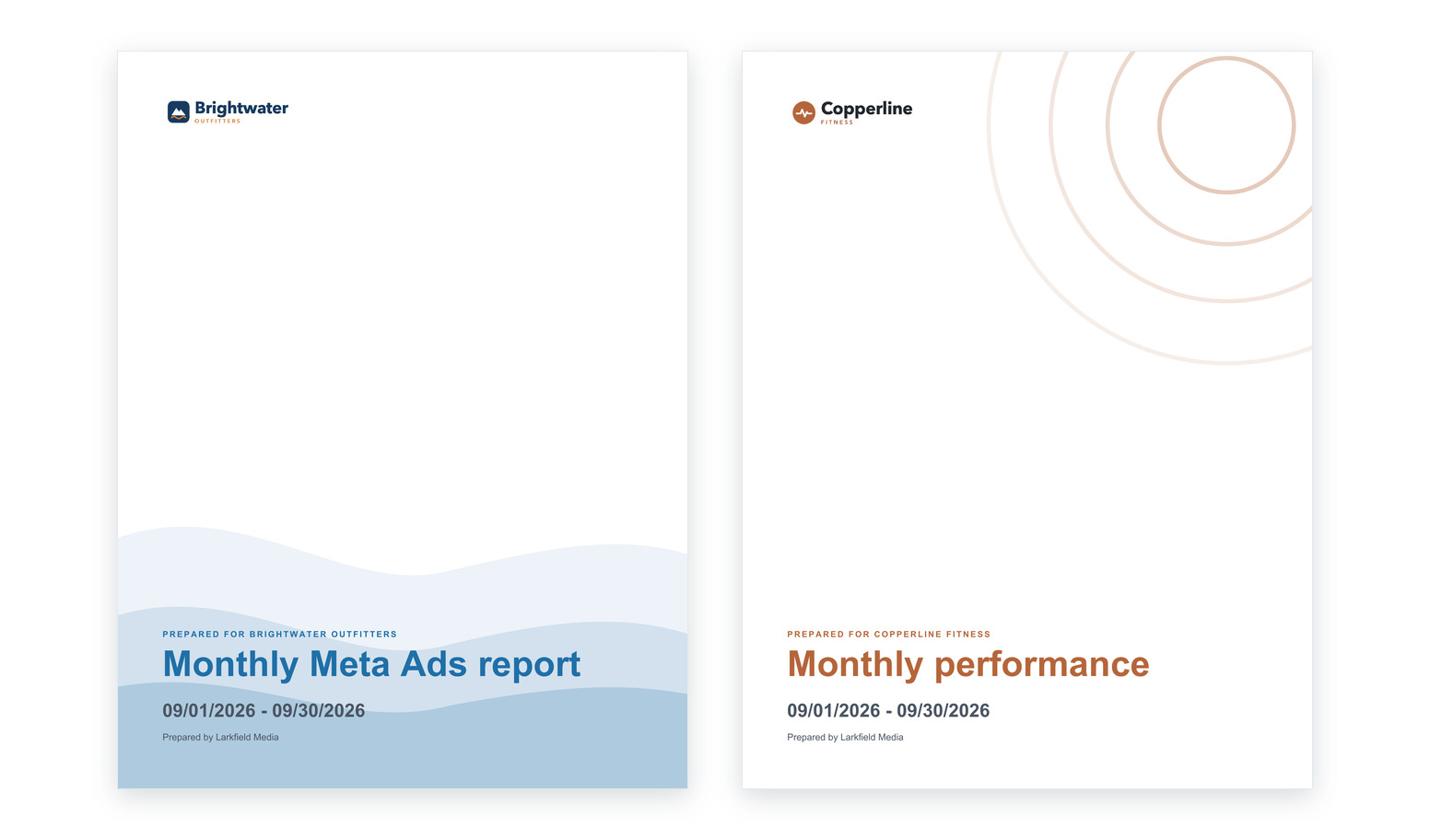
Show clients what the budget bought
Google Ads, Meta Ads, Microsoft Ads and the rest, side by side.
