
Email reporting software
Klaviyo, Mailchimp and HubSpot email in one client report. Campaigns and automations kept apart, judged by clicks and revenue, not opens, and sent in your brand, on schedule.


Connect it, build it, deliver it
Connect
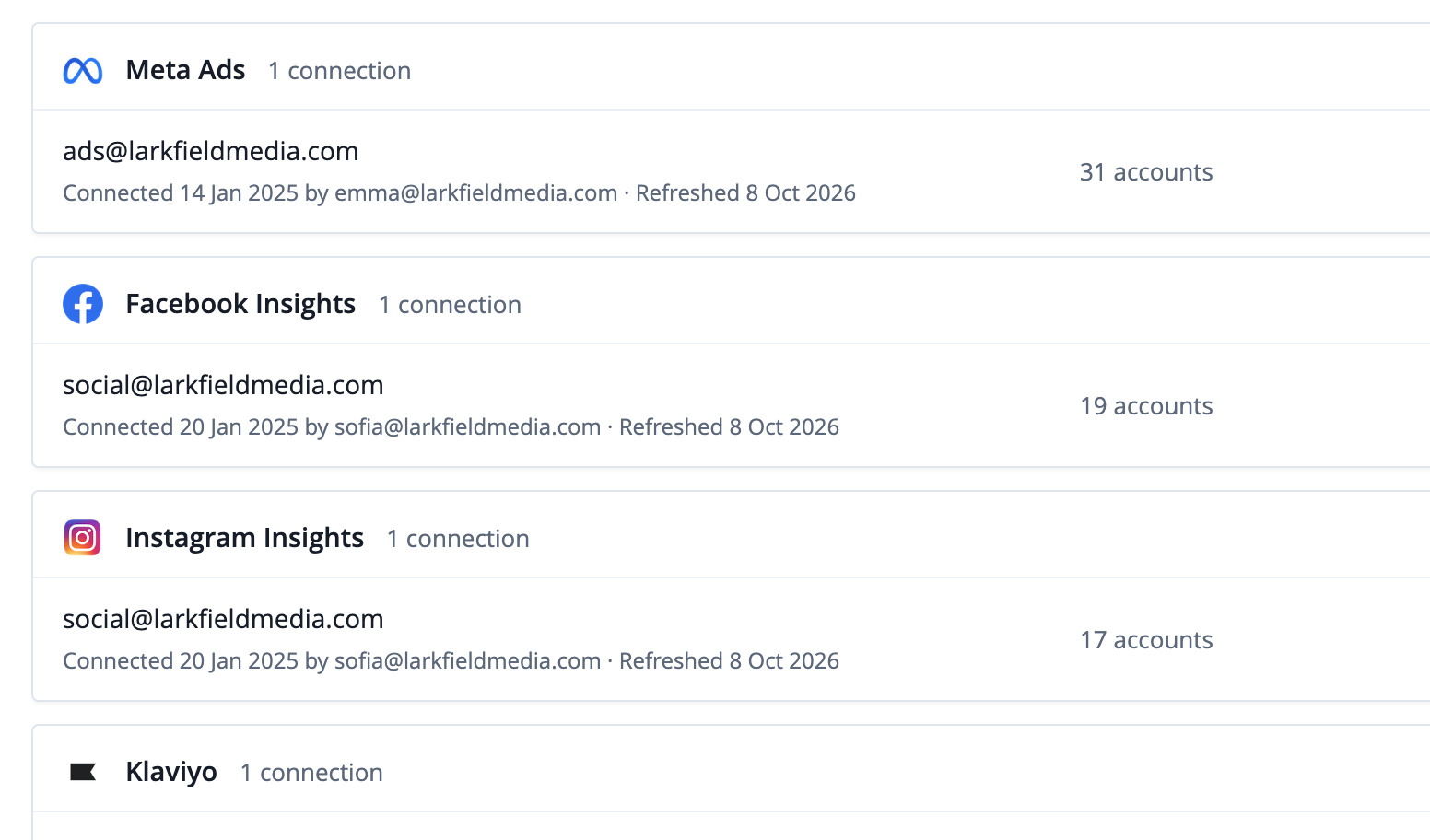
Your email platforms next to your other channels, also in Data Studio, Sheets, the API and your AI assistant.
Build
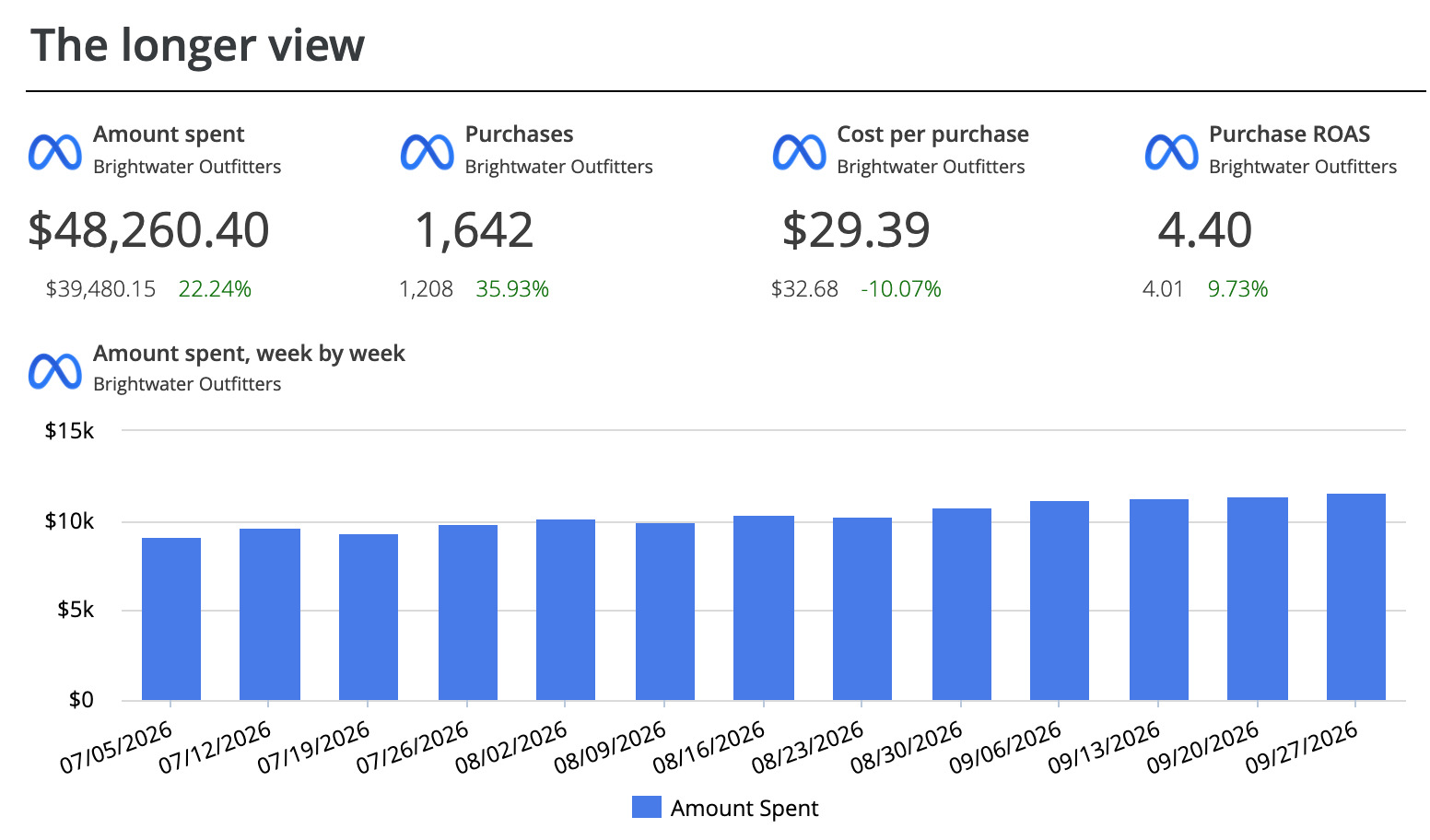
Template, AI Builder, the editor, or Claude and ChatGPT.
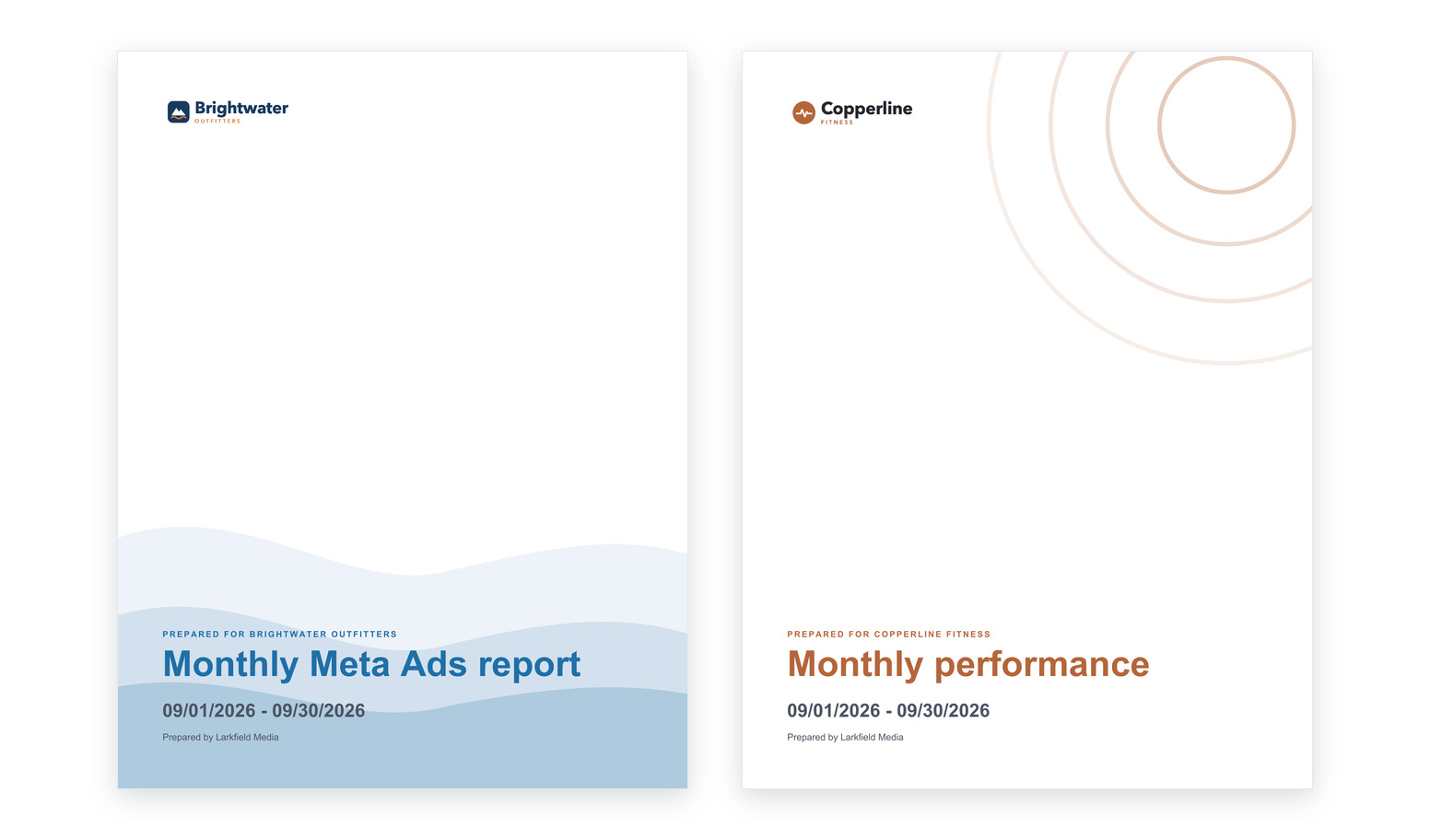
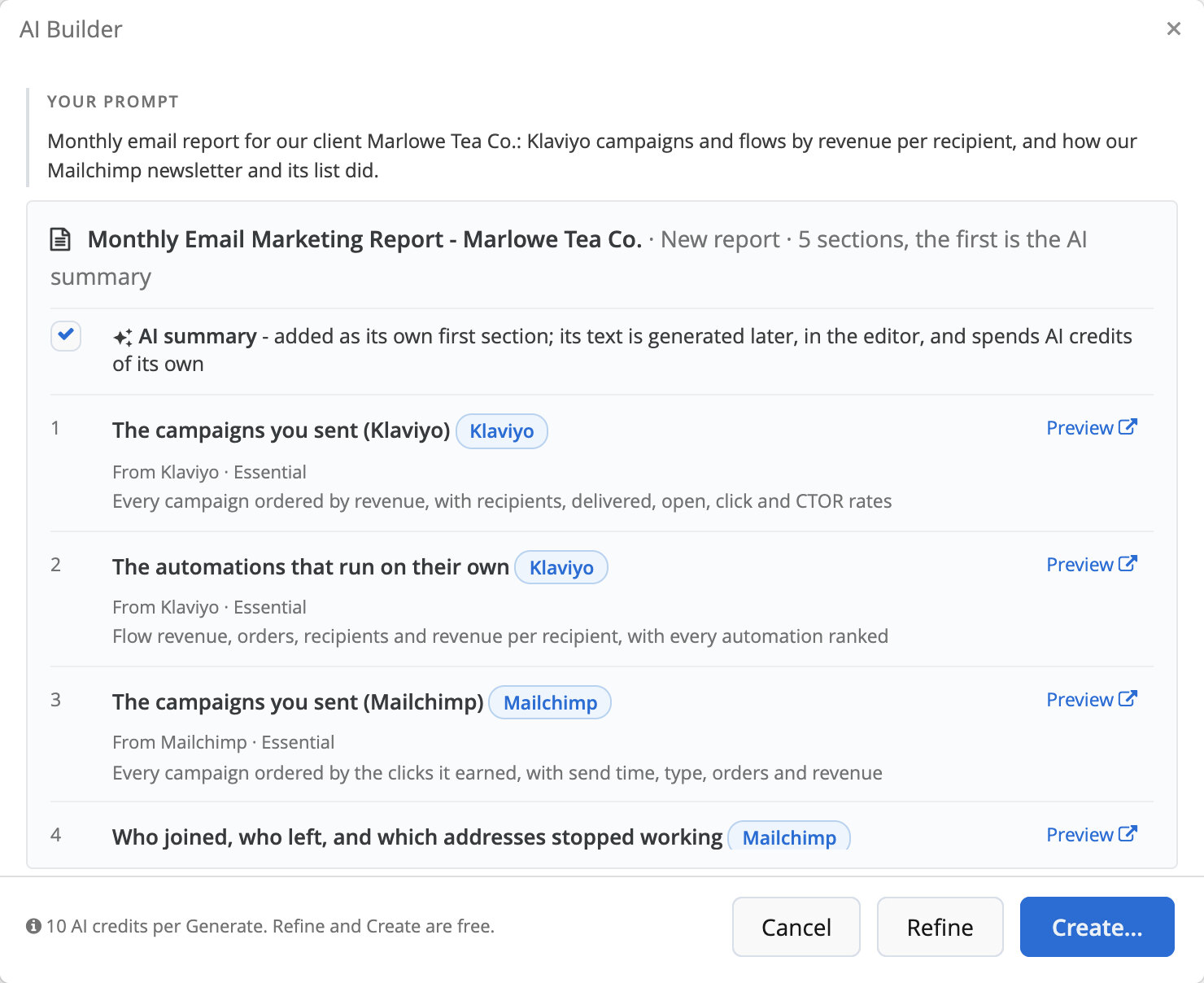
Describe the email report. Review the plan. Get the report.

Campaigns and automations, judged apart
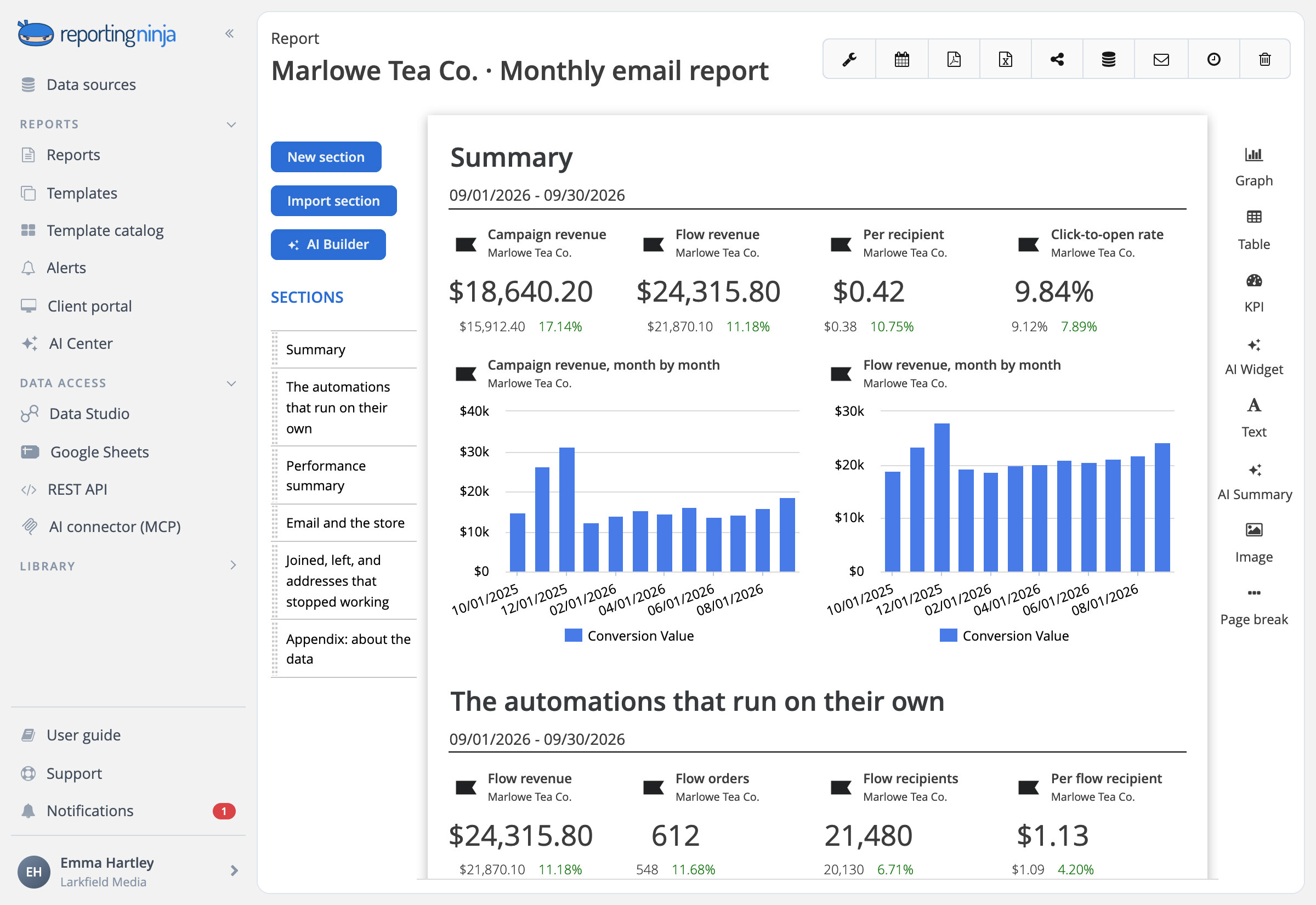
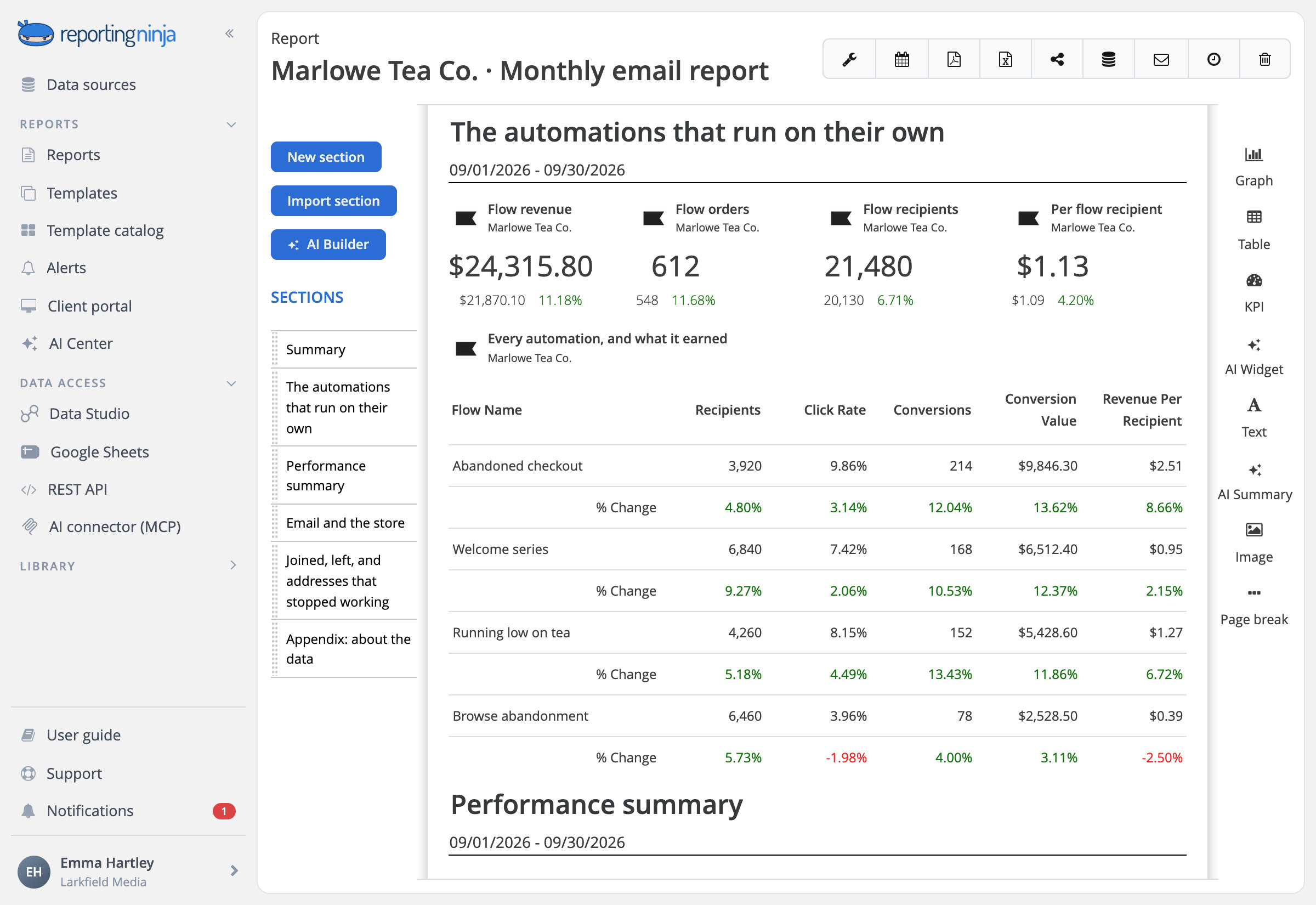
The Klaviyo report opens with the money, then splits the campaigns you send by hand from the automations that run on their own, compared by what each recipient is worth.

Revenue per recipient
Campaigns and flows side by side, each with what one recipient brought in.

SMS kept apart
Text campaigns are reported on their own, next to email, never mixed into it.
Judge a campaign by its clicks, not its opens
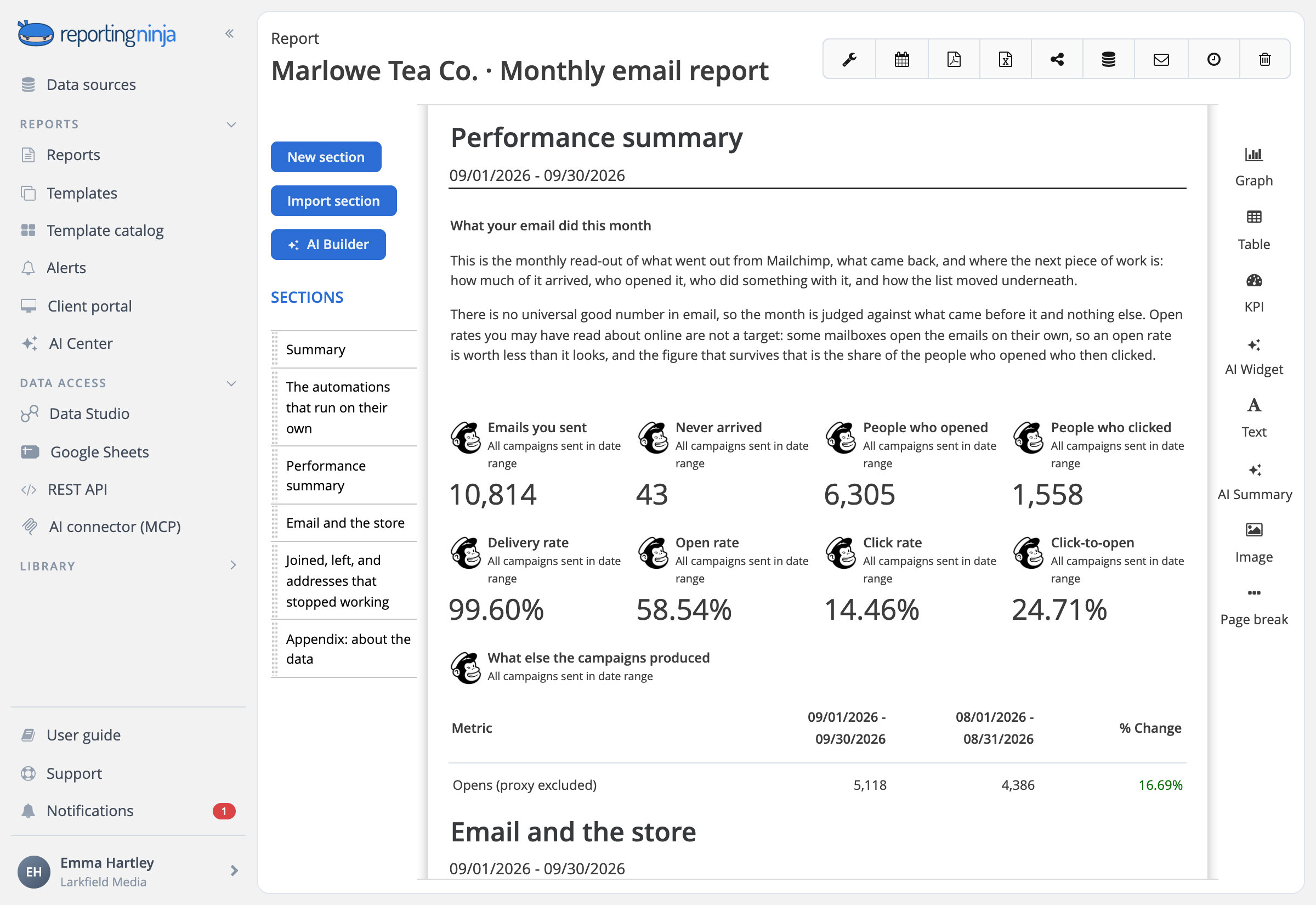
Some mailboxes open emails on their own, so the open rate flatters every send. The Mailchimp report says so up front.

Delivered first
What arrived, then who opened and who clicked, with the click-to-open rate.

Every campaign of the month
Side by side and ordered by clicks, with orders and revenue.
Who joined, who left and which addresses stopped working
Follow the list day by day, with a summary for each list.

Mailchimp audiences
Members today, sign-ups, unsubscribes and bounced addresses, day by day.

Klaviyo forms and segments
Views and submits form by form, and how each segment grew.

Email revenue next to the store's sales
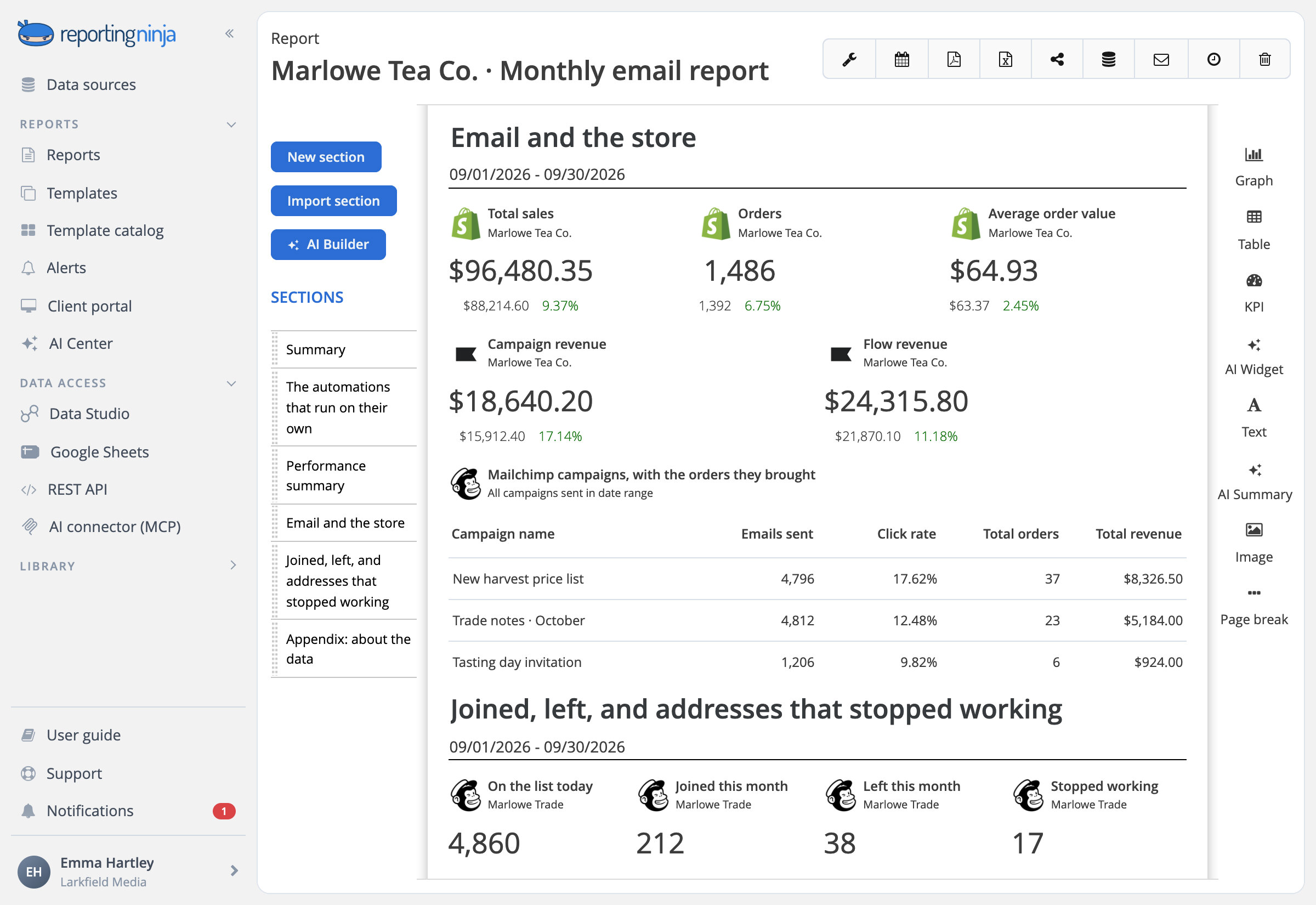
Put Klaviyo or Mailchimp next to Shopify in the same report, and say why the two never match: Klaviyo credits an order to the emails people received before buying.

Shopify
Sales, orders and average order value beside what email earned.

Orders from each campaign
Mailchimp campaigns with the orders and revenue they brought in.


























.webp)
![[2026] Google Analytics SEO dashboard examples & use cases](https://cdn.prod.website-files.com/65bd4cd0ea7dc98c12446765/69380622f39c35fadfe8abd6_Google%20analytics%20seo%20dashboard.webp)
.webp)











.webp)

























.webp)















Frequently asked questions
Which email platforms can I report on?
Klaviyo, Mailchimp and the marketing emails in HubSpot. Next to them go Shopify for the store, Google Analytics 4 for the site and the ad platforms we connect.
Can I report on flows and SMS, not just campaigns?
Yes, in Klaviyo: campaigns and flows come apart, each with its revenue, and SMS campaigns are reported on their own, next to email. Mailchimp reports its campaigns and the lists behind them.
Why doesn't email revenue match the store's?
Each platform counts its own way: Klaviyo credits an order to the emails and texts a person received before buying, while the store counts every order once. The Klaviyo report explains the gap in plain words.
Can one report cover several brands or lists?
Yes. Each section of a report reads the accounts you assign to it, so two Klaviyo accounts or several Mailchimp audiences can sit in the same report, each in its own section.
Show clients what email earned, not just what got opened
Klaviyo, Mailchimp and HubSpot, in one report.
