
Mailchimp reporting tool
Start from our maintained Mailchimp report or describe your own to AI Builder. Figures straight from the Mailchimp API, next to your other channels, sent in your brand by email, share link or client portal.

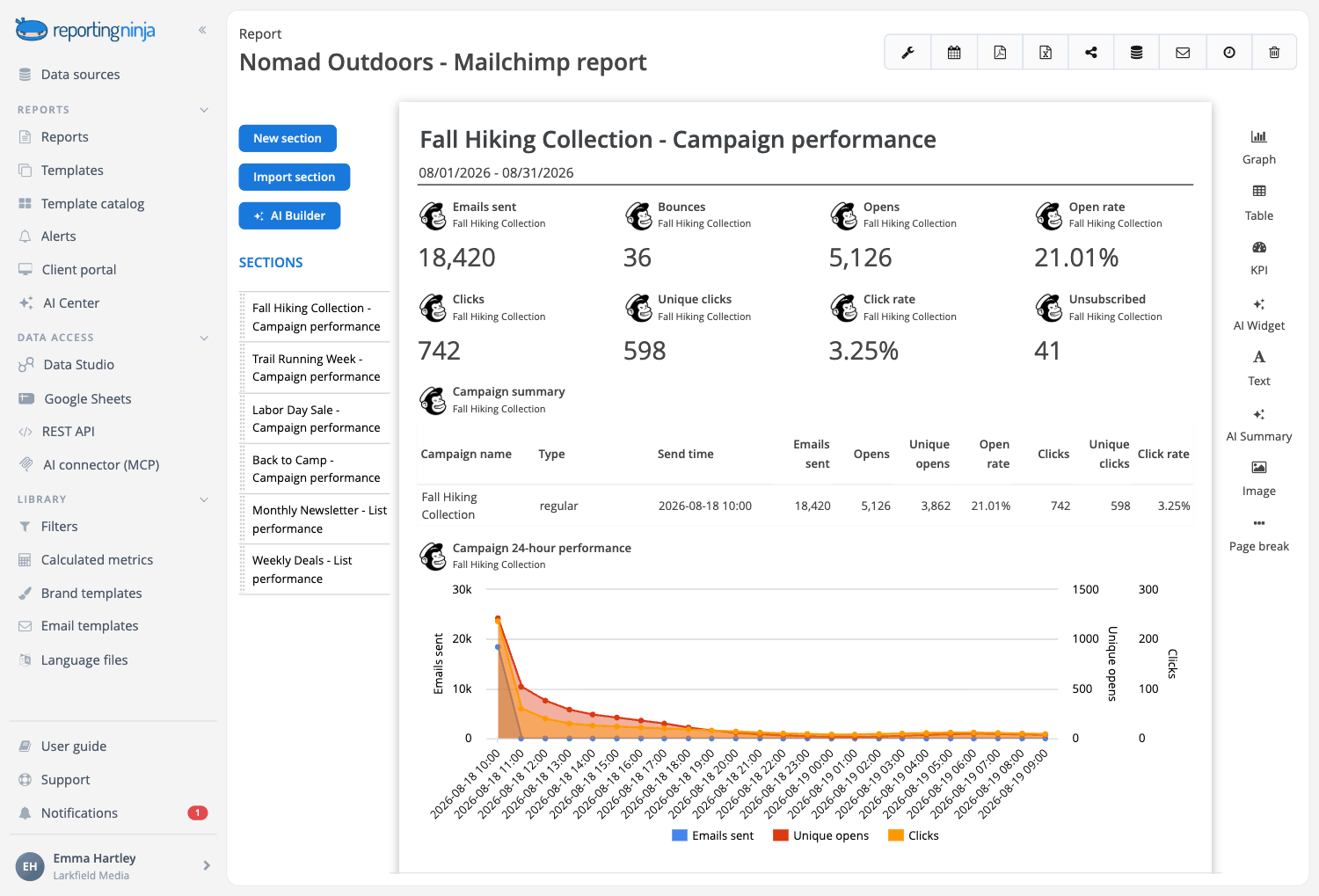

Describe the Mailchimp report and let the AI build it
Sections, widgets and the written analysis, proposed from the data you already have connected and created only when you approve them. Included in every plan.
Start from the Mailchimp report in the catalog
It opens with what was sent and what came back (delivered, opened, clicked) and why the open rate no longer judges a campaign, then follows a year of your list, the month's campaigns and who joined or left. Maintained by our team.

Every data point, for reference
The Mailchimp overview lays out everything we measure, to pick what goes in your report.

Your own template
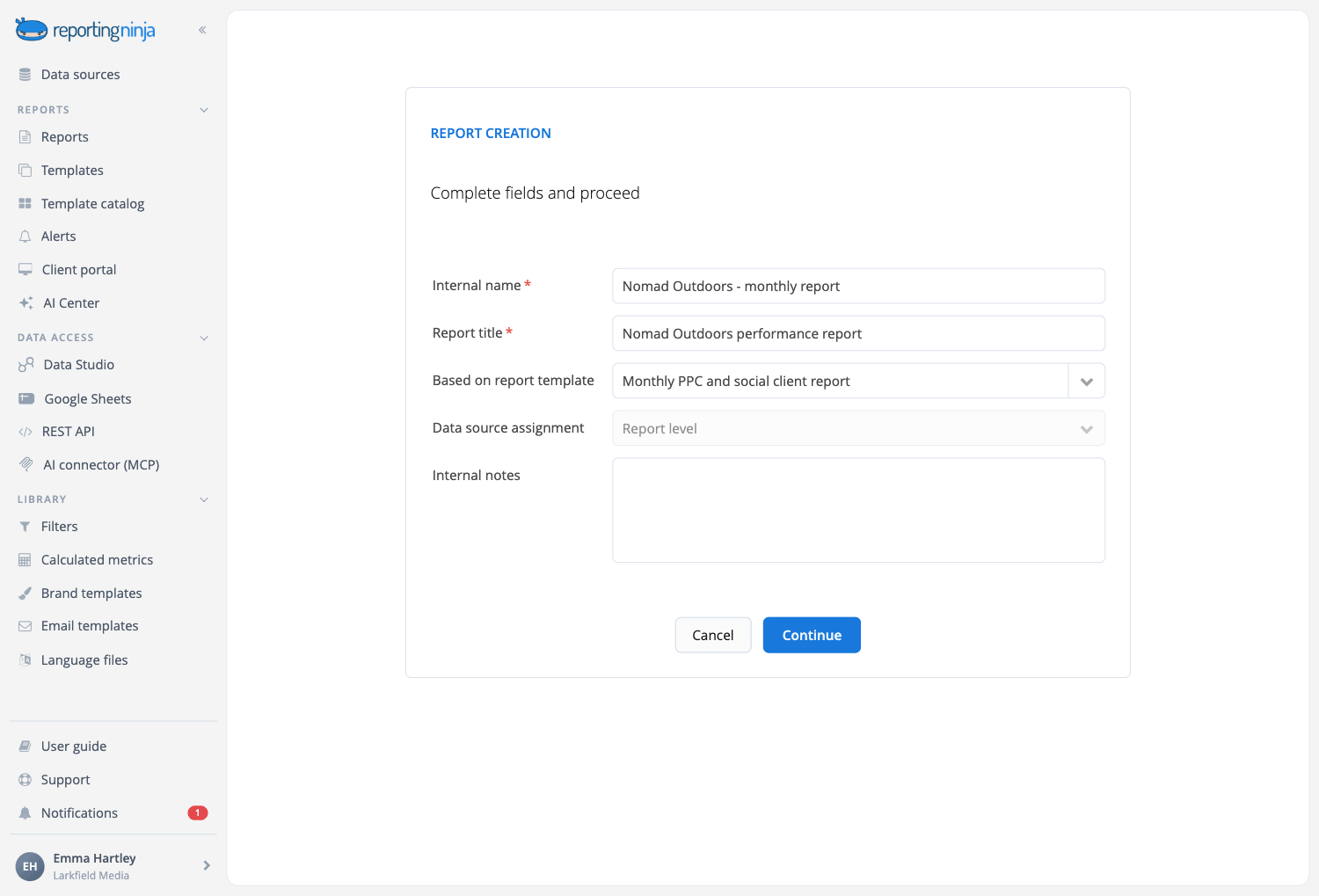
Save your version as a template. Change it once and every client report built on it follows.


Track all your email campaigns
No more struggling through multiple screens or downloading spreadsheets to analyze performance. Using Reporting Ninja you can track the performance of all your email campaigns with one single report.
Review emails sent, opens, unique opens, clicks and more so you can properly adjust your campaigns over time.
Analyze in detail each campaign
Looking to optimize your email campaigns? Start using our predefined Mailchimp template and you will get access to all your campaigns detailed statistics.
Our Mailchimp reporting tool highlights campaigns' 24 hour performance, links performance, top locations and domains, so you can present your clients the true value of your strategy and actions.


Monitor your list performance
Show your clients how you are making their lists grow over time.
Review emails sent, unique opens and clicks at list level, so you can understand the way your audience is reacting to your email campaigns.
Your Mailchimp data, in every place you work
Connect Mailchimp once. Every report, dashboard and assistant reuses the same connection.


All six are included on every plan.
Why use Reporting Ninja for your Mailchimp reports
Start your report automation journey with Reporting Ninja.

Really easy to use
Drag and drop the blocks of content you need. The editor shows the report exactly as your client will see it while you work.

Fully customizable
Beyond the widget library, build the exact widget you need: dimensions, metrics and chart type, with a wizard to guide you.

Scheduled reports
Set the schedule once and Reporting Ninja emails each client their report every week or month.

Custom branding
Your logo or your client's, brand colors, fonts and chart styles, with a cover page and a table of contents.

Client portal access
Send a PDF or a share link, or open a branded portal on your own domain where clients log in to their reports.

Multi-language reports
Send each client their report in their own language, with our ready-made language files or one you create.
Create your Mailchimp reports in minutes
Templates, automation and your brand, on every plan.