7 SEM report examples & templates for marketers & agencies
Kyle Rushton McGregor
Contributor
Key takeaways
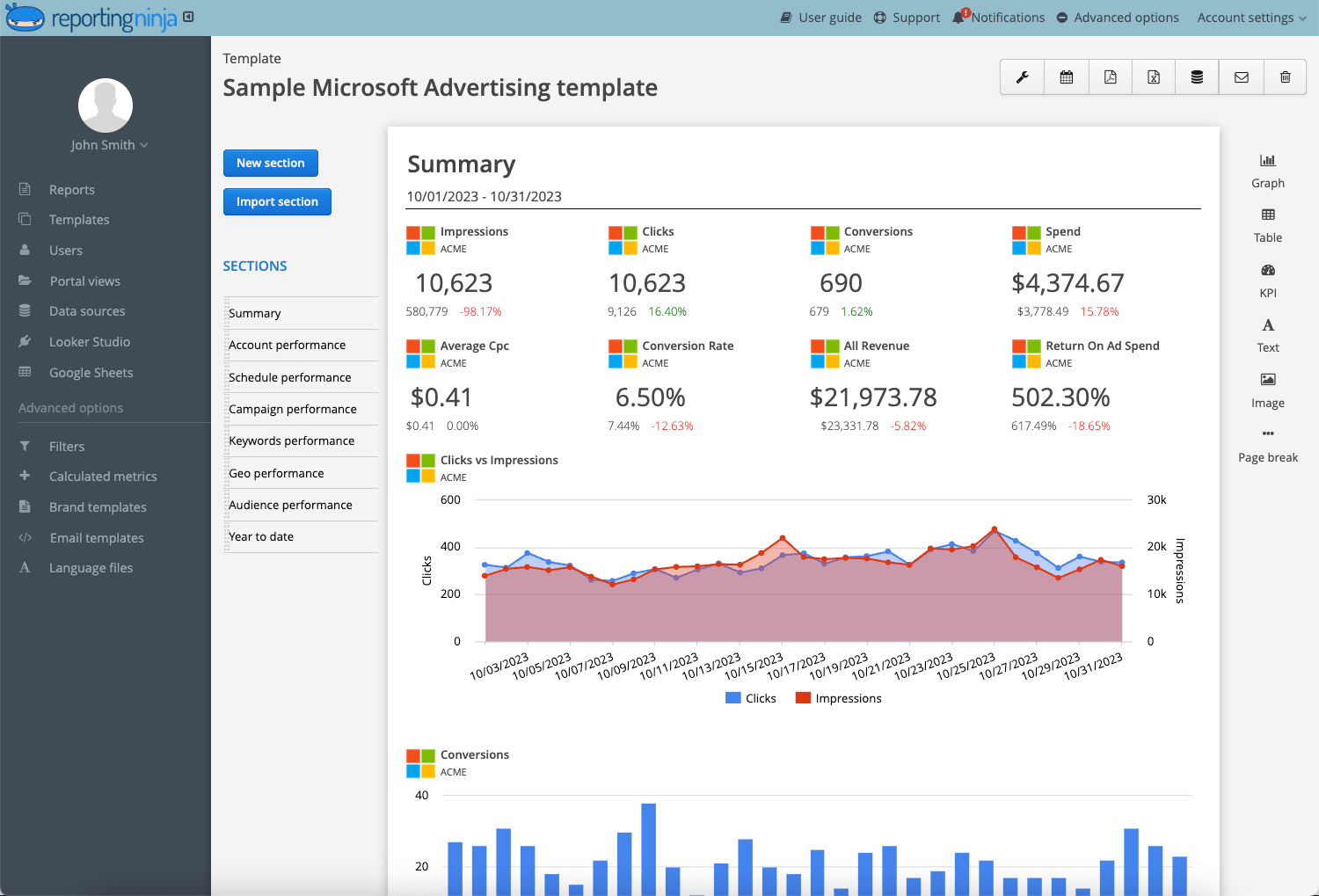
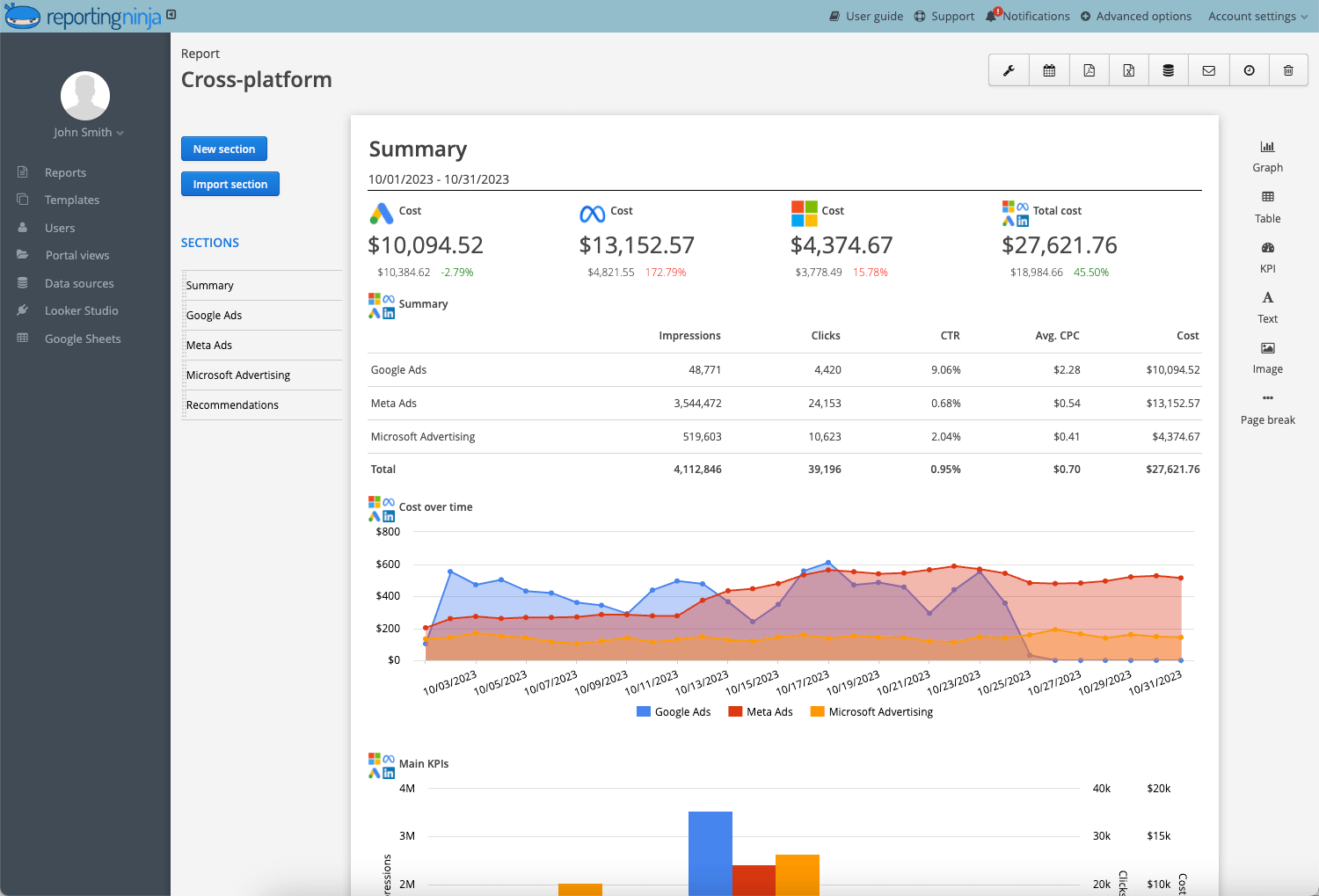
Focus on business impact: Strong SEM reports highlight spend, conversions, CPA, ROAS, and trend direction so stakeholders quickly understand performance.
Use effective report templates: Combine an executive summary, campaign and keyword breakdowns, conversion insights, and clear recommendations.
Tailor reports to the audience: High-level dashboards for executives and deeper analysis for marketing teams.
Leverage automation: Automated reporting tools help agencies standardize templates, reduce manual work, and deliver consistent client-ready reports.
Creating SEM reports that clients actually understand is harder than it should be!
Most reports show clicks, impressions, and spend — but fail to explain what changed, why it matters, or what to do next.
The best SEM report examples fix this by focusing on performance, cost, and clear next steps.
Below are seven practical SEM report examples and templates you can use to present results clearly, justify decisions, and guide what happens next.
What makes a strong SEM report?
A strong SEM report doesn’t just show numbers. It explains performance, context, and direction.
It should be structured, focused, and built for decisions, not just documentation.
An effective SEM report includes:
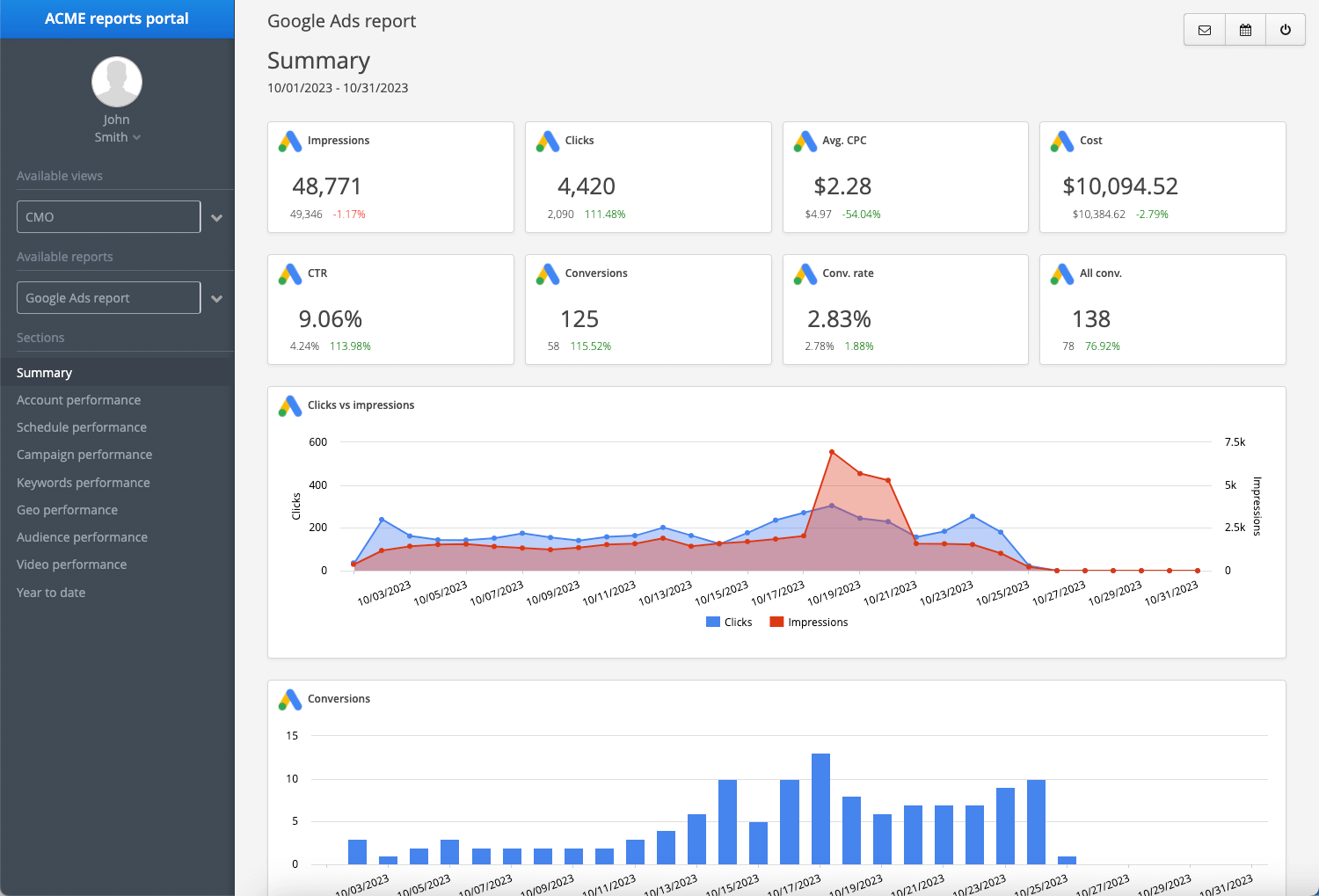
Clear performance summary Start with top-line metrics: spend, conversions, CPA, ROAS, and trend direction. Decision-makers shouldn’t need to dig.
Even experienced performance marketers fall into reporting habits that weaken their authority. If you’re accountable for revenue, your SEM report must drive decisions — not just display metrics.
Mistake
Why does it hurt you
What to do instead
Reporting too many metrics
Clients lose focus and miss what matters
Limit reports to core KPIs tied to revenue and cost efficiency
Showing data without context
Numbers raise questions instead of answering them
Add short explanations for performance shifts
Ignoring wasted spend
Budget leaks go unnoticed
Highlight underperforming campaigns and search terms
No clear next steps
Reports feel passive and reactive
End every report with specific optimization actions
Inconsistent formatting across clients
Reporting becomes hard to scale
Standardize templates and structure
Red Flag: Client asking what the numbers mean? Your report isn’t strategic enough.
Build your SEM report in minutes with Reporting Ninja
Manual spreadsheets slow down SEM reporting and make it harder to maintain consistency across clients.
What agencies need instead is a structured process that delivers clear insights quickly.
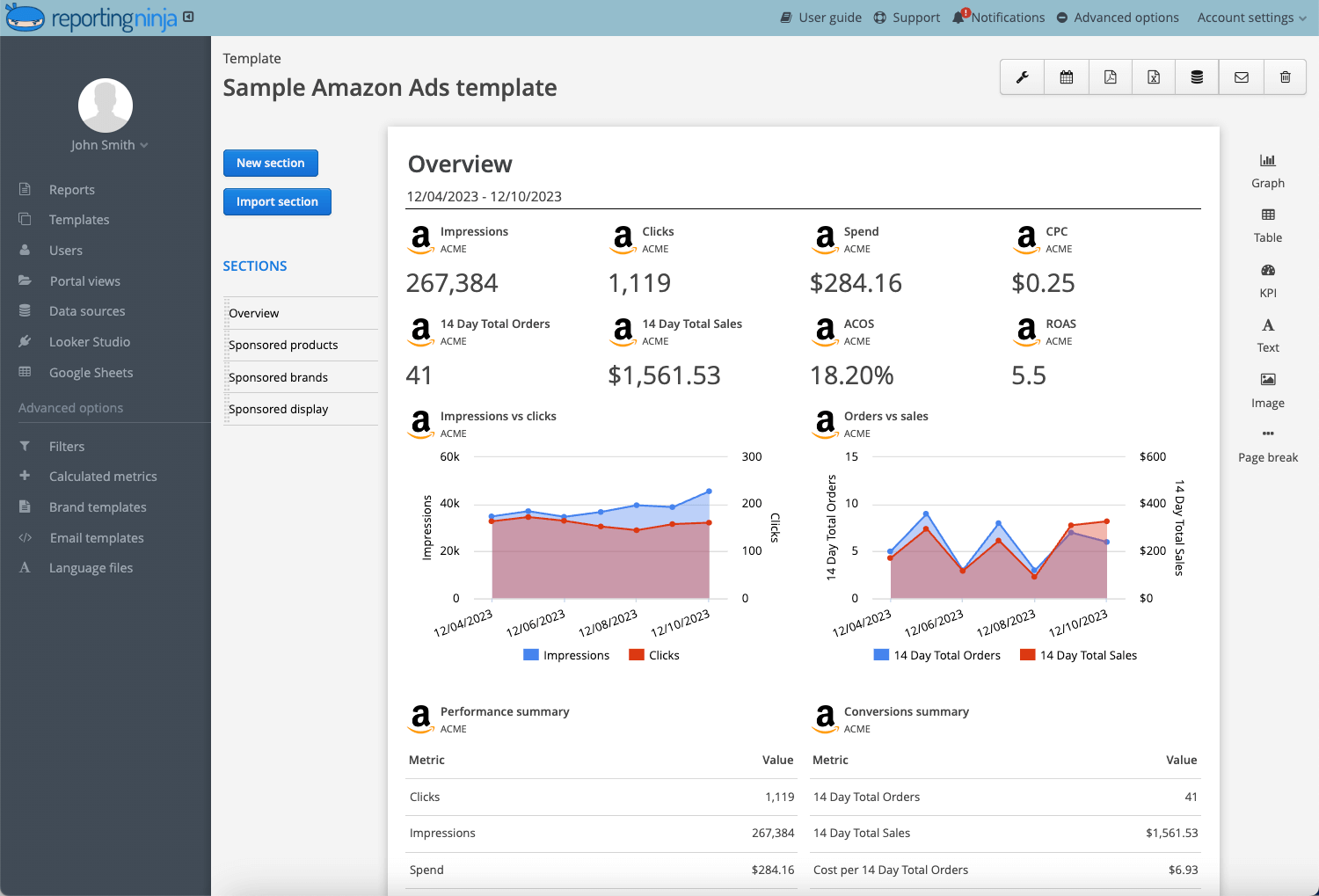
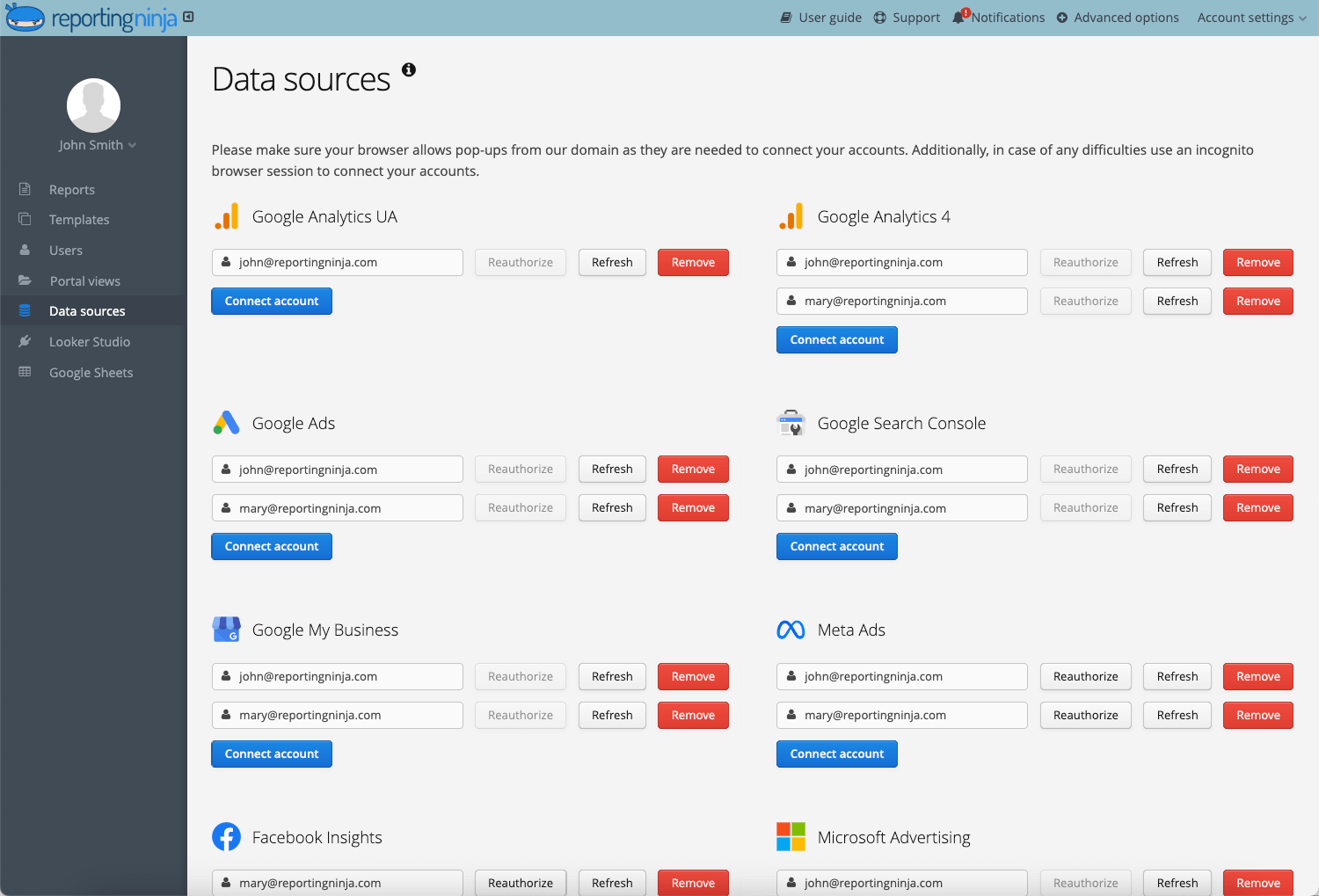
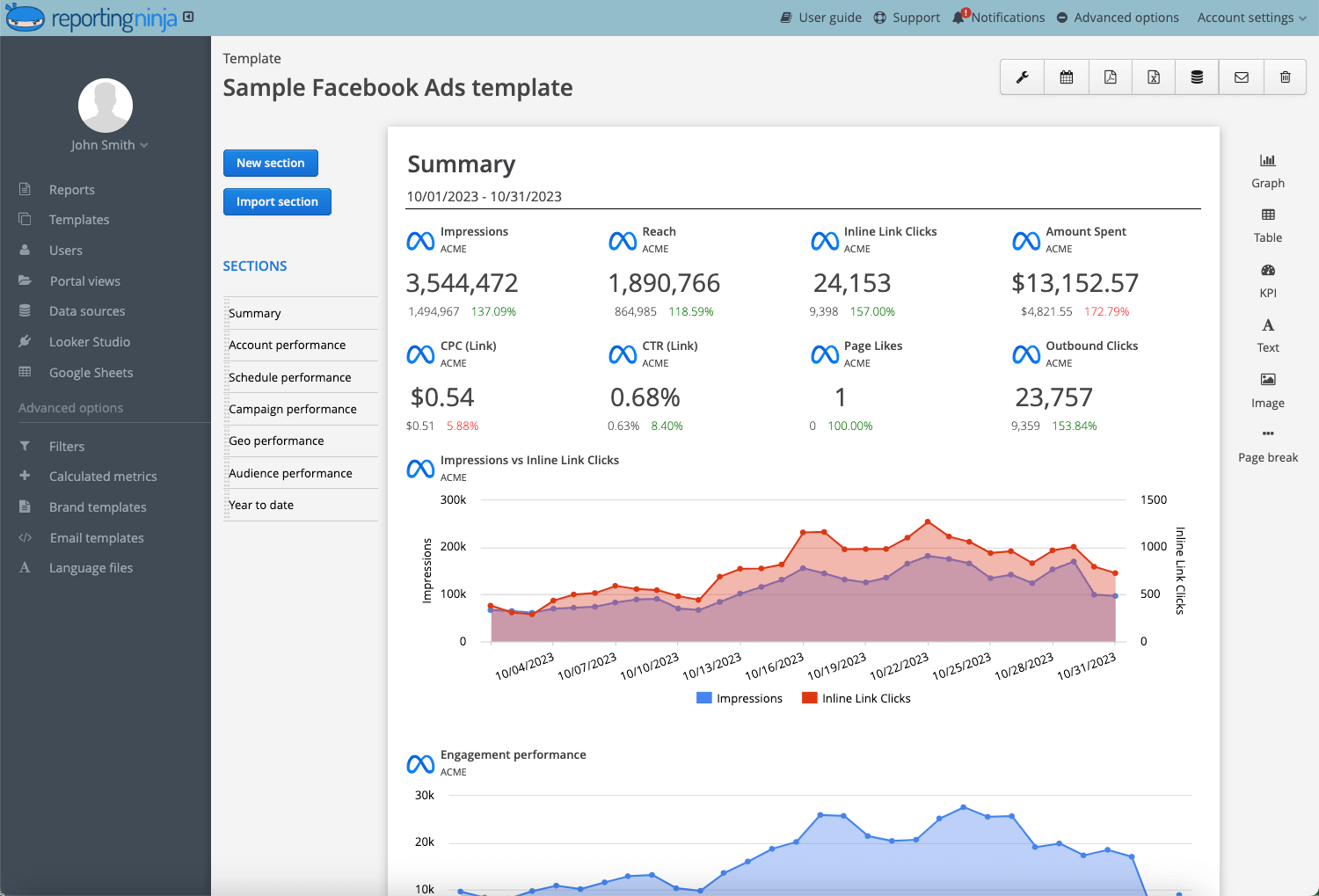
Reporting Ninja connects your ad platforms, applies standardized SEM report templates, and automatically generates dashboards and scheduled reports.
This means less time exporting data and more time analyzing performance.
If you want faster, client-ready reports built around the metrics that matter, start automating your SEM reporting with Reporting Ninja today.
FAQs
What should an SEM report include?
An SEM report should include spend, conversions, CPA, ROAS, trend comparisons, campaign breakdowns, and clear next steps. It should explain performance shifts and outline what will change moving forward.
How often should you send an SEM report?
Usually, monthly. Most agencies send detailed SEM reports once per month, with weekly summaries for active or high-budget accounts.
What metrics matter most in an SEM report?
It depends. For lead generation, focus on CPA, conversion rate, and lead quality. For ecommerce, prioritize ROAS, revenue, and cost efficiency. Always tie metrics back to revenue impact.
Should SEM reports be different for executives and marketing managers?
Yes. Executives want high-level performance and budget impact. Marketing managers need campaign-level breakdowns, keyword insights, and optimization detail.
Can you automate SEM reporting?
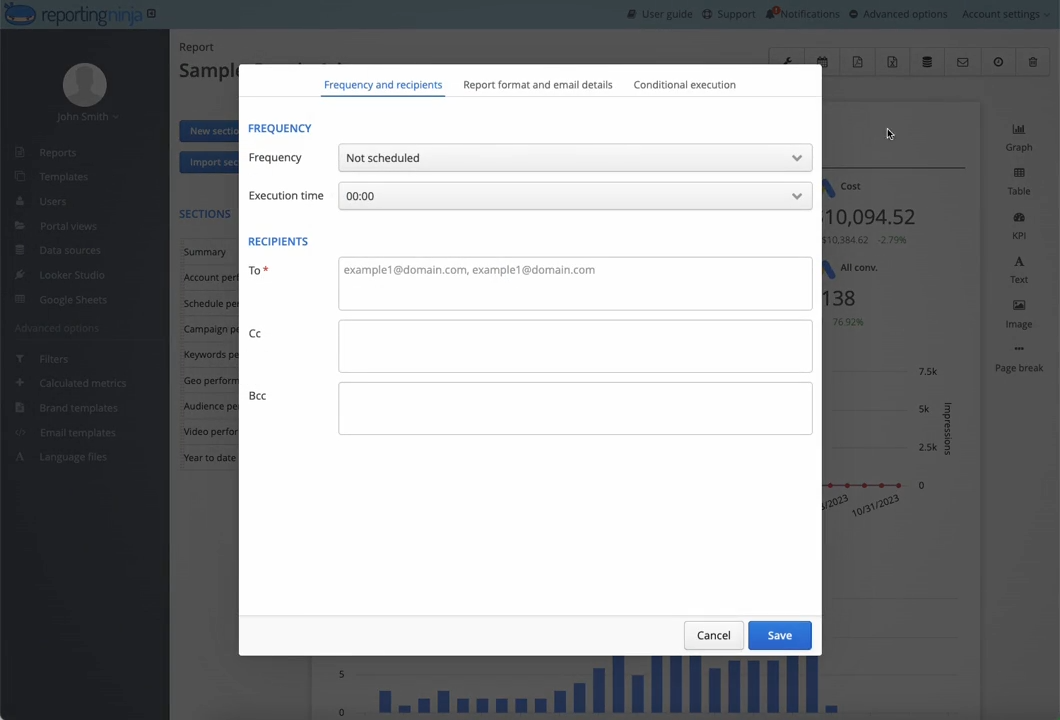
Yes. Dedicated SEM reporting tools can automatically pull ad platform data, update dashboards, and schedule report delivery, reducing manual work and standardizing reporting structure.
Elevate your marketing reports to the next level
Sign up for a 15 days free trial. No credit card required.
By clicking “Accept”, you agree to the storing of cookies on your device to enhance site navigation, analyze site usage, and assist in our marketing efforts. View our Privacy Policy for more information.