Social
April 23, 2026
2026 Reddit ads dashboard breakdown: analyze & optimize campaigns



You open the Reddit Ads dashboard.
You see impressions, clicks, CPC. Data everywhere, but no clear answer on what’s actually working.
Which campaigns are driving results? Where are you wasting your budget? What should you change next?
That’s where most advertisers get stuck.
This guide shows you how to use the Reddit Ads dashboard properly, what to focus on, and how to turn raw metrics into clear, actionable decisions. It also covers how to go beyond the dashboard for deeper insights or client-ready reporting.
The Reddit Ads dashboard gives you a solid view of core campaign performance. You can quickly understand how your ads are delivering at a high level.
This is useful for quick checks. You can spot underperforming campaigns, monitor spend, and track top-line results without much setup.
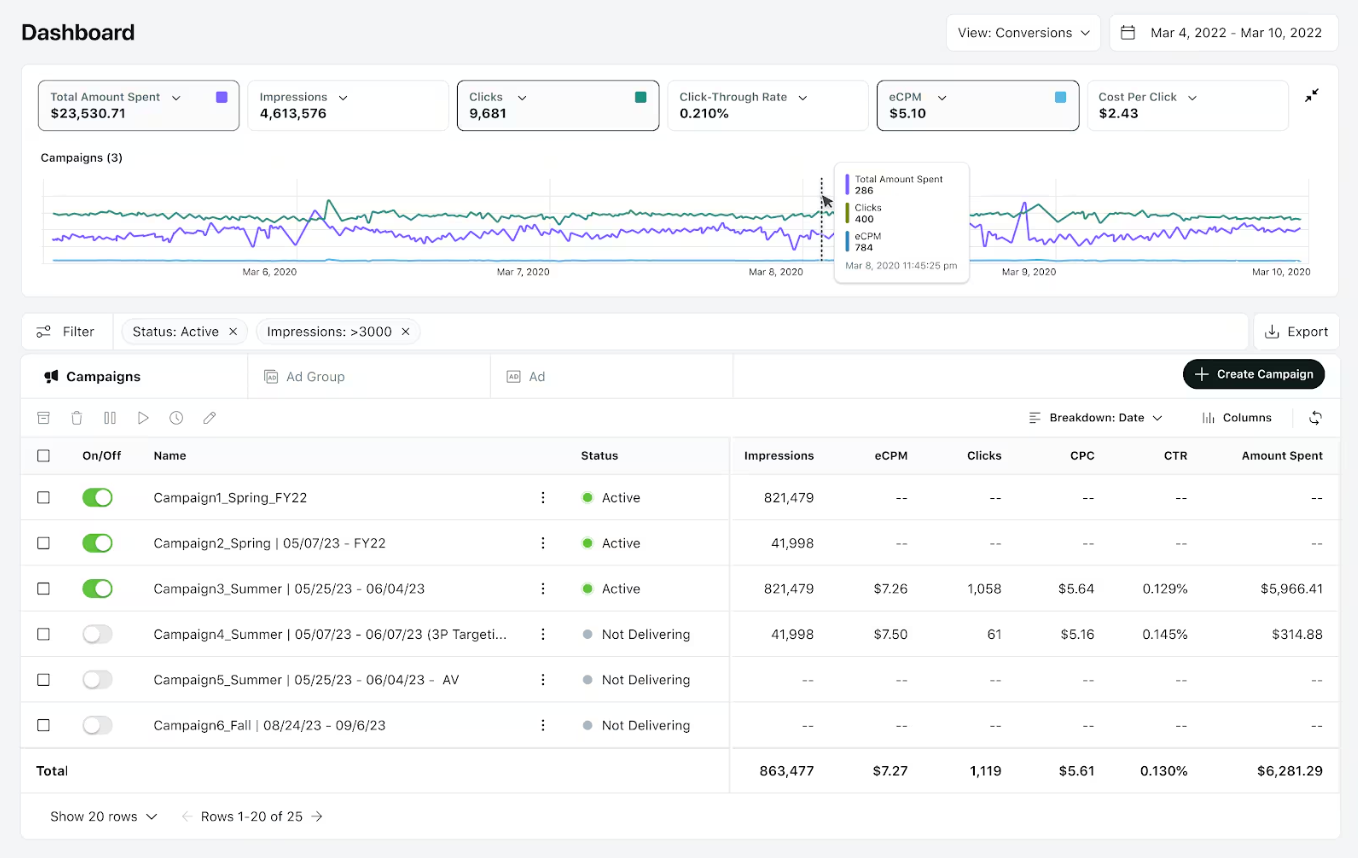
The limitations show up when you try to go beyond that surface-level analysis.
This means you often end up exporting data or switching tools just to answer basic performance questions.
Looking at individual metrics in isolation can be misleading. The Reddit Ads dashboard shows data points, but real insights come from understanding how these metrics interact.
Reddit ads typically see CTRs between 0.2% and 0.8%, and can reach up to 1% in highly targeted subreddits, often outperforming traditional display ads, which average around 0.05%–0.1% CTR.
(Source: AdBacklog)
Follow a structured approach. Don’t rely on default views. Break performance down step by step to find what’s actually driving results.
Begin with a high-level scan of all campaigns.
Once you spot patterns at campaign level, go deeper.
This helps you understand who is actually responding to your ads, not just clicking them. But in many reddit ads examples, this pattern appears when the ad messaging is engaging but doesn’t align with the landing page experience.
Reddit’s advertising reach has grown to around 606 million users worldwide, meaning roughly one out of every 14 people can be reached through the platform.
(Source: Adobomagazine)
Creative plays a major role on Reddit.
Example: If one ad has high CTR but low conversions, it may be attracting the wrong audience or setting the wrong expectation. Applying proven Reddit Ads best practices for copy and formatting can help align visitor expectations with your offer.
Don’t rely on a single snapshot.
This helps you separate short-term fluctuations from real performance shifts.
This is where most advertisers fall short.
Always tie metrics back to actions. If you can’t make a decision from the data, you’re not analyzing it properly.
That’s where a tool like Reporting Ninja helps. You can build structured Reddit Ads reports with campaign and subreddit breakdowns, without exporting data or rebuilding everything manually.
{{cta-block-v1}}
The dashboard works for quick checks. It starts to break when you need deeper analysis or reporting.
This is where tools like Reporting Ninja come in. Instead of exporting data and rebuilding reports, you can analyze Reddit performance alongside other channels in one place.
Build structured Reddit Ads reports that update automatically, so you can track performance without switching between views or tools; there's no need to rely on a static Reddit Ads reporting template anymore.
Once you move beyond the Reddit Ads dashboard, the benefits become clear. A dedicated reporting setup doesn’t just save time, it changes how you analyze and act on performance.
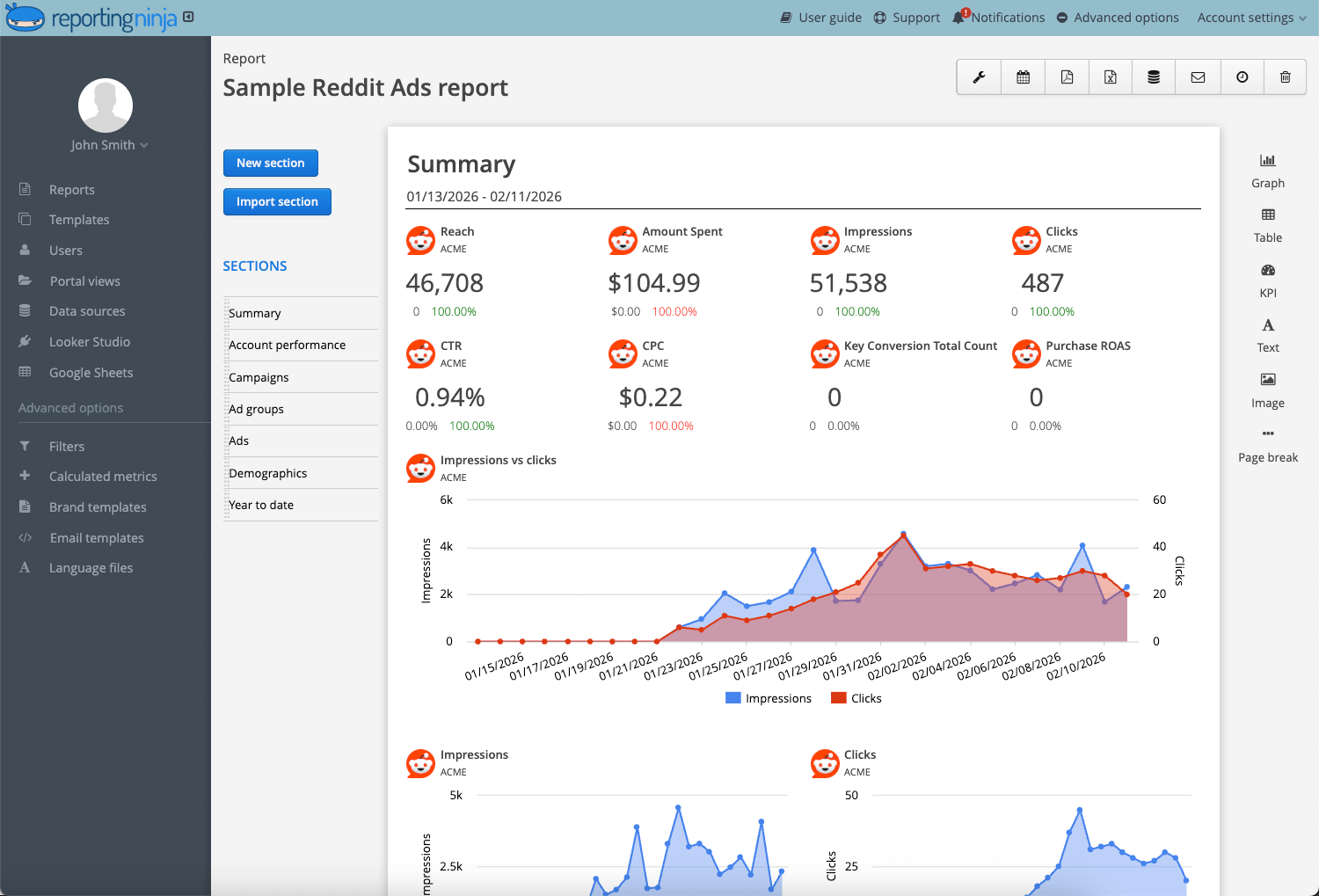
Working only inside the Reddit Ads dashboard gives you a limited view. You can track performance on Reddit, but you can’t easily understand how it compares to other channels.
By connecting your data to a reporting dashboard like Reporting Ninja, you bring everything into one place. This allows you to:
This is especially important if you manage multiple campaigns or report to clients. Instead of fragmented insights, you get a complete performance picture in one dashboard.
You can also connect Reddit Ads to Looker Studio using pre-built templates, making it easier to visualize performance without building reports from scratch.
Reporting manually slows everything down.
Exporting data, cleaning spreadsheets, and rebuilding reports every week creates unnecessary friction. With a reporting tool, this entire process becomes automated.
You can:
By removing repetitive work, you free up time for what actually matters: analyzing campaigns and improving performance.
The Reddit Ads dashboard is built for internal use, not for sharing structured insights with clients or stakeholders.
A dedicated reporting dashboard lets you present data in a structured and easy-to-read format. With Reporting Ninja, you can:
This improves communication and avoids confusion. Clients don’t need to interpret raw numbers; they see clear insights and performance summaries.
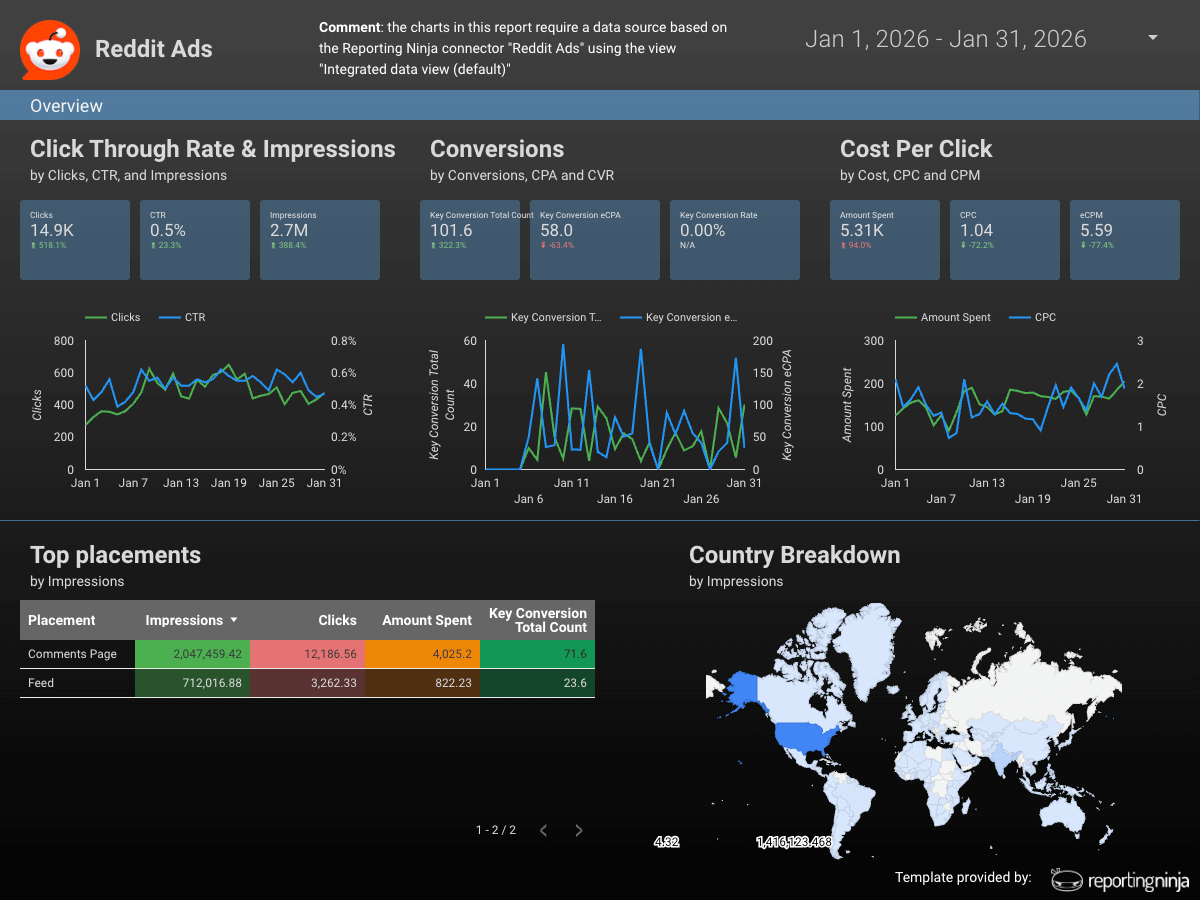
When you analyze data in isolation, it’s harder to see patterns.
An integrated reporting dashboard gives you a broader view, making it easier to identify what’s changing and why.
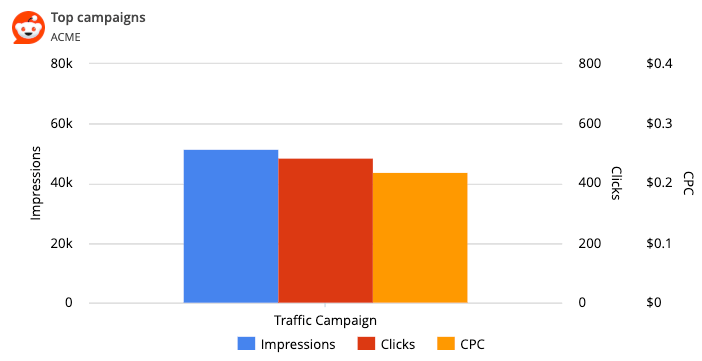
You can:
This helps you move faster from data to action. Instead of digging through multiple views, you can quickly identify issues and optimize campaigns before performance drops further.
{{cta-block-v1}}
The Reddit Ads dashboard helps you monitor performance, but it doesn’t give you a fast, scalable way to turn data into clear insights.
As campaigns grow, manual exports, scattered views, and repetitive reporting start slowing you down.
Reporting Ninja simplifies that process. You can:
If you want to move faster from data to decisions, this is the next step.
Turn your Reddit Ads data into automated dashboards and start analyzing performance in minutes with Reporting Ninja. Start a free 15-day trial today.
No. The Reddit Ads dashboard does not support automated client reporting. You need to export data or use a reporting tool to schedule and share reports.
No. The dashboard only shows Reddit data. To compare performance across channels, you need an external reporting platform.
Sometimes. You can adjust views inside the dashboard, but full customization requires exporting data or using a dedicated reporting tool.
It depends. For active campaigns, daily checks help catch issues early. For stable campaigns, weekly analysis is usually enough.
Sometimes. If you only need basic monitoring, the dashboard is enough. For deeper analysis or reporting, a dedicated tool is more efficient.
Sign up for a 15 days free trial. No credit card required.

Build and automate amazing custom reports in a few clicks. Save time, be more productive, impress your clients.