PPC
January 8, 2026
Tips and 4 best automated PPC reporting tools in 2026


An automated PPC report pulls performance data from platforms like Google Ads and Meta Ads into a dashboard or template, then refreshes on a schedule so you don’t build reports manually each week.
Automated PPC reporting saves time, reduces reporting errors, and helps you spot performance changes faster. It also standardizes what clients and stakeholders see, so you spend less time explaining numbers and more time improving results.
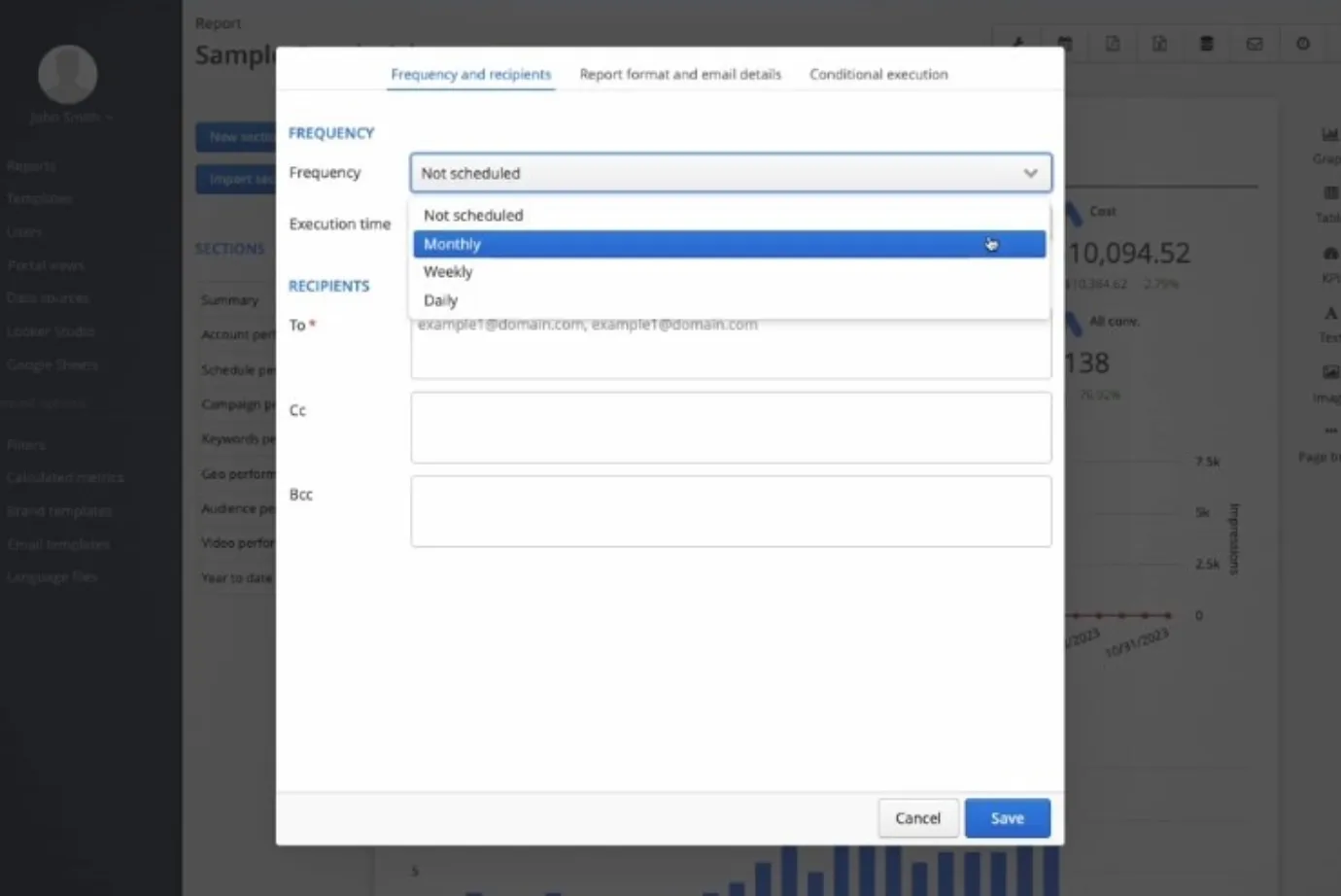
You stop rebuilding the same report every week. Data refreshes automatically, so recurring reporting becomes a quick review instead of a manual task. This matters most when you’re managing multiple accounts and need consistent weekly client updates without pulling platform screenshots or reformatting tables.

You reduce mistakes caused by copy-pasting, date range mismatches, and version confusion. One live report keeps metrics consistent across your team and your client accounts. It also reduces the common PPC headache where stakeholders compare two different dashboards and see different results because filters, attribution windows, or currencies don’t line up.
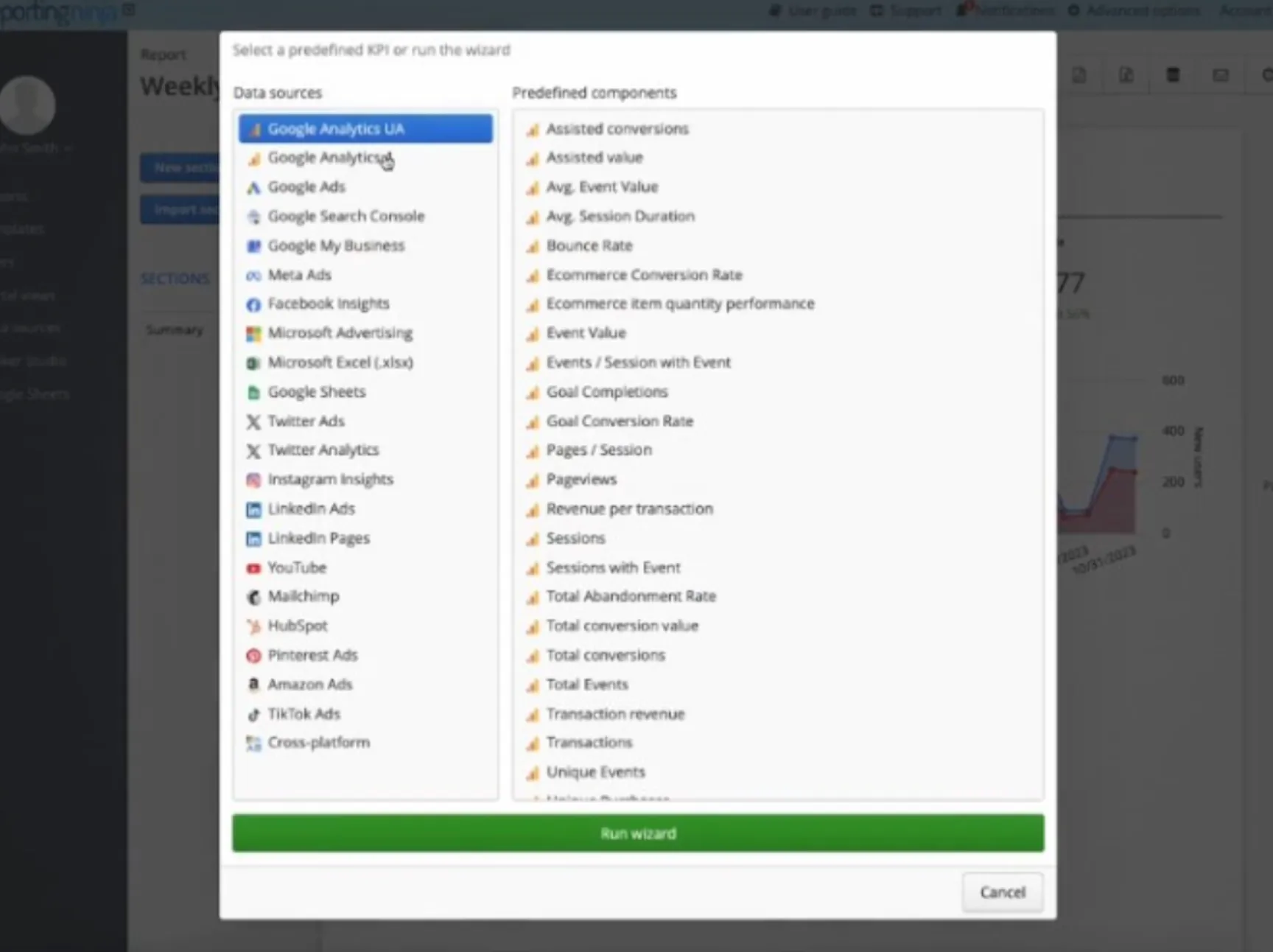
You catch issues earlier because data updates on a schedule. That makes it easier to respond to budget shifts, broken campaigns, or sudden CPA spikes before they snowball. For PPC teams, this is also how you spot spend anomalies, tracking drop-offs, or creative fatigue before they materially impact results.
Once reporting is automated, the real decision is choosing the right workflow: do you need a client-ready reporting layer, or just a connector into the destination you already use? The tools below cover both categories, with different tradeoffs in destinations, scaling, and pricing model.
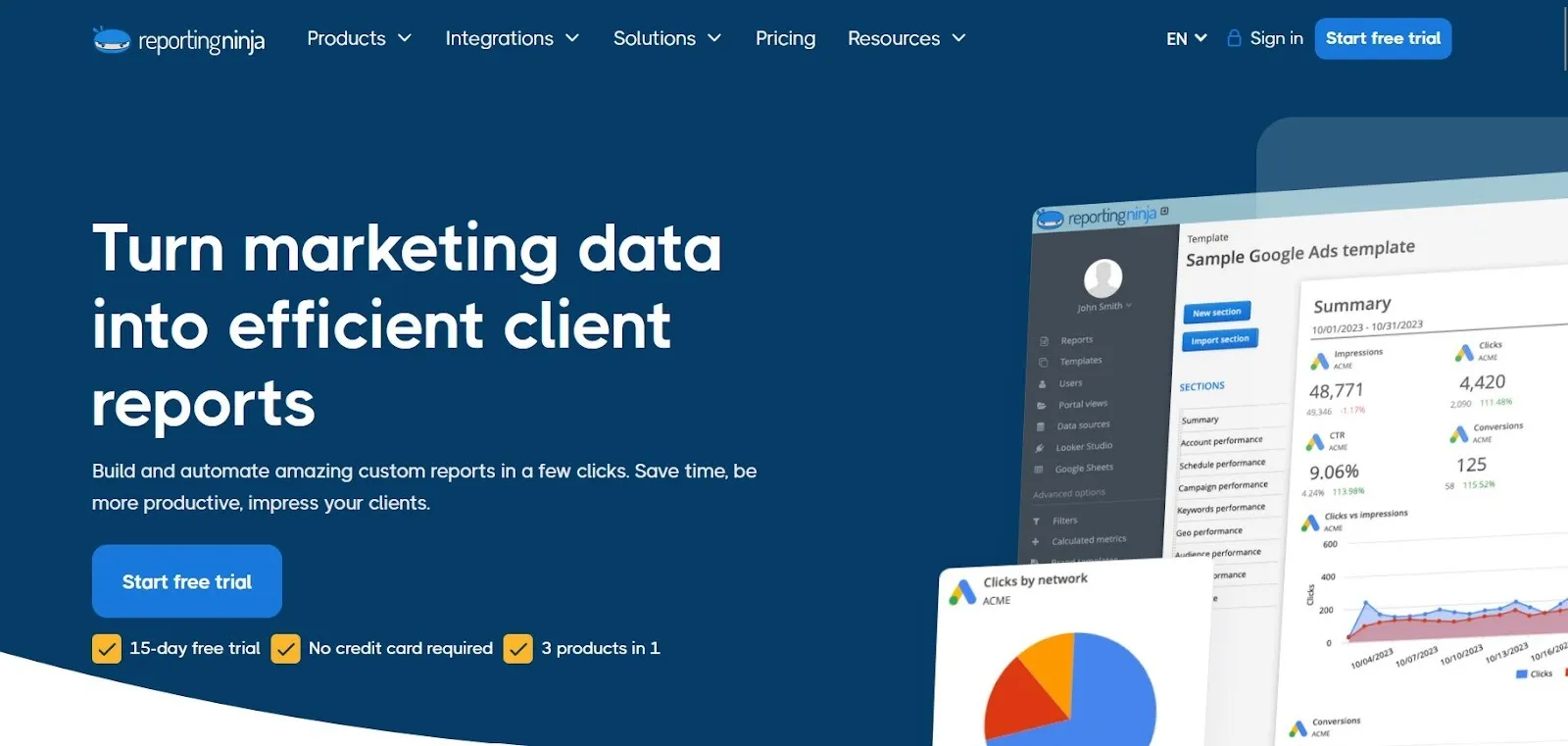
Reporting Ninja is built for PPC teams that need to produce consistent, client-ready reporting without rebuilding dashboards or exporting data every week. It’s a strong fit when your workflow lives in Looker Studio or Google Sheets, and you want a repeatable process you can roll out across accounts.
At a practical level, Reporting Ninja focuses on three things: reusable reporting structures, flexible delivery formats, and predictable scaling as you add accounts. The features below matter most when you want to standardize how you report while still keeping control over layout and presentation.
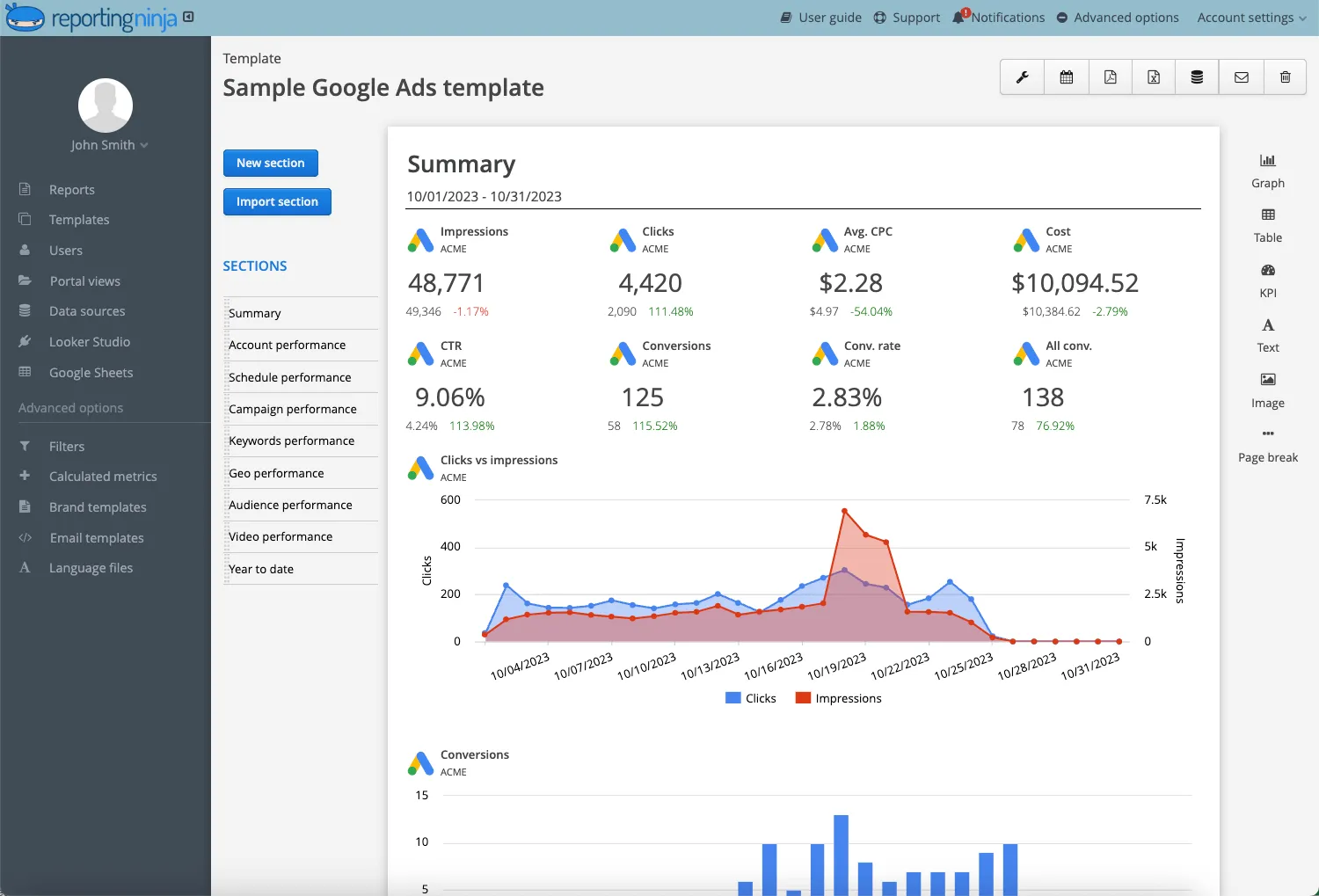
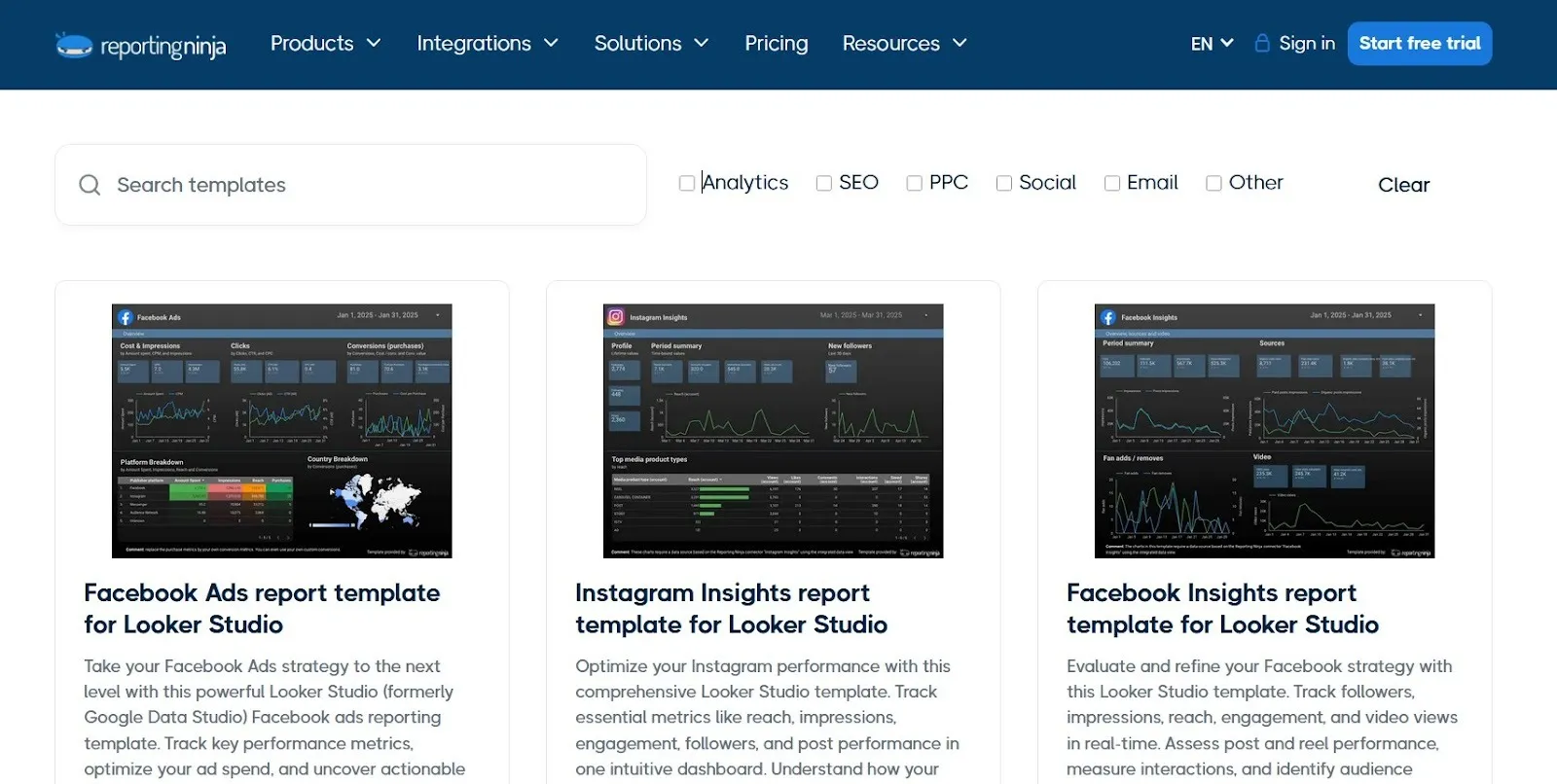
Reporting Ninja provides ready-to-use PPC reporting templates for Looker Studio that can be launched quickly and customized by channel, campaign type, or objective. This helps teams maintain consistent reporting across accounts without rebuilding dashboards from scratch.
The same PPC data can be delivered into Looker Studio, Google Sheets, or Reporting Ninja’s custom reports platform. This supports different reporting needs, from live dashboards to weekly summaries and client-ready reports, without rebuilding the same view in multiple tools.
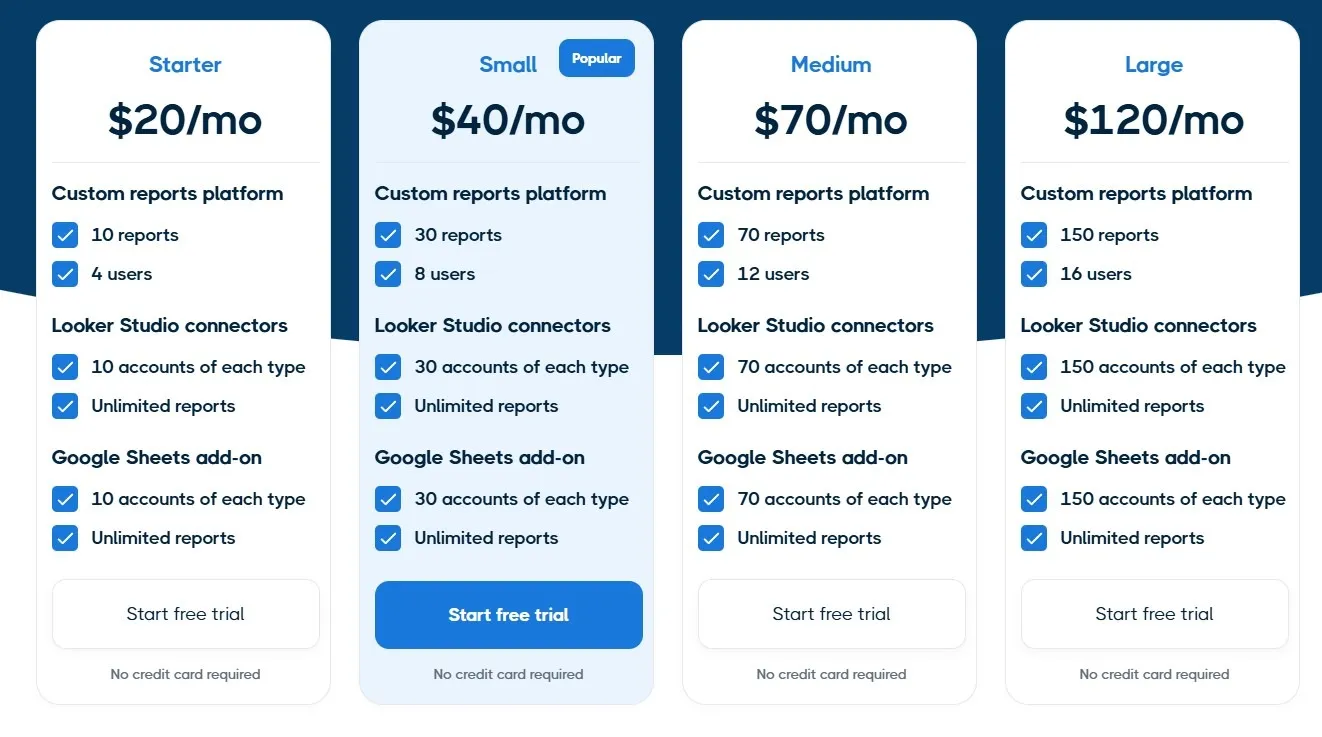
Pricing is designed to stay manageable as reporting volume grows. This makes it easier for agencies to scale across clients without reporting costs becoming difficult to forecast.
Reporting Ninja’s pricing is positioned for teams that want a straightforward monthly plan rather than a complex mix of add-ons.
“Throughout my years in the marketing field, I've firsthand experienced the challenges agencies face when crafting reports for clients. It's essential to have tools that enable effective digital marketing management and brand image strengthening, all while meeting client expectations. Reporting Ninja has proven to be an exceptionally effective and user-friendly solution in this regard.”- Marta Meyrick, ‘Marketing Hero’

Create client-ready PPC reports using reusable templates and automated refreshes. Deliver results in Looker Studio, Google Sheets, or Reporting Ninja’s custom reports platform, with predictable pricing as you scale. Start your free trial with Reporting Ninja.
{{cta-block-v1}}
Supermetrics is a connector-first tool that pulls PPC data into destinations like Looker Studio, Google Sheets, Excel, BigQuery, and other BI or warehouse tools. It’s a solid option if your team already has a reporting setup and mainly needs reliable data extraction and scheduled refreshes for ongoing paid search analytics.
Supermetrics pricing is plan-based and can scale quickly depending on what you connect and where you send it.
Here are what some real customers had to say about their experiences with Supermetrics…
“I like that Supermetrics is very easy to use and also quite flexible. There are a lot of metrics available, especially on platforms like Meta and Google. I find it very beneficial for automation of data pulling, which allows me to perform a daily pull of data effortlessly. The initial setup was very easy too.” - Jed Michael V., validated G2 reviewer.

“Supermetrics licensing appears to only be done by ‘seats’ (i.e., each user has to have their own license). This makes it incredibly costly for even a small-but-growing team to utilize the platform since Supermetrics is fairly strict about usage.” - Gregory J., validated G2 reviewer.

Review Supermetrics alternatives for different reporting needs.
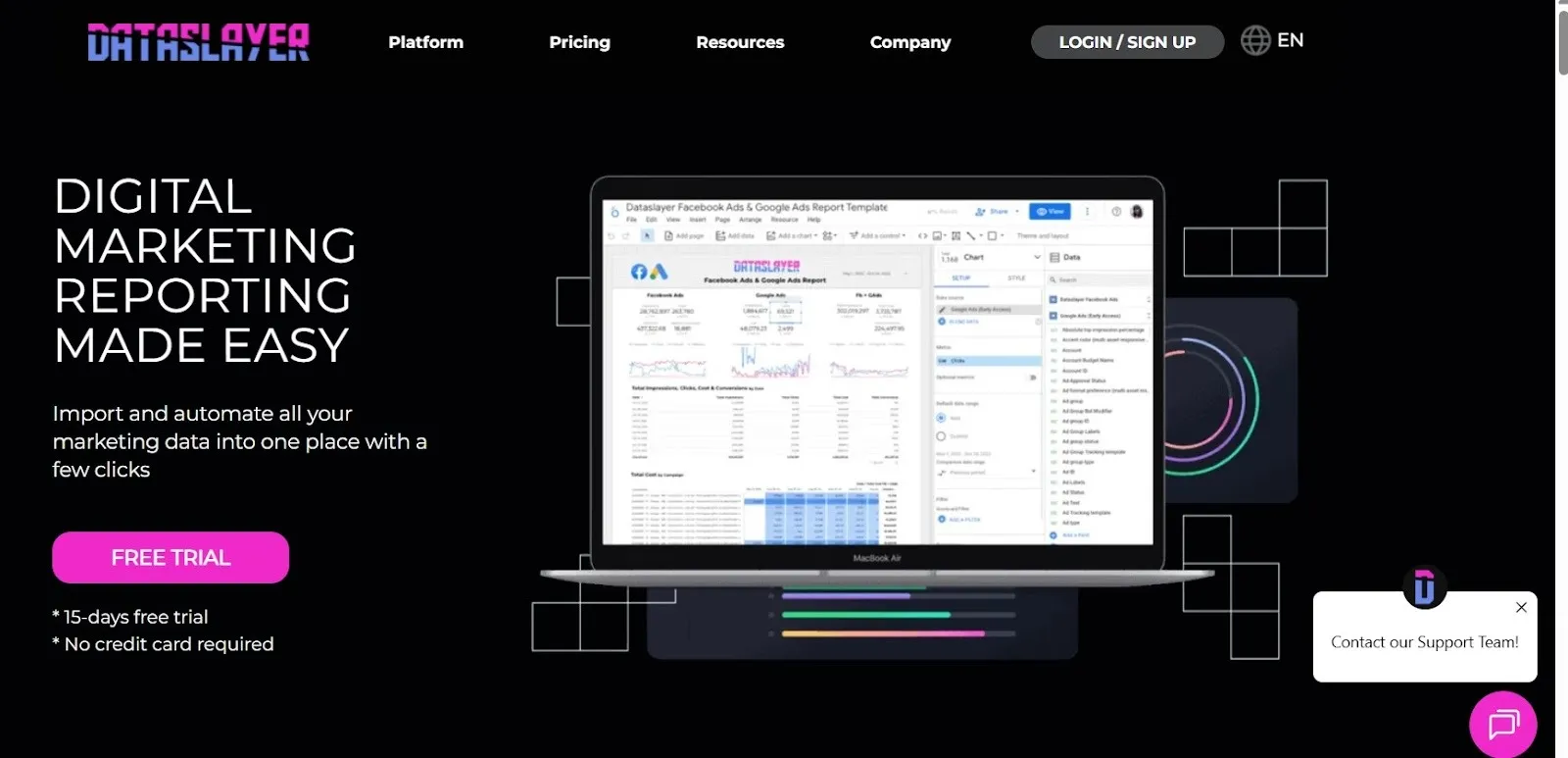
DataSlayer is a PPC-focused connector and reporting tool built around Looker Studio and Google Sheets. It’s a strong option if you want flexible data pulls across ad platforms, and you prefer usage-based pricing (API calls) instead of per-user or per-connector pricing.
DataSlayer pricing is tied to usage, measured in daily API calls. Importantly, pricing is also destination-based: each destination (for example, Looker Studio vs. Google Sheets) has its own separate plan and billing, and these are independent of each other. If you use multiple destinations, you should expect costs to stack.
Here is what users of DataSlayer have to say about the product:
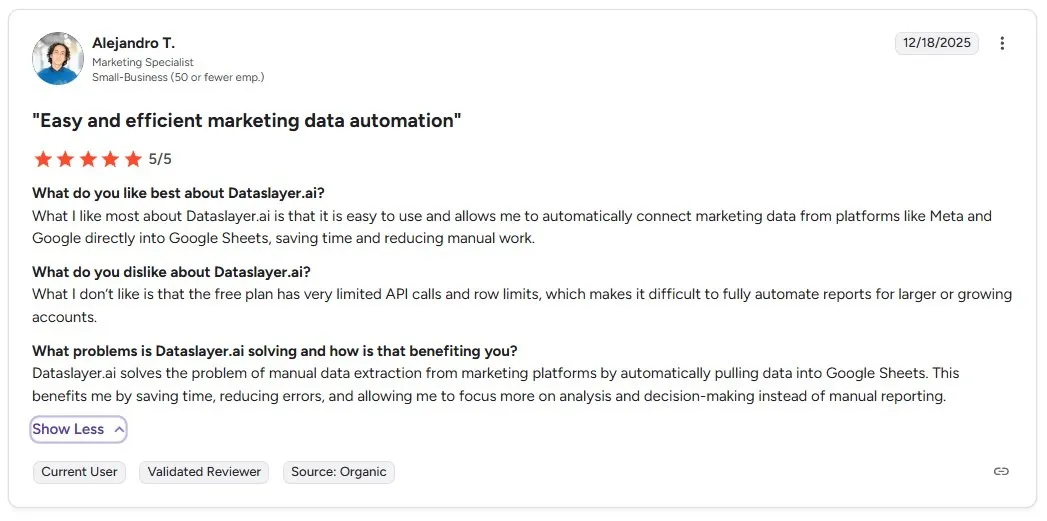
“What I like most about Dataslayer.ai is that it is easy to use and allows me to automatically connect marketing data from platforms like Meta and Google directly into Google Sheets, saving time and reducing manual work.” - Alejandro T., validated G2 reviewer.
“Customizability: While offering a range of integrations, the platform could benefit from more customizable reporting templates. Scalability: As user needs grow, enhancing scalability options for larger datasets and more complex queries could be beneficial.” - Daniel P., validated G2 reviewer.

NinjaCat is an agency-focused reporting platform that combines marketing dashboards with client-facing delivery features. It’s best suited for teams that want a more “all-in-one” reporting layer than a connector tool, and don’t mind a sales-led pricing model.
NinjaCat does not publish full pricing publicly. On G2, it’s positioned as custom-priced, which typically means the final cost depends on your agency size, data sources, and reporting scope.
And here’s what users say about NinjaCat…
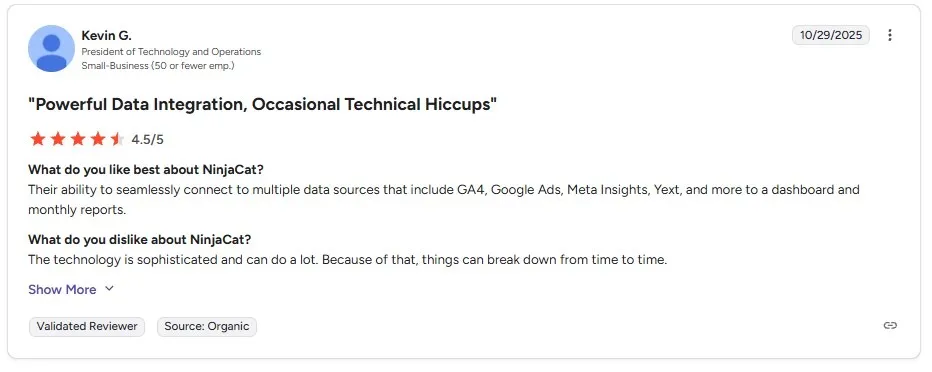
“Their ability to seamlessly connect to multiple data sources that include GA4, Google Ads, Meta Insights, Yext, and more to a dashboard and monthly reports.” - Kevin G., validated G2 reviewer.
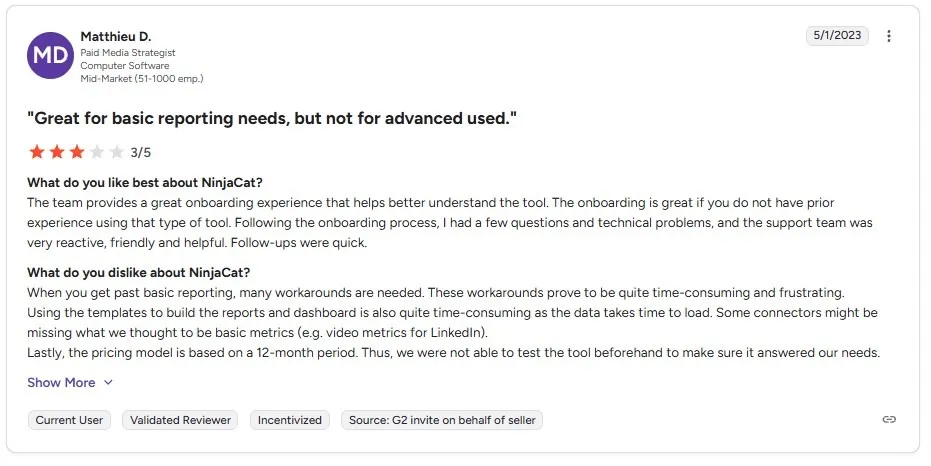
“When you get past basic reporting, many workarounds are needed. These workarounds prove to be quite time-consuming and frustrating.
Using the templates to build the reports and dashboard is also quite time-consuming as the data takes time to load.” - Matthieu D., validated G2 reviewer.
Most PPC reporting tools are either reporting platforms or connector tools. The right choice depends on who needs the report, how often it’s shared, and how much manual work you want to avoid.
Start with where your reports need to live. Some teams only need Looker Studio dashboards. Others also need weekly Google Sheets summaries or exports for internal analysis.
Reporting Ninja supports Looker Studio dashboards and reporting workflows that also deliver into Google Sheets or its custom reports platform, which helps when different stakeholders want different formats.
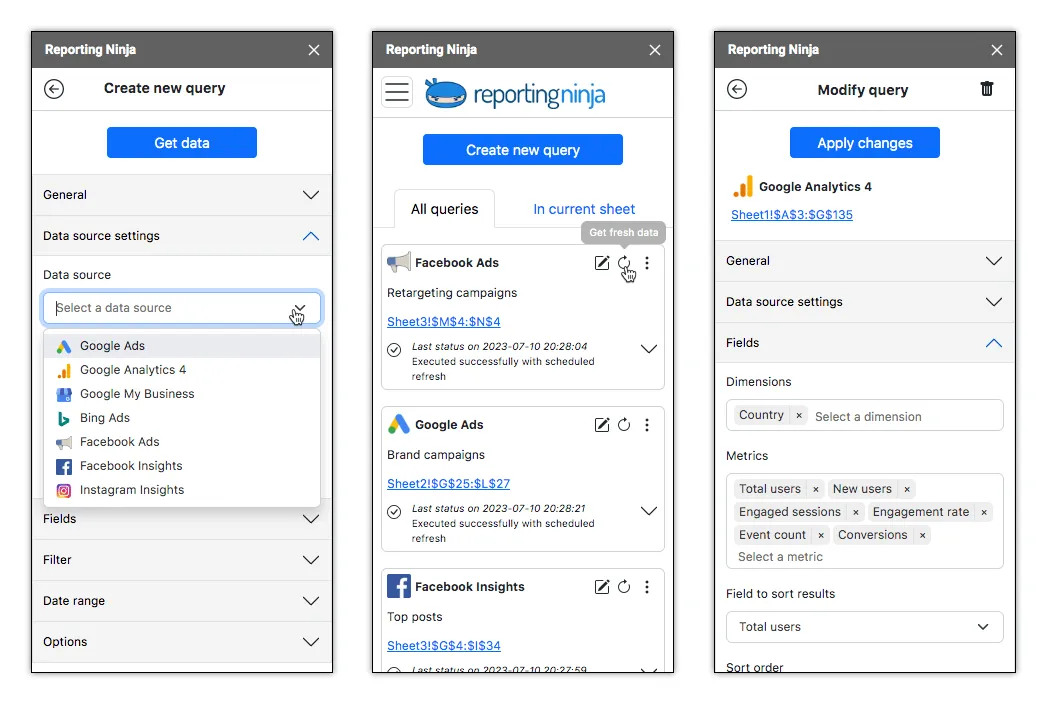
Build once, automate delivery, and share reports in the format each stakeholder prefers. Start your free trial with Reporting Ninja today.
Reporting gets harder as you add clients, accounts, and campaign types. Look for tools that help you standardize templates, reuse report structures, and avoid rebuilding dashboards from scratch every time you onboard a new account.
Reporting Ninja is built around reusable templates and repeatable reporting structures, which makes it easier to scale reporting without multiplying setup work.
Pricing models vary widely. Some tools charge by connector, destination, usage, or seats. That can be fine at first, but it gets harder to forecast as your reporting footprint expands.
A simple pricing structure is usually easier to manage, especially for agencies. Reporting Ninja keeps pricing more predictable than many connector-first tools, which helps teams avoid surprise costs as they add accounts and reporting deliverables.
Create reusable templates, automate delivery, and keep pricing predictable as you add clients and accounts. Try Reporting Ninja and standardize your reporting process without extra overhead.
If you’re tired of connector tools that only move data and still leave you doing the “reporting work,” Reporting Ninja is the better fit. It’s built for PPC teams and agencies that need client-ready deliverables. Fast.
You get reusable PPC templates, automated refreshes, and the ability to publish the same performance view to Looker Studio, Google Sheets, or Reporting Ninja’s custom reports platform, depending on how your stakeholders consume results.
And unlike usage- or seat-based pricing models, Reporting Ninja stays predictable as you scale across more accounts.
Start your 15-day free trial today.
{{cta-block-v1}}
Sign up for a 15 days free trial. No credit card required.

Build and automate amazing custom reports in a few clicks. Save time, be more productive, impress your clients.