11 best Supermetrics competitors & alternatives reviewed (2026)
Manolo Pereira
Contributor
Key takeaways
Reporting Ninja is a strong all-in-one option for freelancers and small agencies that need reporting, connectors, Sheets access, APIs, and automation without separate add-on costs.
Enterprise tools like Funnel.io, Adverity, and Improvado are better suited for complex data pipelines, governance, and warehouse workflows at larger organizations.
Flat-rate connectors such as Windsor.ai, Dataslayer, Power My Analytics, and Two Minute Reports work well for teams that mainly need predictable data extraction into existing tools.
Agency-focused platforms like Whatagraph, AgencyAnalytics, and Porter Metrics prioritize polished client-facing reports, but costs can increase as client volume grows.
While Supermetrics is a popular choice for data aggregation, it’s not the only option, and it’s not the best fit for everyone.
If you’re looking for affordable, more customizable, or better-integrated alternatives, you’re in the right place. We’ve analyzed the top Supermetrics alternatives for 2026, breaking them down by features, pricing, and who they’re best for.
But first, why should you consider an alternative to Supermetrics…
Reasons to consider an alternative to Supermetrics
Supermetrics is a well-known connector provider with broad platform coverage. It also has limitations that push marketers to look elsewhere. Here are the main ones.
1. High pricing as connectors add up
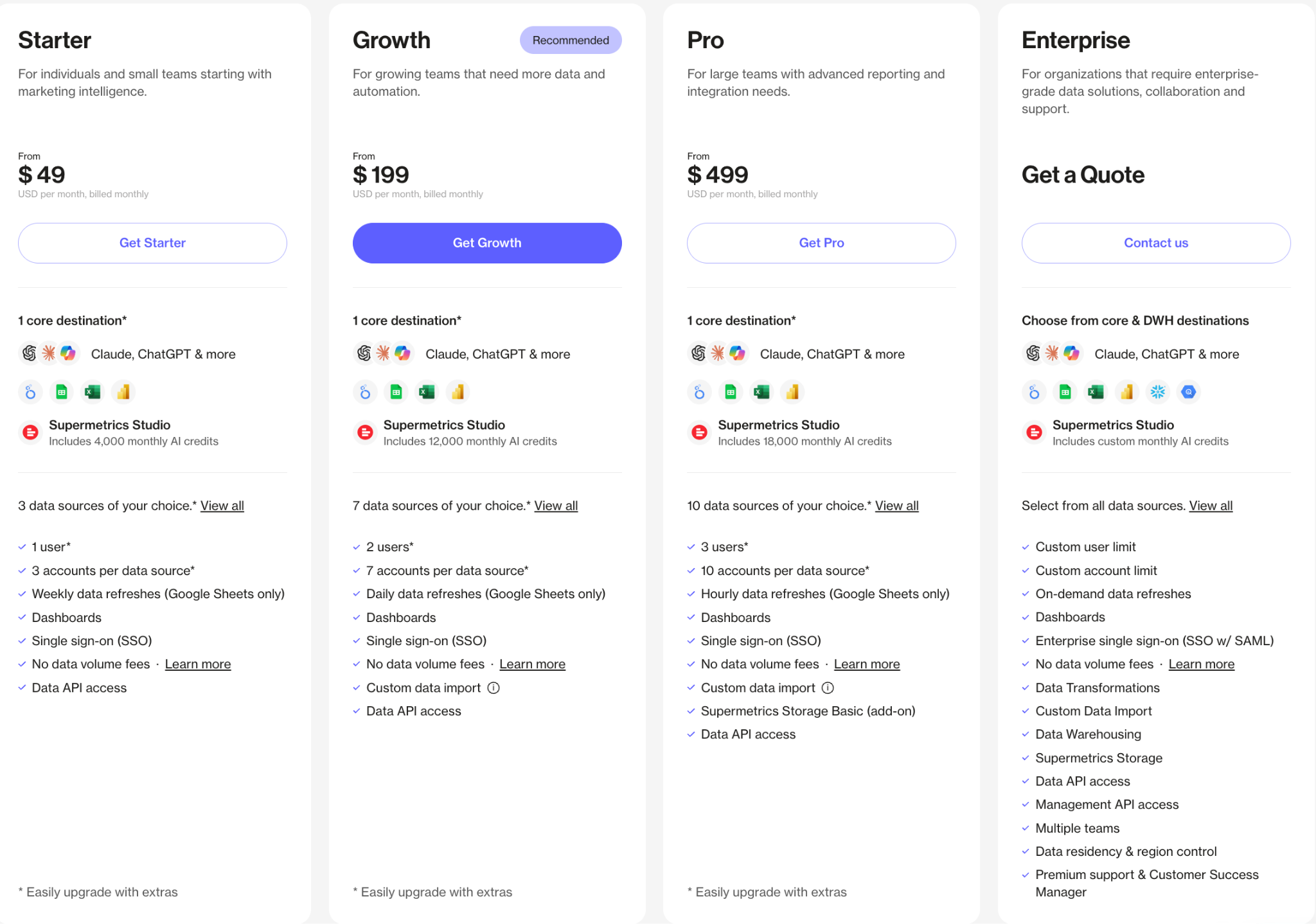
Supermetrics charges based on the connectors, destinations, and accounts you use, so costs climb fast for agencies collecting data from several platforms.
Teams often end up paying hundreds per month just to move data into Looker Studio or Google Sheets.
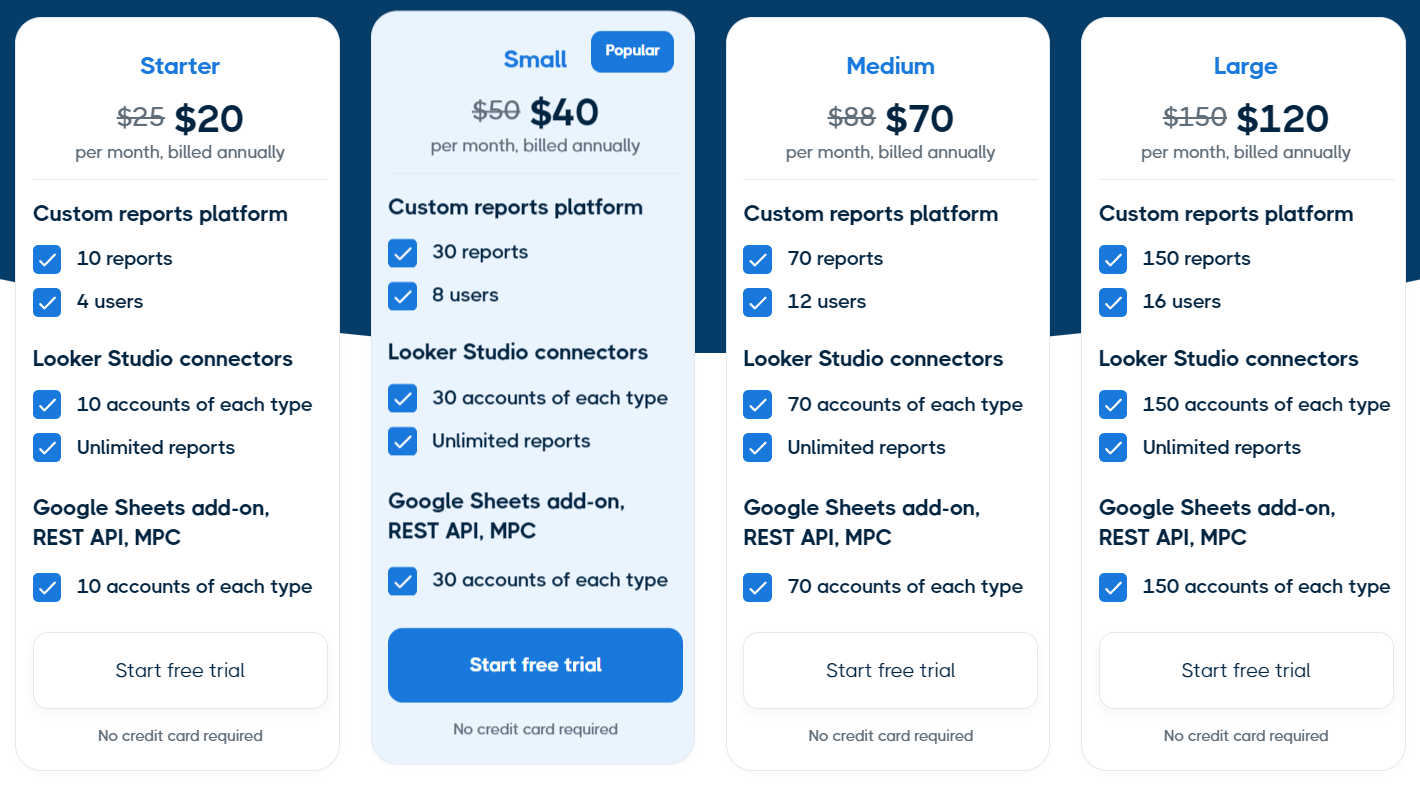
Reporting Ninja uses one all-inclusive plan that covers multi-platform reporting with no extra connector fees. Whether you need Looker Studio, Google Sheets, REST API, MCP server, or our own built-in reports platform, everything sits under a single price. You can compare our pricing plans below to see the difference for your account size.
2. A pricing structure that is hard to predict
The bigger frustration for many teams is not the headline price but the structure backing it. Extra destinations, premium connectors, more users, and higher refresh rates are locked behind a separate tier or add-on. That makes budgeting difficult, because the plan you start on rarely matches what you need six months later.
Pro tip: Before you commit to any connector tool, list the exact platforms, destinations, users, and refresh frequency you need, then price the plan that covers all four. The entry price almost never reflects the real cost for a full agency setup.
3. Limited built-in reporting and white-label options
Supermetrics focuses on data extraction, not report building. You still have to assemble reports separately in Looker Studio, Google Sheets, or another tool. Because reporting happens in third-party tools, it also has no built-in white-label branding, so agencies format client reports by hand.
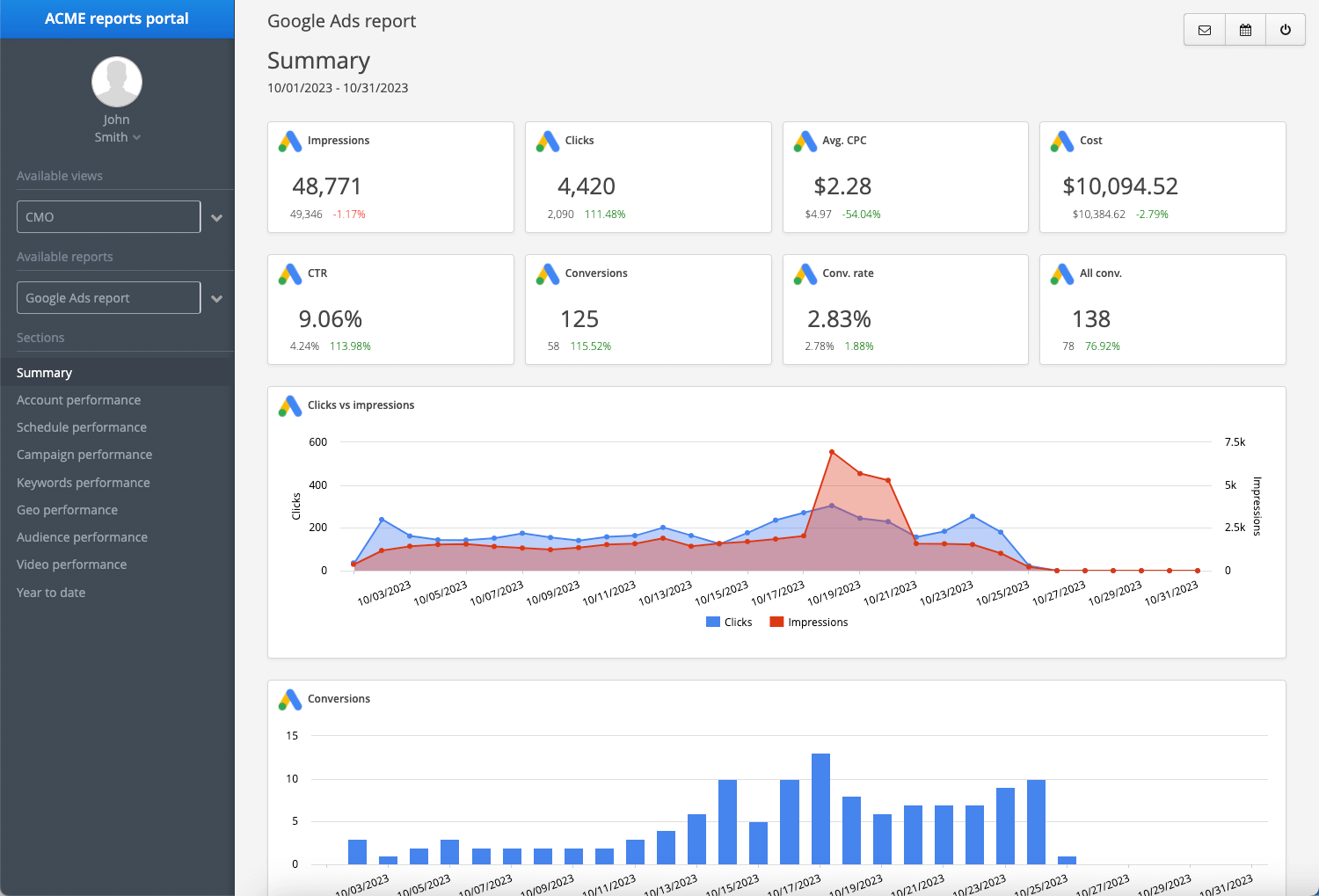
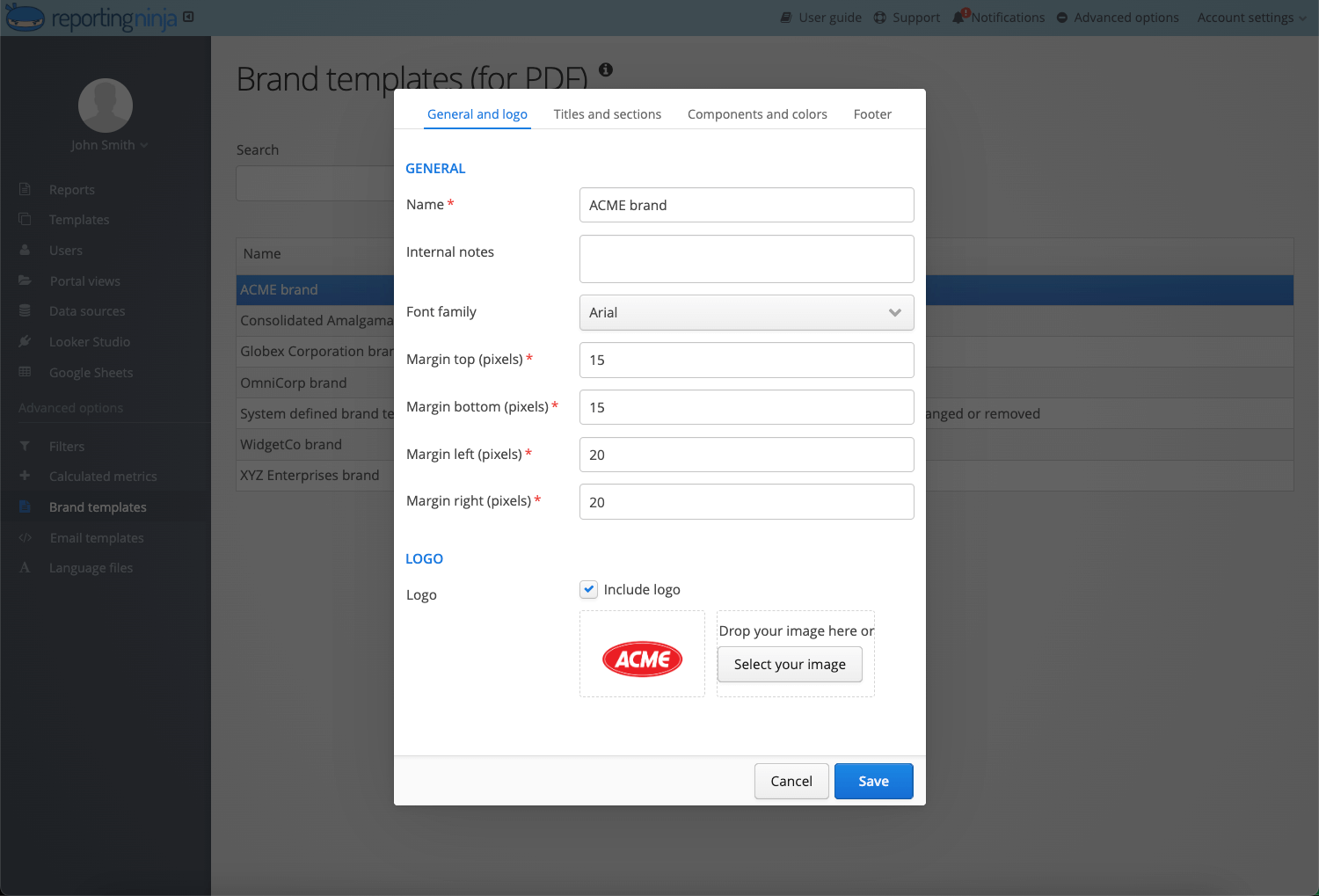
Reporting Ninja gives you both connectors and a reporting platform. You can export to Looker Studio or Google Sheets, or build fully customizable, white-label client reports inside Reporting Ninja with your own logo, colors, and fonts.
4. Data quality and connector reliability
Connector stability matters more than raw connector count. When a source breaks or an API change goes unnoticed, a client report ships with missing or wrong numbers. Adverity's 2025 survey of 200 CMOs found that, on average, 45% of the marketing data used to make business decisions is incomplete, inaccurate, or outdated. This is exactly why reliable, well-maintained connectors matter as much as how many platforms a tool claims to support.
Reporting Ninja covers the most commonly used marketing and analytics integrations and tests them for reliability, so recurring reports stay consistent.
5. Support that fits a self-serve workflow
Support models differ across these tools, and the right fit depends on how you work. Some teams want a dedicated account manager and phone support. Others prefer written documentation and fast chat or email replies without scheduling a call.
Reporting Ninja follows a self-serve model built around clear documentation and a free trial, with no demo or onboarding call needed to get going. That keeps costs down and suits marketers who would rather start reporting today than wait for an onboarding session.
Supermetrics competitors and alternatives compared for 2026
Tool
Best for
Standout feature
Starting price
Reporting Ninja
All-in-one reporting for lean teams
5 tools in 1: custom reports, Looker Studio, Google Sheets add-on, REST API, MCP
$20/month billed annually
Funnel.io
Enterprise data infrastructure
121–590 connectors with data harmonization
$300/month billed annually
Adverity
Enterprise data governance
600+ connectors plus AI transformation
Custom
Improvado
AI-driven enterprise analytics
AI Agent over 500+ sources
Custom
Dataslayer
Growing teams needing AI reporting
50+ connectors with AI Insights and MCP
$35/month billed annually
Power My Analytics
Budget multi-source reporting
Free data warehousing on every plan
$41.63/month billed annually
Whatagraph
Premium client-ready reporting
Polished visual reports with Whatagraph IQ
$812/month billed annually
Windsor.ai
Flat-rate warehouse and BI feeds
325+ sources, all included, free MCP
$19/month billed annually
Porter Metrics
Looker Studio reporting on a budget
Pay-per-account with data blending included
$12.5/month billed annually
Two Minute Reports
Fast Sheets and Looker Studio setup
30+ sources with Custom API Bridge
$9/month billed annually
AgencyAnalytics
White-label agency reporting
85+ integrations with client portal
$20 per client/month billed annually
1. Reporting Ninja
Best for: Freelancers, small agencies, and lean in-house teams that want all-in-one reporting at one affordable price.
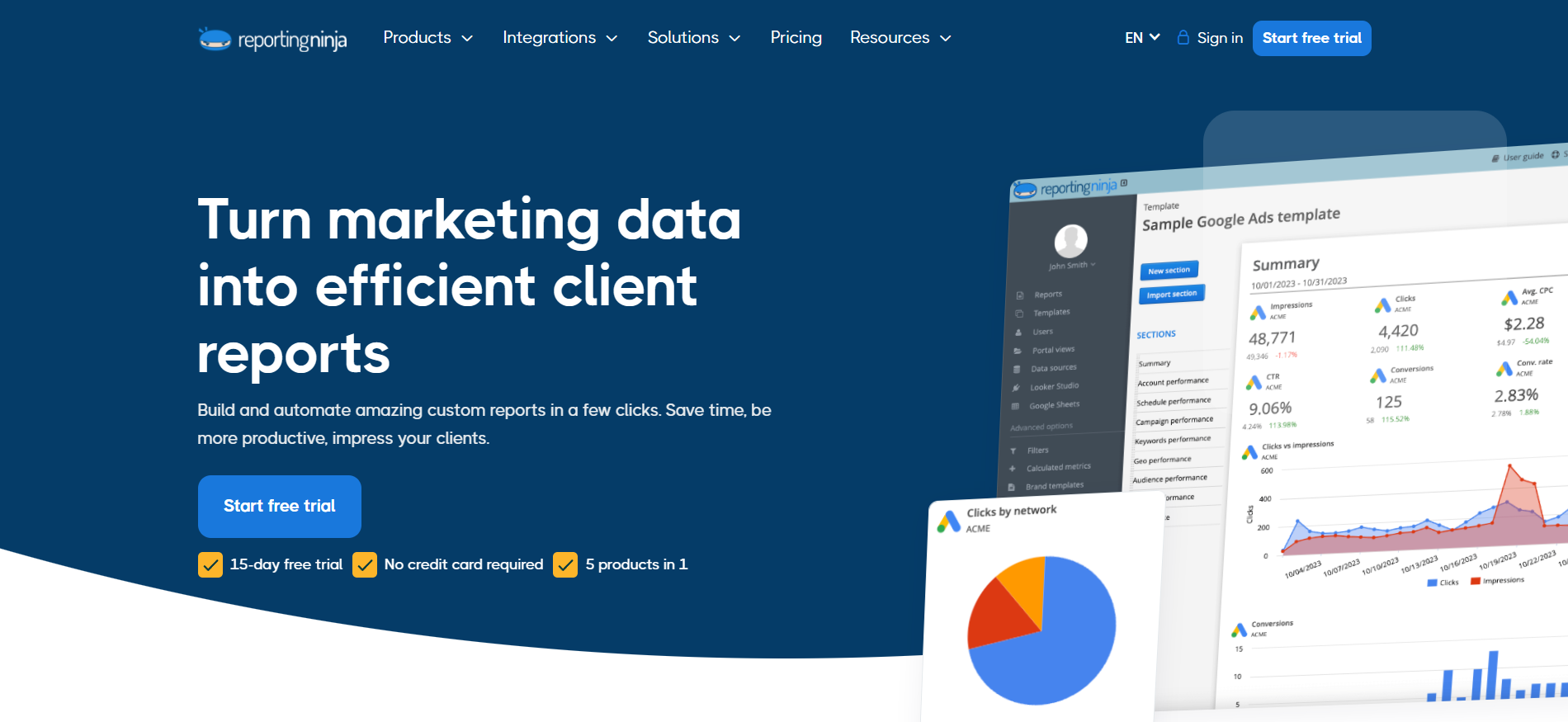
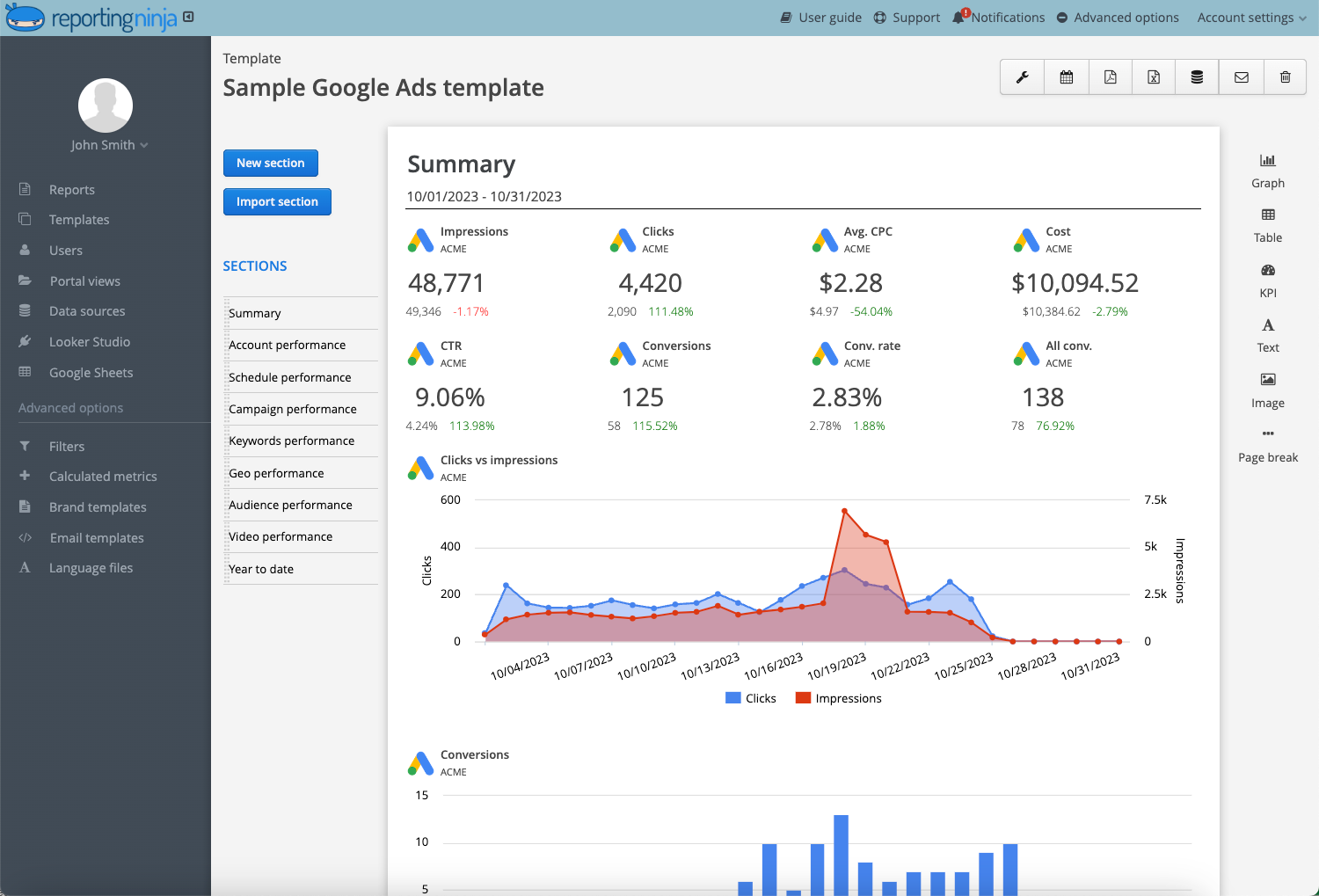
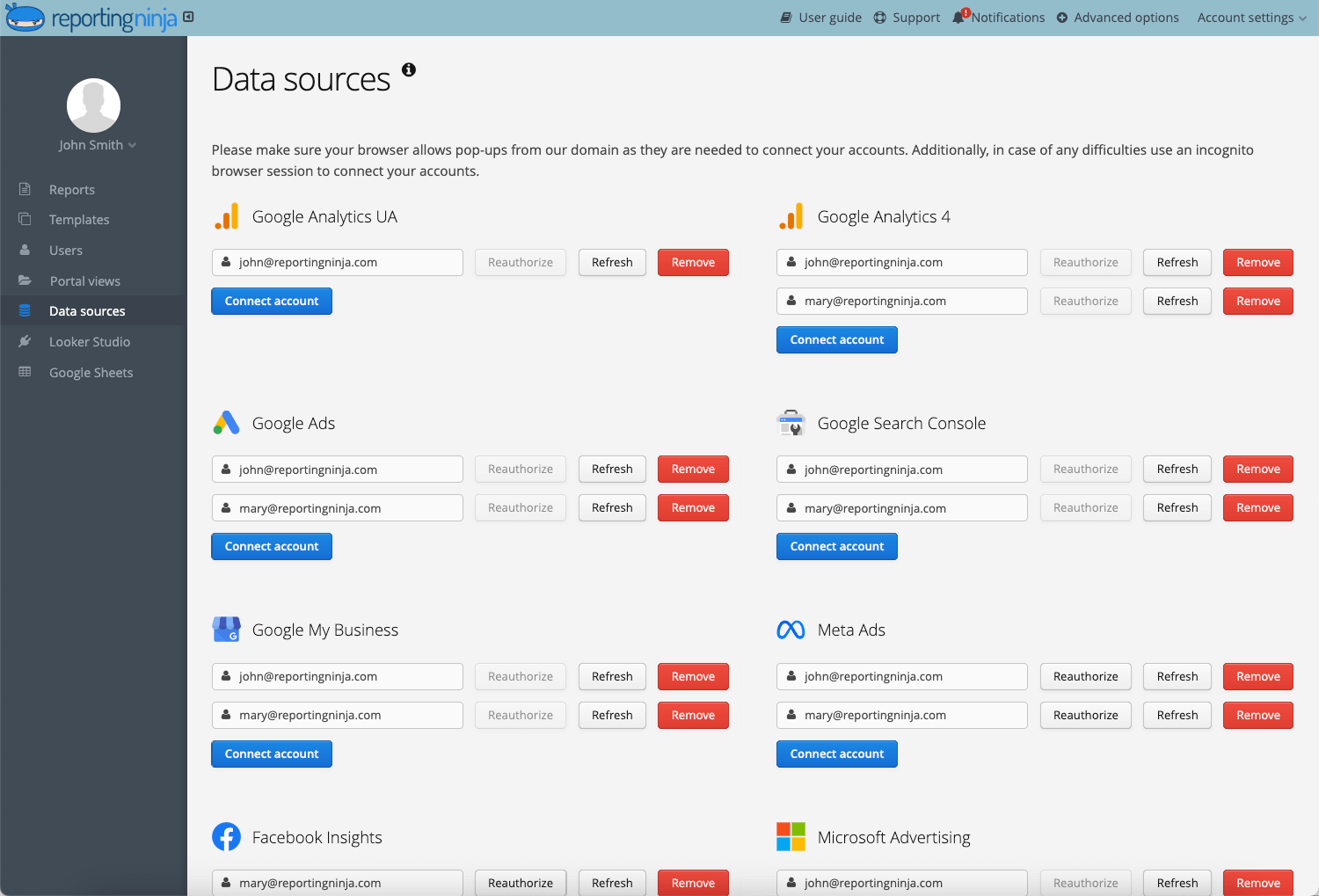
Supermetrics moves data into Looker Studio and Google Sheets, and that is where its job ends. Reporting Ninja goes further. Yes, it acts as a connector for Looker Studio and Google Sheets, but it also gives you a built-in reports platform so you can export data into third-party tools or build and automate reports in-app.
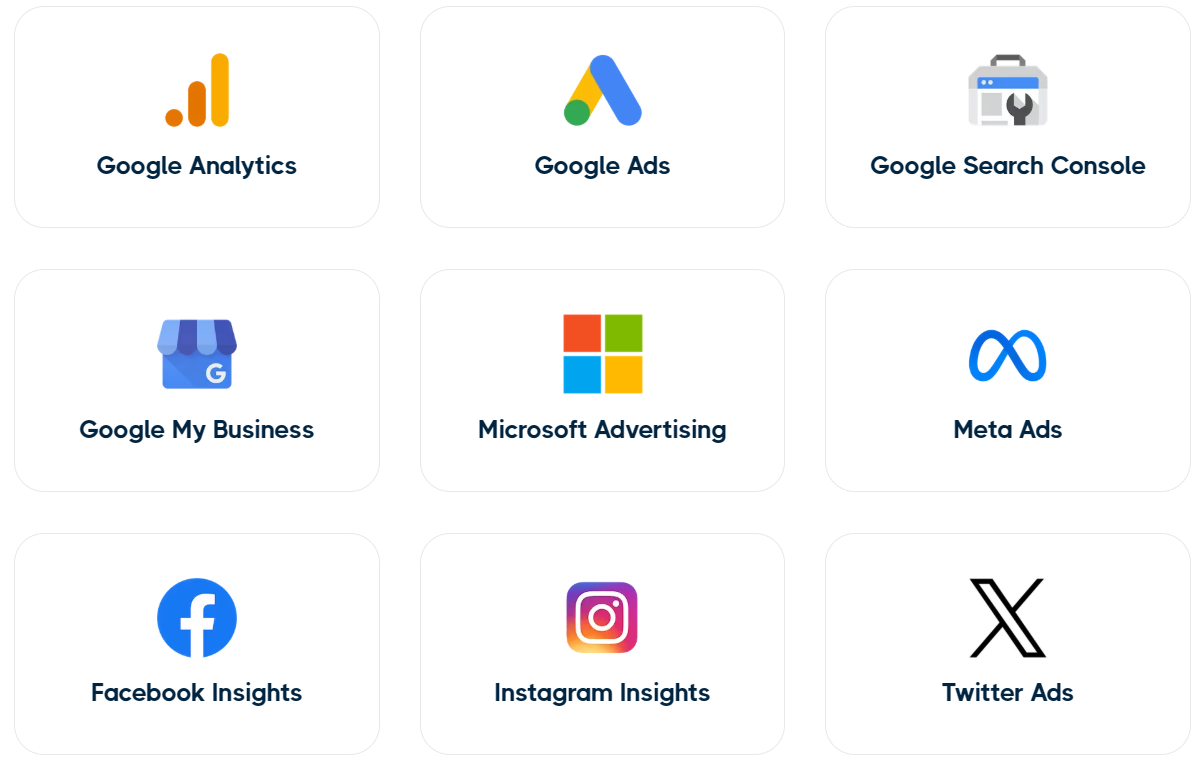
Reporting Ninja offers you five ways to build your marketing reports: a custom reports platform, Looker Studio connectors, Google Sheets add-on, REST API, and an MCP server. Every feature and integration is included on every plan, with no pay-more-to-access tiers.
Key features
Custom report builder
A drag-and-drop interface lets you build reports without code, so client-ready reports look professional without added design work.
A range of visualization options, including charts, tables, and graphs, helps highlight key metrics.
Advanced filtering and segmentation let you tailor reports by metric, date range, and audience.
You can also start from a free Looker Studio template instead of a blank canvas, then customize it per client.
Combines multiple sources into a single report for cross-platform insight instead of separate dashboards.
Supports custom metric creation, so you can blend data in ways standard connectors do not allow.
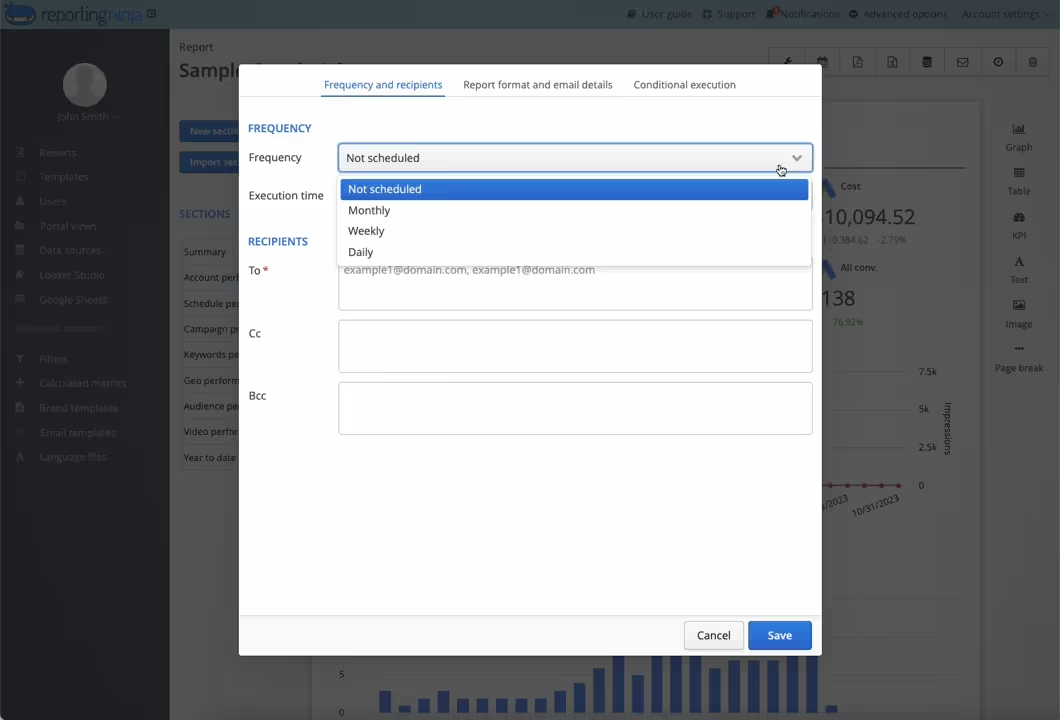
Automated report scheduling
Generates and delivers reports by email, PDF, or live dashboard on a schedule you set once.
Keeps stakeholders updated without manual work, which ends the monthly rebuild.
Refreshes report data so you track performance changes as they happen.
White-label customization
Full branding options let agencies present reports as their own with logos, colors, and fonts.
Supports personalized templates and client-specific customization.
Multi-language support helps with global client reporting.
AI access through MCP
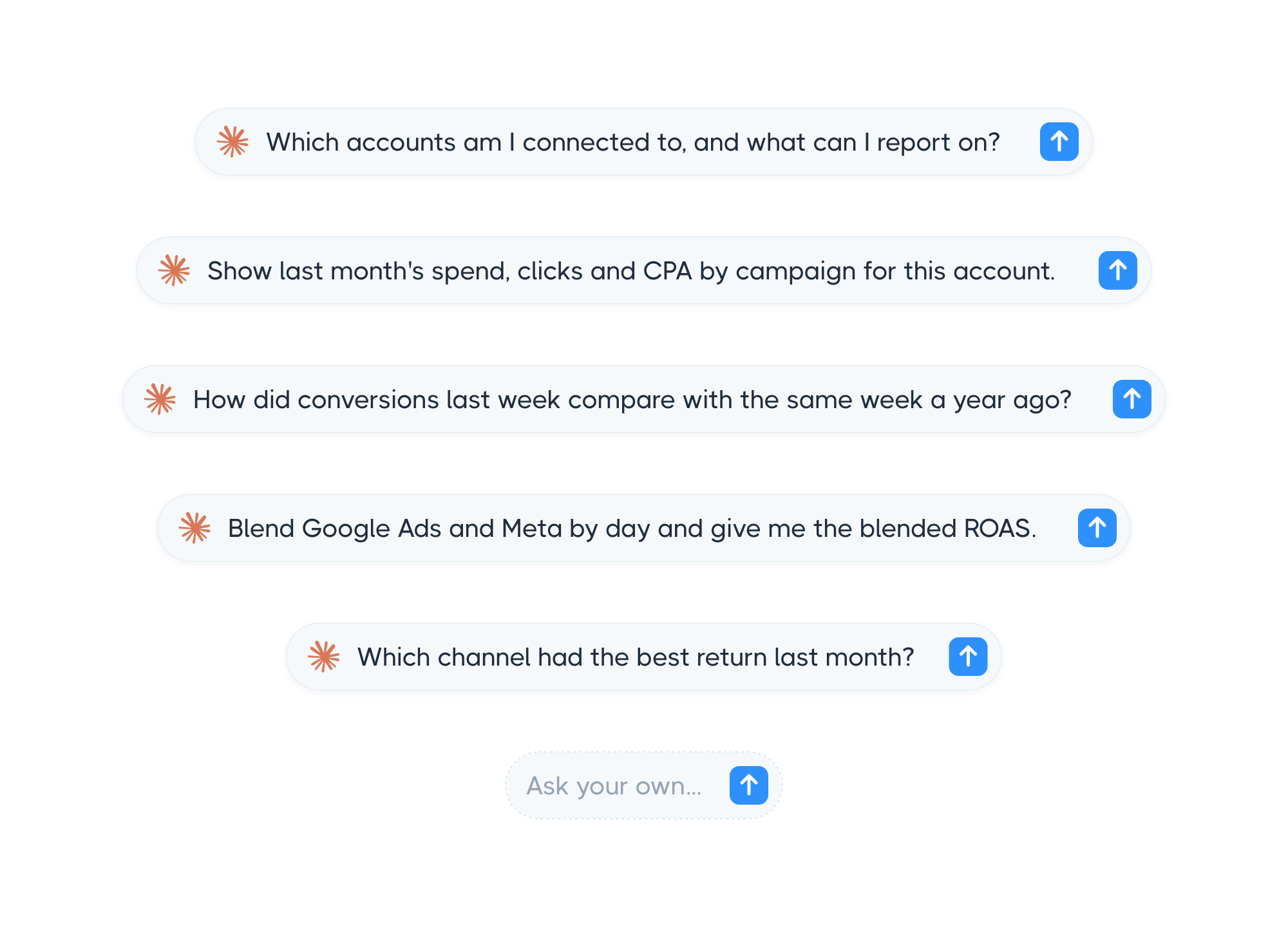
Connect Claude, ChatGPT, or any MCP client to your marketing data and ask questions in plain language.
Query every integration, compare periods, and blend channels without exports or SQL.
Available read-only on every plan, so AI-assisted analysis is not locked behind a higher tier.
REST API
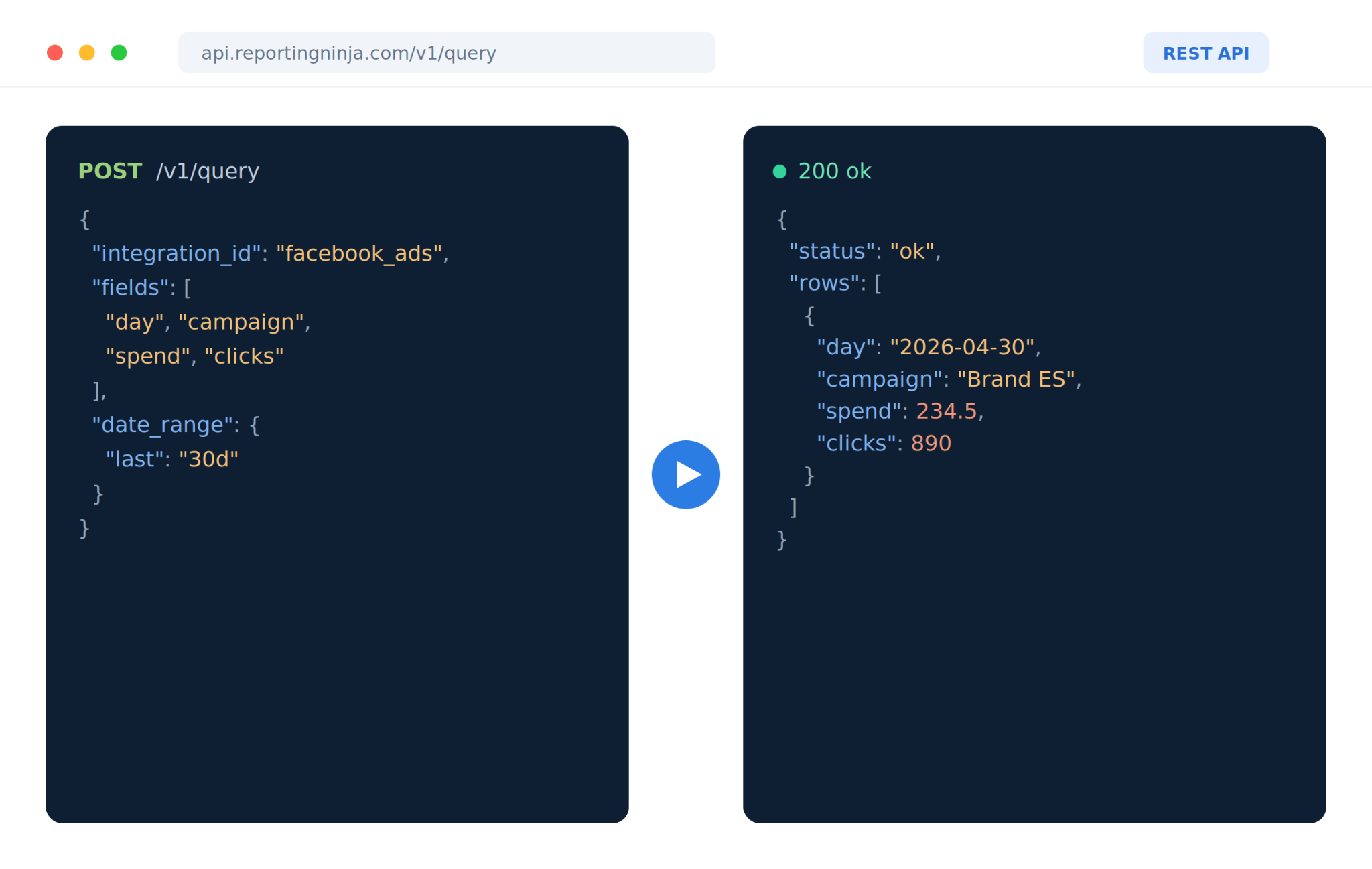
Access all your marketing data programmatically through a single REST API.
Query every connected integration, retrieve clean, unified data with filters and period-over-period comparisons, and feed it into your own apps, dashboards, data warehouse, or automation workflows.
Included on every plan with no developer add-on fees, so you can build custom reporting and AI-powered workflows without extra licensing costs.
Pricing
All plans include every feature, destination, and integration. Prices below are billed annually.
Plan
Price
Custom reports (reports/users)
Looker Studio / Google Sheets (accounts per type)
Starter
$20/month
10 reports / unlimited users
10 accounts
Small
$40/month
30 reports / unlimited users
30 accounts
Medium
$70/month
70 reports / unlimited users
70 accounts
Large
$120/month
150 reports / unlimited users
150 accounts
Where Reporting Ninja shines
More than a connector: Unlike Supermetrics, Reporting Ninja does not just move data to Looker Studio and Google Sheets. It also gives you a custom reports platform, a REST API, and an MCP server so you are not forced into one rigid workflow.
Everything included: Every plan covers all features, all destinations, and all integrations, with no tier-gating inside a plan.
Affordable, transparent pricing: Plans start at $20/month billed annually, which is the biggest reason customers choose us.
White-label reporting: Agencies deliver branded reports with no mention of Reporting Ninja.
Automation at the core: Scheduled delivery removes manual report updates.
Where Reporting Ninja falls short
Fewer integrations than the biggest platforms: It covers the most commonly used sources rather than the longest catalog, so a very niche data source may not be supported.
Not built for enterprise BI: It focuses on marketing reporting for lean teams, not advanced governance, custom development, or complex approval workflows.
Customer reviews
"I had already worked with other tools, but the balance between automation, customization, and the visuals offered by Reporting Ninja meets all my needs. The ability to integrate data from various marketing channels and turn them into such well-crafted reports saves us a lot of time while enhancing our clients' experience." Stephanie Barbieri, Studio 33
Who Reporting Ninja is best for
Marketing agencies that need scalable, automated, fully branded client reports.
In-house marketing teams that want easy, multi-platform reporting.
Freelancers and consultants who want professional, white-labeled reports with minimal effort.
{{cta-block-v1}}
2. Funnel.io
Best for: Enterprise teams that need heavy data transformation and warehouse exports.
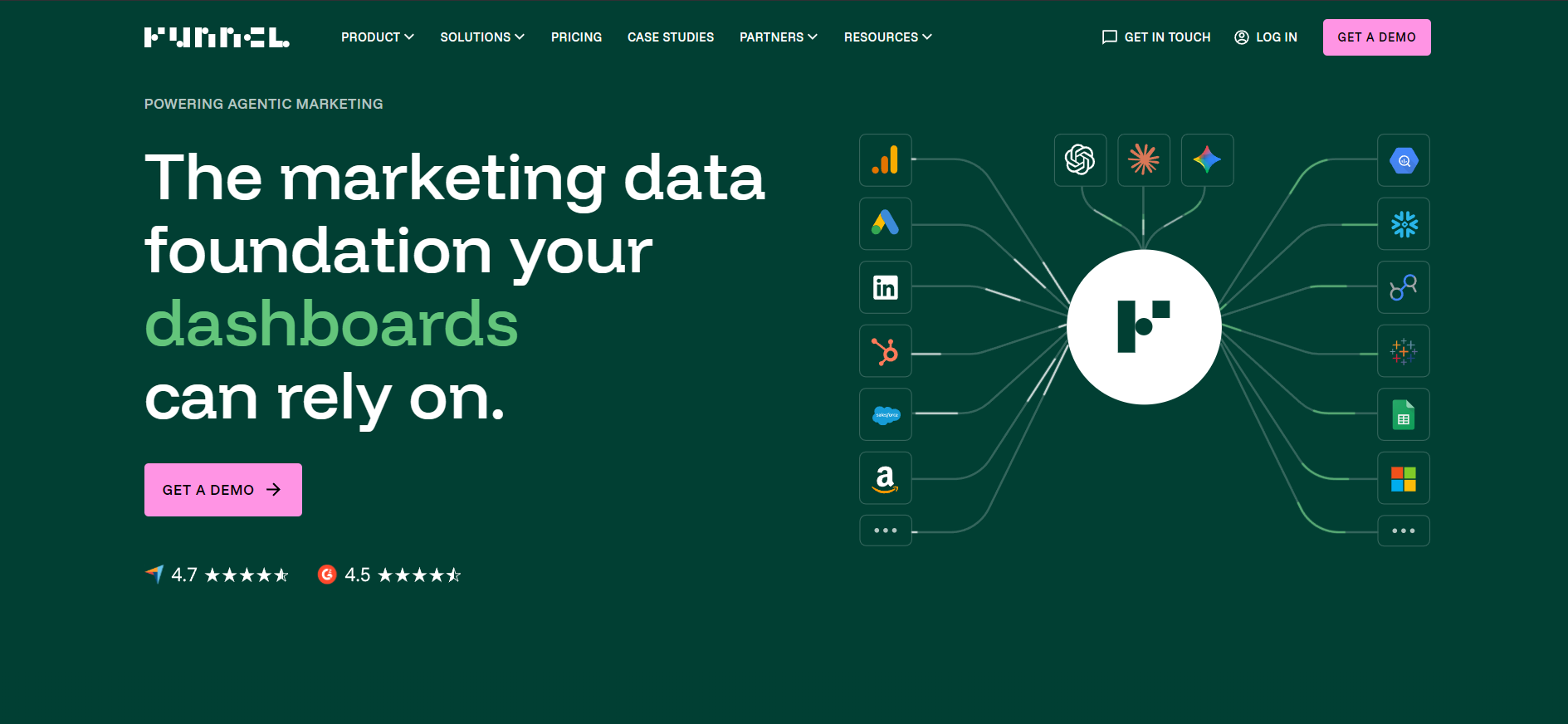
Whereas Supermetrics focuses on extraction, Funnel.io puts more weight on processing and moving data, which suits larger organizations handling big data volumes. That depth also brings complexity that smaller teams may not need.
Key features
Broad connector library: The Business plan reaches 579 connectors, and Enterprise lists 600+, covering most marketing and analytics platforms.
Data harmonization: Built-in field mapping and currency conversion make metrics comparable across sources.
Multiple export destinations: Send data to Looker Studio, Google Sheets, BigQuery, Snowflake, and other warehouses, with a Funnel MCP for AI tools.
Pricing
Plan
Price
What you get
Starter
$300/month
121 connectors, 5 users, Funnel Dashboards, Looker Studio and Google Sheets
Strong data transformation: Solid cleaning, mapping, and harmonization options.
Wide connector range: More sources than most competitors.
Enterprise ready: Supports custom pipelines and warehouse exports.
Where Funnel.io falls short
Higher pricing: Entry starts at $300/month billed annually, and flexpoint usage can add cost.
Steeper learning curve: Setup rewards some knowledge of data transformation.
Reporting is lighter than a dedicated builder: Its strength is the data pipeline, not client-ready report design.
Customer reviews
"Very easy to connect and share data with, albeit a bit expensive."Alexander J., verified G2 user
Who Funnel.io is best for
Teams exporting data to warehouses or BI tools for deeper analysis.
3. Adverity
Best for: Large enterprises that need governed data at scale with AI transformation.
Adverity does more than extract data. It harmonizes and governs it, with AI-assisted transformation built for enterprises handling complex, high-volume analytics. That power comes with a steeper learning curve and enterprise pricing.
Key features
AI-assisted transformation: Agentic field mapping and continuous data-quality monitoring.
Enterprise governance: Data dictionary, access controls, and certifications, including ISO 27001 and SOC 2 Type 2.
Enterprise-grade integrations: 600+ connectors feeding warehouses, BI tools, and marketing platforms.
Pricing
Plan
Price
What you get
Custom
Contact sales
600+ connectors, AI transformation, governance, dedicated account manager
Where Adverity shines
AI-powered data operations: Natural-language data conversations and automated monitoring.
Scales for enterprises: Handles large datasets with governed, automated processing.
Strong governance: Access controls and compliance features for enterprise clients.
Where Adverity falls short
Expensive for smaller teams: Pricing targets large organizations.
Complex to set up: Rewards data expertise and a longer onboarding.
Not a report builder: Primarily a data platform, not a client-reporting tool.
Customer reviews
"Powerful tool but very complex to use."Albrecht F., verified G2 user
Who Adverity is best for
Large enterprises that need AI-driven analytics, governance, and automation.
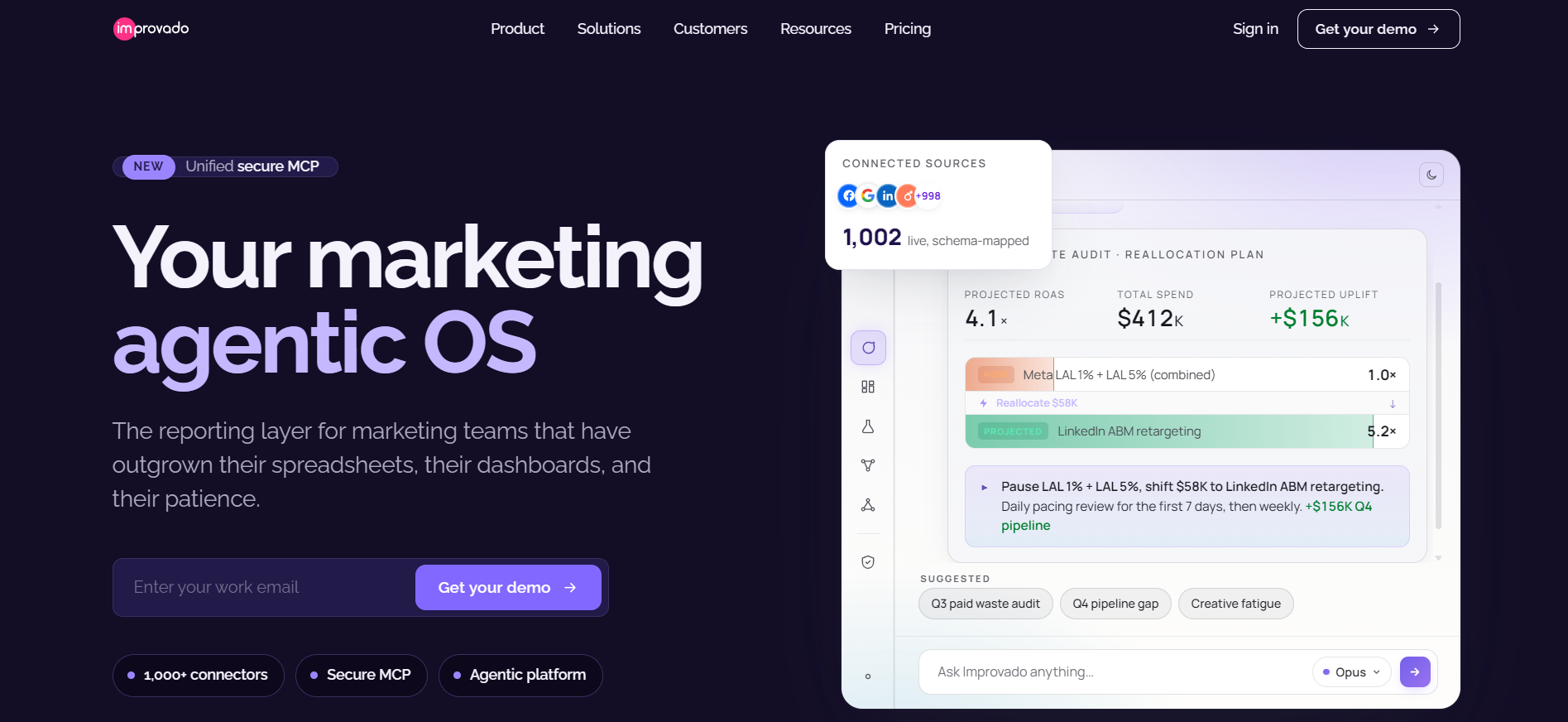
4. Improvado
Best for: Enterprise marketing teams that want an AI agent sitting on top of their data.
Improvado centers on an AI Agent that connects data, answers questions, and builds reports across a large connector library. It fits businesses that want more control over their data and an AI layer to query it, though complex setup is involved.
Key features
AI Agent: Query data in plain language, build visualizations, and schedule AI-generated insights.
Broad connectors: 500+ pre-built sources, with custom connectors available on request.
Governance and security: Transformation engine plus SOC 2, GDPR, and HIPAA compliance, with an MCP server for AI clients.
Pricing
Plan
Price
What you get
Custom
Contact sales
AI Agent, 500+ sources, transformation, governance, MCP access
Where Improvado shines
AI-native workflow: The agent handles queries, dashboards, and next-step suggestions.
Full pipeline control: Transformation and governance beyond simple extraction.
Scales for growing enterprises: Automates data flows to reduce manual work.
Where Improvado falls short
Custom pricing: Less accessible for small businesses.
Not for beginners: Needs technical setup and data maturity to get value.
Overkill for simple needs: Teams with under 10 data sources may not need it.
Customer reviews
"Improvado has useful out-of-the-box solutions for streamlining data aggregation and reporting."Dominic M., verified G2 user
Who Improvado is best for
Enterprise teams that want AI-driven analysis over a large, governed data set.
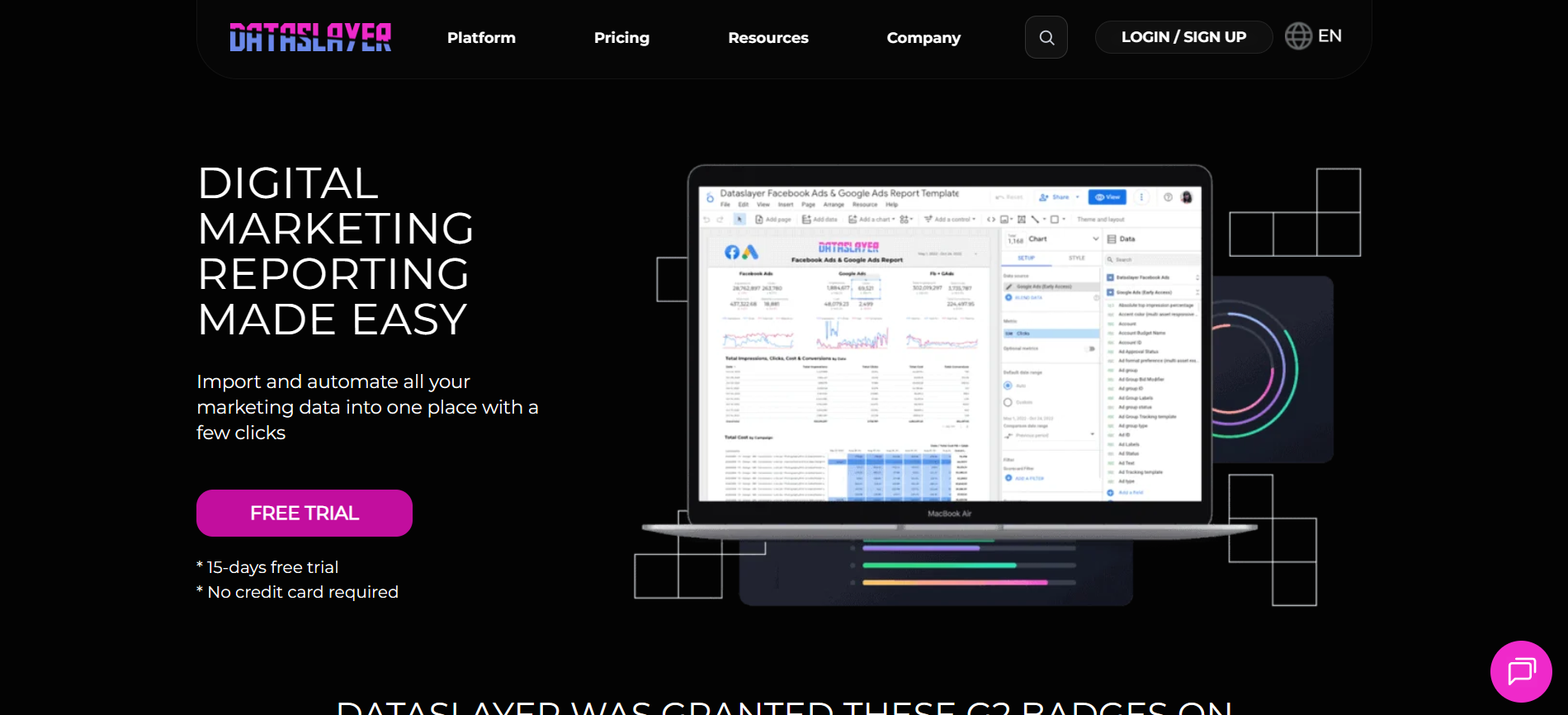
5. Dataslayer
Best for: Growing teams and small agencies that want AI-assisted reporting at a mid-range price.
Dataslayer keeps reporting simple while adding AI features. It connects 50+ sources to Looker Studio, Google Sheets, Power BI, and warehouses. In February 2026 it moved to a clearer model priced by connectors, users, and accounts, which makes scaling more predictable.
Key features
Core and enterprise destinations: Google Sheets, Excel, Looker Studio, and Power BI with unlimited rows, plus BigQuery, Snowflake, and other warehouses.
AI Insights: A Looker Studio AI Analyzer, a Dataslayer MCP, and Dataslayer GPT for natural-language queries.
Flexible scheduling: Daily refreshes on Starter, hourly from the Advanced plan up.
Pricing
Plan
Price
What you get
Starter
$35/month
3 connectors, 1 user, 3 accounts per connector, daily refresh
Advanced
$115/month
7 connectors, 10 users, 50 accounts, hourly refresh, data blending, AI Insights
Pro
$345/month
10 connectors, unlimited users, 100 accounts, full AI Insights, account manager
Business
Custom
Unlimited connectors and custom limits, all destinations, dedicated onboarding
Where Dataslayer shines
AI-assisted reporting: MCP, GPT, and a Looker Studio analyzer built in.
Transparent, published pricing: Clear connector, user, and account limits.
ISO certified: ISO 27001 and ISO 27701, and it does not store your data.
Where Dataslayer falls short
Connector limits by plan: Heavy multi-platform users climb tiers quickly.
Warehouse row caps: Enterprise destinations have monthly row limits per plan.
Best for reporting, not full BI: It feeds tools rather than replacing them.
Customer reviews
"Very useful but limited."Charlie S., verified G2 user
Who Dataslayer is best for
Growing teams and small agencies that want automated, AI-assisted data extraction.
6. Power My Analytics
Best for: Budget-conscious marketers who mainly report in Looker Studio and Google Sheets.
Power My Analytics is a low-cost data hub that centralizes marketing data and includes data warehousing on every paid plan. It suits teams that want straightforward automation into Looker Studio, Sheets, and Excel rather than deep transformation.
Key features
Direct connectors: Syncs Google Ads, Facebook, LinkedIn, Shopify, Amazon, and more.
Automated updates: Refreshes data in Google Sheets and Looker Studio without manual exports.
Included data warehousing: Every paid plan bundles warehousing, which the vendor says speeds up reports.
Pricing
Plan
Price
What you get
Sample Data
Free
Unlimited sources with sample data, 1 admin, Data Builder
Business
$41.63/month
Live account connections, Looker Studio, Sheets, and Excel
Pro
$166.63/month
Higher account limits, hourly refresh, AI Insights
Enterprise
Custom
Exports to BigQuery, SQL, and FTP, API access, account manager
Where Power My Analytics shines
Affordable entry: One of the cheaper options for small teams.
Simple setup: Plug-and-play with Google Sheets and Looker Studio.
Free warehousing: Included on paid plans, which most other platforms reserve for higher tiers.
Where Power My Analytics falls short
Limited transformation: Lacks advanced cleaning and blending.
Fewer integrations: Narrower than the largest platforms.
Connector reliability: Some users report connectors that do not always hold up.
Customer reviews
"Cheap pricing is appealing but connectors don't all work."Zachary C., verified G2 user
Who Power My Analytics is best for
Marketers who primarily use Looker Studio and Google Sheets and want a low monthly cost.
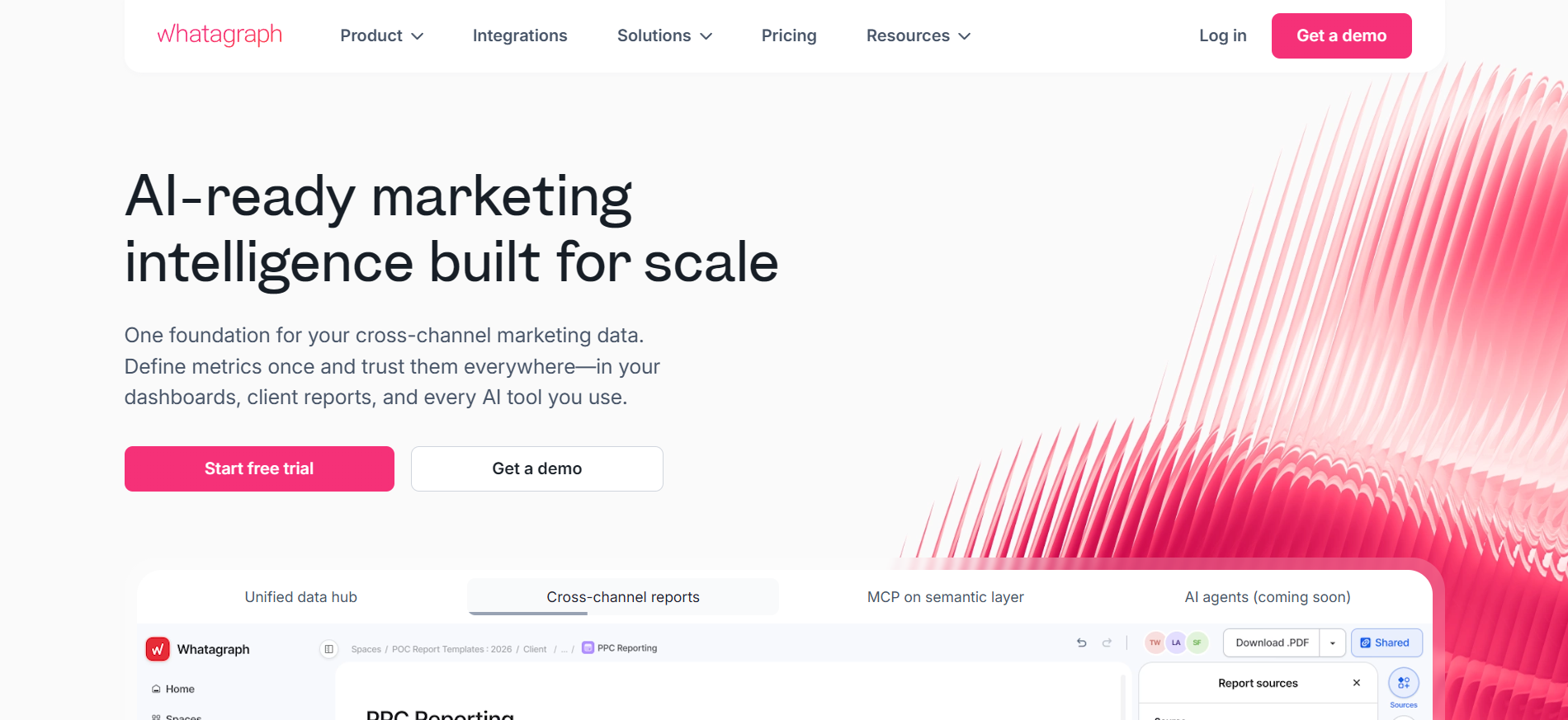
7. Whatagraph
Best for: Teams that want premium, presentation-ready client reports and can budget for them.
Whatagraph focuses on polished, visual reporting with pre-built templates, blends, and a governed data foundation. It reads as one of the more design-forward tools here, which suits agencies whose clients expect attractive decks. That polish comes at a premium price, and it now runs a sales-led model.
Key features
Visual reporting: Pre-built themes, white-label branding, and Whatagraph IQ for plain-language summaries.
Data organization: Source groups, blends, and currency conversion before reporting.
Destinations and AI: Transfers to BigQuery and Looker Studio, plus a Whatagraph MCP for AI tools.
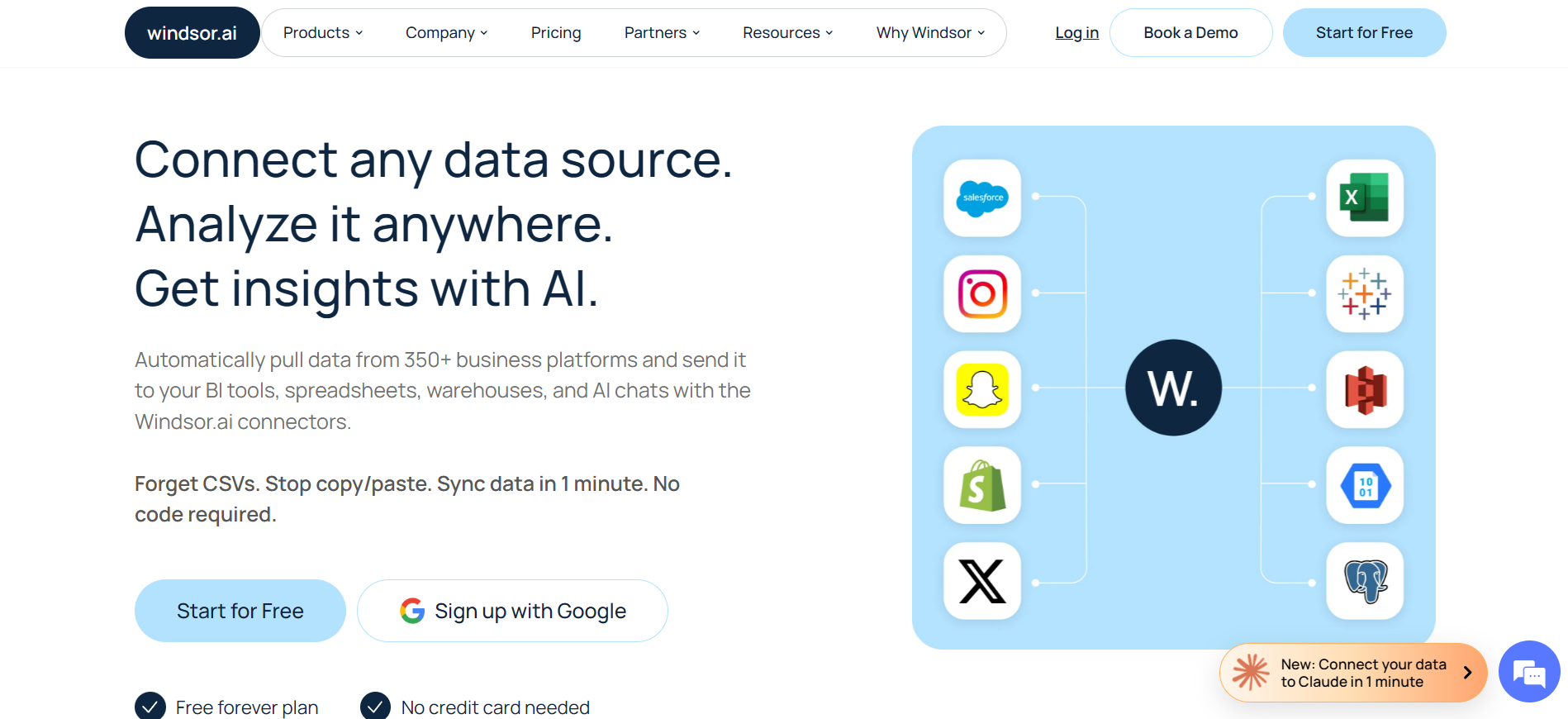
Best for: Teams that want flat-rate connectors feeding BI tools, warehouses, and AI.
Windsor.ai is a no-code connector platform with a flat pricing model. Every plan lets you choose from all 350+ data sources and every destination, with no premium-connector upsell, which makes it a predictable choice for multi-channel reporting.
Key features
All-inclusive access: All data sources and destinations on every plan, including warehouses.
Broad destinations: Looker Studio, Power BI, Google Sheets, Excel, BigQuery, Snowflake, and more.
Free MCP for AI: The Windsor MCP server pipes data into Claude, ChatGPT, Gemini, and other AI tools on every plan.
Pricing
Plan
Price
What you get
Free
$0
1 user, 1 data source, 1 account after trial
Basic
$19/month
Unlimited users, 3 data sources, 75 accounts
Standard
$99/month
7 data sources, unlimited destination tasks, hourly sync
Plus
$249/month
10 data sources, 200 accounts
Professional
$499/month
14 data sources, 500 accounts, 15-minute sync
Enterprise
Custom
Up to 200 sources, custom connectors, account manager
Where Windsor.ai shines
Predictable flat pricing: The same bill whether you run 5 campaigns or 500.
Everything included: You can choose among all connectors and destinations on every tier.
AI-ready: Free MCP access on all plans, plus SOC 2 Type 2 and GDPR compliance.
Where Windsor.ai falls short
Source counts by plan: Lower tiers cap the number of data sources.
Warehouse row limits: Monthly active rows are metered for database destinations.
No built-in report designer: It feeds BI and AI tools rather than building reports.
Customer reviews
"Great promise with horrible customer service."Uros M., verified G2 review
Who Windsor.ai is best for
Marketers and data teams that want flat-rate feeds into BI tools, warehouses, and AI chats.
9. Porter Metrics
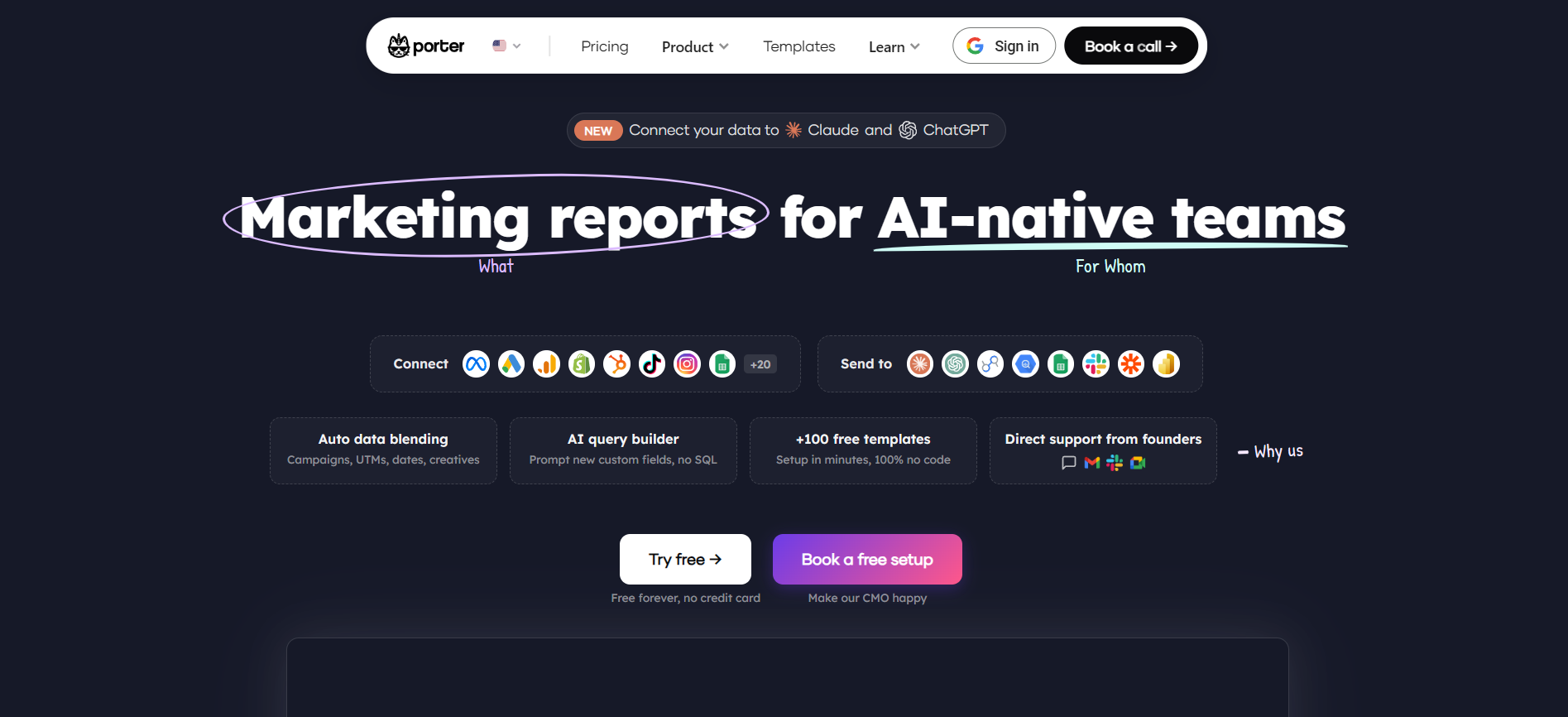
Best for: Freelancers and small agencies reporting in Looker Studio on a tight budget.
Porter Metrics connects marketing platforms to Looker Studio and Google Sheets with a simple pay-per-account model. It is one of the cheaper ways to get marketing data into Looker Studio, and data blending is included in every plan.
Key features
Pay per account: Connect one source account for $15/month, with the average cost per account dropping as you add more.
Included data blending: Blending is built into all plans at no extra cost, which the vendor notes is unusual.
Simple setup: Connect a source in minutes through OAuth, with pre-built templates ready to use.
Pricing
Plan
Price
What you get
Free
$0
Up to 3 accounts with 30-day history
Pay per account
From $12.5/month
Add or remove accounts anytime; average around $8–12.50 per account at volume
Enterprise
Custom
White-label reporting and priority support
Where Porter Metrics shines
Low entry price: Among the cheapest Looker Studio connectors.
Blending included: No extra charge for data blending.
Beginner-friendly: Quick setup with a large template library.
Where Porter Metrics falls short
Per-account cost adds up: Agencies with many ad accounts can see the bill climb.
Looker Studio and Sheets focus: Narrower destination range than warehouse-first tools.
Not for advanced data infrastructure: Built for reporting, not heavy pipelines.
Customer reviews
"Automation and Templates Shine, but Blended Data Pull Has Limitations."Verified G2 review.
Who Porter Metrics is best for
Freelancers and small teams that report in Looker Studio and want to pay only for the accounts they connect.
10. Two Minute Reports
Best for: Teams that want the fastest path to live data in Google Sheets or Looker Studio.
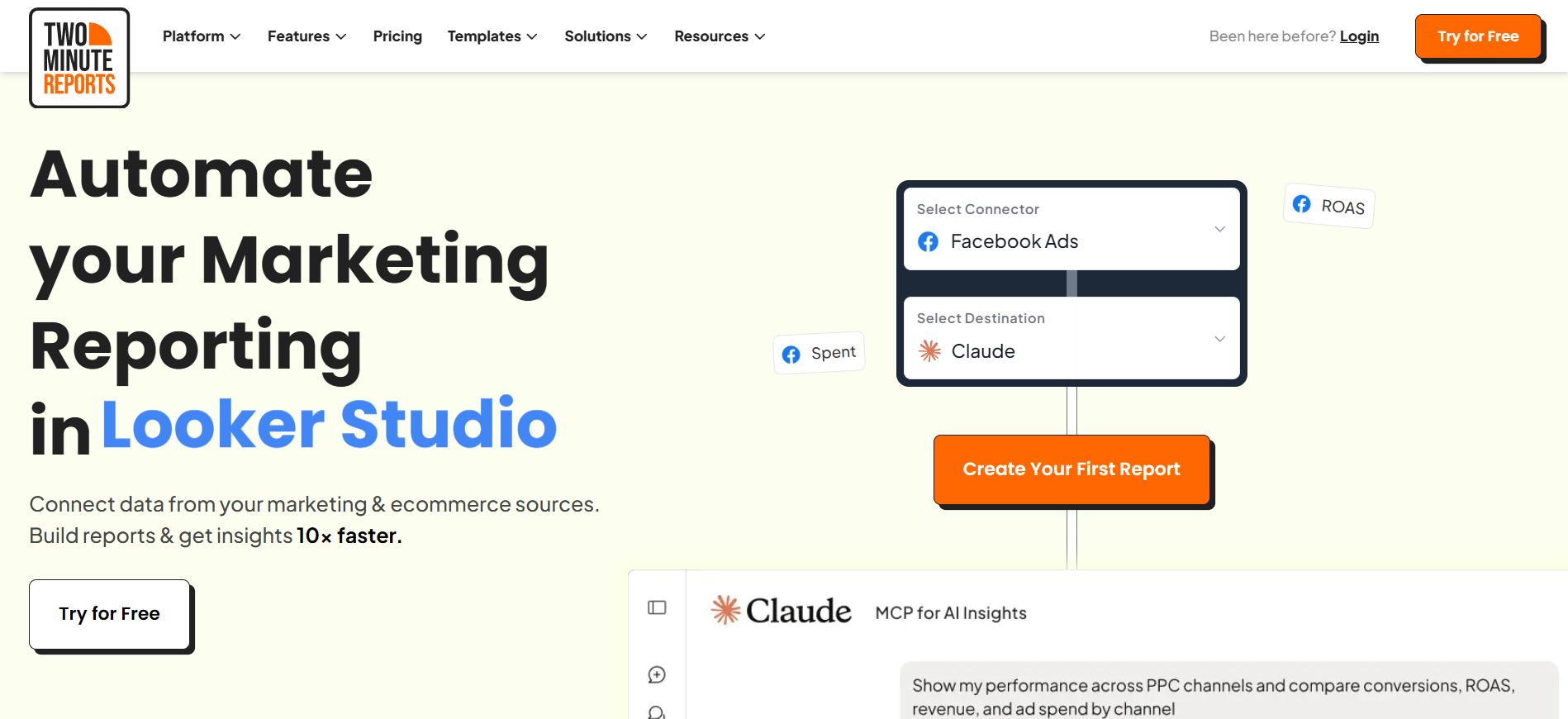
Two Minute Reports is a no-code tool that pulls data from 30+ sources into Google Sheets and Looker Studio. It is one of the lowest entry prices on this list and includes a Custom API Bridge for sources it does not natively support.
Key features
Two destinations: One destination is included at sign-up, with the second available as an add-on.
Custom API Bridge: Connect external platforms or internal tools that lack a native connector, making it easier to manage marketing API connections from one place.
Agency features: White-label reports, pre-built templates, and unlimited queries and refreshes.
Pricing
Plan
Price
What you get
Lite
$9/month
Entry reporting with one destination and core connectors
Basic
$49/month
More users and accounts, second destination add-on
Pro
$99/month
Higher account limits per connector for larger agencies
Business
Custom
Top account and user limits for high-volume teams
Where Two Minute Reports shines
Very low entry price: Starts at $9/month.
Custom API Bridge: Brings in data from platforms it does not natively support.
Fast setup: Connect a source and build a report in minutes.
Where Two Minute Reports falls short
Second destination costs extra: Sheets and Looker Studio together need an add-on.
Connector count: 30+ sources is narrower than the largest platforms.
Refresh and speed: Some users report slower refreshes on heavier setups.
Customer reviews
"Streamlined Reporting with Minor Learning Curve."Shankar C., verified G2 review.
Who Two Minute Reports is best for
Ecommerce brands and agencies that want fast, low-cost reporting in Sheets or Looker Studio.
11. AgencyAnalytics
Best for: Agencies that want white-label client reporting with a self-serve client portal.
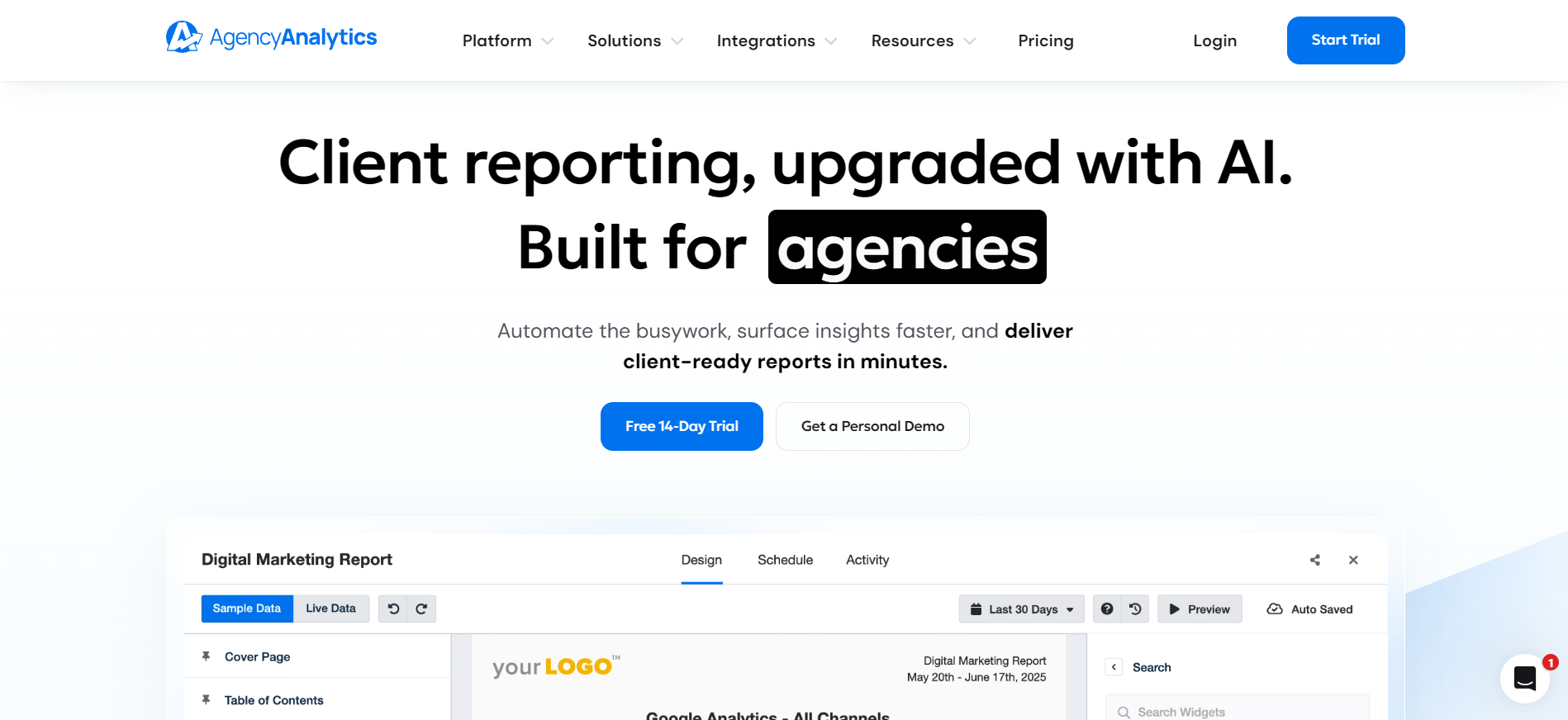
AgencyAnalytics is a purpose-built agency reporting platform. It connects 85+ marketing channels into branded dashboards and reports, with a client portal and white-label custom domain included across plans. Pricing scales per client, which rewards agencies that pack many reports under each client.
Key features
85+ integrations: Included on every plan, with multi-account connections on higher tiers.
White-label and client portal: Branded reports and a 24/7 portal for clients to view results.
AI and automation: Anomaly detection, automated metric alerts, and an Ask AI layer, with premium tiers adding project management.
Pricing
Plan
Price
What you get
Core
$20 per client/month
Automated reporting, AI insights, MCP access
Enterprise
Custom
Database connectors, custom integrations
Where AgencyAnalytics shines
Built for agencies: White-label reporting and a client portal included by default.
All integrations included: 85+ channels on every plan.
AI reporting: Anomaly detection and Ask AI at no extra charge.
Where AgencyAnalytics falls short
Per-client cost scales with growth: Your bill rises as you add clients.
Add-ons for some features: Database connectors and certain modules cost extra.
Site auditor discontinues: New accounts blocked from features available to legacy users.
Customer reviews
“They have a lot of the right features, but they don’t connect together in the way I’d want.”Sarah A., verified G2 review
Who AgencyAnalytics is best for
Small to mid-sized agencies that want polished, white-label client reporting with a portal.
How we evaluated these Supermetrics competitors
We chose and reviewed these tools against a consistent set of criteria, and we verified every feature and price against each vendor's own site in 2026. Here is how we built the list.
Fit for the reader: We considered tools that serve freelancers, small agencies, and lean in-house teams while still covering enterprise options honestly.
Pricing transparency: We favored tools that publish clear pricing, and we flagged where pricing is custom or hard to predict.
Reporting flexibility: We looked at whether a tool only moves data or also builds reports and how many destinations it supports.
Reliability and support: We considered connector stability and the support model, since a broken connector or a slow reply costs real time.
AI readiness: We noted which tools now offer MCP access or AI features, since more teams query data through Claude, ChatGPT, and similar tools.
Which Supermetrics competitor is right for you?
The best tool depends on how you work with data. Supermetrics moves data into Looker Studio and Google Sheets well, but that is mostly where it stops. If you want a tool that both connects and reports, the choice narrows down.
For lean teams that want everything in one place, Reporting Ninja gives you a custom reports platform, Looker Studio connectors, a Google Sheets add-on, a REST API, and an MCP server on every plan from $20/month billed annually. Enterprises with heavy transformation needs may lean toward Funnel.io, Adverity, or Improvado. Teams that want flat-rate feeds can look at Windsor.ai, and agencies that live in client decks may prefer Whatagraph or AgencyAnalytics.
If you want built-in reporting, deep customization, and automation without stitching third-party tools together, start your free trial with Reporting Ninja and see the difference for your own reports.
{{cta-block-v1}}
Elevate your marketing reports to the next level
Sign up for a 15 days free trial. No credit card required.
We use analytics cookies (Google Analytics) and Promptwatch to measure visits, including those from AI assistants. Accept or deny them; you can change your choice anytime in Cookie settings. Cookie policy