Analytics
April 16, 2026
Swydo pricing 2026: reviewed plans, hidden fees & alternatives


Swydo pricing can feel straightforward at first, but the real costs show up once you start connecting more platforms and ad accounts.
Since Swydo charges per data source (not per client or user), your bill increases every time you add a Google Ads account, Meta profile, or GA4 property.
In this guide, you’ll see exactly what Swydo costs in 2026, how those data-source fees stack up, where hidden charges appear, and how it compares with alternatives like Reporting Ninja that avoid per-data-source pricing.
Let’s break down the numbers.
Here’s the pricing structure for Swydo in 2026, based on active data sources connected to your account:
Typical agency example: 20 clients using Google Ads + Meta + GA4 each = 60 data sources = $69 base + $225 in additional sources = $294/month total
And this is a conservative scenario. If those same 20 clients also require Search Console, Microsoft Ads, TikTok Ads, or eCommerce integrations, the data-source count rises even faster — pushing the monthly bill well past $300.
For comparison, Reporting Ninja’s $40/month Small plan supports those same 20 clients with all connectors included and no per-source charges. Scaling your reporting doesn’t change your bill, which is why many agencies find RN easier to budget for as their client list or channel mix expands.
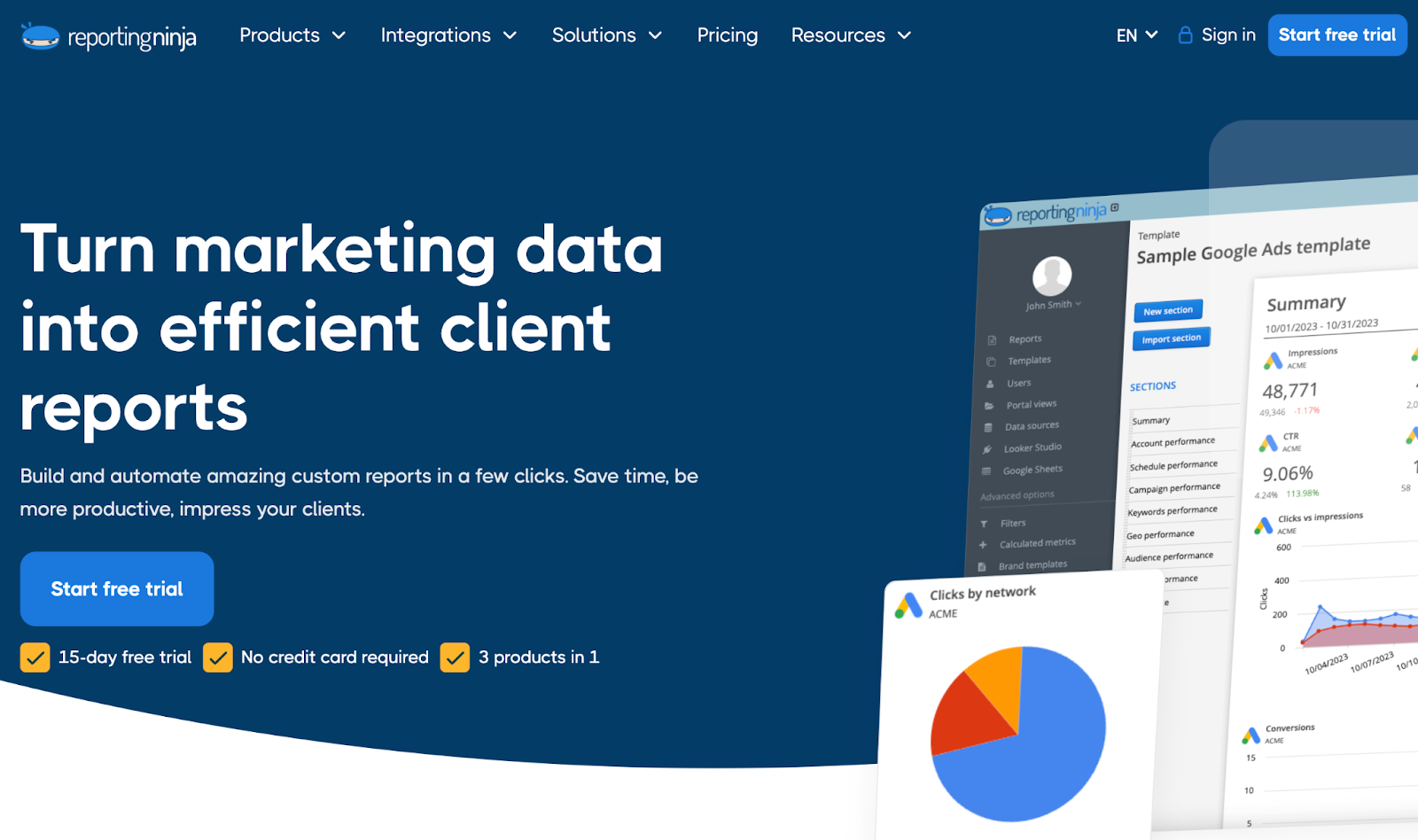
If Swydo’s data-source pricing feels restrictive as you scale, Reporting Ninja offers a simpler model built for agencies that manage many accounts. The platform includes unlimited users, flexible client management, and deep connector coverage without charging per data source. This keeps costs predictable as your reporting load increases.
Reporting Ninja also supports white-label dashboards, cross-channel reporting, and scheduled exports. Agencies using high volumes of Google, Meta, or eCommerce connectors often find it easier to control monthly spend because pricing isn’t tied to the number of active sources.
{{cta-block-v1}}
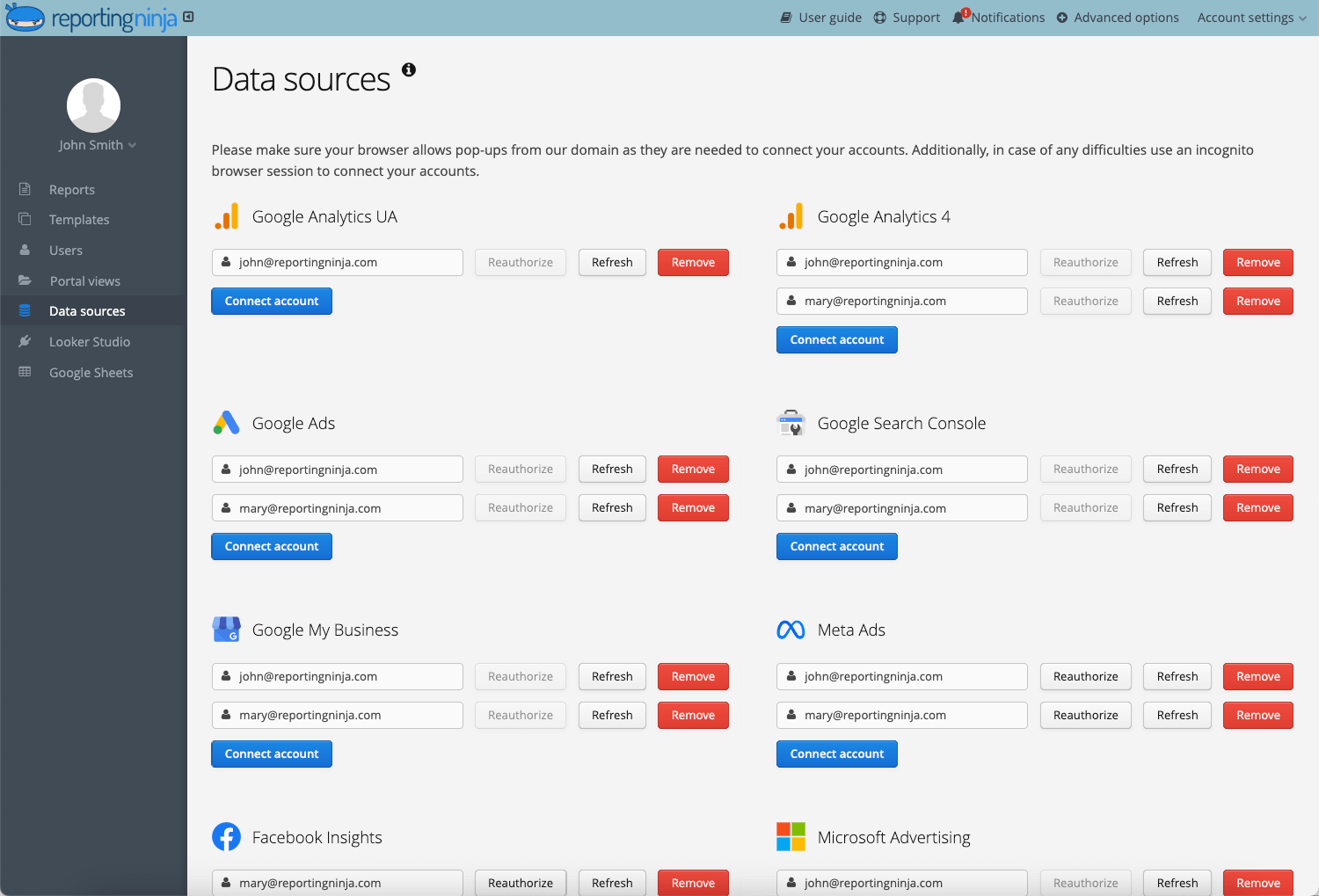
Swydo keeps its pricing simple with one main plan and variable costs based on how many data sources you connect. The core subscription covers all features, users, and clients.
Your bill increases only when you exceed the included data-source allowance. Below is a breakdown of how those charges apply across key parts of the platform.
Swydo’s biggest pricing lever is the number of data sources you connect. The base plan includes the first ten. After that, each additional source adds a new charge to your monthly bill. This means your cost rises as you pull in more platforms, campaigns, or accounts — even if your reporting volume stays the same.
This structure matters for agencies using many Google, Meta, or eCommerce connections. A growing client roster often pushes teams past the included limit quickly, making data-source fees the main driver of total spend.
Swydo includes unlimited clients in the base plan, but each client you manage typically requires multiple data sources. This is where costs begin to rise. Even though adding clients is technically free, the data-source requirement behind each one can push agencies into higher pricing tiers quickly.
For teams managing many small accounts, especially PPC or paid social clients, this structure can make monthly costs unpredictable. The more accounts you onboard, the more data connections you create, and the faster your bill grows.
Swydo includes unlimited users in every plan, which removes the usual per-seat cost many reporting tools charge. However, user access doesn’t affect pricing — data sources still determine your total monthly bill. This means adding team members is free, but expanding your reporting footprint is not.
For agencies with specialist roles (analysts, account managers, freelancers), this structure is helpful. You can give everyone access without worrying about added fees. But if those users connect new platforms or accounts, your data-source count increases and your subscription cost scales accordingly.
Swydo’s main hidden cost comes from how quickly data sources accumulate. Each connected account (whether it’s Google Ads, Meta, or an eCommerce platform) is billed separately, even when they belong to the same client.
Pro tip: Review and remove unused data sources regularly. Old or inactive accounts still count toward your billing and can quietly increase your monthly cost.
In practice, costs often increase due to small, easy-to-miss actions:
These changes don’t always feel significant, but they directly increase your data-source count. Over time, they can push your account into higher pricing tiers and make monthly costs harder to predict.
Here’s a clear look at where Swydo performs well and where teams may feel limited. This helps you see whether the pricing model and feature set match your reporting needs before committing to the platform.
{{cta-block-v1}}
Swydo works well for teams that want a straightforward reporting tool and don’t mind costs scaling with data-source usage. Its structure suits agencies with moderate client volumes and predictable reporting needs.
Swydo suits small agencies with a limited number of ad accounts or platforms to track. When your reporting footprint stays within the first 10–20 data sources, the pricing remains manageable and predictable enough for smaller client lists.
Companies that only monitor a few channels benefit from Swydo’s unlimited users and clean interface. Because in-house teams typically manage fewer accounts than agencies, they’re less likely to trigger the higher pricing tiers tied to data-source volume.
Swydo fits solo marketers who need polished reports without handling dozens of ad accounts. With low data-source needs and simple reporting requirements, freelancers can often remain on the base plan without triggering additional charges.
Swydo is a strong fit for teams with small, stable reporting setups where data sources don’t multiply quickly.
But if your client list grows, or you manage multiple ad accounts per client, you may hit higher pricing tiers sooner than expected. In those cases, tools like Reporting Ninja (which include all connectors without per-source fees) often offer more predictable long-term costs.
Swydo maintains a strong reputation among users, with an average rating of around 4.6/5 on G2, where reviewers often highlight its ease of use and automation capabilities.
“Great range of connectors and data sources and a good range of starter templates. Pricing is a little sneaky as you must remove data sources you are not using. Don't get caught out and check your data sources regularly.” - Andy W., verified G2 reviewer
If you want predictable pricing as your reporting grows, Reporting Ninja removes the biggest limitation in Swydo’s model: per–data-source billing. All connectors are included in every plan, so adding new platforms, accounts, or clients doesn’t increase your monthly cost.
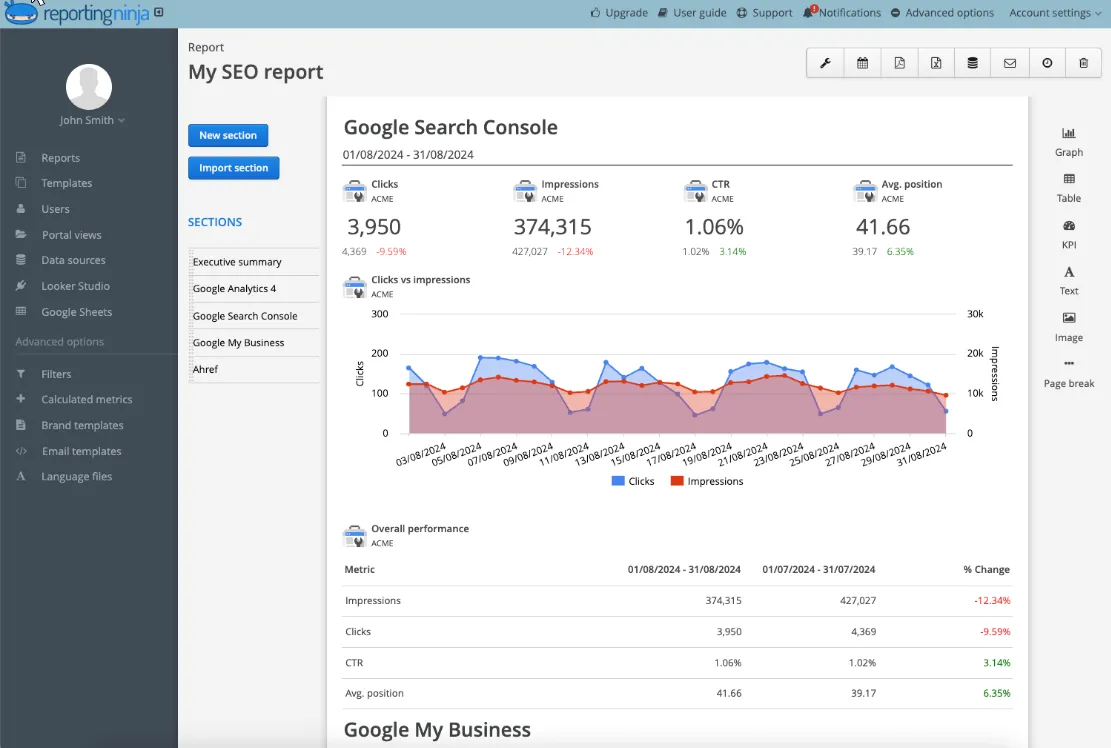
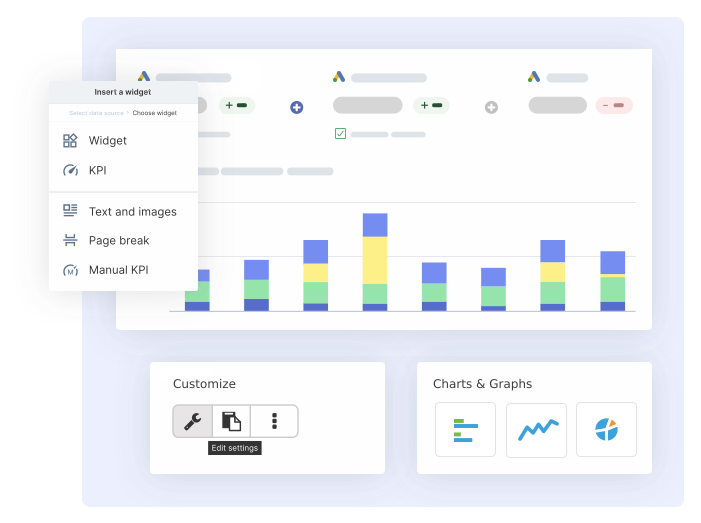
Reporting Ninja allows you to create fully branded dashboards for clients without relying on external tools. You can apply your logo, colours, and layout across reports, then automate delivery on a schedule.
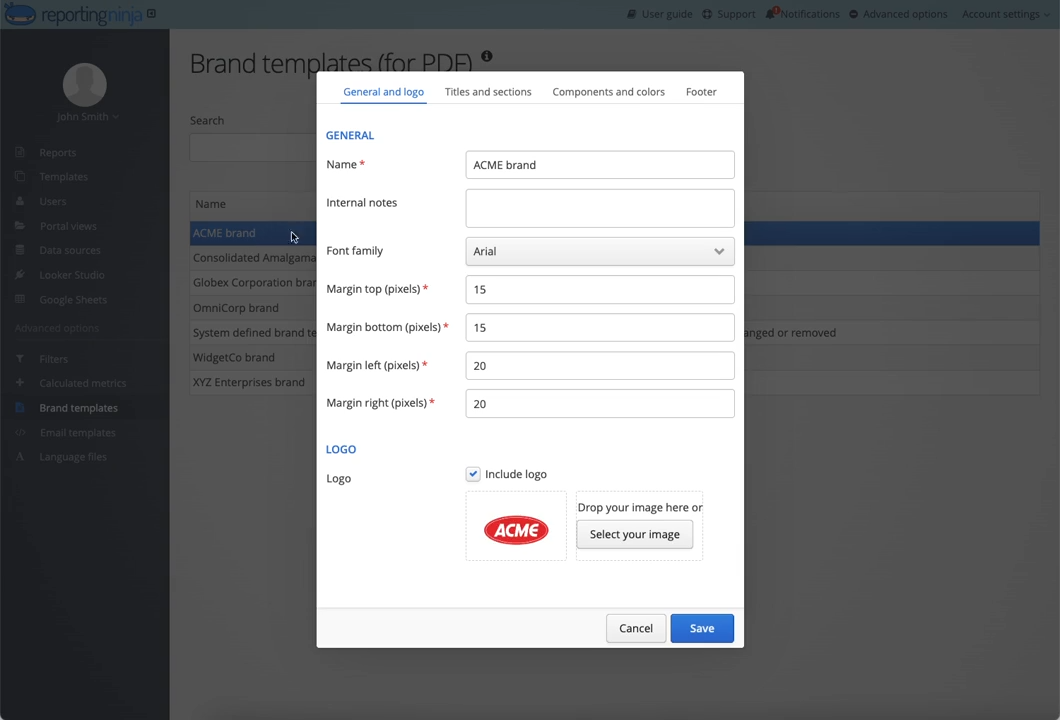
This is a practical option for agencies that want consistent, client-ready reporting without manual formatting.
Unlike Swydo’s per-source billing, Reporting Ninja lets you merge Google Ads, Meta, Microsoft Ads, GA4, eCommerce and more into a single cross-channel dashboard at no additional cost.
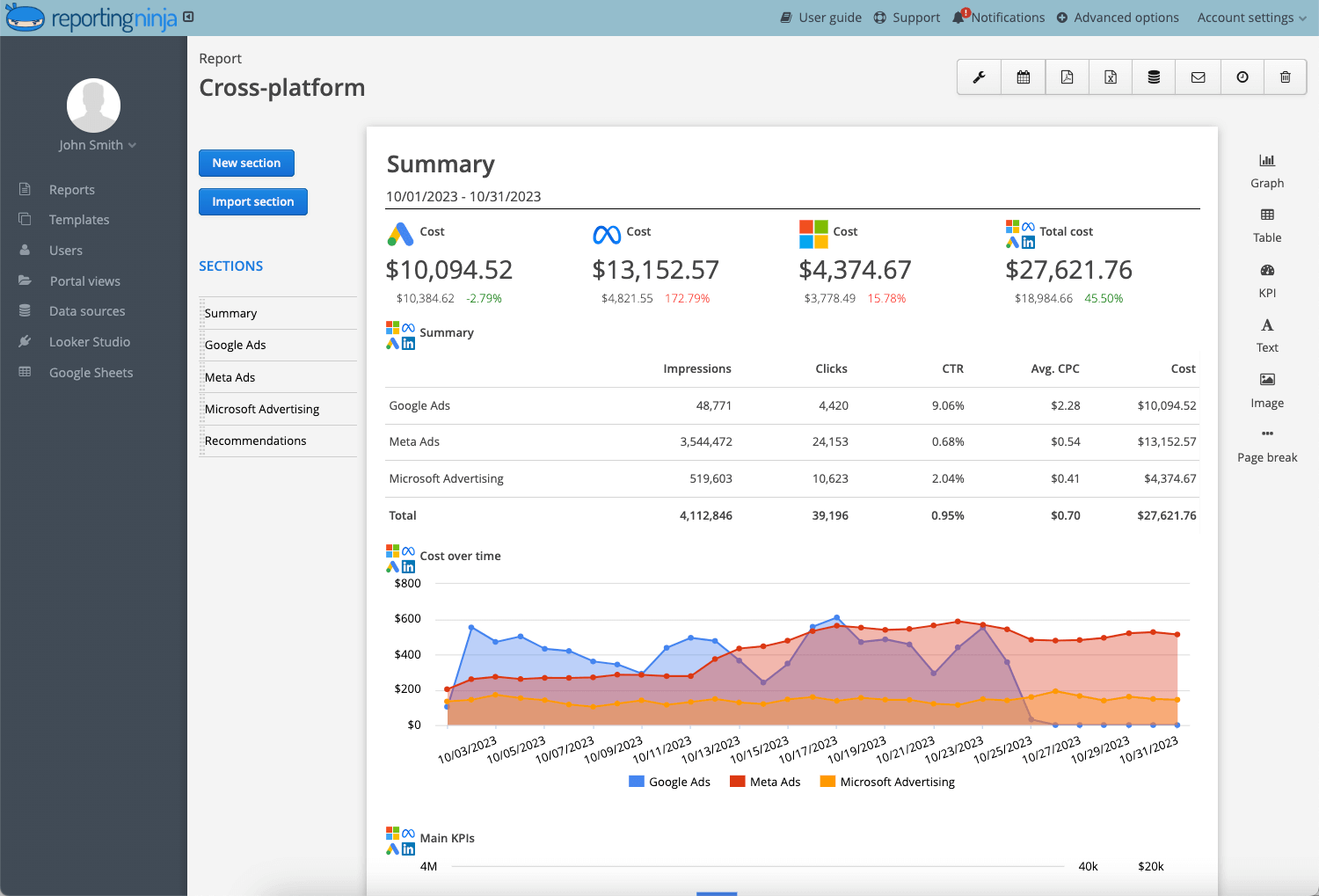
This is ideal for agencies managing PPC and paid social across multiple platforms, since reporting depth increases without pricing penalties.
Swydo works well if your reporting needs are simple and you stay within the first 10–20 data sources. But once you manage multiple clients or add more channels, costs rise quickly because every Google Ads account, Meta profile, LinkedIn campaign, GA4 property, and Search Console view counts as a separate billed source.
A single client using those five platforms already consumes five data sources. With 20 clients, that’s 100+ sources - enough to move most agencies into Swydo’s higher tiers. At 2026 rates, that setup comes to $474/month.
The same workload fits entirely within Reporting Ninja’s $40/month Pro plan, which includes all connectors with no per-source fees. Your bill stays flat even as your reporting expands.
If predictable pricing matters to your team, Reporting Ninja is the clearer fit. You can test it with a free 15-day trial and see how it compares to your current setup.
{{cta-block-v1}}
No. Swydo charges per data source, not per client. However, each client typically uses multiple data sources, which increases total cost.
A data source is any connected account or platform, such as a Google Ads account, Meta Ads profile, or GA4 property.
Yes. Swydo offers a free trial, but there is no permanent free plan available after the trial ends.
Quickly. Costs rise as you add more platforms or accounts, especially when managing multiple clients across several marketing channels.
Sometimes. Pricing is predictable for small setups, but can become harder to forecast as data sources grow across clients and campaigns.
Sign up for a 15 days free trial. No credit card required.

Build and automate amazing custom reports in a few clicks. Save time, be more productive, impress your clients.