Analytics
January 27, 2026
Unbiased 2026 AgencyAnalytics review: is it worth it for you?


Drowning in client reports and still not sure if AgencyAnalytics is the right fit?
This unbiased 2026 AgencyAnalytics review gives the answer upfront and shows where it fits, where it doesn’t, and which alternatives may suit you better.
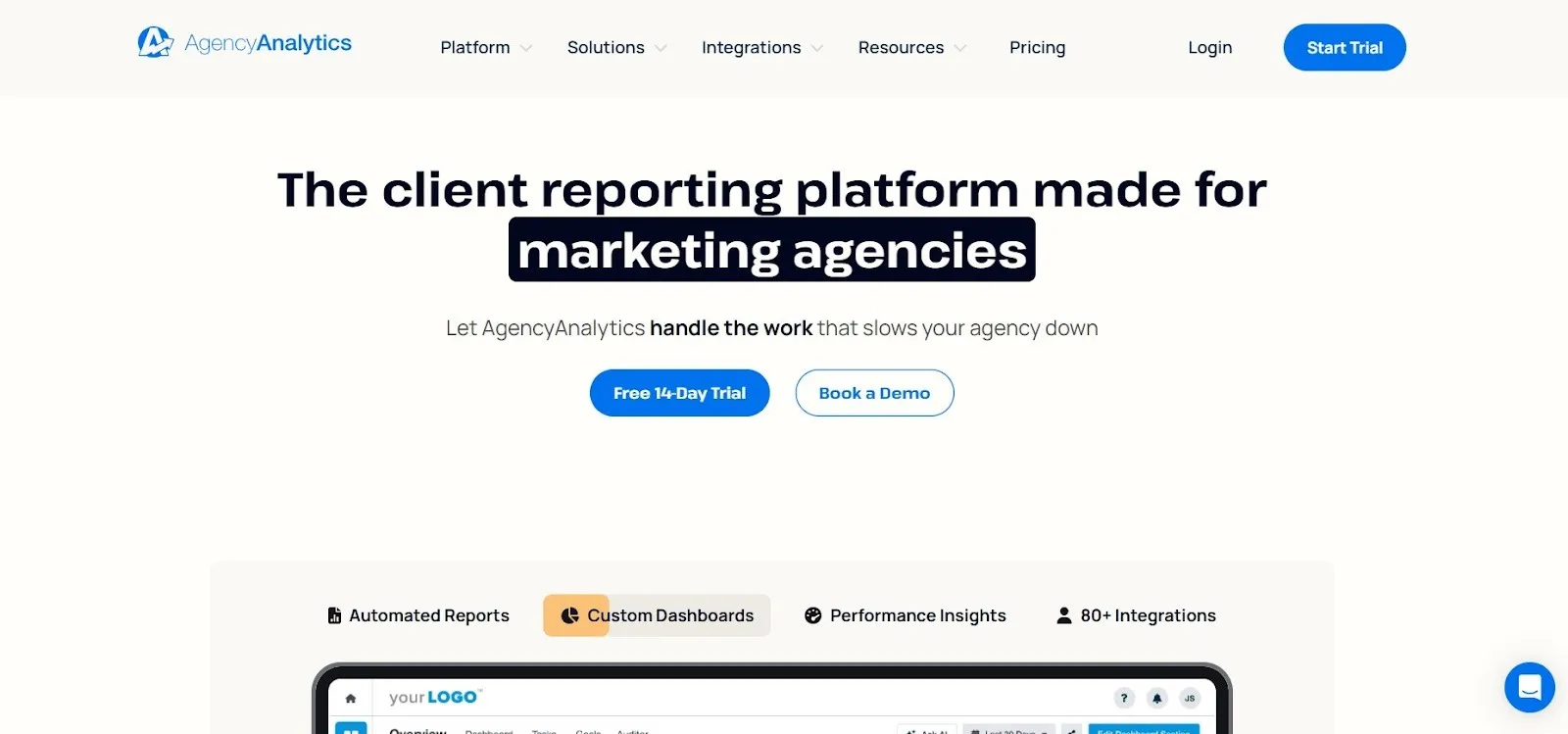
AgencyAnalytics is a client reporting platform built for marketing agencies that manage multiple accounts across SEO, PPC reporting, social, and web analytics.
It focuses on a portal-first reporting workflow (client dashboards and scheduled delivery managed within a single interface) so agencies can standardize reporting without building everything in Looker Studio.
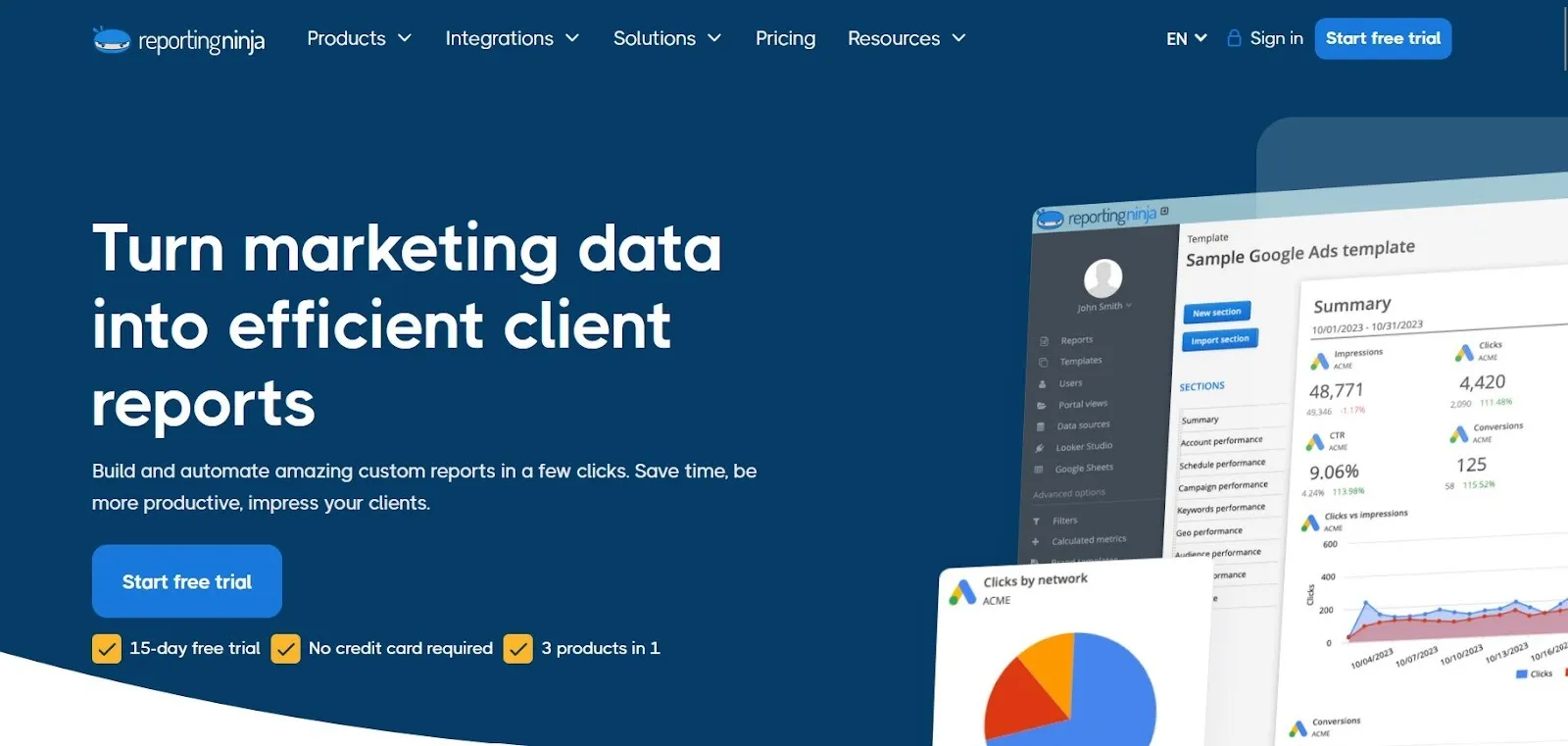
If AgencyAnalytics fits your needs but pricing feels restrictive, Reporting Ninja is a top AgencyAnalytics alternative for agencies focused on scalable reporting. It’s built for recurring client reports without costs increasing as your client list grows.
Agencies often choose Reporting Ninja over AgencyAnalytics because it offers:
Try Reporting Ninja free for 15 days and see how easy it is to build and automate reusable client reports with predictable pricing.
{{cta-block-v1}}
AgencyAnalytics is designed for agencies that want a portal-first way to package and deliver multi-channel reporting. It works best when you’re standardizing client dashboards and scheduled deliveries within a single interface, with branding managed at the platform level.
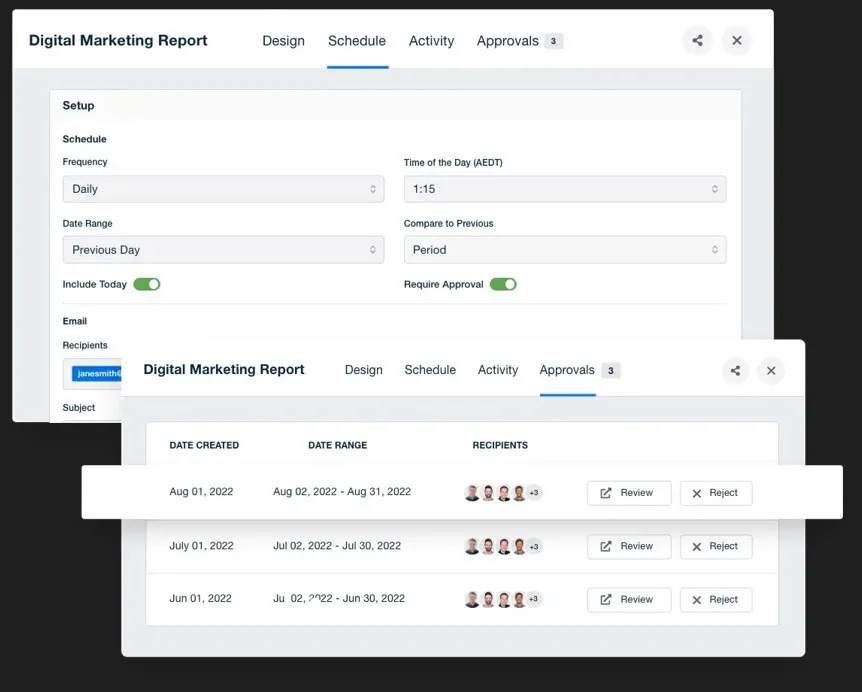
Reports can be built once and delivered automatically on a recurring schedule. This reduces manual work and keeps monthly reporting consistent across clients.
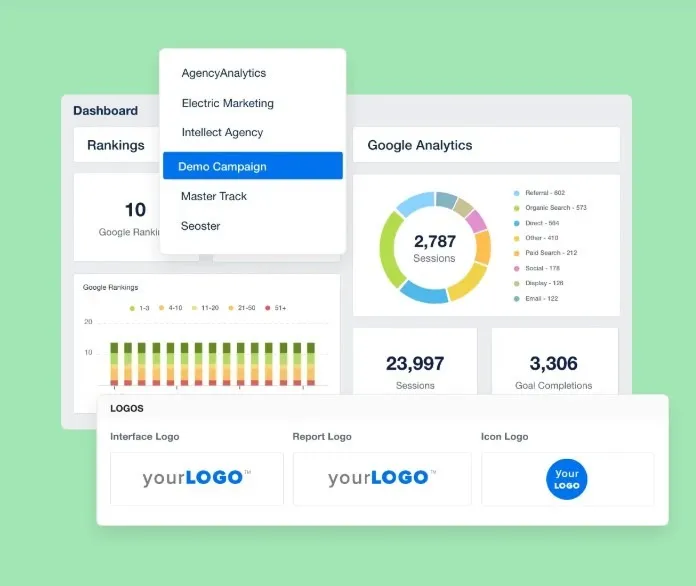
Custom dashboards generate client-ready views using common metrics, which helps speed up client onboarding. Dashboards can then be customized with specific metrics and goals to match your reporting style.
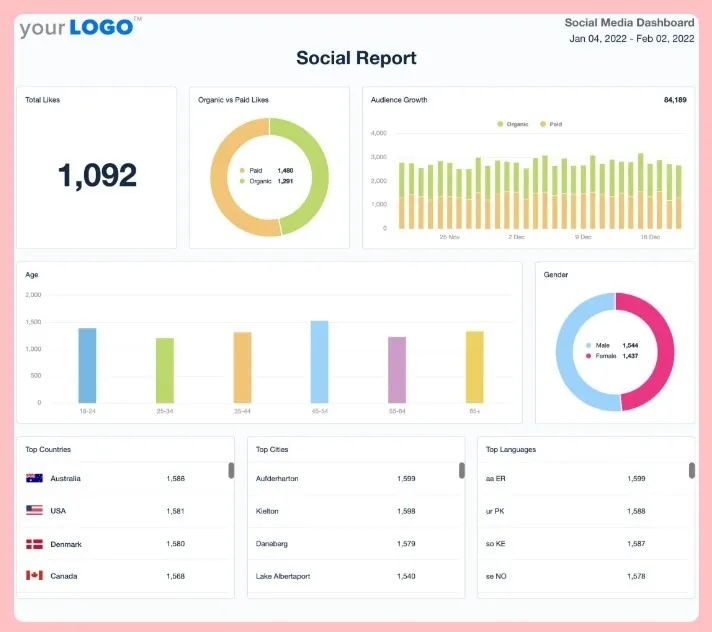
Reports and dashboards can be branded to reflect your agency rather than the tool. The client portal gives clients a single place to access reporting, reducing follow-up and email back-and-forth.
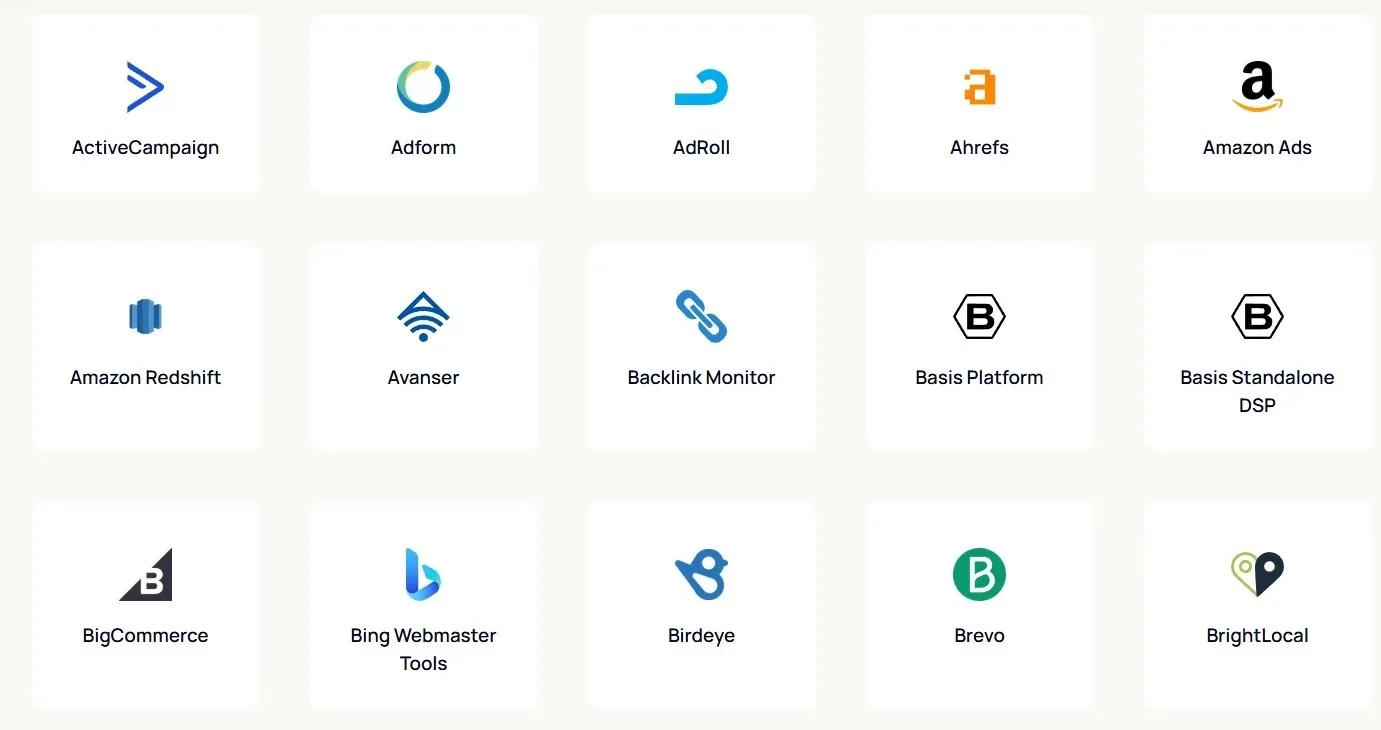
AgencyAnalytics connects with more than 80 marketing data sources across SEO, PPC, social, and analytics. Built-in SEO tools like rank tracking support baseline SEO reporting within the same platform.
Note: That broad integration approach can also make it relevant for agencies looking for an Amazon reporting tool alongside their wider marketing reporting stack.
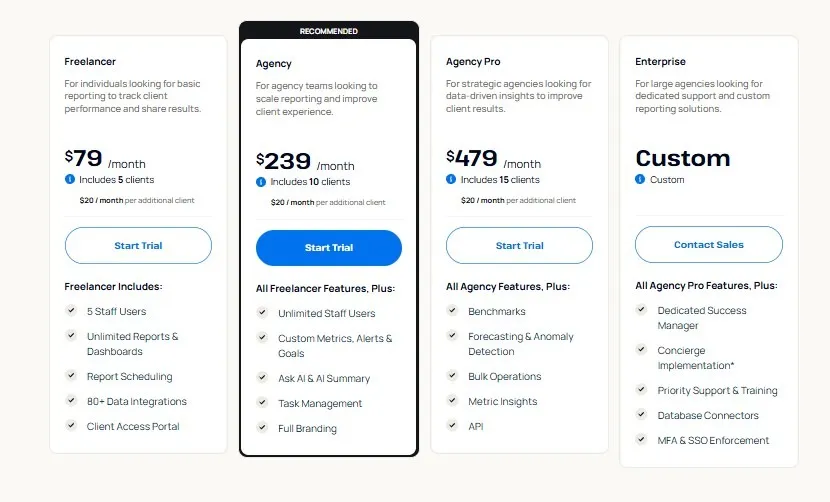
AgencyAnalytics pricing starts at $79/month, but what you actually pay depends on how many clients (and add-ons) you need.
{{cta-block-v1}}
Here’s what reviewers consistently like and where they feel the platform falls short.
AgencyAnalytics is often praised for its ease of use and clean, client-friendly dashboards. A G2 reviewer noted that automated reporting saves time and makes it easy to combine data from multiple platforms into clear reports.
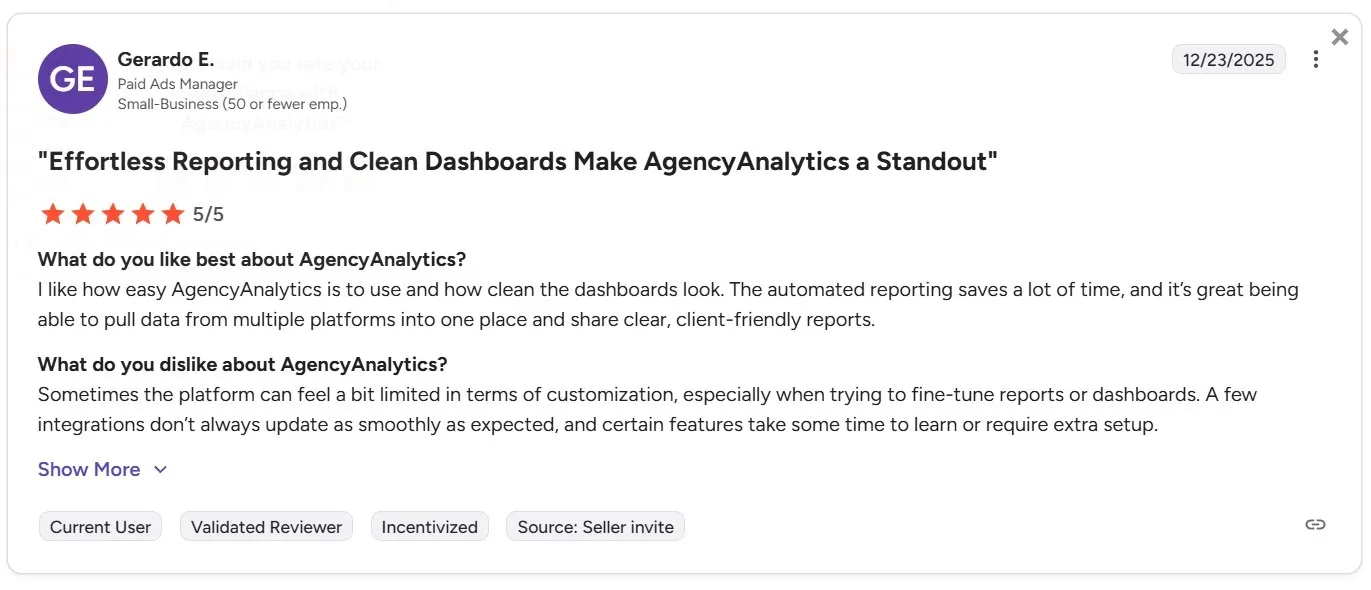
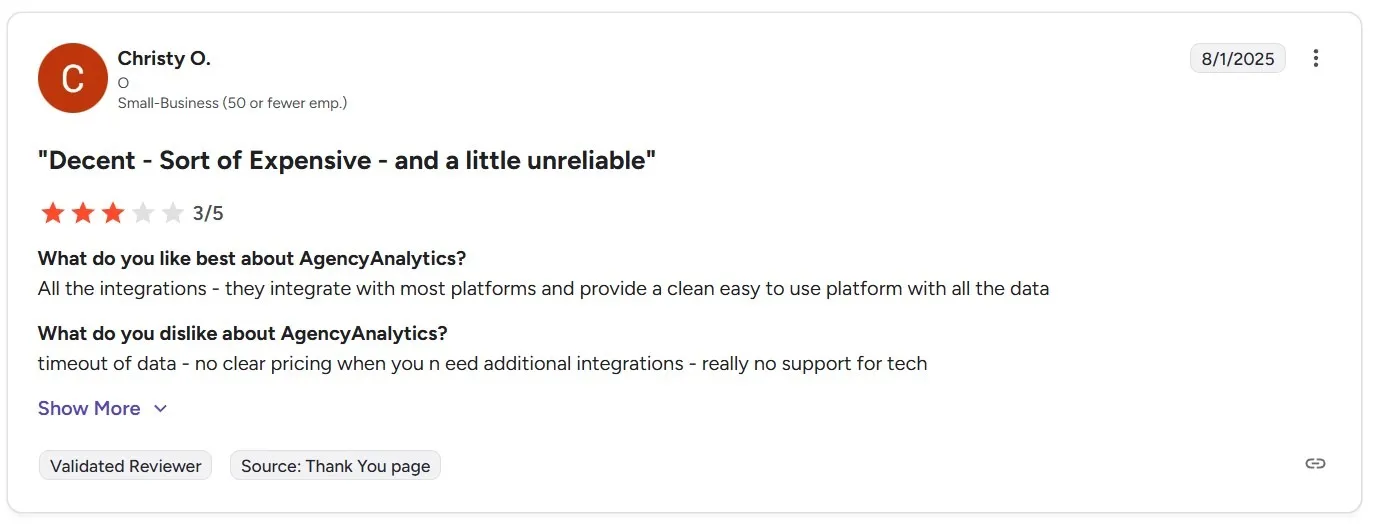
Some negative reviews focus on pricing and value rather than features. One reviewer described AgencyAnalytics as decent but expensive and occasionally unreliable.
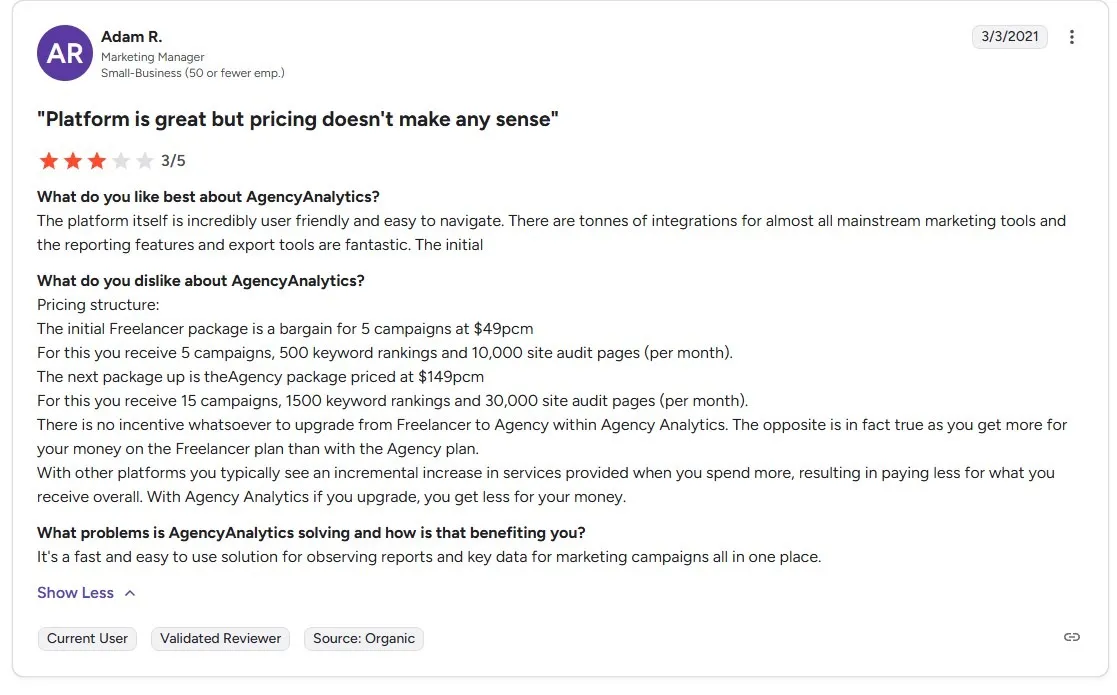
Another reviewer criticized the pricing structure, noting that higher plans can feel like worse value than lower ones, with little incentive to upgrade.
For agencies that want clearer, more predictable pricing as they scale, tools like Reporting Ninja avoid this issue by keeping costs easier to forecast.
Try Reporting Ninja free for 15 days and see how predictable pricing and flexible reporting work in a real client workflow.
AgencyAnalytics makes sense when you want client reporting to live in one place: a portal-first, dashboard-led setup that’s easy for account teams to roll out. The main trade-off is pricing: as you add clients, your monthly cost tends to climb with them, so forecasting gets harder as the agency grows.
The right reporting tool depends less on how many integrations it lists, and more on how your agency actually delivers reporting. Before you commit, focus on a few practical checks.
Start by evaluating how reports are built and reused across clients. The right tool should support reusable templates, clean multi-channel data blending, and scalable workflows.
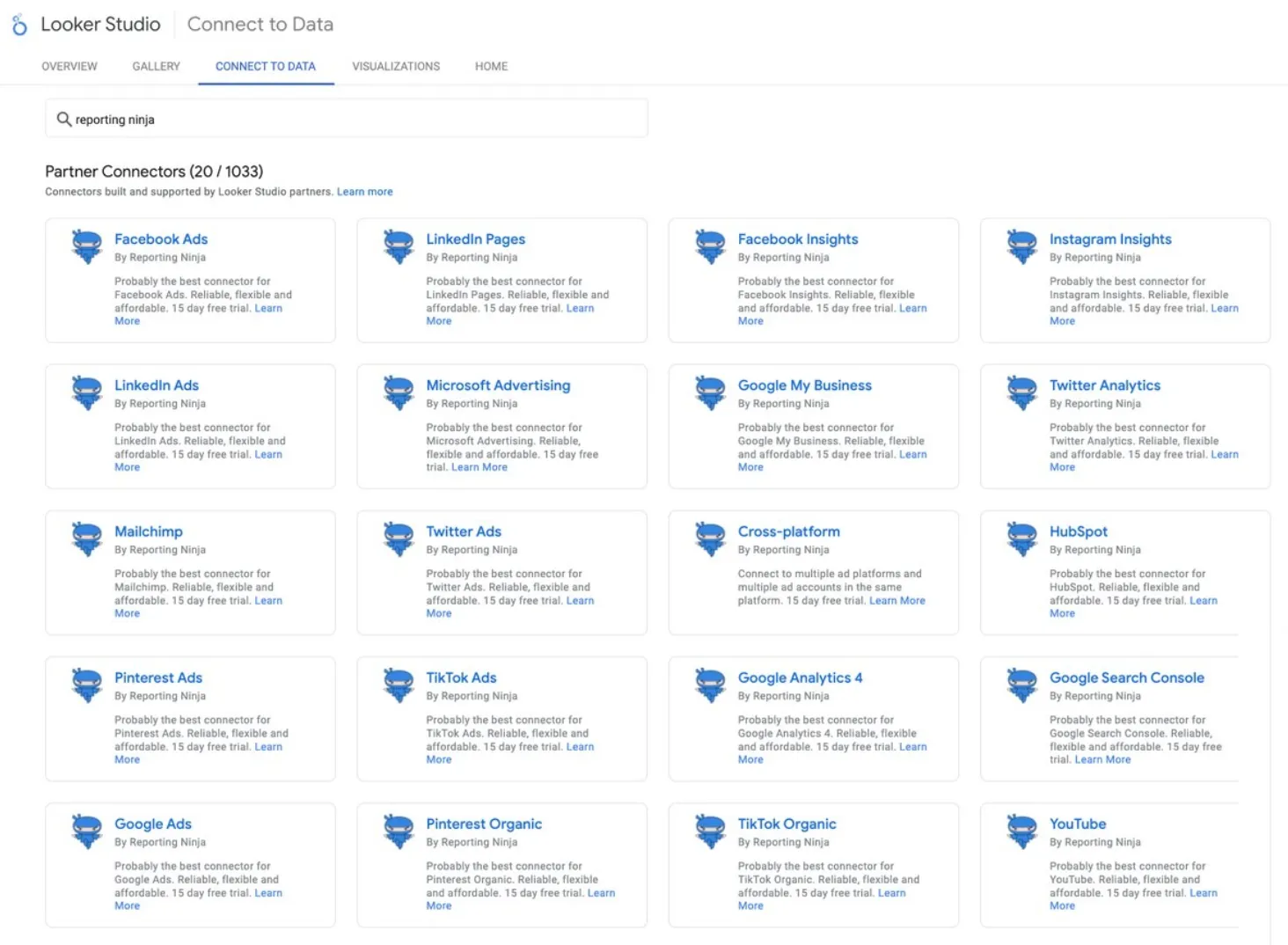
If your team builds reports in Looker Studio, Reporting Ninja fits this approach with connector-based, template-friendly reporting.
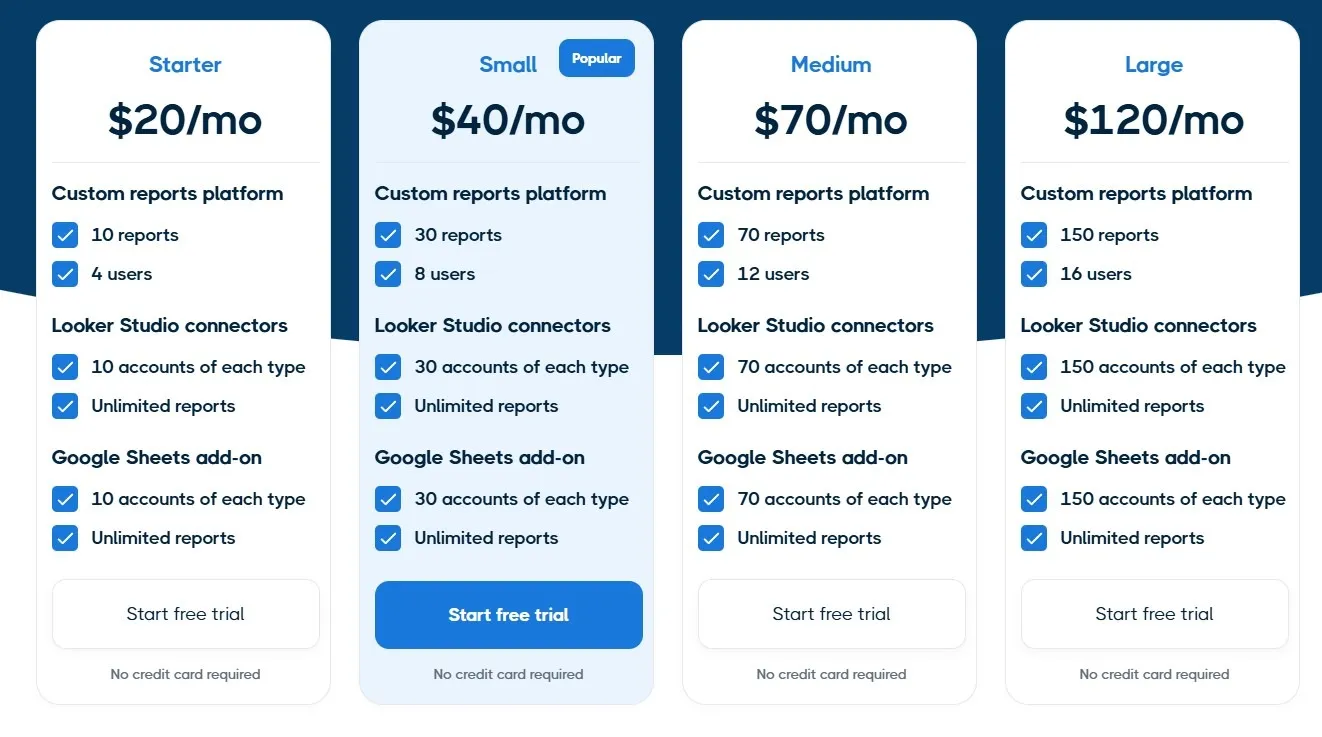
Many reporting tools look affordable at first, then get harder to justify once you add more clients, more accounts, or more users. Before you choose, map pricing to how your agency grows, so you’re not forced into a tool switch later.
If predictable spend matters, Reporting Ninja’s plans are easier to forecast because pricing is tied to connected accounts rather than client count.
Reporting should be easy for clients to access and understand. Clear dashboards and simple delivery reduce follow-up questions.
If you use Looker Studio, Reporting Ninja lets clients view familiar, shareable reports without needing a separate portal.
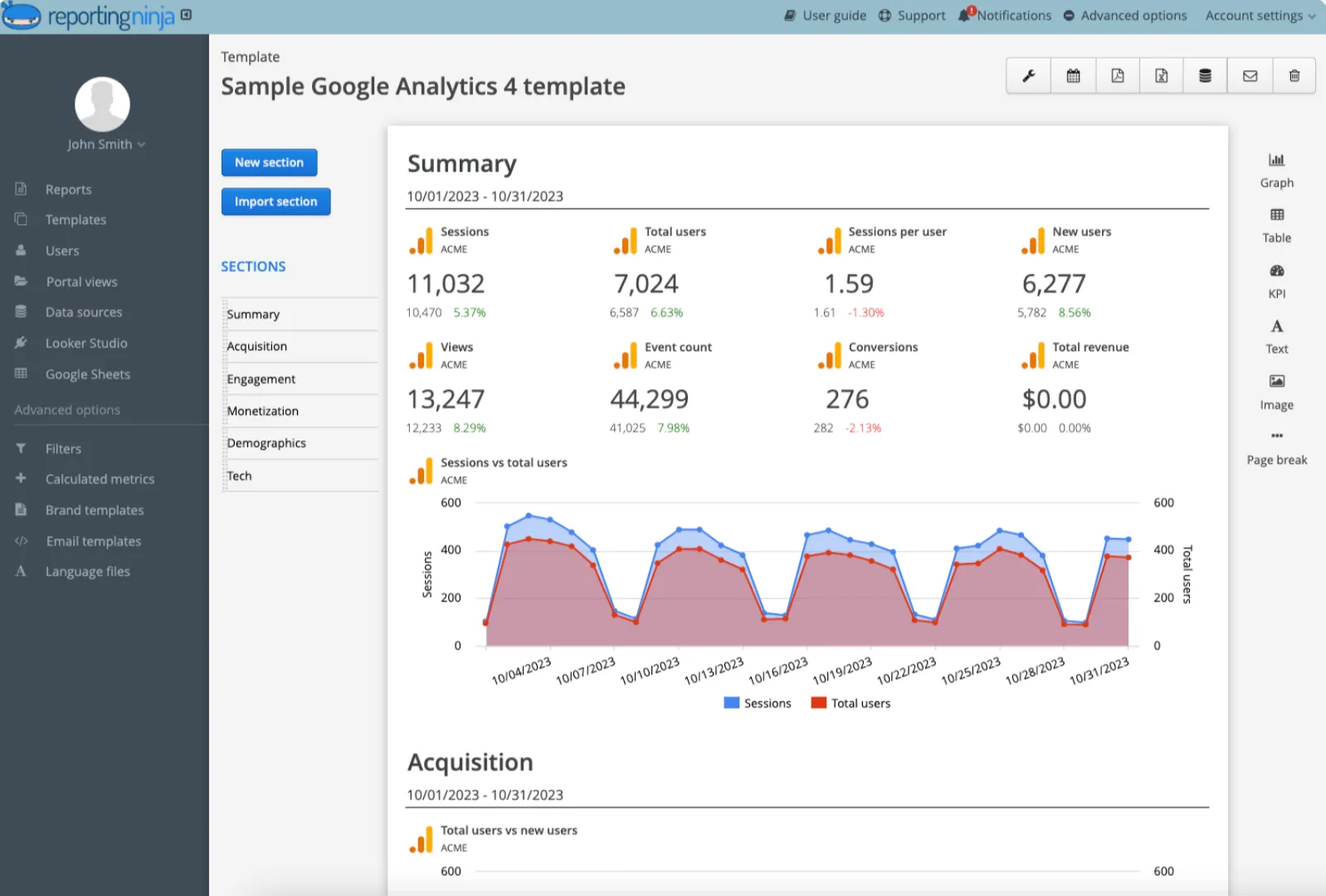
Start your free trial now and see how easy it is to deliver clear, client-friendly reports without complex pricing or setup.
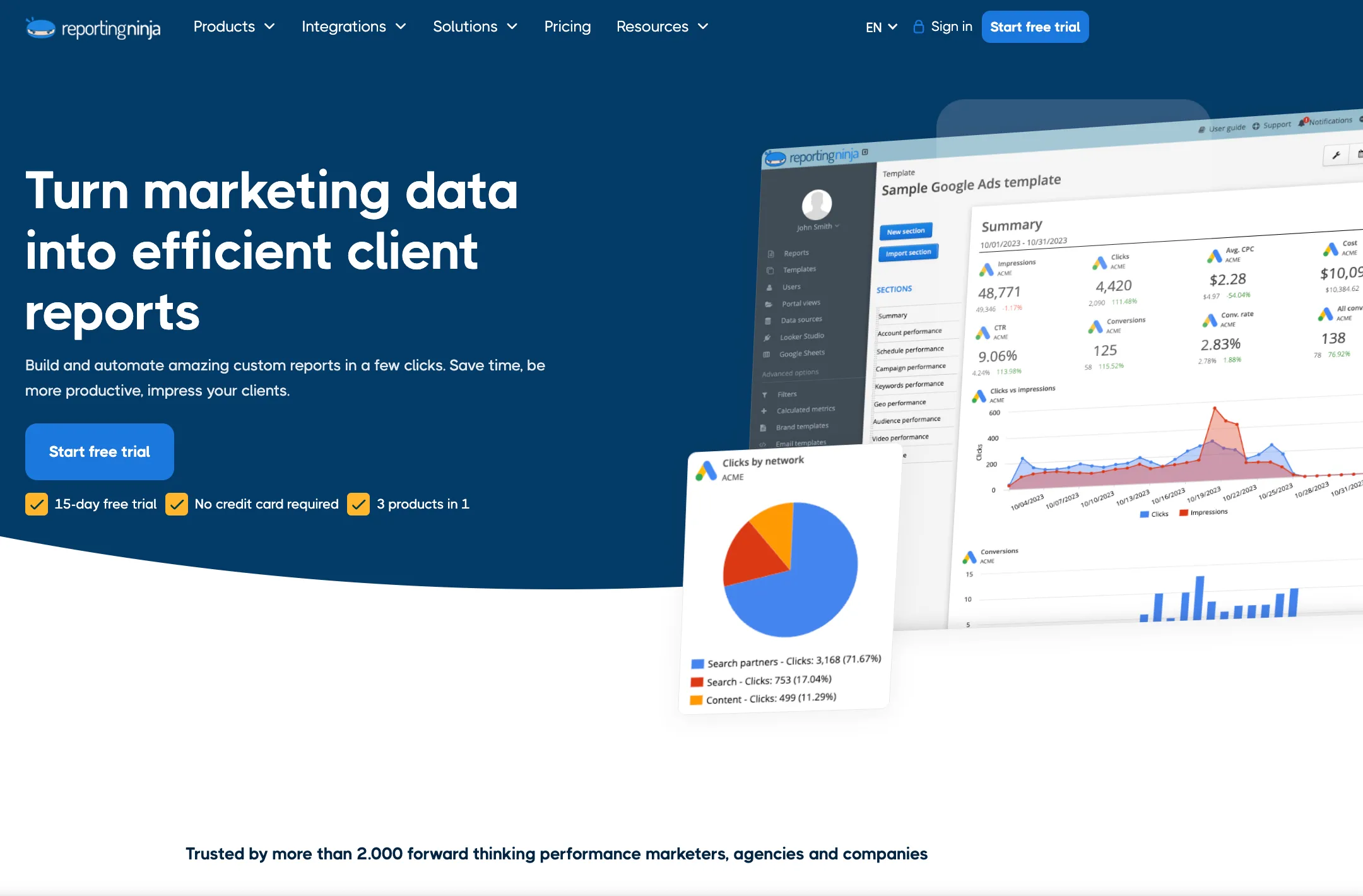
Reporting Ninja is a connector-based reporting platform for agencies that build reusable reports in Looker Studio and Google Sheets and want predictable, plan-based pricing as they scale.
It’s designed around template-led delivery: reliable connectors, automated refreshes, and optional Sheets exports for QA and custom analysis.
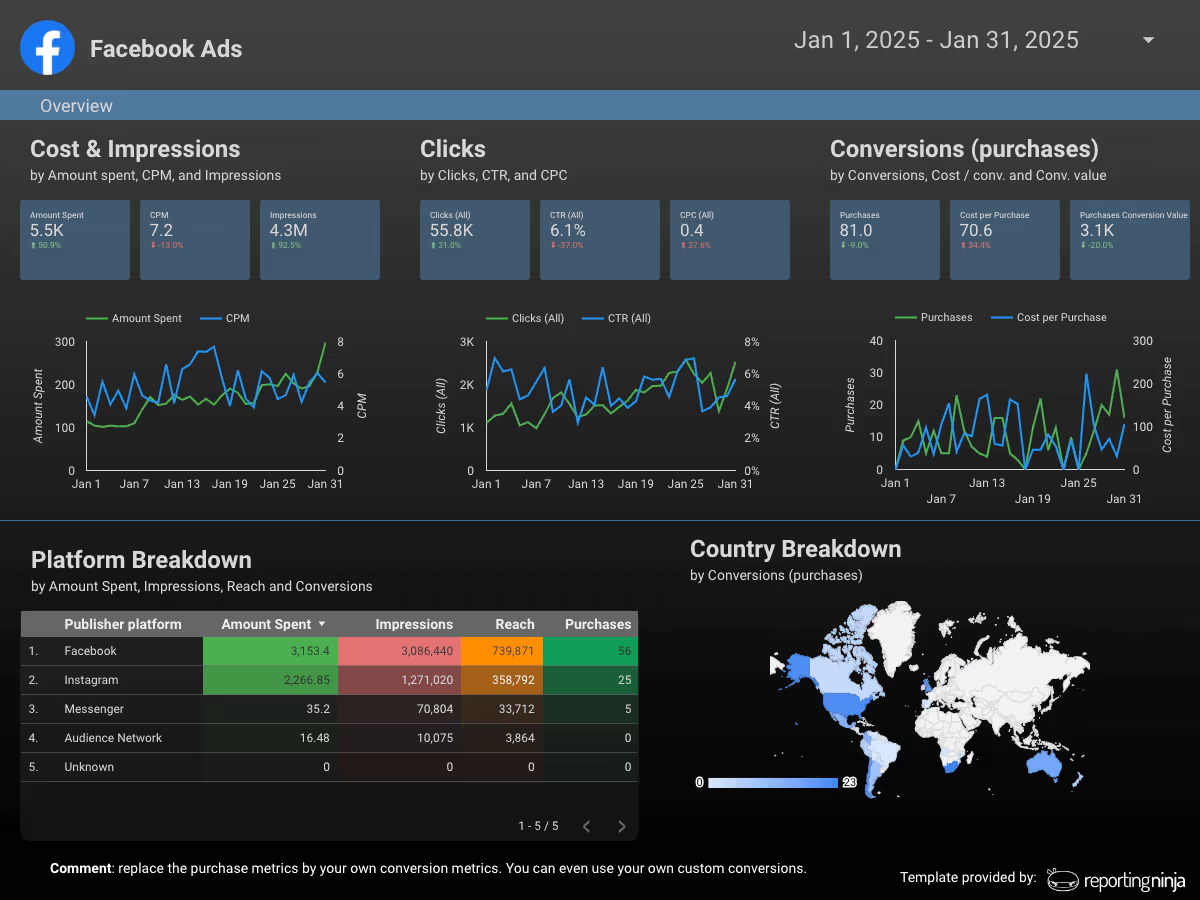
Reporting Ninja connects marketing data directly to Looker Studio, allowing agencies to build dashboards using a familiar reporting environment. This makes it easy to reuse the same report structure across clients by swapping data sources.
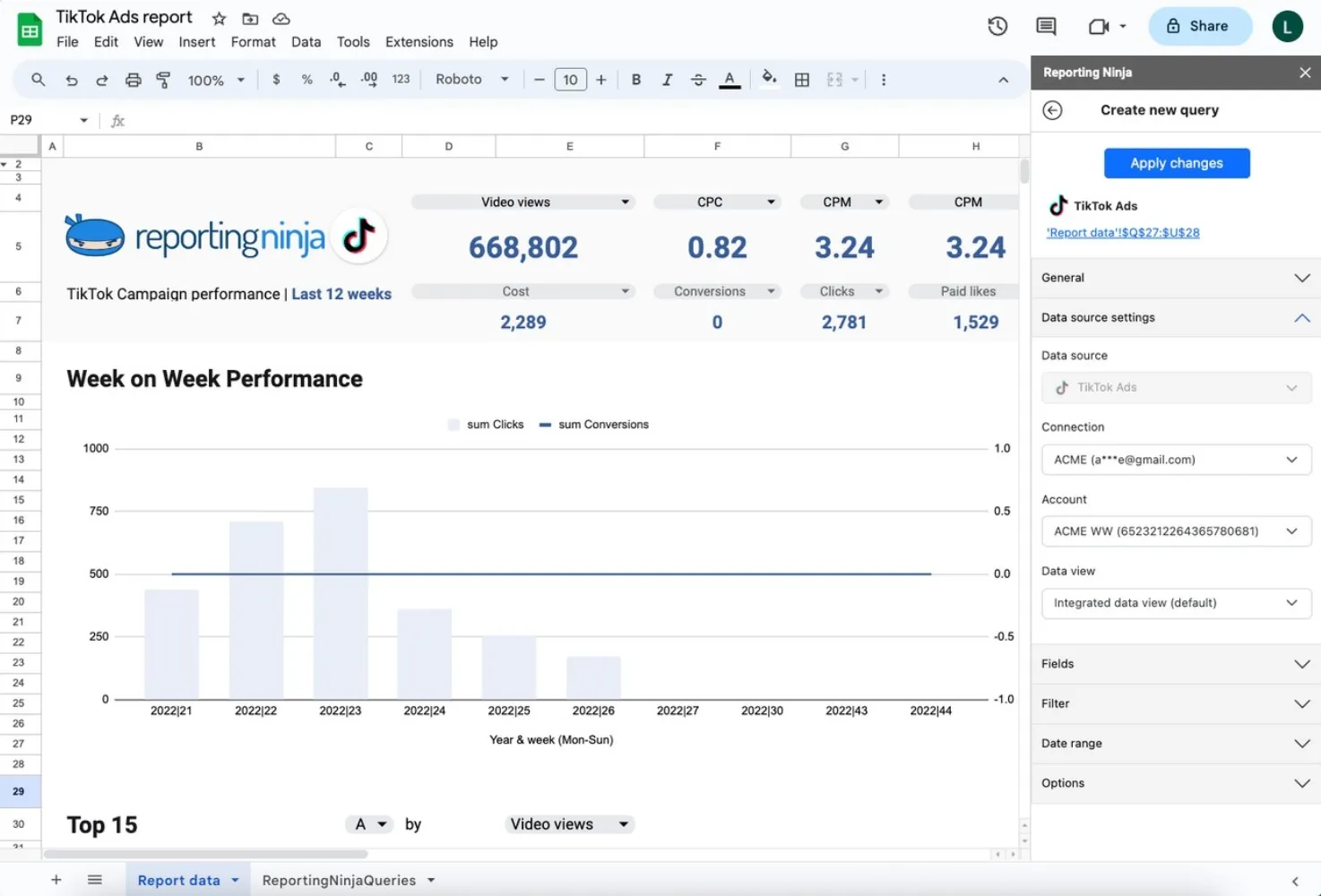
The Google Sheets add-on lets teams pull structured data for validation, custom calculations, or deeper analysis without manual exports.
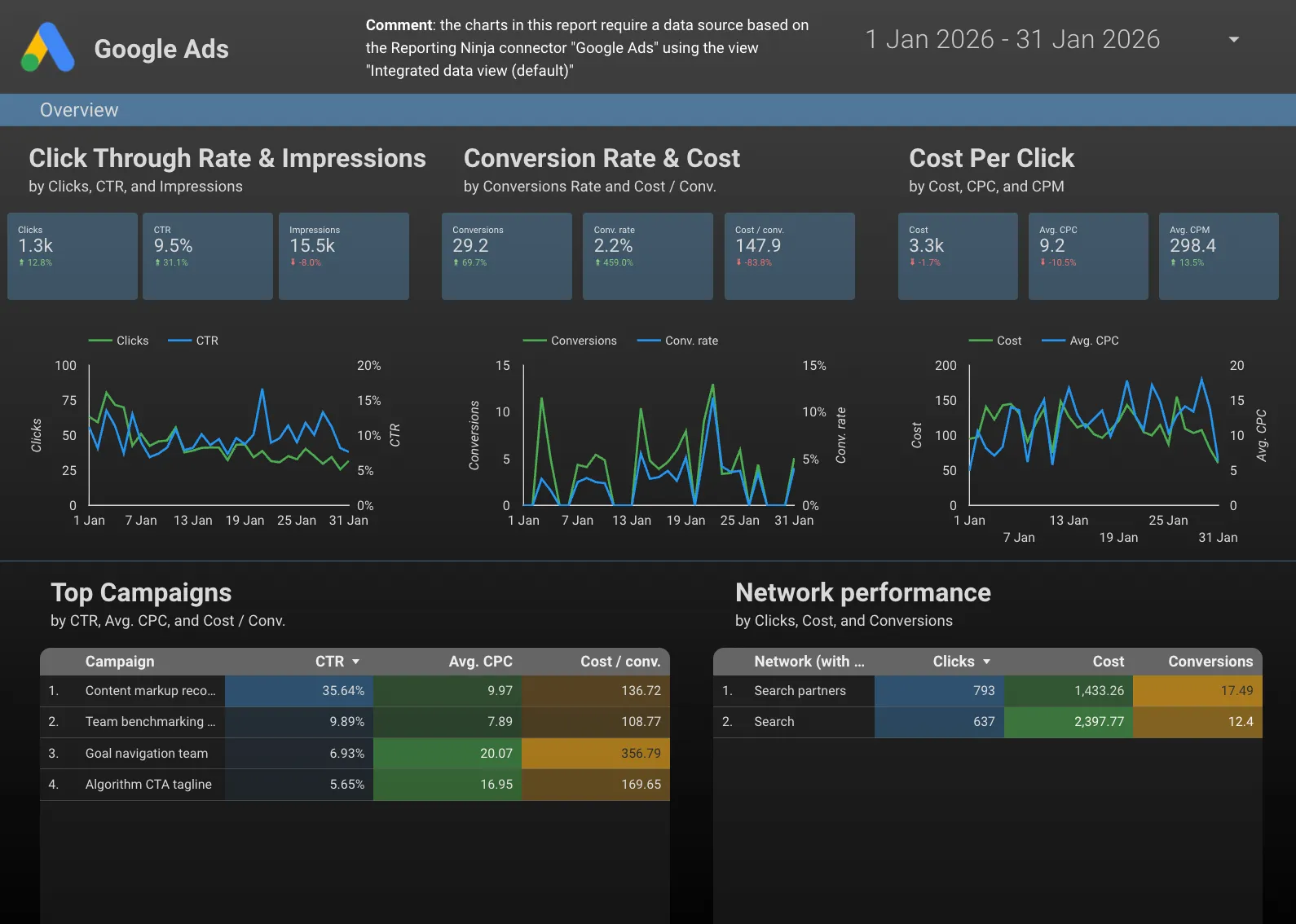
Template-based reporting helps standardize client deliverables, while white-label options keep reports aligned with agency branding.
All plans include Looker Studio connectors, a Google Sheets add-on, and a free trial with no credit card required.

If you want reporting delivered through a dashboard-first client portal, AgencyAnalytics can be a sensible choice.
If your workflow lives in Looker Studio and Google Sheets, Reporting Ninja is usually the cleaner fit: reusable templates, dependable connectors, and pricing that stays predictable as you scale.
Start a free trial and build one recurring client report end-to-end.
{{cta-block-v1}}
Sign up for a 15 days free trial. No credit card required.

Build and automate amazing custom reports in a few clicks. Save time, be more productive, impress your clients.