Analytics
May 21, 2026
7 Best Whatagraph alternatives & competitors (2026 updated)



Finding a reliable Whatagraph alternative gets harder once you’re managing real client workloads.
What looks good in a demo often breaks down in practice. Dashboards become rigid. Costs climb as you add clients. And reporting workflows that should run quietly in the background start demanding constant attention.
If you’re responsible for recurring client reporting, the tool you choose matters.
This guide compares the best Whatagraph alternatives for 2026. You’ll see which tools suit who, and where each one makes trade-offs.
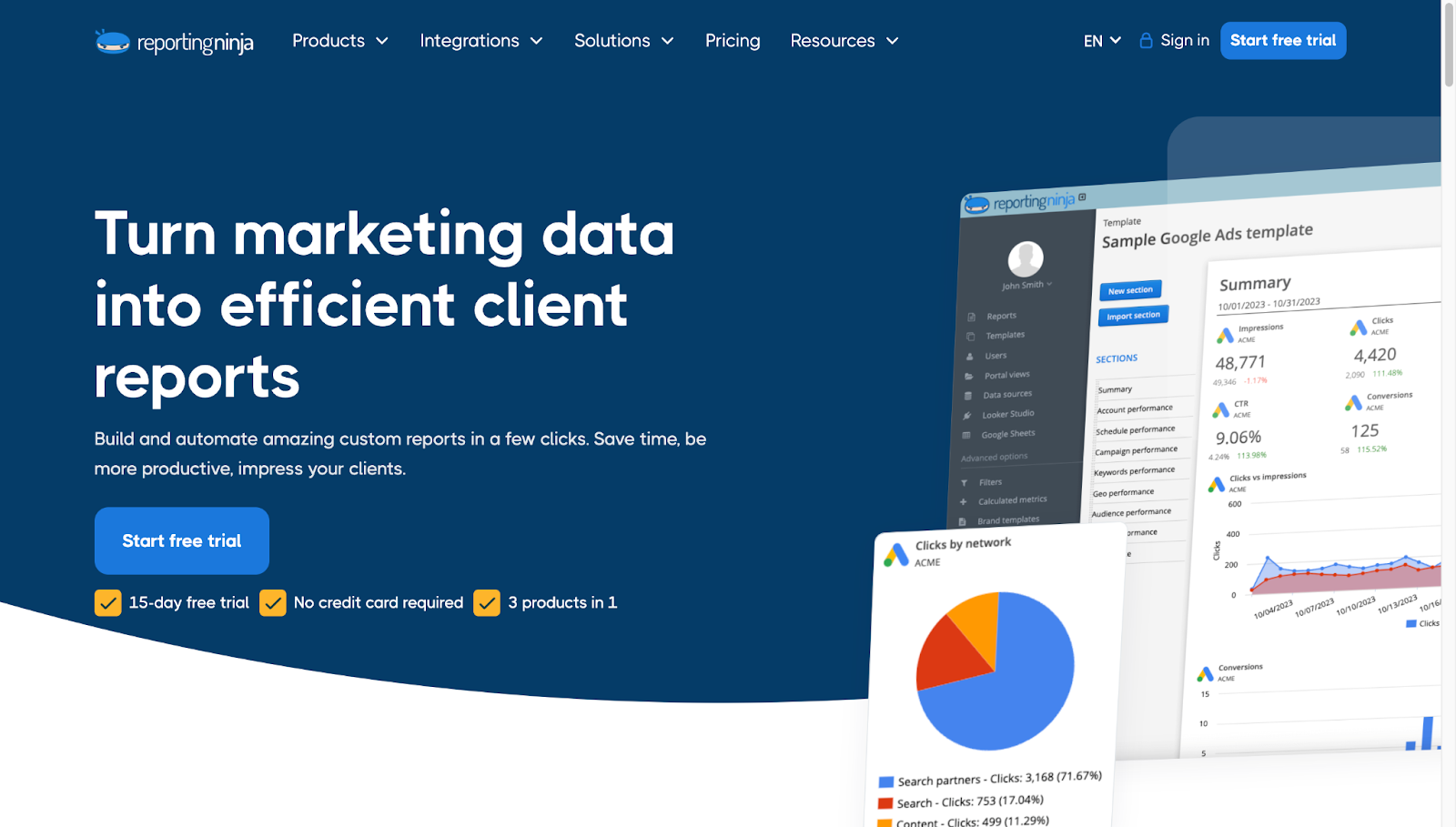
Reporting Ninja is built for agencies that run recurring client reports and want those workflows to stay predictable as they scale.
Instead of charging per connector, per dashboard, or per client, it combines data connectors, report building, and scheduled delivery into a single platform with pricing that remains stable as reporting volume grows.
This makes it a practical alternative to Whatagraph for small and mid-sized agencies that care more about reliability, automation, and cost control than flashy dashboards.
Reporting Ninja focuses on keeping reporting operationally predictable. Reports pull data consistently, deliver on schedule, and don’t require constant maintenance as you add new clients.
Reporting Ninja is designed to automate recurring client reporting without introducing extra tools or complex setup.
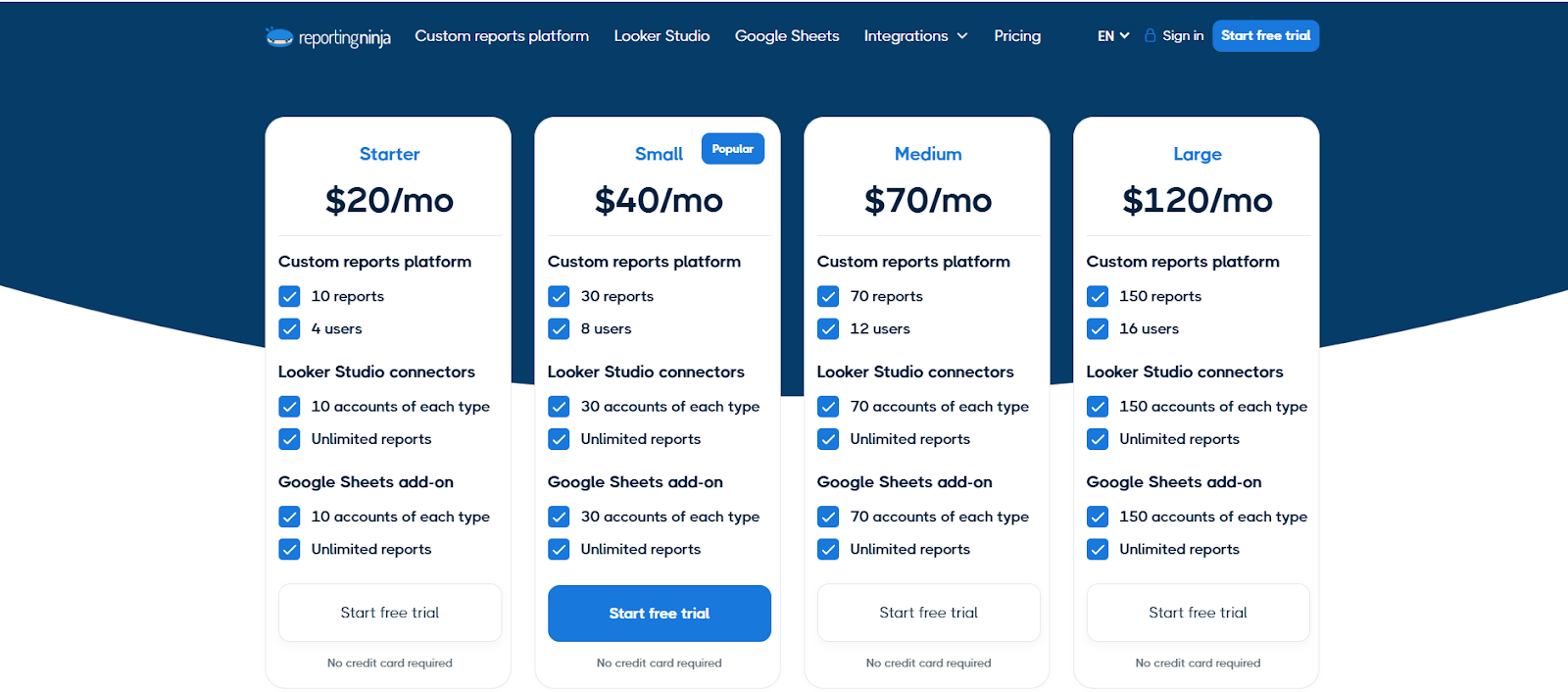
All pricing plans include full access to connectors, reporting tools, and delivery features. Agencies don’t pay extra as they add more data sources or scale report output, which makes it easier to forecast costs and avoid reporting tools quietly becoming one of the largest line items in the stack.
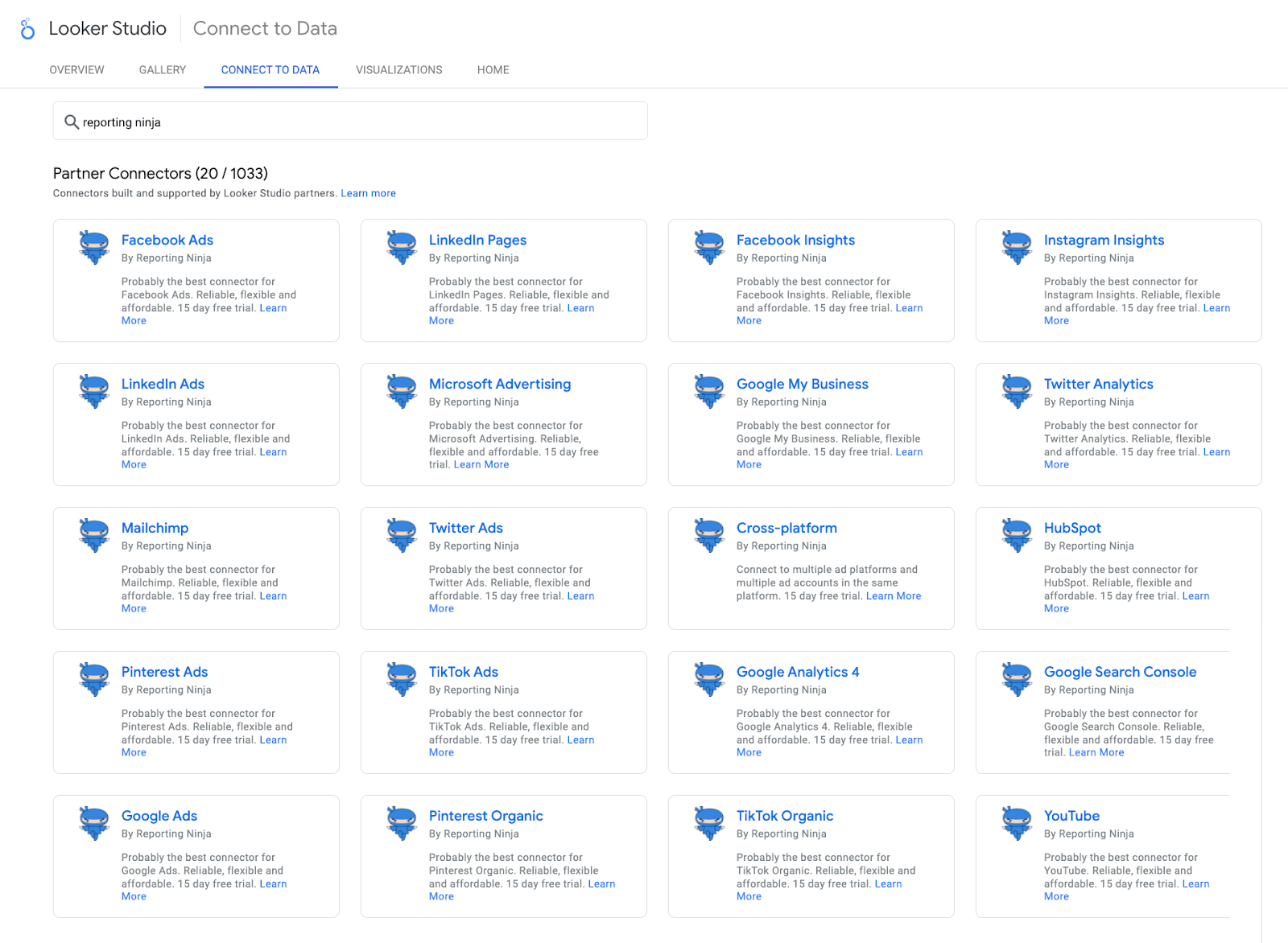
Reporting Ninja acts as both a data connector and a reporting platform. Agencies can pull data from multiple marketing, PPC, social, and analytics platforms and push it directly into client-ready reports without relying on separate connector subscriptions.
Reports can be delivered via scheduled email, shared online reports, or connected destinations like Google Sheets and Looker Studio, giving agencies flexibility in how clients receive updates.
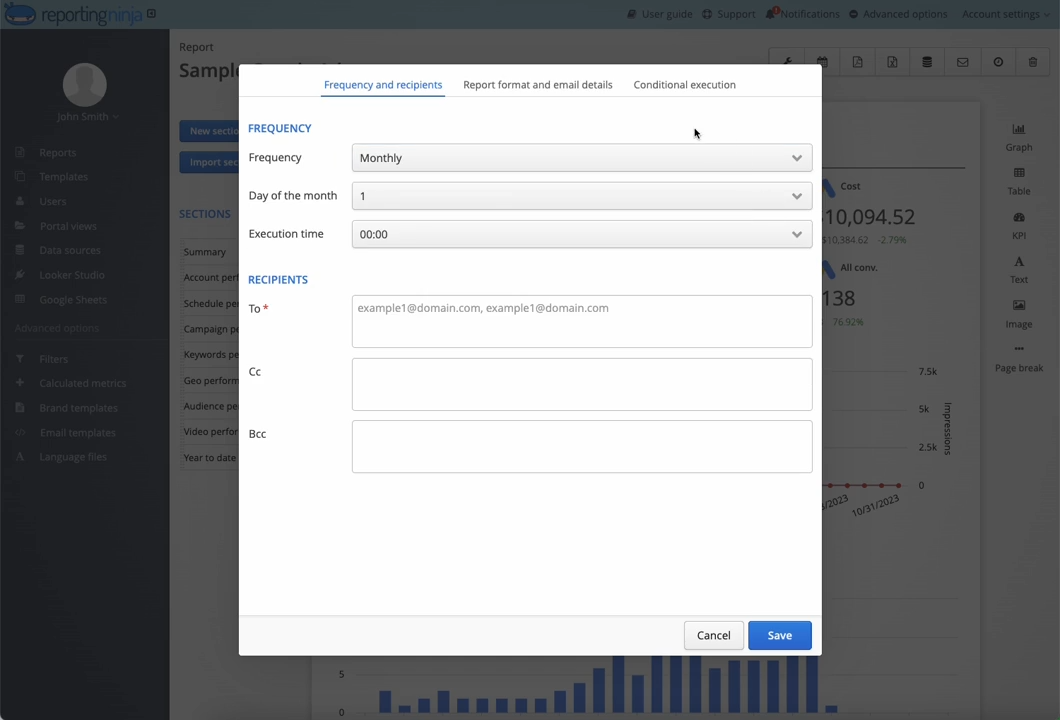
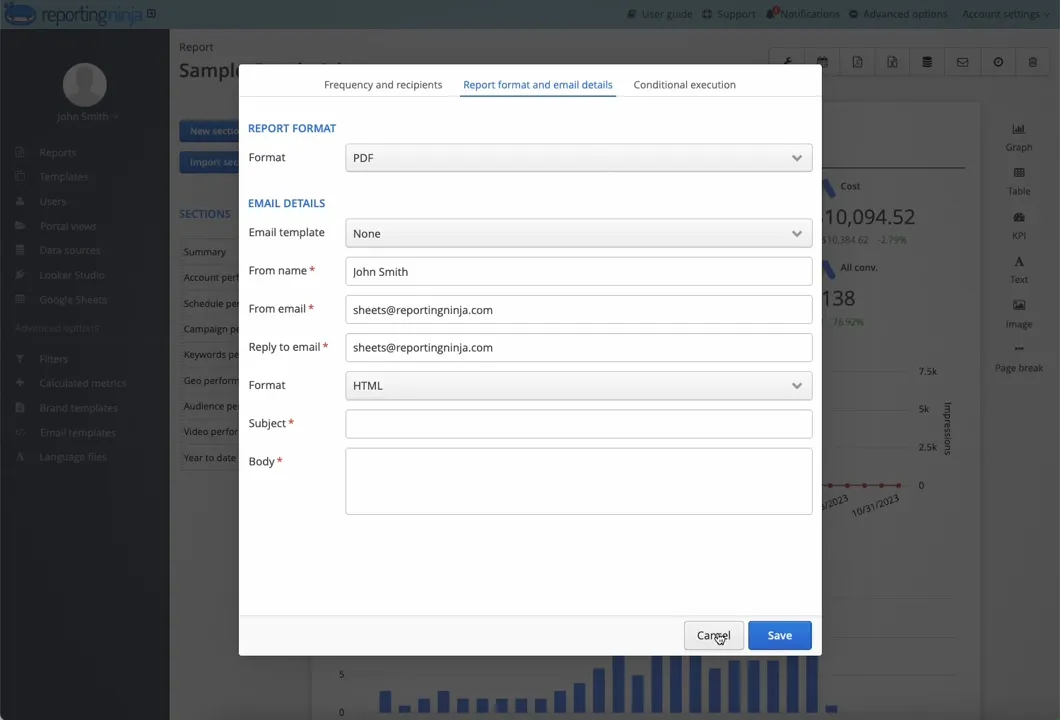
Reports can be scheduled to send automatically on a weekly or monthly cadence. This removes manual exports and last-minute checks and helps agencies maintain consistent client communication without dedicating time every reporting cycle.
“Throughout my years in the marketing field, I've firsthand experienced the challenges agencies face when crafting reports for clients. It's essential to have tools that enable effective digital marketing management and brand image strengthening, all while meeting client expectations. Reporting Ninja has proven to be an exceptionally effective and user-friendly solution in this regard.” - Marta Meyrick, Marketing Hero
If you want reporting workflows that scale without surprise costs or ongoing maintenance, Reporting Ninja offers a straightforward way to automate recurring client updates.
Explore Reporting Ninja and see how much reporting time you can save each month.
{{cta-block-v1}}
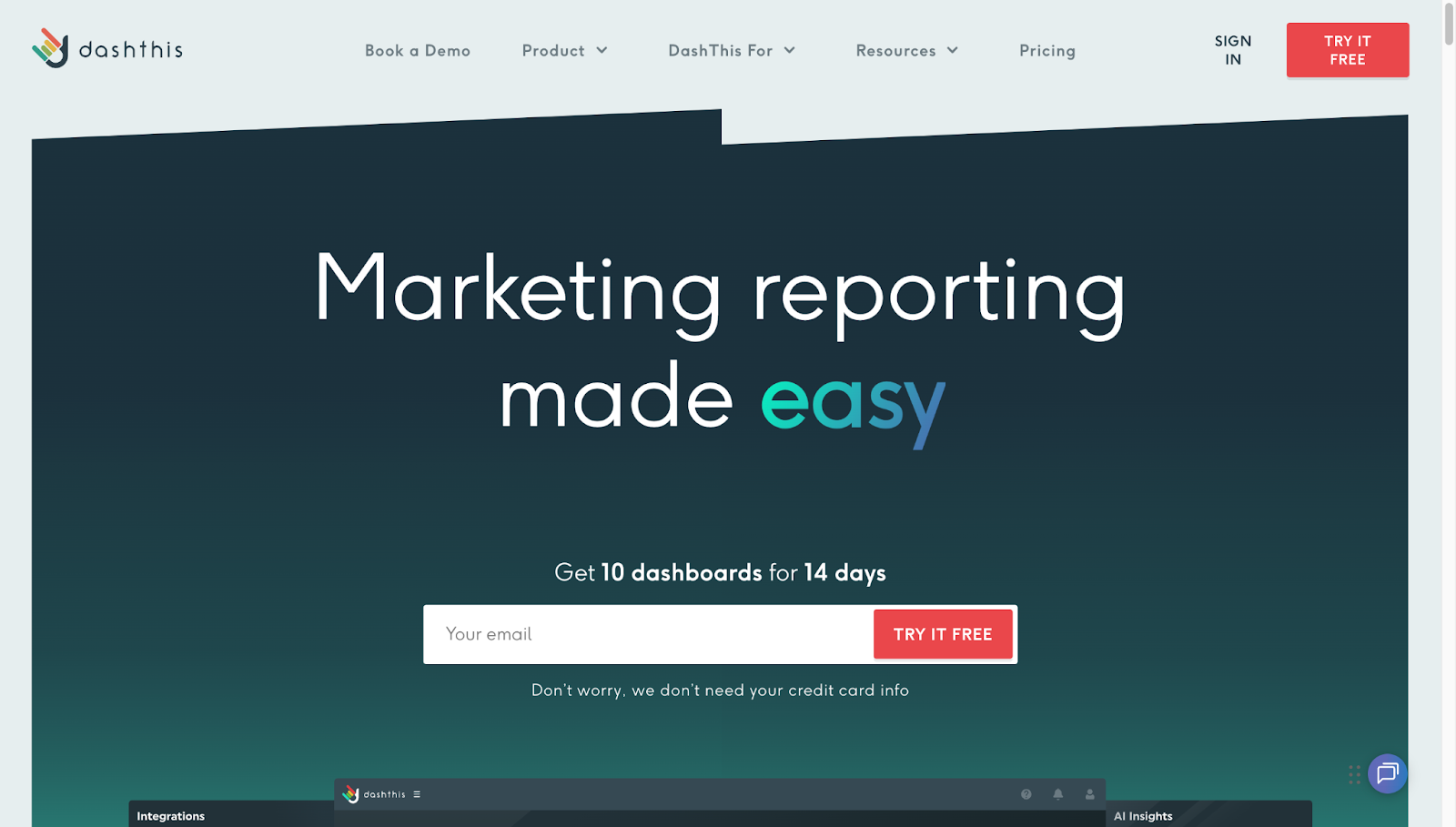
DashThis takes a “keep it simple” approach to agency reporting. You get polished dashboards without needing to think about layouts, formulas, or data structure. That makes it easy to roll out client reports quickly, but it also means you’re working within a fixed framework rather than building reports your own way.
“DashThis has made reviewing our analytics and other metrics an absolute breeze. Rather than having to open multiple programs and sift through all of their windows, DashThis has it all available for us to review. The weakness of DashThis is that it requires knowledge of the other programs it's pulling information from.” - Ethan M., verified G2 review
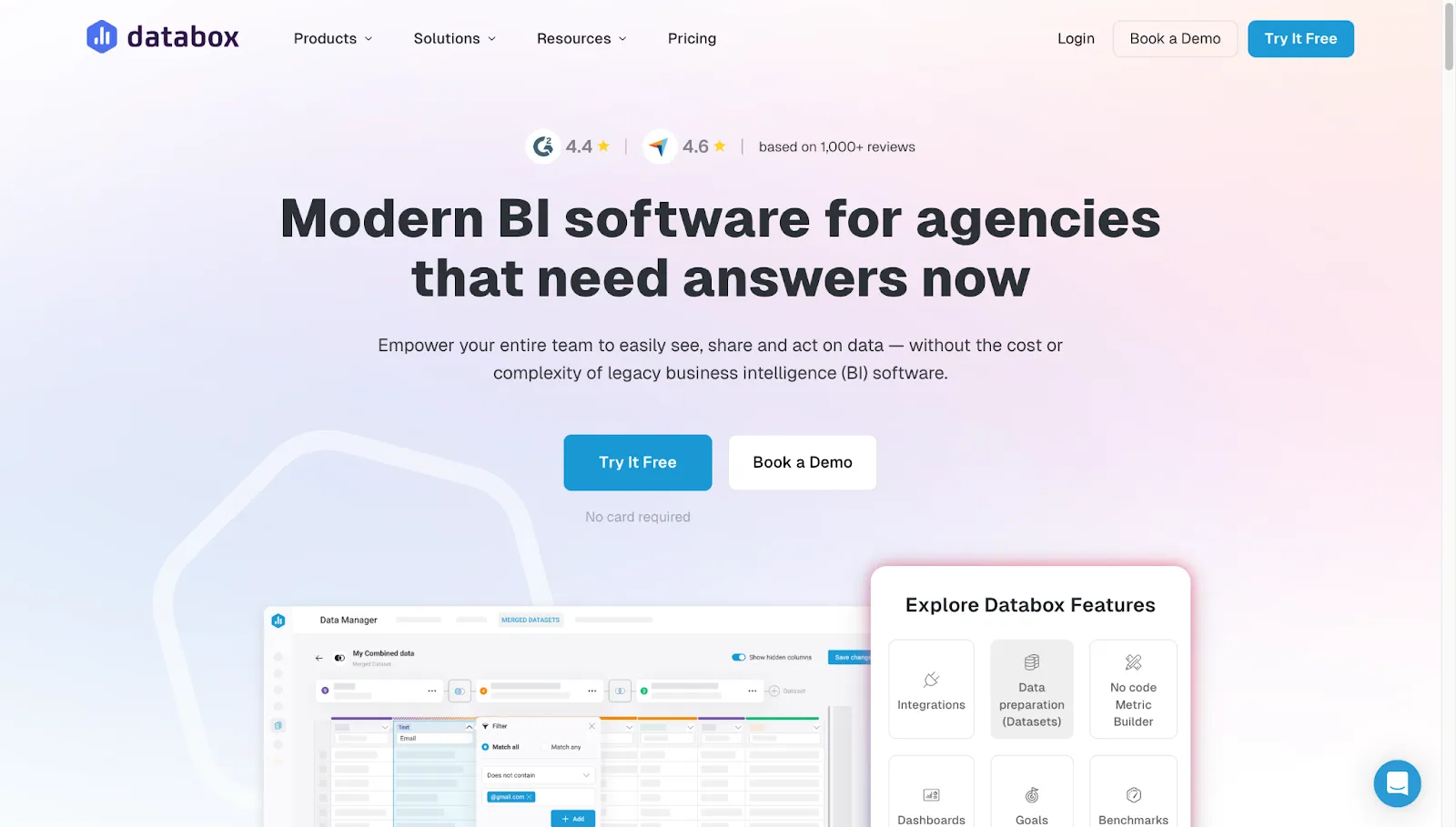
Databox is built around keeping performance visible at all times, not just at the end of the month. Instead of treating reporting as a client deliverable, it leans into live dashboards, goal tracking, and alerts that teams check throughout the day.
This works well for managers and operators who want constant visibility, but it’s a different mindset from tools designed primarily for structured, client-ready reports.
“All data sources in one place makes it easy to access critical business metrics. No more searching for data in different platforms like your CRM, Google Analytics, or shopping cart. It is easy to implement and report on business metrics with templates that reflect the data and integrations that I needed. While it has the major business integrations and connections, it needs more connections to work in certain industries.” - Nancy S., verified G2 review
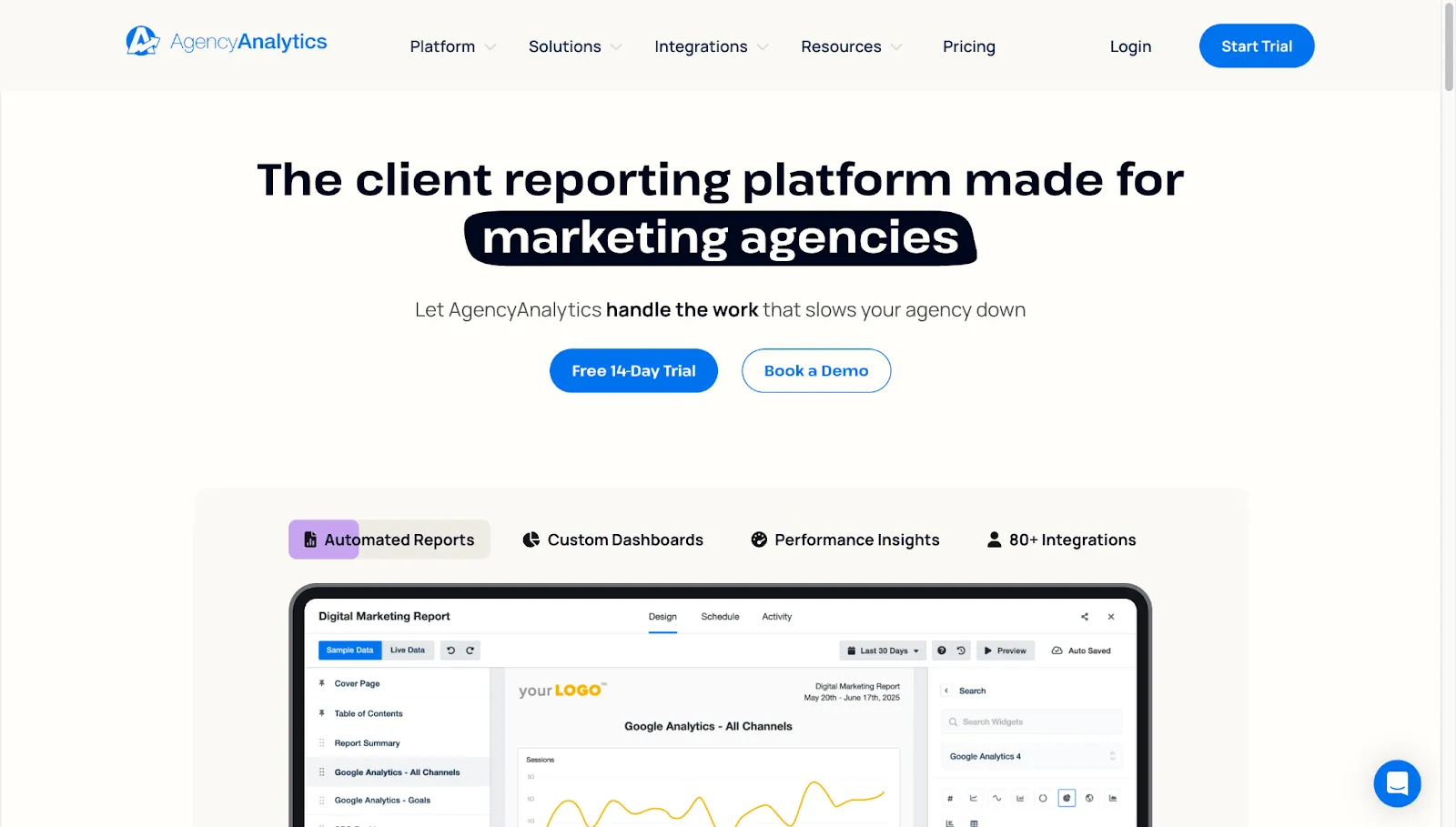
AgencyAnalytics takes a bundled approach to agency reporting. Rather than focusing only on dashboards, it combines SEO tools, marketing data, reporting, and client access into a single platform. This can reduce tool switching for SEO-focused agencies, but it also means reporting follows a more opinionated structure shaped by the platform’s built-in workflows.
For agencies looking for an AgencyAnalytics alternative with more flexible reporting workflows and automation, tools like Reporting Ninja are often considered.
“I love the easy drag-and-drop interface of AgencyAnalytics, which makes it incredibly user-friendly and eliminates the hassle of dealing with complicated platforms. The Google Sheets integration could be a bit easier to use. It's hard to figure out how to use it, and it feels clunky.” - Ben S., verified G2 review
Want a neutral breakdown before deciding? See our unbiased AgencyAnalytics review for full context.
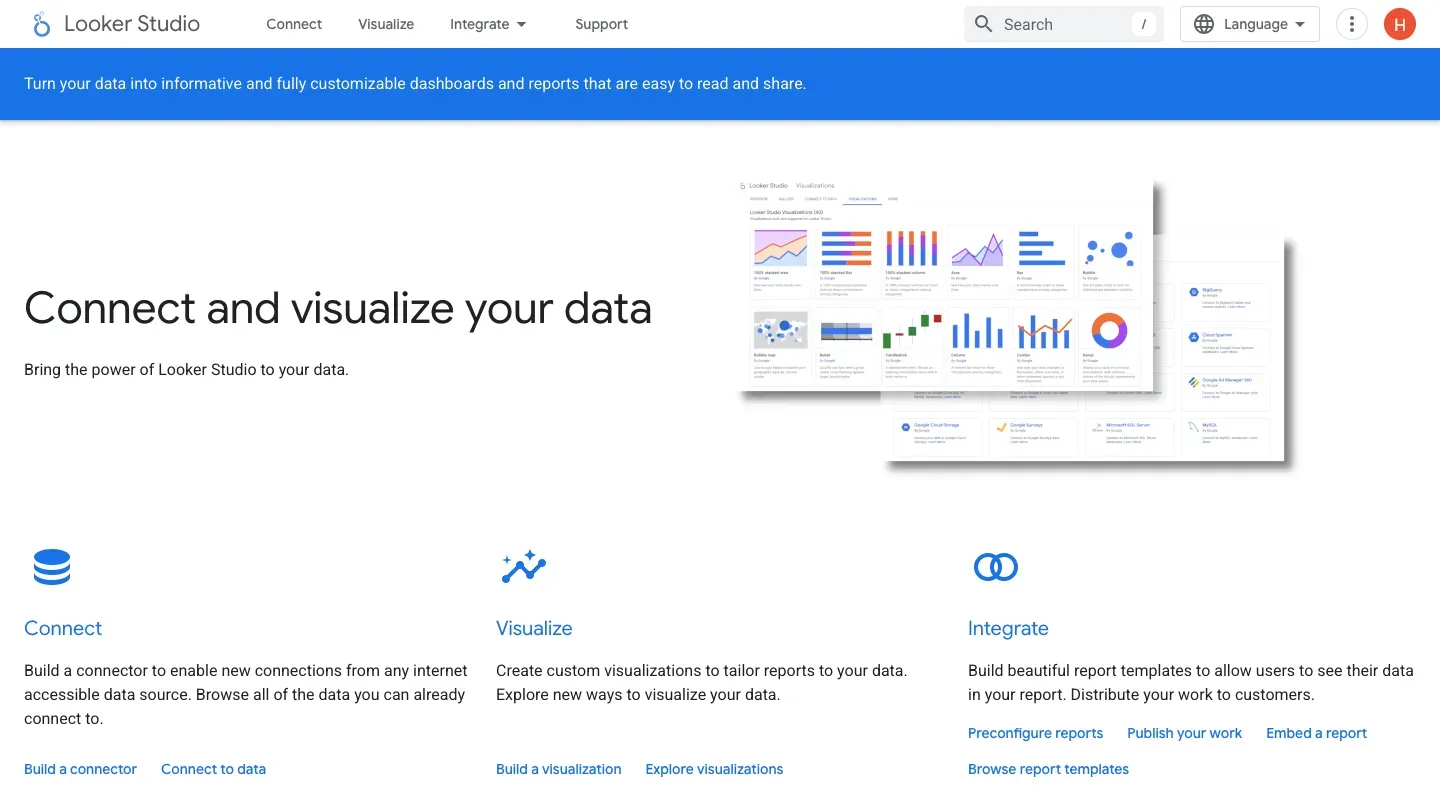
Looker Studio is a free reporting and visualisation tool that gives teams full control over dashboard design, data blending, and layout. It works best when paired with Google’s native data sources or third-party connectors.
Looker Studio Pro is available from around $9 per user per project per month for teams that need governance, collaboration, and support. The trade-off is setup and maintenance. Reports must be built and maintained manually, and many non-Google connectors come with additional costs.
Looker Studio is best suited for analysts and technically confident teams that want maximum flexibility and are comfortable managing their own reporting logic.
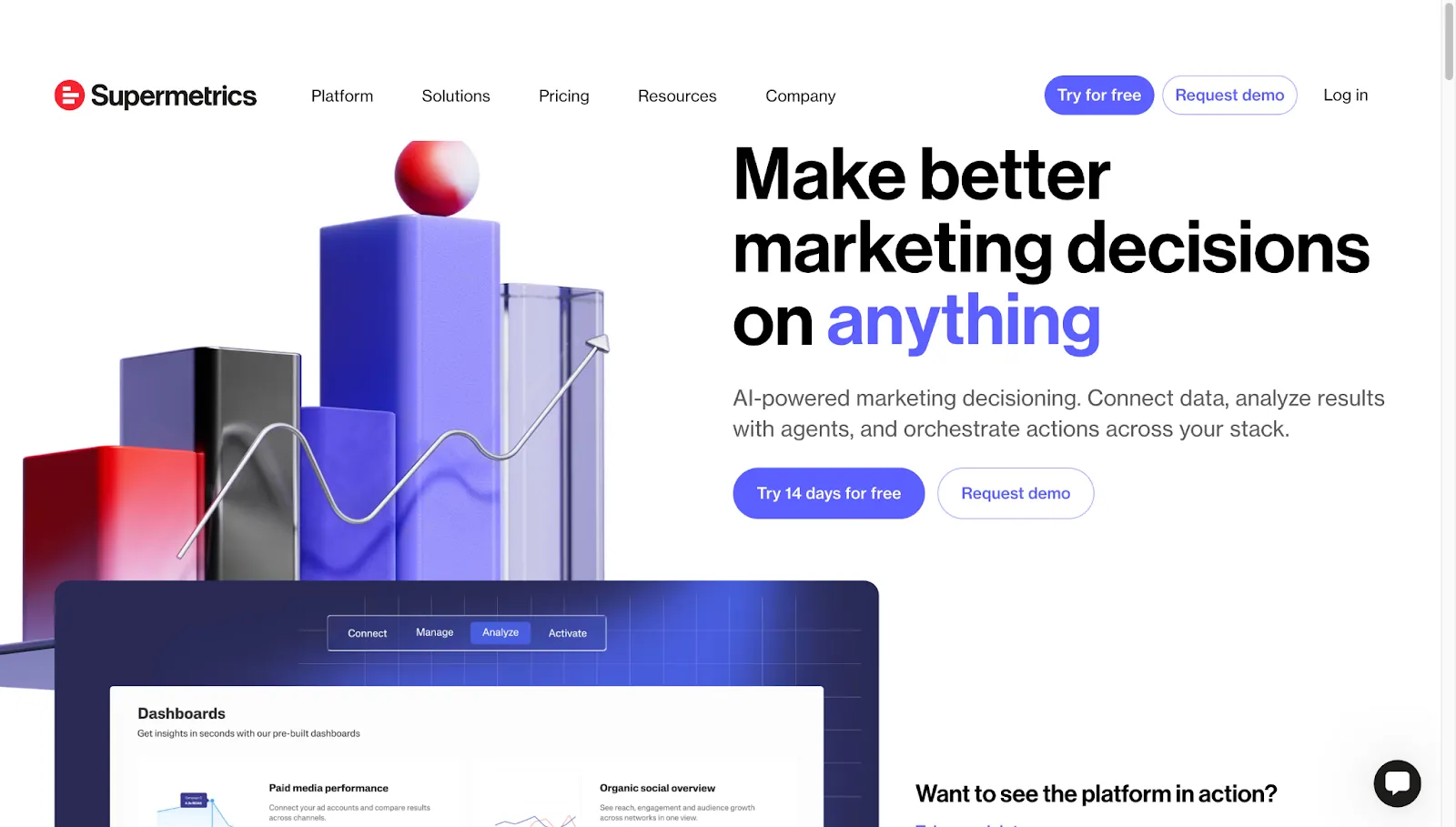
Supermetrics specialises in pulling marketing and analytics data into destinations like Google Sheets, Looker Studio, Excel, and data warehouses. Its value lies in reliable, well-maintained connectors and flexible scheduling options that support high-volume data pulls.
Supermetrics pricing starts at around $37 per month for basic use and increases as teams add more data sources, destinations, or warehouse integrations. Because Supermetrics focuses on data extraction only, it doesn’t include dashboards, templates, or client-facing reports, which, as reflected in many Supermetrics reviews, often means teams need to pair it with a separate reporting or BI tool.
It’s best suited for marketers with an established reporting stack that need dependable data pipelines.
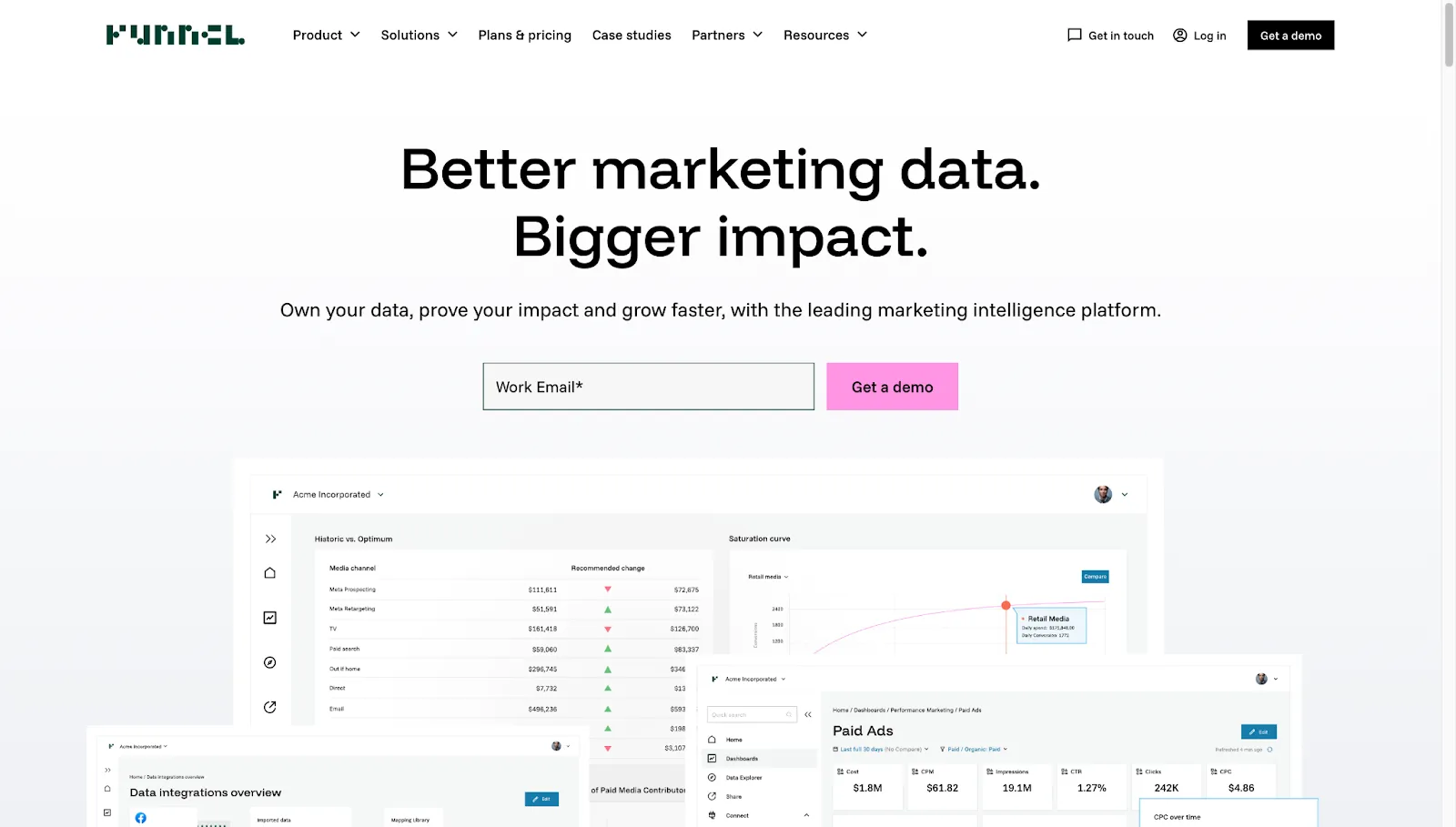
Funnel.io is designed to centralise and standardise marketing data before it reaches a reporting or BI environment. It offers tools to map fields, group metrics, and normalise data across platforms without writing SQL.
Pricing generally starts at around $120 per month and scales based on data volume, destinations, and feature requirements. Funnel.io does not include built-in dashboards or client reporting, so teams usually connect it to tools like Looker Studio or a data warehouse.
It’s best suited for scaling agencies and in-house teams that manage large volumes of marketing data and need consistent, warehouse-ready datasets to support more advanced analytics.
Whatagraph works well for quick, visual dashboards, but it isn’t always the best fit for agencies managing recurring client reporting at scale. Below are the most common reasons teams start evaluating alternatives as their reporting needs grow.
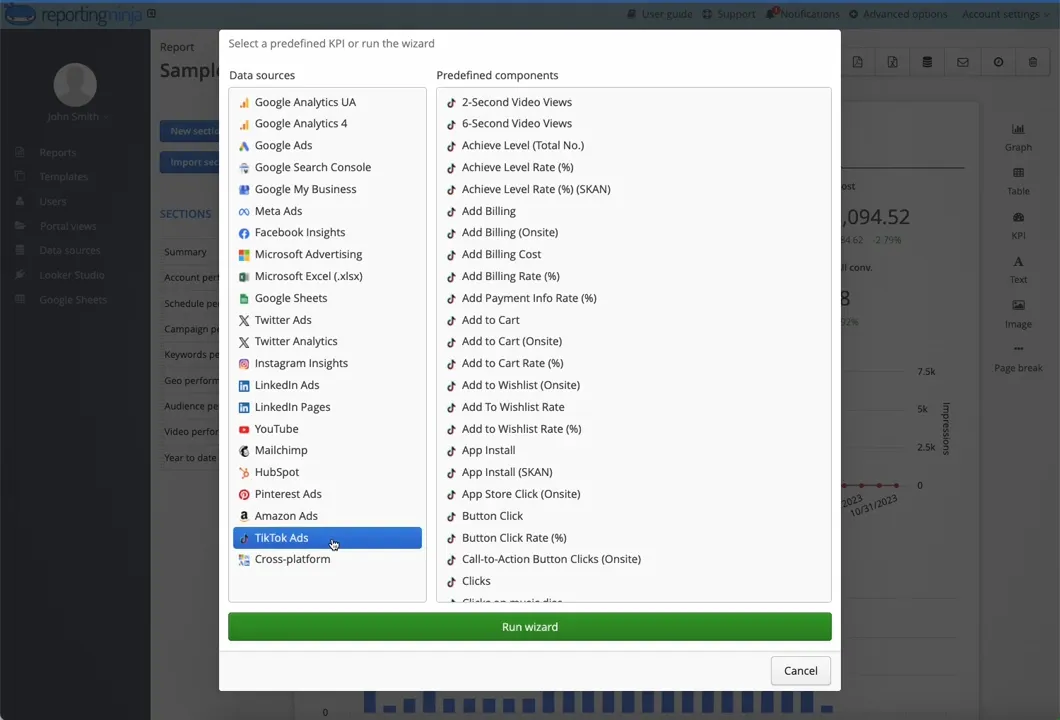
As agencies add more clients, reporting layouts rarely stay consistent. Different stakeholders want different metrics, formats, or levels of detail. Whatagraph relies heavily on predefined dashboard structures, which can make it harder to adapt reports client by client without rebuilding them.
Tools like Reporting Ninja offer more flexible templates, making it easier to reuse core report structures while adjusting layouts or sections per client.
Whatagraph’s pricing can climb as agencies add more dashboards or clients, which makes long-term costs harder to predict.
For smaller teams, reporting expenses can grow faster than revenue if pricing scales per account or output. Reporting Ninja uses more predictable pricing tiers, which helps agencies forecast reporting costs as client numbers increase.
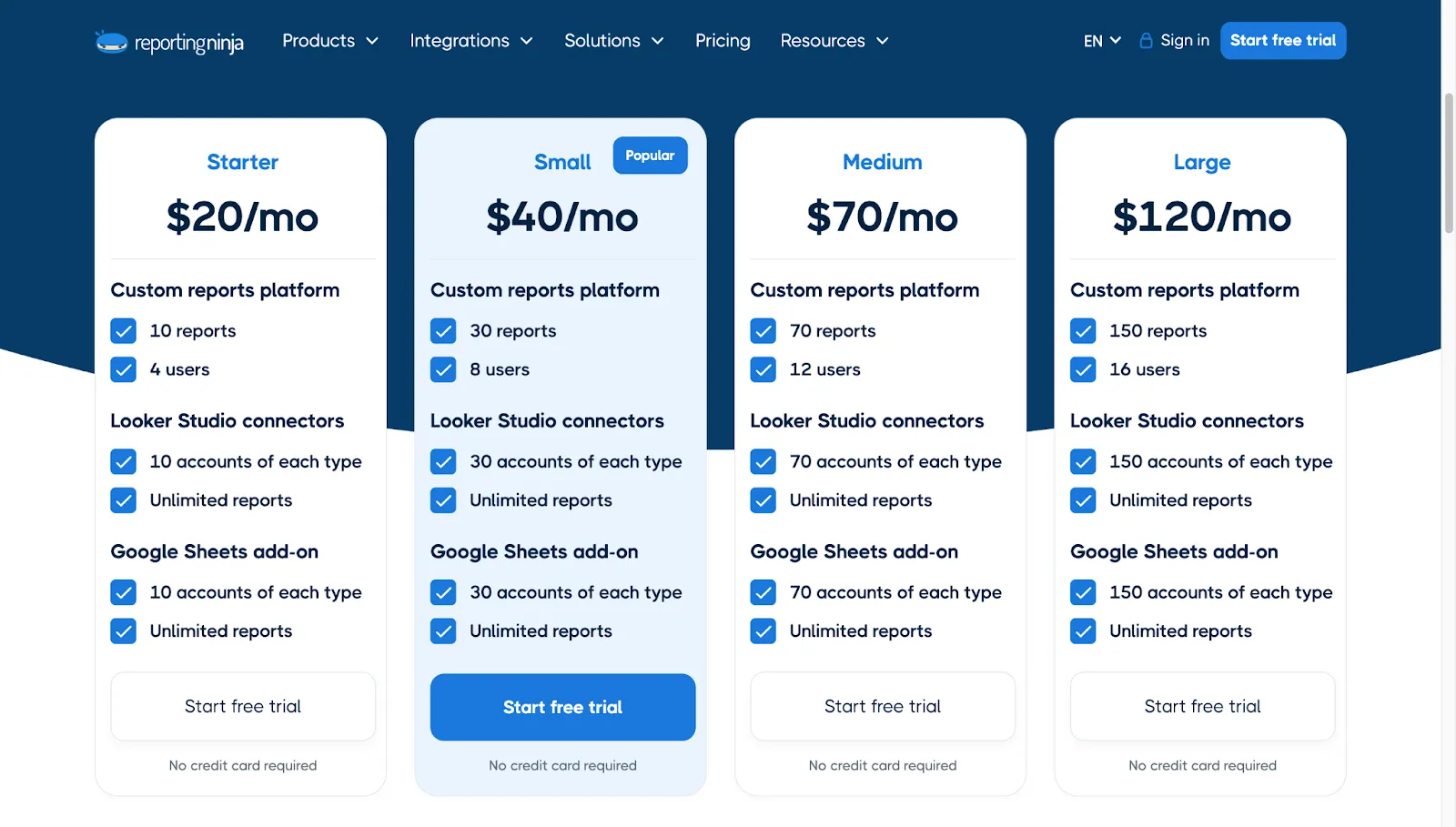
Simple dashboards work well for single-channel reporting, but multi-channel campaigns often require pulling data from many sources at once.
Some teams find Whatagraph limiting when they need broader source coverage or more detailed datasets across platforms. Reporting Ninja focuses on wide connector coverage, helping agencies consolidate more data sources into a single reporting workflow, even if deeper modelling still happens elsewhere.
Choosing a Whatagraph alternative comes down to how predictable you want reporting to be. If your team values stable pricing, flexible templates, and workflows that run reliably every week or month, Reporting Ninja offers a practical way to automate client reporting without adding complexity.
You can test the platform with a free trial or continue comparing tools to find the setup that fits your agency’s reporting needs.
Sign up for a 15 days free trial. No credit card required.

Build and automate amazing custom reports in a few clicks. Save time, be more productive, impress your clients.