Analytics
November 3, 2026
Top 6 DashThis alternatives for marketing reports (2026)


DashThis gets expensive fast once you pass 10 client dashboards, and each plan also limits how many accounts you can connect.
The six DashThis alternatives worth comparing are Reporting Ninja, AgencyAnalytics, Swydo, Data Studio, Databox, and Whatagraph.
Each tool uses a different pricing model, so the cheapest choice depends on how many clients you report on. You'll see each tool's price at 5, 10, and 25 clients, and how each one compares to DashThis.
DashThis does many things well. Every plan includes unlimited users, white label dashboards, automated email reports, four AI insights, and an MCP connector. The main reasons to switch are the price and the limits as you add clients.
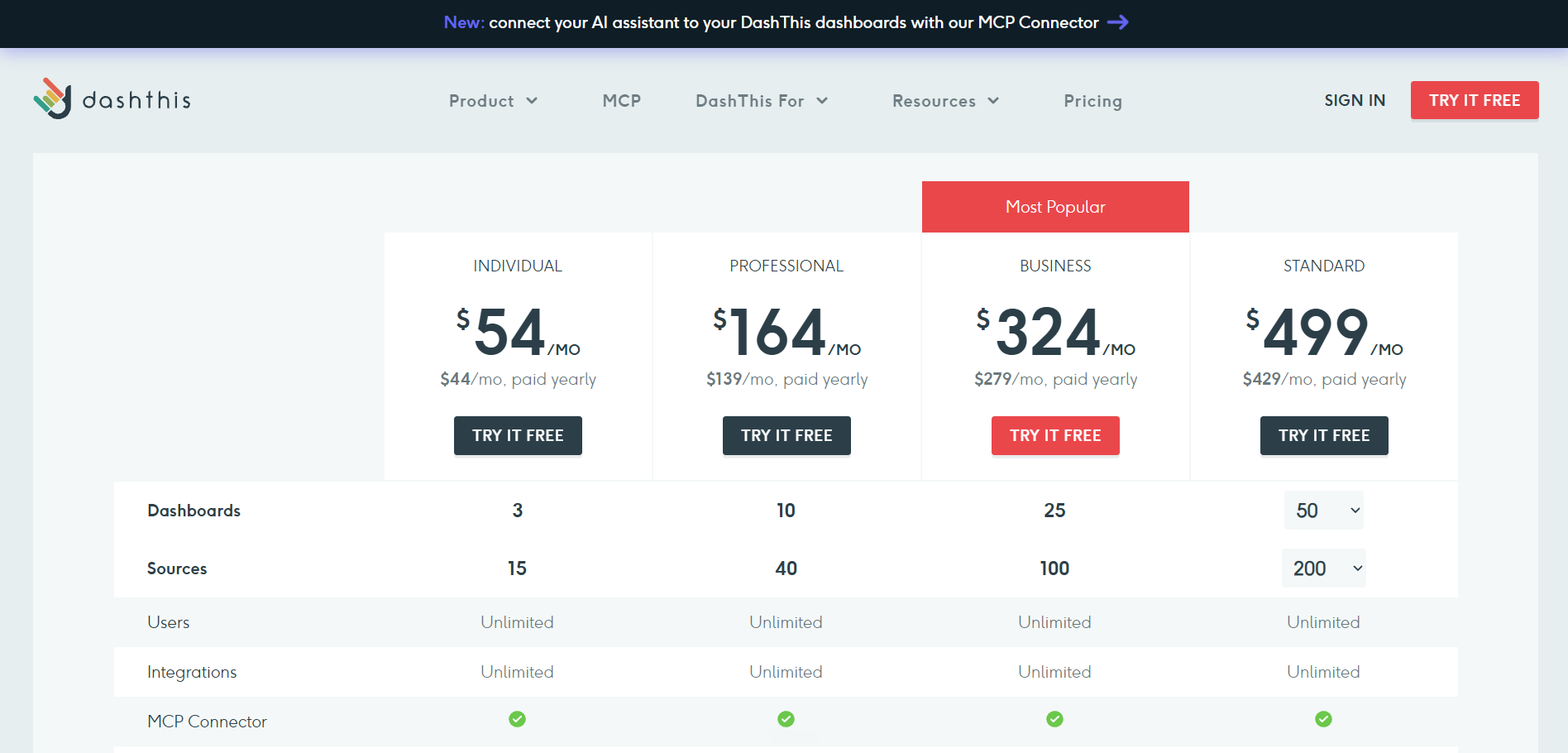
DashThis prices by dashboard, and most agencies build one dashboard per client. Billed annually, Individual costs $44 a month for 3 dashboards, and Professional costs $139 a month for 10.
Business costs $279 a month for 25 dashboards, and Standard starts at $429 a month for 50 or more. So when you sign your 11th client, your bill goes from $139 to $279 a month.
The AI Insights Pro add-on costs $15 a month billed yearly on any of these DashThis pricing tiers. It adds chat mode and unlimited AI insights.
Each DashThis plan also includes a set number of data sources: 15 on Individual, 40 on Professional, and 100 on Business. Every connected account counts as one source, such as one Google Ads account or one GA4 property.
What that means is that a 10-client agency, with each client running GA4, Google Ads, Meta Ads, Search Console, and LinkedIn Ad, ends up with 50 sources. You would need the $279 Business plan, even with only 10 dashboards.
DashThis says it connects to 30+ marketing platforms. That covers the main ad, analytics, social, and SEO tools, and you can add other data through Google Sheets or a CSV file.
Other tools list more. AgencyAnalytics lists 90+ integrations, and Databox says it connects 130+ tools. If your clients use niche platforms, check the integration list before you choose, especially for cross-channel marketing reporting.
Each of the six alternatives handles growth in a different way. Reporting Ninja, for example, covers 10 client reports for $20 a month.
The biggest difference between these tools is how they charge as you grow. White label is included on most plans, which matters if you resell reports under your own brand, as with other white label marketing tools.
Prices checked in November 2026.
| Tool | Best for | Pricing model | Starting price | White label |
|---|---|---|---|---|
| DashThis | The baseline | Per dashboard, with a data source cap | $44/month (3 dashboards) | Every plan |
| Reporting Ninja | Freelancers and small agencies | Flat plans by reports and accounts | $20/month (10 reports) | Every plan |
| AgencyAnalytics | Rank tracking in the same tool | Per client | $20 per client/month | Included |
| Swydo | PPC-focused agencies | Per data source | $69/month billed monthly (10 sources) | Included |
| Data Studio | Google-only data on zero budget | Free, Pro per user | $0 (Pro $9 per user, per project) | Custom themes and logos |
| Databox | KPI goals and internal tracking | Agency base plus account packs | $79/month plus $20 packs | $80/month add-on |
| Whatagraph | Larger agencies with a premium budget | By connected accounts | From $1118/month (50 accounts) | Included |
Compare the options, then test Reporting Ninja for free. Start a 15-day free trial of Reporting Ninja. No credit card is needed, and every feature is included.
Reporting Ninja is a marketing reporting platform for agencies. It lets you build client reports with AI or by hand and sends them in each client's brand on a schedule. Every feature and every integration is on every plan, with unlimited users, from $20 a month.
More than 2,000 agencies and marketing teams use it, and you can trust every number in your reports as it comes from the source platform's API.
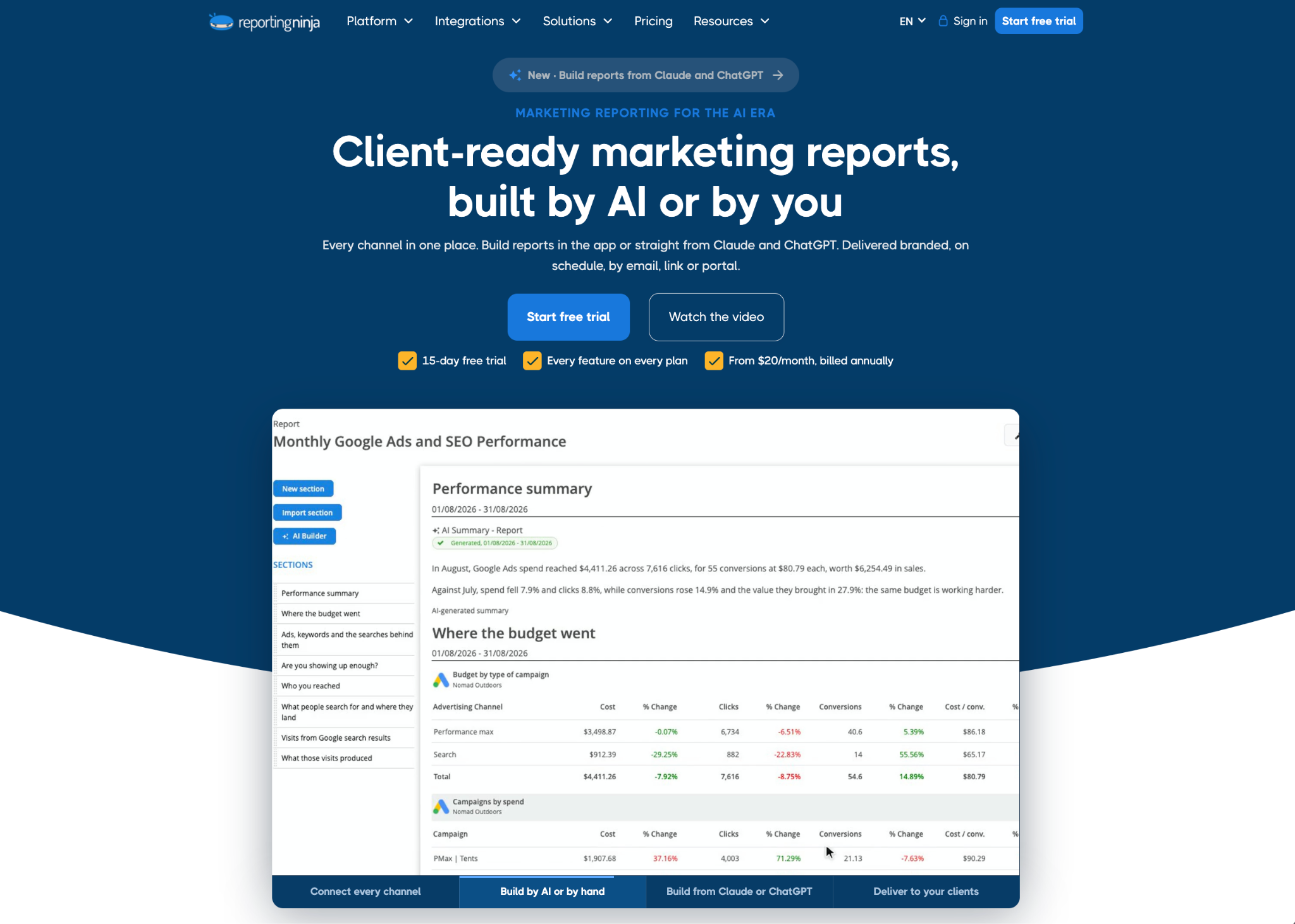
Connect each account once, and it's ready to use it in every client report. Reporting Ninja covers Google Ads, Facebook Ads, LinkedIn Ads, GA4, and Search Console. Other Reporting Ninja integrations include TikTok, Shopify, Klaviyo, and HubSpot.
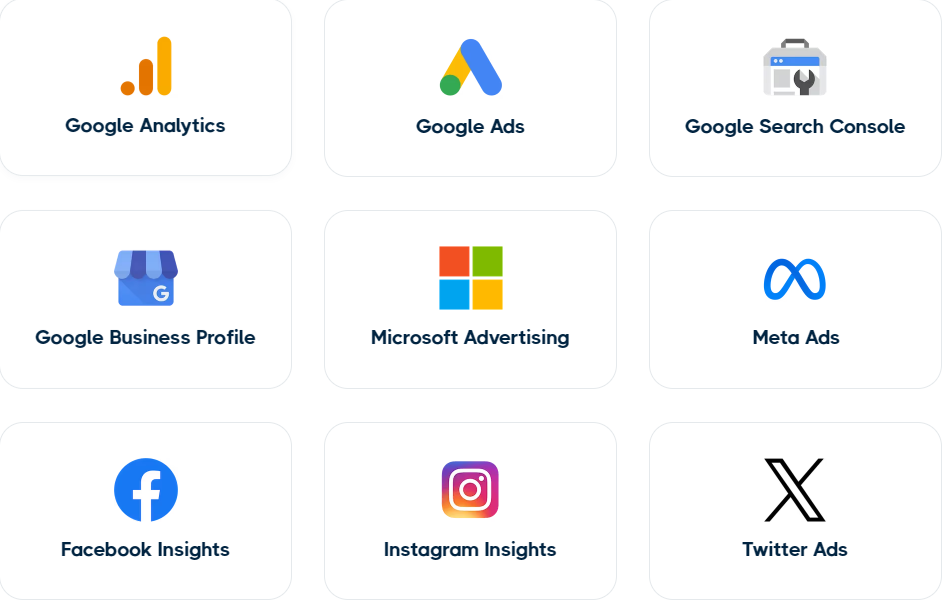
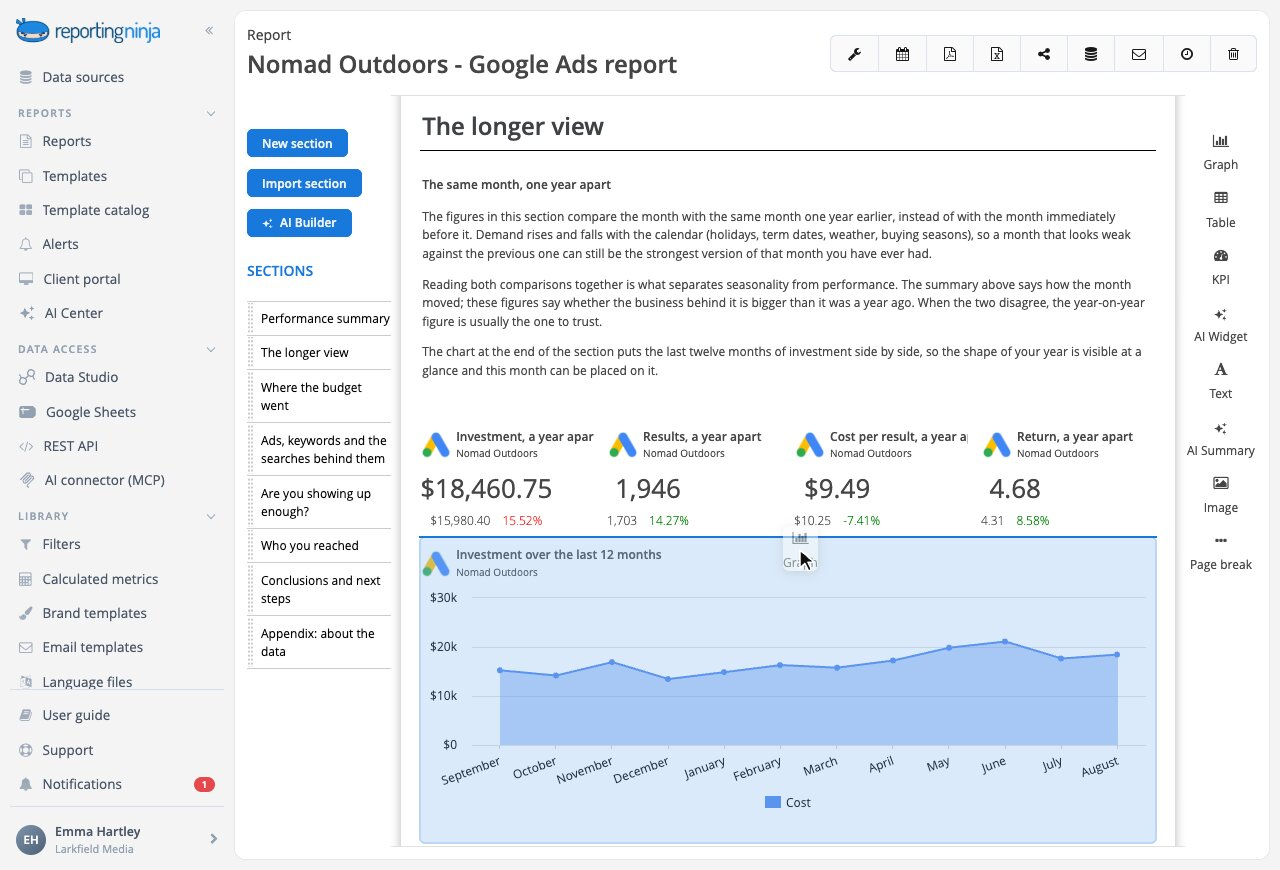
Build reports in the drag-and-drop custom report builder, or use the same accounts in other tools. The Data Studio connectors work inside Google's free dashboard tool. The Google Sheets add-on refreshes your data hourly, daily, weekly, or monthly. Reporting Ninja also offers MCP and API integrations, so you can connect reporting data to AI-powered workflows and build custom integrations with other tools.
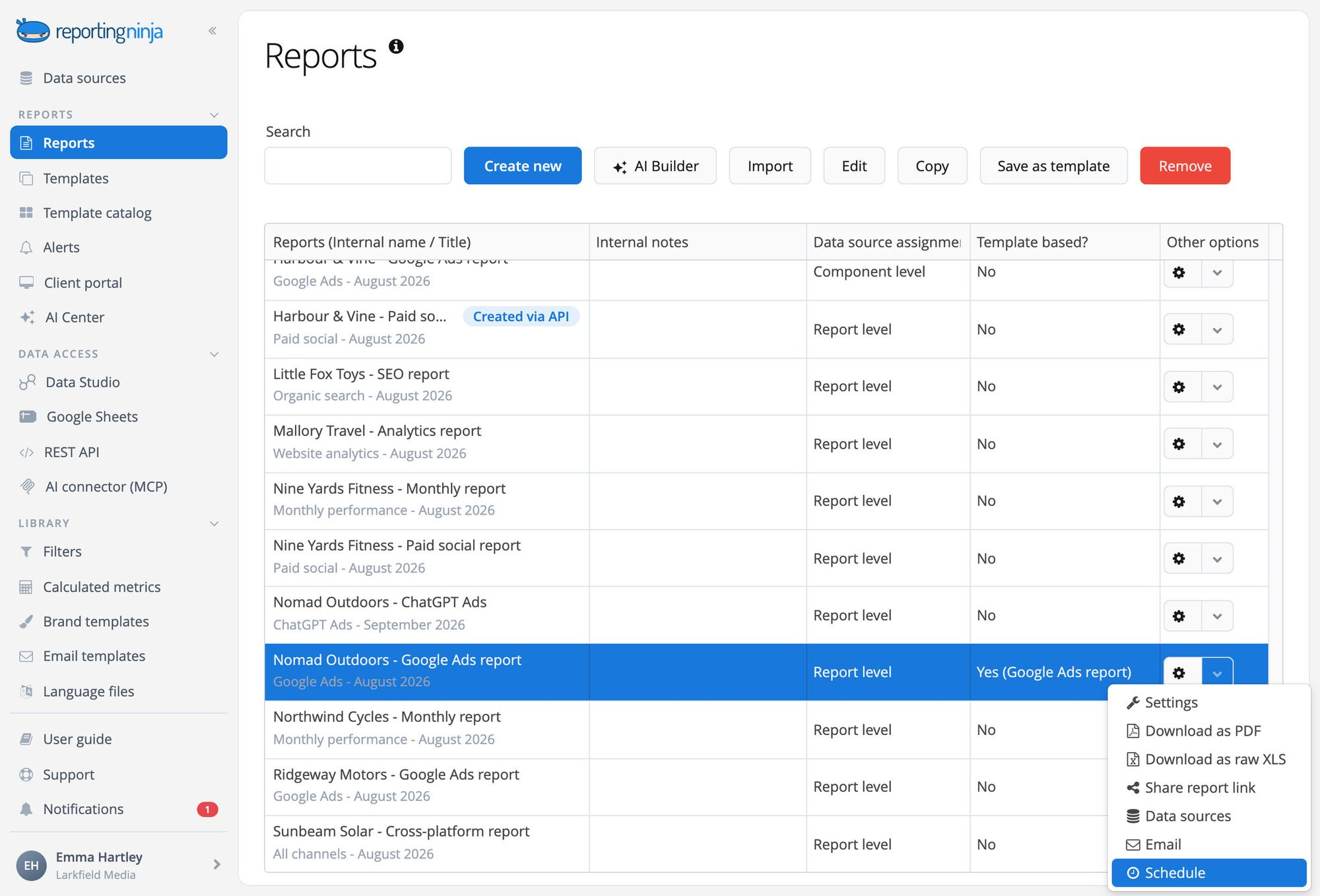
Scheduled reports email a branded PDF to each client on the date you set. Alerts check a metric every day and email you a short AI-written note when it crosses your threshold.
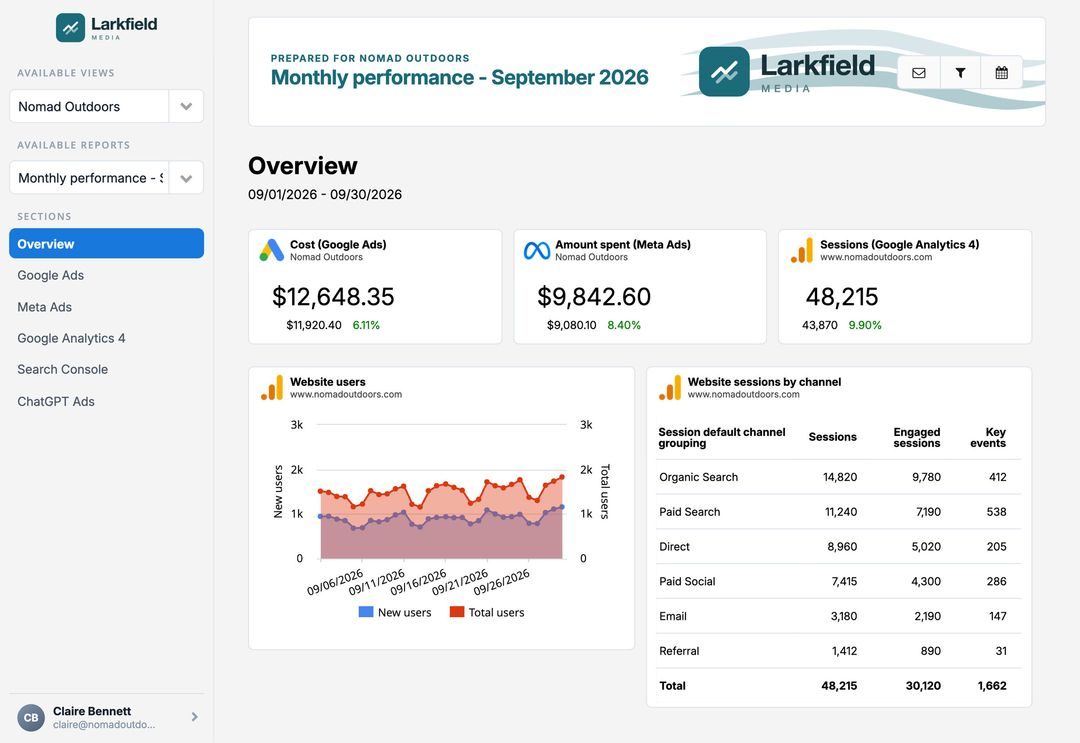
One brand template per client sets the logo, colors, cover, and fonts. The same branding applies to the PDF, the share link, and the client portal, where each client logs in on your own domain.
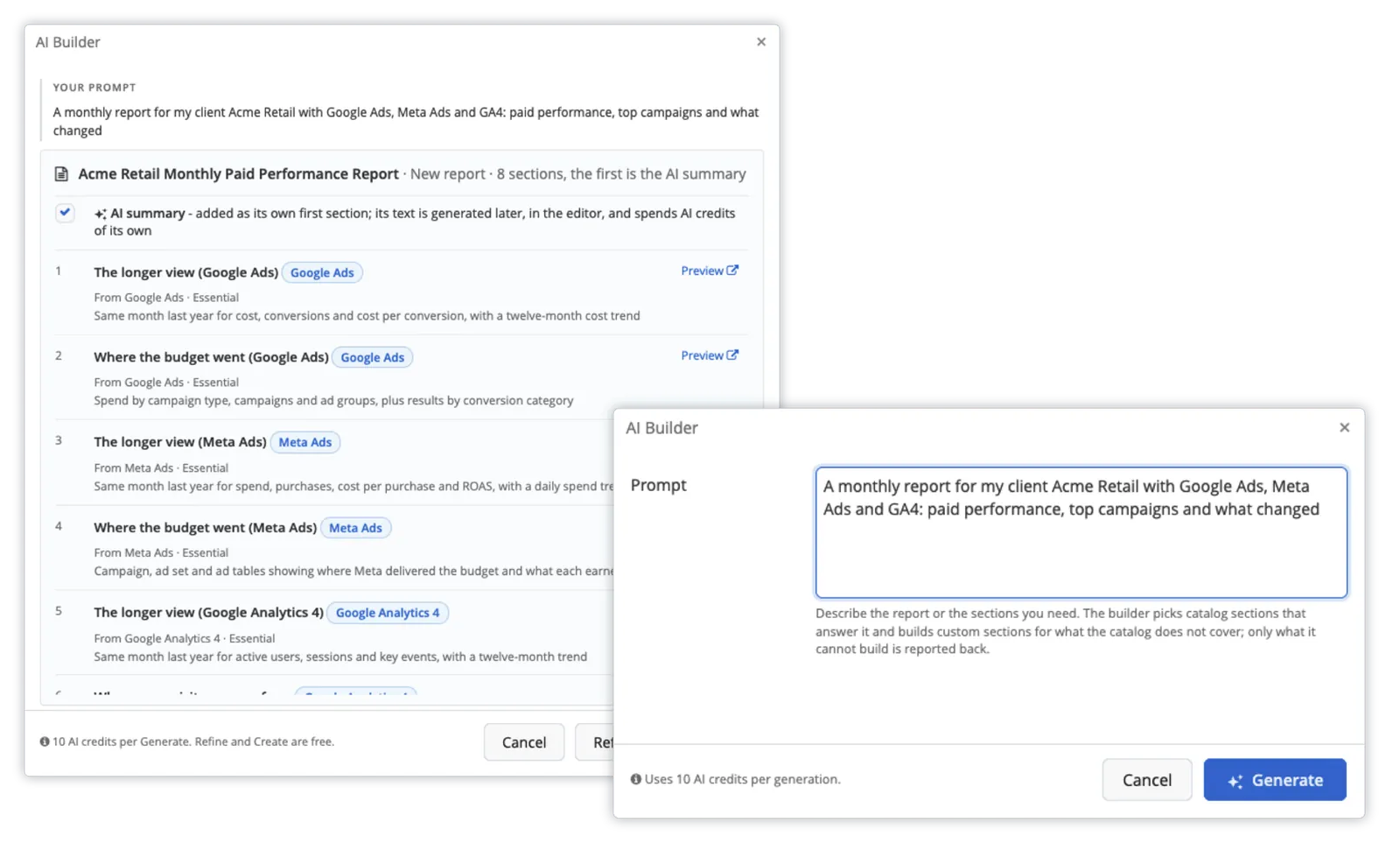
Describe a report in one sentence, and AI Builder proposes the sections, charts, and data sources. Nothing is created until you approve it. AI Summary then writes the analysis from the report's own numbers.
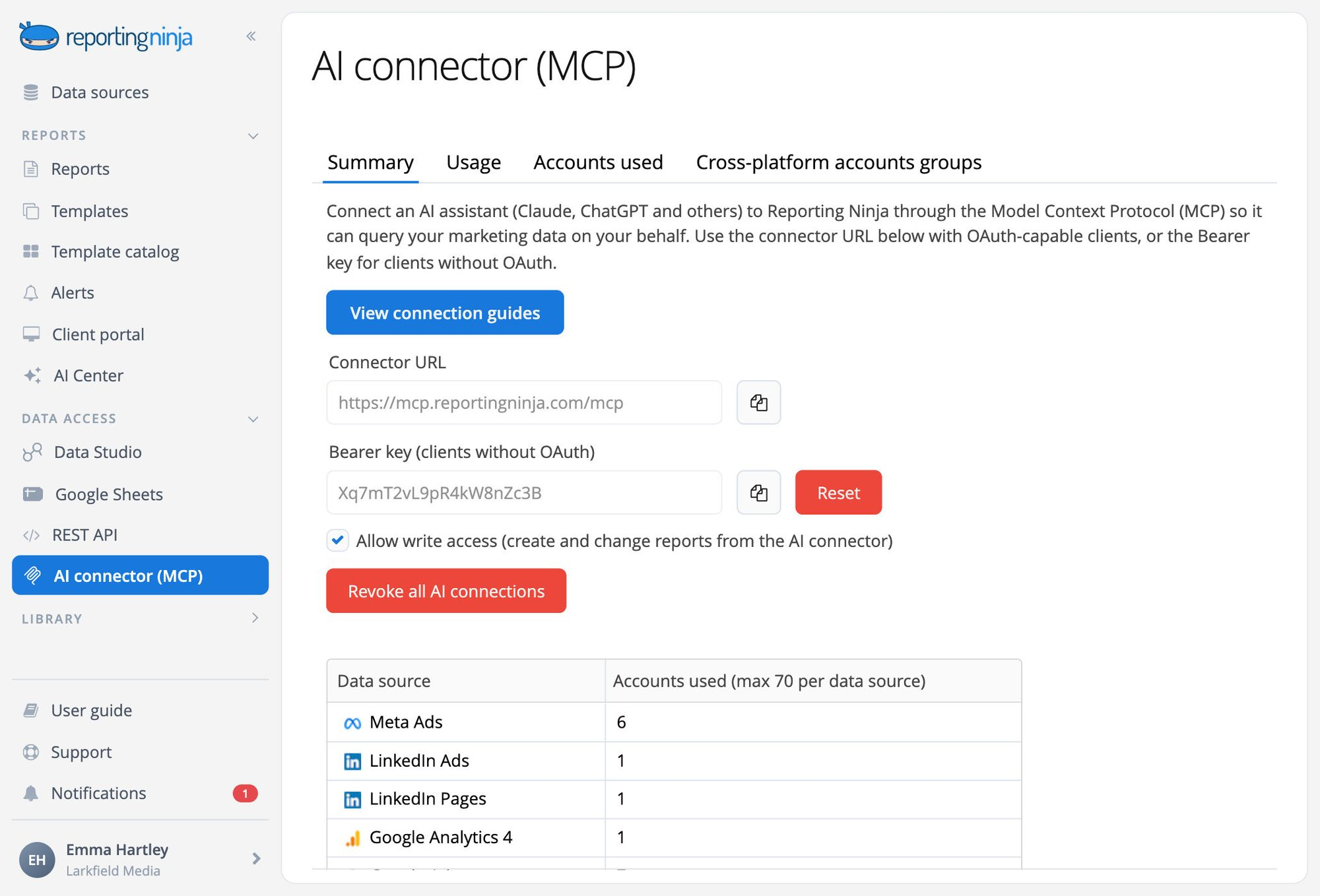
The AI connector (MCP) gives Claude, ChatGPT, and other AI tools access to every connected channel. It is read-only by default. When the account owner switches on write access, the assistant can build, schedule, and share a report.
Every plan includes every feature, every integration, and unlimited users. Plans differ only in how many reports and accounts you run, and a quarterly billing option is also available.
"Accounts of each type" means, for example, 10 Google Ads accounts and 10 Meta Ads accounts on Starter. The free trial lasts 15 days and needs no credit card.
| Plan | Billed annually | Reports (report builder) | Accounts of each type |
|---|---|---|---|
| Starter | $20/month | 10 | 10 |
| Small | $40/month | 30 | 30 |
| Medium | $70/month | 70 | 70 |
| Large | $120/month | 150 | 150 |
All features on every plan: AI features, white label reports, the client portal, the API, and the MCP connector come with the $20 plan.
Three report formats: You can send reports from the builder, Data Studio, or Google Sheets on the same plan.
One template for many clients: With agency reporting, you build one template, apply it to every client, and update all of them by editing the template.
Email-only support: Support is by email, with no onboarding calls or live chat.
A focused integration list: It covers the main ad, analytics, SEO, social, and ecommerce platforms, but it does not offer hundreds of connectors.
"It works with many data sources, can send automatic reports by email, and also includes connectors for Google Data Studio and Google Sheets." László V., G2
"The ability to integrate data from various marketing channels and turn them into such well-crafted reports saves us a lot of time while enhancing our clients' experience." Stephanie Barbieri, Studio 33.
Freelancers and small agencies: You report on up to 10 clients and want every feature for $20 a month.
Growing agencies: You need branded reports, a client portal, and scheduled delivery without paying more per client.
Ten client reports fit on the Reporting Ninja Starter plan at $20 a month, billed annually. The same 10 dashboards need the DashThis Professional plan at $139 a month.
Reporting Ninja also lets you report inside Data Studio or Google Sheets on that plan, while DashThis offers priority support on its Business and Standard plans.
Try Reporting Ninja free for 15 days. Connect your accounts, pick a template, and send your first branded report this week.
AgencyAnalytics is a client reporting platform for marketing agencies, with dashboards, reports, a client portal, and SEO tools in one place.
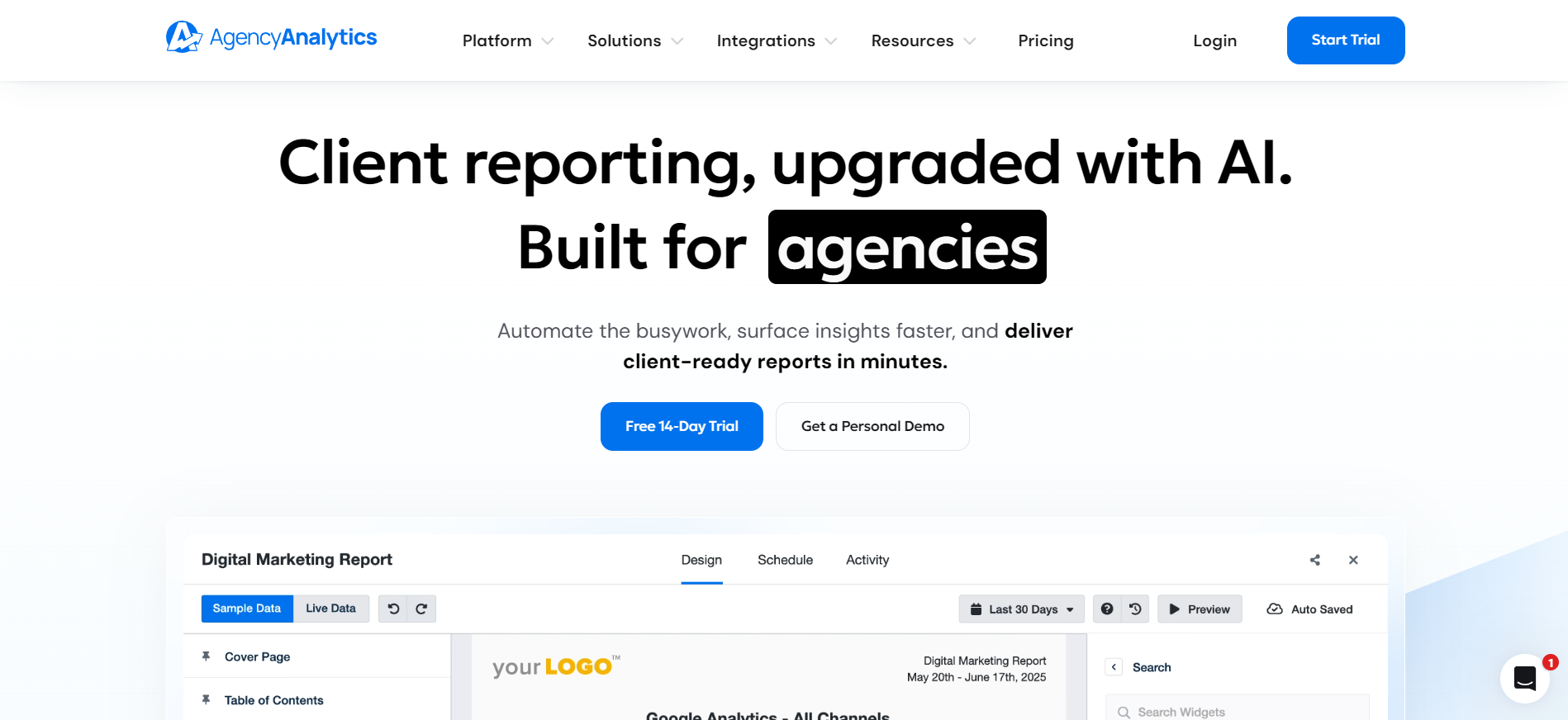
90+ integrations: It pulls data from over 90 marketing platforms into dashboards and reports.
White label client portal: Clients log in to a branded portal on your custom domain.
SEO tools: Rank tracking and backlink monitoring are in the same tool as your client reports.
AgencyAnalytics has one core plan. It costs $20 per client per month, billed annually, and every client includes unlimited data sources, reports, dashboards, and staff accounts.
The free trial lasts 14 days, with no credit card needed. AgencyAnalytics pricing is shown in six currencies and may vary by region.
| Item | Price (billed annually) |
|---|---|
| Core plan | $20 per client/month |
| Rank Tracker add-on | $41.67/month for 500 keywords |
| AI Tracker add-on | $20.83/month for 250 credits |
| 25+ clients | Volume pricing (contact sales) |
AgencyAnalytics charges per client, while DashThis charges per dashboard tier. At 10 clients, the former costs $200 a month, and DashThis Professional costs $139. In return, AgencyAnalytics has no data source cap, and its rank tracking is available as an add-on.
No data source limits: Each client includes unlimited data sources and reports.
Onboarding help: The plan includes standard support by email and chat, plus a free onboarding call.
Cost grows with every client: Each new client adds $20 a month to the bill.
Paid add-ons: Rank Tracker and AI Tracker cost extra.
"AA has allowed my company and myself to have the necessary data available when we need it." Brian C., G2
AgencyAnalytics suits SEO-heavy agencies that want rank tracking and marketing reports in one login. Agencies that find the per-client cost too high can look at AgencyAnalytics alternatives.
Swydo is a reporting and monitoring tool for marketing agencies, with a dedicated PPC reporting tool. It says more than 2,500 companies in over 80 countries use it.
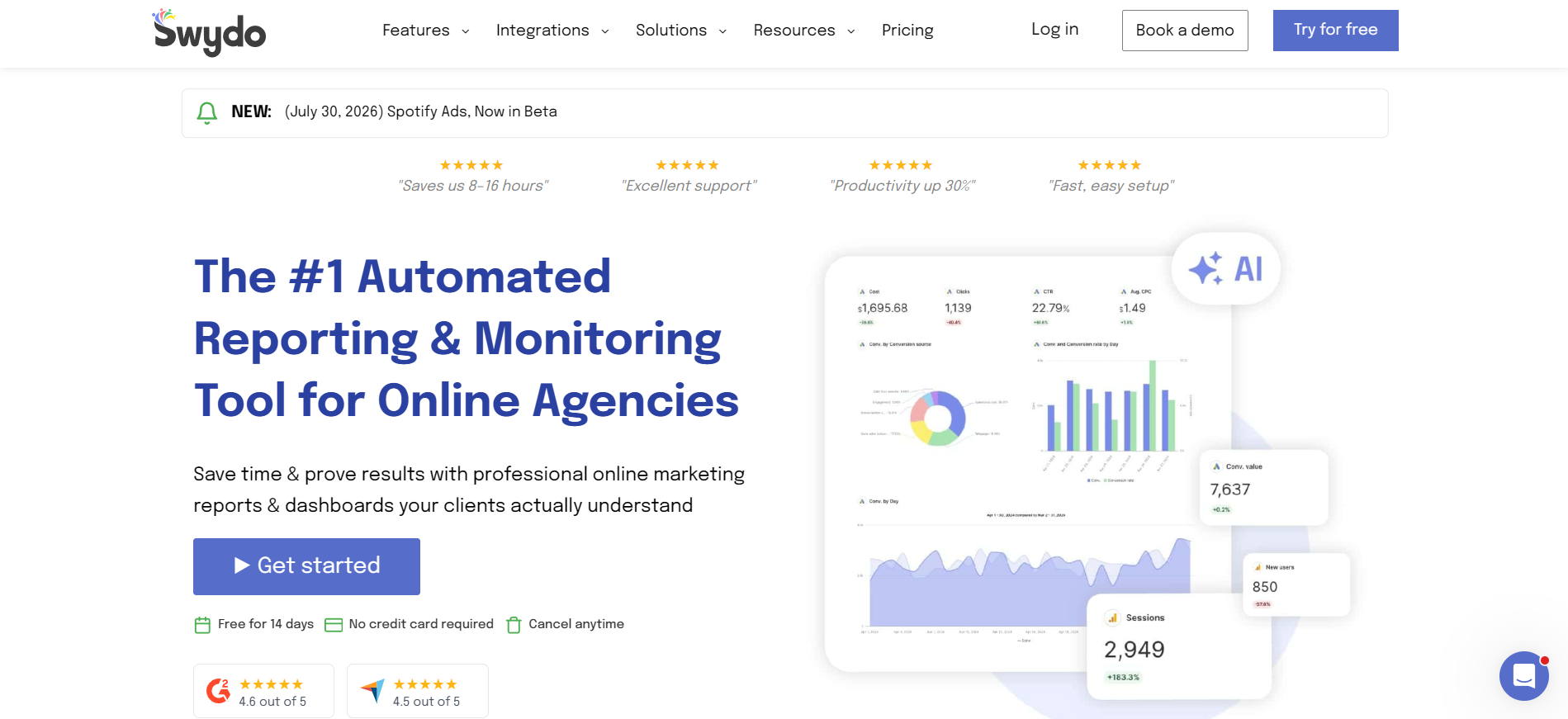
38+ integrations: It connects Google Ads, Facebook Ads, GA4, and other platforms.
KPI monitoring: KPI boards, goal tracking, and Slack or email alerts flag changes across clients.
Client portals and white label: Reports and portals carry your agency's branding.
AI tools: An AI report builder, AI summaries, and an MCP connector are included.
Swydo charges for each connected data source. Each account counts once, so 10 clients on Google Ads and Facebook Ads equal 20 sources.
Annual billing saves 10%, and EU customers pay in euros. At 100 sources, Swydo pricing comes to $474 a month. The free trial lasts 14 days, and Swydo offers a free account migration service.
| Data sources | Price per month (billed monthly, USD) |
|---|---|
| First 10 sources | $69 total |
| Sources 11 to 100 | $4.50 each |
| Sources 101 to 500 | $3.00 each |
| Sources 501+ | $2.00 each |
Swydo charges per data source, while DashThis charges per dashboard tier and caps sources. With 10 clients and 3 sources each, Swydo costs about $159 a month, while DashThis Professional costs $139.
Swydo includes unlimited dashboards and reports, so adding a report never moves you to a higher tier.
Unlimited reports: Clients, users, dashboards, and reports have no limits.
Free migration: Swydo moves your account setup for you at no charge.
Cost grows with every account: Each extra ad or analytics account adds to the monthly bill.
Read-only AI connector: Its MCP can read and analyze data, but it cannot make changes.
"Very flexible, great range of connectors and data sources and a good range of starter templates." Andy W., G2
Swydo suits PPC agencies that track KPIs across many ad accounts, including those that need strategic campaign reporting. Agencies that mostly send social media reports can also look at flat-priced Swydo alternatives.
Data Studio is Google's free tool for building dashboards and reports. Google renamed Looker Studio back to Data Studio in April 2026, and existing reports moved over with no action needed.

Free Google connectors: GA4, Google Ads, Search Console, YouTube, and Google Sheets connect at no cost.
1,400+ data sources: Google says Data Studio can connect to more than 1,400 data sources, most through partner connectors.
Google's own connectors do not cover Meta Ads, LinkedIn Ads, or TikTok, according to its list of available connectors. For those platforms, you need a partner connector.
| Edition | Price |
|---|---|
| Data Studio | Free |
| Data Studio Pro | $9 per user, per project, per month |
| Partner connectors for Meta, LinkedIn, or TikTok | Priced by each connector provider |
Data Studio is free, while DashThis starts at $44 a month. DashThis connects to Meta Ads, LinkedIn Ads, and TikTok directly, but Data Studio needs a paid partner connector for those. Data Studio also takes longer to set up, because you build dashboards from a blank page or a template.
No cost for Google data: You can report on GA4, Google Ads, and Search Console for free.
Full design control: You choose every chart, page, and color.
Extra cost for other platforms: Meta, LinkedIn, and TikTok data needs a paid connector.
Setup time: Each report takes manual work, and the free edition allows one email schedule per report.
"Its user-friendly interface and free accessibility for creating insightful data visualizations are what I find best…" Mohammed H., G2
Data Studio suits teams that mostly report on Google data and can spend time on setup. New users can start with a Data Studio beginner's guide, and teams deciding on the paid edition can compare Looker Studio vs. Looker Studio Pro.
Databox is an analytics platform for tracking KPIs, goals, and forecasts. Its AI Analyst, Genie, answers questions about your data in plain language.
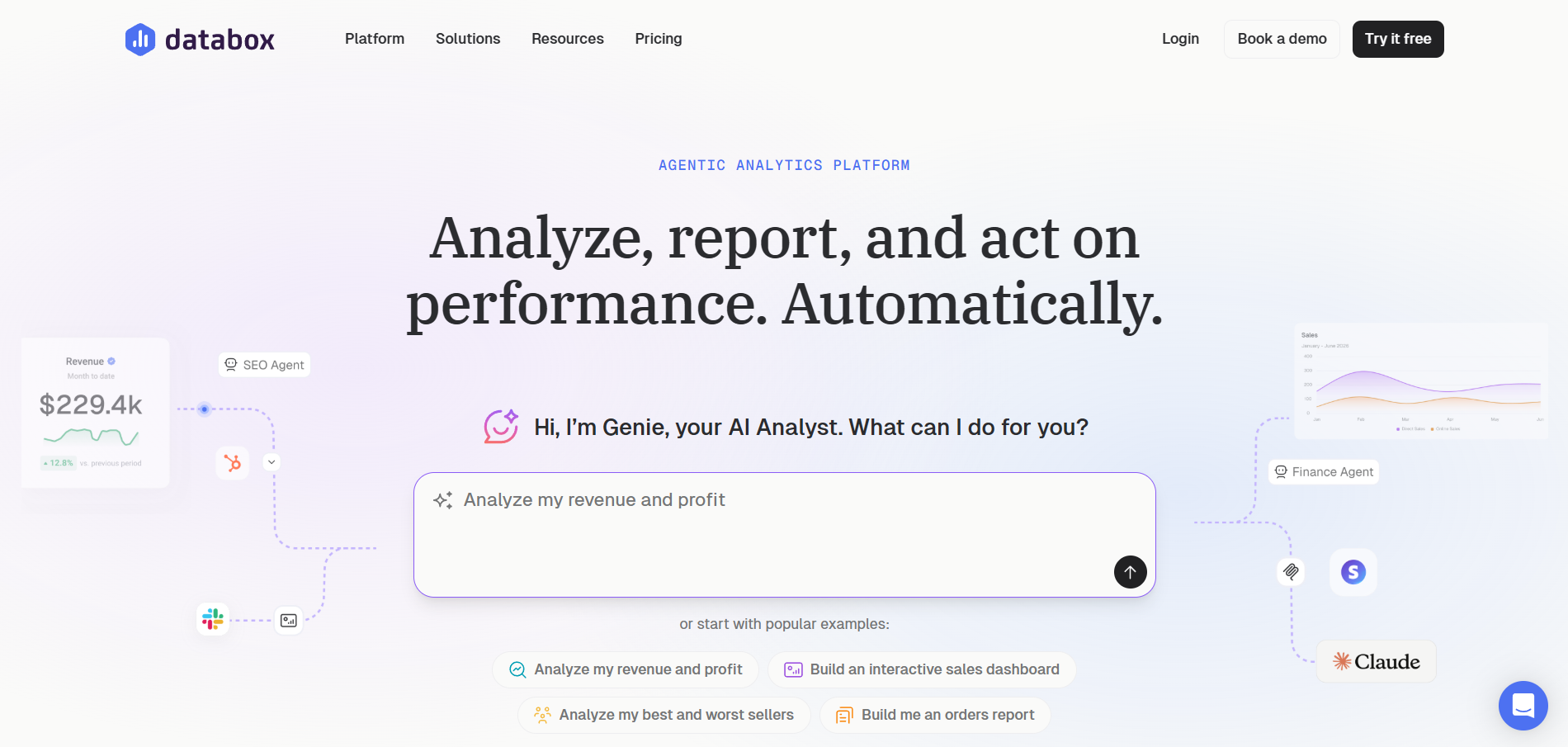
130+ integrations: It connects tools, spreadsheets, databases, and APIs.
Goals and forecasts: You can set goals and OKRs, track progress, and forecast metrics.
Agency features: One login covers multiple client accounts, with cross-client reporting.
The Business plan has a 14-day free trial with no credit card needed.
| Plan | Price (billed annually) | Includes |
|---|---|---|
| Agency | $79/month | Unlimited users, 4 accounts, 20 data sources |
| Agency account pack | $20/month each | 1 account, 5 data sources, 50 AI credits |
| Business | $399/month | Up to 10 users, 30 data sources |
| Branding and white label | $200/month add-on | Your logo, colors, and domain |
Databox Agency charges a base fee plus $20 for each extra client account. At 10 clients, that is $199 a month, or $399 with the $200 white label add-on. DashThis Professional costs $139 and includes white label on every plan.
Goal tracking: Goals, OKRs, and forecasts help teams track progress over time.
Wide integrations: It connects 130+ tools, plus databases and APIs.
White label costs extra: Branding and white labeling is an $80 monthly add-on.
Small base plan: The Agency plan includes 4 accounts, and each extra client needs a $20 pack.
"We like the style of Databox. It doesn't look dated and has been very impressive to our clients." Collin G., G2
Databox suits teams that track internal KPIs and goals, more than teams that send branded automated marketing reports. Its goal tracking fits an internal metrics dashboard well.
Whatagraph is a marketing data and reporting platform that more than 1,000 agencies and brands use, according to Whatagraph. Its drag-and-drop templates make it easy to turn campaign data into branded, client-ready reports with little effort.
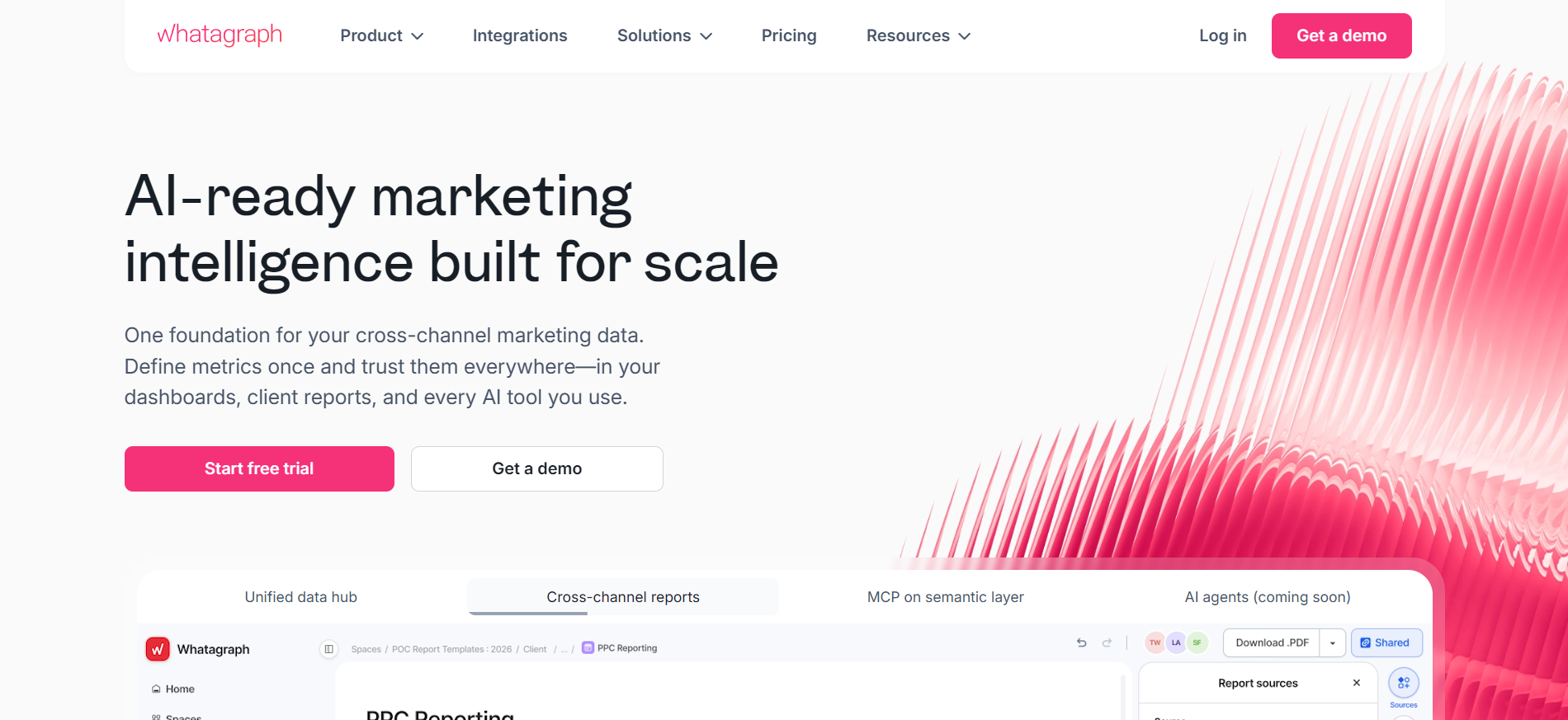
60+ native integrations: It also adds 1,000+ sources through its smart sources feature.
Data Hub: You can store, clean, and blend marketing data with rules you set once.
AI agents: Whatagraph IQ agents build reports and send digests to Slack or email.
Both plans start with a demo call. More than 50 connected accounts raise Whatagraph pricing above the $1118 starting point.
| Plan | Price | Connected accounts |
|---|---|---|
| Max | From $1118/month, billed annually | From 50 |
| Prime | Custom | Custom |
Whatagraph starts at $1118 a month for 50 connected accounts, while DashThis Professional costs $139 a month. Whatagraph adds data blending and AI agents, but you buy it through a sales call. DashThis lets you start a free trial yourself.
Data cleaning and blending: The Data Hub sets metric, blend, and currency rules once for all reports.
Unlimited users and reports: Both plans include unlimited users and reports.
High starting price: The Max plan starts at $1118 a month.
Demo first: You need a sales call before you can buy.
"The dashboards are clean, easy to build, and perfect for client reporting." Bruhith I., G2
Whatagraph suits larger agencies with many accounts and a budget for premium tools. Smaller agencies can compare lower-cost Whatagraph alternatives.
The right tool depends on how you add clients, which report formats your clients expect, and what your plan includes. Use these four checks before you commit.
Each tool charges by a different unit, so cost changes in different ways as you grow. An agency with 10 clients pays $20 on one tool and over $1118 on another.
Monthly prices, checked November 2026. The table assumes one report and three data sources per client, each from a different platform. Data Studio needs paid partner connectors for non-Google platforms.
| Tool | 5 clients | 10 clients | 25 clients |
|---|---|---|---|
| DashThis | $139 (Professional) | $139 (Professional) | $279 (Business) |
| Reporting Ninja | $20 (Starter) | $20 (Starter) | $40 (Small) |
| AgencyAnalytics | $100 | $200 | $500 (volume pricing on request) |
| Swydo (billed monthly) | $91.50 | $159 | $361.50 |
| Data Studio | $0 for Google data | $0 for Google data | $0 for Google data |
| Databox Agency | $179 with white label | $399 with white label | $699 with white label |
| Whatagraph Max | From $1118 | From $1118 | Above $1118 (75 accounts, price not listed) |
Some clients want a PDF by email, while others want a live link, a login, or the data in their own spreadsheets.
Check whether each tool sends PDFs, share links, and portal access on your plan. The difference between a dashboard and a report decides which delivery option your clients need. Reporting Ninja covers the report builder, Data Studio, and Google Sheets add-on on every plan.
White label is not always on the starting plan. Databox charges $200 a month for it, and Whatagraph offers a custom report domain only as a Prime add-on.
Check the logo, colors, custom domain, and email sender on the exact plan you will pay for. A white label SEO dashboard or SEO report for clients should show only your brand.
Five tools on this list, including DashThis, offer a free trial of 14 or 15 days. Connect the accounts your clients use, such as Google Ads, Meta Ads, and GA4, and build one full report.
Check that every metric you need is available and that each number matches the source platform, which is the goal of marketing data integration.
We compared every tool with the same criteria:
Reporting Ninja is our product, so we listed it first. We used the same criteria for every tool, and the same criteria work for other digital marketing agency tools.
Last reviewed: November 2026. Prices checked November 2026.
Reporting Ninja gives small agencies every feature on every plan, from $20 a month, billed annually. That includes white label reports, a client portal, scheduled delivery, AI features, and cross-platform reporting.
You can send reports from the builder, Data Studio, or Google Sheets, and every number comes from the source platform's API. Each Reporting Ninja plan includes the same features and unlimited users.
Switch from DashThis this week. Sign up for a 15-day free trial of Reporting Ninja. No credit card is needed.
{{cta-block-v1}}
Sometimes. DashThis is worth it for agencies with up to 10 clients and a few data sources each. Past 10 clients, the price moves to $279 a month, so a flat-priced or per-source tool can cost less.
No. DashThis offers a 14-day free trial with 10 dashboards. After the trial, your dashboards stay saved, but you cannot open them until you choose a paid plan.
No, not with one click. You rebuild your most-used reports from templates in the new tool. Run both tools for one month so you can check the numbers match.
Yes. Every plan includes four preset AI insights and an MCP connector. Chat mode is part of the AI Insights Pro add-on, which costs $19 a month, or $15 a month billed yearly.
Sign up for a 15 days free trial. No credit card required.

Build and automate amazing custom reports in a few clicks. Save time, be more productive, impress your clients.