
ChatGPT MCP connector
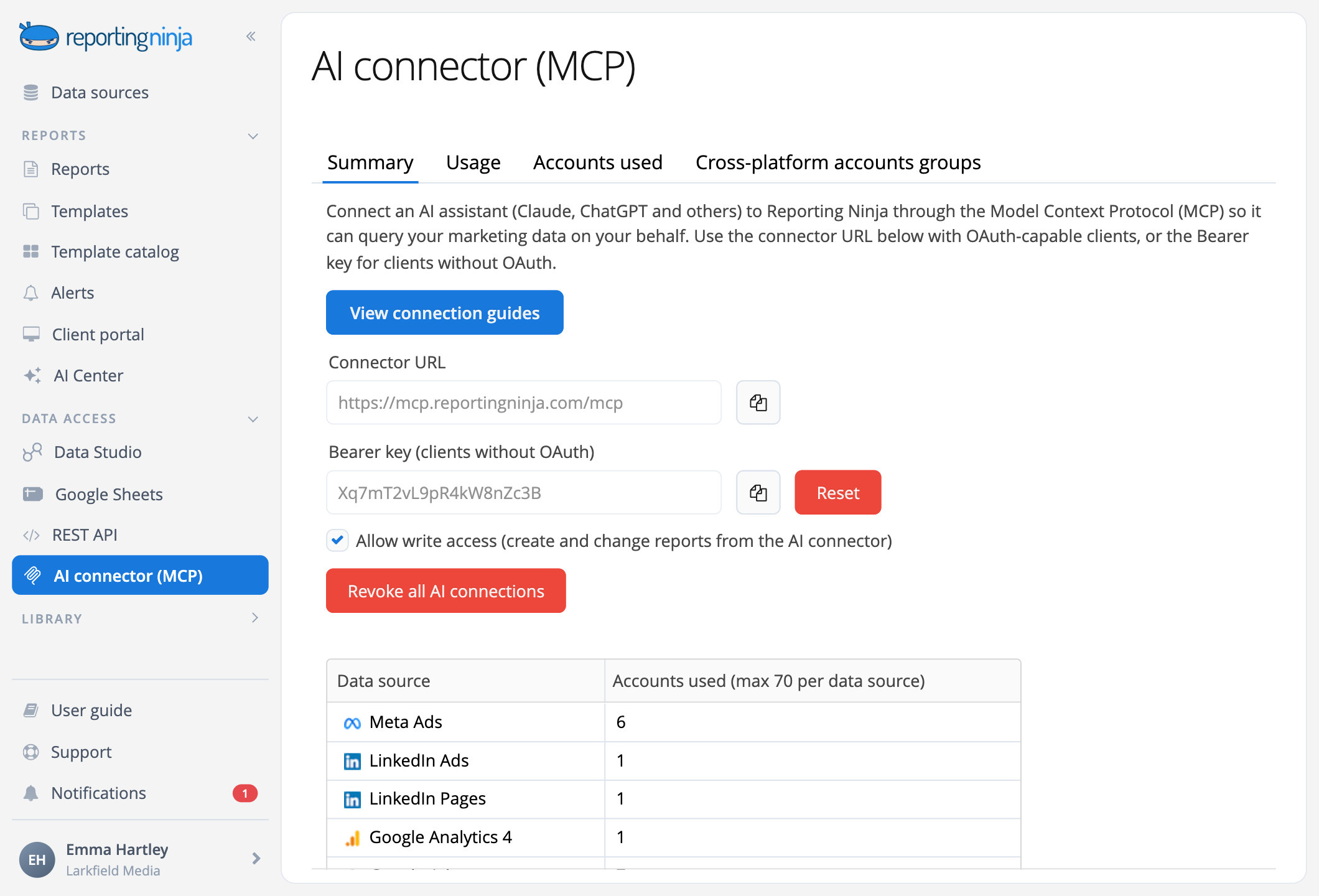
Connect Reporting Ninja to ChatGPT and ask about Google Ads, Meta Ads, GA4 and your other marketing channels. Switch on write access and ChatGPT builds the report in your account: branded, scheduled and ready for your client's portal.


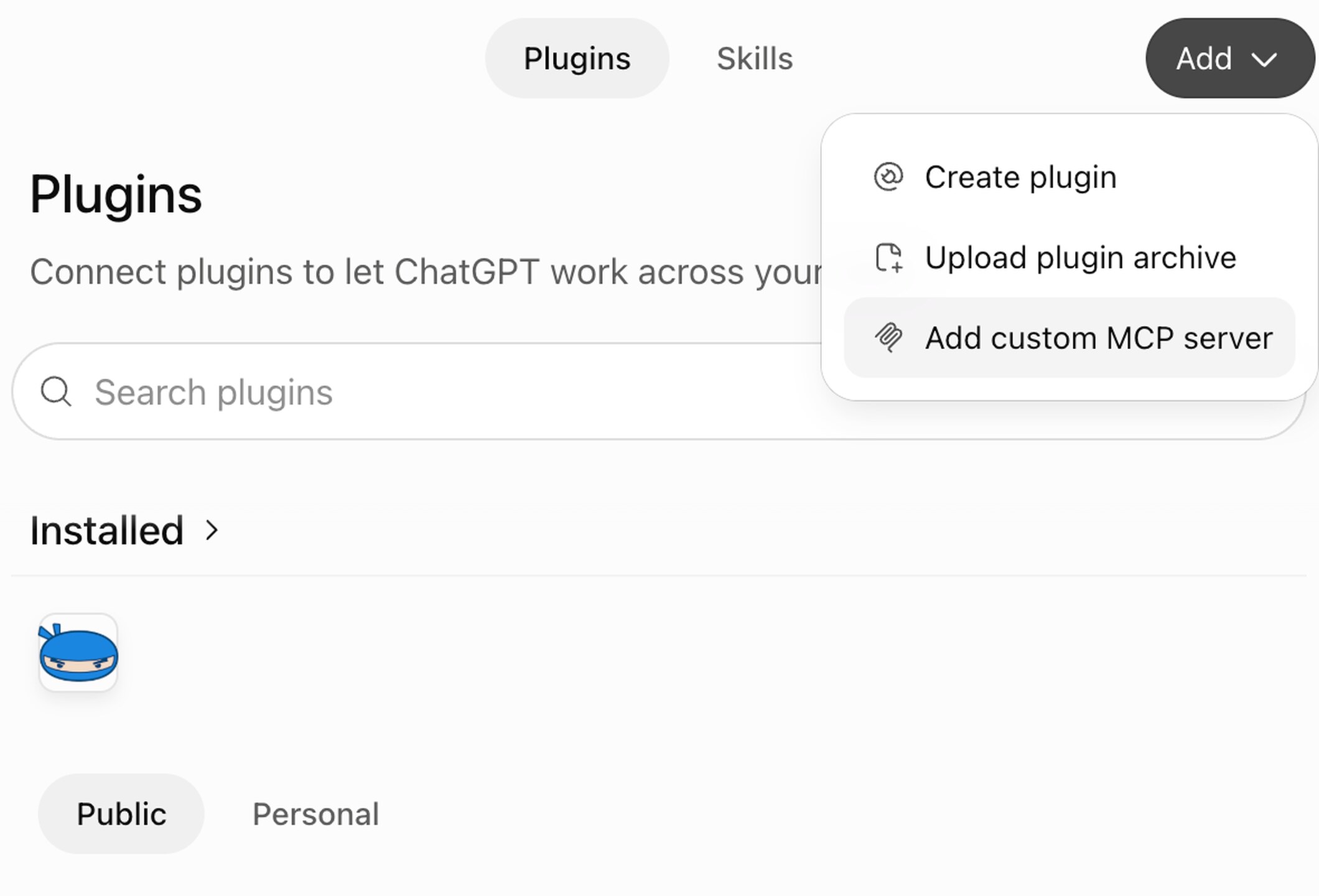
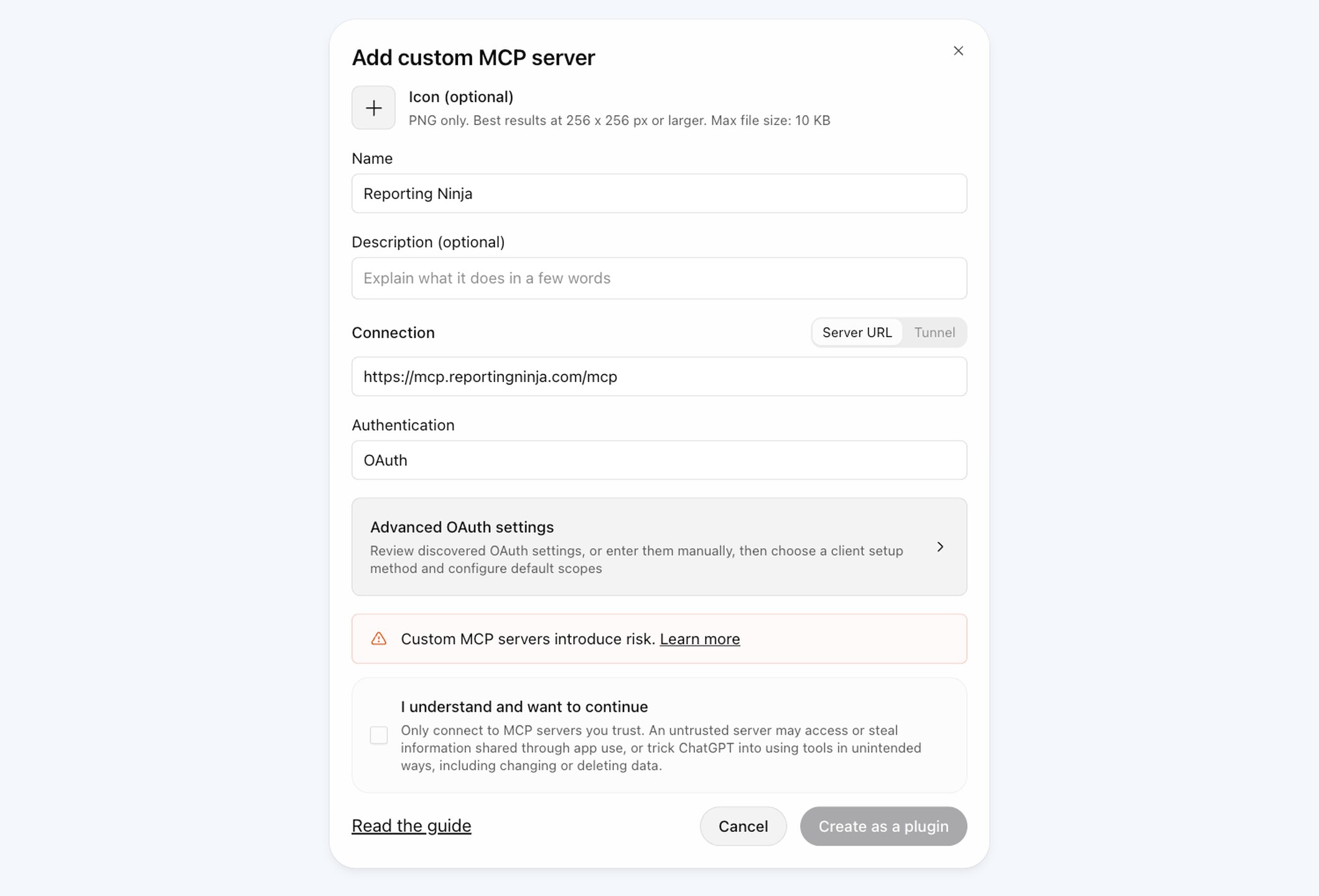
Add Reporting Ninja to ChatGPT
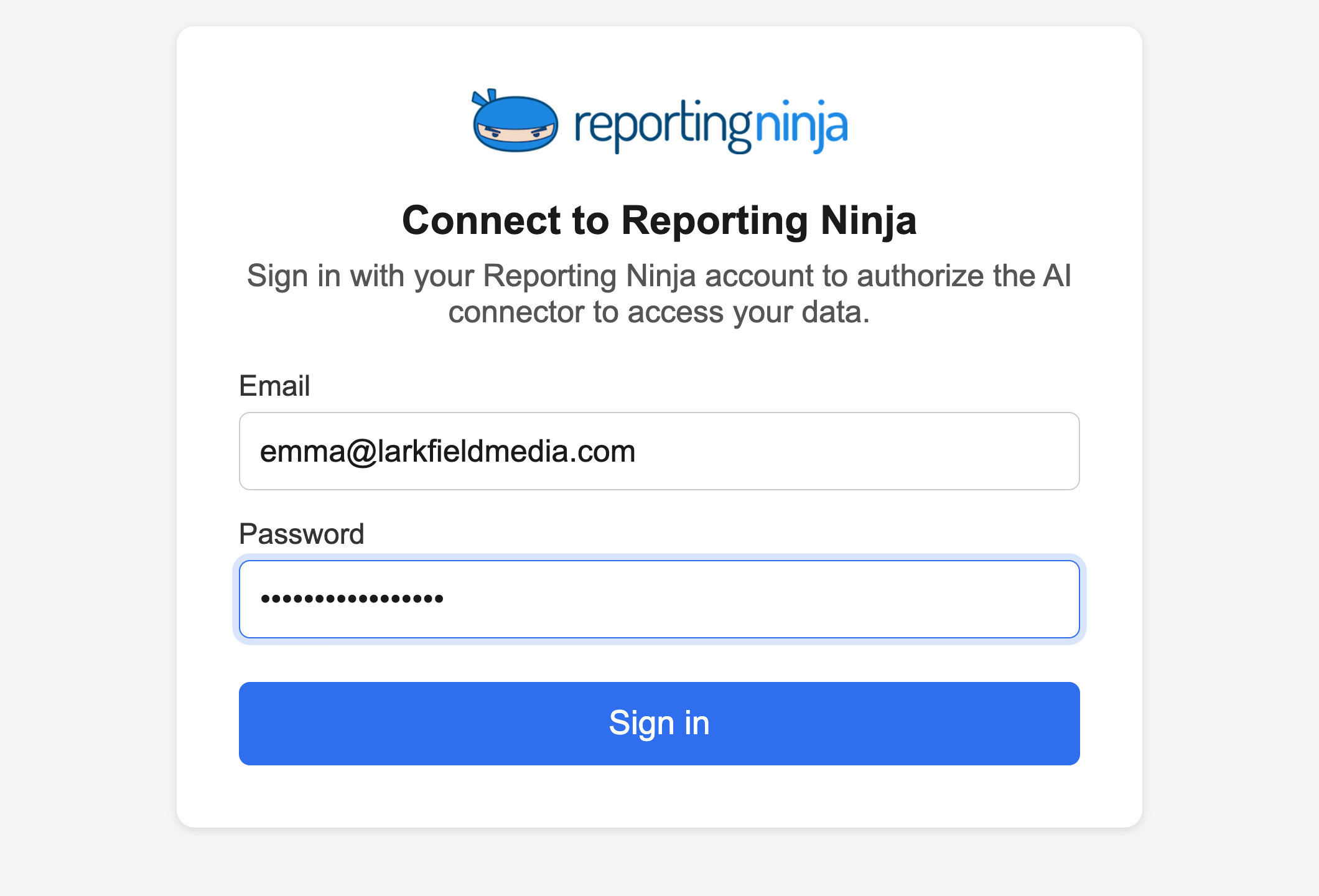
One connector URL and your Reporting Ninja sign-in: there is no key to copy.




Ask in your own words
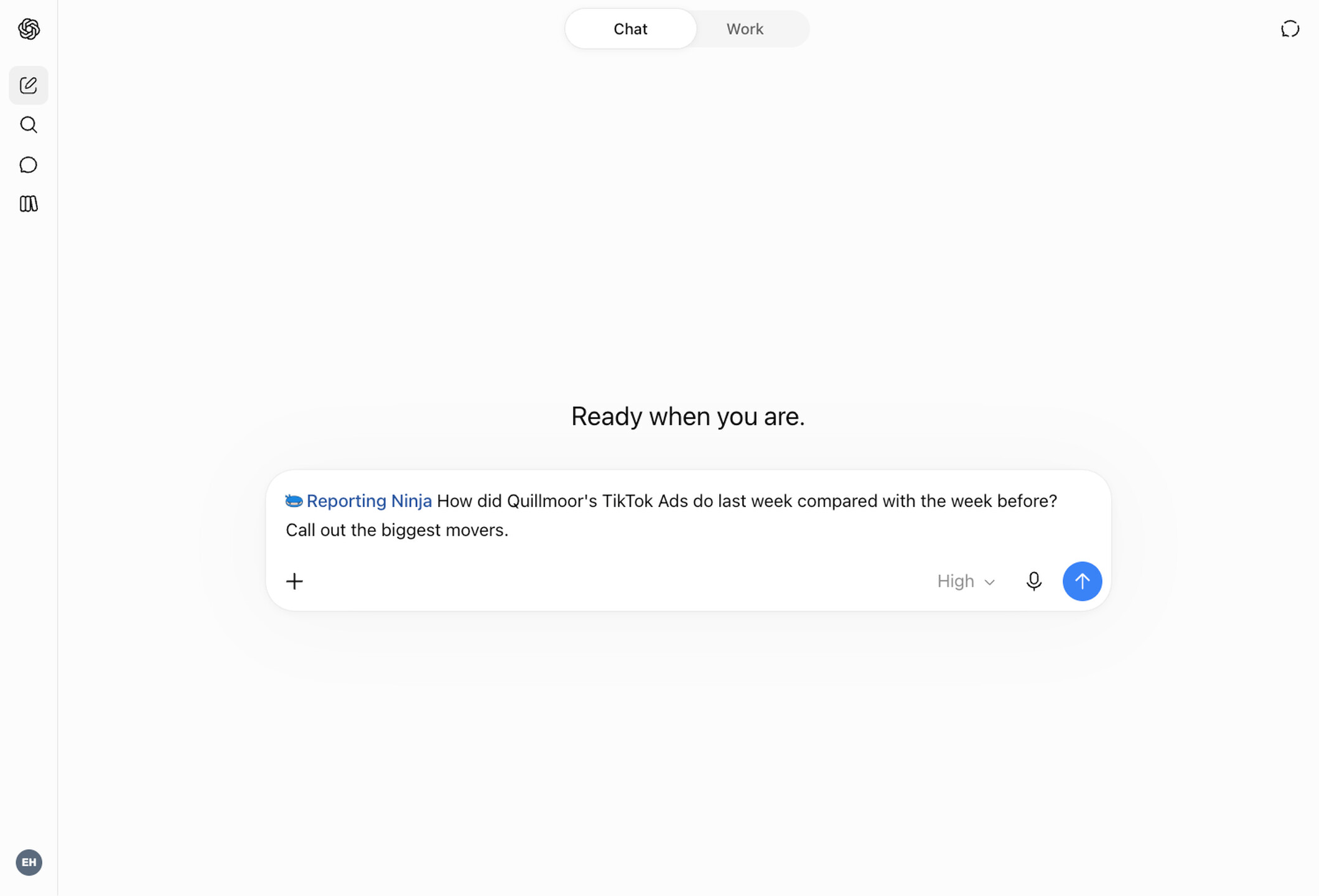
ChatGPT finds your connected accounts, pulls the fields it needs and compares periods and channels, all from each platform's API.
Any account, any date range
Each client's accounts, last month, this quarter or a custom range.

Across channels
Google Ads, Meta Ads and TikTok Ads in one answer, with a blended ROAS.

Periods compared for you
This month against last, or any two ranges, with the biggest movers called out.
ChatGPT builds it. Your client receives it.
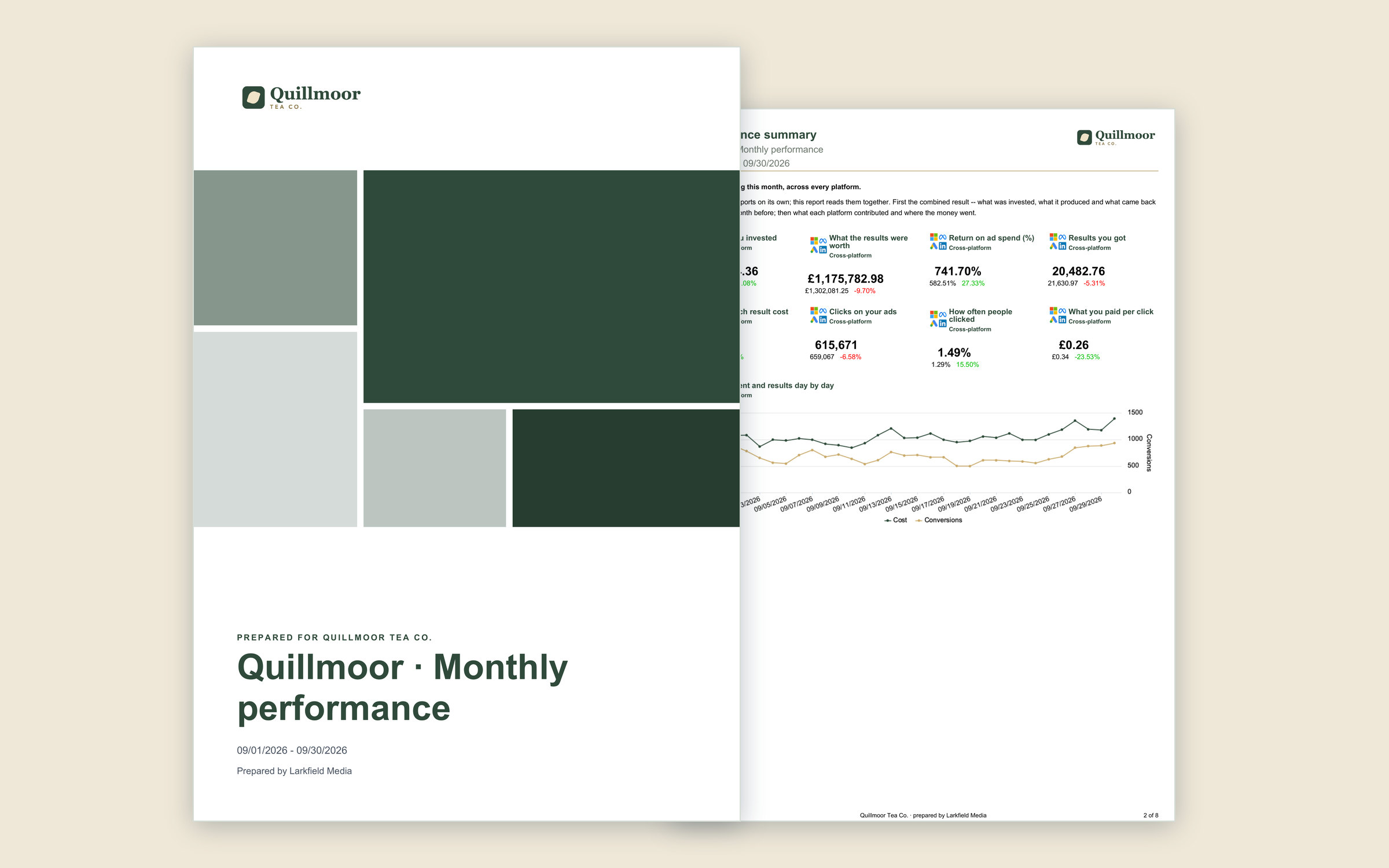
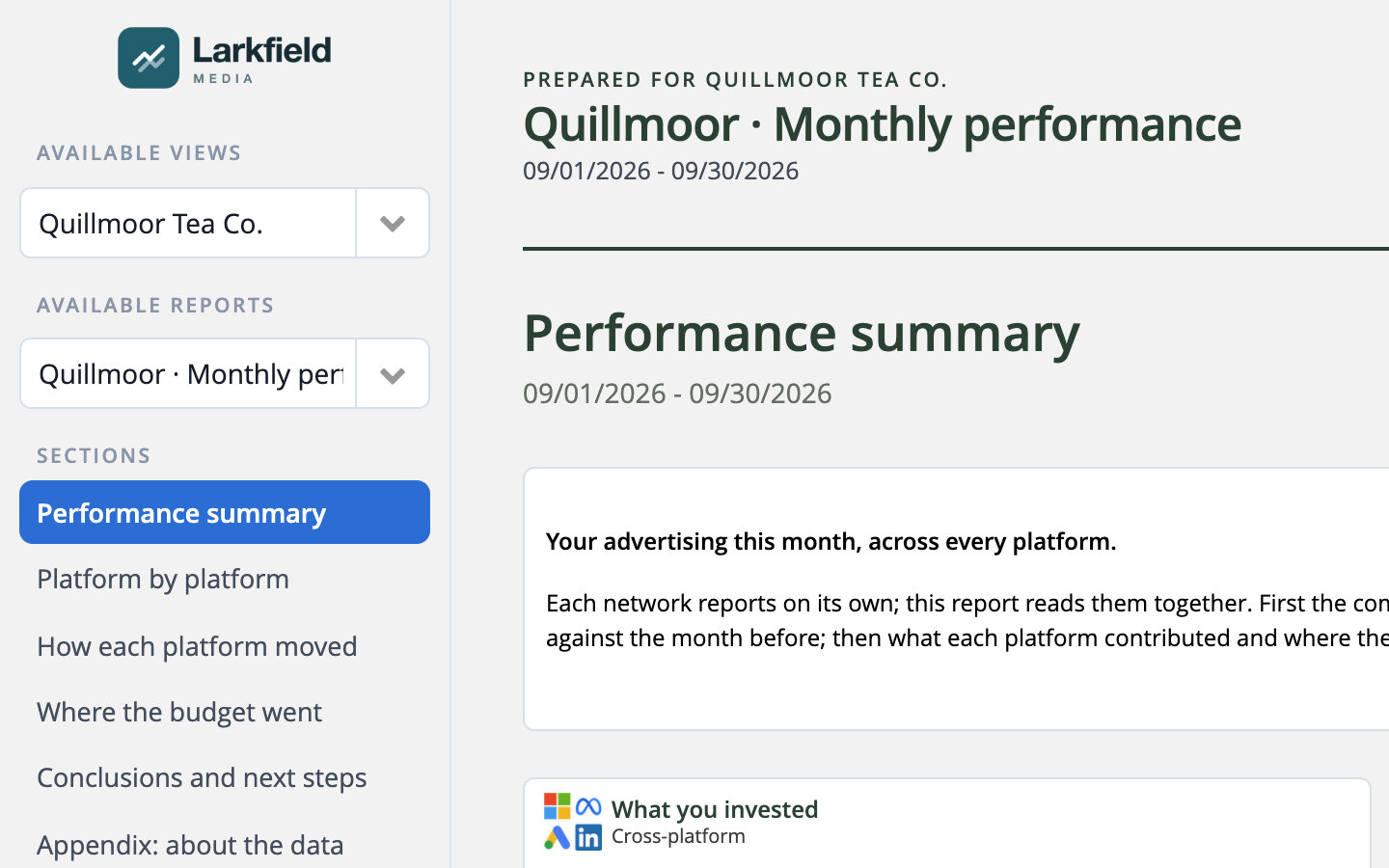
With write access on, ChatGPT works inside your Reporting Ninja account. What it creates is an ordinary report: you can open it, edit it and send it, and it carries the Created via API mark in your list of reports.
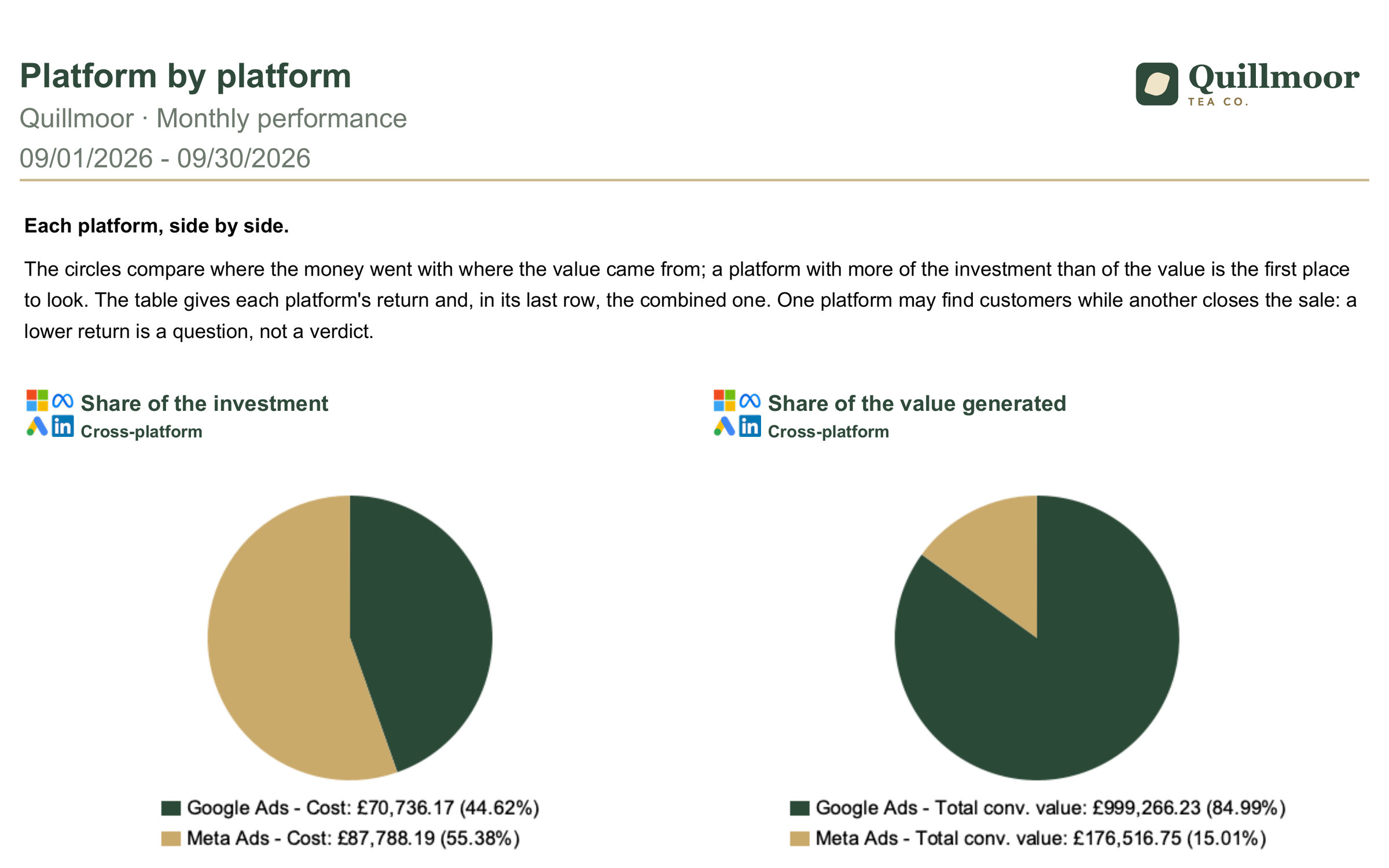
A real report
From a catalog template or from scratch, with the sections and widgets you asked for.
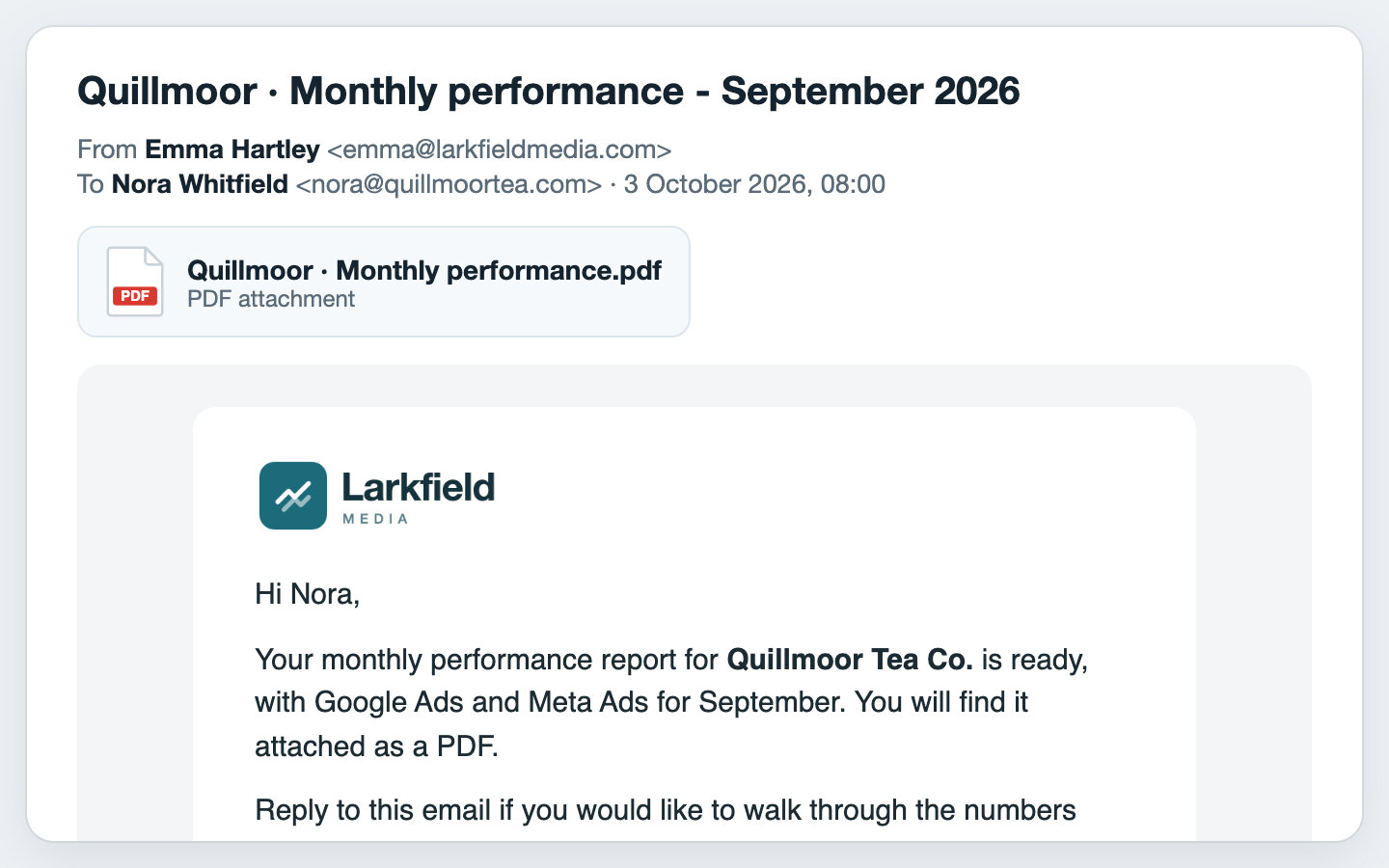
On schedule
A monthly delivery by email, with your email template. Nothing is scheduled without your yes.
In the client portal
A client user and a portal view, so your client signs in and finds it.
Ask about your channels, then build the report
Copy one into ChatGPT with the Reporting Ninja plugin selected. The Build prompts need write access switched on.

Frequently asked questions
Is this the same as ChatGPT Ads reporting?
No. This page is about ChatGPT as your assistant. ChatGPT Ads is an advertising platform we report on like any other: see ChatGPT Ads reporting.
Which ChatGPT plans work?
You need ChatGPT on the web: add Reporting Ninja from Plugins as a custom MCP server. In a Business, Enterprise or Edu workspace, an admin turns on developer mode first. After that, ChatGPT reads your data and, once the account owner switches on write access, builds reports. What each plan includes is up to OpenAI, so check OpenAI's guide if something looks different.
Does it use my Reporting Ninja AI credits?
No. ChatGPT does the thinking on your ChatGPT plan, and the connector is included in every Reporting Ninja plan. Only AI summaries it adds to a report use credits when they are generated.
Can ChatGPT change my campaigns?
No. It never changes anything in your ad platforms. With write access on, it creates and manages reports and their deliveries inside your Reporting Ninja account, and asks for your yes before anything is deleted, scheduled or shared with a client.
I connected ChatGPT before write access existed. What now?
Nothing to redo. Once the account owner switches on write access, the plugin you already added picks it up, without removing it or adding it again.
Do it in ChatGPT. Deliver it with Reporting Ninja.
Your analysis lands as a real report: branded, scheduled, ready to send.