
EN
Sign in
Start free trialMarketing alerts
Know when a metric moves, before your client asks
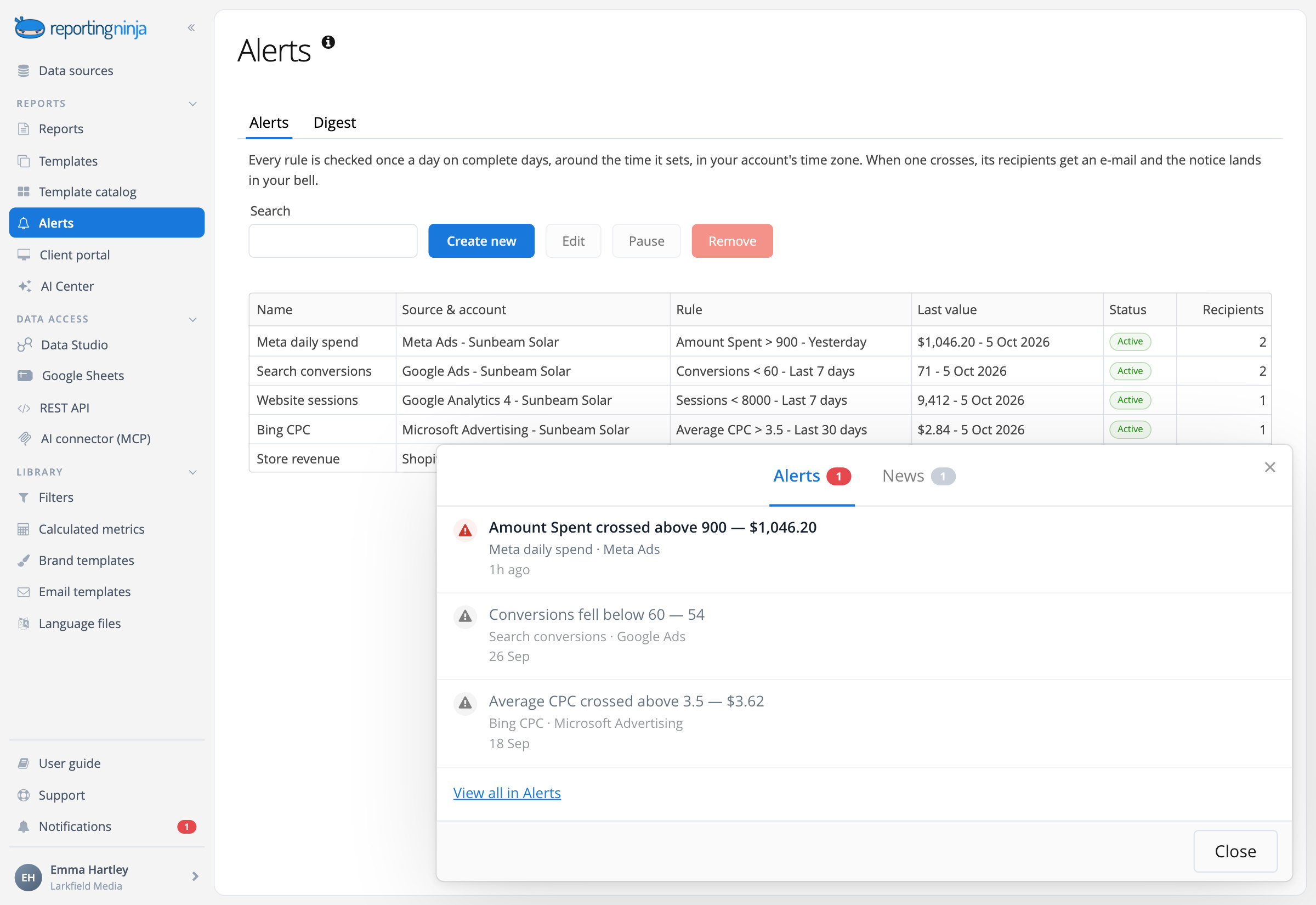
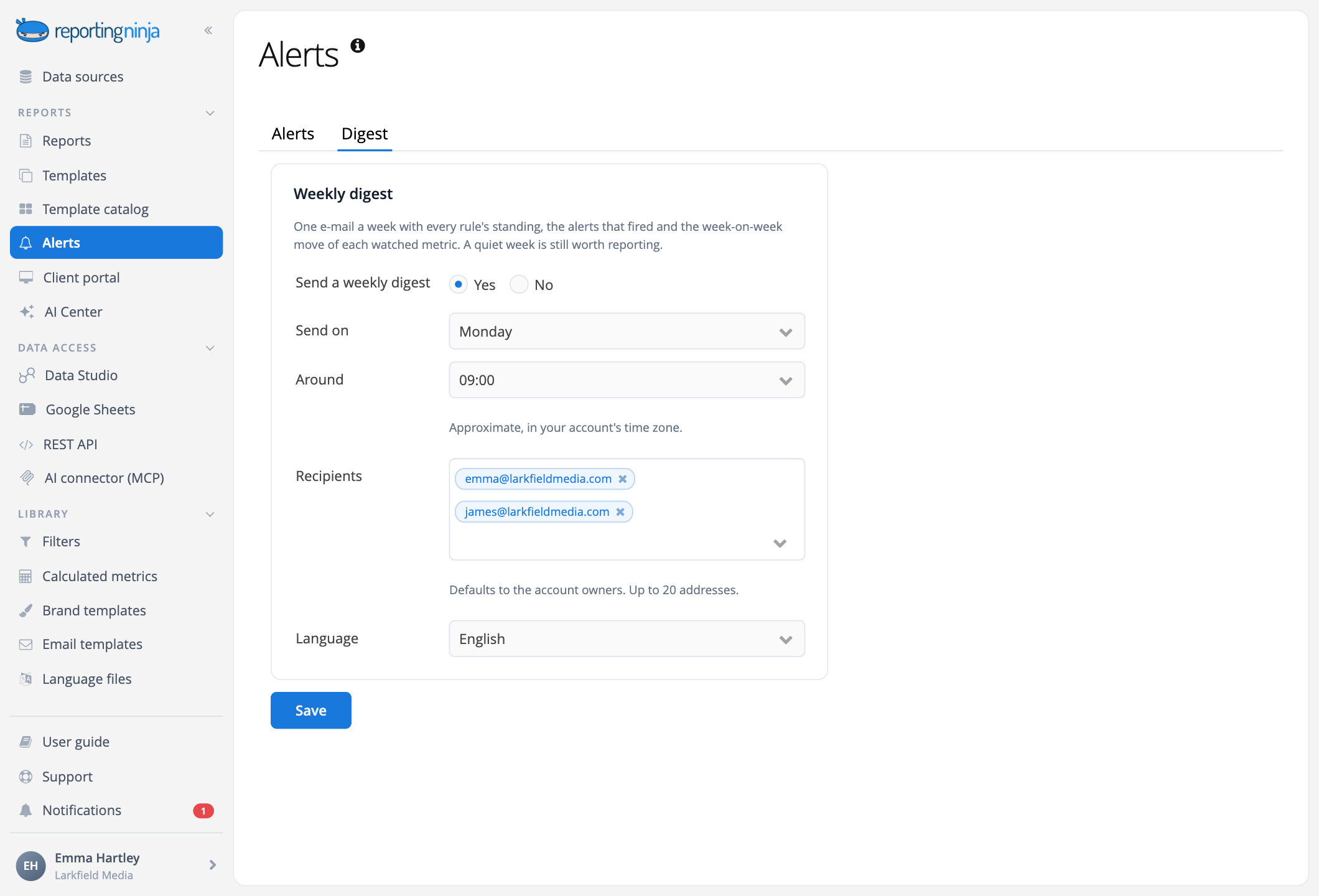
Set a threshold on a metric from your connected accounts. Reporting Ninja checks it every day and, when it's crossed, emails you the figures with a short note written by AI. Plus an optional weekly digest.
How it works
Set the threshold. We watch it every day.


Built in
Watching your metrics, so you don't have to
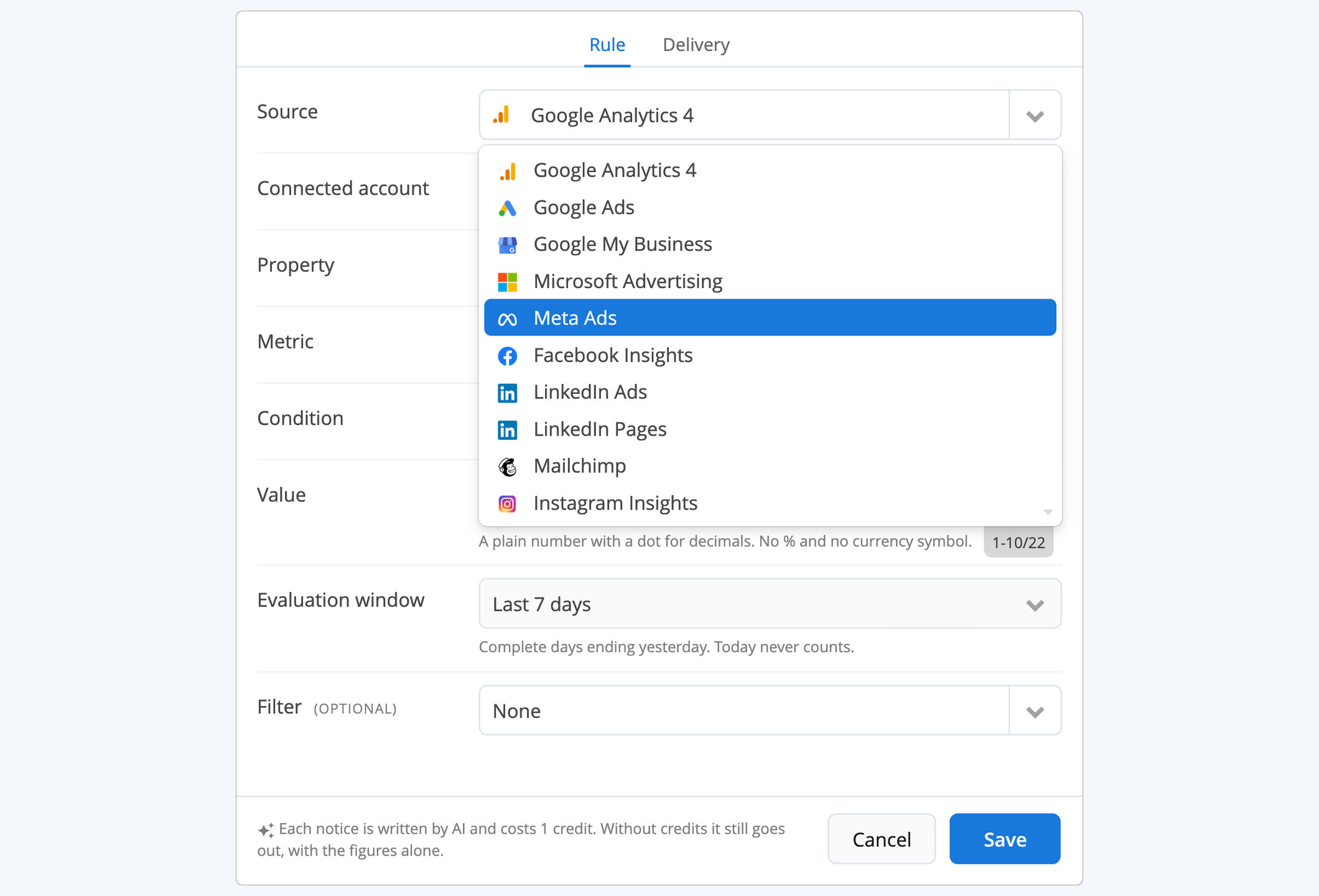
The accounts you already connected
Ads, analytics, social, email and ecommerce: nothing new to set up.
Browse integrations

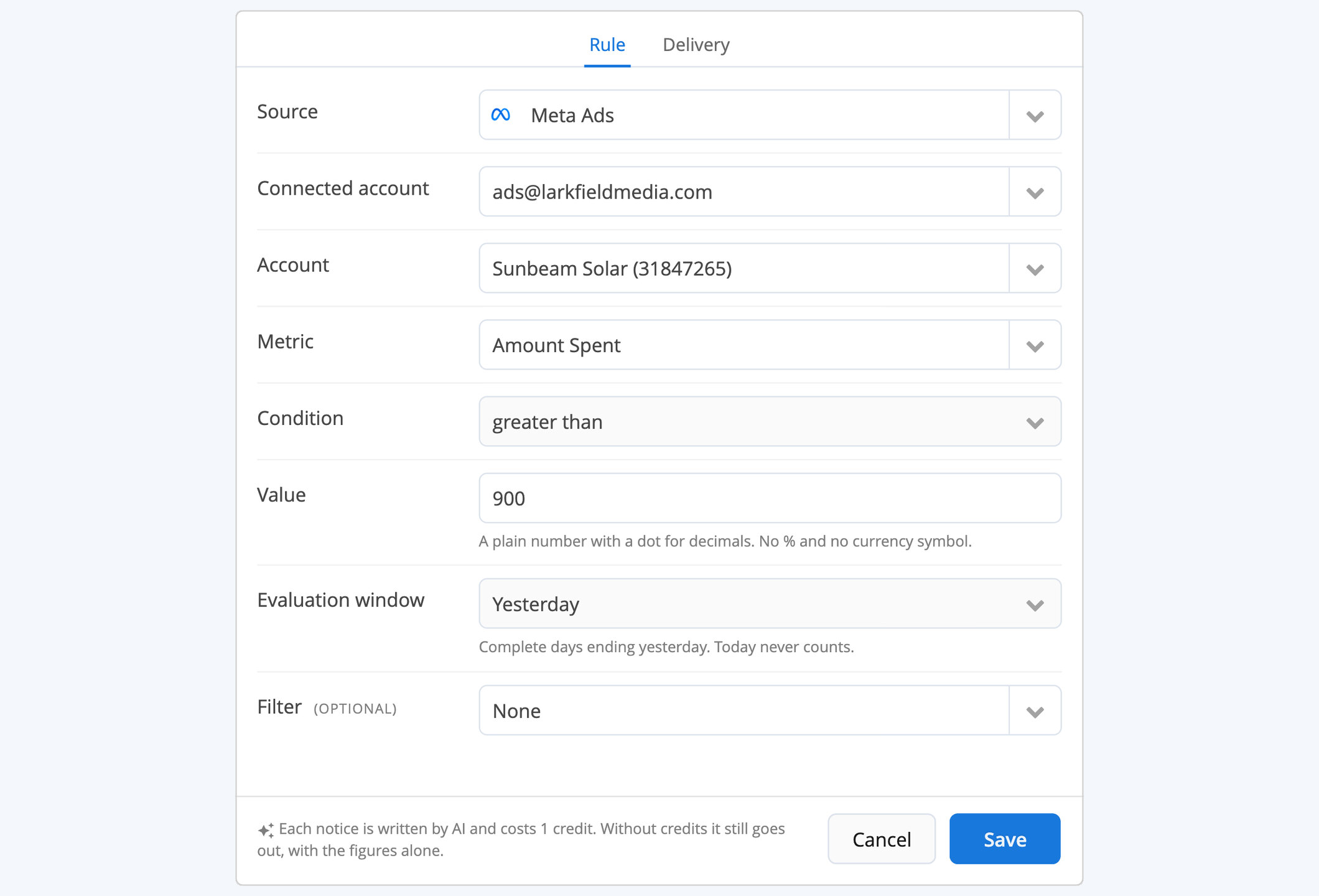
A metric, your threshold
One condition and one value per alert, as strict as you need.

Checked every day
On complete days, around the hour you choose, in your account's time zone.

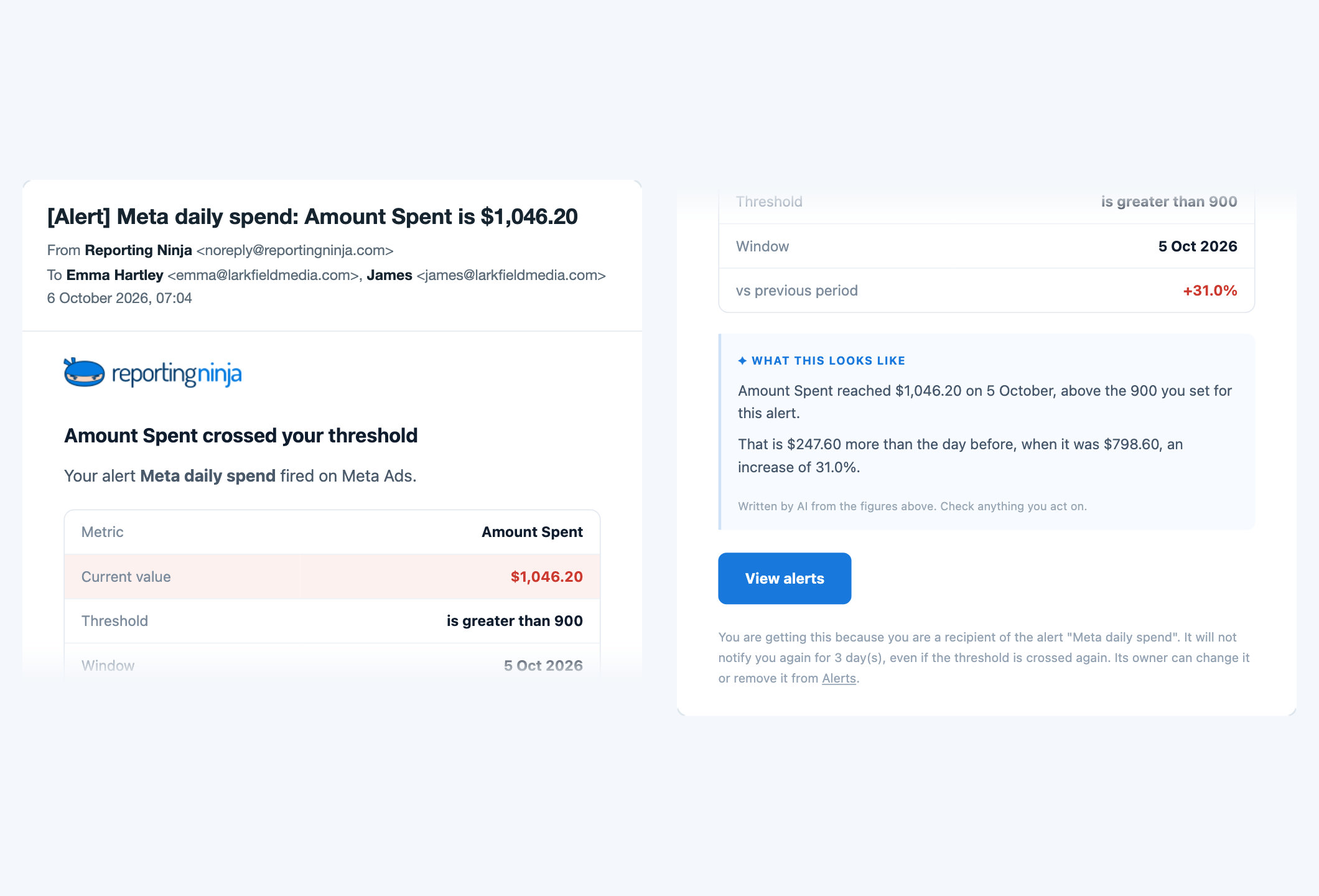
A short note, not just a number
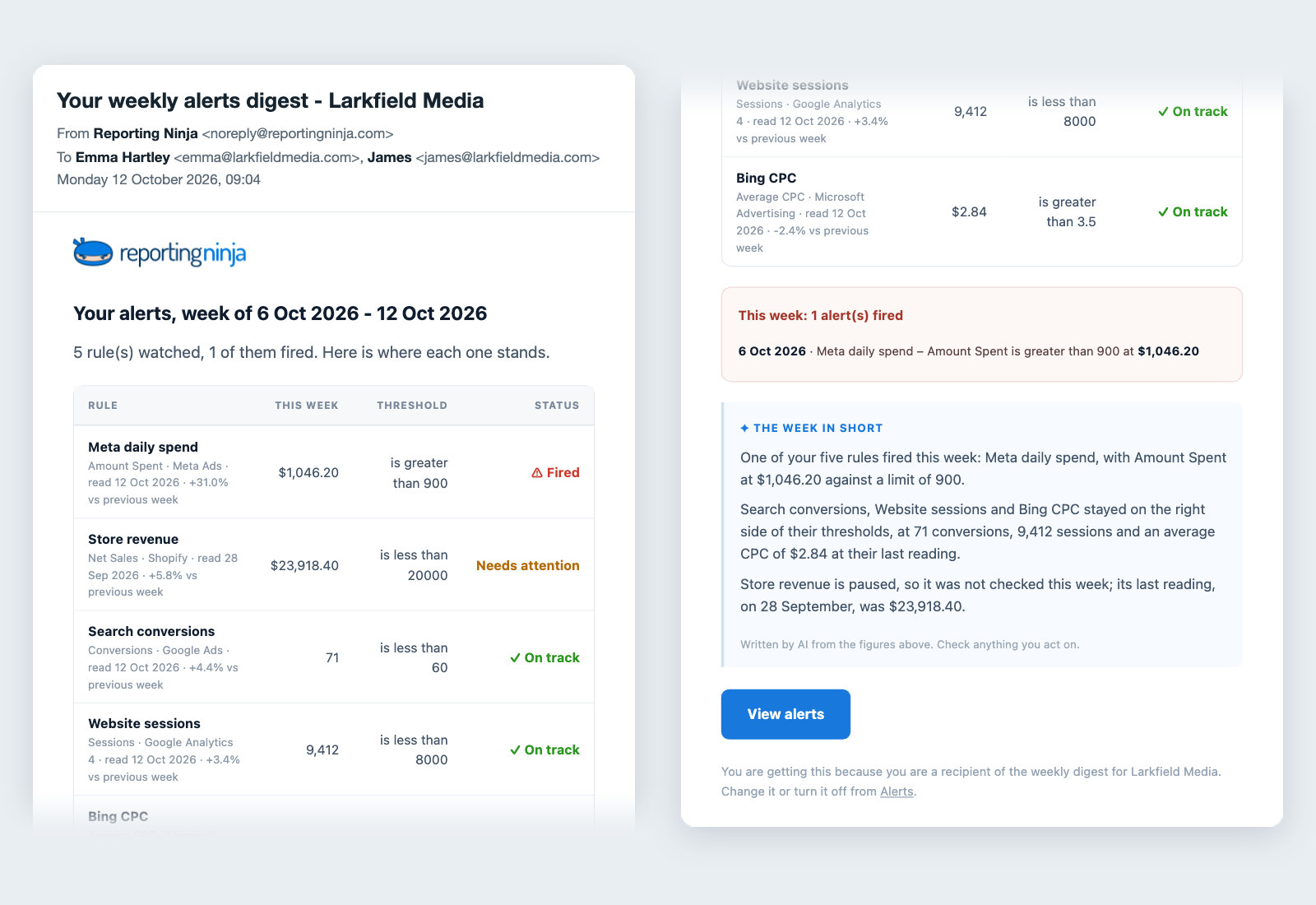
Written by AI from the figures, in the alert email and in the weekly digest.
What teams watch
Catch it the next morning

Spend above your limit
Know before the budget runs out, not at the end of the month.

Results below target
Conversions, sessions or revenue dropping under the level you set.

The week, in one email
The optional digest gives your team the week at a glance.
For in-house teams
Know when a metric moves, before your client asks
Thresholds on your metrics, checked every day.

15-day free trial
No credit card required
Every feature on every plan
Start free trialCheck pricing