
Claude MCP connector
Connect Claude to Google Ads, Meta Ads, GA4 and your other channels and ask in plain words. Then let it build the report: branded, scheduled, ready for your client.


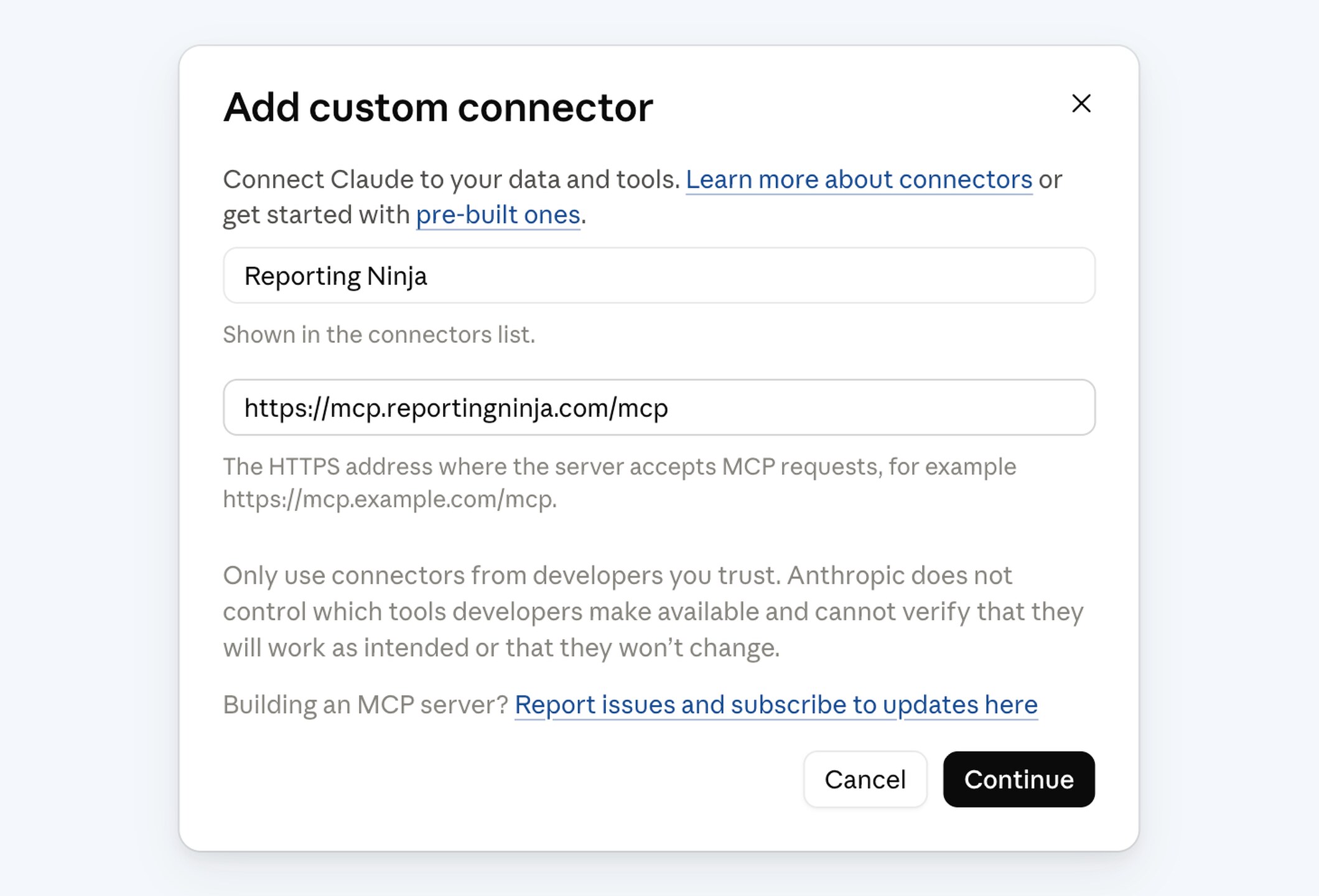
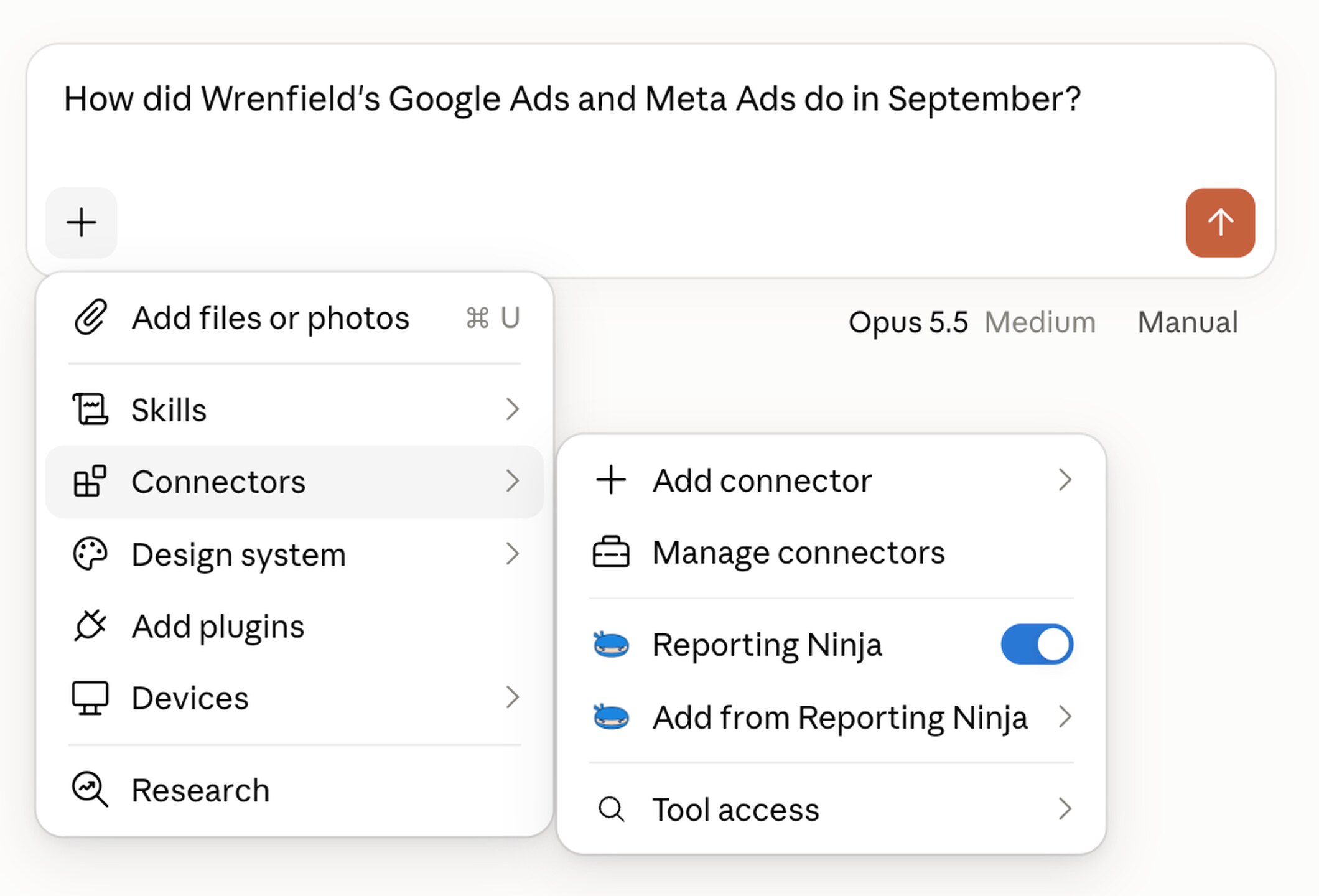
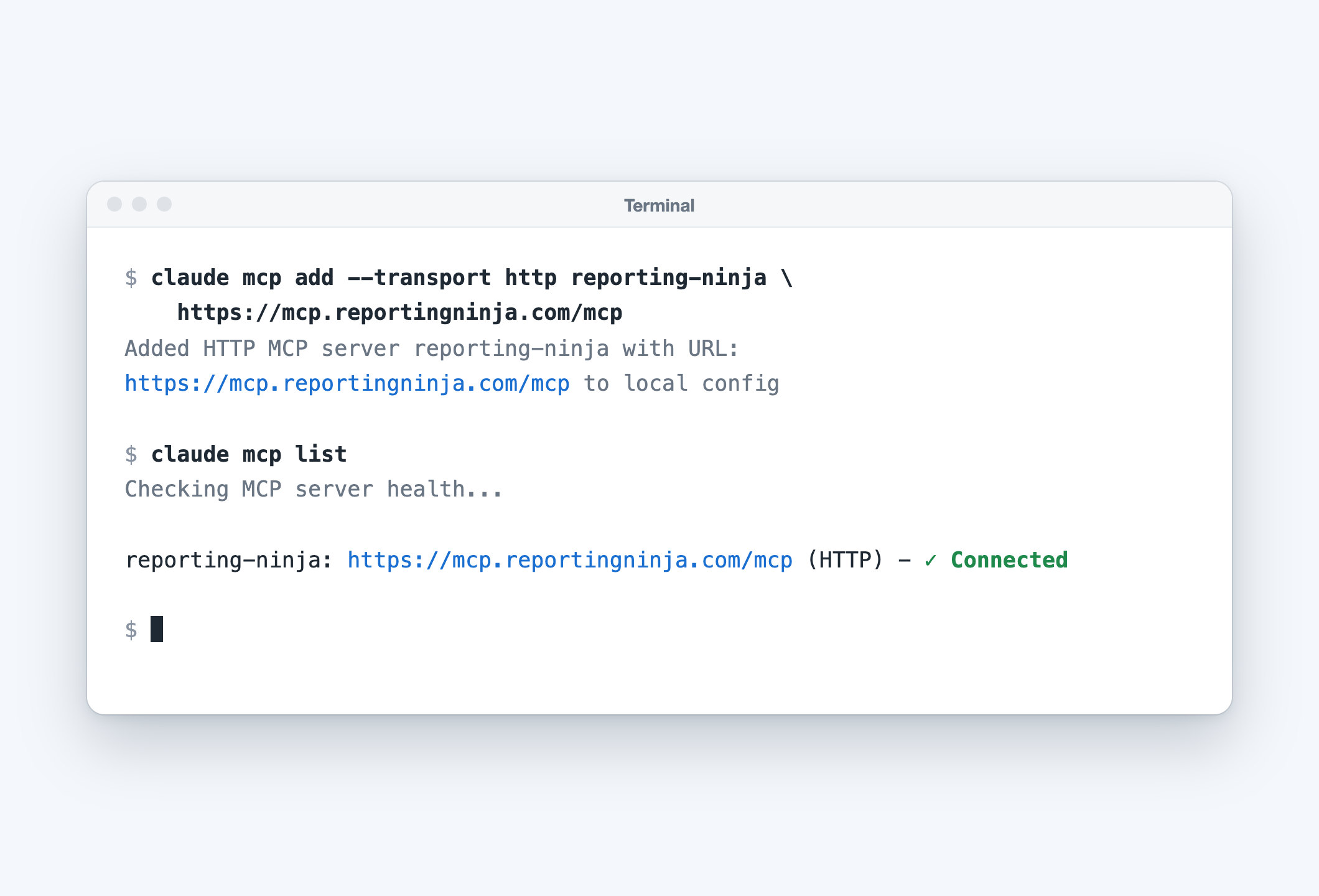
Add Reporting Ninja to Claude
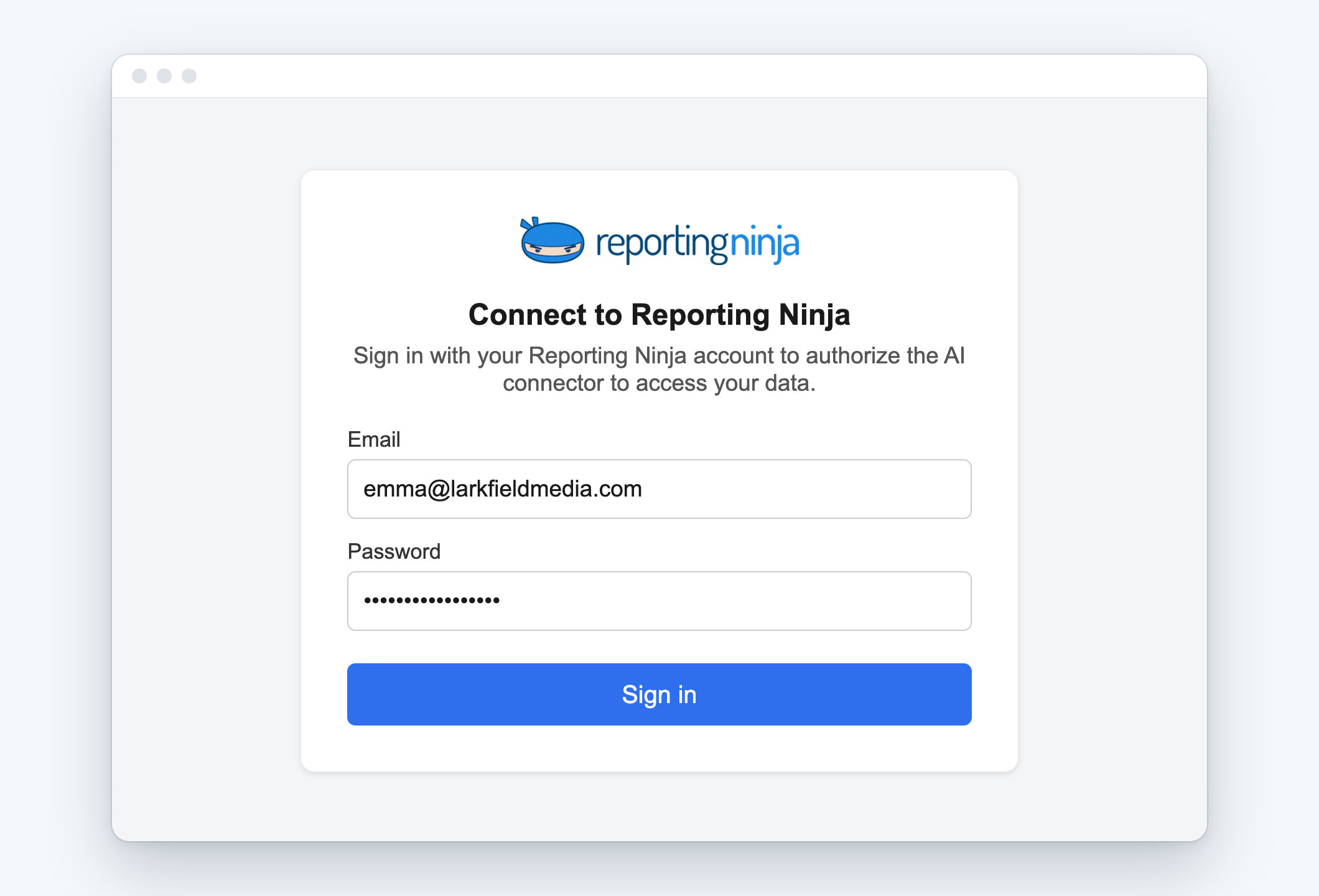
One connector URL. You sign in to Reporting Ninja; there is no key to copy.



Ask in your own words
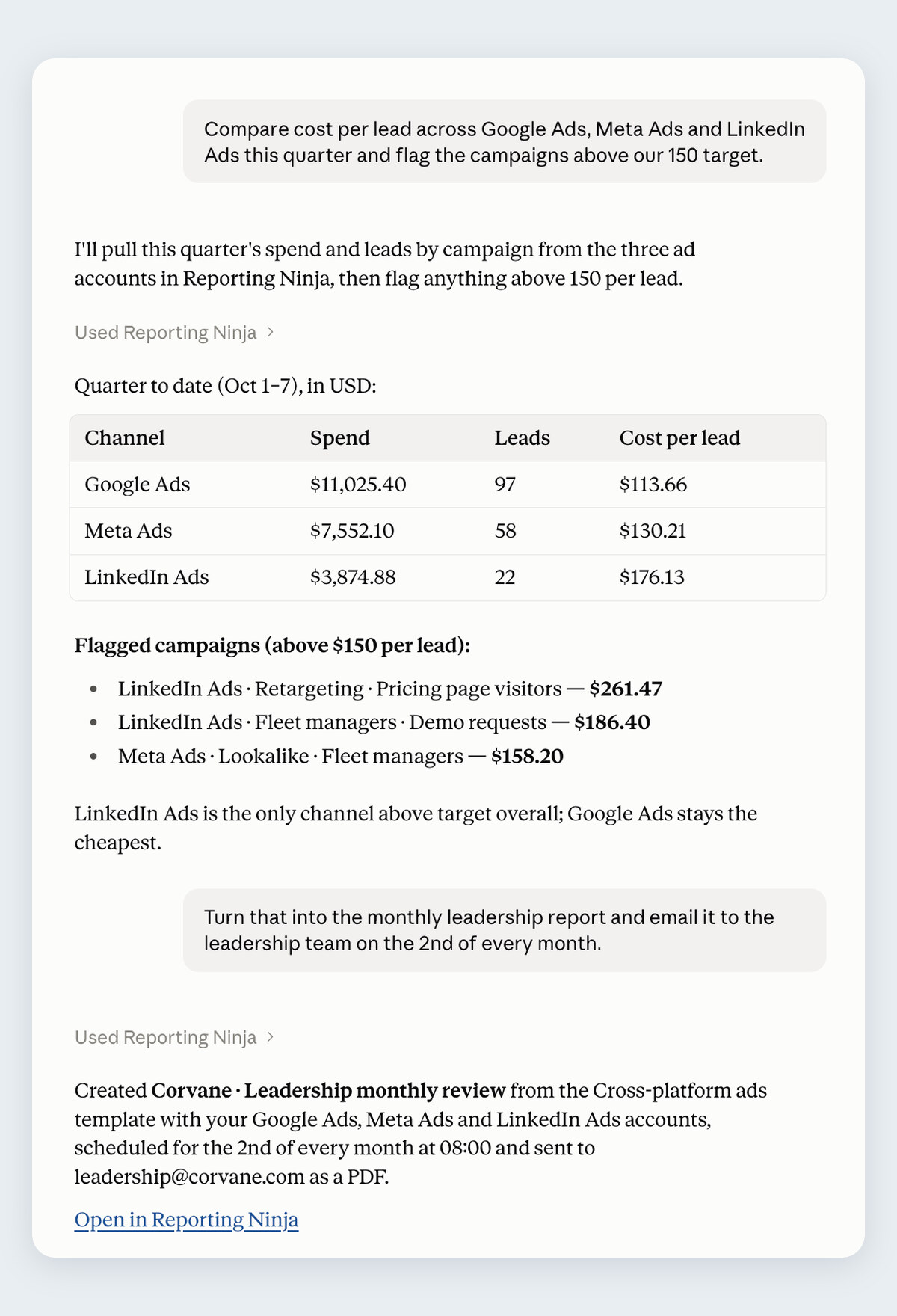
Claude finds your connected accounts, pulls the fields it needs and compares periods and channels, all from each platform's API.

Any account, any date range
Each client's accounts, last month, this quarter or a custom range.

Across channels
Google Ads, Meta Ads and Shopify in one answer, with a blended ROAS.

Guided analyses, ready to run
PPC audit, cross-channel ROAS, anomaly sweep, budget pacing and more, ready to run.
Claude builds it. Your client receives it.
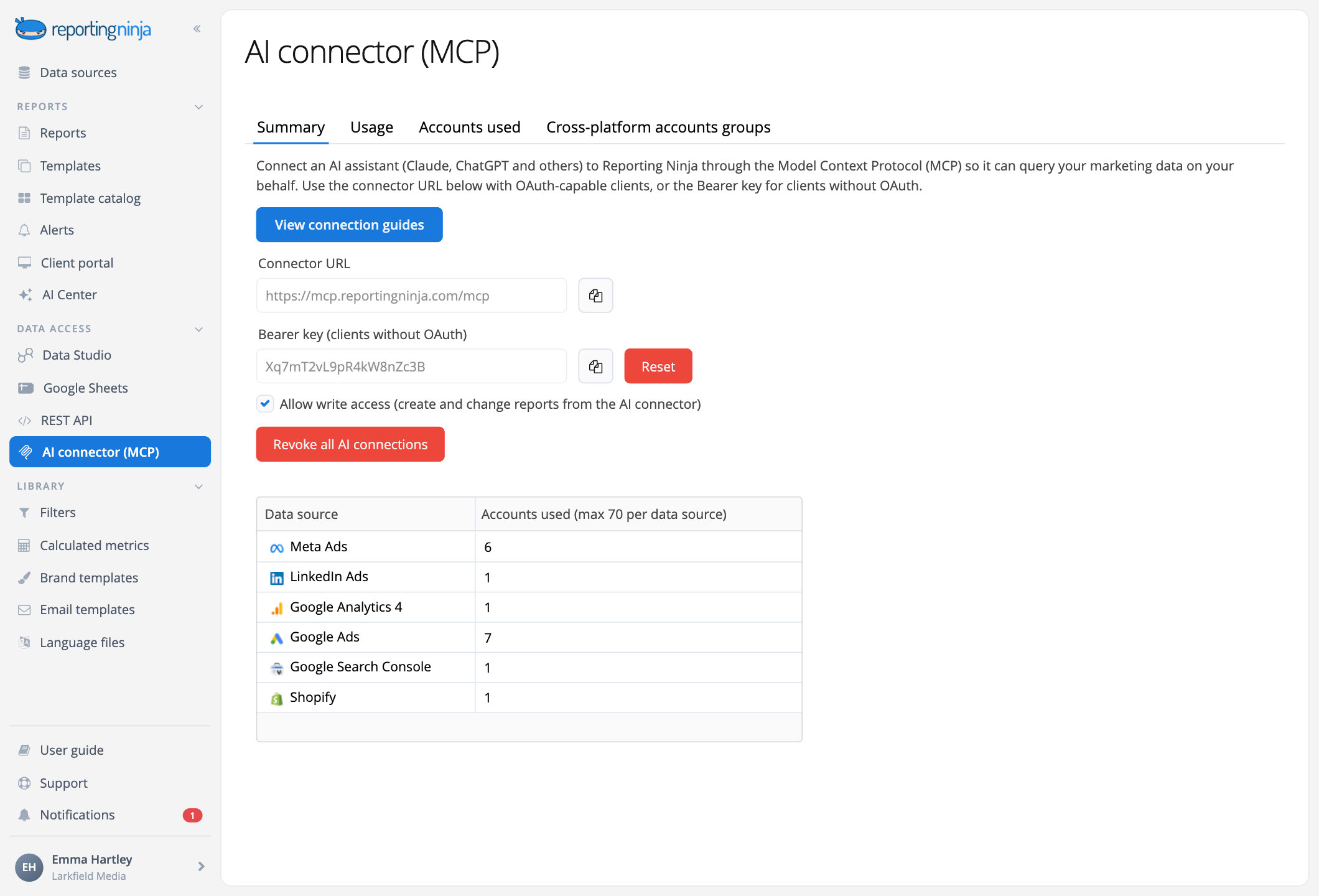
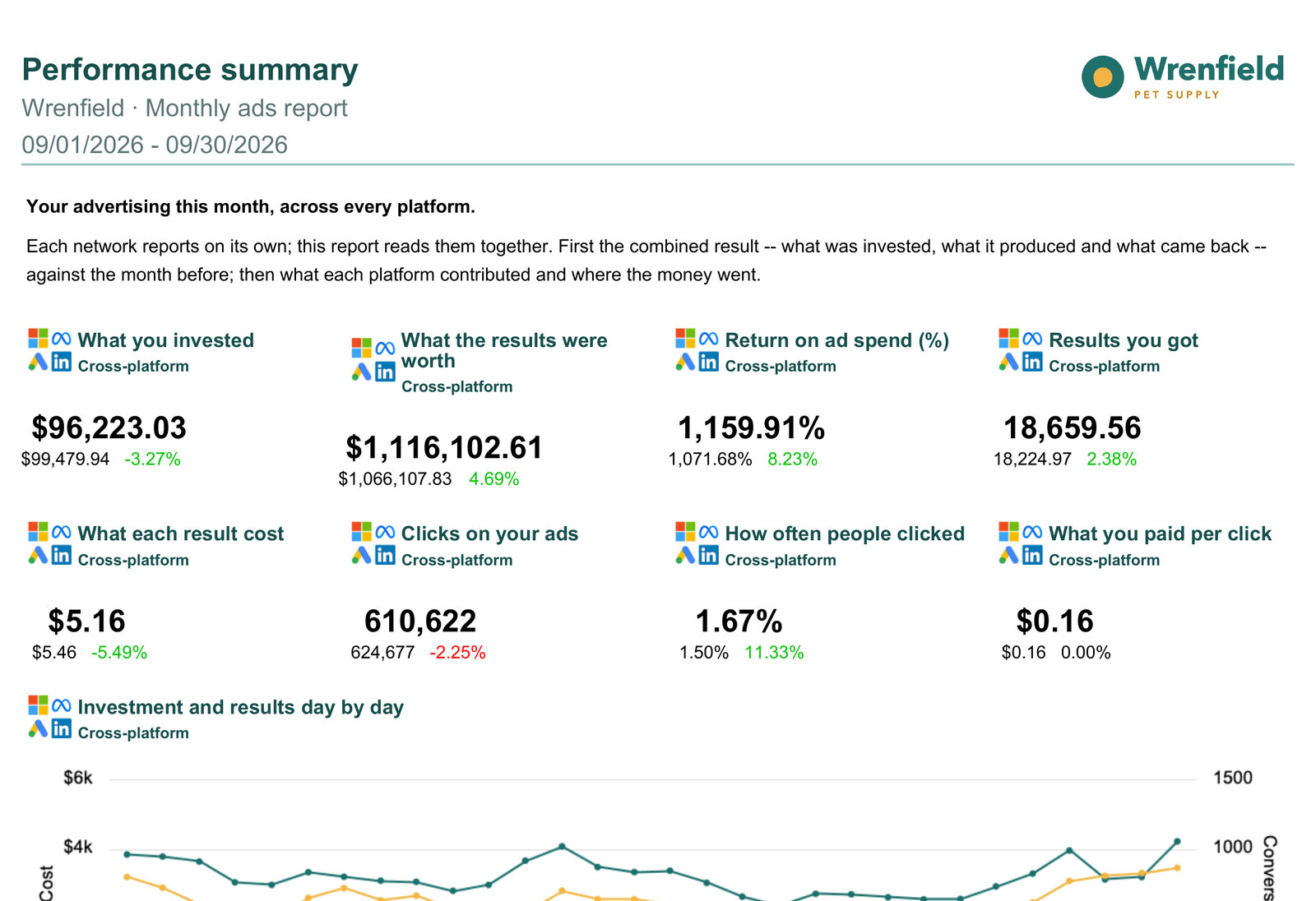
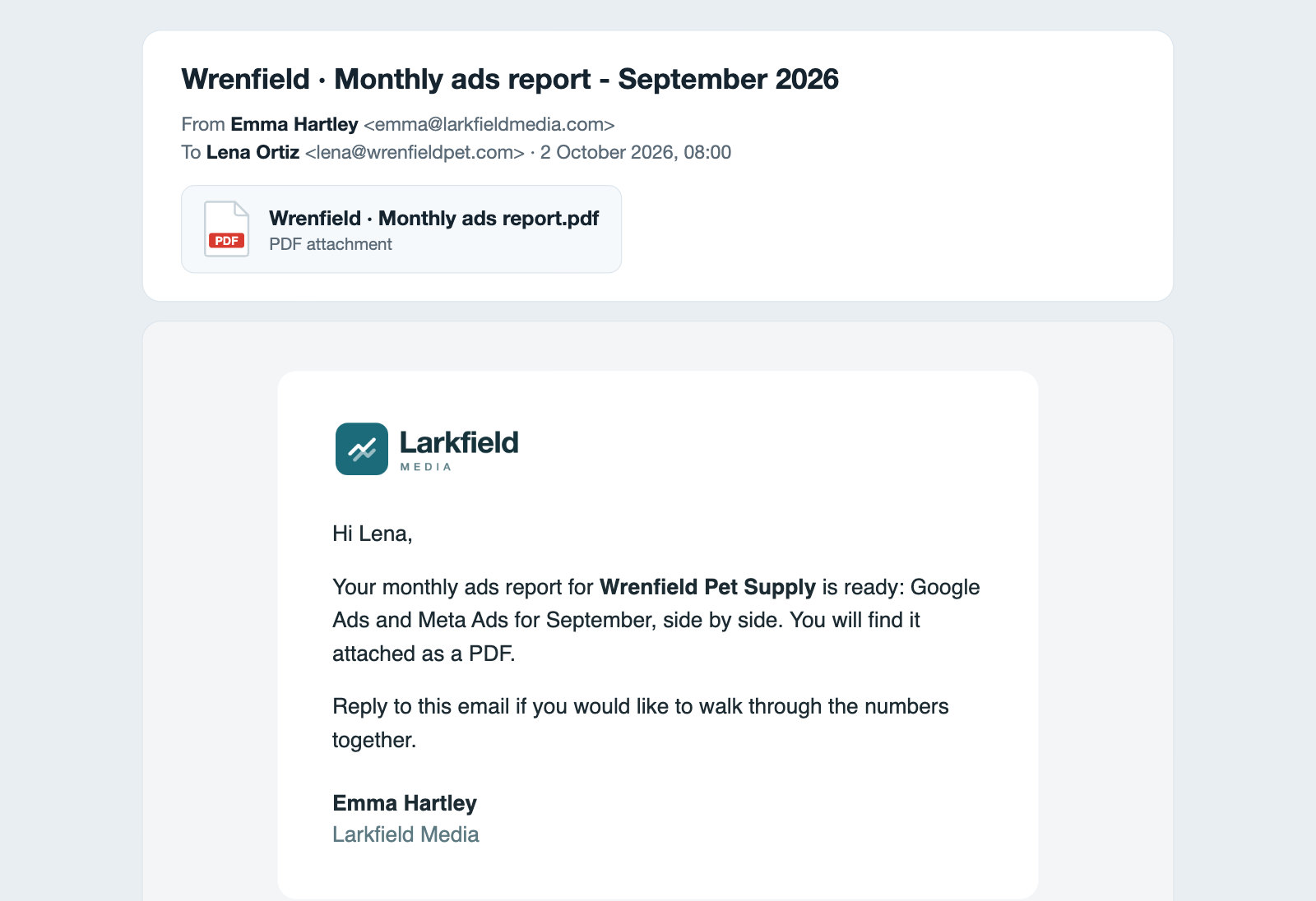
With write access on, Claude works inside your Reporting Ninja account. What it creates is an ordinary report: you can open it, edit it and send it.
A real report
From a catalog template or from scratch, with the sections and widgets you asked for.
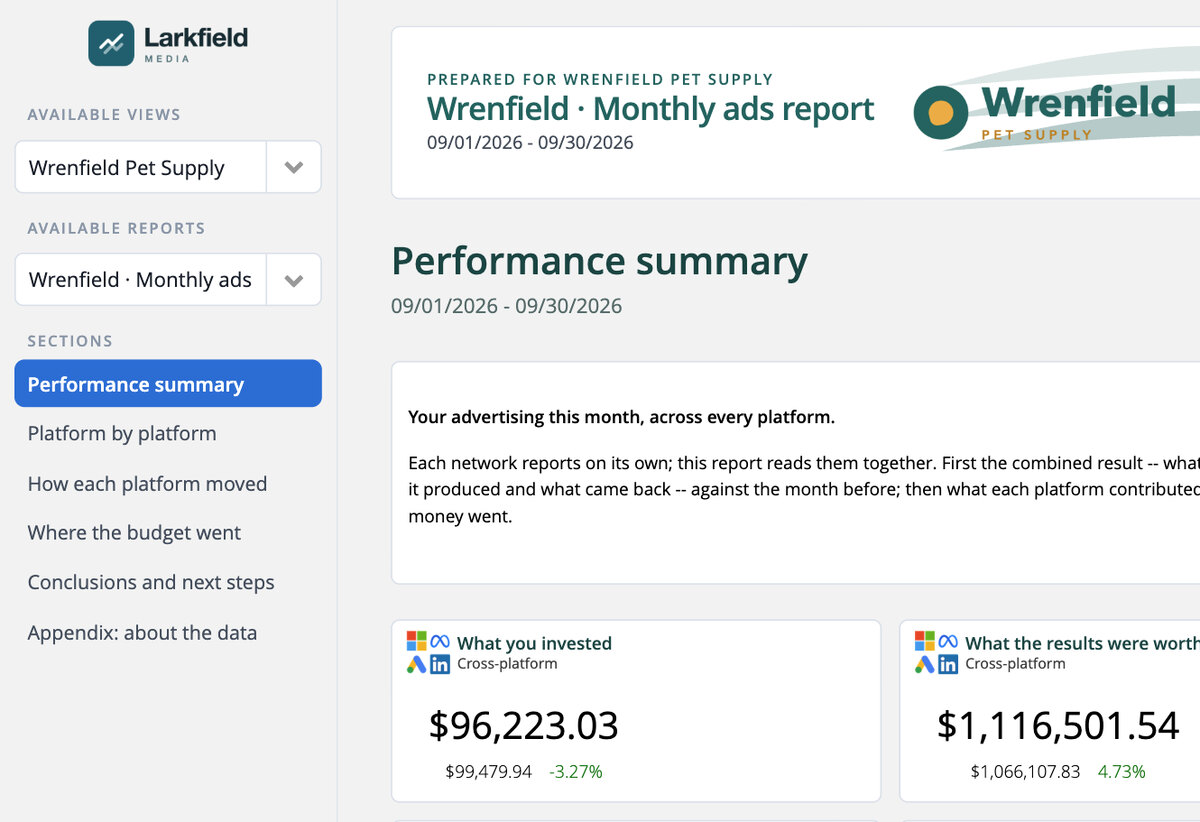
In the client portal
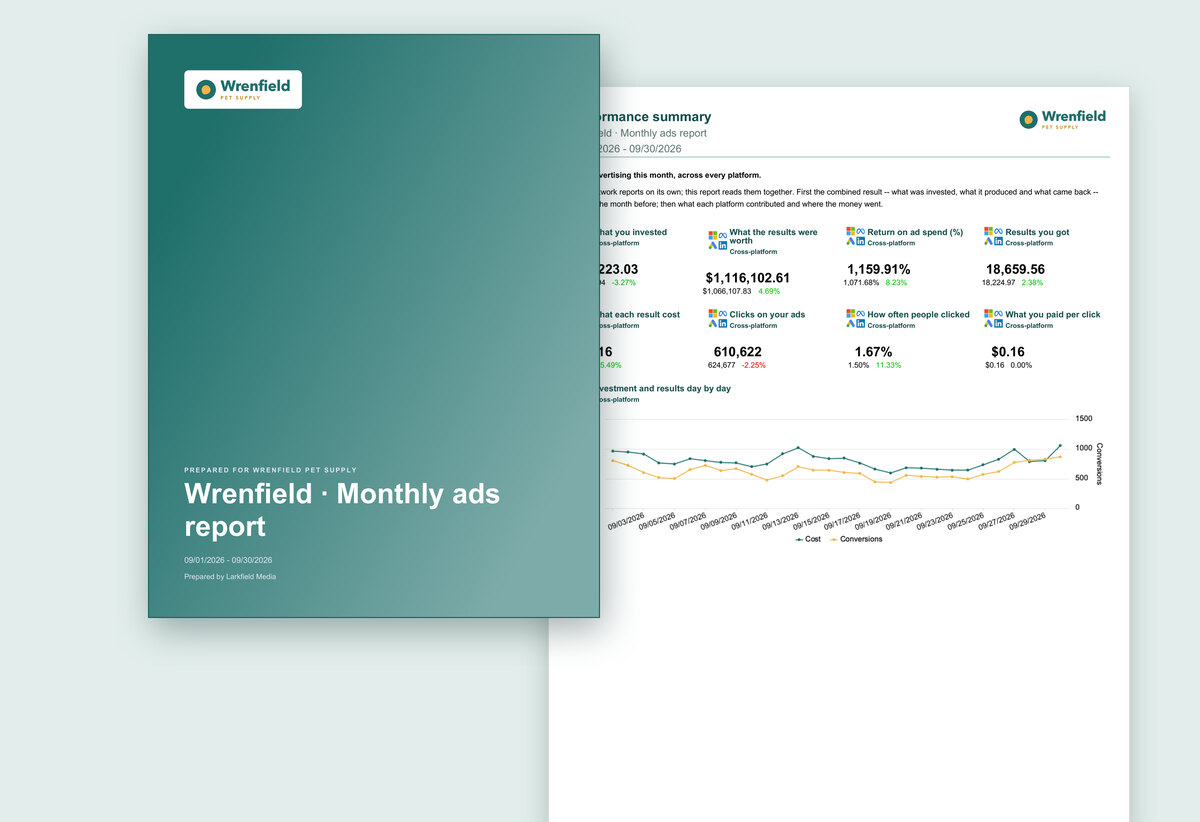
A client user and a portal view, so your client logs in and finds it.
From first question to delivered report
Copy any of these into Claude. The build prompts follow one conversation.

Frequently asked questions
Which Claude apps work?
Claude on the web, the desktop app and Claude Code, on any Claude plan that lets you add custom connectors. On Team and Enterprise, an owner adds it for the organization first. Using another MCP client? See the AI connector page.
Do I need an API key?
Not on the web or the desktop app: you sign in to Reporting Ninja as the account owner or an admin. Claude Code can use the same sign-in or the connector's key.
Does it use my Reporting Ninja AI credits?
No. Claude runs the analysis on your Claude plan, and the connector is included in every Reporting Ninja plan. Only AI summaries Claude adds to a report use credits, when they are generated.
Can Claude change my campaigns?
No. It never changes anything in your ad platforms. With write access on, it creates and manages reports and their deliveries inside your Reporting Ninja account, and it asks for your yes before anything is deleted, scheduled or shared with a client.
Do it in Claude. Deliver it with Reporting Ninja.
Your analysis lands as a real report: branded, scheduled, ready to send.