
Scheduled marketing reports
Pick the report, the recipients and how often. Reporting Ninja emails the branded PDF on schedule, with your email template and, if you want, an AI summary of the period.
The report, in their inbox, in your brand
Every period, the same deliverable arrives on time, without anyone pressing send.


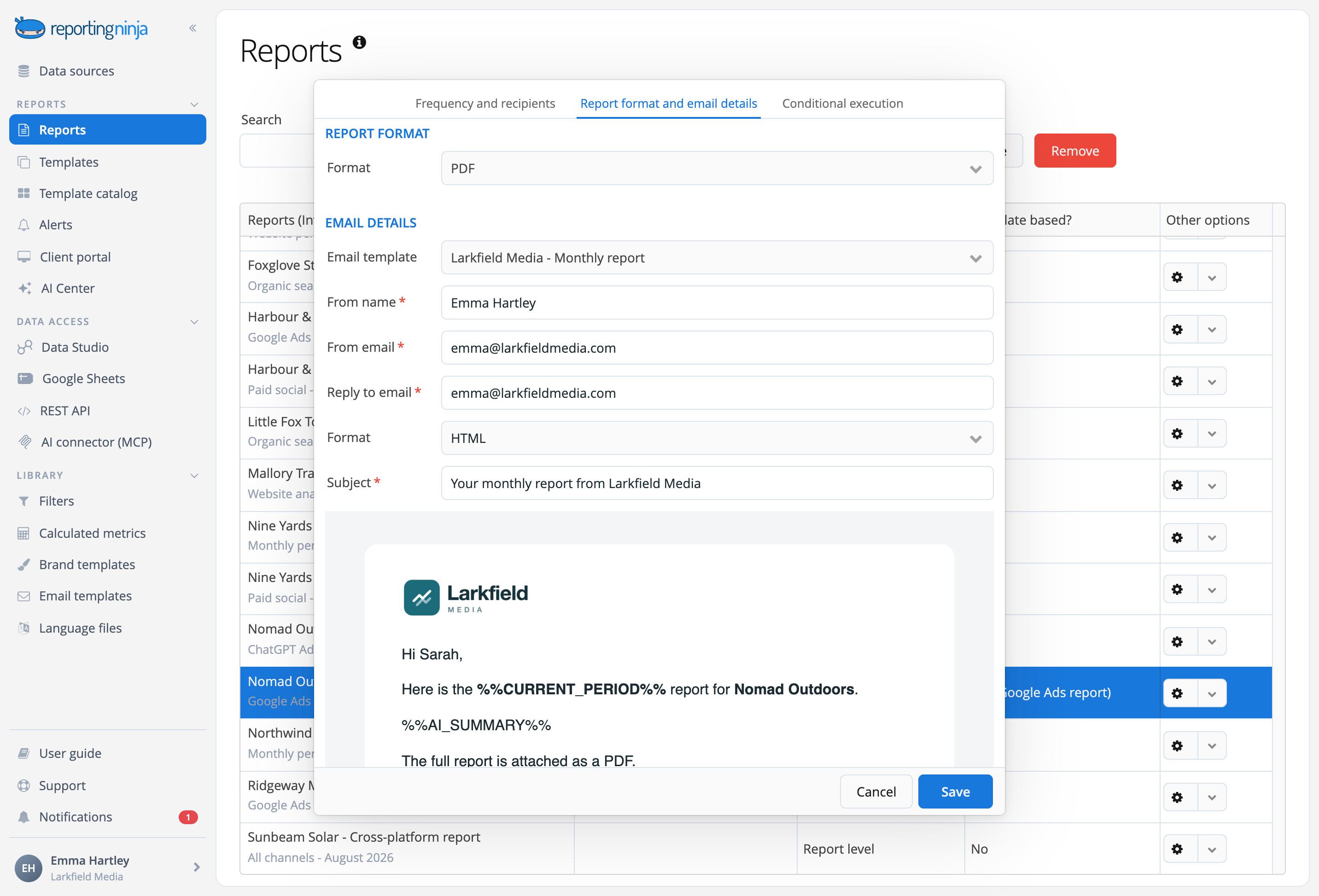
Your email
Sender, subject and message from your own email template.

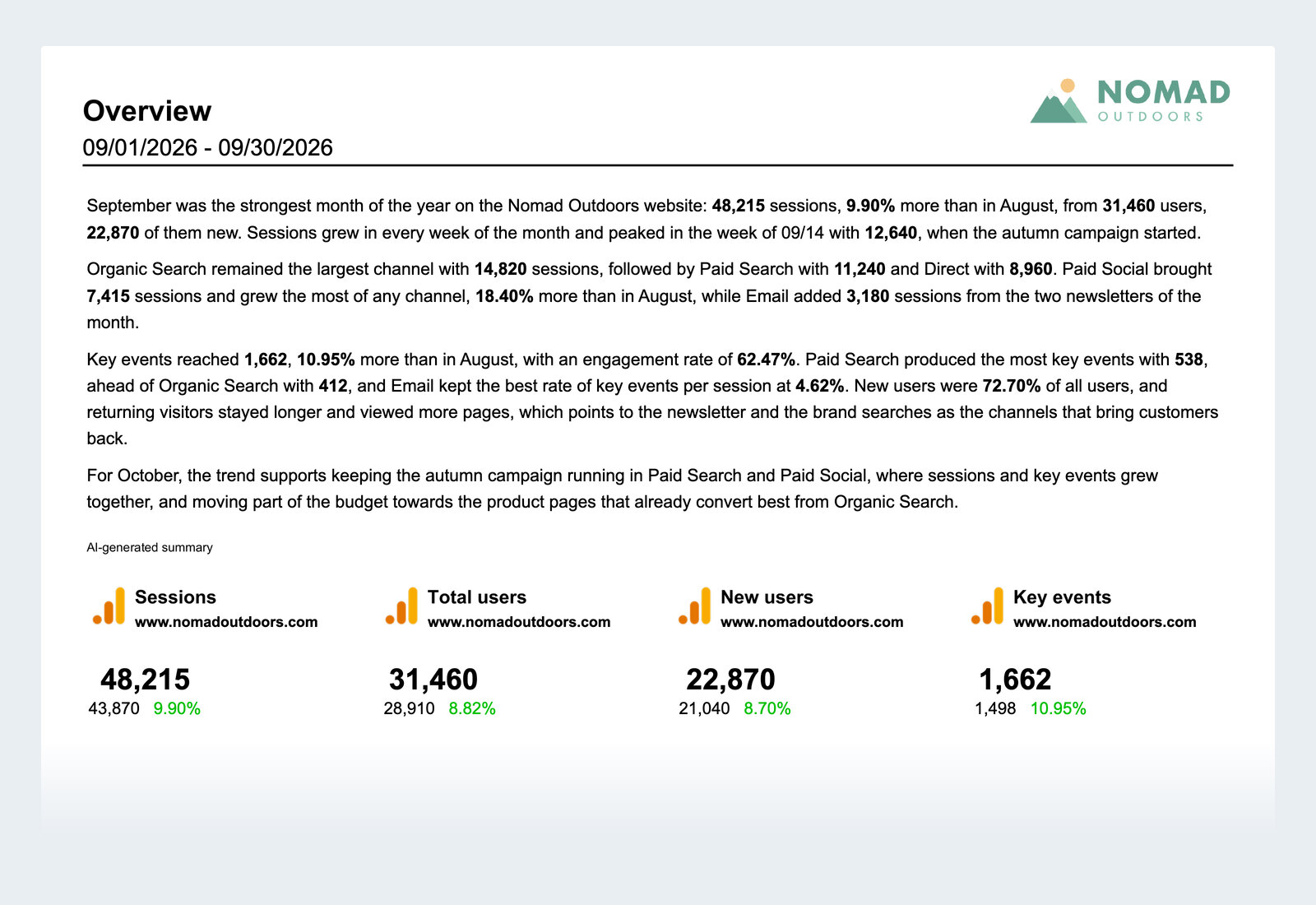
The analysis, written
Add an AI Summary and each delivery arrives with commentary on that period's numbers, in the PDF and, if you want, in the email.
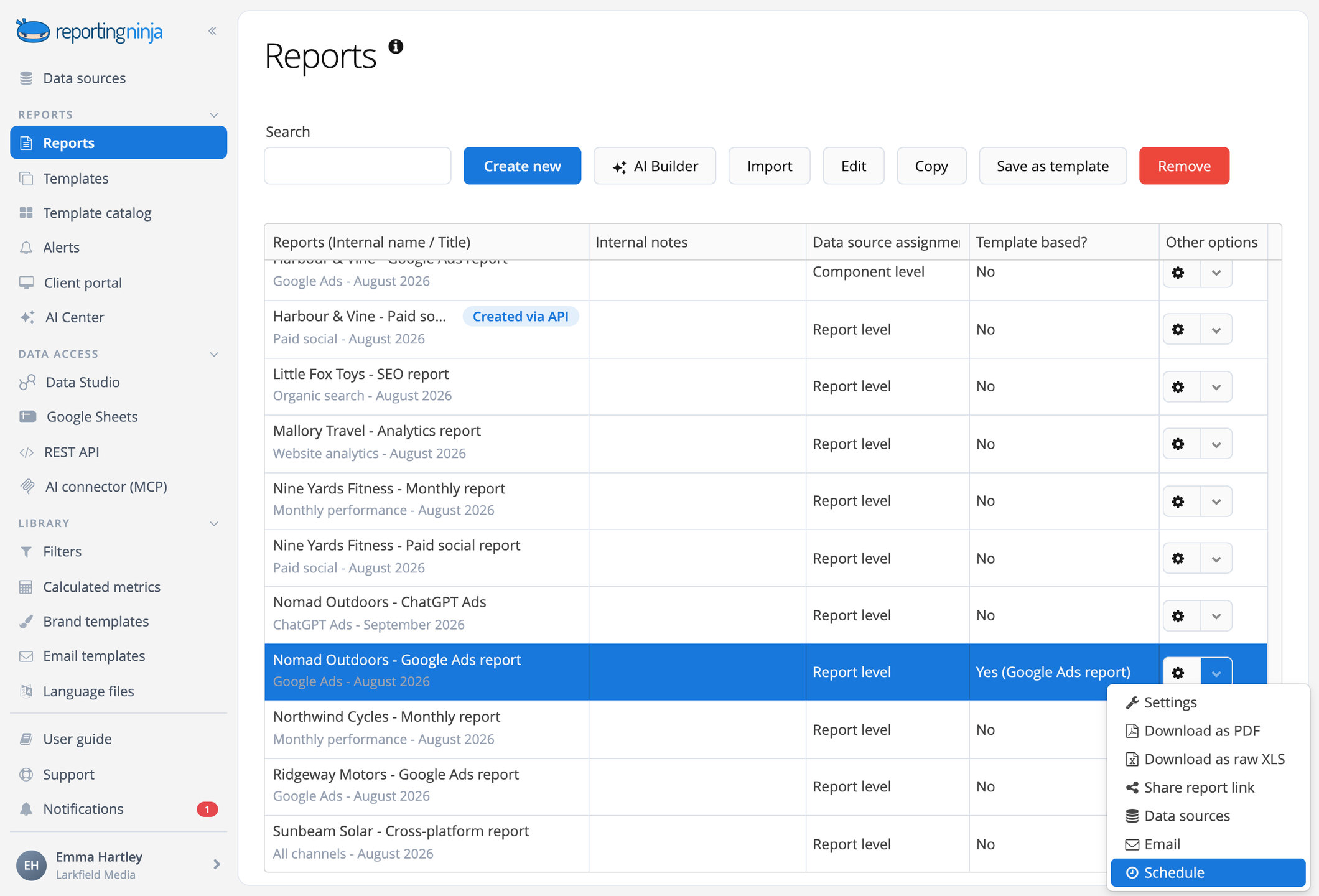
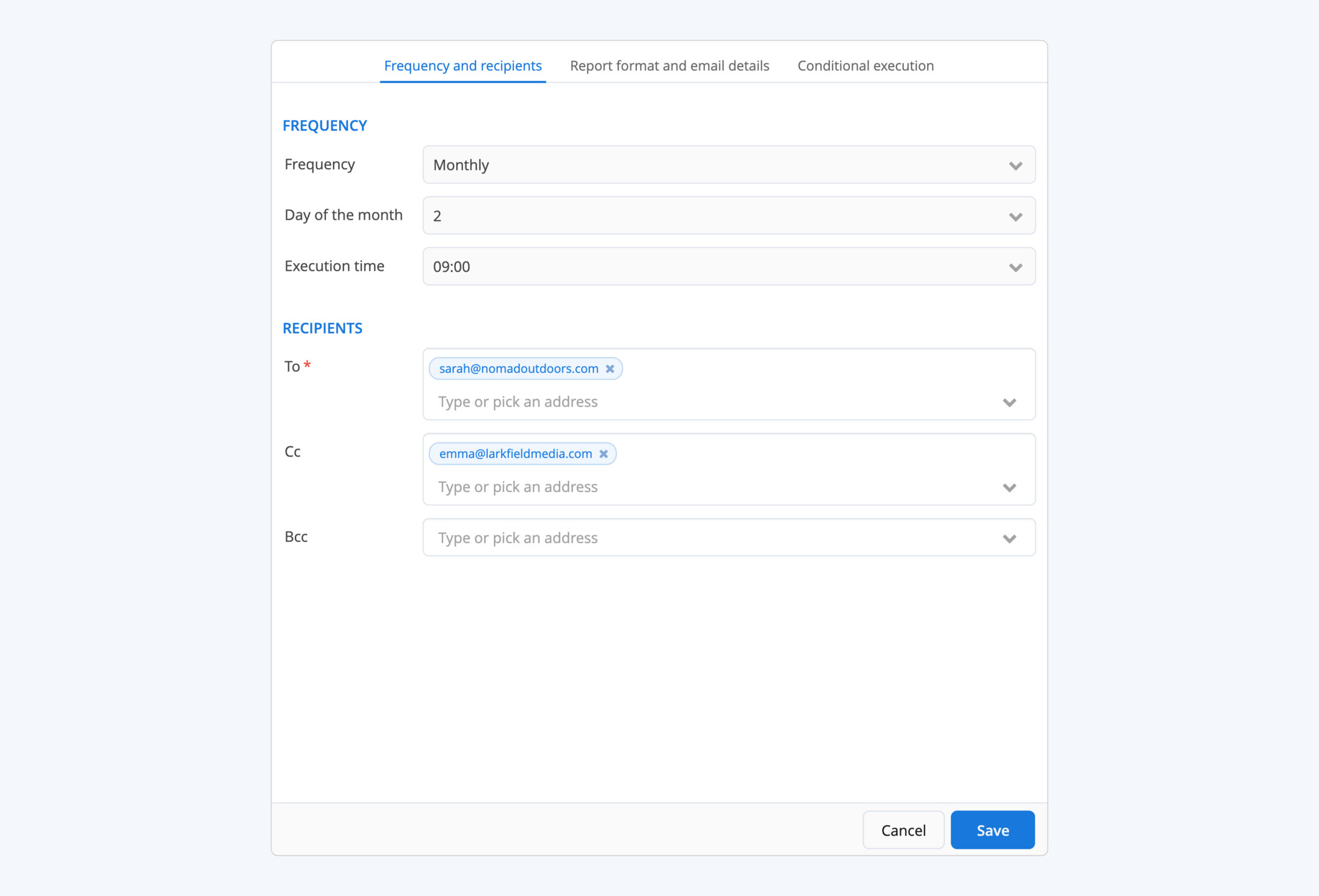
Set it once, it runs every period


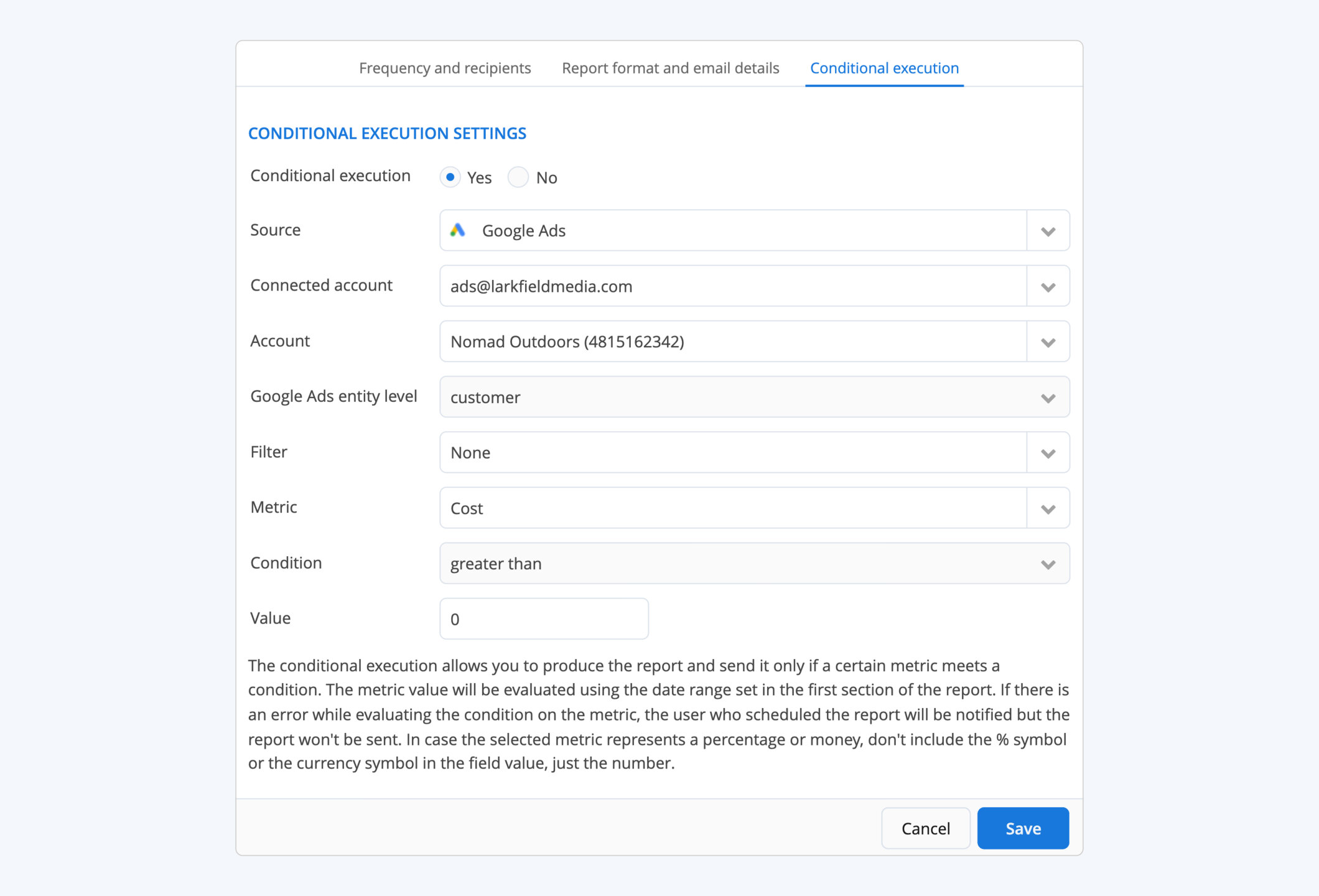
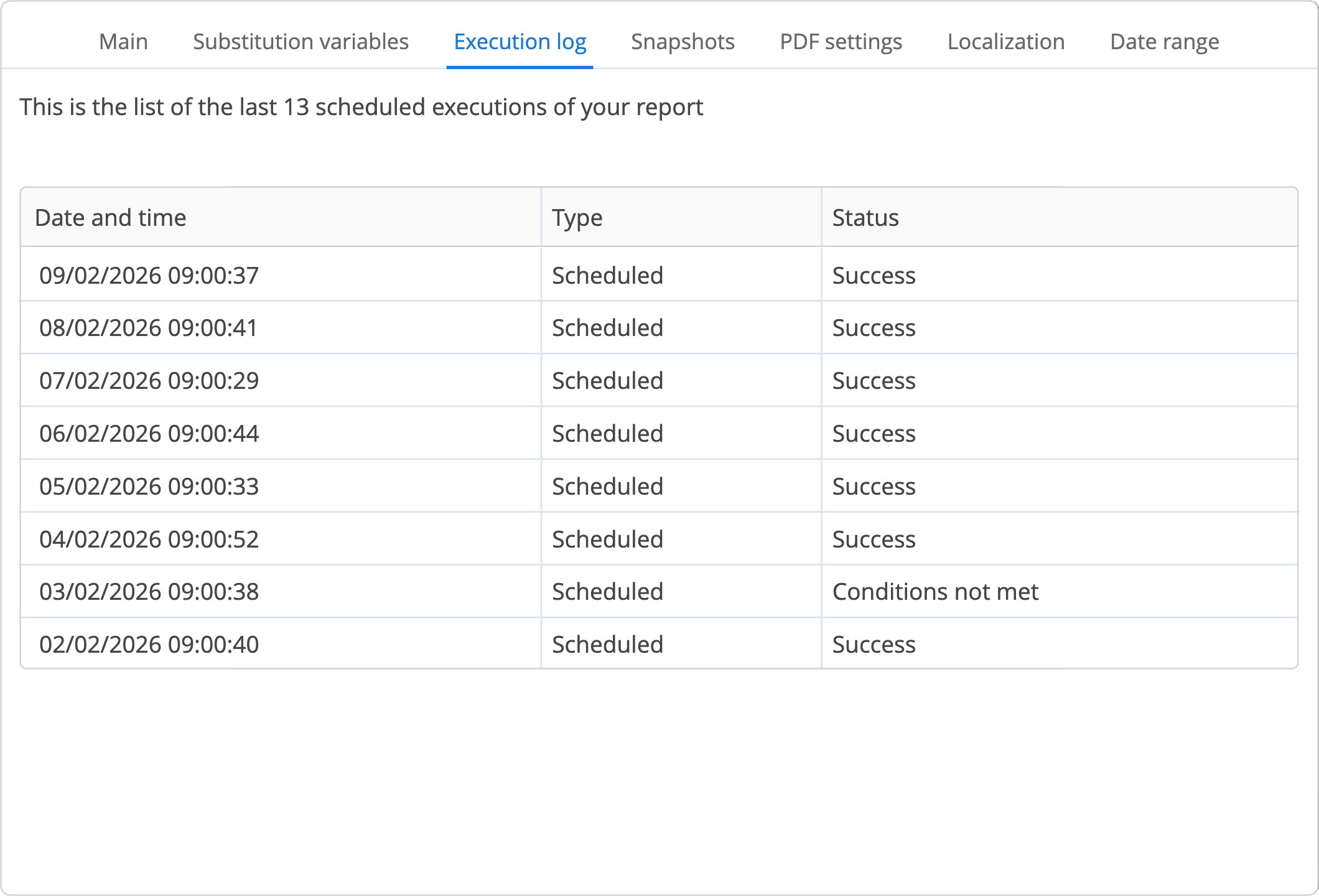
One schedule per client, none to remember

Duplicate per client
Copy a report for the next client and give it its own schedule.

Each in its own brand
Each client's PDF carries their brand template, and each schedule its own email.

Frequently asked questions
Is scheduling included in my plan?
Yes. Every feature and every integration is on every plan, scheduling too. Plans differ only in how many reports and accounts you run.
Can each delivery include commentary?
Yes. Add an AI Summary to the report and it is written from each period's data, in the PDF and, if you want, in the body of the email.
Can I change the email my clients receive?
Yes. Set the sender name, the reply-to address, the subject and the message, or reuse one of your email templates.
Can I send an Excel file or a link instead of a PDF?
Yes. Each schedule sends the PDF, an Excel file with the data behind the report, or a link to the live report.
Which day should a monthly report go out?
The 2nd or the 3rd rather than the 1st. Some platforms keep updating the last days of the month for a day or two, so a report sent a little later shows final numbers.
What if a client prefers a link or a portal?
Send a share link, or give them access to the client portal. Same report, same brand.
Set the schedule once. Every report goes out on time.
Branded PDF by email, month after month.
