
Client reporting portal
Each client logs in securely on your domain and finds their reports, live, on any device. Alongside email and share links, for the clients who want a place to come back to.

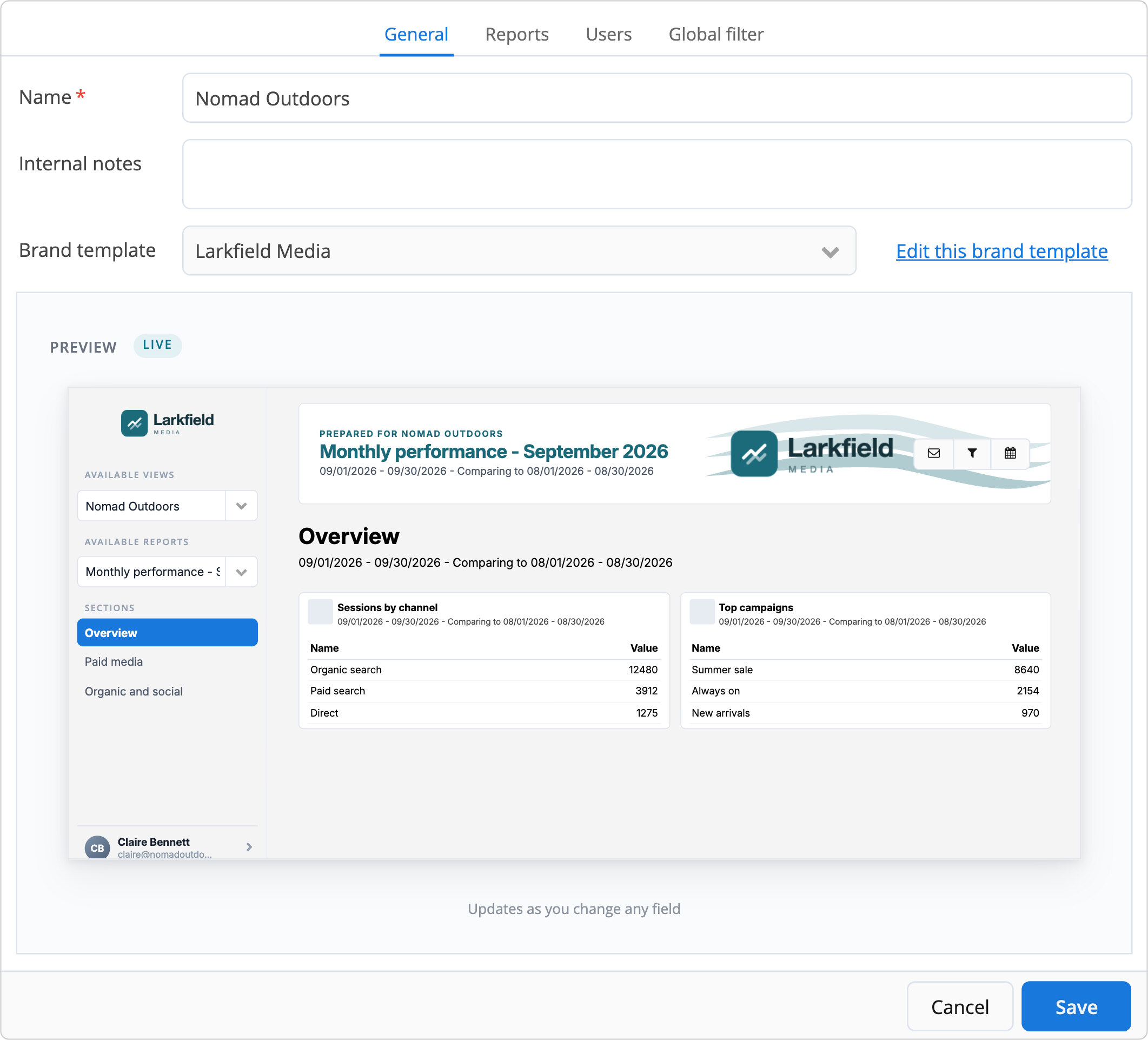
Their reports, your brand, one address
No attachments to dig out of an inbox. Your client opens one address and everything you prepared for them is there, up to date.

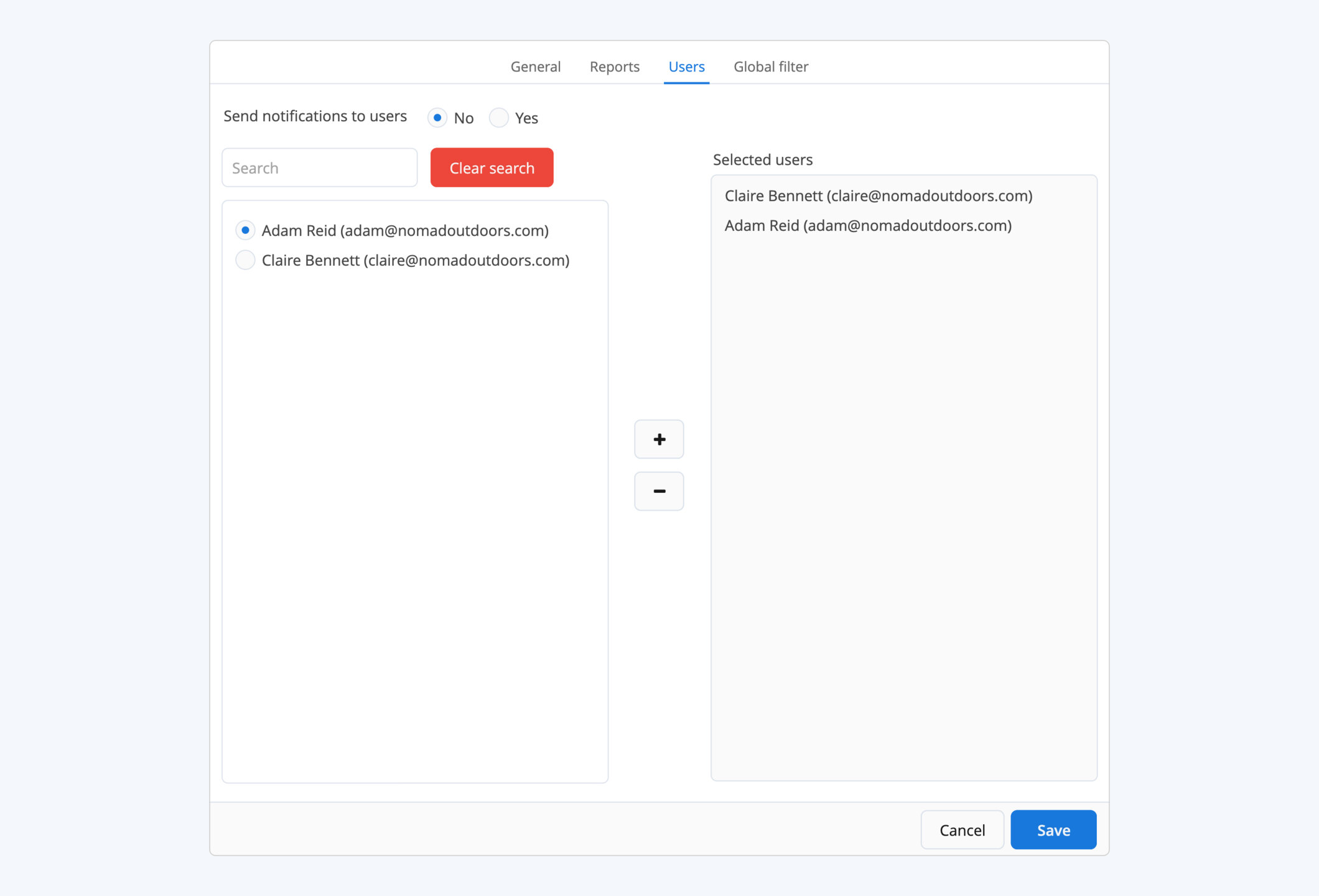
Only what's theirs
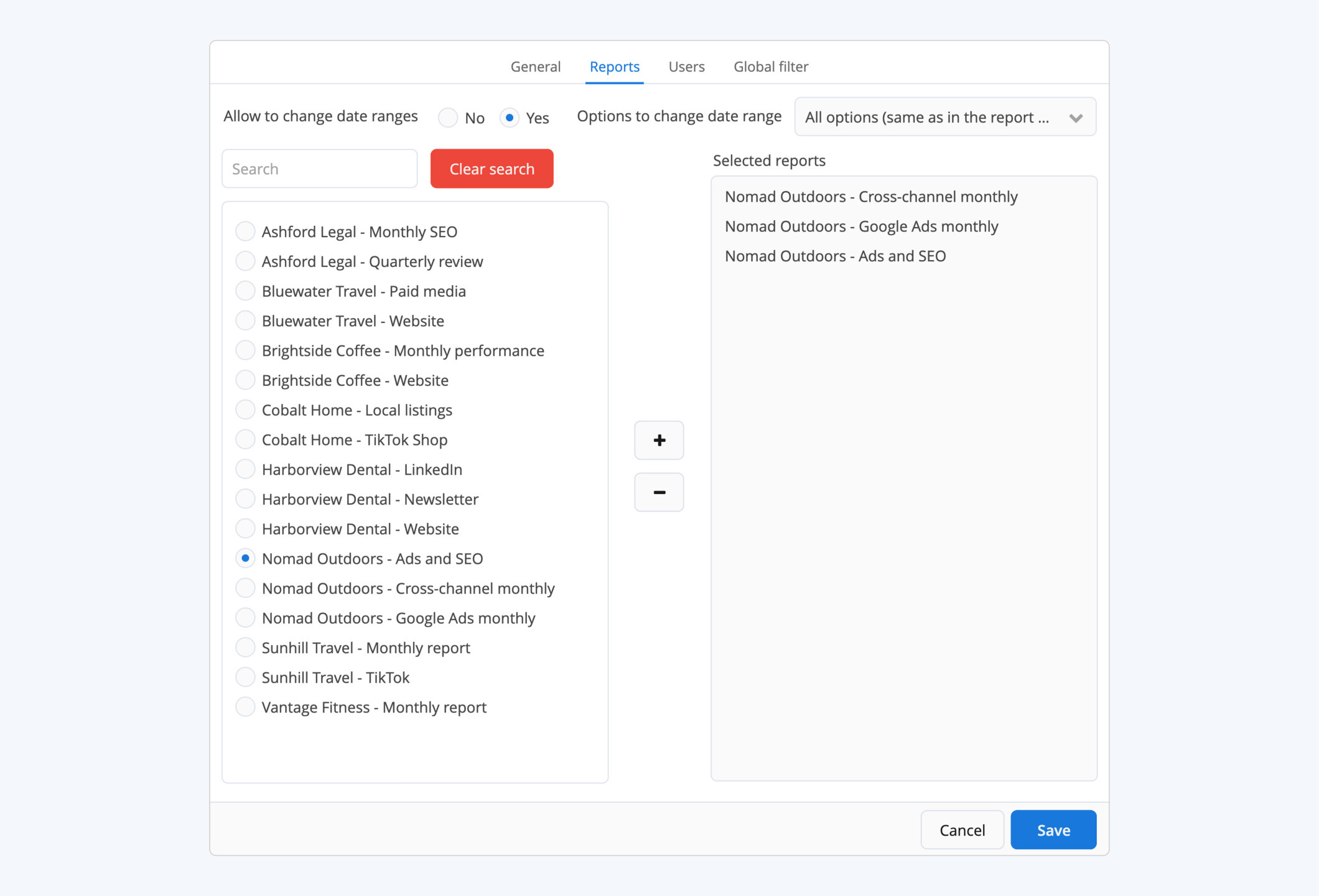
Each login sees only the reports you assign to it.

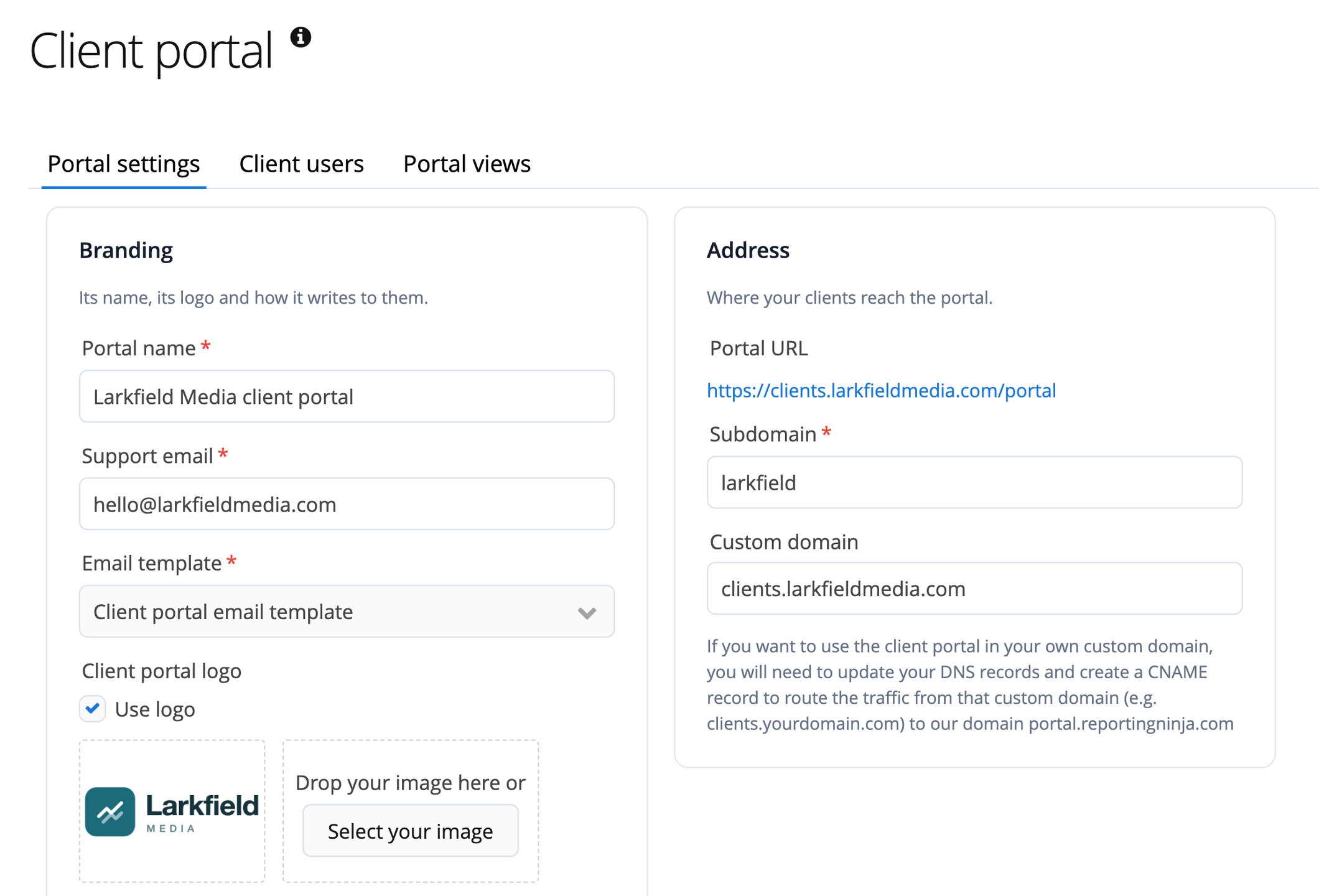
Your brand and your domain
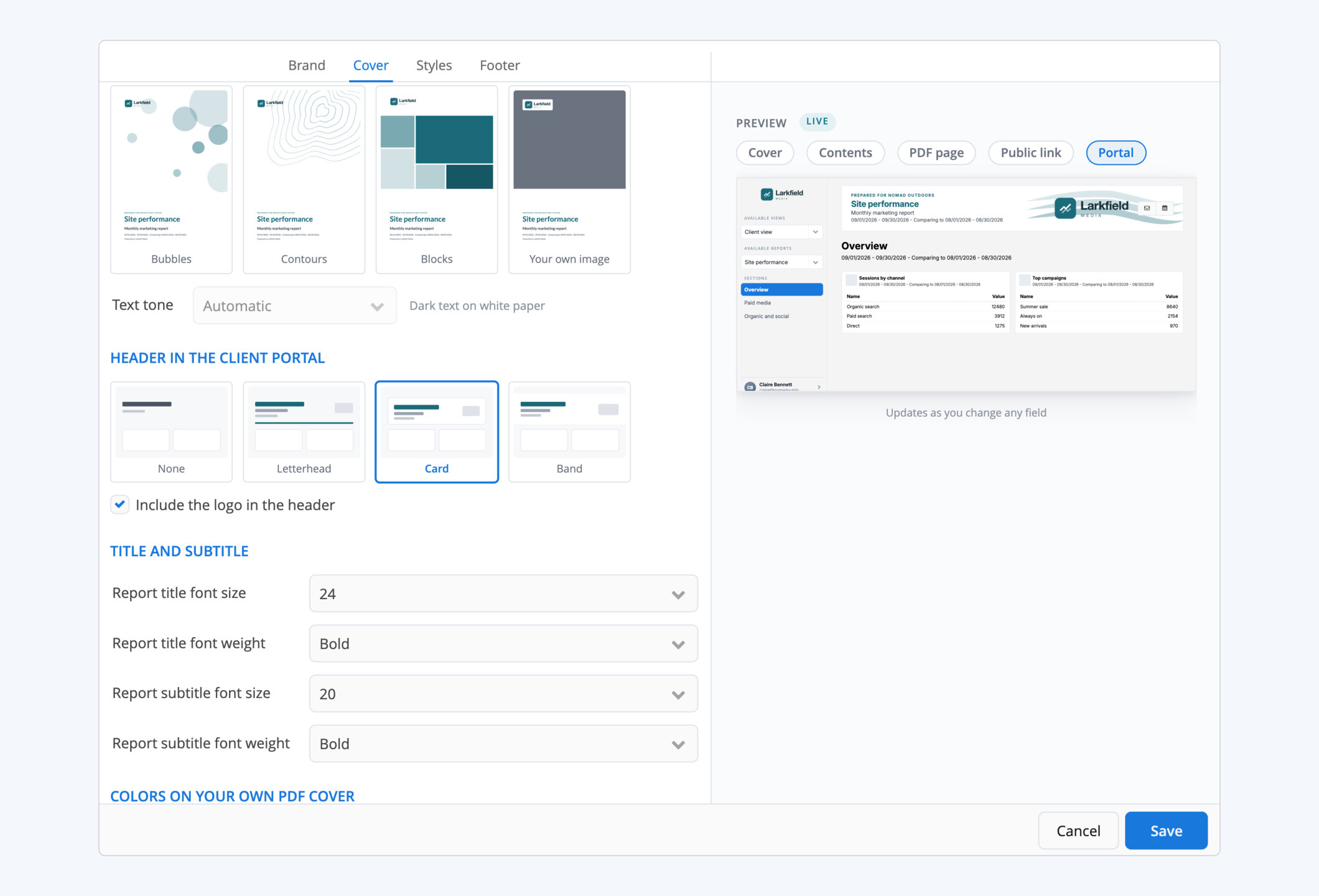
The brand template that dresses the PDF dresses the portal too.

A portal for every client, set up once


Deliver the way each client prefers
Same report, same brand, three ways to reach your client.

Client portal
A place to come back to, with all their reports, always current.

Scheduled reports
The branded PDF in their inbox, on schedule.

Share links
One live report behind a link, no login.
Frequently asked questions
Can I use my own domain?
Yes. Point it at the portal with a CNAME record and your clients sign in there, securely and with your brand template.
Does each client get their own login?
Yes. Create a user for each client and choose which reports they see.
Is the portal included in my plan?
Yes. Every feature and every integration is on every plan, the portal and your own domain too. Plans differ only in how many reports and accounts you run.
Give your clients their own reporting portal
In your brand, on your domain.
