
Call tracking reporting tool
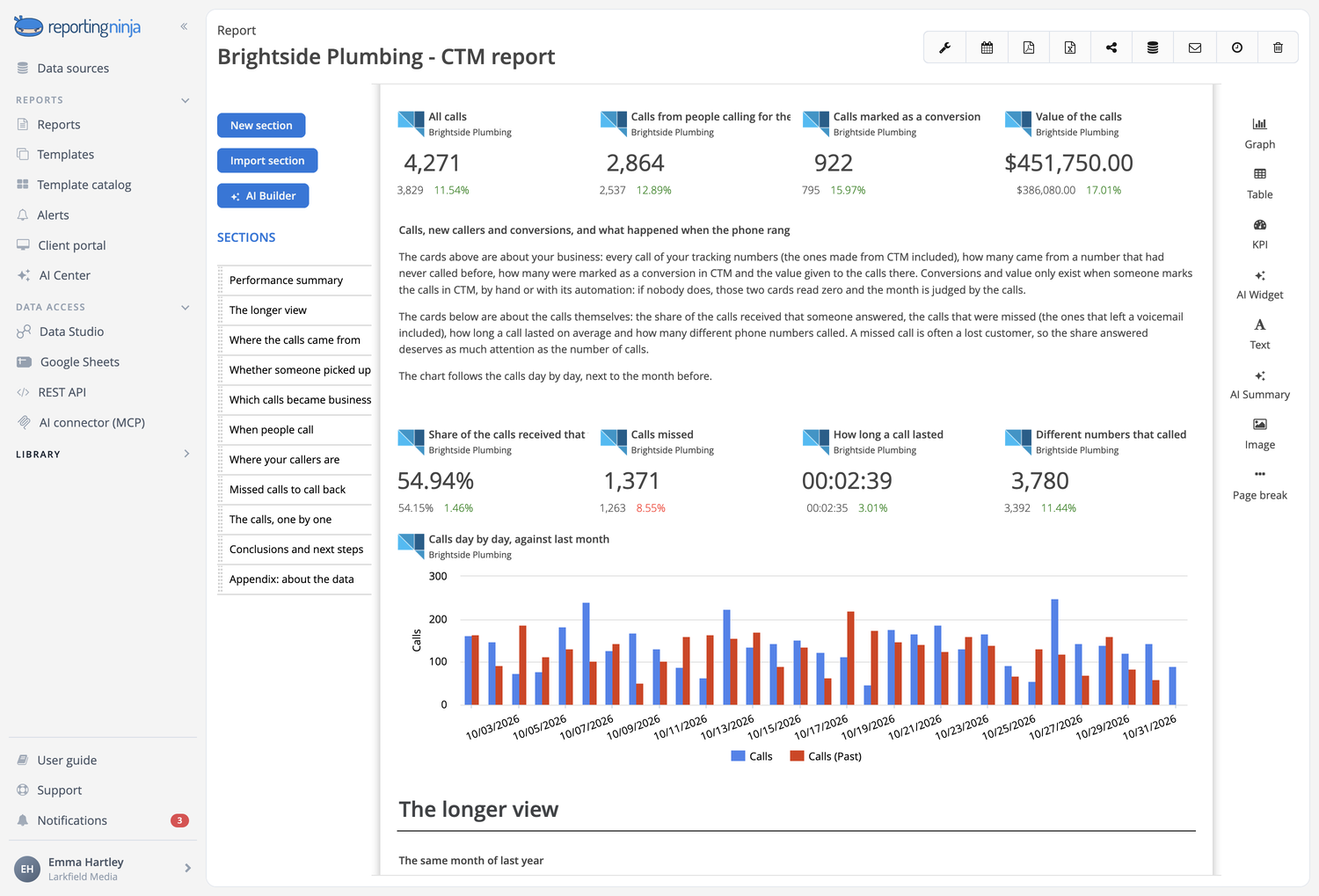
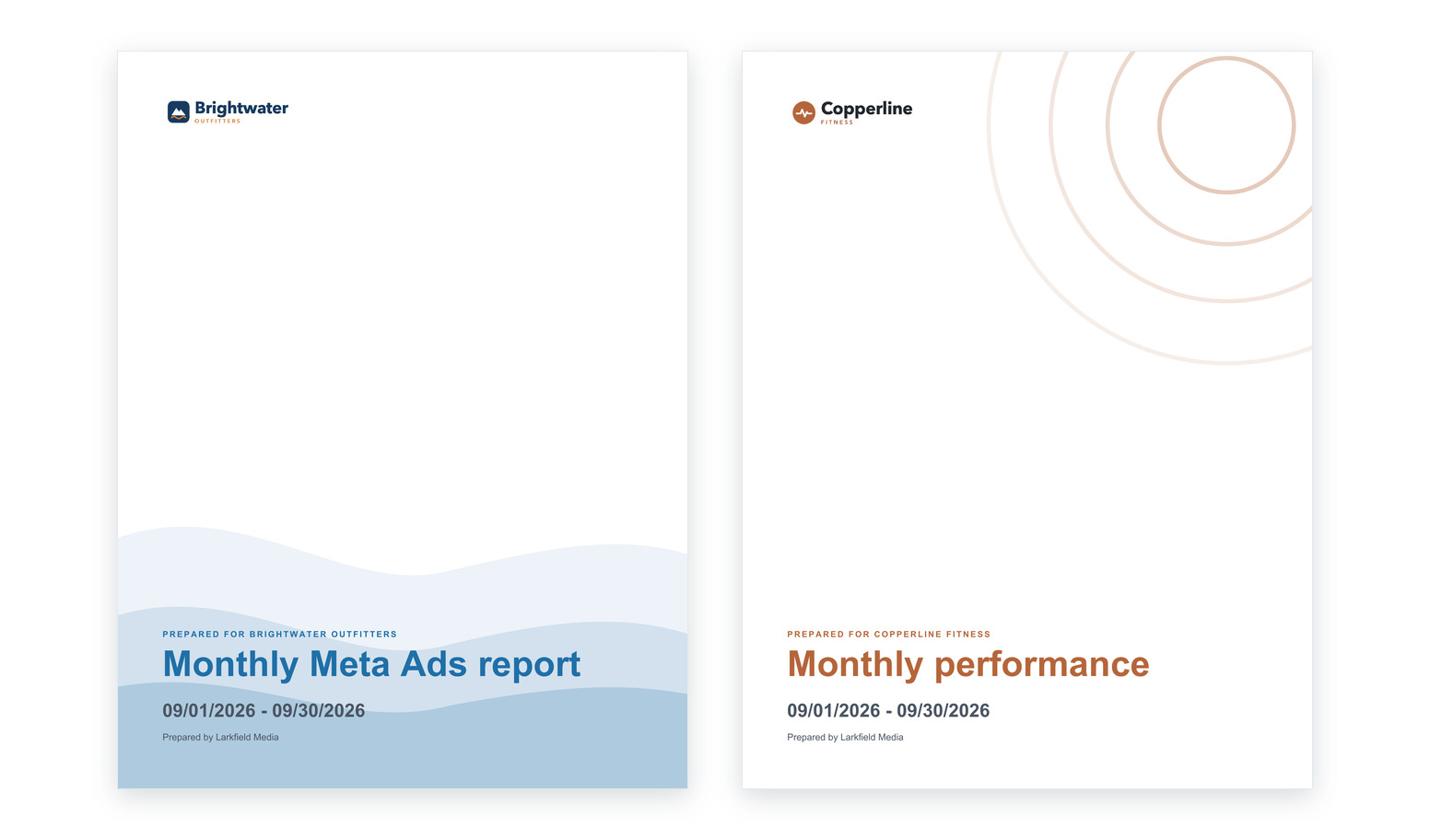
CallRail and CTM calls in the same report as the ads, SEO and website that drove them. Sources, answered and missed calls, first-time callers and their value, in your brand and sent on time.


Connect it, build it, deliver it
Connect
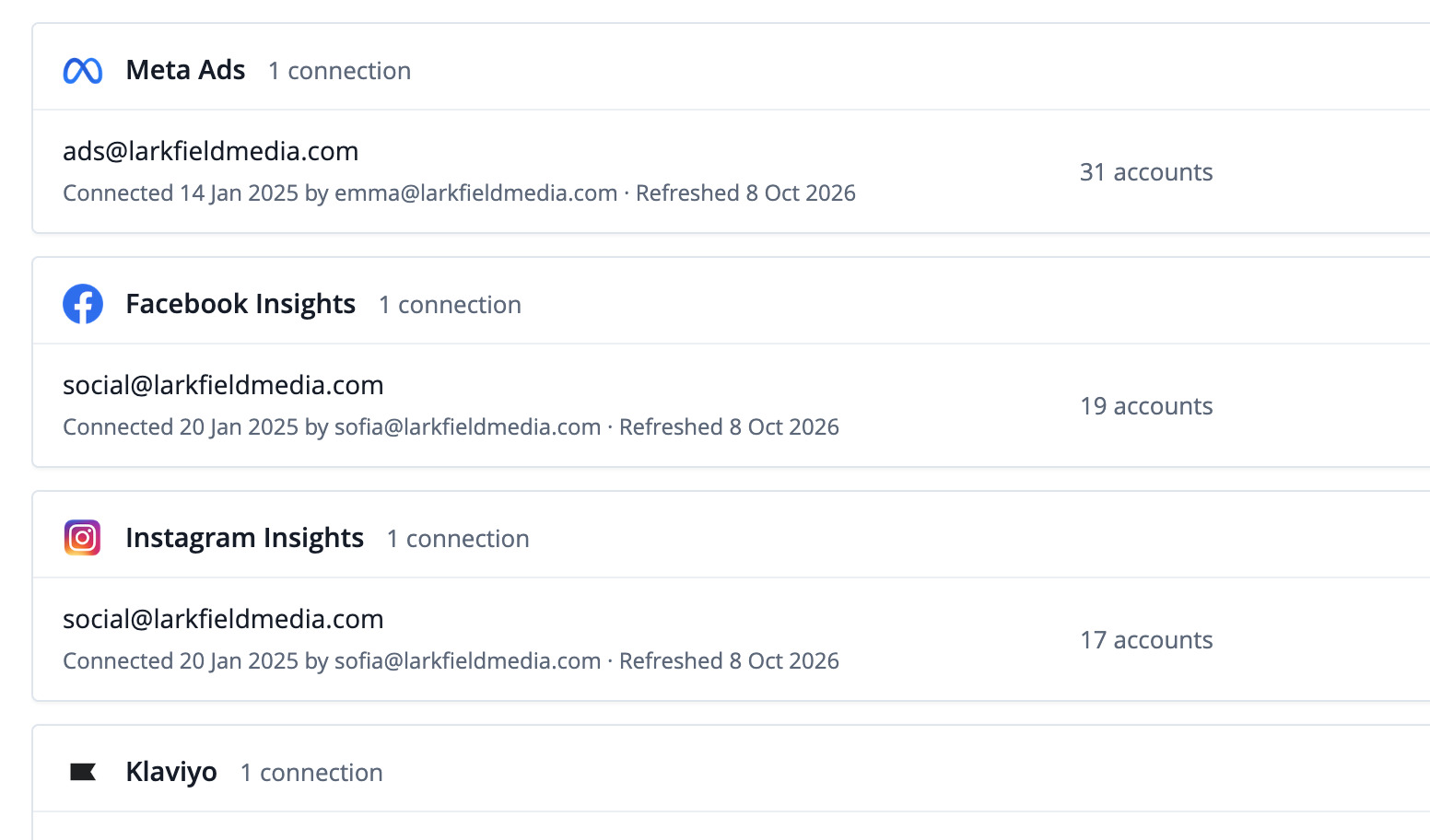
Your call tracking next to your other channels, also in Data Studio, Sheets, the API and your AI assistant.
Build
Template, AI Builder, the editor, or Claude and ChatGPT.
Describe the call tracking report. Review the plan. Get the report.

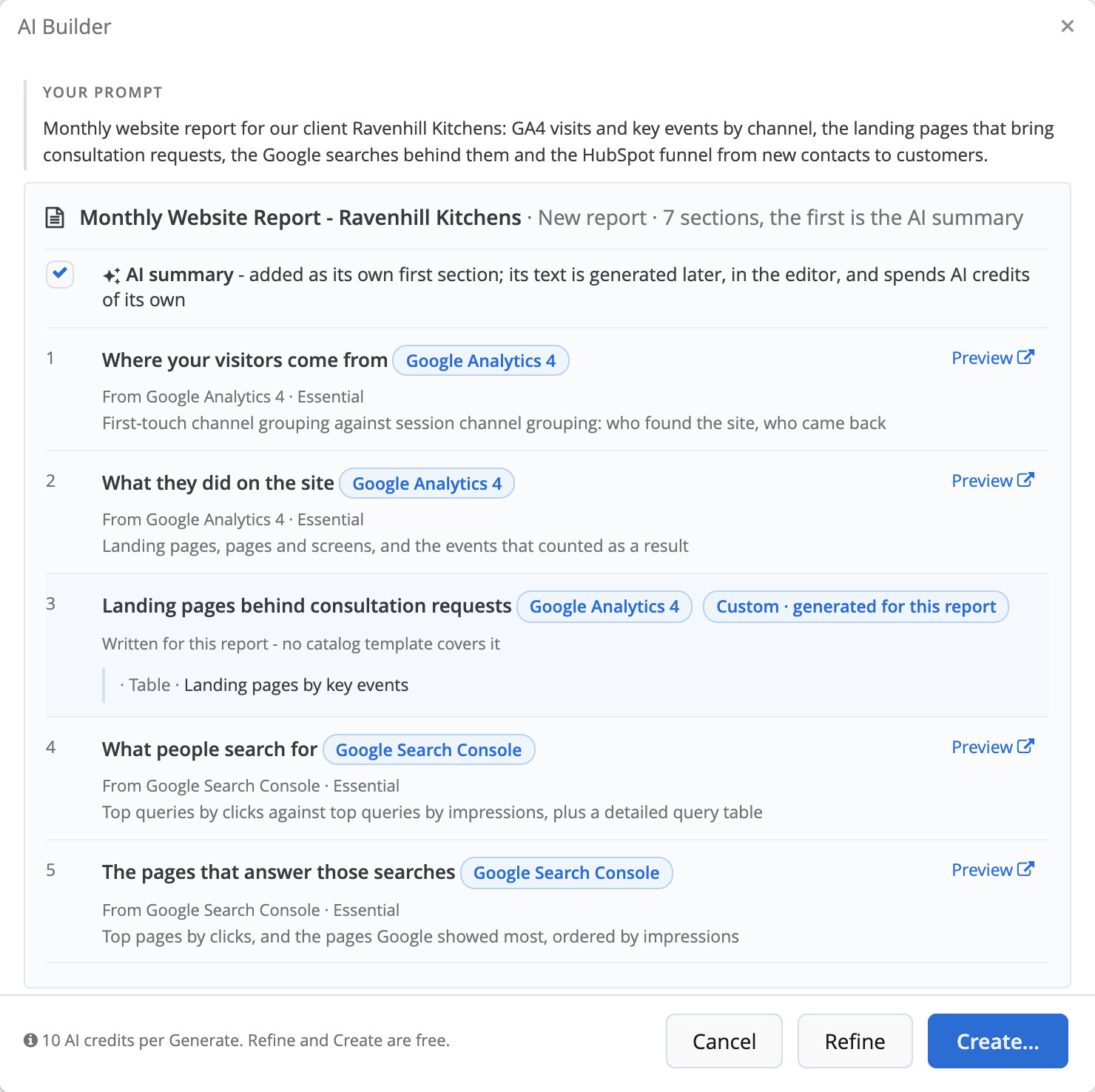
See where the calls come from
Calls by source, campaign, keyword and tracking number, in the same report as your Google Ads, Meta Ads or GA4 sections.

Sources and campaigns
Each channel gets credit for the calls it brought, down to the keyword and the landing page.

When and where people call
Calls by day of the week, hour and city, to plan schedules and budgets.
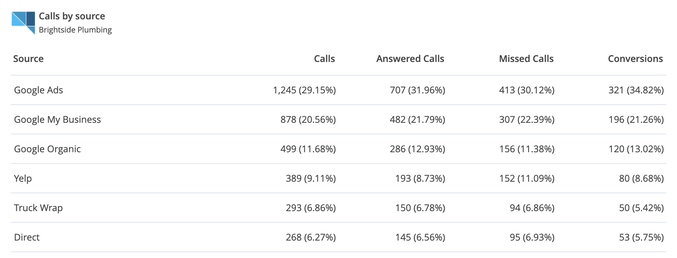
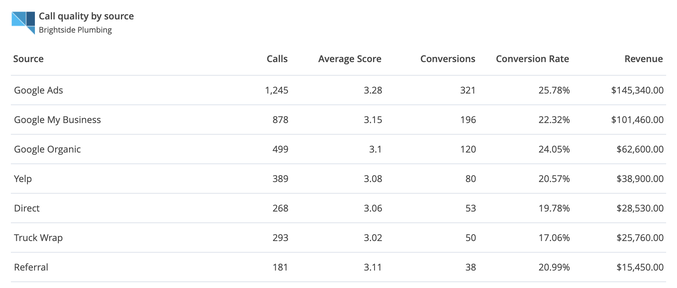
Report the quality of every call
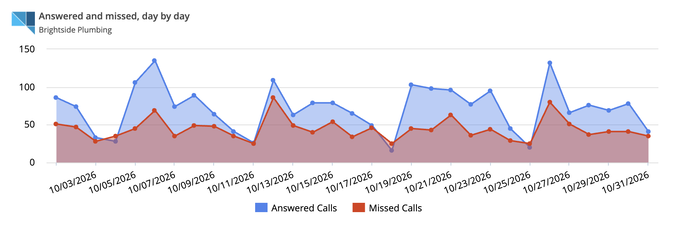
Answered and missed calls, voicemails, first-time callers, conversions and value, by source and day by day.

Answered and missed
The answer rate and the missed calls as each tool counts them, voicemails included.

Leads and value
The leads, conversions and call value your team marks in CallRail or CTM.
A call tracking report, ready to create
The catalog has a report and an overview for CallRail and for CTM. Create one with your client's account and send it as it is, or make it your own.

CallRail report
Calls, first-time callers, good leads and the answer rate, then the sources and the latest recordings.
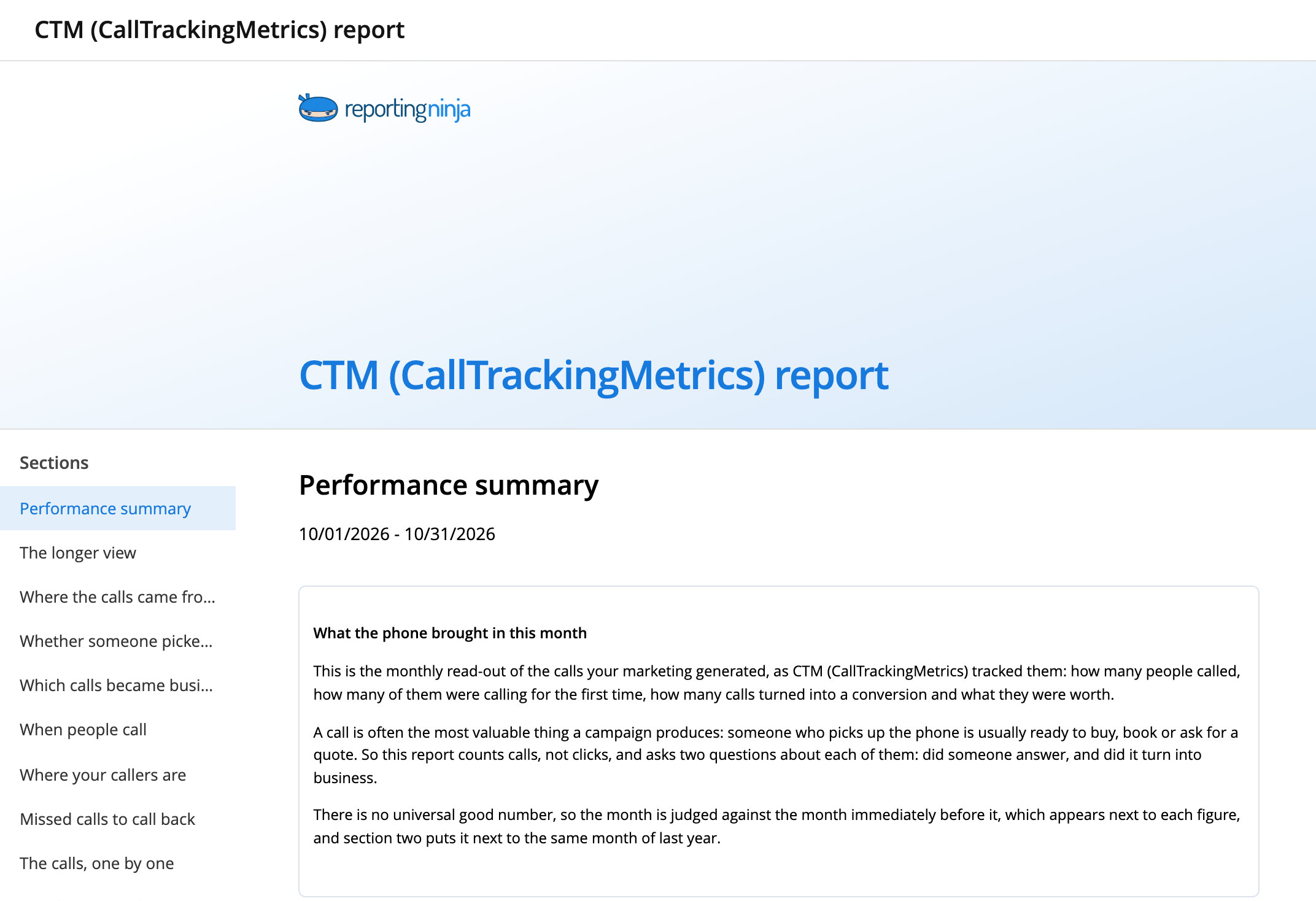
CTM report
Calls, conversions and the answer rate, then when people call and the missed calls to call back.
Know the morning after when calls drop
Set a threshold on calls, answered calls or missed calls. Reporting Ninja checks it every day and, when it's crossed, emails you a short note written by AI.

Calls below normal
Before a quiet week turns into a quiet month.



















































































Frequently asked questions
Which call tracking tools can I report on?
CallRail and CTM (CallTrackingMetrics), next to Google Ads, Meta Ads and the rest of your channels in the same report.
Can I put calls and ad spend in the same report?
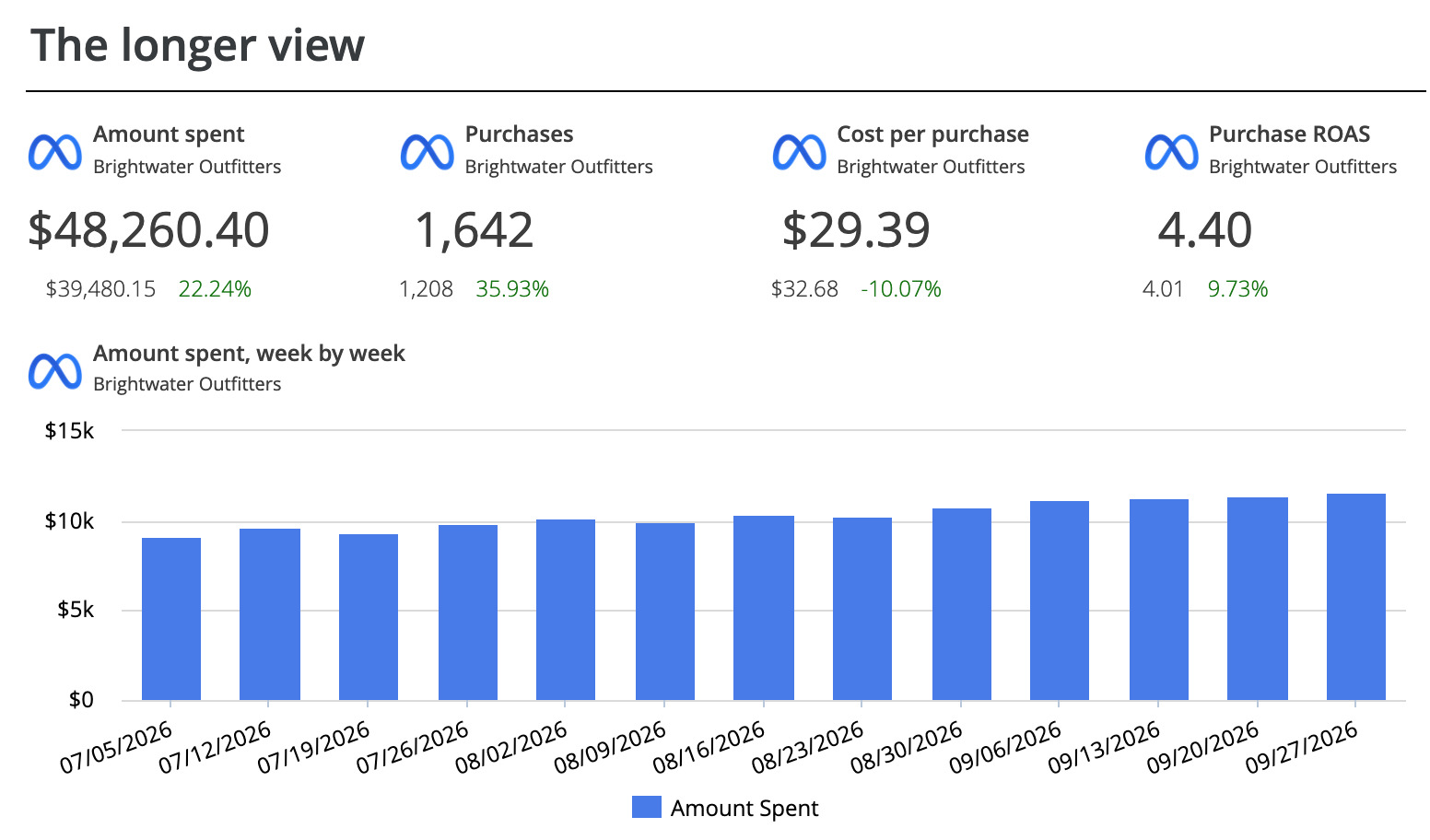
Yes. A report can hold sections from any of your sources, so the calls sit next to Google Ads, Meta Ads or GA4 for the same dates.
Can my client listen to the recordings?
In CallRail call logs, the Listen link plays the recording without signing in. In CTM, the Open in CTM link needs a CTM user with access to that account.
How do I connect CallRail or CTM?
CallRail connects with a v3 API key, and CTM with the access key and secret key of an account or agency. Reporting Ninja only reads data.
Show clients what the phone brought in
CallRail and CTM calls next to the rest of their channels.
