
Google Search Console reporting tool
Start from our maintained Google Search Console report or describe your own to AI Builder. Figures straight from Google Search Console, next to your other channels, sent in your brand by email, share link or client portal.


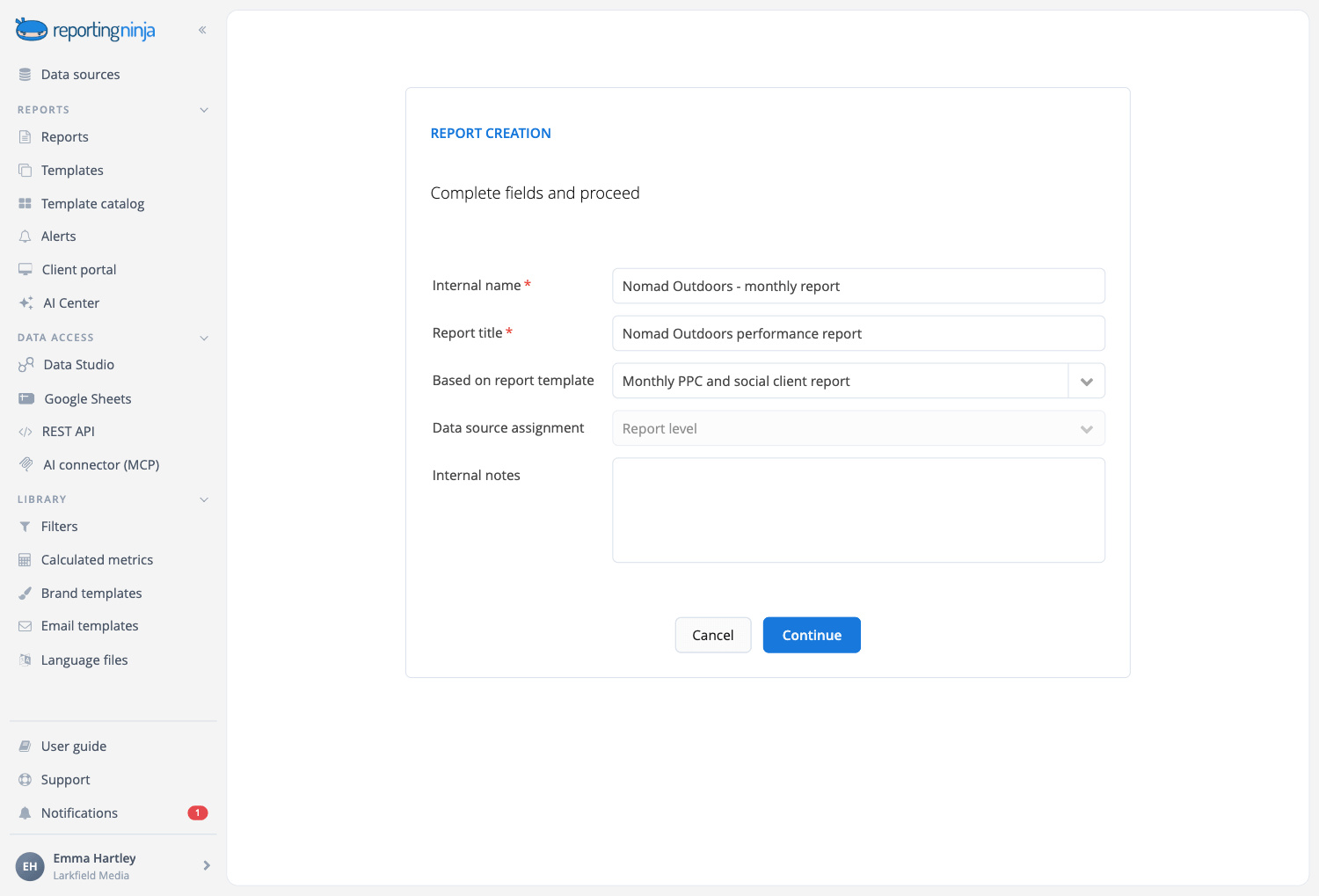
Describe the Search Console report and let the AI build it
Sections, widgets and the written analysis, proposed from the data you already have connected and created only when you approve them. Included in every plan.
Start from the Google Search Console report
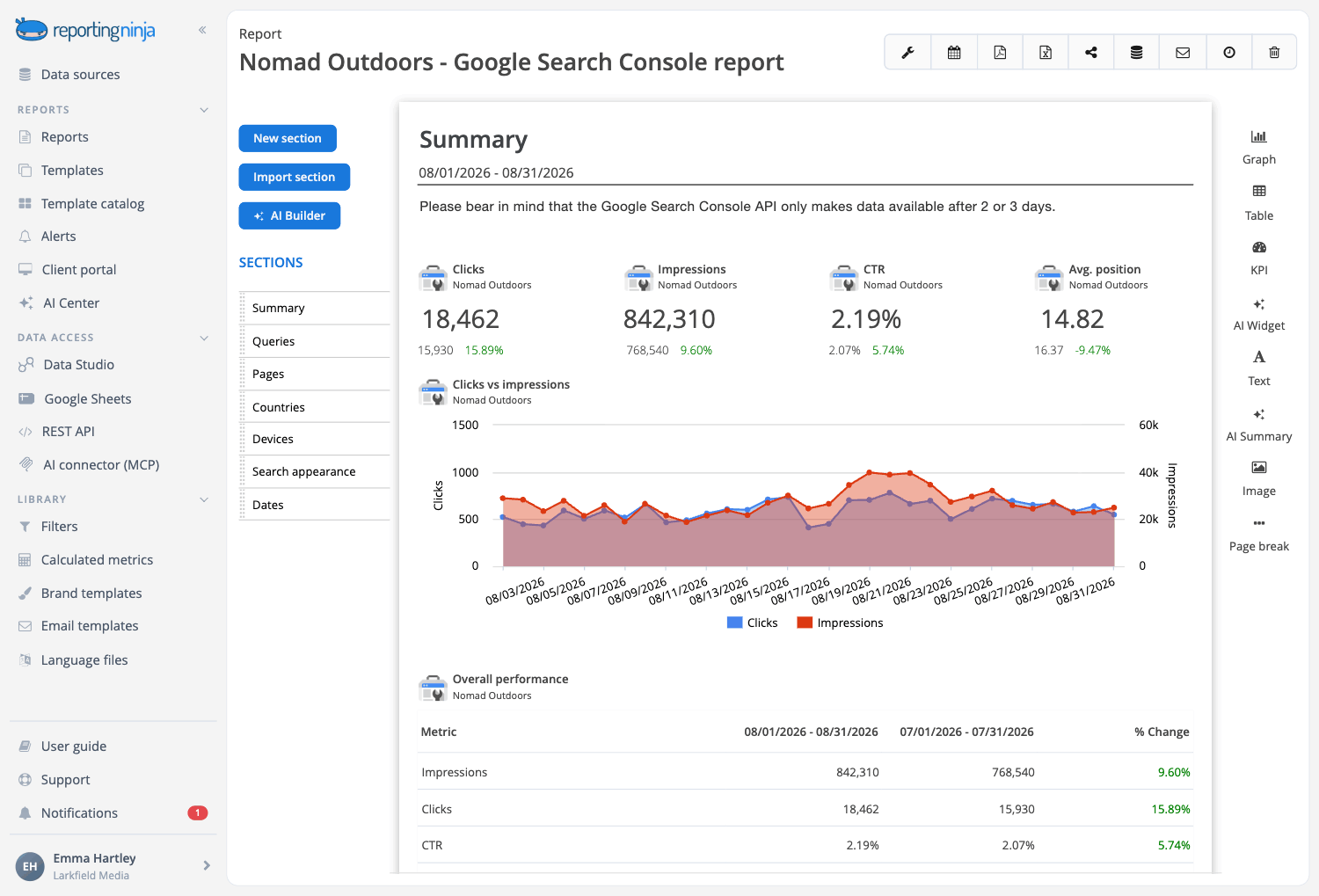
It opens with the four figures Google publishes (impressions, clicks, click-through rate and average position), then shows what people searched for, which pages answered and on what device. Maintained by our team.

More ways to start
A monthly SEO report that reads it next to Google Analytics 4, and an overview with every data point.

Your own template
Save your version as a template. Change it once and every client report built on it follows.

Monitor top pages
Understand which are the pages contributing with the largest number of clicks and impressions in the SERPs.
Adjust and fine tune your website content and content strategy knowing where you should invest your time to bring additional traffic.
Analyze top queries
With our Google Search Console reporting tool, you can easily report on all the different keywords generating impressions or clicks.
Knowing how your content is monitored by Google, allows you to optimize and focus on specific keywords to raise your rankings and drive more high quality traffic and clicks to your website.


Understand how your website is viewed by Google
Add countries, devices or search appearance to your Google Search Console reports.
Our Google Search Console reporting tool highlights all the aspects of your website as seen by Google, so you can present your clients the true value of your strategy and actions.
Your Search Console data, in every place you work
Connect Search Console once. Every report, dashboard and assistant reuses the same connection.


Data Studio
Our connector, plus a ready-made Google Search Console template.


All six are included on every plan.
Why use Reporting Ninja for your Google Search Console reports
Start your report automation journey with Reporting Ninja.

Really easy to use
Drag and drop the blocks of content you need. The editor shows the report exactly as your client will see it while you work.

Fully customizable
Beyond the widget library, build the exact widget you need: dimensions, metrics, chart type and filters, with a wizard to guide you.

Scheduled reports
Set the schedule once and Reporting Ninja emails each client their report every week or month.

Custom branding
Your logo or your client's, brand colors, fonts and chart styles, with a cover page and a table of contents.

Client portal access
Send a PDF or a share link, or open a branded portal on your own domain where clients log in to their reports.

Multi-language reports
Send each client their report in their own language, with our ready-made language files or one you create.
Create your Search Console reports in minutes
Templates, automation and your brand, on every plan.