
Spotify Ads reporting tool
Start from our maintained Spotify Ads report or describe your own to AI Builder. Figures straight from the Spotify Ads API, next to your other channels, sent in your brand by email, share link or client portal.


Describe the Spotify Ads report and let the AI build it
Sections, widgets and the written analysis, proposed from the data you already have connected and created only when you approve them. Included in every plan.
Start from the Spotify Ads report in the catalog
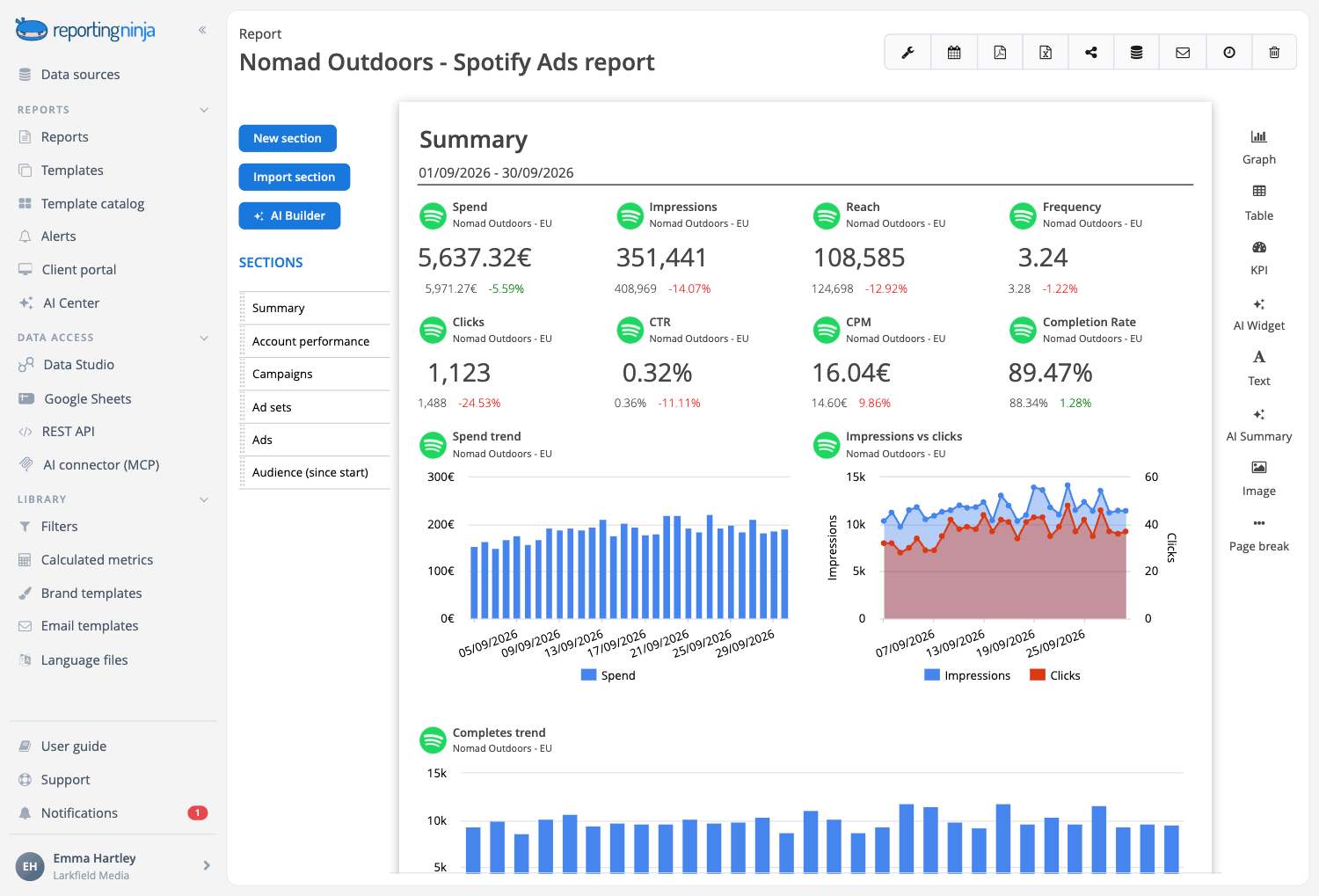
Most Spotify ads are heard, not seen, so it opens with what the budget bought and what came back: people reached, how many heard the ad to the end and the purchases the Spotify Pixel counted. Then the campaigns, the ads and who was listening. Maintained by our team.

Every data point, for reference
The Spotify Ads overview lays out everything we measure, to pick what goes in your report.

Your own template
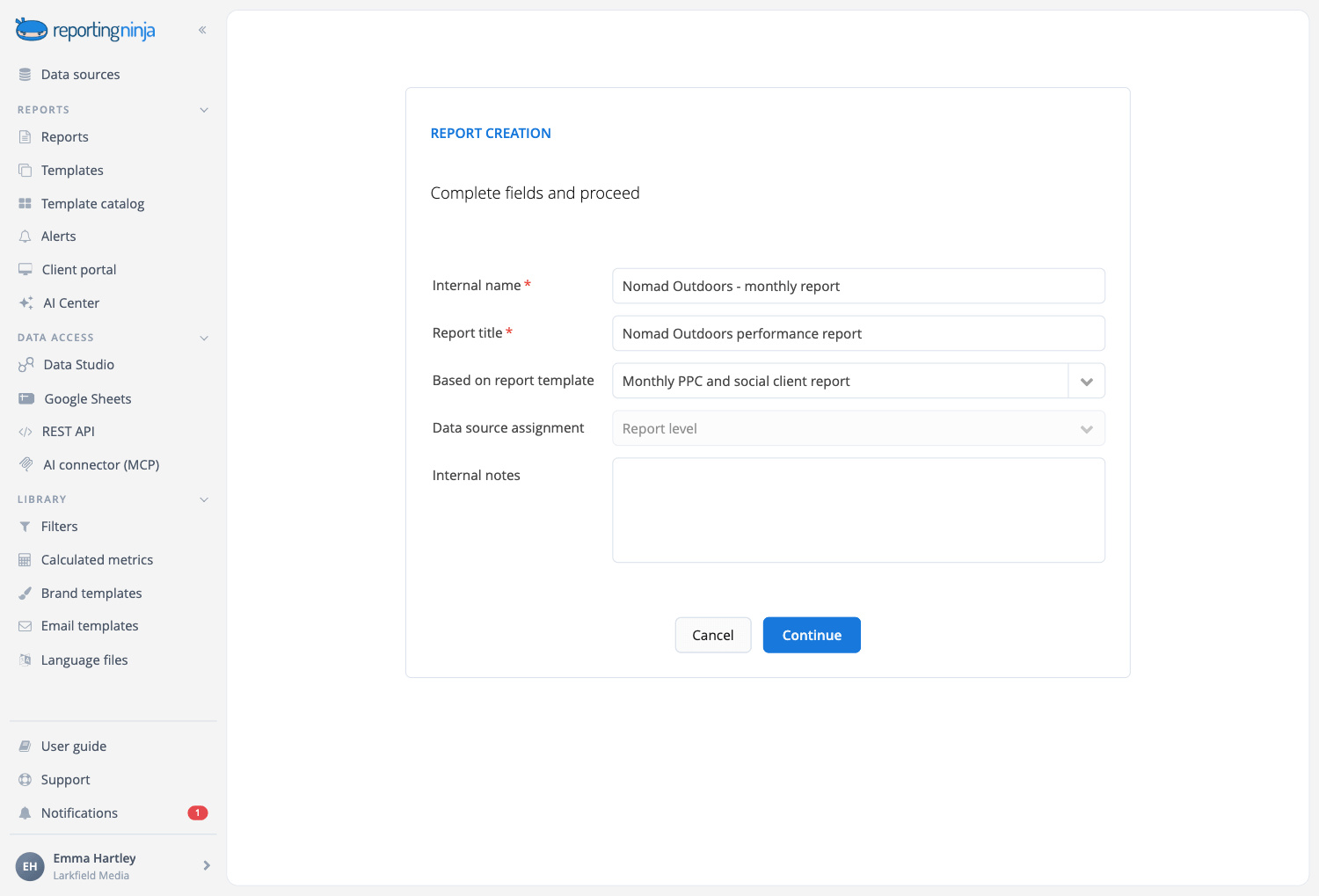
Save your version as a template. Change it once and every client report built on it follows.
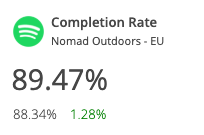
Spotify Ads campaigns monitoring
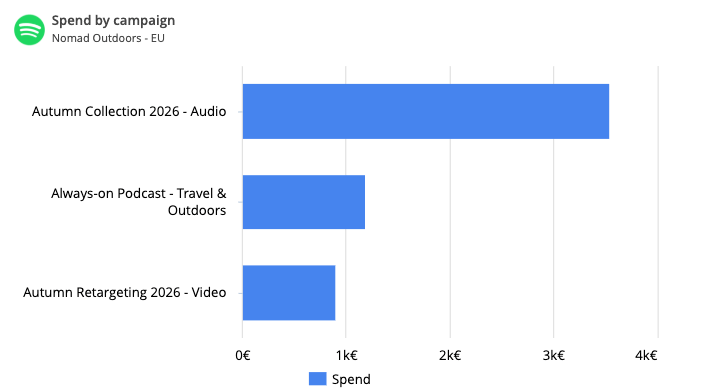
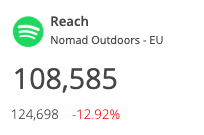
Report on impressions, reach, frequency, clicks, spend, CPM and CPC for the account and for every campaign, ad set and ad, by day, week or month.
Audio has measures of its own: starts, quartiles, completes and completion rate show your clients how many people heard the ad to the end, and listeners and streams show who went on to play their music or podcast.
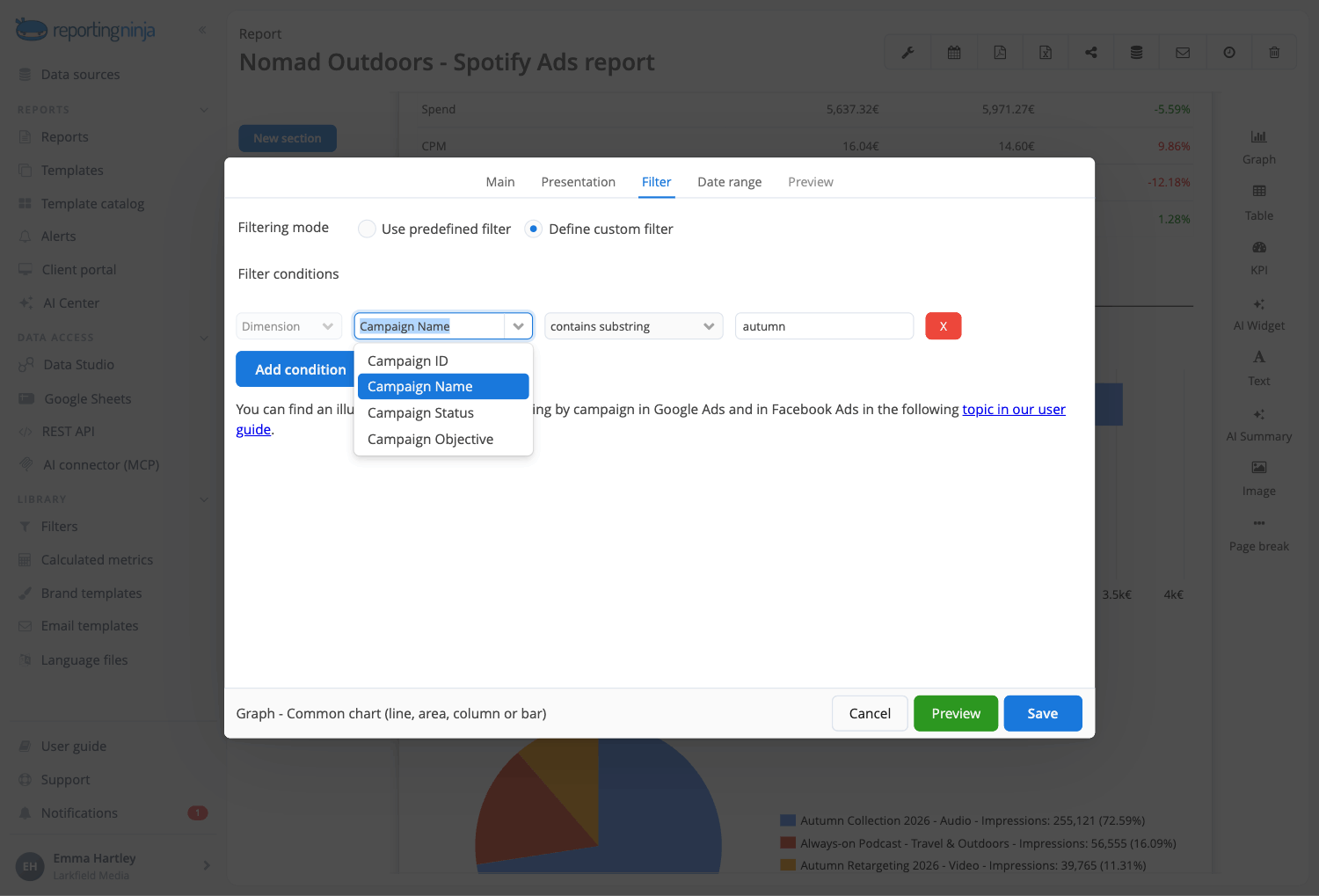
Filter the results for specific campaigns
You will frequently be asked to pay special attention to a certain campaign or group of campaigns.
Widgets can flexibly be filtered in Reporting Ninja using multiple filter conditions. Filters can be built as reusable entities which can be added to multiple widgets, while keeping a unique and centralized definition. Reusable filters can globally be assigned to all the widgets in a section.
Add a margin or markup to the cost
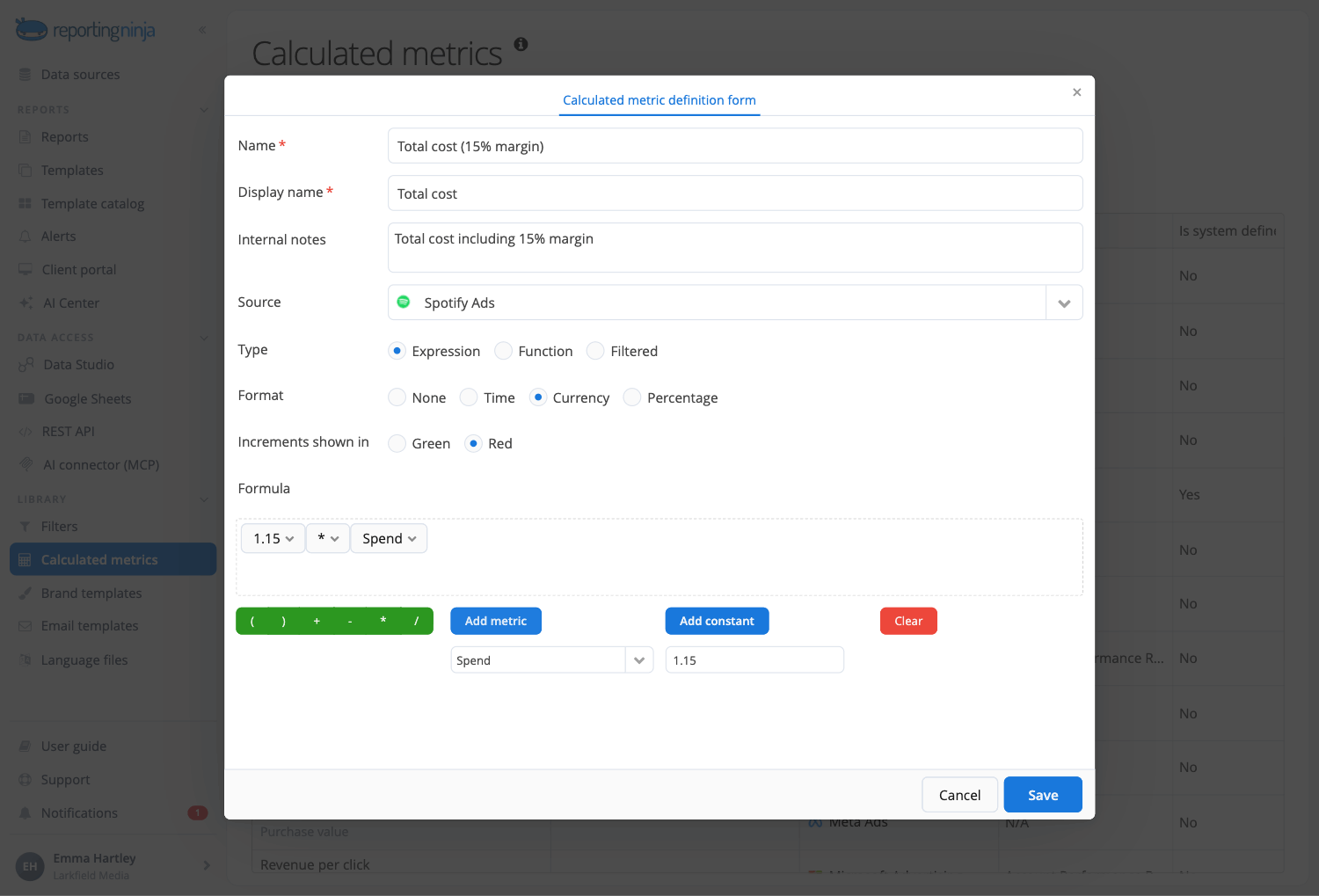
It is quite common to need a margin or markup on cost metrics.
In Reporting Ninja this can flexibly be done with our calculated metrics, so you can apply different markups to different cost metrics.
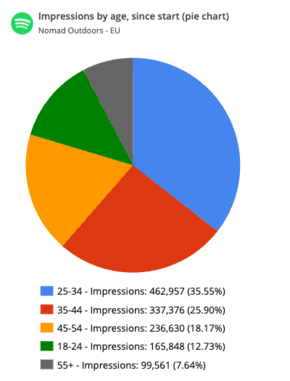
Audience: age, gender, platform…
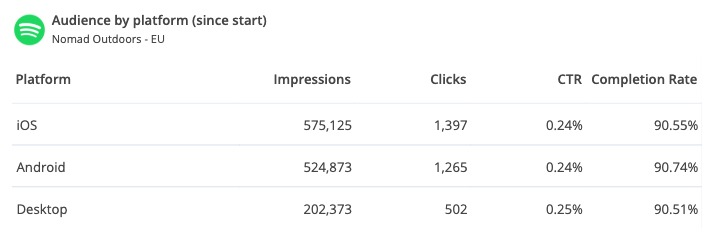
See who heard the ads: age, gender, country, platform, device type, format, placement, music genre and podcast topic, for each campaign since it started.
With Reporting Ninja you can show your clients which listeners heard their ads to the end and which ones clicked.
Your Spotify Ads data, in every place you work
Connect Spotify Ads once. Every report, dashboard and assistant reuses the same connection.


All six are included on every plan.
Why use Reporting Ninja for your Spotify Ads reports
Start your report automation journey with Reporting Ninja.

Really easy to use
Drag and drop the blocks of content you need. The editor shows the report exactly as your client will see it while you work.

Fully customizable
Beyond the widget library, build the exact widget you need: dimensions, metrics, chart type and filters, with a wizard to guide you.

Scheduled reports
Set the schedule once and Reporting Ninja emails each client their report every week or month.

Custom branding
Your logo or your client's, brand colors, fonts and chart styles, with a cover page and a table of contents.

Client portal access
Send a PDF or a share link, or open a branded portal on your own domain where clients log in to their reports.

Multi-language reports
Send each client their report in their own language, with our ready-made language files or one you create.
Create your Spotify Ads reports in minutes
Templates, automation and your brand, on every plan.