
WooCommerce reporting tool
Start from our maintained WooCommerce report or describe your own to AI Builder. Figures straight from your store, next to your other channels, sent in your brand by email, share link or client portal.

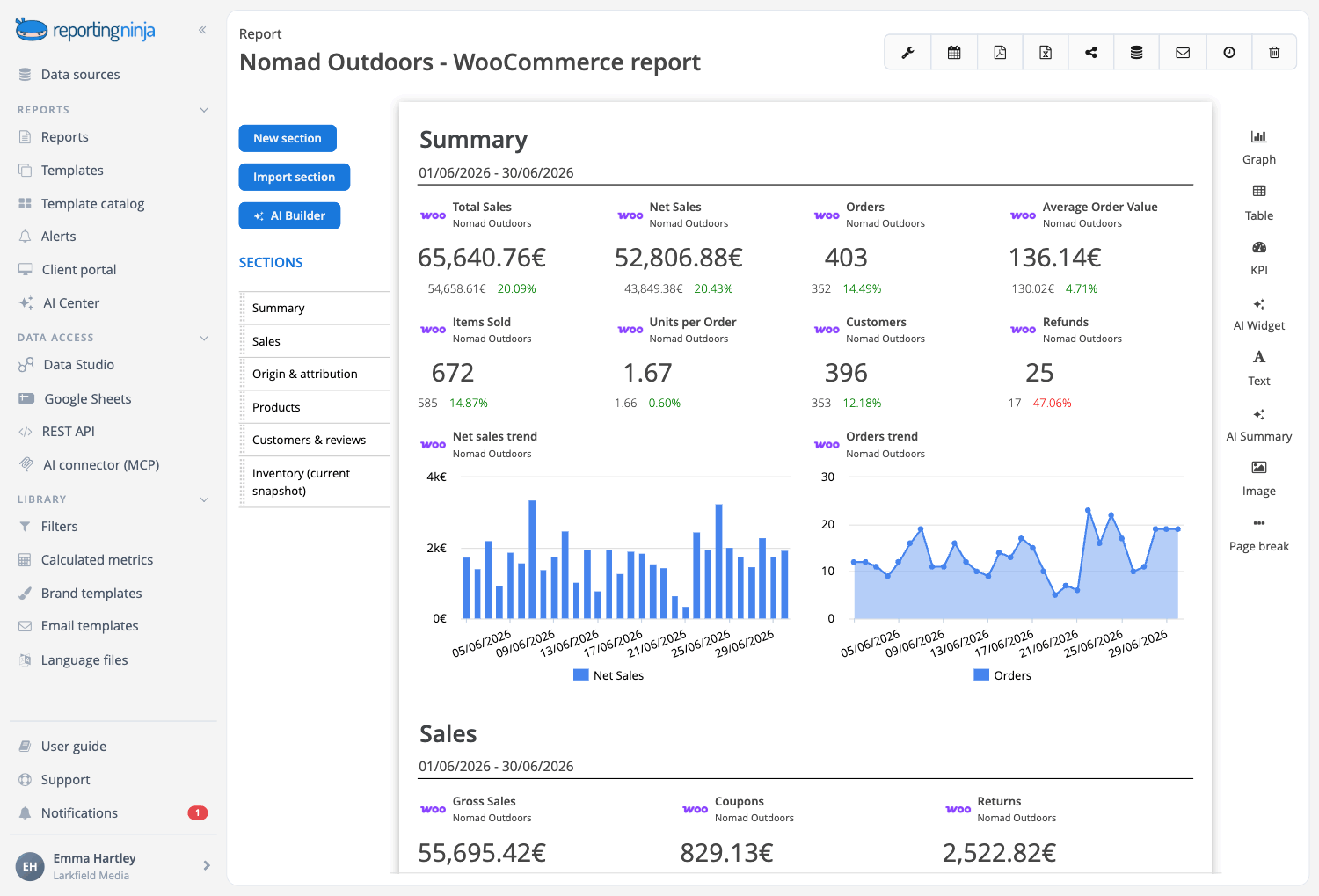

Describe the WooCommerce report and let the AI build it
Sections, widgets and the written analysis, proposed from the data you already have connected and created only when you approve them. Included in every plan.
Start from the WooCommerce report in the catalog
It opens with what the store took, in how many orders and what an order was worth, then walks the money from the sales before coupons to what the store took and shows which products sold and where the orders came from. Maintained by our team.

Every data point, for reference
The WooCommerce overview lays out everything we measure, to pick what goes in your report.

Your own template
Save your version as a template. Change it once and every client report built on it follows.
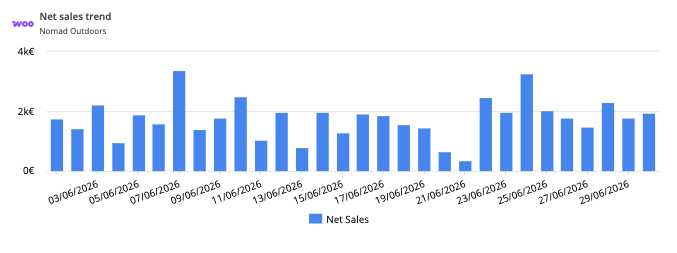
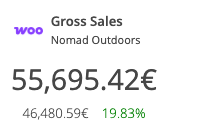
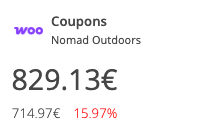
Track sales, coupons and returns
Follow the money side of the store in one place. See gross sales, coupons, returns and net sales at a glance, compare them over the period, and break the numbers down day by day with orders, taxes, shipping and total sales, counted as WooCommerce Analytics counts them.
Monitor orders and order value
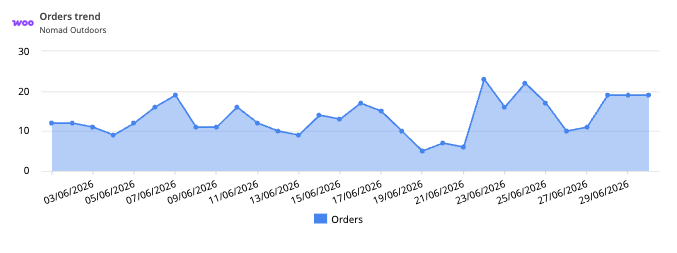
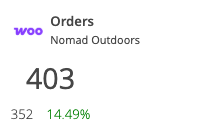
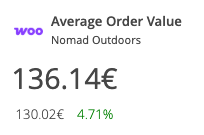
Keep an eye on volume. Report on orders, items sold and average order value, watch the trend over time, and split the orders by status, payment method, country and coupon.
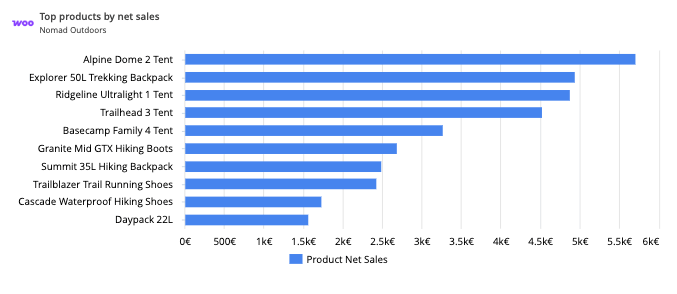
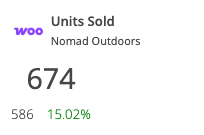
Find your best-selling products
See which products drive the business. Rank products by net sales, track units sold and returned and the orders they were in, and go down to variation, SKU, category and tag.
See which channels and customers drive sales
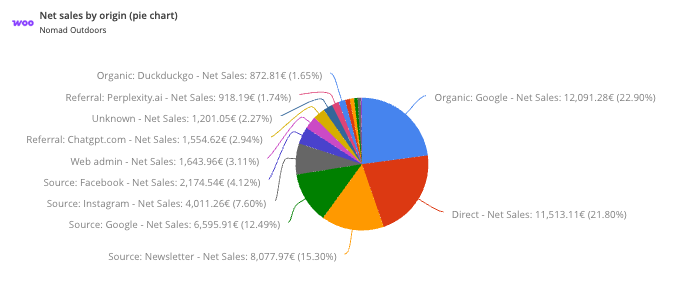
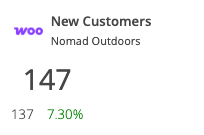
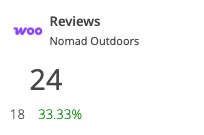
Understand where revenue comes from. Order attribution shows the origin WooCommerce records for each order: direct, organic search, referral, UTM source, medium and campaign, and device type. Next to it, new customers by country and the reviews each product gets, with its average rating.
Keep stock under control
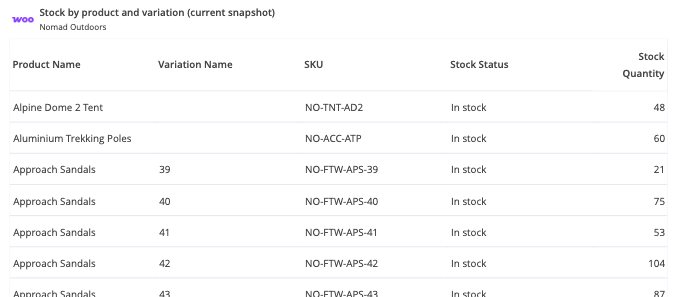
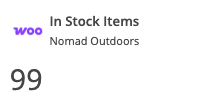
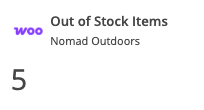
Add a stock snapshot right next to sales: every product and variation with its current stock, and how many are in stock, out of stock or on backorder.
Your WooCommerce data, in every place you work
Connect WooCommerce once. Every report, dashboard and assistant reuses the same connection.


All six are included on every plan.
Why use Reporting Ninja for your WooCommerce reports
Start your report automation journey with Reporting Ninja.

Really easy to use
Drag and drop the blocks of content you need. The editor shows the report exactly as your client will see it while you work.

Fully customizable
Beyond the widget library, build the exact widget you need: dimensions, metrics, chart type and filters, with a wizard to guide you.

Scheduled reports
Set the schedule once and Reporting Ninja emails each client their report every week or month.

Custom branding
Your logo or your client's, brand colors, fonts and chart styles, with a cover page and a table of contents.

Client portal access
Send a PDF or a share link, or open a branded portal on your own domain where clients log in to their reports.

Multi-language reports
Send each client their report in their own language, with our ready-made language files or one you create.
Create your WooCommerce reports in minutes
Templates, automation and your brand, on every plan.