
Klaviyo reporting tool
Start from our maintained Klaviyo report or describe your own to AI Builder. Figures straight from the Klaviyo API, next to your other channels, sent in your brand by email, share link or client portal.

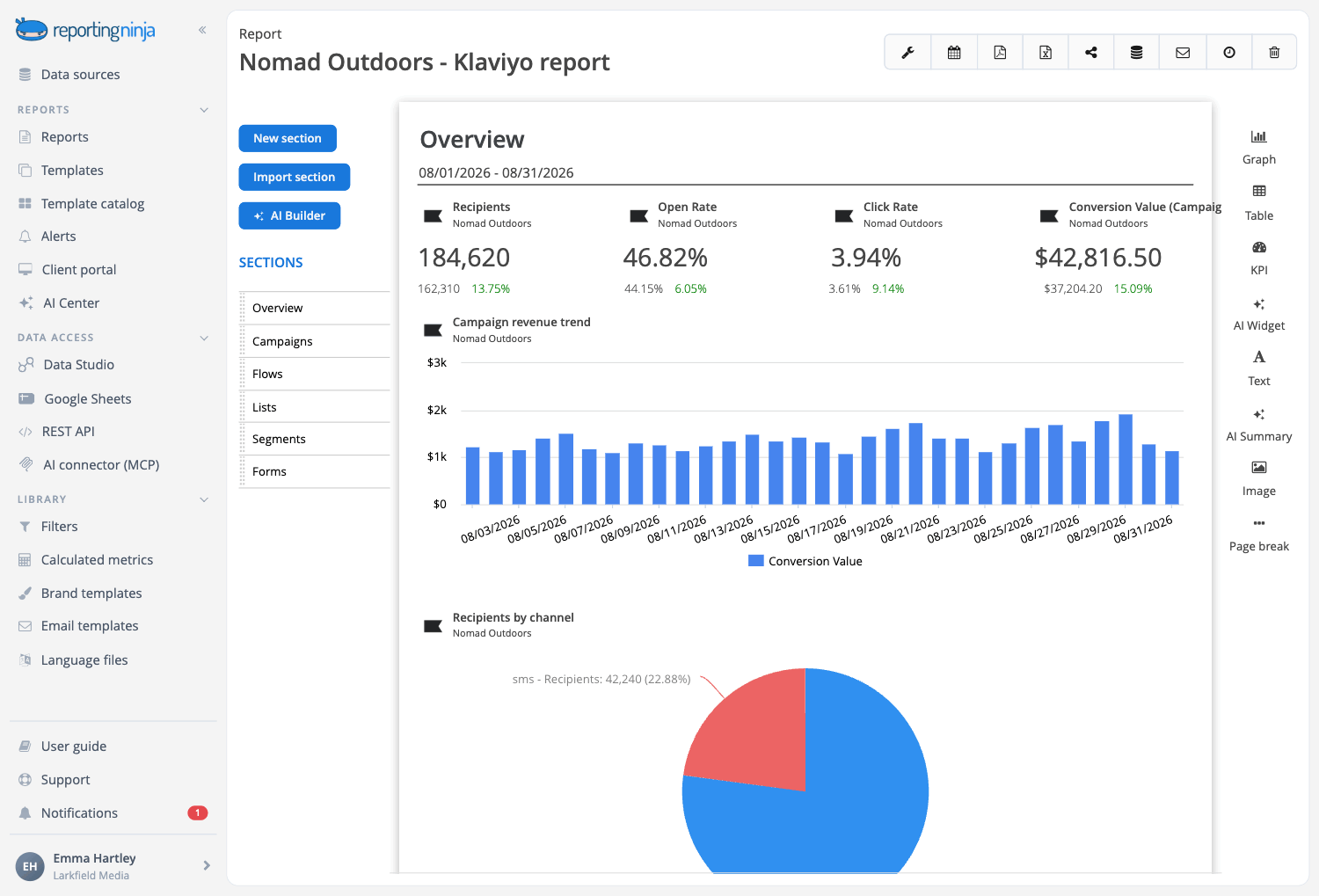

Describe the Klaviyo report and let the AI build it
Sections, widgets and the written analysis, proposed from the data you already have connected and created only when you approve them. Included in every plan.
Start from the Klaviyo report in the catalog
It opens with the money (what campaigns and automations earned and what each recipient was worth), then keeps the campaigns you send apart from the flows that run on their own, plus sign-ups and deliverability. Maintained by our team.

Every data point, for reference
The Klaviyo overview lays out everything we measure, to pick what goes in your report.

Your own template
Save your version as a template. Change it once and every client report built on it follows.
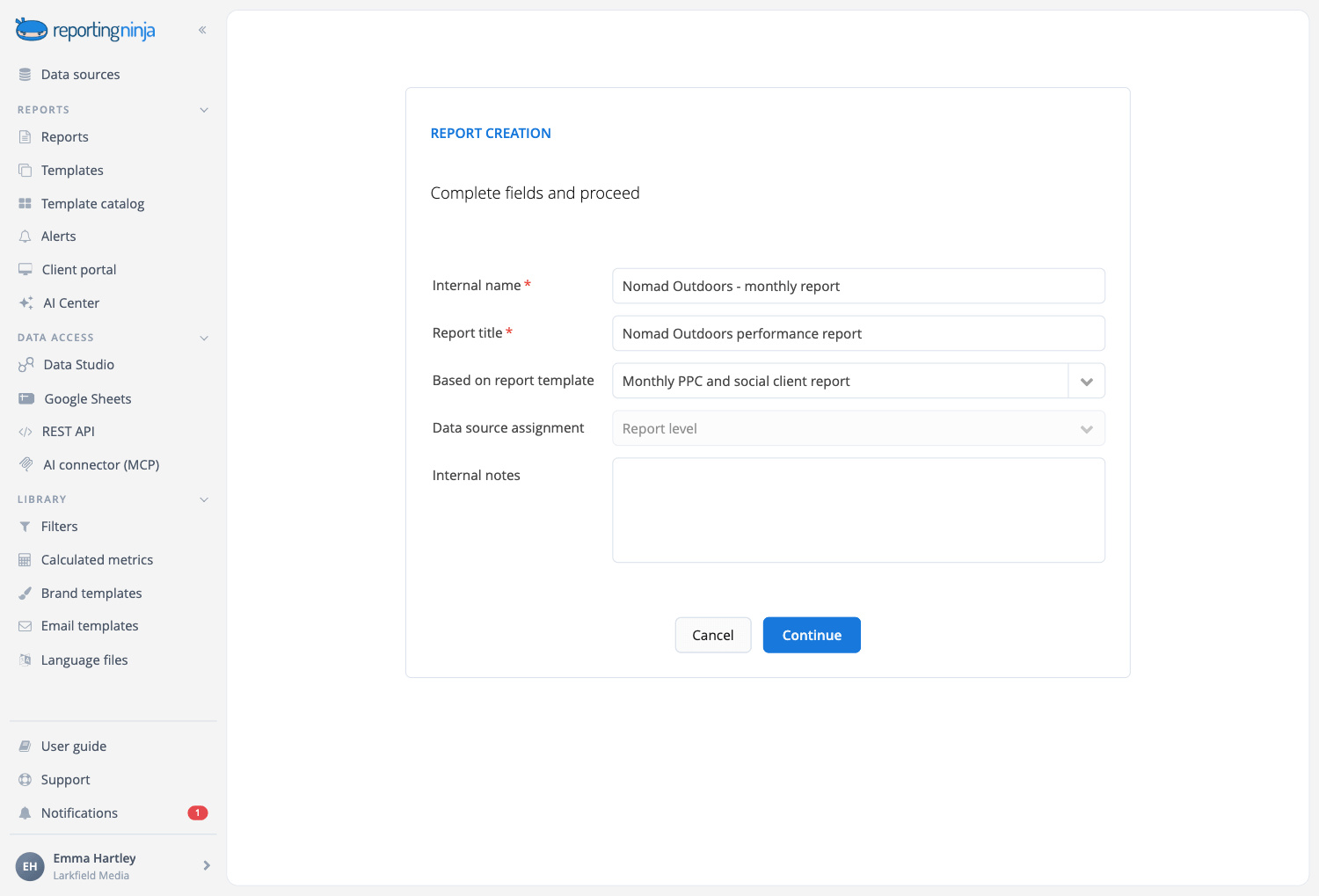
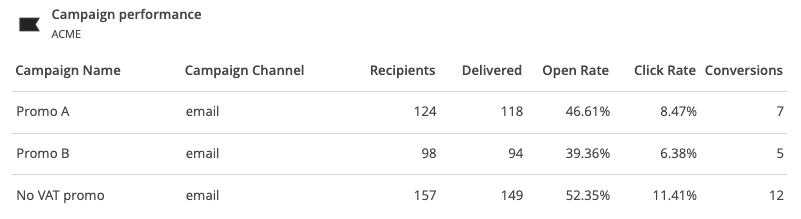
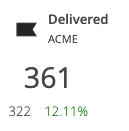
Track every campaign across email, SMS and push
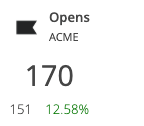
Bring all of your Klaviyo campaigns into a single view, whatever the channel. Report on recipients, delivered and opens, compare open rate, click rate and conversions campaign by campaign, and instantly see which campaigns bring in the most revenue.
Prove the revenue behind your flows
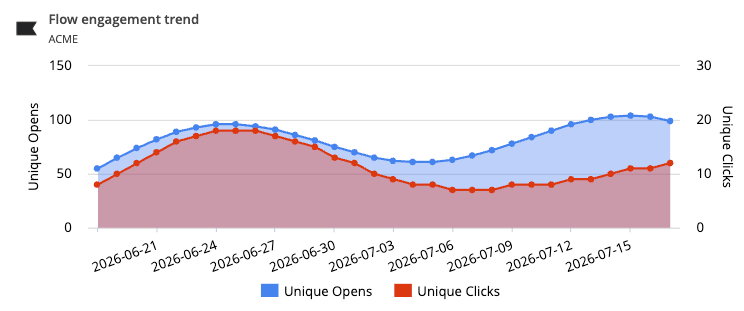
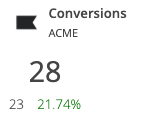
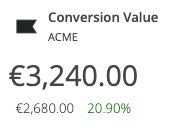
Show clients the money their automations make. Track conversions and conversion value from welcome, abandoned-cart and post-purchase flows, and follow flow engagement over time with unique opens and unique clicks.
Watch your lists grow
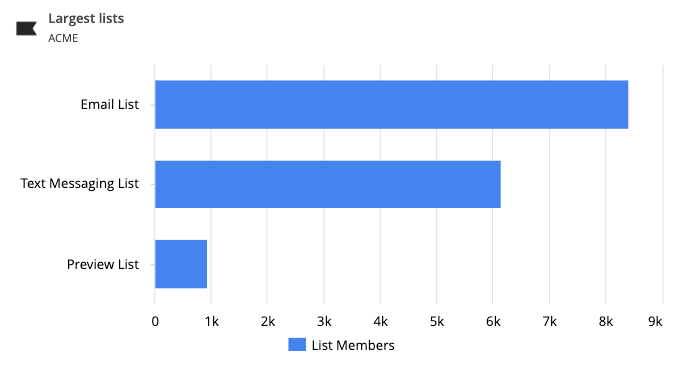
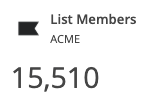
Keep track of audience size at a glance. See total list members and rank your largest lists, so clients can tell whether their email and SMS audiences are growing period over period.
Follow your segment growth
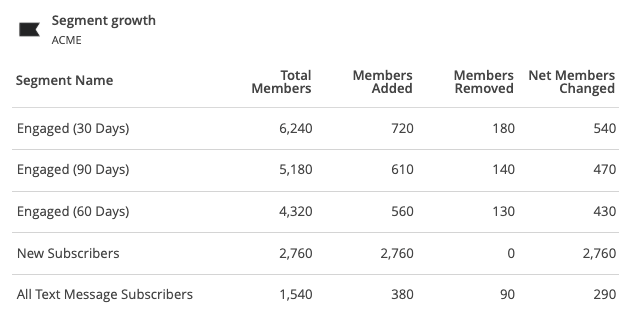
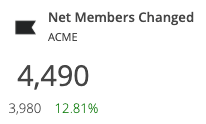
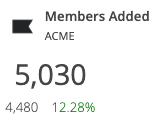
Understand how key segments move over time. Track members added and net members changed, and compare segments side by side with total members, members added, members removed and net change.
Measure your sign-up forms
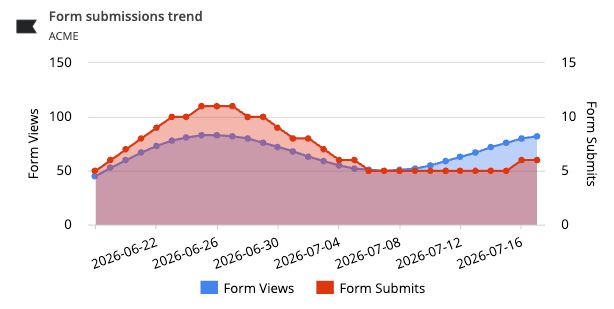
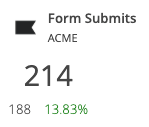
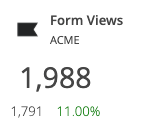
See how well forms turn visitors into subscribers. Track form views and form submits, and follow the submission trend over time to spot which forms convert and when.
Your Klaviyo data, in every place you work
Connect Klaviyo once. Every report, dashboard and assistant reuses the same connection.


All six are included on every plan.
Why use Reporting Ninja for your Klaviyo reports
Start your report automation journey with Reporting Ninja.

Really easy to use
Drag and drop the blocks of content you need. The editor shows the report exactly as your client will see it while you work.

Fully customizable
Beyond the widget library, build the exact widget you need: dimensions, metrics, chart type and filters, with a wizard to guide you.

Scheduled reports
Set the schedule once and Reporting Ninja emails each client their report every week or month.

Custom branding
Your logo or your client's, brand colors, fonts and chart styles, with a cover page and a table of contents.

Client portal access
Send a PDF or a share link, or open a branded portal on your own domain where clients log in to their reports.

Multi-language reports
Send each client their report in their own language, with our ready-made language files or one you create.
Create your Klaviyo reports in minutes
Templates, automation and your brand, on every plan.