
HubSpot report template
Opens with sessions and the contacts they became, then follows them down the funnel, the sources and forms that brought them and what emails did.
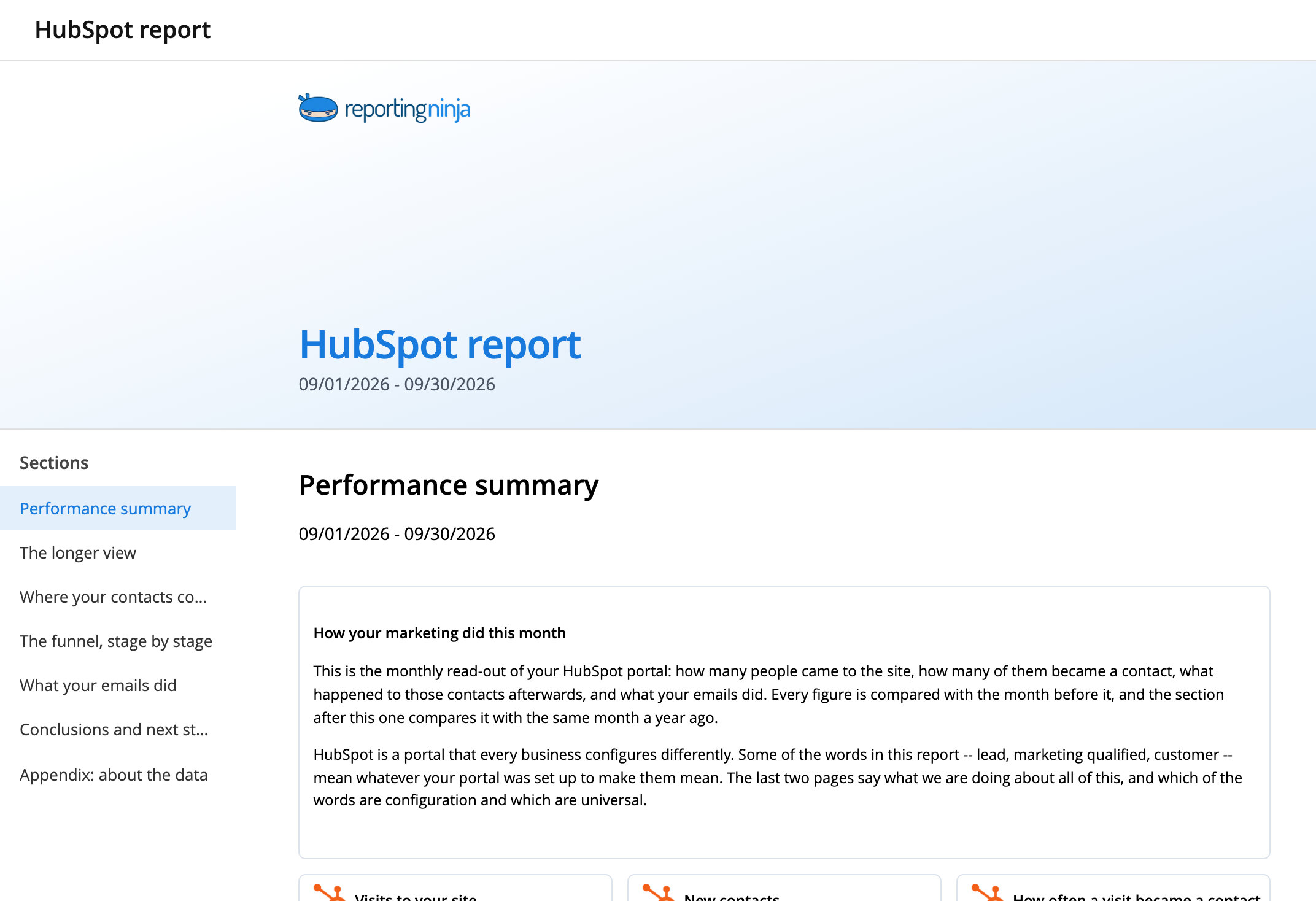
The sections, in the order your client reads them
The monthly report an agency sends to its client for its HubSpot portal. It opens with how many sessions the site produced and how many became a contact, then follows those contacts down the funnel stage by stage, shows which sources and campaigns brought them and which forms they filled in, and closes with what the marketing emails did. It separates the contacts that reached each stage in the month from where this month's arrivals have ended up, two numbers that are easy to confuse.
Each section opens the preview at that point, on realistic data.
From template to client report

Create it on your accounts
Pick the account for each source and the sections you want. The report opens with your client's data.

Brand it and edit it
Apply your brand template and change any section, widget or text in the editor.

Deliver it
Schedule the email, send a share link or publish it in your client portal.
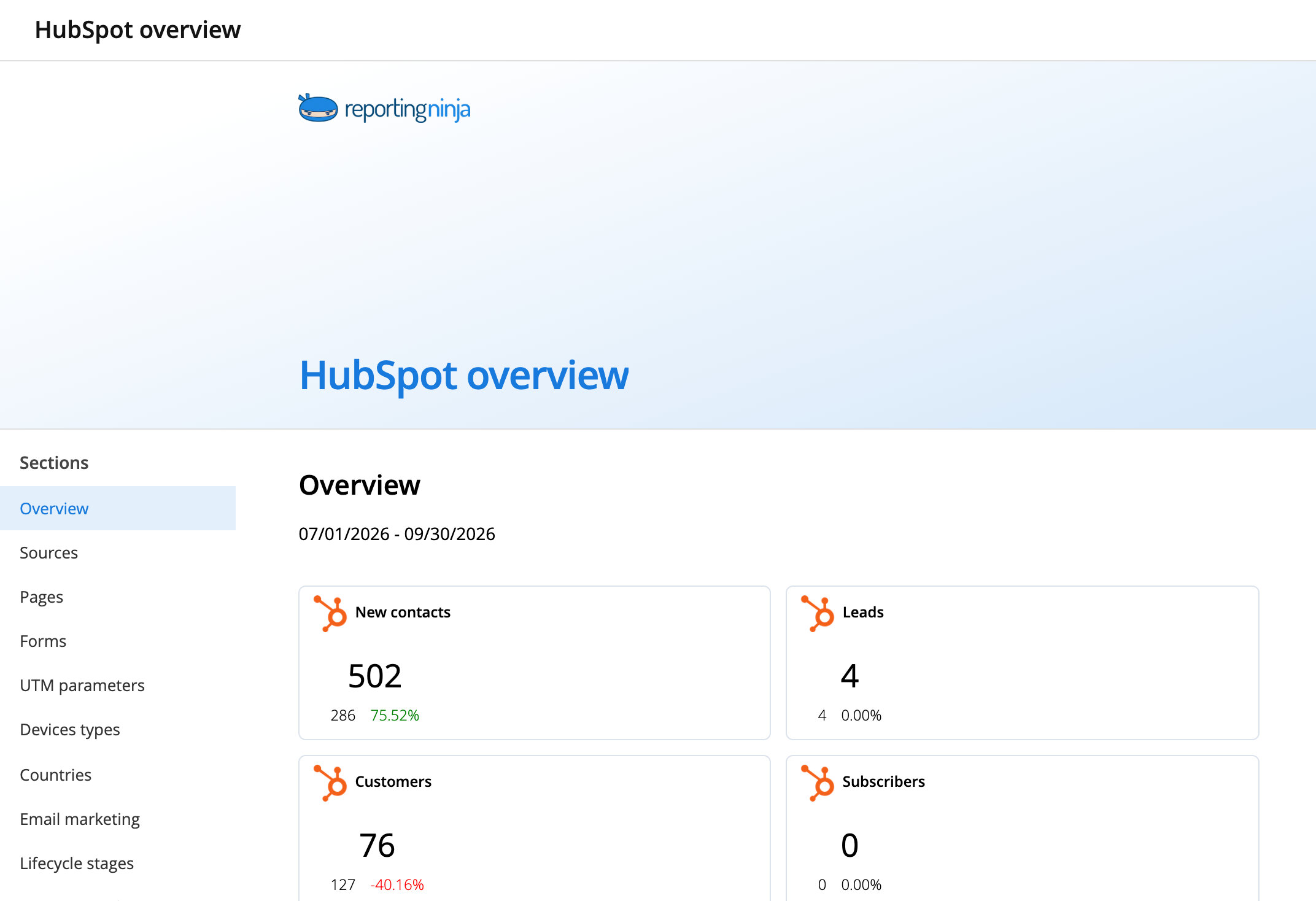
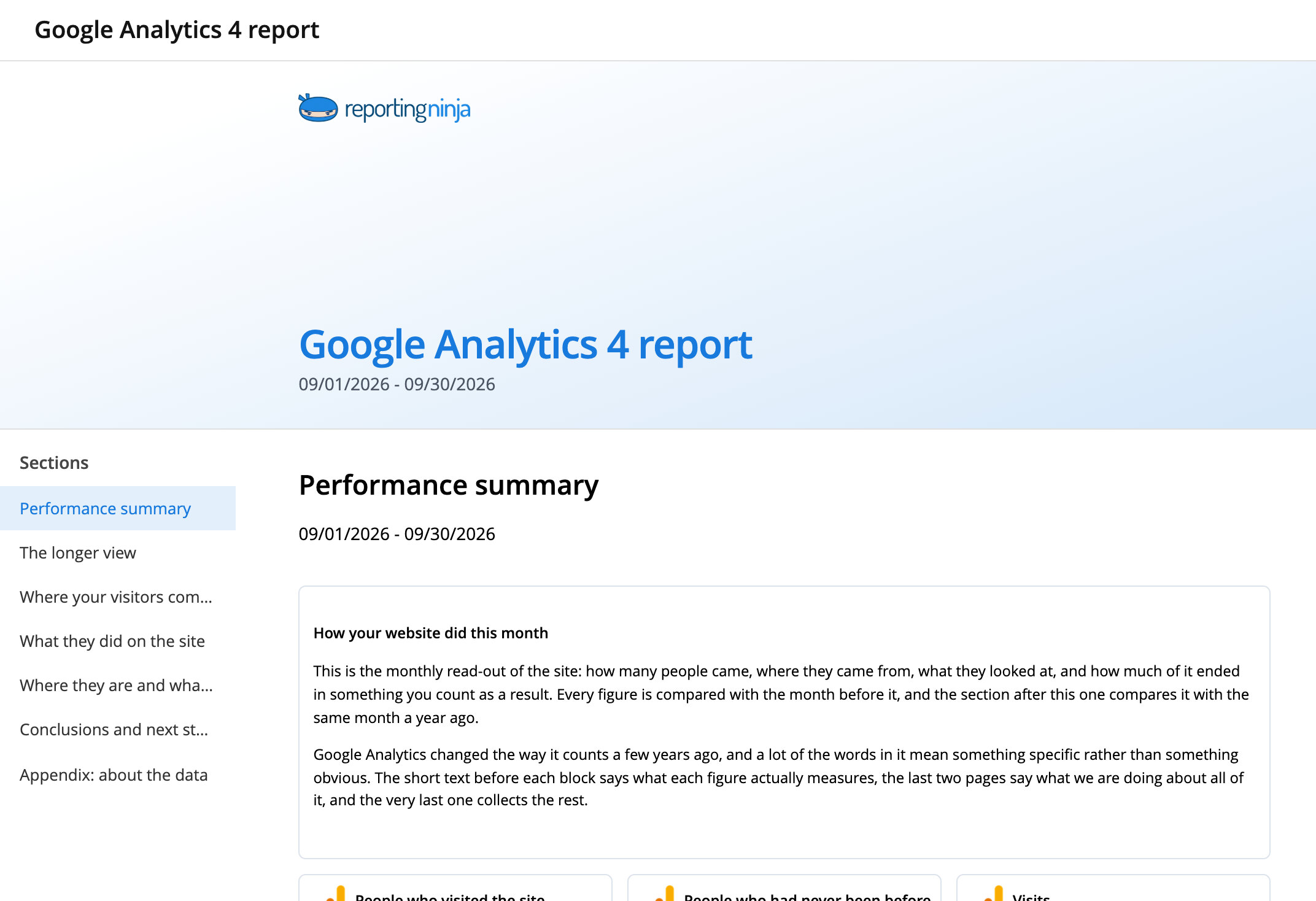
Keep exploring the catalog
Frequently asked questions
Is this template included in my plan?
Yes. The whole catalog is included on every plan, free trial too.
Can I see it before I sign up?
Yes. Open the preview: it shows every section of the report on realistic data.
Start from a report that is already done
Pick one from the catalog and make it yours.
