9 best API reporting tools reviewed for marketers & agencies
José María Rosales
Customer Success at Reporting Ninja
Key takeaways
Reporting Ninja is the best pick for most agencies and in-house teams. Plans start at $20/month and include a REST API, an MCP connector for AI tools, and AI report building.
Databox suits teams that want to test before paying, with a free-forever plan and support for connecting almost any JSON API.
Improvado and Supermetrics fit larger teams that send marketing data into warehouses and BI tools, though their full platforms require sales-based pricing.
Klipfolio and Coupler.io suit analysts who need to pull data from niche APIs without prebuilt connectors.
Collecting data from Google Ads, Meta Ads, and GA4 for your dashboards and reports by hand every month takes hours. That doesn’t even include the time spent fixing homemade setups that stop working when a platform changes its API.
An API reporting tool does that work for you. It connects to each platform once, maintains the connection without you patching things up every time, then pulls the data on a schedule and turns it into reports and dashboards.
Bringing your data into one place is also tied to stronger results. The Salesforce 2026 State of Marketing report found that high-performing marketers are 2.4 times more likely to have unified their data sources.
The tools that do this job differ most in how much API access each plan includes. Below, we compare all nine tools on their APIs, connectors, pricing, reviews, and the teams each one suits.
9 best API reporting tools in 2026: at a glance
Tool
Best for
Standout feature
Starting price
Reporting Ninja
API-powered marketing reporting
REST API, MCP, and AI on every plan
$20/month billed annually
Databox
Teams mixing marketing data with custom API data
Custom API integrations without a developer
Free plan; paid from $71/month billed annually
Whatagraph
Large agencies and multi-brand companies
Push API for any source a developer can reach
$1118/month billed annually
Improvado
Enterprise marketing teams with many sources
Custom connector built from the AI Agent chat
Free plan; MCP Only $100/month
Supermetrics
Teams already reporting in BI tools or Sheets
Data API with Parquet output
$44/month billed yearly
AgencyAnalytics
Agencies that price reporting per client
AgencyAI with scheduled briefs
$20 per client/month billed annually
Klipfolio
Analysts connecting niche REST APIs
REST/URL connector with OAuth support
$120/month billed annually
Coupler.io
Moving custom API data into Sheets or BI tools
JSON source for any REST API
Free plan; paid from $24/month billed annually
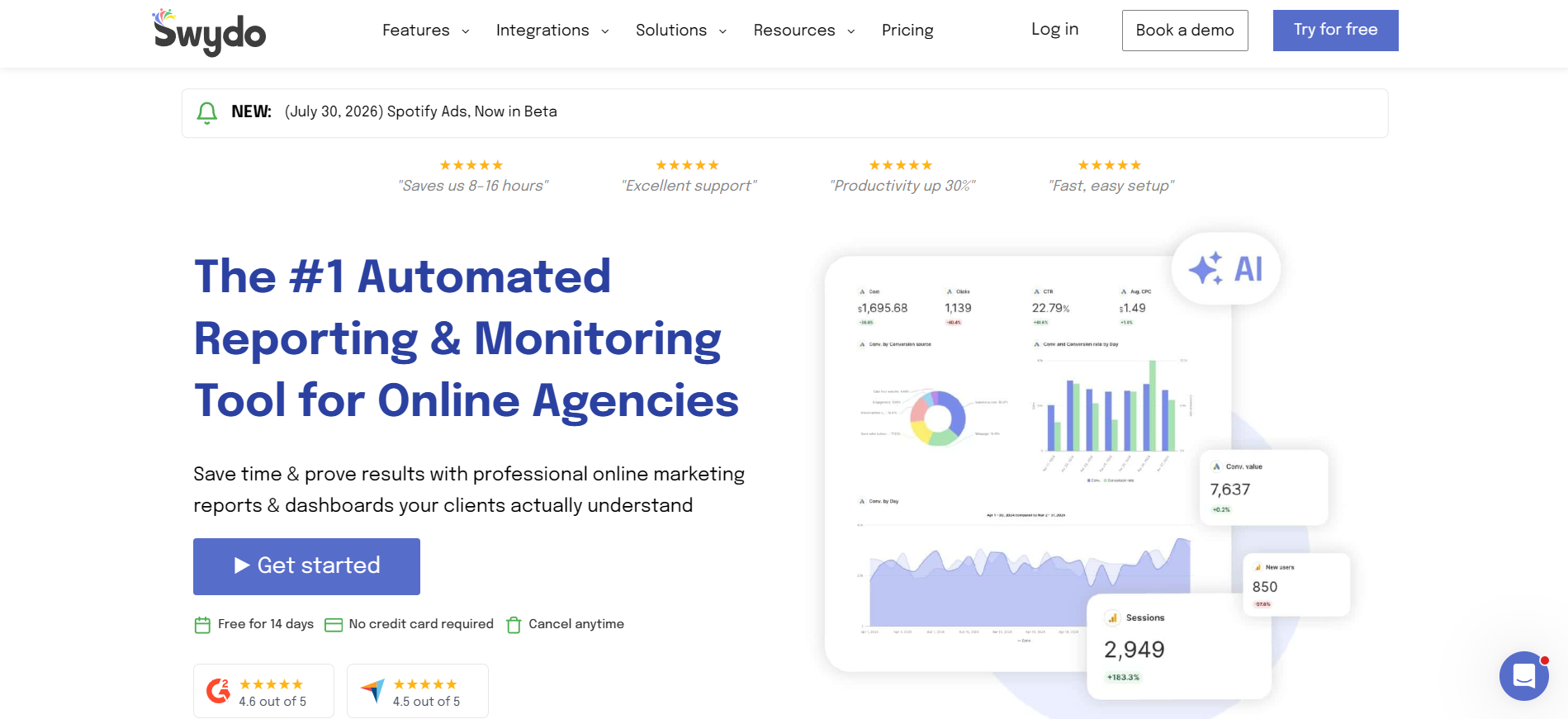
Swydo
Small agencies that want per-source pricing
API that starts reports when you add a client
From $62/month billed annually
Several tools on this list keep API access on their top plan or sell it as an add-on. Reporting Ninja includes its REST API and MCP connector on the $20 Starter plan, so you can test both on real data before you commit.
1. Reporting Ninja: best for API-powered marketing reporting
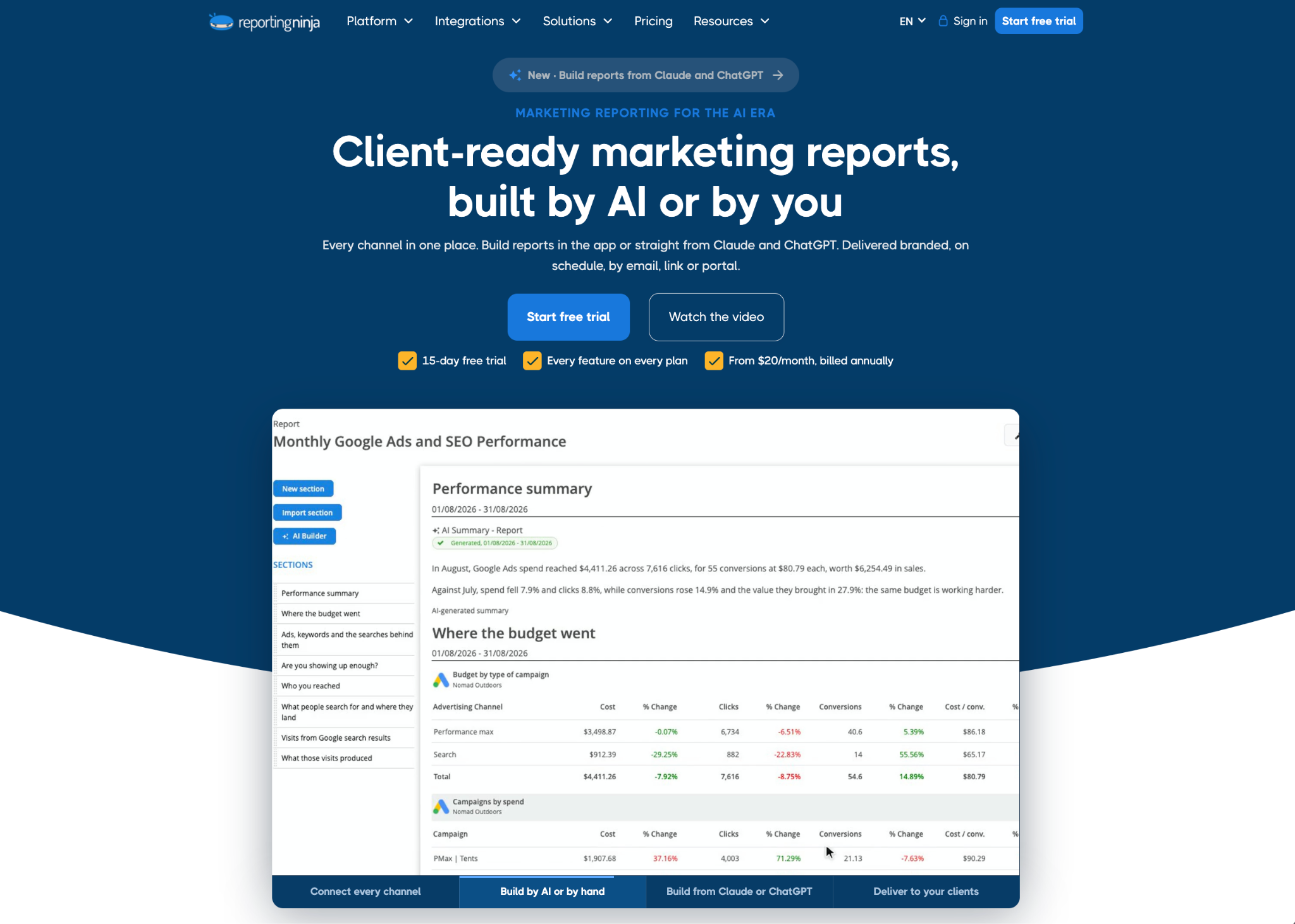
Reporting Ninja connects your marketing platforms once and then lets you use that data wherever you work. You can build reports in its own platform, send the data to Data Studio or Google Sheets, or query it through the API and MCP connector.
Client-ready reporting is still its main job, and every plan includes every feature from $20 a month. More than 2,000 marketers, agencies, and companies use it.
Reporting Ninja key features
Reporting Ninja's API and MCP connector sit on top of the native integrations that it builds and maintains for each platform. AI features then work on the same live data. Here is how each layer works.
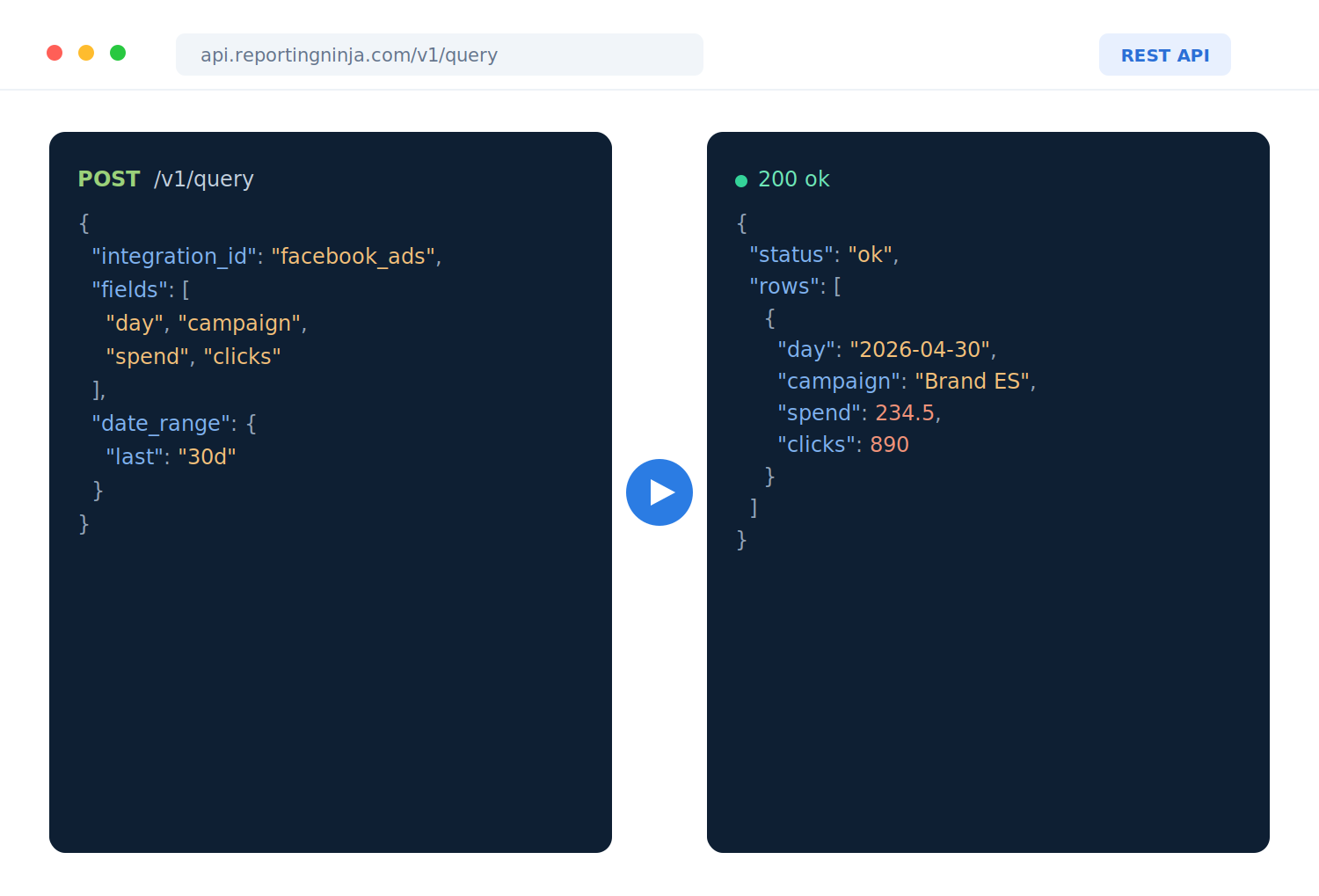
REST API for all your marketing data
The Reporting Ninja REST API gives you one API for every platform you have connected. It has 81 endpoints, and you can query any integration, connection, and field. That includes custom fields like Facebook Ads custom conversions.
The API supports filters, period-over-period comparisons, and both synchronous and asynchronous requests.
You authenticate with a standard Bearer token, and the API ships with a complete OpenAPI specification. Write access is opt-in, and it lets your code create, schedule, and share reports.
The API is free on every plan. Its OpenAPI file sets limits of 300 read requests a minute and 5,000 a day. However, writes have a separate per-account budget of 60 requests/minute and 1,000/day.
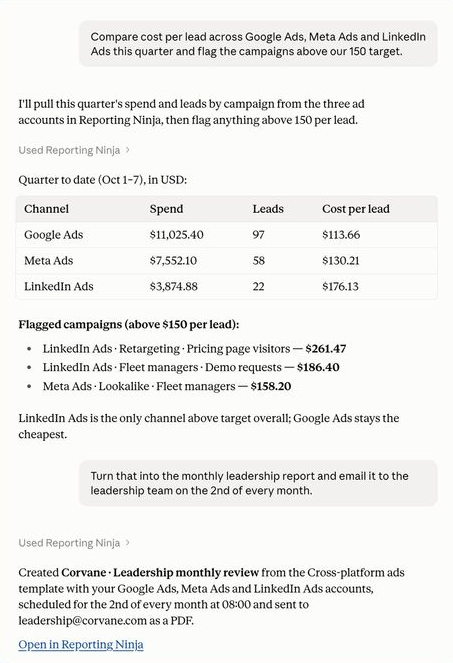
MCP connector for Claude, ChatGPT, and other AI tools
The connector is read-only by default, so your AI tool can query and analyze data without changing anything.
If you turn on write access, it can create, schedule, and share reports. It shows a preview first and asks before it deletes anything.
This is valuable if your team builds reports in Claude or ChatGPT. You add one connector URL instead of setting up a separate connection for Google Ads, Meta Ads, GA4, and every other platform.
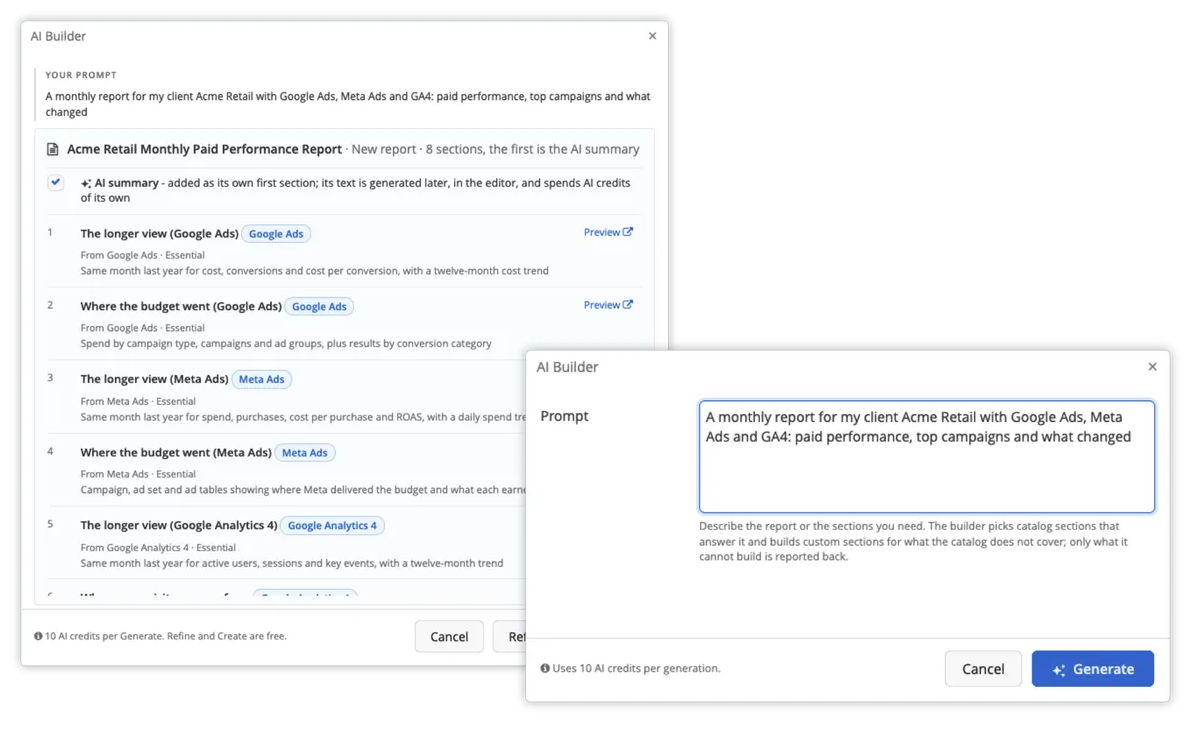
AI Builder, AI Widget, and AI Summary
Reporting Ninja's AI reporting features are included on every plan and free trial while in beta.
AI Builder turns a one-sentence request into a proposed report, with sections, widgets, and data sources. Nothing gets created until you approve it.
AI Widget builds one chart from a description and shows you a sample from your own data first.
AI Summary writes analysis from the report's own numbers. The summary appears in the PDF, the scheduled email, and the client portal, in the same language as the report l.
The AI only reads the accounts you have connected. It never writes to your ad or analytics accounts.
Here’s a detailed walkthrough of everything you can do with AI inside Reporting Ninja:
Prebuilt connectors that Reporting Ninja maintains
The list includes Google Ads, Microsoft Advertising, ChatGPT Ads, Meta Ads, LinkedIn Ads, TikTok Ads, Pinterest Ads, Snapchat Ads, and Reddit Ads. It also includes GA4, Search Console, YouTube, HubSpot, Mailchimp, Klaviyo, and Shopify.
You don't have to maintain these connections yourself. Reporting Ninja manages authentication, API updates, and refresh schedules automatically. For any other data, you can add Google Sheets or Excel files.
Note: Google renamed Looker Studio to Data Studio in April 2026. Some pages, including Reporting Ninja's, might still use the old name.
Pricing
Reporting Ninja has four plans, and each one includes every integration and feature. Only the report and account limits change, and every plan covers the reports platform, the Data Studio connectors, the Google Sheets add-on, the REST API, and MCP.
The AI reporting features are also included on all plans. Each plan comes with AI credits that renew each month, and the MCP connector for Claude and ChatGPT doesn’t use AI credits.
Plan
Monthly billing
Quarterly billing
Annual billing
Reports and accounts per type
Starter
$25/month
$22/month
$20/month
10
Small
$50/month
$45/month
$40/month
30
Medium
$88/month
$79/month
$70/month
70
Large
$150/month
$135/month
$120/month
150
The free trial lasts 15 days and needs no credit card. Reporting Ninja has no contracts or cancellation fees.
Where Reporting Ninja shines
Low entry price for API access: You get the full data API on the $20 plan. In comparison, a tool like Whatagraph offers its public API only on its custom-priced Prime plan.
Fewer subscriptions to pay for: Teams that pay for a connector tool and a separate report builder can replace both with one plan.
Room to change how you work: If your team moves from building reports by hand to building them in Claude, the same account and connections keep working.
{{cta-block-v1}}
Where Reporting Ninja falls short
AI credits are still changing: Reporting Ninja says its AI credit allowances are provisional while the features are in beta, so usage costs may change.
Fewer connectors than some rivals: The integration list is shorter than tools that list 85 or more. The alternative is accessing custom data through Sheets or Excel rather than an API source.
Customer reviews
"It’s easy to use and comes with very good customer support. It works with many data sources, can send automatic reports by email, and also includes connectors for Google Data Studio and Google Sheets."László V., G2.
The ability to integrate data from various marketing channels and turn them into such well-crafted reports saves us a lot of time while enhancing our clients' experience." Stephanie Barbieri, Studio 33.
Who Reporting Ninja is best for
Growing agencies: Agencies with 5 to 30 people that report on many clients get branded reports, a client portal, and scheduled delivery without building their own connectors.
Teams building in Claude or ChatGPT: You get one maintained data connection for every channel instead of a separate connection for each platform.
Fractional CMOs and small in-house teams: You can send board-ready reports for several companies from one account.
Try the Reporting Ninja API free for 15 days: Every feature is included in the trial, from the REST API to the AI Summary. Start your free trial.
2. Databox: best for mixing marketing data with custom API data
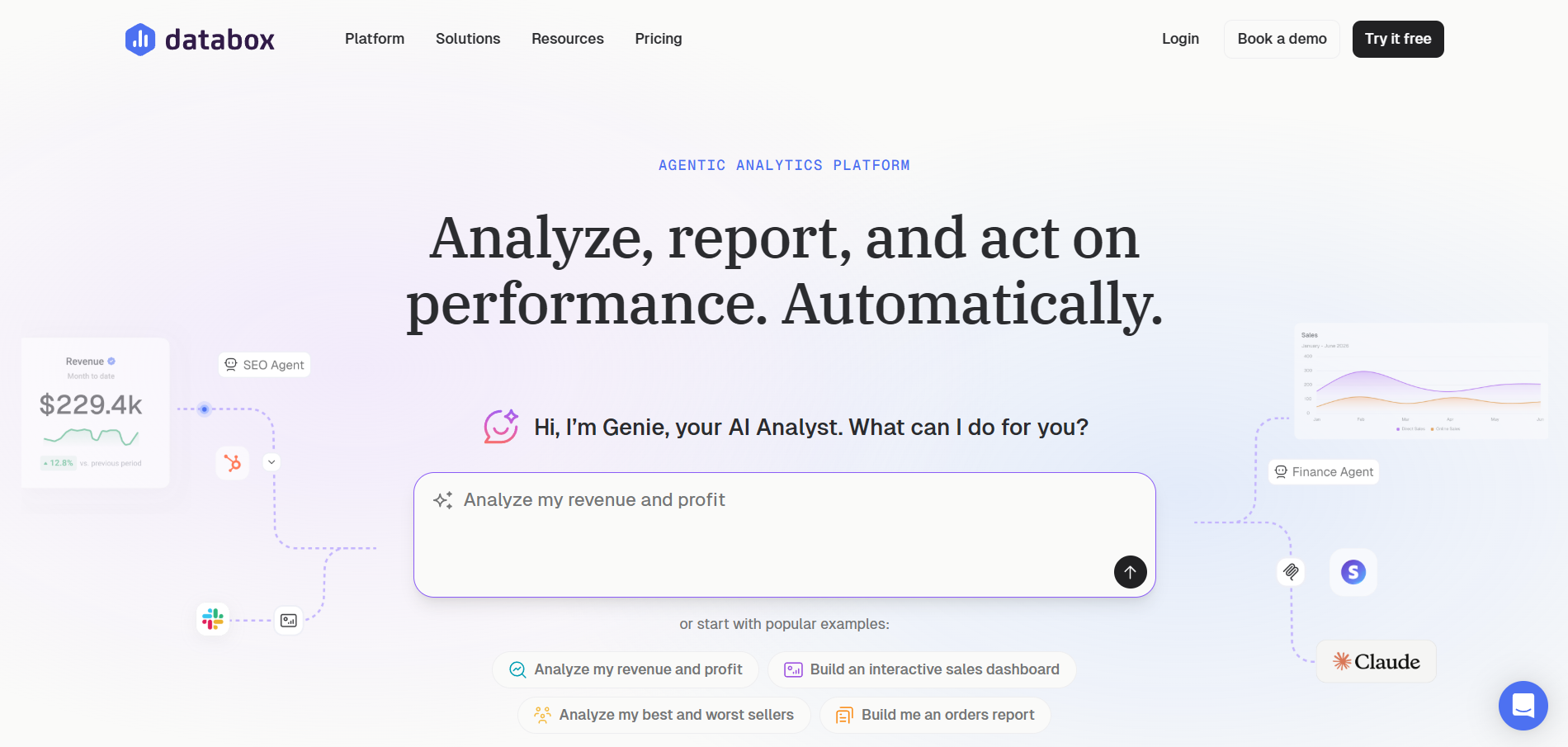
Databox is a dashboard and reporting tool for agencies, growing businesses, and teams that build AI workflows. Its goal is to help you analyze, report on, and act on performance without doing the work by hand.
The dashboards are built inside the tool itself, where they are called Databoards. That makes it a good fit when you want marketing numbers next to sales, finance, or product data in one place.
Key features
REST API and custom API integrations: The Databox REST API lets you create datasets, send in records, and update metrics. Its custom API integrations connect "almost any API" that returns JSON, with OAuth2 support and automatic pagination.
MCP server: Databox's MCP server works with Claude, ChatGPT, Cursor, n8n, and other MCP clients. It's included on every paid plan and during the free trial.
Genie and AI Performance Summaries: Genie answers questions in plain language and can build metrics and dashboards. AI Performance Summaries list the biggest changes across your metrics. Both use the AI credits included with each plan.
Pricing
Plan
Price
Users
Data sources
AI credits
Free
$0
1
3
50/month
Analyst
$71/month billed annually
1
5
150/month
Team Core
$199/month billed annually
3
10
500/month
Team Scale
$319/month billed annually
10
30
1,000/month
Agency
From $79/month billed annually, plus $20/month account packs
Unlimited
20, plus 5 per pack
300, plus 50 per pack
You can also get add-ons for every plan including AI credit top-up, branding and whitelabeling, as well as advanced security management.
Where Databox shines
No developer needed for custom APIs: Databox says analysts and agency managers can set up custom integrations themselves, so you don't wait on engineering time.
Free plan with no time limit: You can run a small dashboard for as long as you like before you decide to pay.
Where Databox falls short
Low source limits on smaller plans: The Analyst plan allows five data sources, so a team using ads, analytics, CRM, and email will reach the limit quickly.
Extra cost for branding: White-labeling is an $80 a month add-on, which raises the cost for agencies.
Customer reviews
"All data sources in one place makes it easy to access critical business metrics...Simple integration with a variety of the major platforms ensures that you have one place to compare, link, and report on the metrics for your business."Nancy S., G2
"I wish there was a way that when you change the template, it applies automatically to your current clients; that would save a ton of time...More integrations, AI insights, and being able to make changes a bit faster and easier for multiple accounts."Stephanie O., G2
Who Databox is best for
In-house teams with business data: You can put marketing metrics next to data from your own systems.
Teams on a tight budget: You can start on the free plan and move up later.
3. Whatagraph: best for large agencies and multi-brand companies
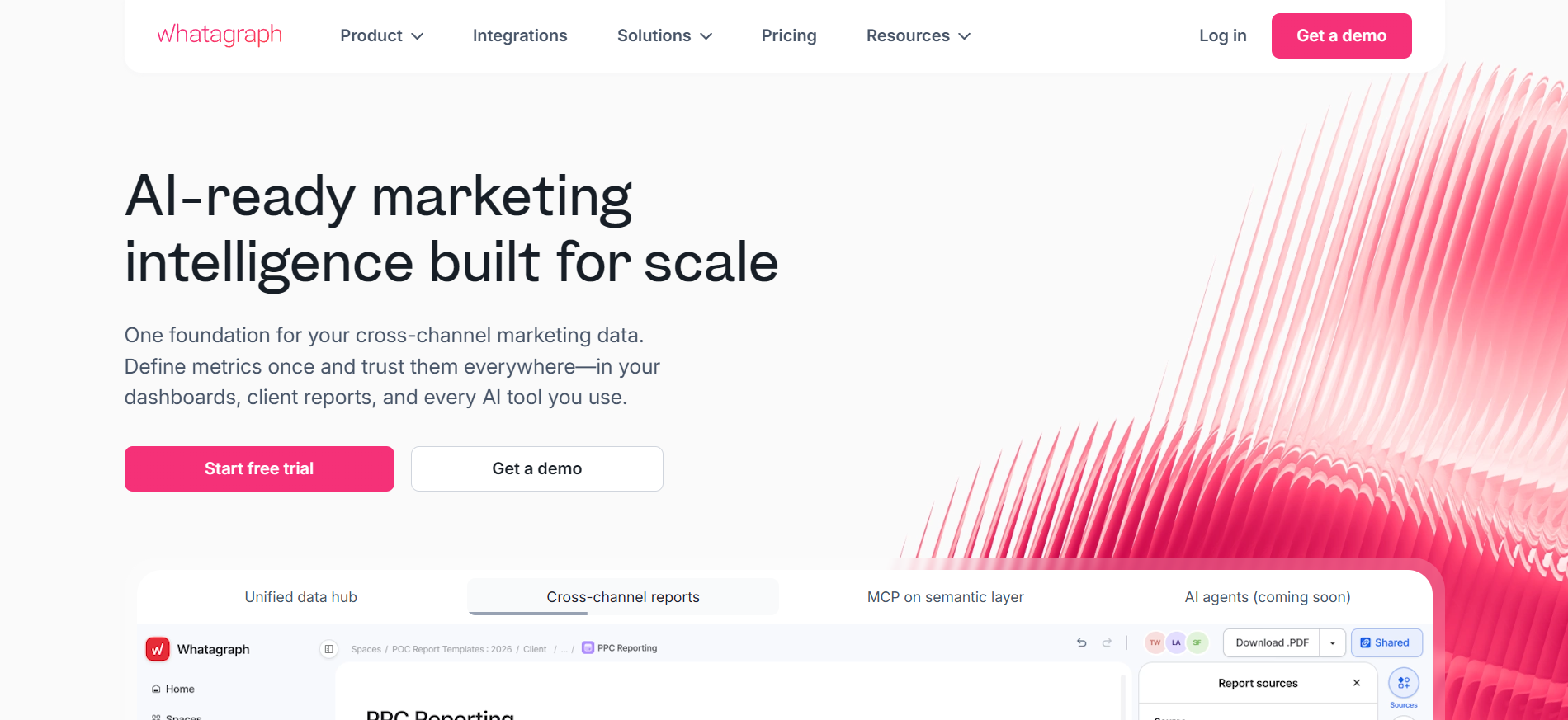
Whatagraph is built for agencies, businesses with many locations, and e-commerce companies that report on many accounts. It lets you set up each metric once and use it everywhere. Dashboards, client reports, and AI tools all read from it, so the same metric means the same thing across reports.
Key features
Public API for pushing data: Whatagraph's public API uses a push model. You create a Custom API source, copy the access token, and a developer sends data from your own code into Whatagraph for visual reporting.
MCP server for Claude and ChatGPT: The MCP server connects to Claude as a custom connector and to ChatGPT as an app. It reads report sources, metrics, and account structure.
Whatagraph IQ: Whatagraph IQ builds full reports, tabs, and widgets from a request. It also writes performance summaries and answers questions in IQ Chat.
Pricing
Plan
Price
What's included
Max
$1118/month billed annually
From 50 source credits, unlimited users and reports
Prime
Custom, billed annually
Public API access, custom report domain, IQ+
Each source costs one credit on either plan.
Where Whatagraph shines
Unlimited users and reports: Large teams don't pay more as they add staff or clients' reports, because cost depends on sources.
AI on both plans: Whatagraph IQ comes with Max and Prime, so you don't need the top plan to build reports with AI.
Where Whatagraph falls short
High entry price: The lowest published price is $1118 a month on an annual contract, which is a large commitment for small agencies.
API needs a developer and a top plan: The public API is only on Prime, and pushing data requires someone to write code.
Customer reviews
"I really appreciate Whatagraph's clean and easy-to-customize interface, which has made it quite intuitive for our small analytics team."Anna A., G2
“If two people are editing a report at the same time, the widgets can glitch or break which is frustrating on tight deadlines. There's also no option for a custom URL, and it still doesn’t support X Ads (Twitter), which is a bit limiting for full-funnel campaigns.”Bruhith I., G2
Who Whatagraph is best for
Large agencies: Agencies with many staff and clients benefit from unlimited users and reports.
Multi-brand companies: Teams reporting on several brands get one set of metrics across all of them.
4. Improvado: best for enterprise teams with many data sources
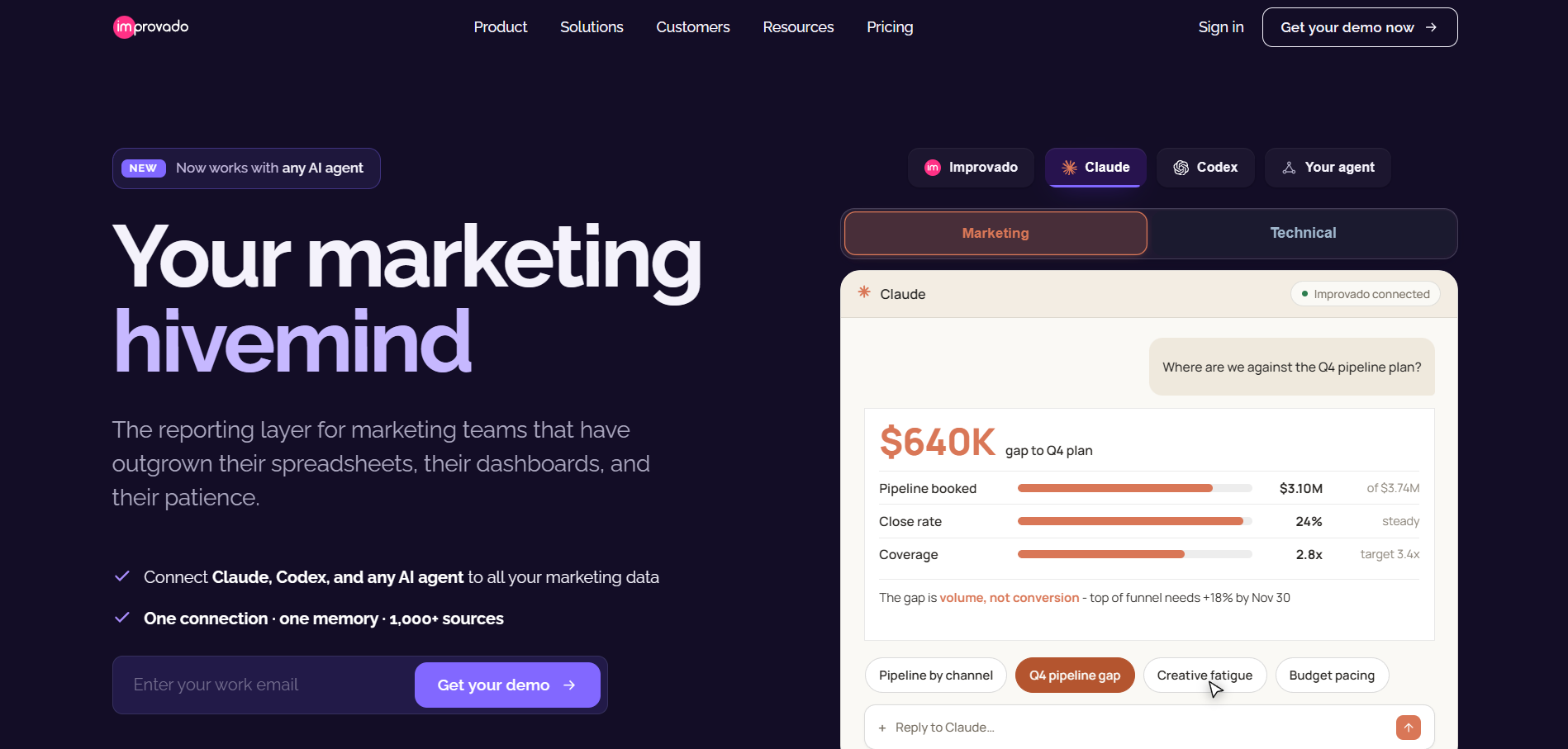
Improvado is a marketing data platform for large teams, and an AI agent is the main way you use it. The agent connects your data, analyzes it, builds reports, and suggests changes.
Its customers include CMOs, analysts, brands, and agencies, and it suits companies with many data sources and teams that can manage larger setups.
Key features
Embedded API and custom connector builder: The Improvado Embedded API V3 gives code access to workspaces, connections, extractions, destinations, and webhooks. The custom connector builder lets you connect any API-based source from the AI Agent chat.
MCP server with read and write access: Improvado's MCP server works with Claude, ChatGPT, Cursor, and other MCP clients. Your AI agent can read, write, and monitor data through it, within weekly action limits set by your plan.
AI Agent and AI dashboards: The AI Agent answers questions in plain language and turns data into charts and dashboards. AI dashboards export to PDF, PowerPoint, Google Slides, and CSV or Excel.
Pricing
Plan
Price
Key limits
Free Limited
$0
50 MCP actions a week, 1 workspace
MCP Only
$100/month
2 million rows a year, 300 MCP actions a week, daily sync
Advanced
Custom
600 million rows a year, 4,000 MCP actions a week, up to 50 workspaces
Enterprise
Custom
1 billion rows a year, 12,000 MCP actions a week, unlimited workspaces
Where Improvado shines
Coverage for unusual sources: Its integrations page lists more than 1,390 data sources, and the connector builder handles the rest.
Room for many teams: Advanced plans support up to 50 workspaces, which suits companies with separate brands or regions.
Where Improvado falls short
Quote-only pricing for full use: The two plans with published prices are limited to MCP use, so you need a sales call to price the full platform.
Usage limits to track: Plans cap rows, daily actions, and weekly MCP actions, so you need to watch usage as you grow.
Customer reviews
“The ability to set up new data connections, extractions, blends, and integrations just by prompting it in natural language is a huge plus for me.”Charly M., G2
“The main limitation is the limited visibility and control over…the managed connectors. When data issues occur, it can be difficult to independently identify whether the root cause is a source API, a connector configuration, or an extraction process.”Valeria S., G2
Who Improvado is best for
Enterprise marketing ops: You get high data volumes and many workspaces.
Data teams: You get API and MCP access for building your own workflows.
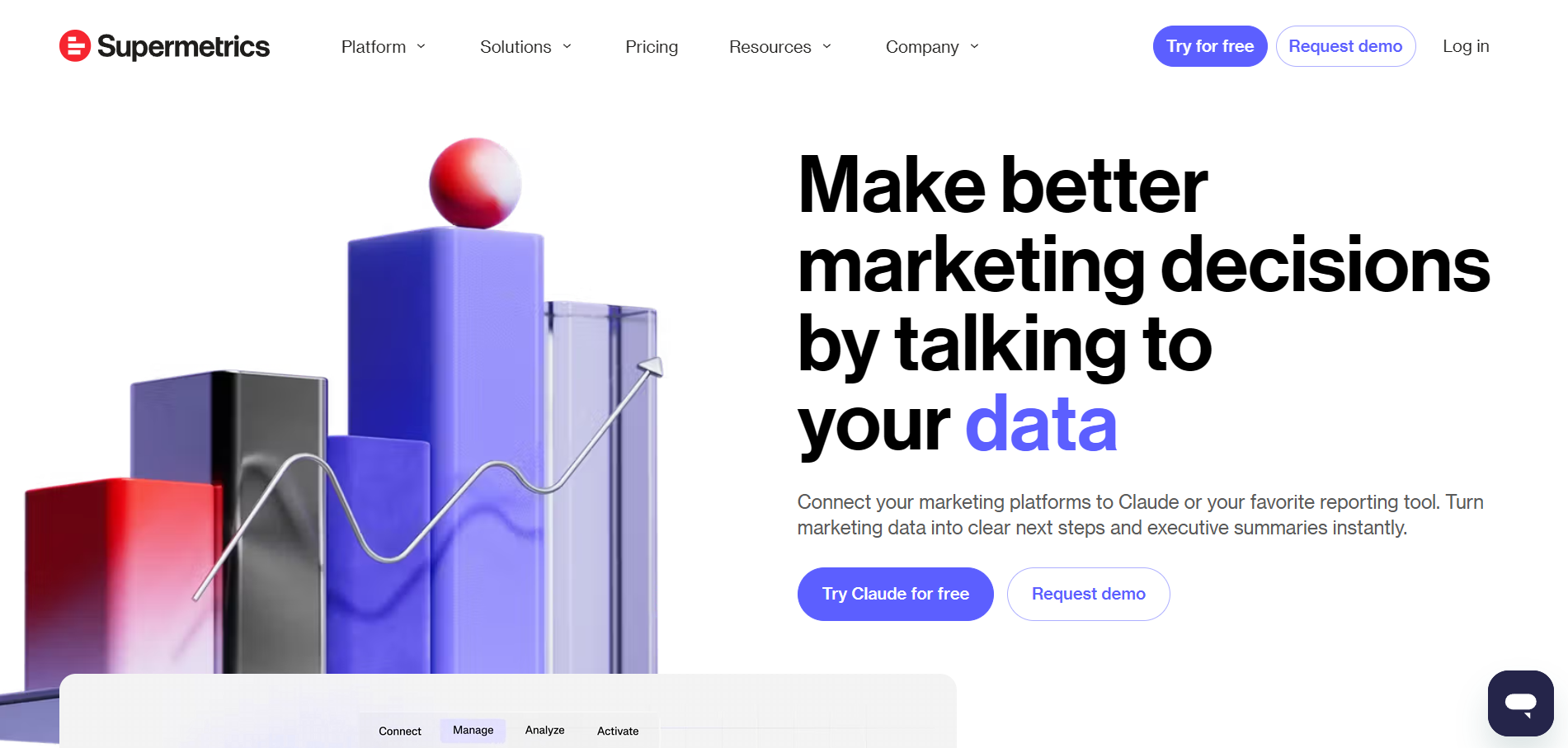
5. Supermetrics: best for teams already reporting in BI tools or Sheets
Supermetrics moves marketing data into the tools teams already use, such as spreadsheets, BI tools, and data warehouses. The aim is to help teams make better marketing decisions by asking questions of their data in plain language.
Key features
Data API and connector builder: The Supermetrics Data API sends marketing data to warehouses and BI tools in formats such as JSON, CSV, Parquet, Tableau, and Qlik. Its low-code connector builder can connect a private API or another unsupported source, and it requires a separate add-on.
MCP server: Supermetrics MCP connects your marketing data to Claude, ChatGPT, Copilot, Gemini Enterprise, and n8n.
Supermetrics Studio: Supermetrics Studio builds live dashboards from a chat request. You can also upload an image of an existing dashboard to recreate it.
Pricing
Plan
Annual billing
Key limits
Starter
From $44/month (billed annually)
1 destination, 3 data sources, 1 user, 3 accounts per source
Growth
From $177/month (billed annually)
1 destination, 6 data sources, 2 users, 7 accounts per source
Enterprise
Custom
Warehouse destinations and all sources
Plans can add extra destinations, users, sources, and accounts. The free trial lasts 14 days with no credit card.
Where Supermetrics shines
Works with your current setup: You can keep reporting in Sheets, Excel, Data Studio, or Power BI.
Strong output formats: Parquet, Tableau, and Qlik outputs make it easier to feed data teams.
Where Supermetrics falls short
Custom connectors cost extra: The connector builder for private APIs needs a separate add-on.
Tight entry limits: Starter allows three sources and three accounts per source, which won't cover most agencies.
Customer reviews
"I love that Supermetrics makes it easy to automate standard performance data from platforms like Facebook, Google, TikTok, and export all my Shopify data."Stephanie D., G2
"The interface is quite basic and has not kept pace with developments in many tools that it connects to...many metrics that cannot be combined and can in fact be selected in Supermetrics, leading to failed reports."Wijbren V., G2
Who Supermetrics is best for
BI and analytics teams: You can send marketing data into the tools you already use.
Enterprises with warehouses: You get warehouse loading on the Enterprise plan.
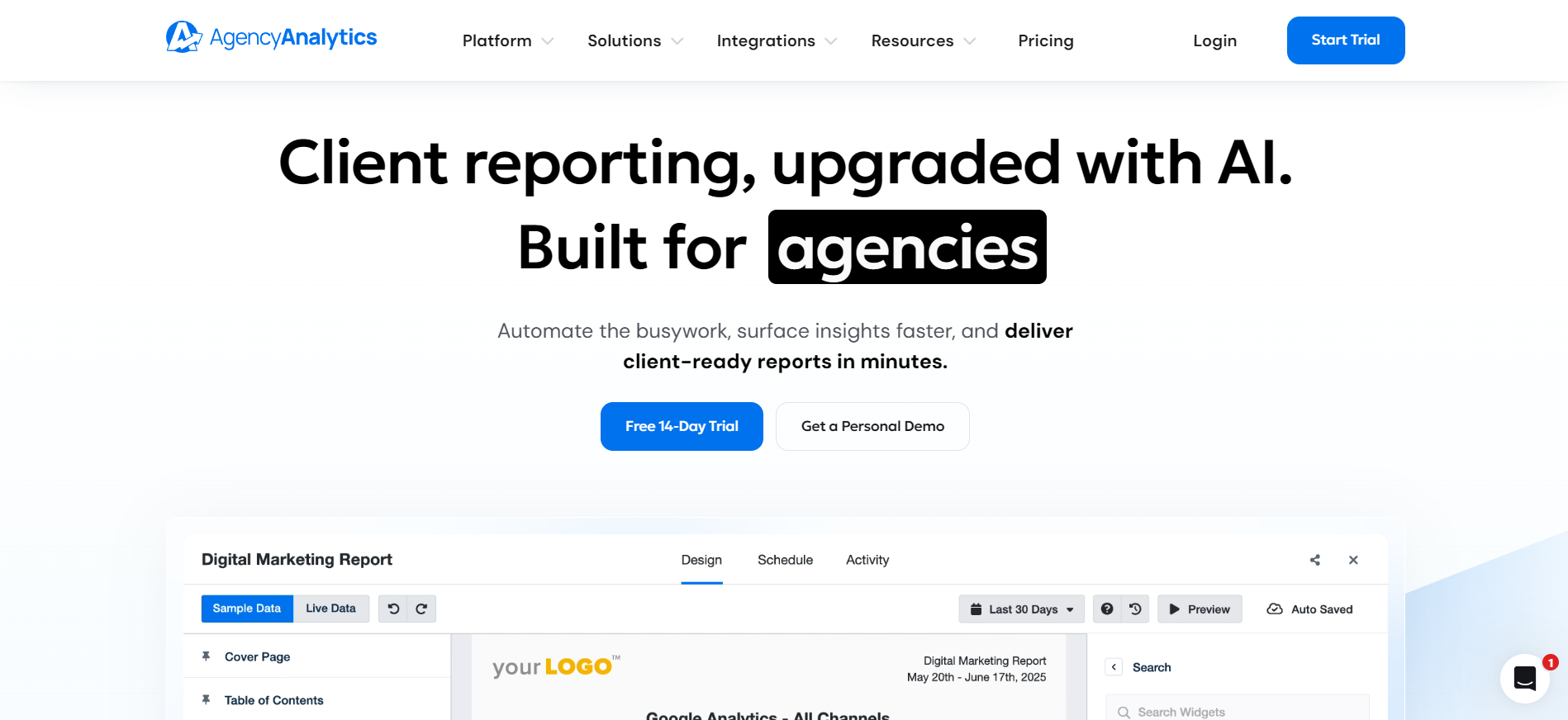
6. AgencyAnalytics: best for agencies that price services per client
AgencyAnalytics is built only for marketing agencies. More than 7,000 agencies use it to report on their clients’ results.
The pricing is simple, with one plan that has every feature, and the total cost set by how many clients you have.
Key features
REST API for clients and users: The AgencyAnalytics API can create, read, update, and delete clients, users, and backlinks. It can also read keyword rankings and support single sign-on. Its help guide says you can't use it to pull data in from third-party platforms.
MCP server: The read-only MCP server lets you query client data from Claude, ChatGPT, and other AI tools. It's included in the plan.
AgencyAI and AI Summary: AgencyAI answers questions about client performance and cites the reports it used. It can also run scheduled prompts for daily, weekly, or monthly briefs. AI Summary is a report widget that writes a short analysis.
Pricing
Plan
Price
What's included
Core
$20 per client/month billed annually
Unlimited data sources, reports, dashboards, and staff; AI, MCP, and API
Volume
Custom
For 25 or more clients
Add-ons include AI Tracker at $20.83 a month per 250 credits and Rank Tracker at $41.67 a month per 500 keywords. The free trial lasts 14 days with no credit card.
Where AgencyAnalytics shines
Cost tied to revenue: You pay per client, so your software cost grows only when your client list grows.
No AI usage caps: The site says AgencyAI has "no usage limits," so heavy users don't pay more.
Where AgencyAnalytics falls short
Narrow API: The API manages accounts and rankings, so you can't use it to pull campaign data into your own code.
Cost adds up for large agencies: At $20 per client, 30 clients cost $600 a month on annual billing.
Customer reviews
"I like that AgencyAnalytics lets me customize every report and widget... Plus, the support team has been extremely helpful, impressively so."Brittany H., G2
"Sometimes clients have more websites and integrations that belong to the same customer...that's a limit, as I would like to compare them all together."Verified User, G2
Who AgencyAnalytics is best for
Agencies with steady client counts: You can predict your cost from your client list.
Agencies that automate onboarding: You can create client and staff accounts through the API.
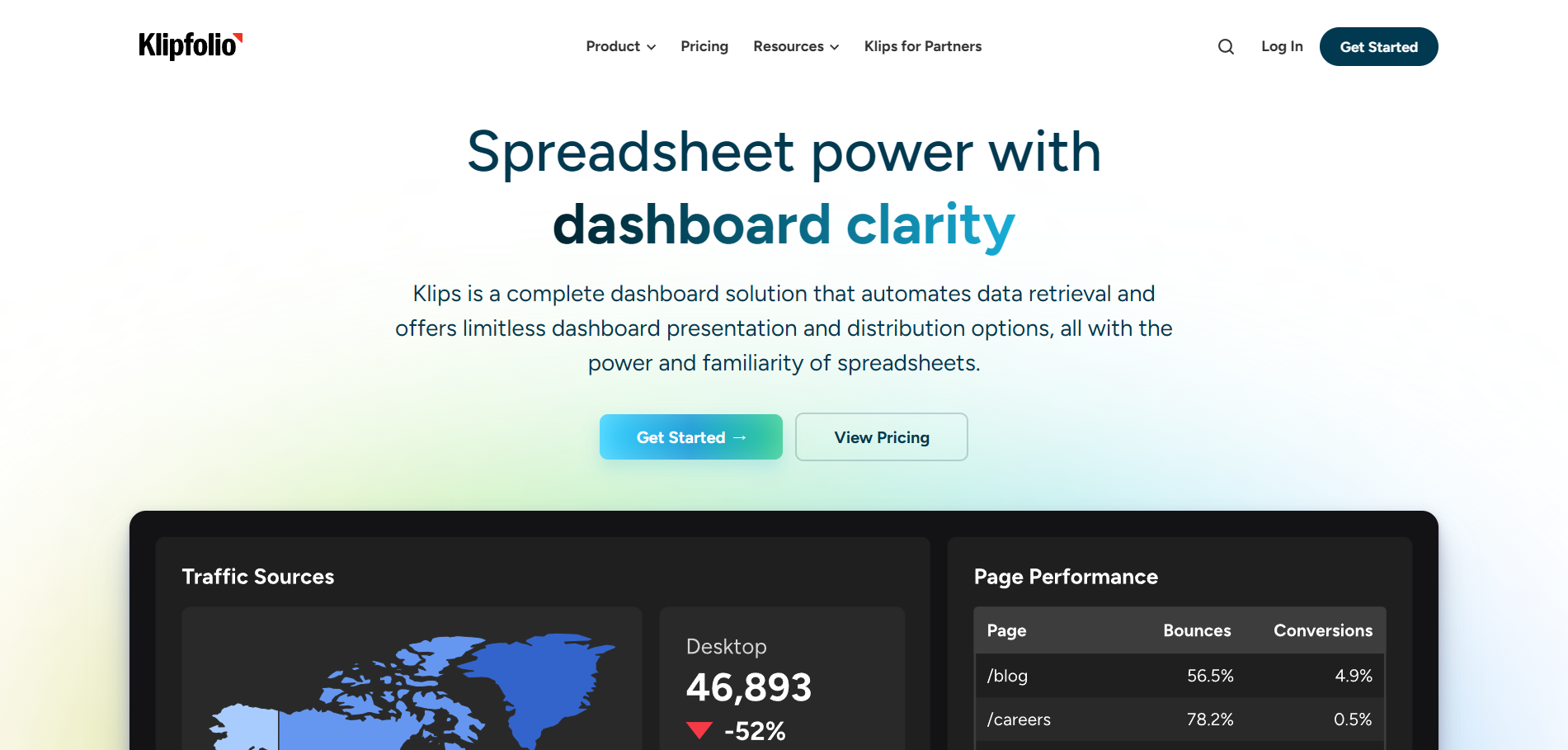
7. Klipfolio: best for analysts connecting niche REST APIs
Klipfolio is a dashboard tool for people who have outgrown Excel or Google Sheets but still like working with formulas. Its Klips product aims to give you the power of a spreadsheet with the clear view of a dashboard. Agencies that manage client dashboards can use the Partner plans.
Key features
REST/URL connector: The REST/URL connector connects to most REST APIs. It supports basic, two-step, API key, and OAuth authentication, and it reads JSON, XML, CSV, and Excel data.
Klipfolio API: The Klipfolio API manages clients, dashboards, Klips, and data sources, with the same functions as the web app. It uses API keys and allows up to five requests a second.
Dashboards and sharing: Klips offers more than 30 chart types. You can share dashboards by automated email or through published links, which can be password-protected.
Pricing
For businesses and teams
Plan
Price (billed annually)
Dashboards
Data refresh
Base
$120/month
3
Every 4 hours
Grow
$190/month
10
Every hour
Team
$310/month
20
Every 15 minutes
Team+
$600/month
40
Up to the minute
All plans include unlimited users, and the White-Label Bundle costs $299 a month billed annually.
For agencies
Plan
Price (billed annually)
Dashboards
Clients
Data refresh
Starter
$160/month
5
5
Every 4 hours
Lite
$240/month
15
15
Every hour
Pro
$440/month
30
30
Every 30 minutes
Premier
$900/month
80
80
Every 30 minutes
You can also get a custom plan or add-on extra dashboards, a custom domain, a custom theme, and a white-label bundle to any of the plans.
Where Klipfolio shines
Reach beyond prebuilt connectors: Because the connector supports OAuth and API keys, you can connect secured APIs that have no built-in Klipfolio connector.
Unlimited users on every plan: You can share dashboards with your whole team without seat costs.
Where Klipfolio falls short
Dashboard caps: The Base plan allows three dashboards, which won't suit an agency with many clients.
Client management costs more: Managing client accounts needs the separate Partner plans, which start at $160 a month billed annually.
Customer reviews
“Easy to add metrics and connect data sources. They have a lot of connections that are pre-built and a lot of customizable options.”Jennifer B., G2
“The learning curve shows up once a dashboard starts combining multiple sources, working with arrays, using more complex formulas, and keeping filters consistent across every component.”Anna H., G2
Who Klipfolio is best for
Analysts and ops teams: You can pull data from APIs no other tool supports.
Teams who like spreadsheets: You can use formulas to shape the data.
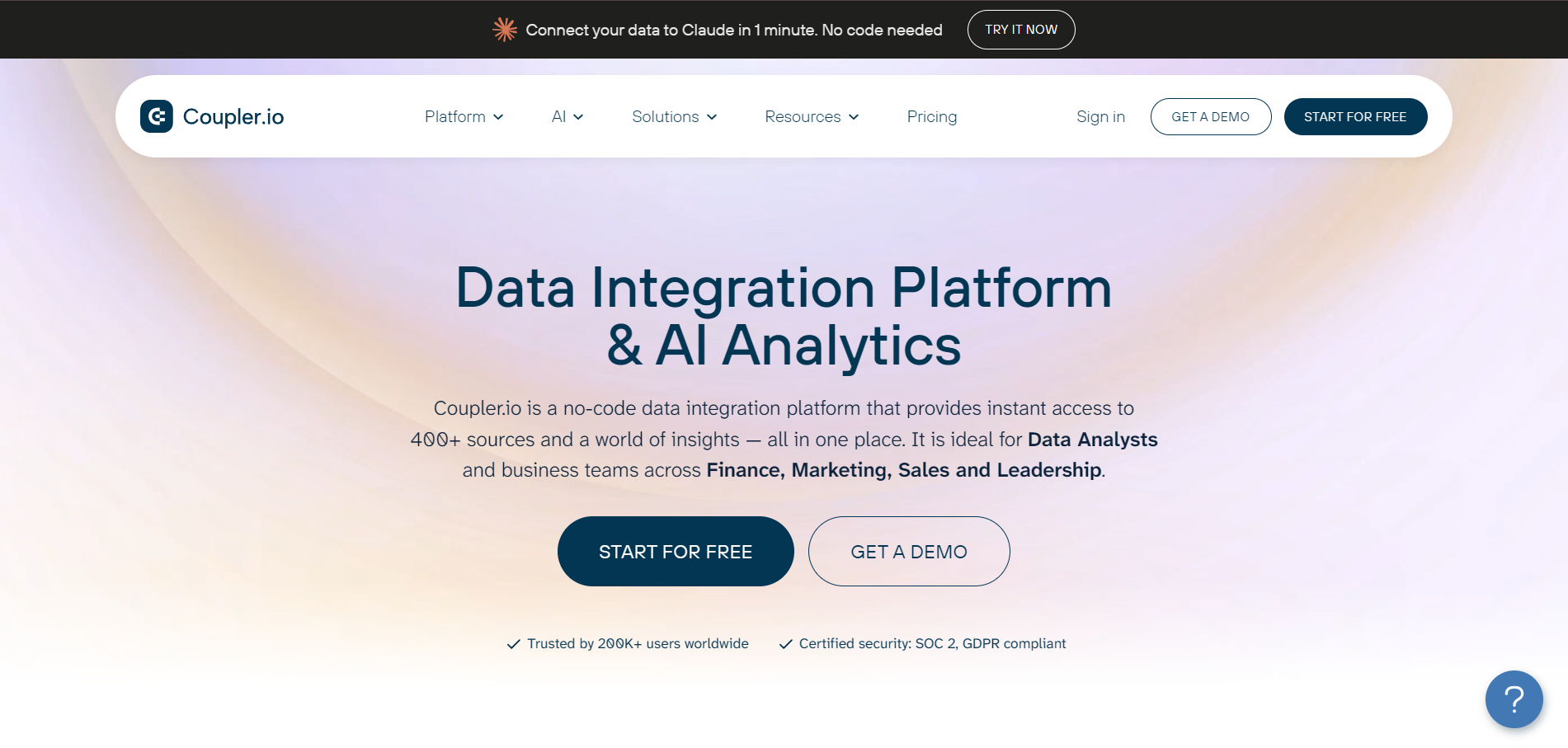
8. Coupler.io: best for moving custom API data into Sheets or BI tools
Coupler.io pulls data from more than 400 sources and moves it where you need it. It also includes AI tools that analyze that data.
Its users are analysts and business teams in finance, marketing, sales, and leadership. The platform suits teams that want spreadsheets and BI tools to stay up to date without copying data by hand.
Key features
JSON source for any REST API: The JSON source connects to any REST API that returns JSON. It supports GET, POST, PUT, PATCH, and DELETE requests, with API keys, Bearer tokens, or basic authentication in the headers.
JSON URL output and webhooks: Coupler.io can publish your data at a JSON URL that updates every time the data flow runs. On Pro and higher plans, webhooks let you start a data flow by API request.
Dashboard templates, AI Insights, and MCP: Coupler.io includes ready-made dashboard templates. AI Insights writes summaries of dashboard data, and its MCP connection works with Claude, ChatGPT, and other AI tools.
Pricing
Plan
Annual billing
Accounts
Refresh
Free
$0
1
Manual
Starter
$24/month
3
Daily
Active
$99/month
15
Daily
Pro
$199/month
50
Hourly
Agency & Enterprise
Custom
Custom
Every 15 minutes
Where Coupler.io shines
Any REST API without code: You enter the endpoint URL, headers, and parameters in Coupler.io's settings, so you don't need to write a script.
Many places to send data: It sends data to Google Sheets, Excel, Data Studio, Power BI, BigQuery, and other tools.
Where Coupler.io falls short
Manual pagination: For APIs that return data in pages, you build a separate data flow for each page and join them.
Fixed native dashboards: You can't add charts, change metrics, or add your branding to its built-in dashboards, so client reports need another tool.
Customer reviews
“Coupler.io helps us integrate our database (Airtable) with Google Sheets in order to check for errors and ensure we don't have any meeting conflicts.”Hannah P., G2
“The pricing could be a bit more flexible for smaller teams, and setting up more complex data models can take some trial and error.”Smrity C., G2
Who Coupler.io is best for
Analysts working in Sheets: You can pull custom API data into the spreadsheet you already use.
Teams feeding BI tools: You can send marketing data into Data Studio, Power BI, or BigQuery.
9. Swydo: best for small agencies that want per-source pricing
Swydo is an automated reporting and monitoring tool made for online marketing agencies. More than 2,000 companies in over 80 countries use it.
Its pricing works differently from most tools on this list. You pay for the number of data sources you connect, and users, dashboards, and reports are unlimited.
Key features
Swydo API for account automation: The Swydo API lets your systems create clients, start reports from templates, stop scheduled reports, and update clients in bulk. For example, when you add a client to your CRM, the API can set them up in Swydo automatically.
Integrations and custom data: Swydo lists 38+ integrations. You can add other data through Google Sheets or push your own data into Swydo.
Swydo AI: Swydo AI builds and edits reports from requests, writes summaries, and answers questions about your data. It uses 4,000 credits a month, billed only when you use them.
Pricing
Plan
Price
What's included
Swydo
From $62/month billed annually
Unlimited users, dashboards, and reports; 10 data sources
Extra sources
$4.50 each (11-100), $3.00 each (101-500), $2.00 each (501+)
Added to the base price
The free trial lasts 14 days with no credit card.
Where Swydo shines
Low cost to start: A small agency with up to 10 sources pays $49 a month.
No seat costs: The base plan includes unlimited users, dashboards, and reports, so a bigger team doesn't raise the price.
Where Swydo falls short
API focuses on admin tasks: The documented uses cover clients, templates, and schedules, so it isn't built for pulling report data into your code.
Cost grows with every source: An agency with 40 sources pays $154 a month, based on Swydo's per-source rates.
Customer reviews
"I really like Swydo for its simplicity and the flexibility of using multiple platforms...The ability to have quick reporting and shared links with clients that don't change is fabulous."Verified User, G2
"It got disconnected from time to time, and we have to reconnect, refresh, and reload the pages...not all the data can be carried over."Kerry W., G2
Who Swydo is best for
Small agencies: You get a low entry price and unlimited users.
Agencies using a CRM: You can start reporting for new clients automatically.
How to choose the right API reporting software
The right tool depends on where your data needs to go and who will use it. Check these five things before you start a trial.
What the API can do
Some APIs only manage accounts, while others return your campaign data. If you want to pull data into your own app, check that the API can query metrics, not just create clients.
Reporting Ninja's API queries every connected integration and field, and it can also create and schedule reports.
Who maintains the connectors
When an ad platform changes its API, a connection you built yourself can stop working. Your team then has to fix it before the next report goes out.
Reporting Ninja handles authentication and API updates for every connector, so you don't have to fix broken data flows.
Stop fixing broken connectors: Reporting Ninja keeps every platform connection up to date for you. Start your 15-day free trial.
{{cta-block-v1}}
How AI tools reach your data
If your team uses Claude or ChatGPT, look for an MCP connector that covers every channel. Check whether it is read-only by default, so an AI tool can't change your data without approval.
Reporting Ninja's MCP connector is read-only by default and works with Claude, ChatGPT, Copilot, and other MCP clients.
Pro tip: Test the MCP connector with a question you already know the answer to, such as last month's spend on one campaign. Then compare the answer with the ad platform.
How reports reach clients
Agencies need more than an API, because clients expect branded reports on a fixed schedule. Look for white-label branding, a client portal, and scheduled email delivery, and plan which channels each cross-channel marketing report should cover.
Reporting Ninja's custom reports platform adds your logo and delivers reports through a portal on your own domain.
Which plan includes the API
Some tools keep the API on their top plan or sell it as an add-on. Compare the price of the plan that includes the API, not the lowest price on the page.
Automate API-based marketing reports with Reporting Ninja
If you need client reports, an API, and an MCP connector on a small budget, start with Reporting Ninja. If you send large data volumes into a warehouse, look at Improvado or Supermetrics Enterprise instead.
Once your data is connected, the next step is setting up automated marketing reports that update and send themselves. After that, your team only needs to review each report before it goes out.
Start your 15-day free trial: Connect your marketing accounts, query them through the API, and send your first automated report. Start your free trial. No credit card required.
FAQs
What is an API reporting tool?
An API reporting tool connects to platforms such as Google Ads and GA4 through their APIs. It then turns the data into reports and dashboards on a schedule.
Can API reporting tools connect to custom APIs?
Sometimes. Databox, Klipfolio, and Coupler.io connect to custom REST APIs directly. Other tools accept custom data through Google Sheets or a push API.
What is the difference between API reporting and API analytics?
API reporting turns data from other platforms' APIs into reports. API analytics measures how an API itself performs, such as its speed, errors, and usage.
Can API data be used in dashboards?
Yes. Most API reporting tools display API data in dashboards that refresh on a schedule, from every few hours to every few minutes.
How do API reporting tools handle authentication?
Most use OAuth to sign in to each platform once, then refresh access automatically. Custom APIs usually need an API key or Bearer token instead.
Can API reporting be automated?
Yes. Once you connect your accounts, the tool refreshes data and sends reports by email or a client portal without manual work.
What is the best API reporting tool for marketing agencies?
Reporting Ninja is the best fit for most agencies. It includes an API, MCP, AI features, and white-label client reports on every plan from $20 a month.
Elevate your marketing reports to the next level
Sign up for a 15 days free trial. No credit card required.
We use analytics cookies (Google Analytics) and Promptwatch to measure visits, including those from AI assistants. Accept or deny them; you can change your choice anytime in Cookie settings. Cookie policy