9 best AI reporting tools for marketers and agencies in 2026
Luis Pereira
Founder & CEO at Reporting Ninja
Key takeaways
Reporting Ninja is built for lean agencies and freelancers that need AI-assisted marketing reporting, white-label reports, scheduled delivery, and multiple reporting formats without separate subscriptions for each.
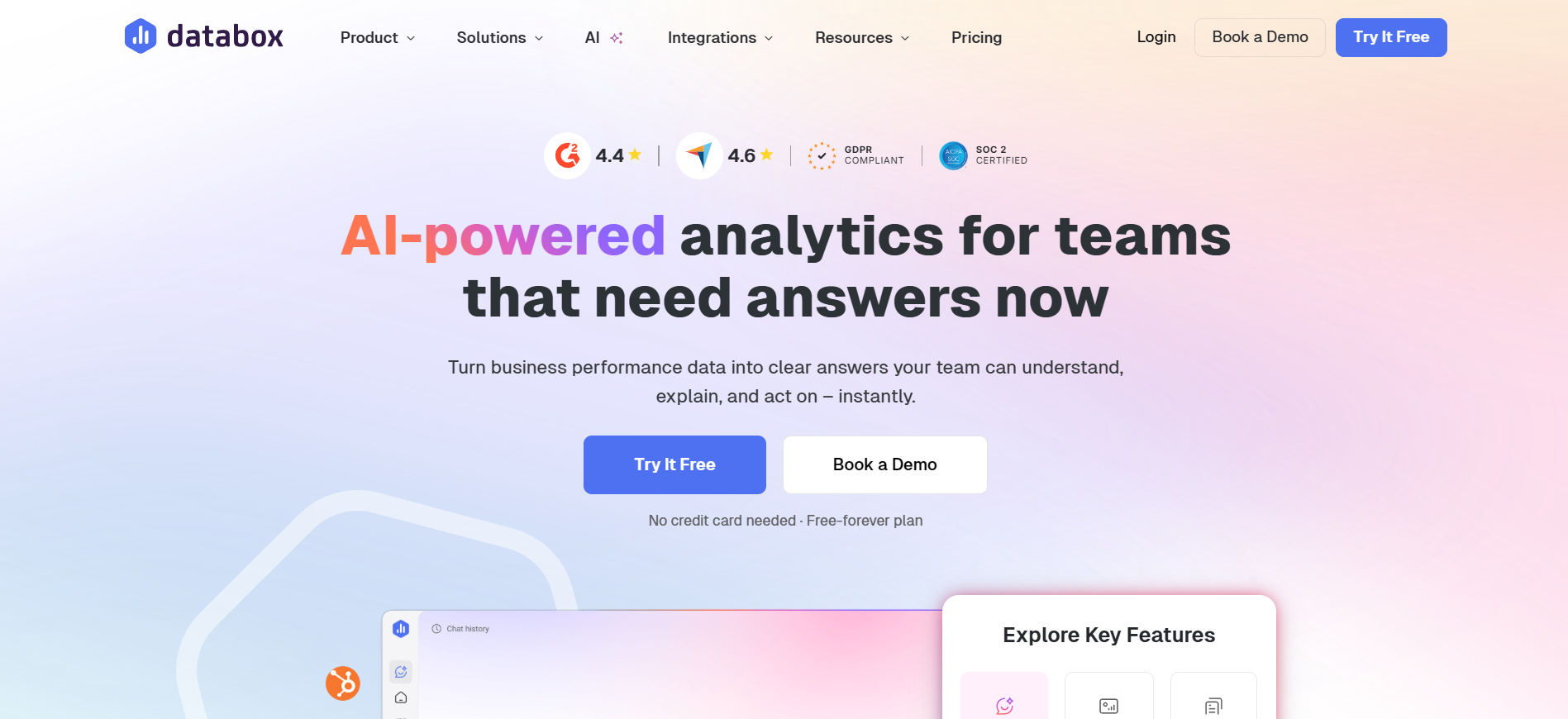
Databox is suited to teams that want AI analysis alongside KPI dashboards, with features such as Genie AI analyst, performance summaries, and an MCP server.
Swydo and AgencyAnalytics are agency reporting options for teams that prioritize recurring client reports, dashboards, integrations, and automated delivery over AI features alone.
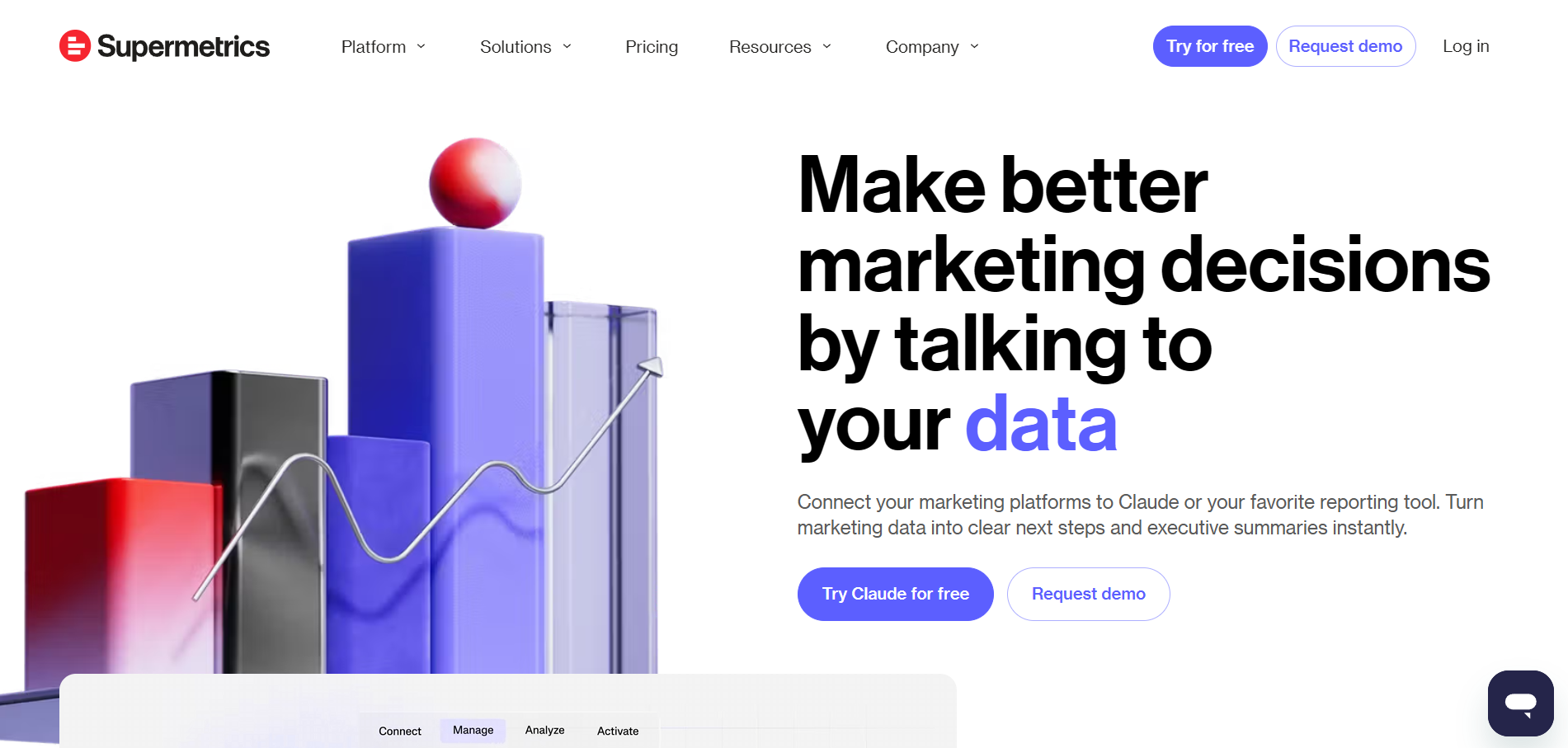
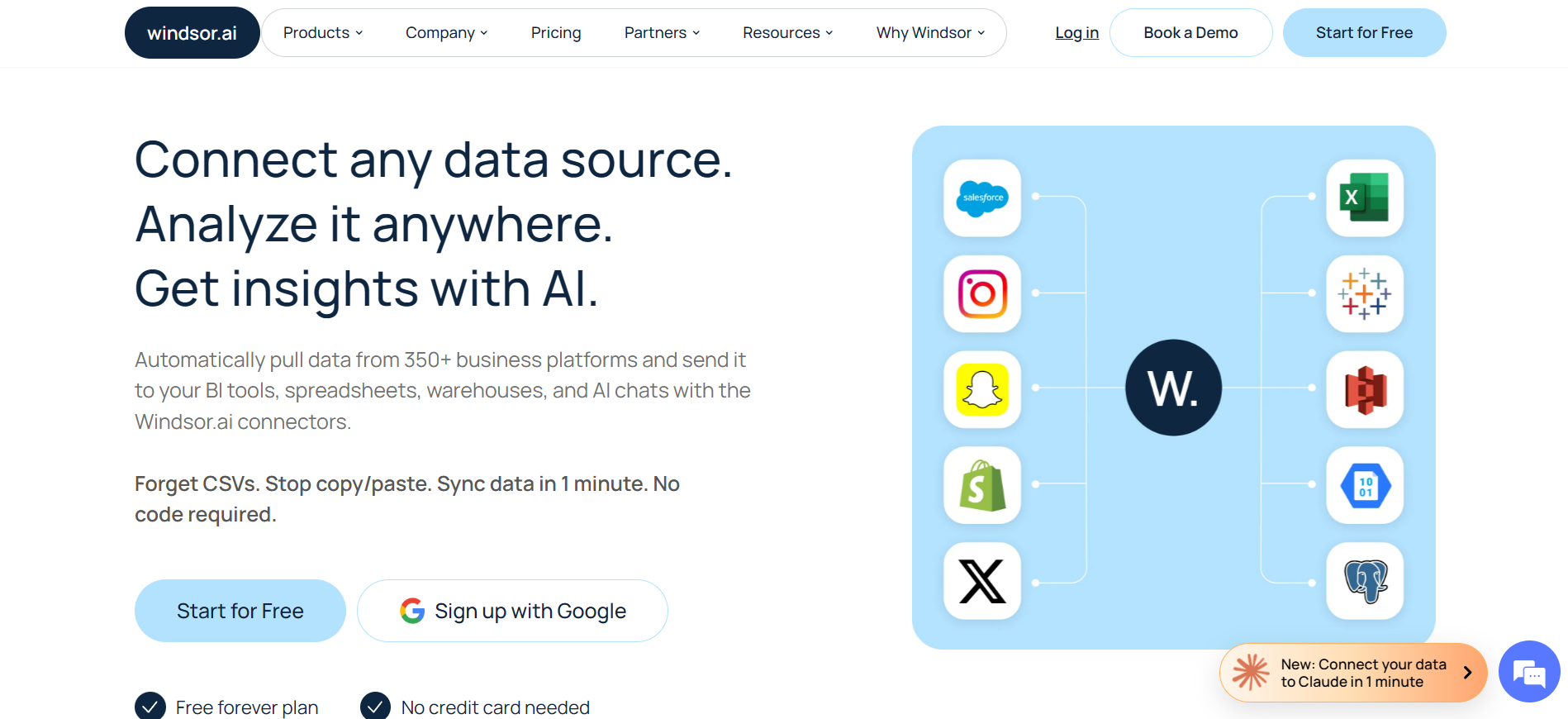
Supermetrics and Windsor.ai are suited to teams that want marketing data in ChatGPT or Claude, while Dataslayer combines AI chat with a mid-tier plan and Klipfolio focuses on governed metric definitions.
Collecting the numbers is the fast part of reporting. Writing up what they mean, for each client, every month, takes far longer.
AI reporting tools now handle that second half as well as the data collection. They build the report, draft the summary, and flag what changed.
This guide compares nine AI reporting tools for marketers and agencies, covering their AI features, pricing, and who each one fits best. All pricing below was checked against each vendor's own pricing page in September 2026.
9 best AI reporting tools compared for 2026
The tools below cover different reporting workflows. Some generate reports, some analyze existing dashboards, and others give AI assistants access to connected marketing data.
Tool
Best for
Standout feature
Price starting point
Reporting Ninja
Agencies wanting one AI reporting platform to collate numbers, build reports, and deliver them, instead of handling three subscriptions
AI Builder writes a full report from one sentence
$20/month, billed annually
AgencyAnalytics
Agencies that want rank tracking beside reporting
Ask AI, plus an AI visibility add-on
$20 per client/month, billed annually
Whatagraph
Mid-size agencies wanting one governed data layer
Whatagraph IQ chat grounded in your own data
From €699/month, billed annually
DashThis
Small agencies wanting fast, template-based dashboards
AI Insights flags wins, issues, and opportunities on every dashboard
$44/month, billed annually
Swydo
Agencies with a stable roster and a few reporting sources per client
Swydo AI builds and edits report widgets from a prompt
$62/month billed annually, 10 sources included
Databox
Teams wanting a conversational AI analyst over live KPIs
Genie, an AI analyst that answers plain-language questions
Free; paid from $71/month, billed annually
Supermetrics
Teams sending marketing data into BI tools and AI chats
Claude and ChatGPT are core destinations, with AI credits included
From $39/month, billed annually
Windsor.ai
Analysts wanting cheap data access inside ChatGPT or Claude
Windsor MCP across 350+ sources, with read and write actions
Free; paid from $19/month, billed annually
Oviond
Agencies wanting one all-inclusive price per client
MCP server that manages reports, not just data
$4 per client/month billed annually, 10-client minimum
If you are paying for a connector and a separate dashboard tool to build your reports, Reporting Ninja brings those workflows into one platform. Start your free 15-day trial and test AI-assisted report creation on your own accounts.
1. Reporting Ninja: best for automated marketing reporting
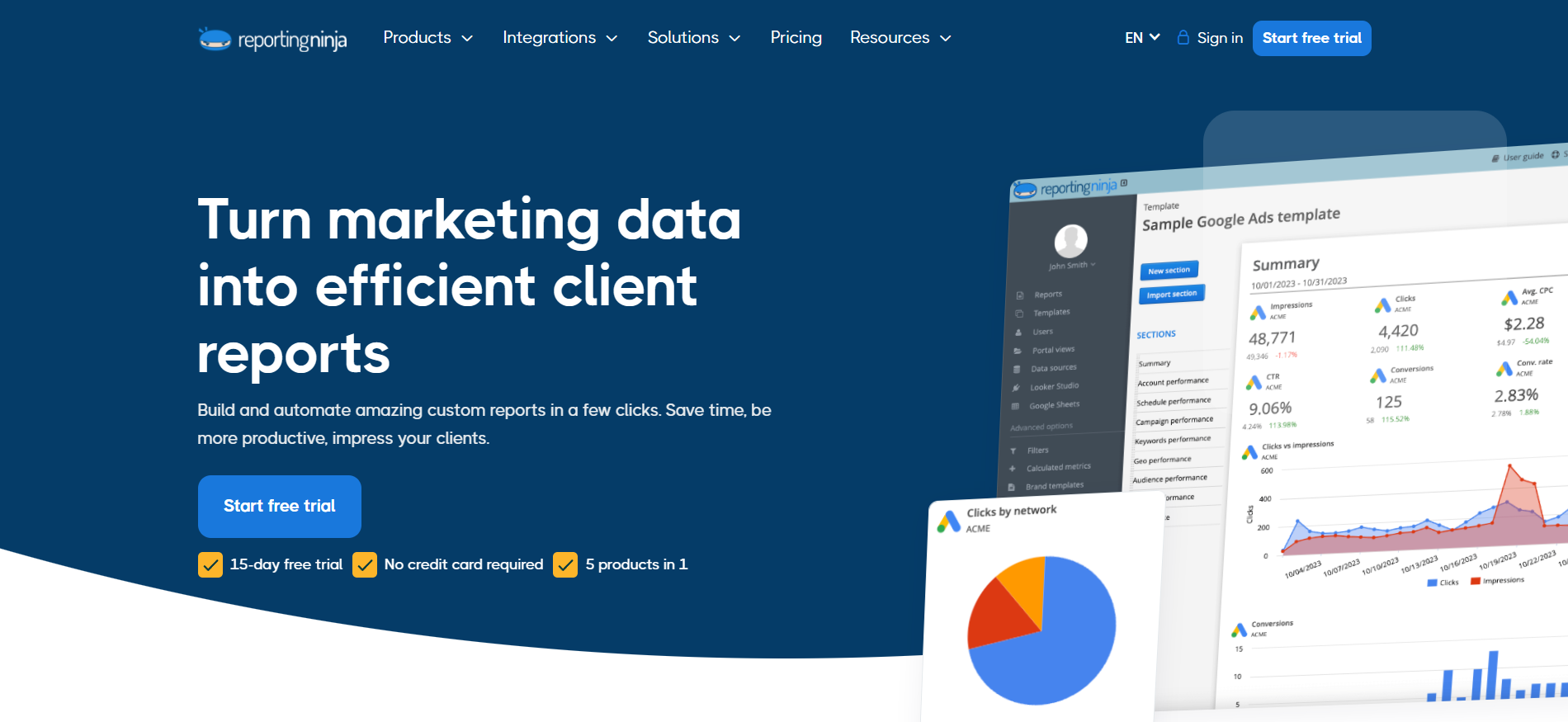
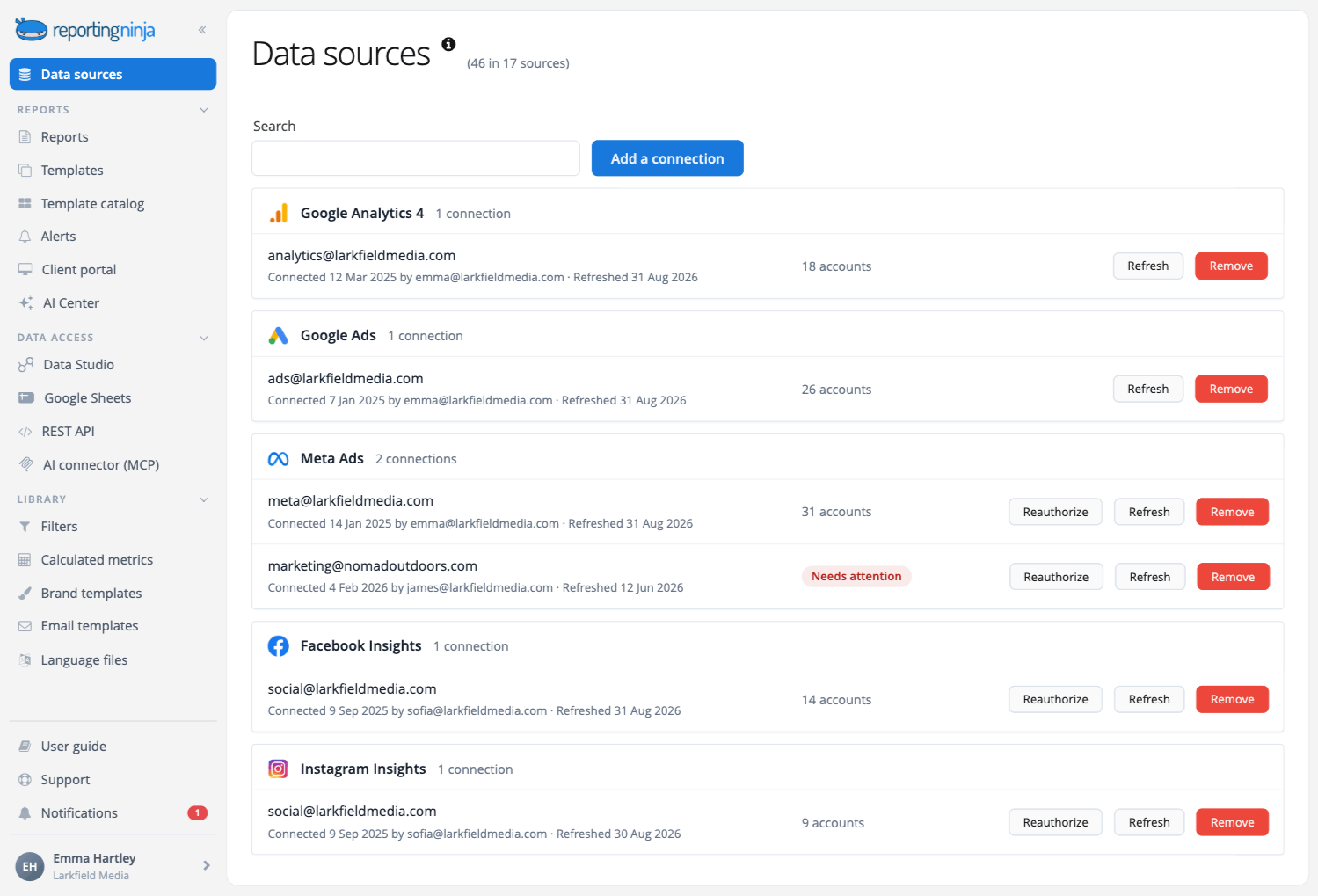
Its AI reporting features work from the data sources already connected to the account. Teams that report on paid search can use it as a PPC reporting tool, and teams that report on organic performance use the same platform as an SEO reporting tool.
It not only offers integrations for traditional marketing channels but also covers emerging platforms like Reddit Ads and ChatGPT Ads, among others.
Reporting Ninja key features
The AI reporting features are currently in beta and included on every plan, including the free trial. They work only on the data sources you have already connected, and nothing is created, scheduled, or sent until you approve it.
AI Builder
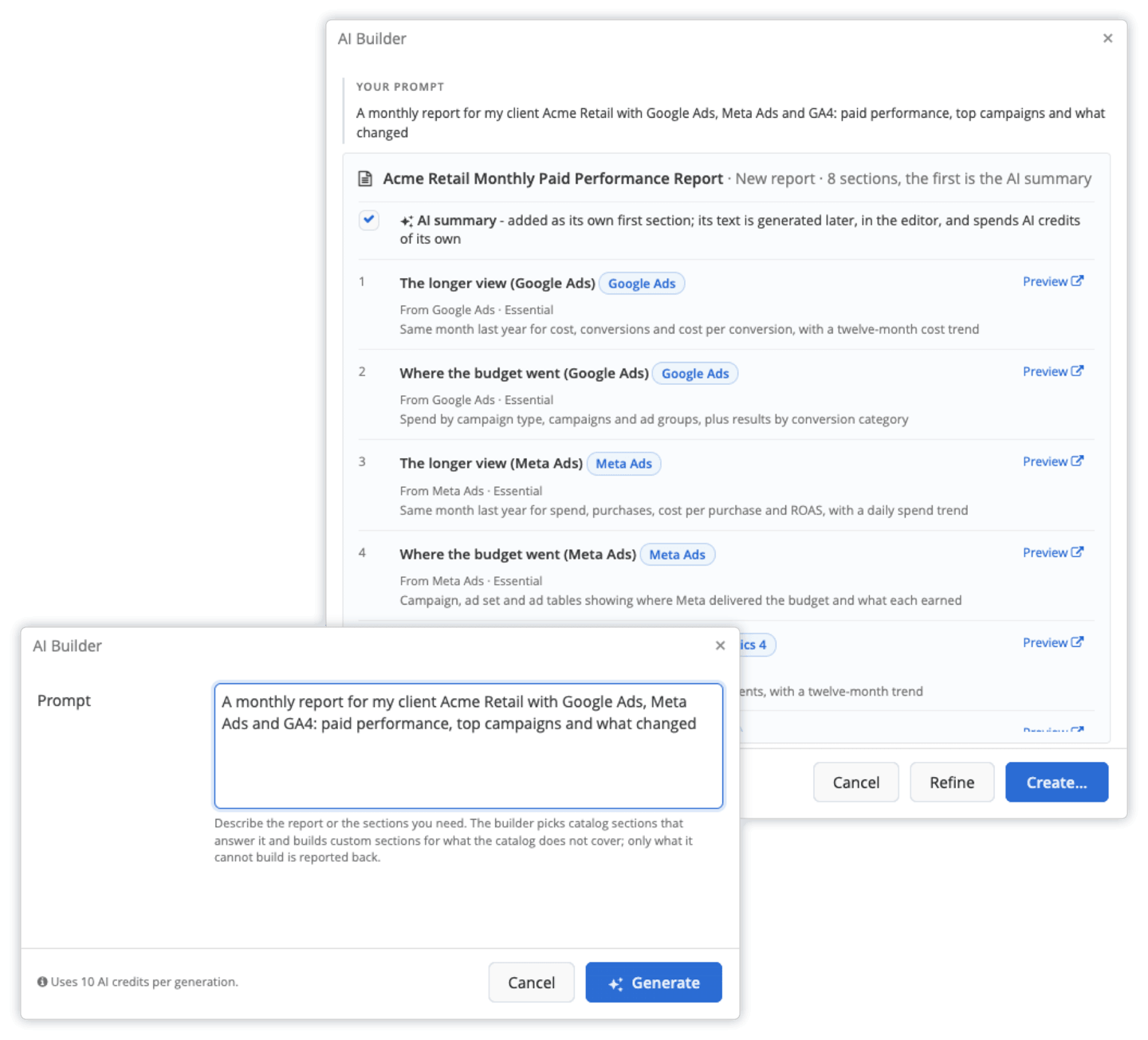
Describe the report you need in plain English, and AI Builder proposes the sections, the widgets inside them, and the data sources each one reads from. A prompt such as "create a monthly report for an e-commerce client using Google Ads, Meta, and GA4, with an executive summary at the beginning" generates a complete report you can review, approve, or refine with another prompt, slashing the time taken for report-building into a few minutes instead of hours.
If a metric does not exist in your connected accounts, AI Builder tells you what it could not do instead of leaving it out silently. You can build a one-off report for a single client or save the result as a template for your whole roster.
AI Widget
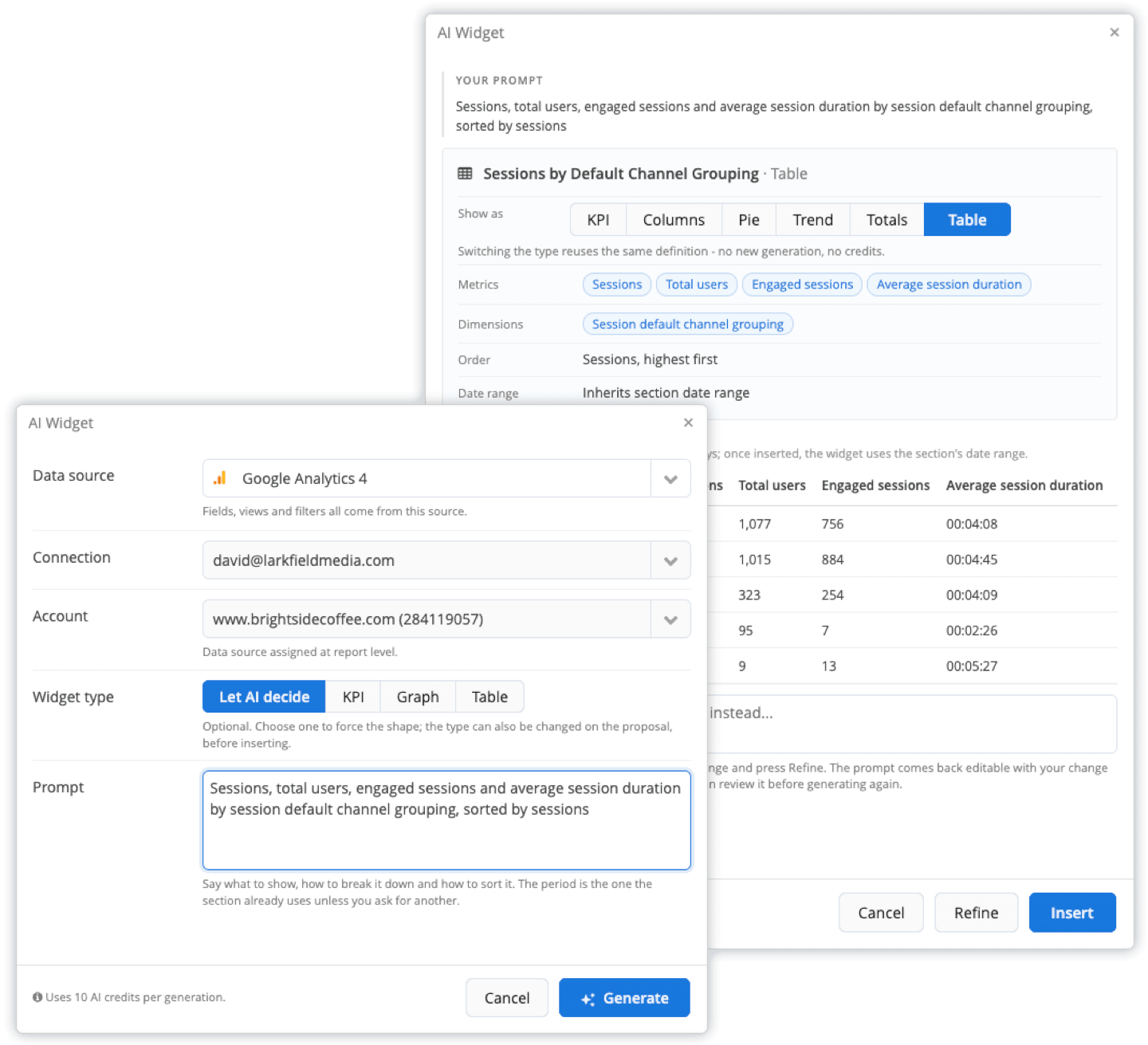
Sometimes you do not need a whole new report, just one chart that is not in the standard widget library. AI Widget builds custom widgets from a sentence, such as "show cost and conversions by campaign this month versus last month, with the worst performers first."
It runs the widget against your real data before proposing it, so you review the live result. All it takes to change the result is another sentence, whether you want a different time period, an extra column, or a different sort order.
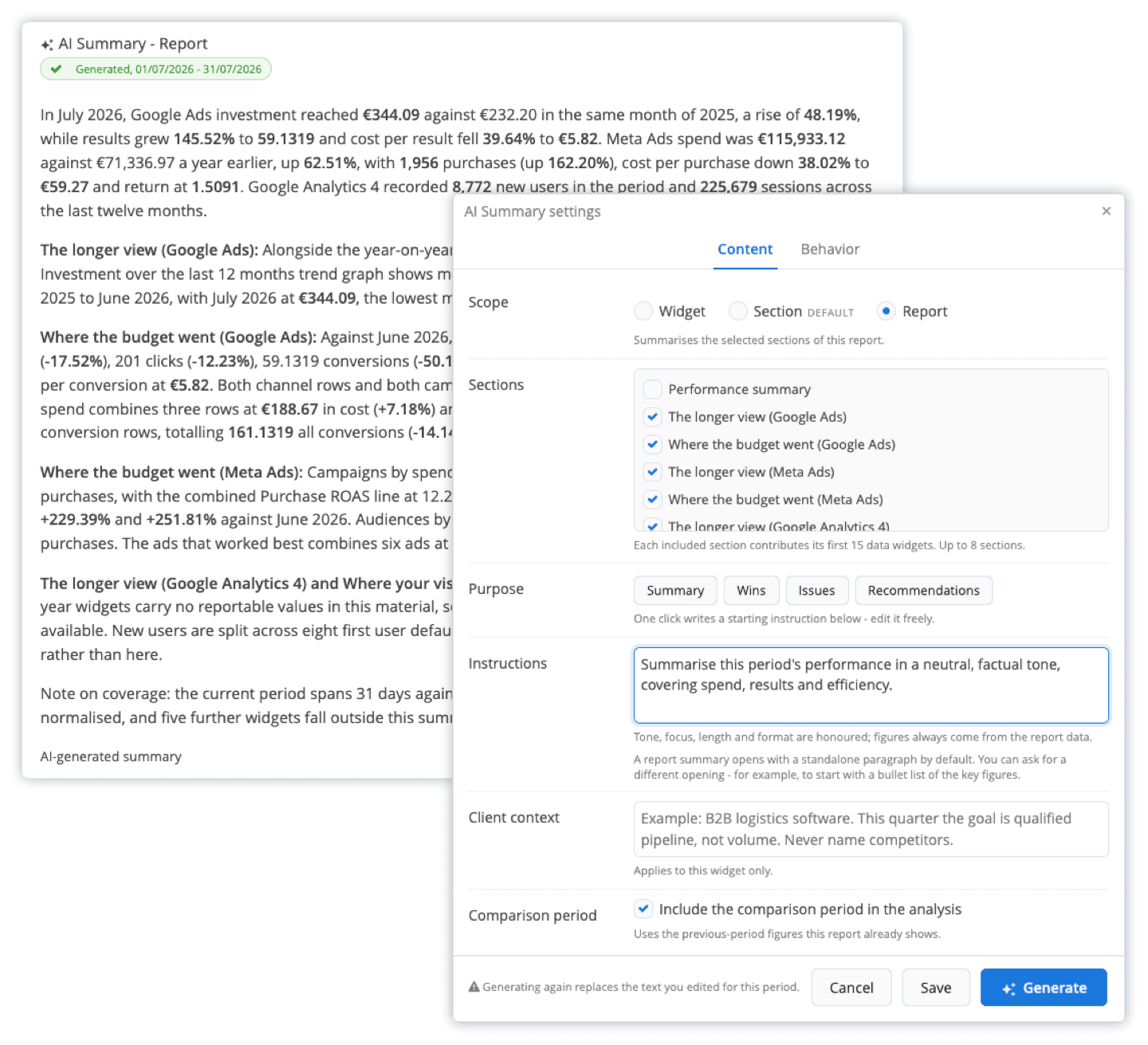
AI Summary generates written analysis from the numbers in the report. You can use it for performance reviews, executive summaries, or channel breakdowns while adding your own instructions on top.
Turning on comparison mode lets the AI read the current period against the last one and name the movements that matter. The summary is included in the PDF, the scheduled email, and the client portal, in whatever language the report uses.
Pricing
Every Reporting Ninja plan includes the full feature set. Only the report count and account limits change between tiers.
Plan
Price (billed annually)
Price (billed monthly)
Reports
Accounts per type
Starter
$20/month
$25/month
10
10
Small
$40/month
$50/month
30
30
Medium
$70/month
$88/month
70
70
Large
$120/month
$150/month
150
150
Every plan starts with a 15-day free trial, and no credit card is required to sign up. Quarterly billing is also available at a 10% discount.
Where Reporting Ninja shines
Several reporting formats on one plan: You can work in the built-in custom reports platform, Looker Studio, Google Sheets, or through the API and MCP. That helps when different clients or internal teams need different delivery formats.
MCP access: Analyze performance across any marketing channel using plain language prompts inside your favorite AI tool, including Claude and ChatGPT. Reporting Ninja figures out what you have connected, pulls data from the exact fields you want, compares periods and blends channels, then hands the answer directly to your assistant.
AI inside the reporting workflow: AI Builder, AI Widget, and AI Summary cover report structure, individual visualizations, and written analysis. Generated content requires approval, so you keep control of the final report.
Pricing for lean teams: The Starter plan is $20 per month billed annually, and the platform does not charge a separate subscription for each reporting format.
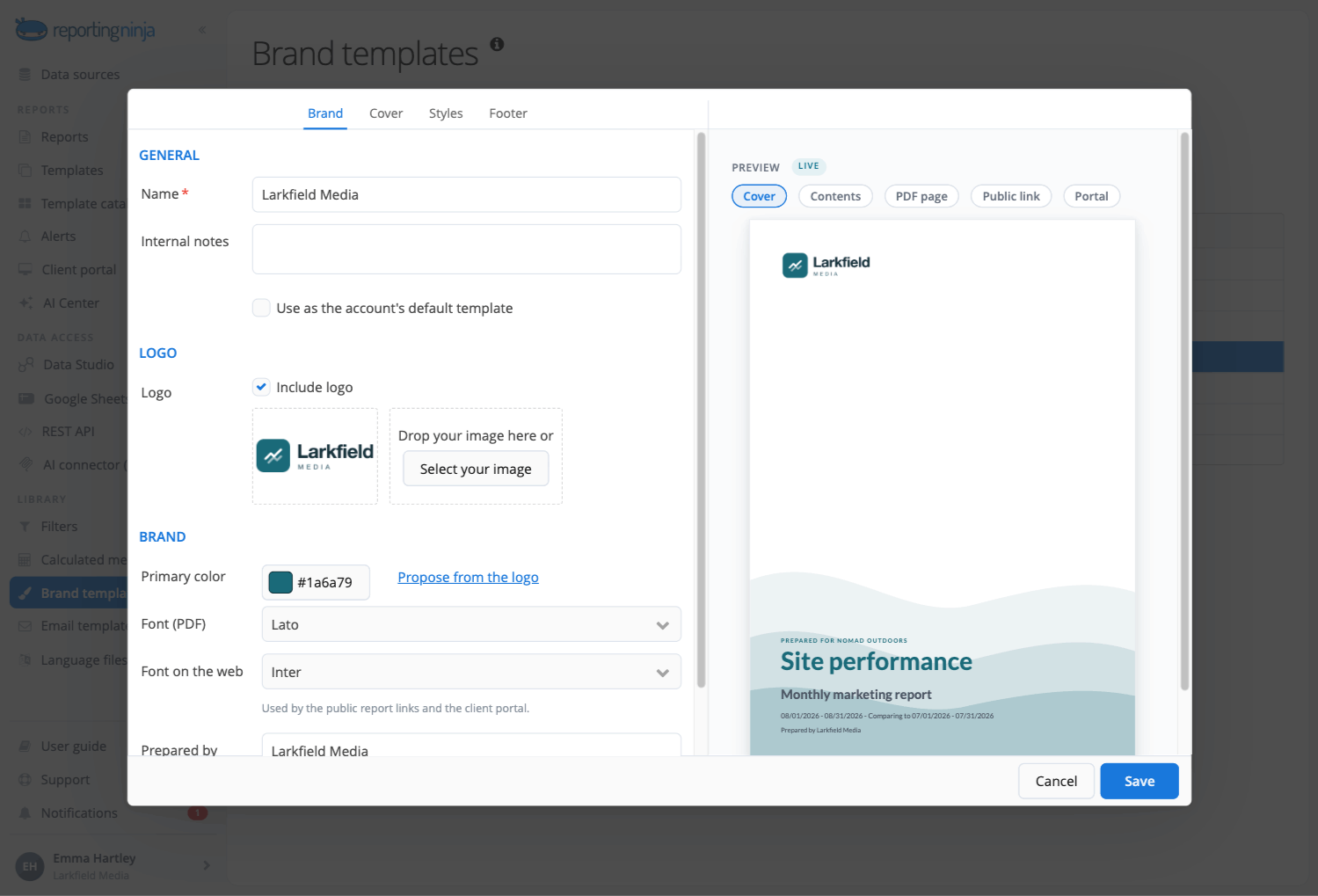
Custom, scheduled delivery: With Reporting Ninja’s custom reports platform, you can white-lable client reports and schedule them to be sent out regularly, without having to do it manually month after month
{{cta-block-v1}}
Where Reporting Ninja falls short
The AI features are in beta: Credit allowances are still provisional, and the feature set is changing based on customer feedback.
No phone or live-chat support: Support runs through email, which suits self-serve users but will not fit a team that expects to reach someone immediately.
Customer reviews
"It’s easy to use and comes with very good customer support. It works with many data sources, can send automatic reports by email, and also includes connectors for Google Data Studio and Google Sheets." László V., G2
The ability to integrate data from various marketing channels and turn them into such well-crafted reports saves us a lot of time while enhancing our clients' experience." Stephanie Barbieri, Studio 33.
Who Reporting Ninja is best for
The agency operator: Someone running recurring reports across several client accounts who wants scheduled, white-labeled reports without rebuilding them each month.
The freelance marketer: A solo PPC, SEO, or social specialist who bills by the client and needs a professional report quickly.
The in-house performance marketer: Part of a small team who wants one combined view across channels instead of moving between platform dashboards.
Every Reporting Ninja plan includes all integrations, white-label branding, and the AI features, so there are no separate line items that add to your costs. Start your free 15-day trial and build your first AI-powered report from your connected accounts.
2. AgencyAnalytics
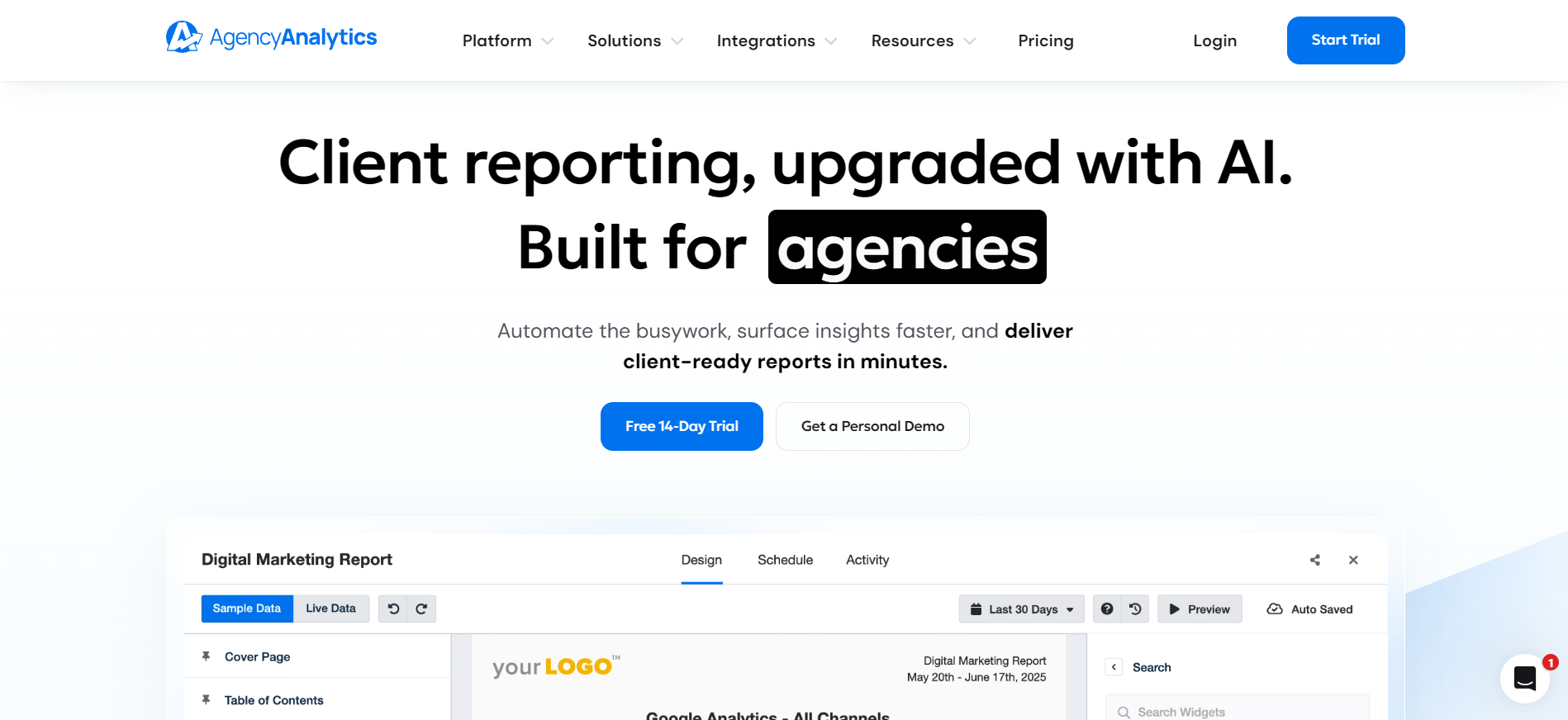
AgencyAnalytics is built around agency reporting and client management. It now sells a single Core plan priced per client, with automated reporting, white-label branding, client portals, AI insights, 85+ integrations, forecasting, anomaly detection, and MCP access for ChatGPT and Claude all included.
Key features
AI Summary and Ask AI: AgencyAnalytics turns connected dashboard data into written insights and answers questions about account performance. AI Summary generates an overview automatically, while Ask AI lets users query their data in plain language to investigate trends or unusual changes.
AI Tracker: AI Tracker monitors how a client's brand appears in AI-generated answers on platforms such as ChatGPT and Google's AI Overviews. It tracks visibility, sentiment, position, and citations, and runs as a paid add-on priced per 250 credits.
Pricing
Plan detail
Price
Core, per client, billed annually
$20 per client/month
Enterprise (25+ clients)
Custom quote
AI Tracker add-on
$20.83/month per 250 credits, billed annually
Rank Tracker add-on
$41.67/month per 500 keywords, billed annually
Where AgencyAnalytics shines
Broad marketing coverage: The platform supports 85+ integrations across SEO, PPC, email, and call tracking, with no upgrade needed to reach them.
Unlimited staff and client users: Pricing scales with clients, not seats, so adding team members costs nothing extra.
Where AgencyAnalytics falls short
Rank tracking and AI visibility monitoring cost extra: Both are paid add-ons on top of the per-client rate. Plus they’re currently in beta, so performance isn’t proven.
Per-client pricing suits fewer, larger clients: A roster of 15 low-budget clients costs the same as 15 large ones.
Customer reviews
"I like that AgencyAnalytics lets me customize every report and widget... Plus, the support team has been extremely helpful, impressively so."Brittany H., G2
"Sometimes clients have more websites and integrations that belong to the same customer...that's a limit, as I would like to compare them all together." Verified User, G2
Who AgencyAnalytics is best for
SEO and PPC agencies: Teams that want rank tracking and paid media reporting in one platform are the clearest fit.
Agencies with fewer, larger clients: Per-client pricing works best when the cost is not spread across a long list of small accounts.
3. Whatagraph
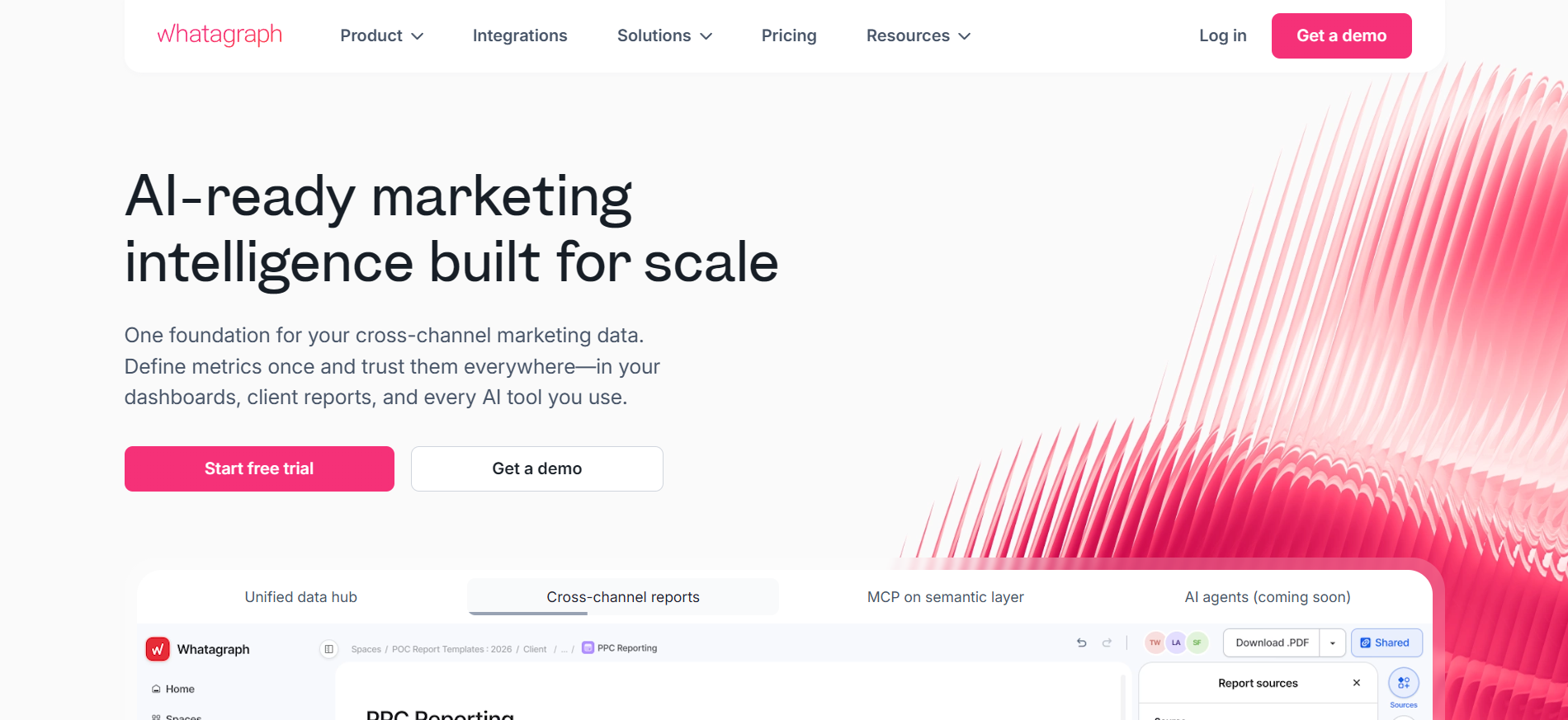
Whatagraph is a marketing intelligence platform built around one governed data layer that feeds dashboards, reports, and its AI assistant. It is aimed at mid-size agencies and multi-location operators who want AI answers based on the same numbers that appear in the client report.
Key features
Whatagraph IQ: Whatagraph IQ is included on every plan and covers four things: report creation, report themes, plain-language performance summaries, and a chat interface for follow-up questions. It reads from the platform's governed data layer rather than raw API output.
AI-assisted data organization: IQ+, available on the Prime plan, creates custom dimensions by grouping data according to your instructions and examples. This helps when you need to classify campaigns or other reporting dimensions consistently across clients.
Pricing
Plan
Price
Source credits
Max
From $812/month, billed annually
From 50
Prime
Custom, billed annually
Custom
One source credit equals one connected data account. Both plans include unlimited users and unlimited reports, and both require a demo call to buy.
Where Whatagraph shines
The AI reads from the same governed data as the report: That consistency matters when a client asks a follow-up question about a number they already saw.
Unlimited users and reports on every plan: Adding team members or building more reports does not change the bill.
Where Whatagraph falls short
The entry price is out of reach for most freelancers and small agencies: At $812 per month billed annually, it is priced for teams already managing meaningful ad spend.
No self-serve signup: Both plans require a demo call, and annual billing is the only option.
Customer reviews
"The easy report sharing feature has been a big plus for us... The technical support has been very responsive and relentlessly helpful." Anna A., G2
"Pricing is a little higher than other reporting platforms." John S., G2
Who Whatagraph is best for
Mid-size agencies and multi-location brands: Teams already spending several hundred euros a month on reporting tools who want one platform instead of several stitched together.
4. DashThis
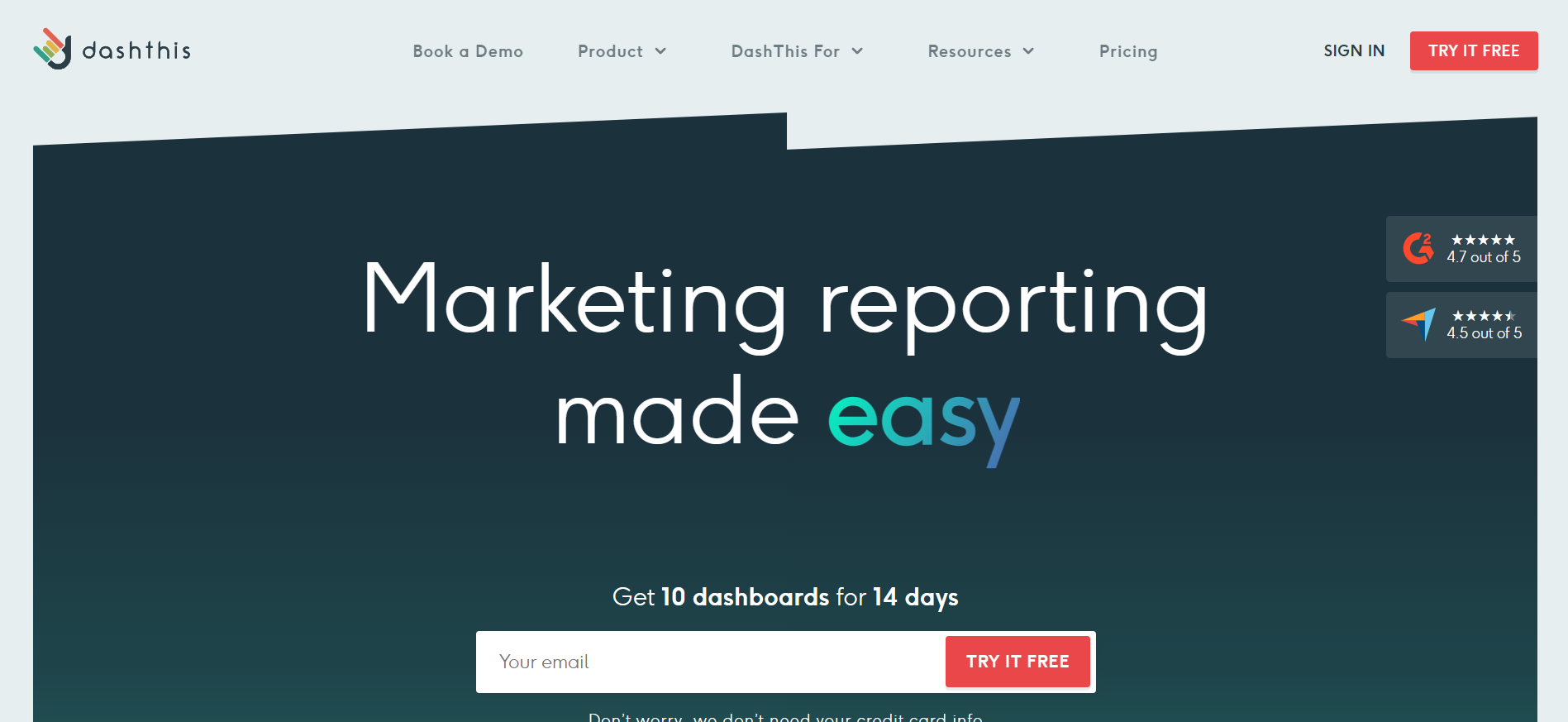
DashThis is a dashboard-first reporting tool built around preset templates, so agencies can launch a working dashboard quickly rather than designing one from a blank page. Its plans are priced by the number of dashboards and connected sources you use.
Key features
AI Insights: AI Insights runs on every dashboard automatically and breaks its read into four categories: summary, wins, opportunities, and issues. No manual request is needed, and it is included on every plan.
AI Insights Pro: AI Insights Pro is a paid add-on that adds Chat Mode and Dashboard Context. Chat Mode lets a user ask follow-up questions inside the dashboard, and Dashboard Context teaches the AI your goals, client specifics, and reporting style.
Pricing
Plan
Price (billed annually)
Dashboards
Sources
Individual
$44/month
3
15
Professional
$139/month
10
40
Business
$279/month
25
100
Standard
$429/month
50
200
AI Insights Pro is $19 per month, or $15 per month billed yearly. The free trial gives you 10 dashboards for 14 days.
Where DashThis shines
AI Insights comes standard, not as an upsell: Every plan includes the summary, wins, opportunities, and issues breakdown without an add-on.
White-label is included on every plan: Custom logo, custom color themes, custom domain, and custom sender email are all included at the entry tier, along with unlimited users and unlimited integrations.
Where DashThis falls short
Source limits arrived with the new pricing: Each plan now caps connected sources as well as dashboards, and a single ad account counts as one source no matter how many widgets use it.
Chat Mode costs extra: The included AI Insights is useful but limited to four preset reads compared with the Pro add-on.
"The biggest frustration I encounter is the awkward workflow for building advanced segmented filters... I also face inconsistent data refresh timing for connected integrations."Verified User, G2
Who DashThis is best for
Small agencies wanting speed over customization: Teams that would rather start from a template and adjust than build a dashboard from scratch.
5. Swydo
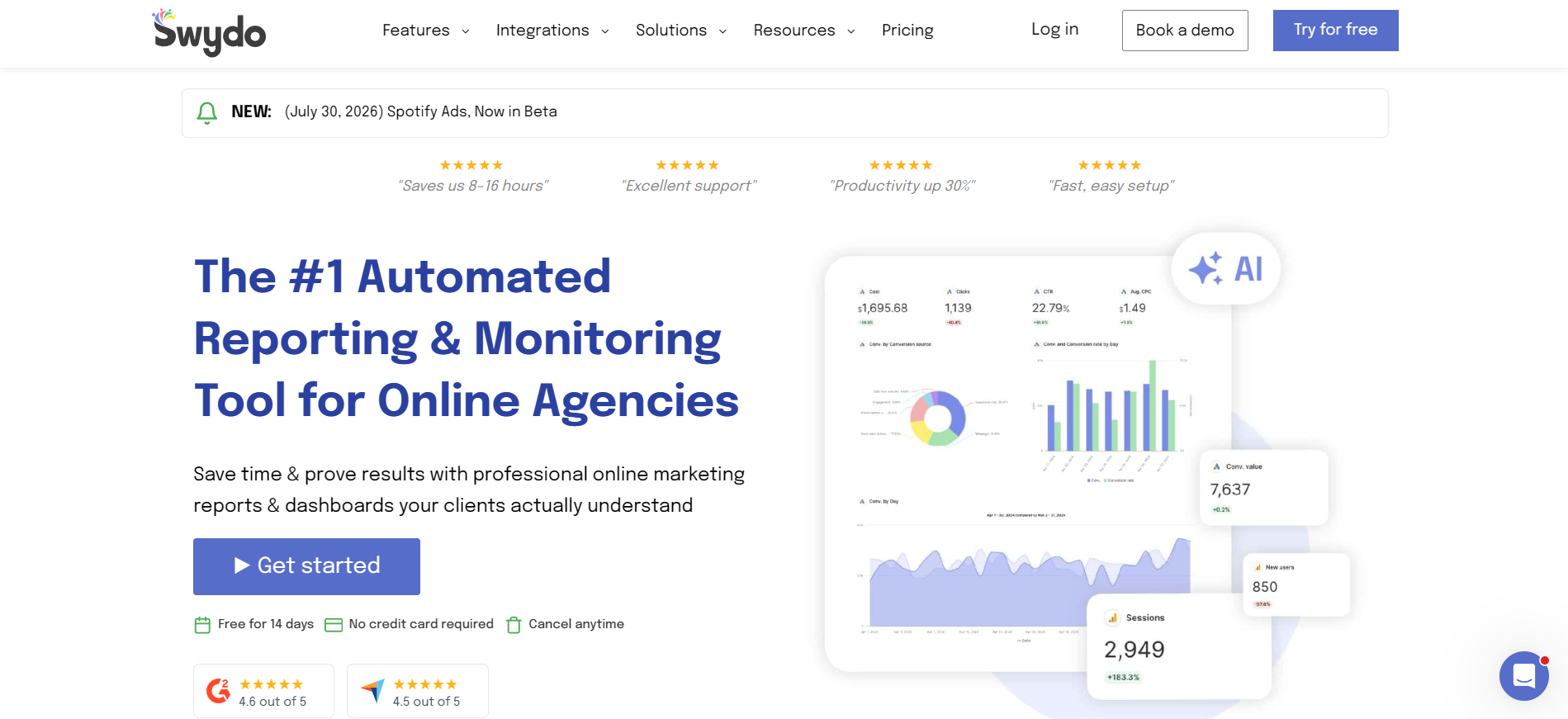
Swydo is a marketing reporting platform aimed at agencies. Its AI features include an AI-powered report builder and AI report summaries, and its wider workflow includes reusable templates, automated data-source health checks, client portals, and scheduled reporting.
Key features
Swydo AI report building and summaries: Swydo AI builds and edits report widgets from a written prompt. It can also insert a written summary into every scheduled report email automatically, so clients get context alongside the numbers without a manual write-up.
Automated reporting workflow: Swydo supports reusable and dynamic report templates, scheduled delivery, client portals, and daily data-source health checks. These matter when the same reporting process runs across many client accounts.
Per-source pricing rewards a focused account setup: An agency connecting two or three platforms per client scales more cheaply here than under per-client pricing.
Proactive monitoring catches broken connections early: Automated health checks flag an expired token before a scheduled report goes out with missing data.
Where Swydo falls short
Sources add up quickly for multi-channel clients: An agency running six platforms per client reaches the per-source overage fast.
No MCP server or public API listed: Swydo's AI works inside the platform itself. Custom data outside its 38+ native integrations runs through its Google Sheets integration.
Customer reviews
"I really like Swydo for its simplicity and the flexibility of using multiple platforms...The ability to have quick reporting and shared links with clients that don't change is fabulous."Verified User, G2
"It got disconnected from time to time, and we have to reconnect, refresh, and reload the pages...not all the data can be carried over."Kerry W., G2
Who Swydo is best for
Agencies with a stable, focused client setup: Teams reporting on a consistent two or three platforms per client, where per-source pricing stays predictable.
Freelancers and small agencies: Users who want reusable templates and recurring client reports on a schedule.
6. Databox
Databox pairs live KPI dashboards with Genie, its AI analyst, and an MCP server that lets you ask questions about your metrics in plain language rather than building a new chart each time. It connects to 130+ tools, spreadsheets, databases, and APIs.
Key features
Genie AI analyst: Genie answers plain-language questions about connected metrics and works as a conversational layer over live dashboards. It is included on every plan, including the free one, and draws on a monthly AI credit pool.
MCP server and performance summaries: The MCP server connects Databox to ChatGPT or Claude so you can query trusted metrics without leaving your workflow. It is included from the Analyst plan up. Performance summaries and anomaly detection are included on every plan.
Pricing
Plan
Price (billed annually)
Users
Data sources
AI credits/month
Free
$0
1
3
50
Analyst
$71/month
1
5
150
Team (Core)
$199/month
3
10
500
Team (Scale)
$399/month
10
30
1,000
Agency
From $79/month
Unlimited
20
300
Agency adds capacity through client packs at $20 per month each, covering one client, five data sources, and 50 AI credits. Add-ons include an AI credit top-up at $200/month.
Where Databox shines
AI with KPI management: Databox combines AI analysis with dashboards, goals, anomaly detection, and reporting. AI credit allowances are published, so you can see how usage maps to your plan.
Conversational access to your metrics: Asking Genie a plain-language question is faster than building a new widget for a one-off request.
Where Databox falls short
Adding data sources usually means a full plan tier: Outside Agency client packs, extra sources are not sold individually, so moving from 5 to 10 sources means moving from Analyst to Team.
Free and Analyst are single-user plans: A two- or three-person team outgrows them immediately.
Customer reviews
"All data sources in one place makes it easy to access critical business metrics...Simple integration with a variety of the major platforms ensures that you have one place to compare, link, and report on the metrics for your business." Nancy S., G2
"I wish there was a way that when you change the template, it applies automatically to your current clients; that would save a ton of time...More integrations, AI insights, and being able to make changes a bit faster and easier for multiple accounts." Stephanie O., G2
Who Databox is best for
Teams wanting business intelligence beside marketing reporting: Goal tracking, KPI monitoring, forecasting, and a conversational analyst matter more here than white-labeled report design.
7. Supermetrics
Supermetrics moves marketing data from ad platforms into the destination where you work. In 2026 that list includes Claude, ChatGPT, and Microsoft Copilot alongside Looker Studio, Google Sheets, Excel, and Power BI.
Key features
AI chats as core destinations: Supermetrics treats Claude, ChatGPT, and Copilot as core destinations in the same way it treats Looker Studio or Google Sheets. You pick one core destination per plan, so an agency choosing Claude gives up Looker Studio unless it buys an extra destination.
Supermetrics Studio and AI credits: Every plan includes Supermetrics Studio with a monthly AI credit allowance: 4,000 credits on Starter and 12,000 on Growth. Data API and MCP access is metered by rows, at up to 50,000 rows per month on Starter and 250,000 on Growth.
Pricing
Plan
Price (billed annually)
Data sources
Users
Accounts per source
Starter
From $39/month
3
1
3
Growth
From $159/month
6
2
7
Pro
From $399/month
10
3
10
Enterprise
Custom quote
Custom
Custom
Custom
On Growth, extra destinations are $149/month (up to 2), extra users $99/month (up to 5), extra data sources $29/month (up to 9), and extra accounts $10/month (up to 15).
Where Supermetrics shines
AI chats are first-class destinations: You can send connected marketing data straight into Claude or ChatGPT without a separate connector product.
Broad connector coverage: The catalog spans paid media, social, SEO, web analytics, ecommerce, CRM, and review platforms in one place.
Where Supermetrics falls short
One core destination per plan: Needing both Looker Studio and Google Sheets means buying an extra destination, and the add-on is priced higher than the entry plan itself.
It is not a report builder: You still need a destination such as Looker Studio, Google Sheets, or a platform like Reporting Ninja to produce the finished client report.
Customer reviews
"Building custom queries is very straightforward for me, even as someone who isn't a dedicated data analyst...The scheduled refresh function is heavily relied upon." Wiant B., G2
"The interface is quite basic and has not kept pace with developments in many tools that it connects to...many metrics that cannot be combined and can in fact be selected in Supermetrics, leading to failed reports." Wijbren V., G2
Who Supermetrics is best for
Teams with one fixed destination: Marketers who report in a single place, whether that is Looker Studio, Google Sheets, or an AI chat tool.
Data teams moving marketing data into a warehouse: BigQuery and Snowflake destinations sit on the Enterprise tier.
8. Windsor.ai
Windsor.ai is a marketing data integration platform that connects 350+ sources to reporting destinations and AI tools. Every plan includes access to all data sources and all destinations, including the Windsor MCP server.
Key features
Windsor MCP: Windsor MCP lets you query connected marketing and business data through plain-language prompts in ChatGPT, Claude, Copilot, Perplexity, and other AI chats. It returns answers without SQL or a manually built dashboard, and it is included on every plan.
Read and write actions on every plan: Windsor states that read and write functions, including pausing campaigns and adjusting budgets, are available on every plan. That is a meaningful difference from read-only connectors, and it is also a permission decision worth reviewing before you enable it.
Pricing
Plan
Price (billed annually)
Data sources
Accounts
Free
$0
1
1
Basic
$19/month
3
75
Standard
$99/month
7
75
Plus
$249/month
10
200
Professional
$499/month
14
500
Enterprise
Custom quote
Up to 200
Up to 50,000
All plans include unlimited users, all destinations, and up to 10 years of data history, with no premium connector fees.
Where Windsor.ai shines
All connectors and destinations on every plan: You do not pay more to reach a specific source or to add a second destination.
AI assistant access from the entry tier: Windsor MCP is included on the $19 per month Basic plan, not reserved for a higher tier.
Where Windsor.ai falls short
No built-in report builder: You still design the client-facing report somewhere else.
Source limits drive the price: Basic covers 3 sources and Standard covers 7, so a marketer running Google Ads, Meta, GA4, LinkedIn, and TikTok is already past the entry tier.
Customer reviews
"It's easy to use, and I like that I can test things out and see the results before committing to anything."Furkan O., G2
"What can be improved is some robustness of a few connectors, usually this is related to an event for the API's fault that happens that limits Windsor and needs to be adjusted, but for end customer it still affects day-to-day ingestions and 'freshness' of data."William G., G2
Who Windsor.ai is best for
Analysts who already have a reporting destination: Someone who needs reliable data delivery into an existing Looker Studio dashboard or AI chat tool, not a new report builder.
9. Oviond
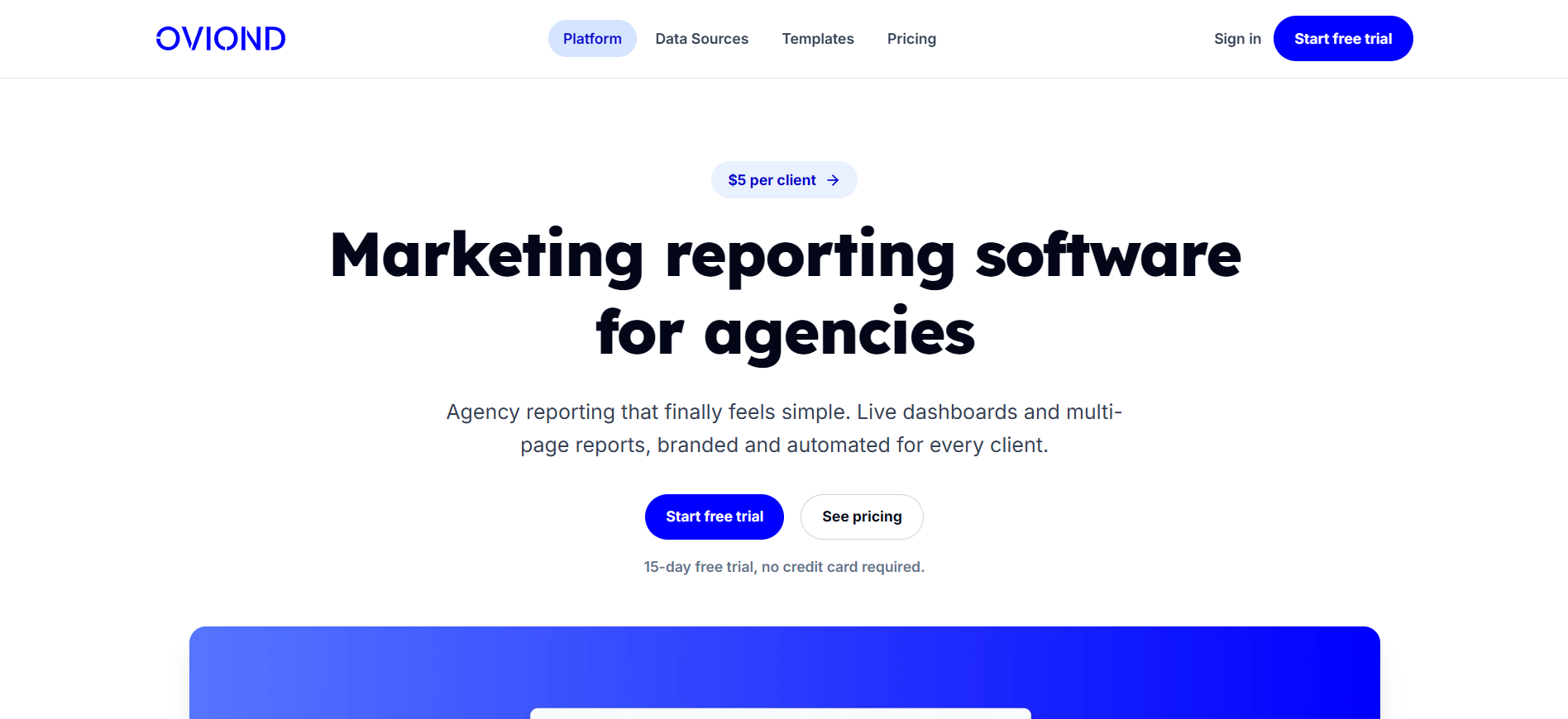
Oviond is an all-inclusive, client-priced reporting platform. One plan bundles white-label reports, a drag-and-drop builder, an API, and an MCP server, with no per-source credits or seat fees.
Key features
Oviond AI: Oviond AI generates written insights and report commentary inside the drag-and-drop builder, using GPT-based analysis of connected client data. Through MCP, a connected assistant can also add pages and widgets to a report on request, which you then finish by hand.
MCP server for report management: Oviond's MCP server lets Claude or ChatGPT manage clients, reports, dashboards, widgets, and templates through plain language, not only answer questions about data. It is included on every plan.
Pricing
Billing
Price per client/month
Minimum bill
Monthly
$5
$50/month at 10 clients
Annually
$4
$40/month at 10 clients
Published self-serve pricing covers 10 to 100 clients. Above 100 clients, pricing moves to a sales quote.
Where Oviond shines
One plan includes everything: White-label branding, a custom domain per client, API access, MCP, and unlimited team members all come standard.
The MCP server covers data queries and report management: You can ask an assistant to build a client's dashboard layout, not only summarize a number.
Where Oviond falls short
The 10-client minimum overshoots small rosters: A freelancer with two or three clients still pays for ten.
AI report creation is a newer workflow: Teams that want a mature native AI report generator may prefer a platform where AI report creation is already built into the main interface.
Customer reviews
"The dashboards are clear and easy to use, and the automated reports save us a significant amount of time once everything is set up...we are looking forward to exploring further to see how they can help streamline our reporting workflow." Brad M., Capterra
"Some of the data sources we need are not live, like ChatGPT Ads; a few recent updates required us to rebuild our reports." Chris R., Capterra
Who Oviond is best for
Agencies that prefer per-client pricing: Teams who want an all-inclusive plan and would rather pay by client count than by report and account allowance.
How to choose the right AI reporting software
Every tool on this list pulls in your marketing data. The differences appear in what happens after the data has been pulled.
Does it match your existing data sources?
Check the specific integrations you need before comparing AI features. A connector with 350 sources and no report builder is a worse fit than a 30-integration tool that covers exactly your stack.
Reporting Ninja includes every integration on every plan, including the Starter tier. See our integrations to confirm your sources are covered before you sign up.
Does the AI summarize, or does it act?
Most tools on this list write a summary of what already happened. A smaller number, including Windsor.ai, can take an action such as pausing a campaign. Decide which one you need before paying for the more advanced tier.
Reporting Ninja's AI Summary writes the analysis for each report without giving the AI write access to your ad accounts. That is a safer setup for teams who only want the writing done.
{{cta-block-v1}}
Is the report client-ready, or just a dashboard?
A live dashboard and a scheduled, white-labeled PDF are different deliverables. If your clients expect a branded document in their inbox each month, confirm the tool builds that rather than only displaying live metrics on a screen.
Per-client, per-source, and per-seat pricing models scale differently. Multiply your sources per client by your number of clients, then check that against each pricing page.
The advertised starting price is often not what you will pay later. Reporting Ninja's plans include all accounts and integrations from the Starter tier, so growth means adding report and account allowances rather than unlocking features you already have.
Does the data feeding remain consistent?
An AI summary repeats whatever the connected data says, so tracking problems reach the client as confident sentences. Filtering referral spam in Google Analytics and keeping a consistent UTM tracking structure decide whether the summary is worth reading.
Common mistake: Comparing only the advertised starting price across tools, without checking what happens when you add a fourth data source or a fifth client. That is usually where per-source pricing becomes more expensive than a flat-rate plan.
Reporting Ninja's plans include every account and integration from the Starter tier, and pricing starts at $20 per month billed annually. Start your free 15-day trial and compare the total against what you pay now.
Get reliable AI reporting in minutes with Reporting Ninja
If you are choosing between a connector tool, a report builder, and an AI chat plugin, Reporting Ninja covers all three in one subscription. You get Looker Studio connectors, a Google Sheets add-on, a custom reports platform, a REST API, and MCP access.
AI Builder, AI Widget, and AI Summary are included on every plan, so you can go from a plain-English prompt to a finished, client-ready report. If you want to compare the wider market first, our list of automated reporting tools and software covers the alternatives.
Start your free 15-day trial and connect your first client account to see Reporting Ninja generate a full report from a single prompt, with no credit card required.
FAQs
Are AI reporting tools safe for business data?
Mostly, yes. Security depends on the platform, connected data sources, permissions, and AI provider. Review each vendor's data-processing and access terms before connecting sensitive business data.
How accurate are AI-generated marketing insights?
Sometimes accurate. AI summaries describe what the connected sources show, so a broken connection or a missing account produces a confidently wrong summary rather than a warning.
Do AI reporting tools work with custom data sources?
Sometimes. Tools like Reporting Ninja support a Google Sheets add-on for data outside standard integrations, while narrower connector tools may only support their published list of platforms.
Can AI reporting tools generate reports in natural language?
Yes. Tools including Reporting Ninja, DashThis, and Swydo can build a report or a written summary directly from a plain-language prompt rather than requiring manual widget configuration.
Do AI reporting tools replace marketing analysts?
No. They automate parts of data collection, analysis, report creation, and explanation. A person is still needed to check data quality, business context, and the actions recommended from the results.
Elevate your marketing reports to the next level
Sign up for a 15 days free trial. No credit card required.
By clicking “Accept”, you agree to the storing of cookies on your device to enhance site navigation, analyze site usage, and assist in our marketing efforts. View our Privacy Policy for more information.