Analytics
September 1, 2026
Marketing intelligence report: What to include + examples



A marketing intelligence report is one document that answers a specific marketing question using market, competitor, customer, and channel data. Most teams keep that data in separate places, including ad platforms, analytics tools, competitor research, and a CRM.
Pulling all of it together by hand takes hours in every reporting cycle. Doing it without a clear question to answer takes even longer and produces less useful information.
This guide covers what to include in the report, the four types you can build, a five-step process for building one, the tools teams use, and the mistakes that make a report unusable.
People often use "marketing intelligence report," "market intelligence report," and "business intelligence report" to mean the same thing. The three offer different insights.
A marketing intelligence report should carry the information a marketing decision needs, including market trends, competitor intelligence, customer insights, channel performance, and recommended actions.
Each section answers a different question. Together they explain what is changing outside the business, what is happening inside it, and what the team should do next.
Market and industry trends cover what is shifting outside your own campaigns. This can include seasonal demand, category growth or decline, new regulations, pricing changes, and changes in how buyers research and purchase.
Without this section, a drop in performance metrics looks like a campaign problem even when the whole market slowed. For example, a B2B SaaS team might track hiring freezes in a buyer's industry, while an e-commerce brand might track category search volume ahead of a shopping season.
Competitor intelligence shows what competing businesses are doing and how their activity affects your marketing. Useful inputs include competitor messaging, website changes, product launches, pricing, advertising activity, customer reviews, and public announcements.
Agencies reporting for several clients usually keep this section short. Two or three competitors that come up in sales conversations are enough to fill the section.
Paid competitors need a tighter approach. You can use a competitor PPC analysis to look at competitor keywords, ad copy, and campaign performance and find out where auction pressure is building.
Customer and audience insights explain what your buyers do, need, and respond to. Useful inputs come from customer reviews, survey responses, search behavior, campaign engagement, conversion data, support themes, and sales feedback.
This section covers who engages with your marketing and why. It should name which segments convert best, which messages work, and where people leave the funnel.
The goal is to explain behavior, and a count of visits or clicks does not do that. An e-commerce brand, for example, will prefer purchase and repeat-rate data. A B2B team will use lead source and deal stage.
Channel and campaign performance shows how your marketing performs across paid search, paid social, email, organic search, content, and referrals.
Useful metrics include spend, cost per lead, customer acquisition cost, return on ad spend, conversion rate, leads, and revenue. Strong cross-channel marketing reporting connects those numbers to spend and offers a recommendation for each channel.
The emphasis depends on the type of business. An agency reports client outcomes and budget efficiency. A B2B SaaS team reports qualified leads and pipeline. An e-commerce brand reports orders, revenue, and average order value.
Choosing which numbers belong here is an important decision. The difference between KPIs and supporting metrics decides what goes at the top of the section and what supports it further down.
See how an AI marketing dashboard simplifies cross-channel reporting.
This section answers the question that matters most: what should the reader do with the information?
Every recommendation should point back to evidence in the report. If paid search produced more qualified leads at a lower acquisition cost, the recommendation is to review whether more budget should move to that channel.
The report gets more useful when every major section ends with a short written takeaway. Good marketing measurement starts from the decision the report supports and works back to the KPIs that answer it.
Writing those takeaways can be partly automated with AI-powered reporting tools.
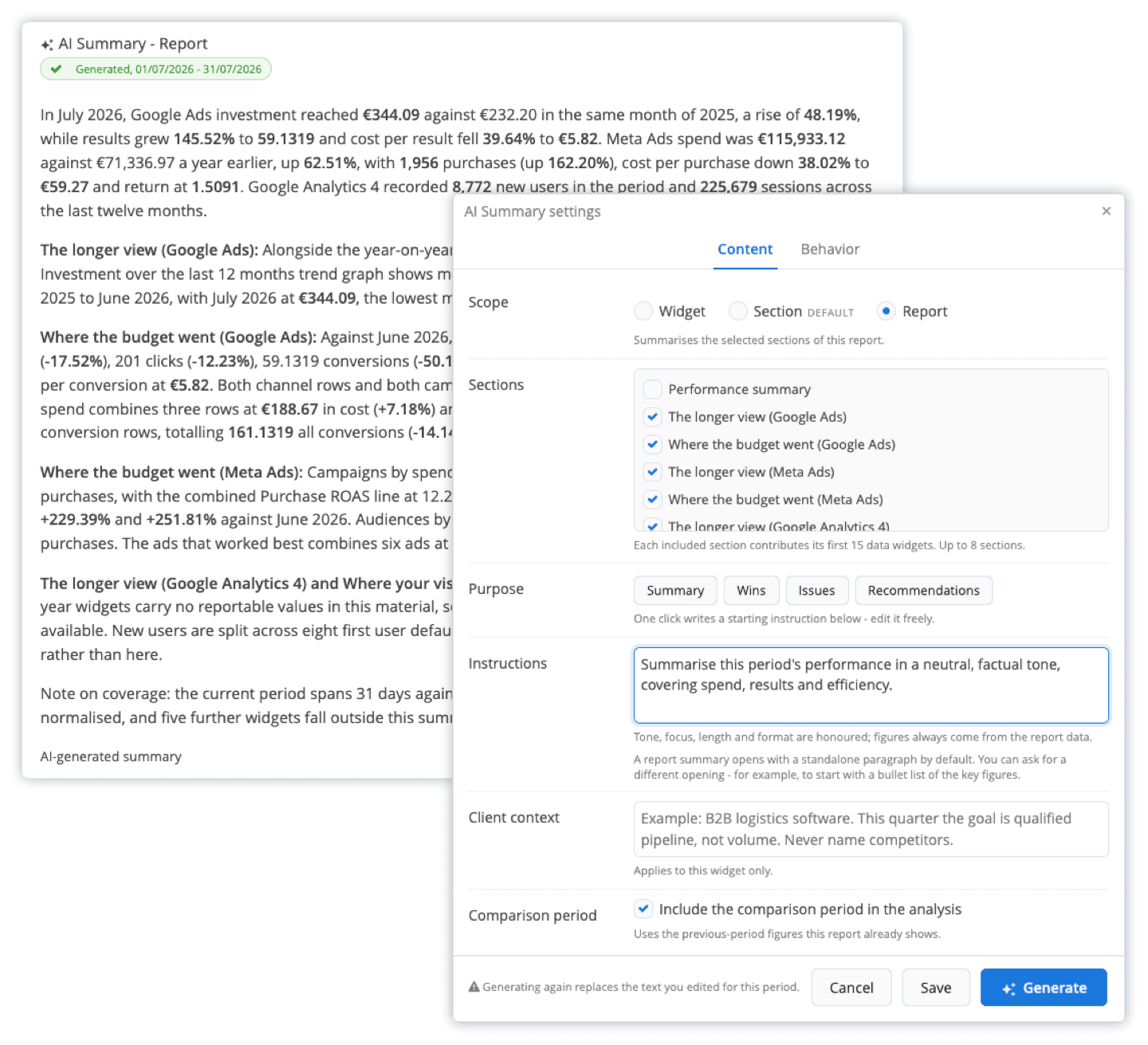
Inside Reporting Ninja's custom reports platform, the AI summary feature drafts a written analysis from the same connected data that your marketing report displays, and it can compare the current period against the previous one. The summary travels with the report into the PDF, the scheduled email, and the client portal for seamless delivery, and any sentence you edit stays edited on the next run.
Explore Reporting Ninja’s AI features.
The five sections we discussed above appear in different proportions depending on the report's purpose. Below are four common types of reports, each built for a specific audience and goal.
Objective: Track competitor pricing, messaging, and campaign activity to inform positioning.
Who it is for: Marketing leads, product marketers, sales, and agencies briefing a client before a pitch.
Key inputs: Competitor ad libraries, pricing pages, review site sentiment, and win-loss notes from sales.
When to use it: Before a pricing change, a product launch, or a competitive deal review.
This type is built almost entirely on the competitor intelligence section. Customer insight appears only where it explains why a competitor wins or loses deals.
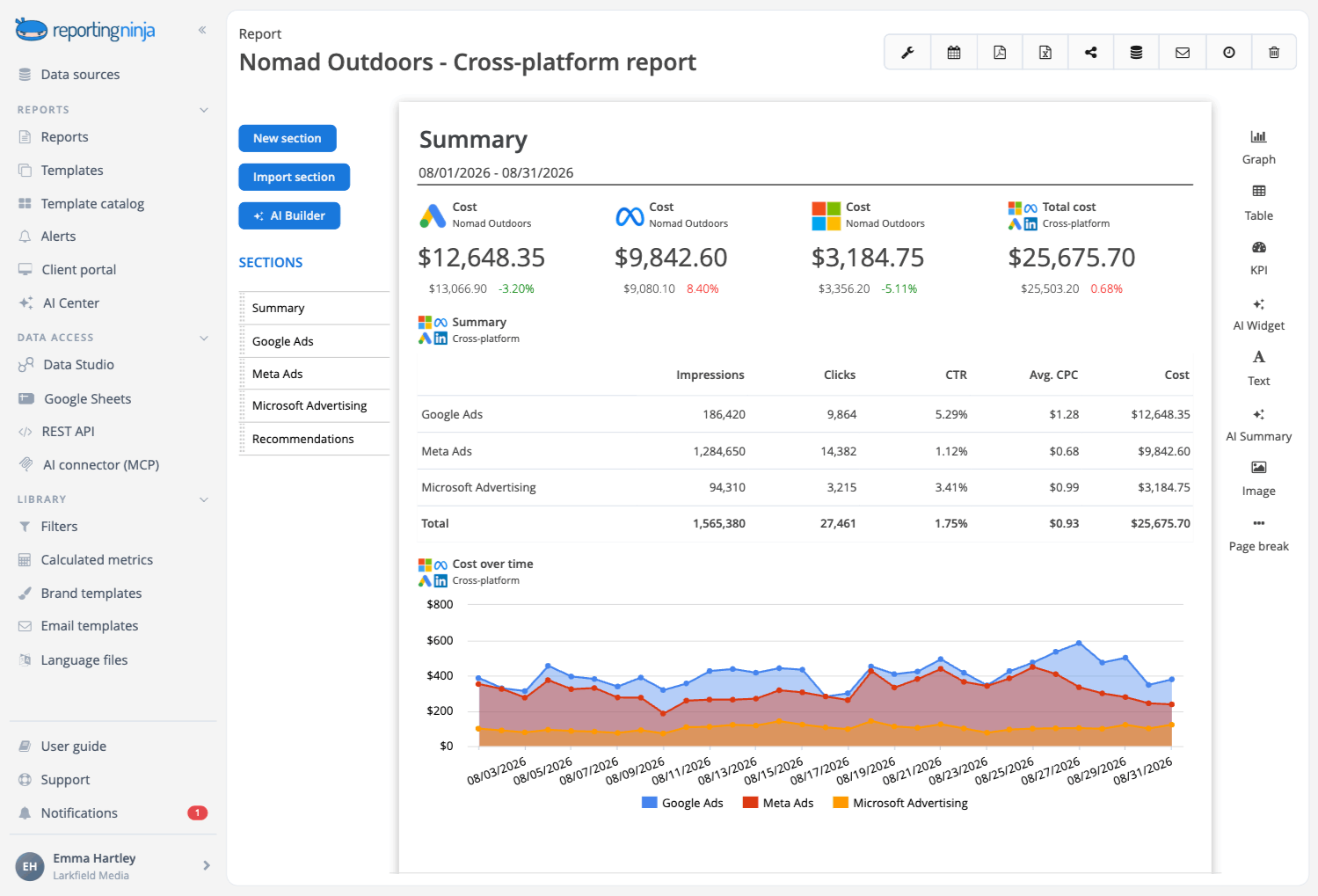
Objective: Show how marketing spend is performing across every active channel in one view.
Who it is for: Marketing managers, performance marketers, and agencies reporting to clients.
Key inputs: Spend, clicks, conversions, cost per acquisition, cost per lead, return on ad spend, revenue, and channel trends.
When to use it: When you need to review campaign results or decide how to allocate budget.
Most teams already produce something close to this. What makes it a marketing intelligence report is the market and competitor context sitting alongside the numbers.
Building the layout for this report from scratch each cycle is avoidable. A pre-built Data Studio reporting template can give you the structure you need.
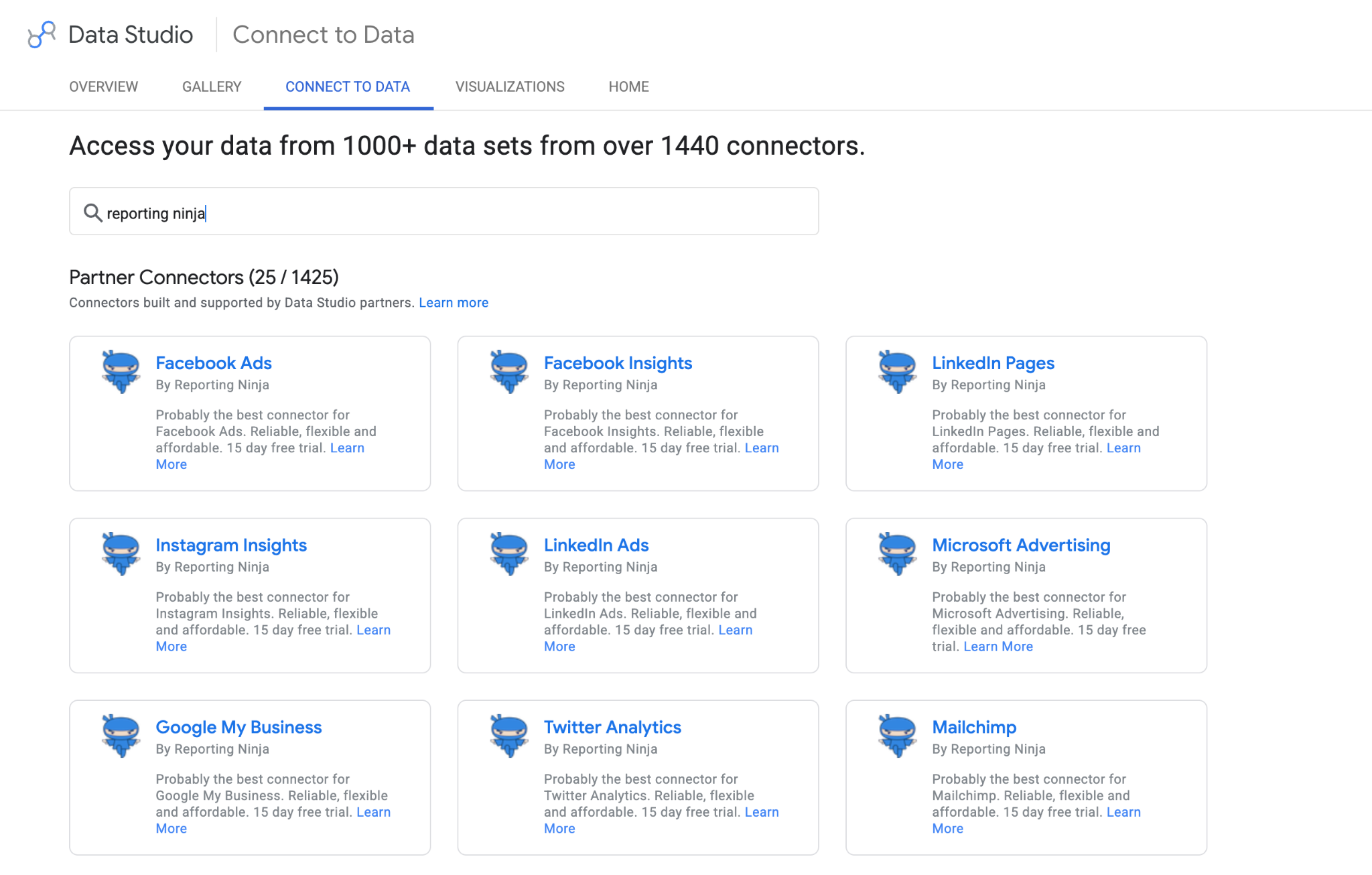
With reporting Ninja, you get templates for most channels, including Google Analytics, Google Ads, LinkedIn, YouTube, Facebook, Instagram, and more, and you can connect your own accounts to it to automatically fetch the latest data from each channel.
Access 25+ Data Studio connectors with Reporting Ninja.
Objective: Explain who converts, what they respond to, and where they drop off.
Who it is for: Growth marketers, lifecycle teams, product marketing, content, and anyone who owns conversion rate.
Key inputs: Customer feedback, reviews, audience segments, campaign engagement, conversion behavior, and surveys.
When to use it: When you need to refine messaging, identify segments, or understand why customers behave differently.
This type works best when audience behavior appears as a trend across periods. Isolated numbers make segment changes hard to compare.
Format choice matters here more than in the other types. The right approach to data visualization in marketing makes changes in segments and conversion behavior visible at a glance.
{{cta-block-v1}}
Objective: Give leadership a decision-ready view without the underlying detail.
Who it is for: CMOs, founders, agency account leads, and anyone presenting to a client or board.
Key inputs: The top two or three findings from each of the other report types, condensed to one page.
When to use it: For monthly or quarterly leadership reviews, alongside the fuller report.
The structure of a good data analysis report applies here in compressed form. State the finding, then the evidence, and close with the recommendation.
Start with the decision the report needs to support. Then collect only the information that decision needs, organize it, interpret it, and set a delivery schedule you can keep.
Before you open a dashboard, write down the decision this report supports. It might be whether to increase the paid social budget, how to stop losing deals to a named competitor, or which segment the next campaign should target.
From the decision, write two or three specific questions. If the decision is budget allocation, the questions might be which channel has the lowest cost per result this quarter and whether that changed from last quarter.
Those questions tell you exactly which data sources you need in step two. They also tell you which sources you can skip.
Agencies producing this report for several clients should template the questions once, then adjust two or three per client. The process stays repeatable, and each report still reflects what that client cares about.
With your questions written down, list every source needed to answer them. These usually fall into four groups:
Not every report needs all four groups in equal depth. A channel and campaign performance report draws almost entirely on the first group. A competitive intelligence report draws on the second.
Match the sources to the report type from the previous section. That keeps this step from becoming a list of every tool your team has ever used.
Once you know what data you need, get it into one place. Toggling between platform logins and pasting everything into a master spreadsheet wastes hours every week.
For channel data, connecting platforms directly into one Data Studio report or spreadsheet removes the export and paste cycle. The data refreshes on its own between reporting cycles.
There are several ways to do this, and the practical differences between them are covered in this guide to marketing data integration. Manual integration works at small volumes and stops working as accounts and channels are added.
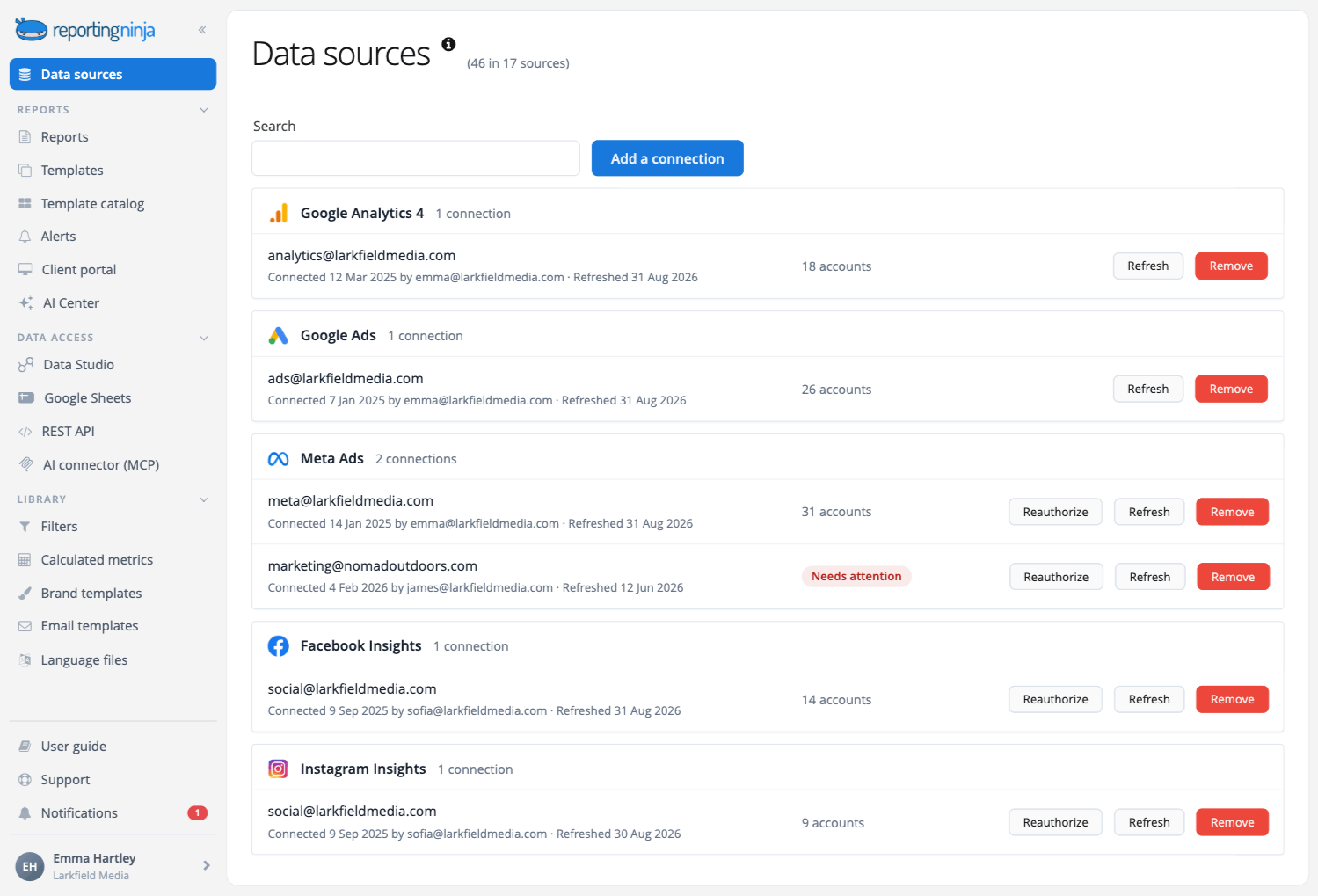
Reporting Ninja helps you handle this step without the hassle. It pulls connected marketing channels into a single report and keeps them current, eliminating the weekly manual refresh cycles. Start a free 15-day trial and connect your first two channels to see Reporting Ninja in action.
For each section, write one sentence on what happened, one on the likely cause, and one recommending an action. If a channel's cost per result rose 20%, check whether a competitor increased bids in the same auction, then recommend moving budget to a channel where that competitor is less active.
The same approach applies to content. Useful content marketing analytics tie content performance to a marketing outcome, and traffic or engagement reported on its own does not support a decision.
Single-channel dashboards create a specific blind spot. As this guide to analyzing marketing data explains, assisted conversions and blended costs only appear once channels are compared side by side.
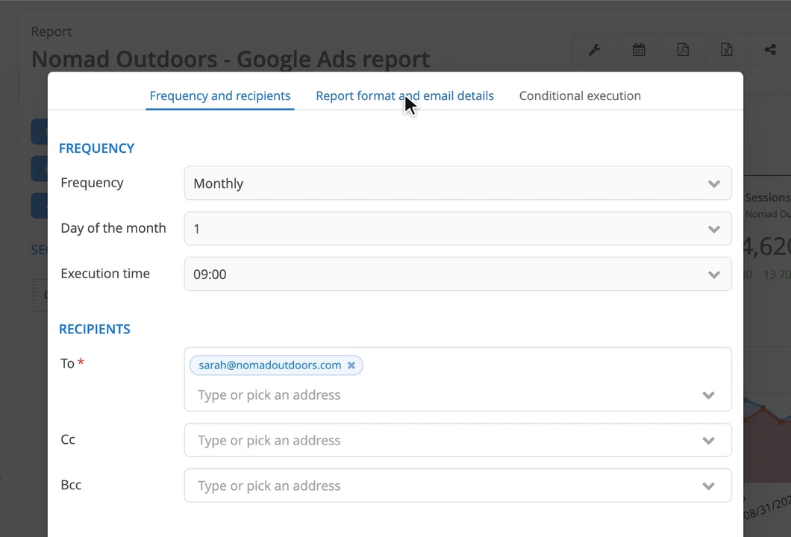
Choose a reporting schedule based on how fast the underlying data moves. Daily reporting suits active paid campaigns with strict spending limits. Weekly reporting suits campaign management. Monthly or quarterly reporting suits broader strategic decisions.
For agencies running this across several clients, a fixed cadence and a fixed format keep the workload manageable as the client list grows. Automated marketing reports maintain the schedule without someone having to remember it.
The delivery format depends on how immediate and how deep the answer needs to be. The practical difference between a dashboard and a report decides which one your audience should receive.
See how AI marketing reporting simplifies recurring reports.
No single tool covers every part of marketing intelligence. Most workflows use one tool to consolidate channel performance data and a second to track competitors and the market.

Reporting Ninja is a marketing reporting platform for freelancers, small agencies, and lean in-house teams. It consolidates cross-channel data into a custom report, a Data Studio report, or a Google Sheet. You also get a REST API and an MCP server for pulling connected data into your own systems or querying it through a tool like Claude or ChatGPT.
Plans start at $20 a month billed annually, or $25 billed monthly.
{{cta-block-v1}}
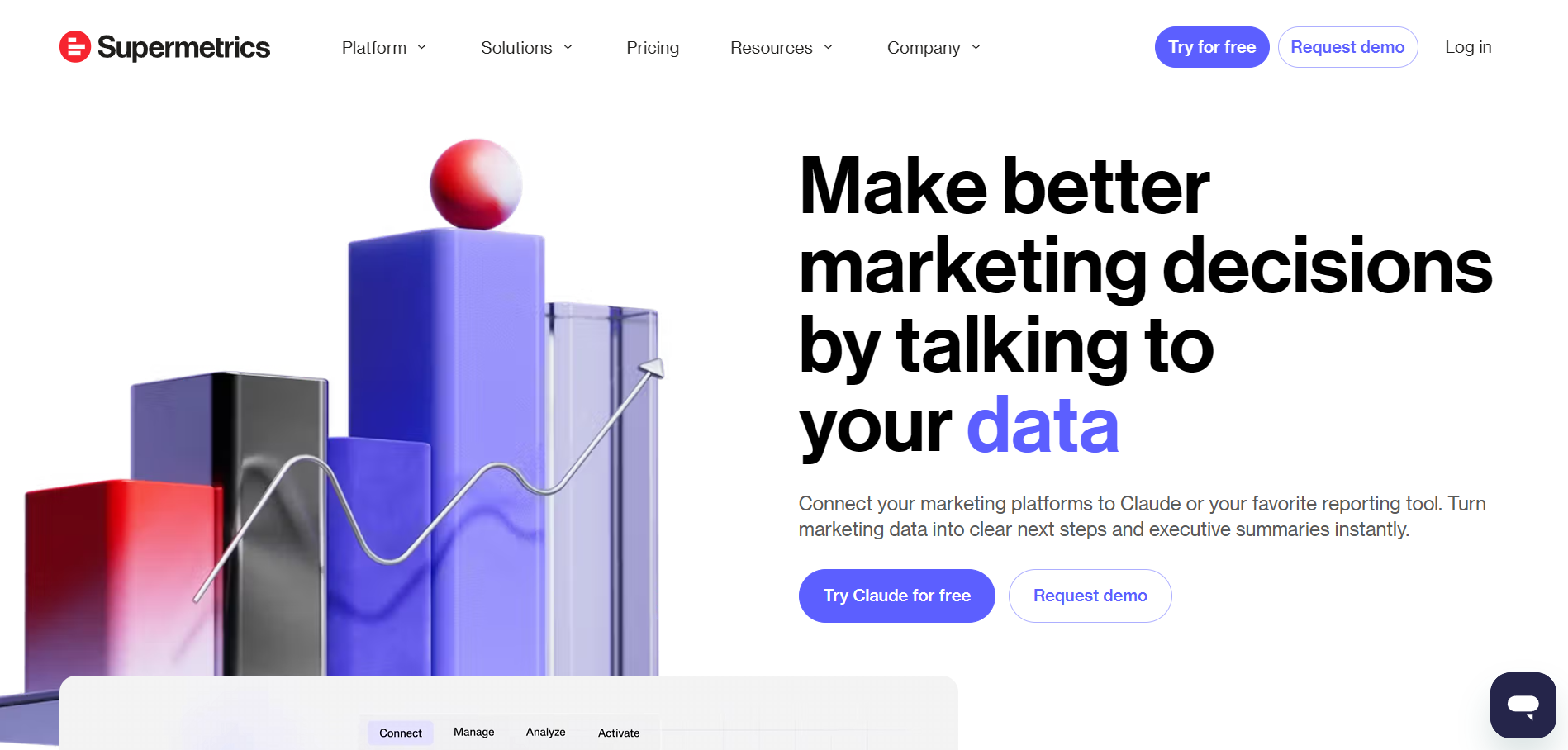
Supermetrics is a marketing data platform that moves data from advertising and analytics sources into reporting destinations. Its Starter plan is $44 a month billed yearly, or $55 billed monthly. The Growth plan is $177 a month billed yearly.
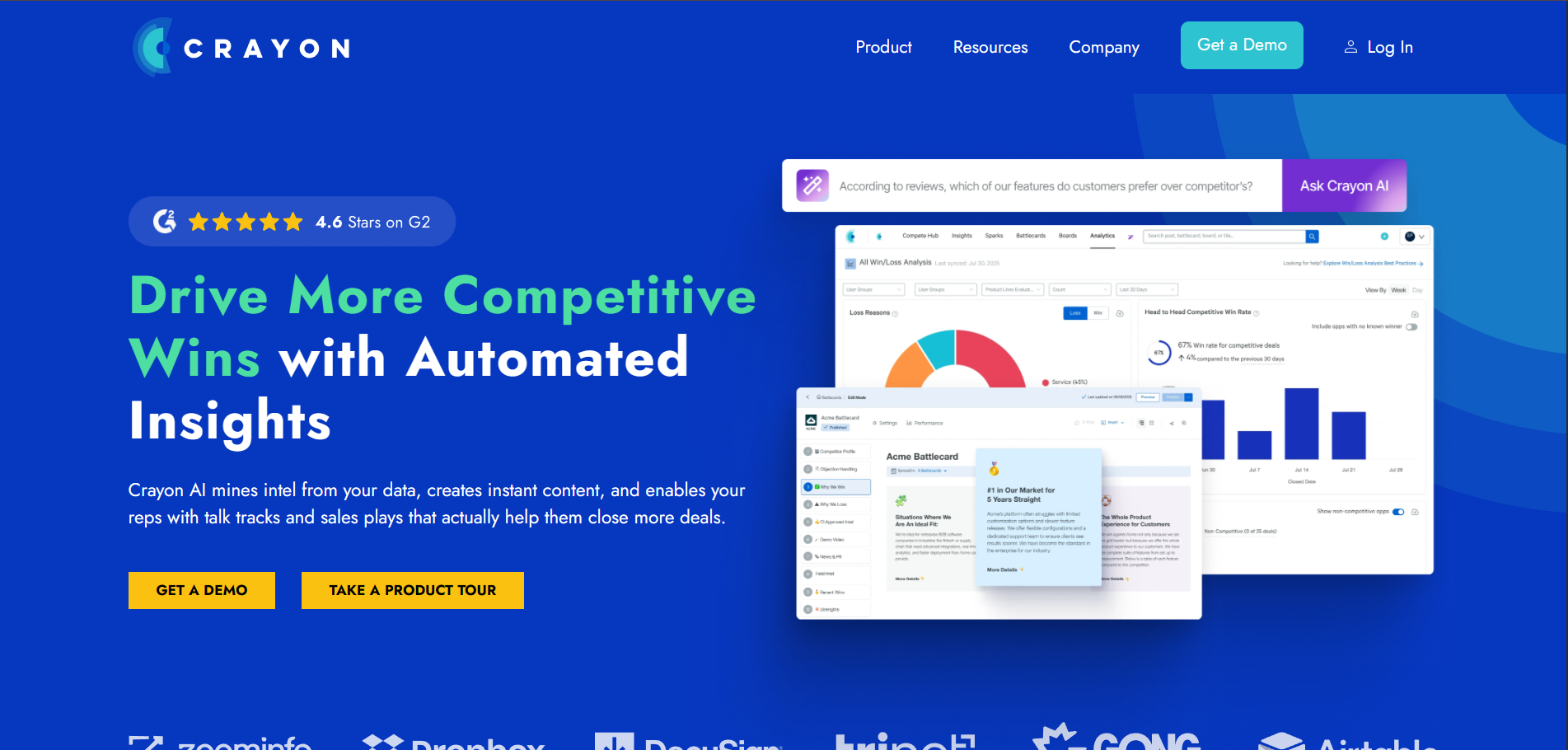
Crayon is a competitive intelligence platform that monitors a competitor's public activity, including website changes, pricing pages, product launches, and reviews. It turns that activity into sales battlecards. Pricing is custom and depends on the number of competitors tracked.

Klue combines competitive intelligence with win-loss analysis. It is built to put competitor insight in front of a salesperson during a live deal. Pricing is custom and scales with the number of users.
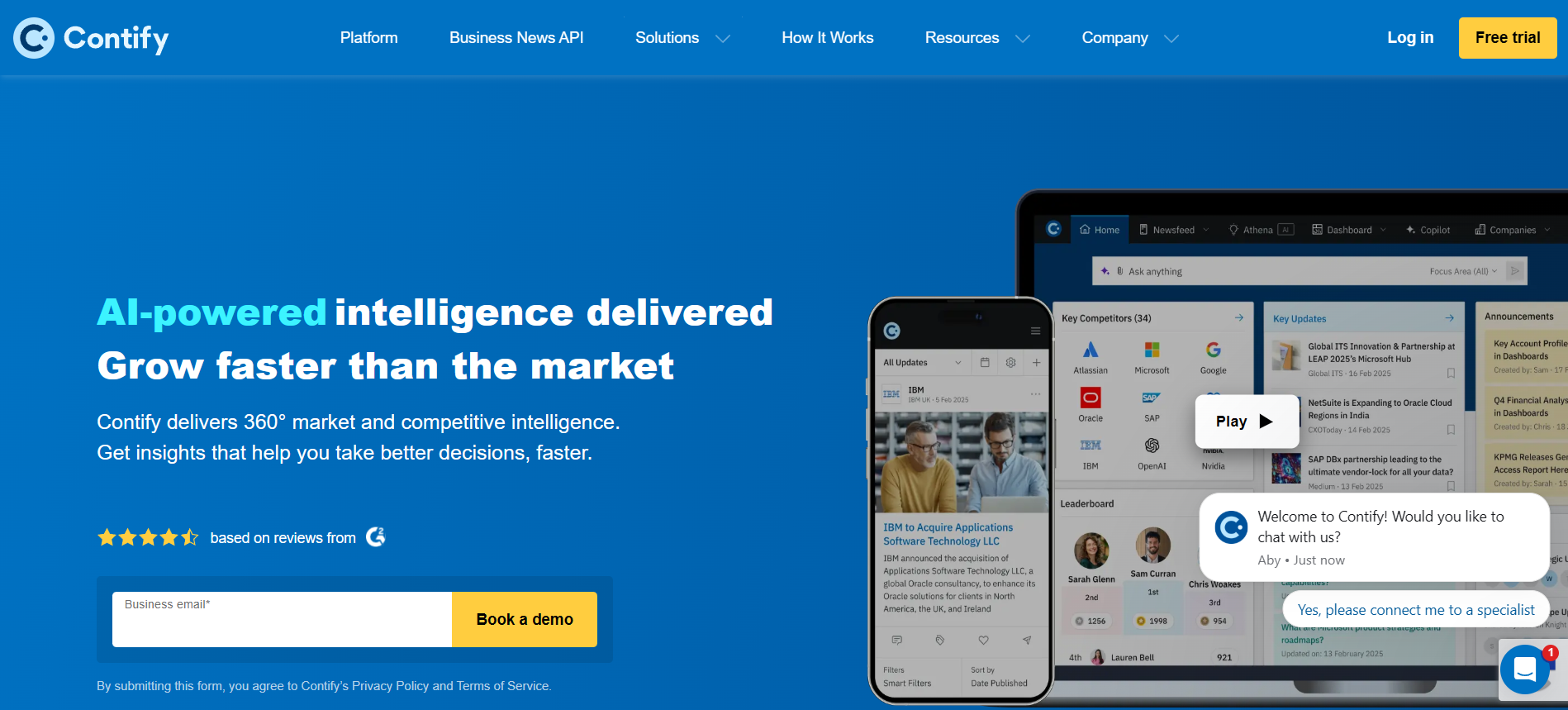
Contify is an AI-native market and competitive intelligence platform. It monitors more than a million vetted sources and covers named competitors, market trends, key accounts, and partnerships. Pricing is quote-based and depends on the number of companies tracked.
Most weak reports fail for one of six reasons. Each has a clear symptom and a fix you can apply in the next cycle.
A marketing intelligence report only works when the channel data behind it is current and easy to reach. When consolidation is the slowest part of your process, Reporting Ninja pulls connected channels into a single Data Studio report, Google Sheet, or custom report.
It covers the marketing performance part of the report, and its AI features draft the written summary from the same connected data. Start a 15-day free trial and connect your first account to see how much of the reporting cycle it removes.
Teams sending data to several destinations at once can compare it against cross-platform reporting options first.
Sometimes weekly, sometimes monthly. Campaign performance often needs a weekly review, while market and strategic reporting works better monthly or quarterly.
Four groups: your own channel data, competitor sources such as ad libraries and pricing pages, customer or CRM data, and market or industry research.
No. A spreadsheet works for a first version, though a consolidation tool for channel data and a competitive intelligence tool both save time as reporting grows.
Yes. A channel and campaign performance report often covers a short competitor section when a team does not have the volume to justify a separate competitive intelligence report.
Sign up for a 15 days free trial. No credit card required.

Build and automate amazing custom reports in a few clicks. Save time, be more productive, impress your clients.