Analytics
April 9, 2026
Supermetrics review: worth it or overhyped? (2026 updated review)



Reading another Supermetrics review because your reporting costs keep climbing? You’re not alone.
Many marketers start with Supermetrics for its flexibility, then hit pricing and complexity issues as their reporting needs grow.
If you want faster reporting with fewer moving parts, simpler alternatives exist.
In this guide, you’ll see where Supermetrics performs well, where it falls short, and how it compares to Reporting Ninja so you can choose what actually fits your workflow.

See how much simpler reporting can be with Reporting Ninja, connect your data and build client-ready reports in minutes, without extra tools or complex setup. Start your free trial today.
Supermetrics is built around one core function: moving marketing data from multiple platforms into the tools you already use. That flexibility is its main strength, but it also brings added complexity.
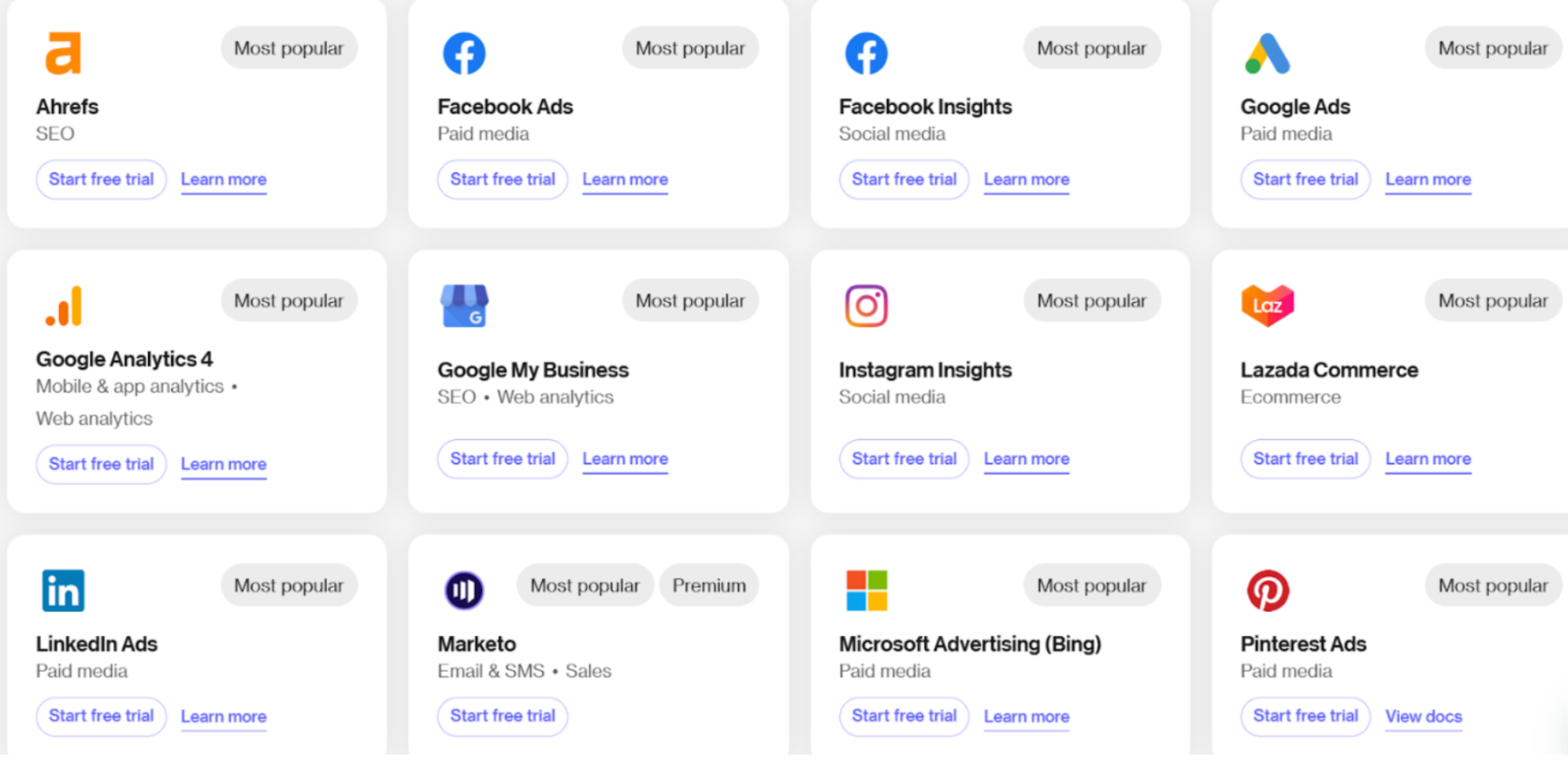
Supermetrics connects to a wide range of marketing platforms, including Google Ads, Facebook Ads, LinkedIn, and more. This allows you to centralize performance data in one place. However, each plan includes a fixed number of data sources, and going beyond it means paying for add-ons or upgrading, which adds up quickly.
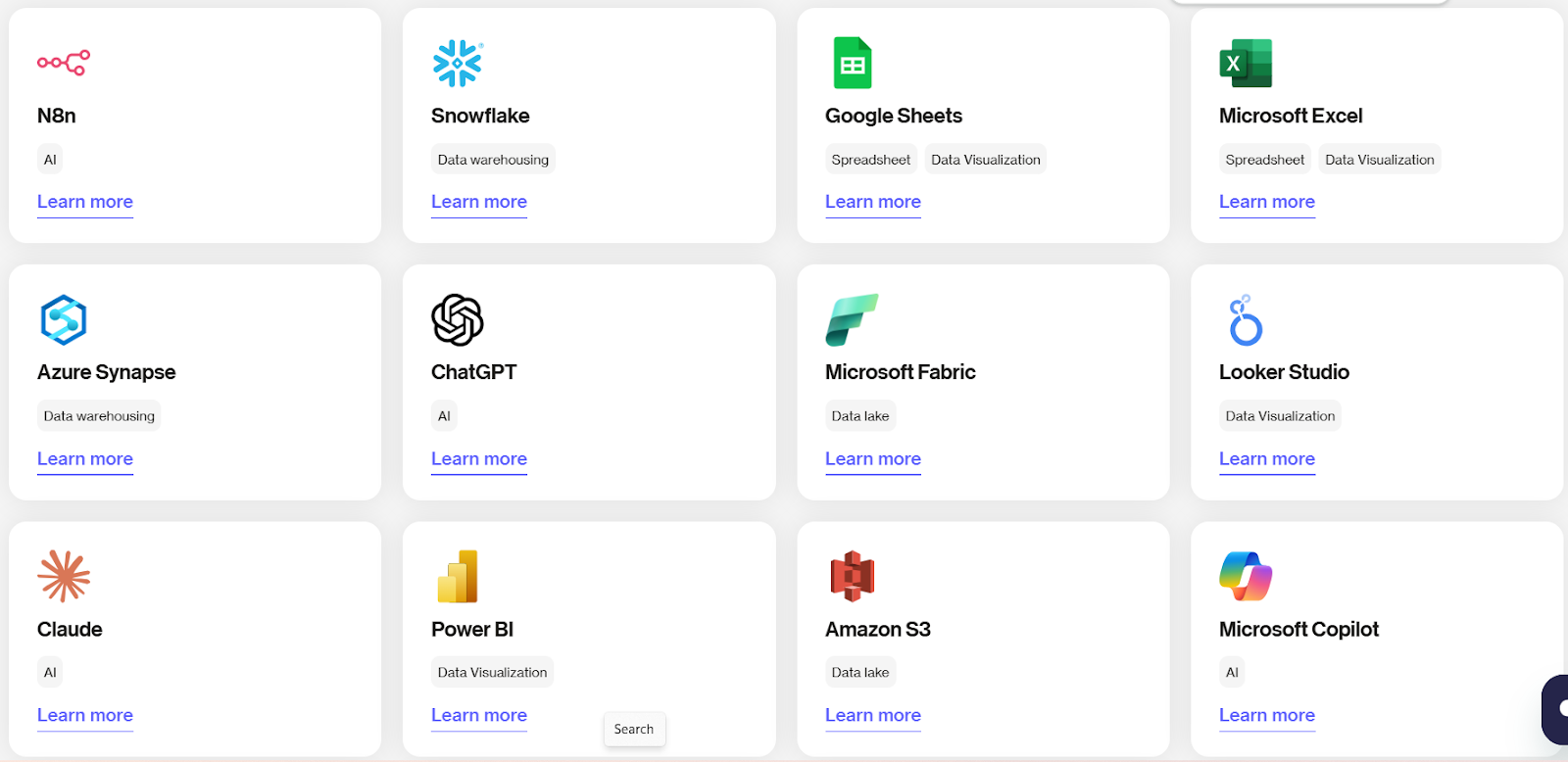
You can send data to tools like Google Sheets, Excel, Looker Studio, BigQuery, and Snowflake. This makes it useful if you already have a reporting stack in place. The downside is that pricing often depends on where your data is sent.
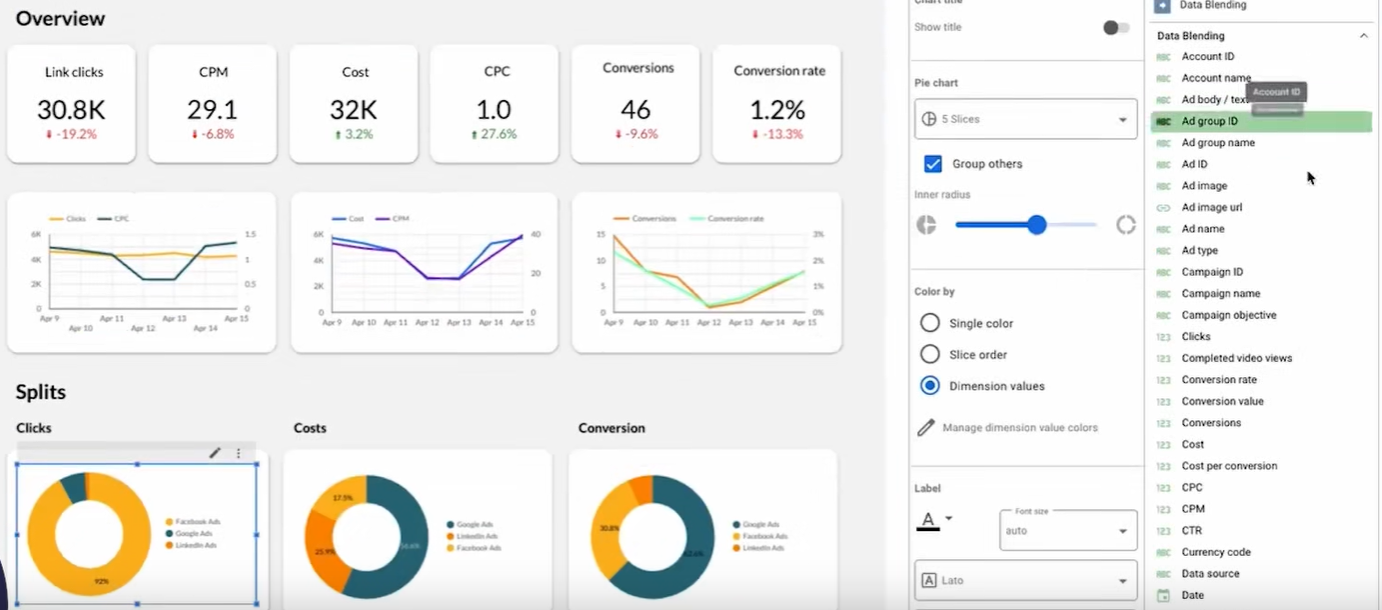
Supermetrics lets you automate data updates on a schedule, so reports stay current without manual work. This is useful for recurring reporting workflows, especially for agencies managing multiple clients.
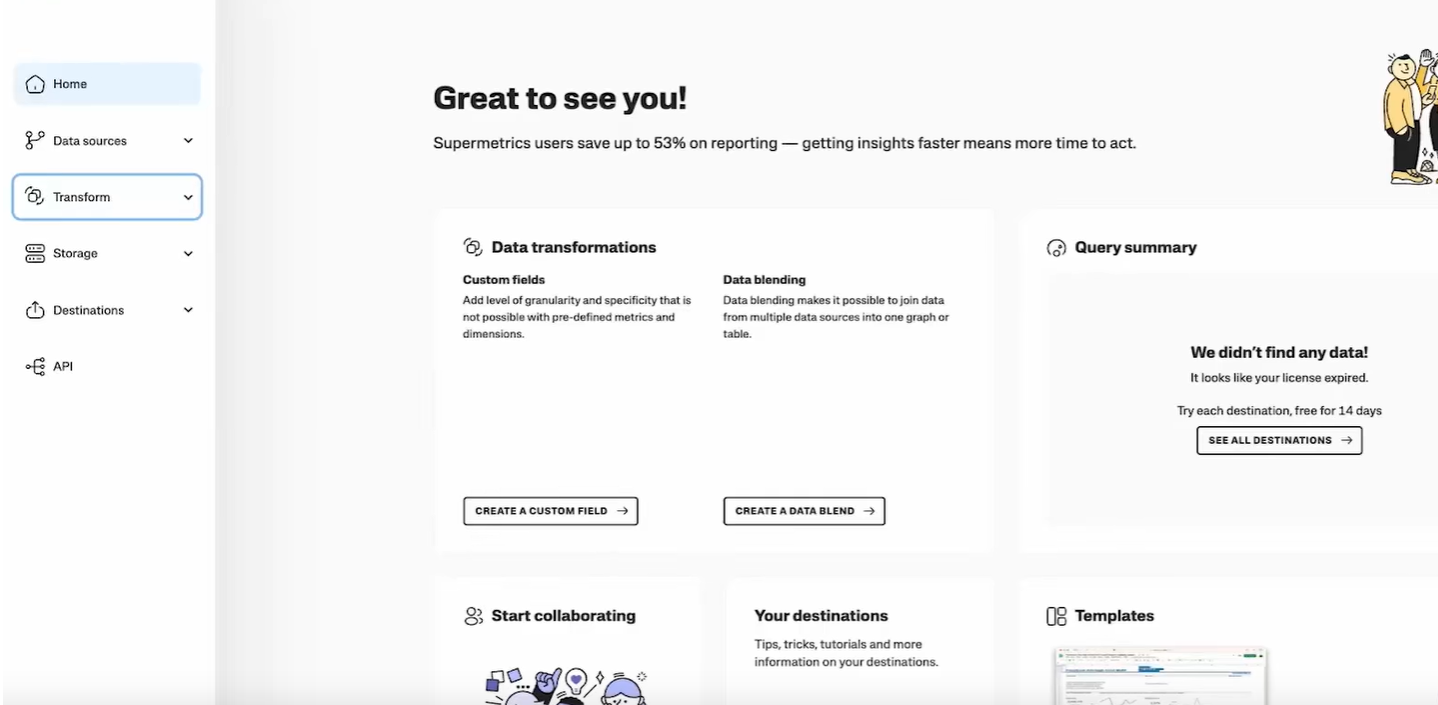
Advanced users can customize how data is pulled, filtered, and structured. This gives you more control, but it also means you’ll need some technical knowledge to get the most out of it.
Supermetrics pricing is structured around three packages (US pricing as of October 2026; prices vary by region), but costs still scale depending on data sources, accounts, and add-ons.
The key detail is how pricing expands. Costs increase as you:
This means what starts as a low monthly cost can grow quickly for agencies or scaling teams. Extra destinations are paid add-ons, and data warehouse destinations like BigQuery are listed only on Enterprise, which adds another layer of complexity.
Pricing reality check!: If you plan to use multiple destinations like Google Sheets and Looker Studio, costs can rise faster than expected. For example, a team starting on Starter at $55/month (billed monthly) may need to move to Growth at $222/month just to go beyond 3 data sources, then pay $187/month more for a second destination. It’s not uncommon for agencies managing multiple clients and platforms to reach $400–$800+/month once extra accounts and connectors are factored in.

Supermetrics is widely used, but feedback tends to split between flexibility and cost. Here’s what users consistently highlight.
{{cta-block-v1}}
Users often point to how easy it is to connect multiple marketing platforms and automate reporting. One G2 reviewer notes that it keeps dashboards updated daily and cuts down manual work, while another highlights how quickly you can get started without needing deep technical skills.
If you’re after that same level of automation without relying on external tools, platforms like Reporting Ninja take a more all-in-one approach, which can simplify your workflow.
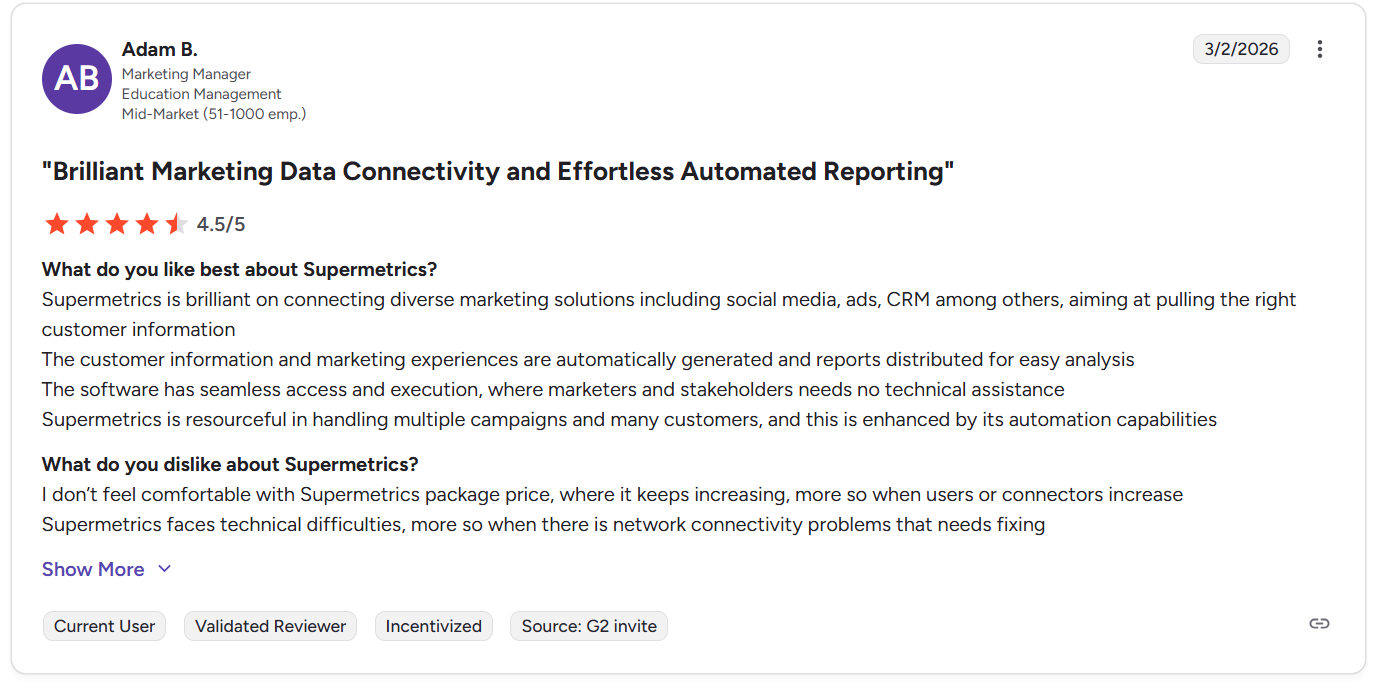
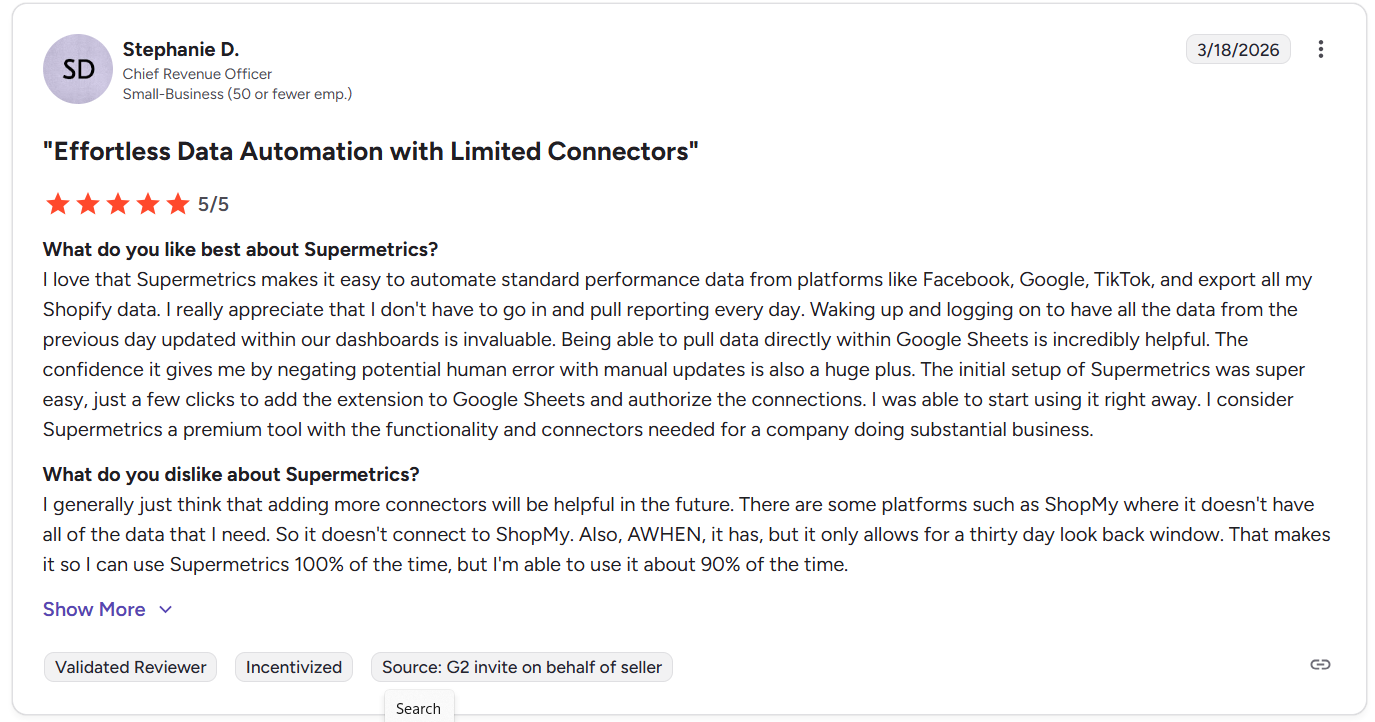
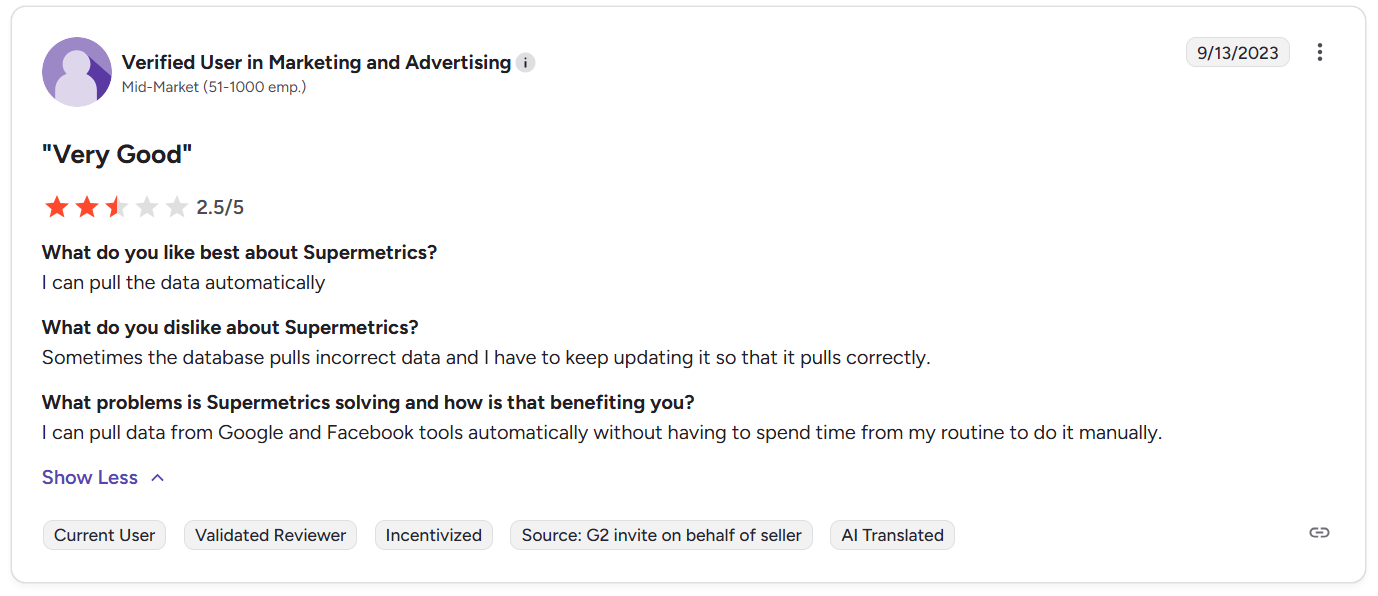
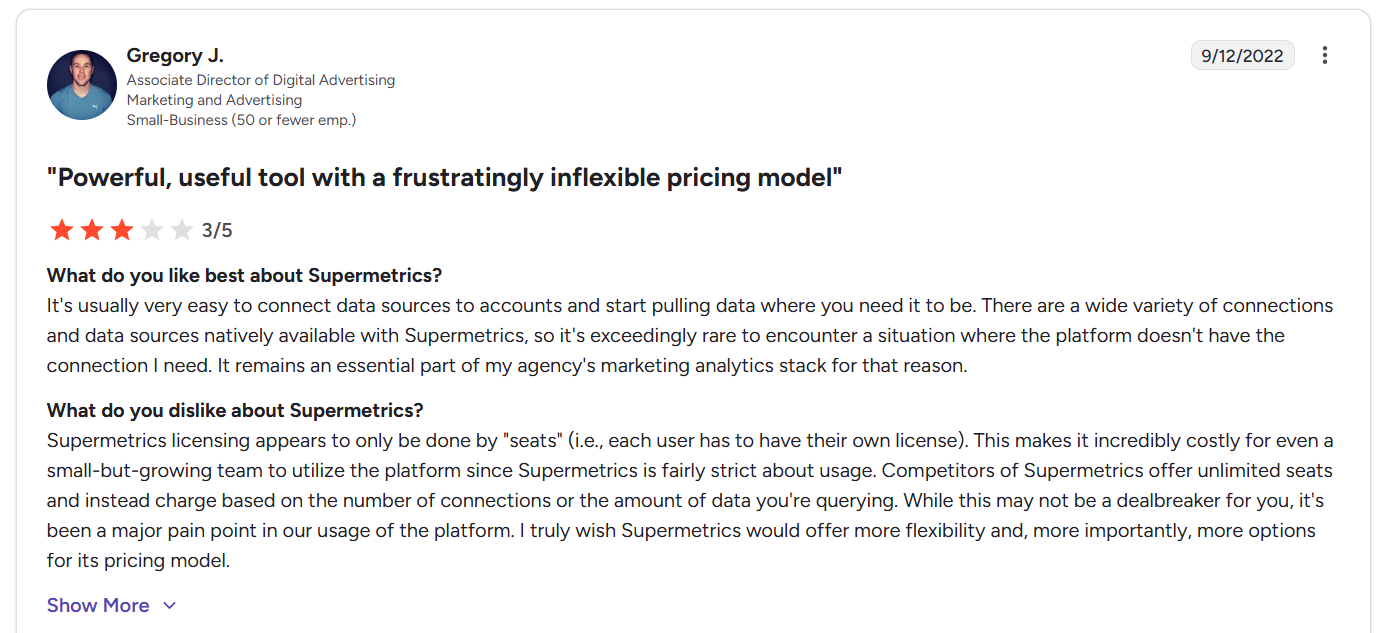
Some users mention that data accuracy isn’t always perfect, with occasional issues that require manual checks. Others highlight pricing as a concern, especially as teams grow and need more seats or data sources.
This is where simpler pricing models stand out. Tools like Reporting Ninja avoid usage-based complexity, making it easier to predict costs as you scale.
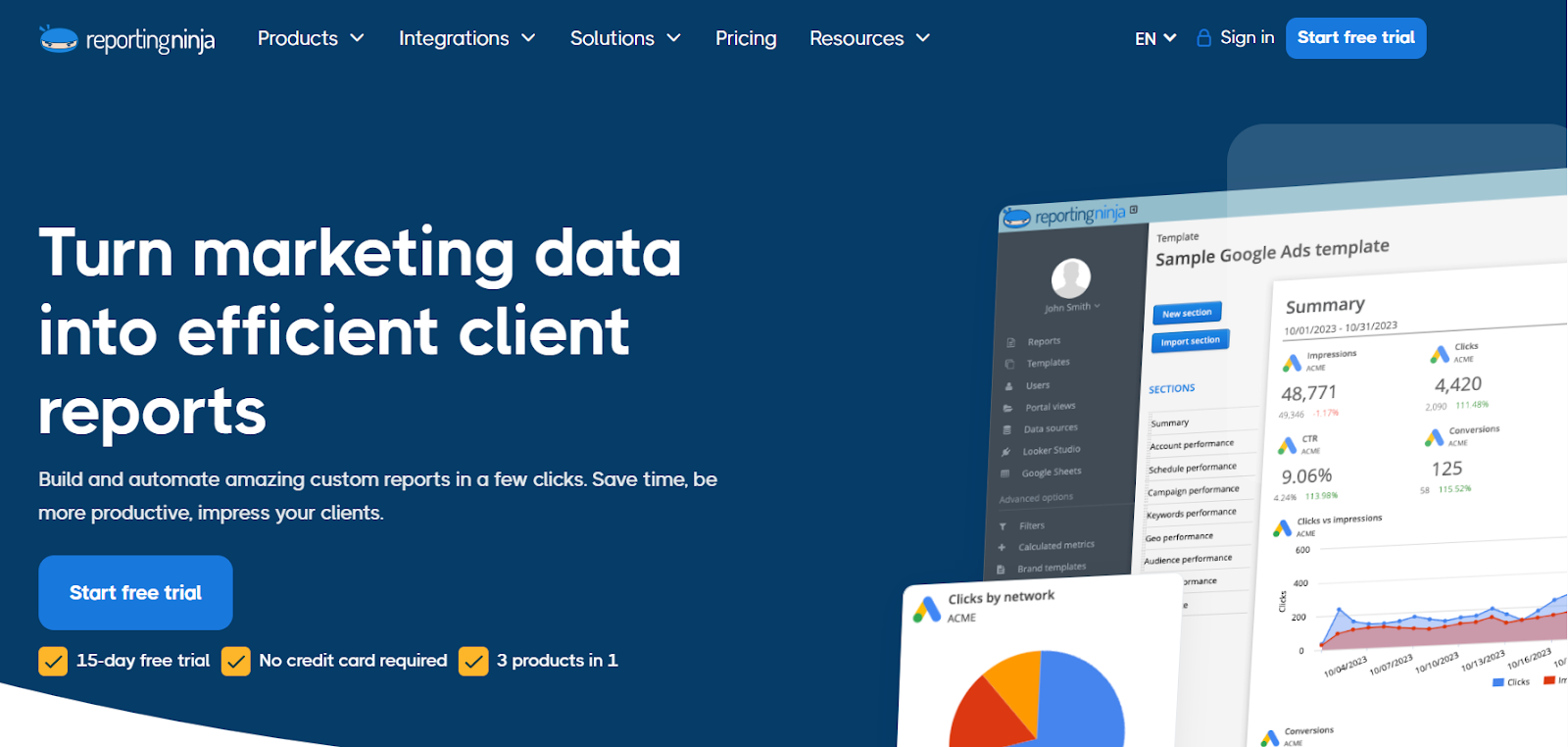
Reporting Ninja takes a different approach. Instead of just moving data, it combines connectors and reporting in one platform. That means you don’t need separate tools to build dashboards or client reports.
See how Reporting Ninja simplifies your workflow, connects your data, and launches ready-to-use reports without juggling multiple tools or pricing layers. Start your free trial today.
Supermetrics does what it’s designed to do. It pulls data from multiple platforms and pushes it into the tools you already use. If your workflow already depends on Google Sheets, Looker Studio, or BigQuery, it fits in naturally.
Where things shift is at scale. As reporting needs grow, pricing tends to climb, and you still need separate tools to turn that data into client-ready reports. That adds both cost and complexity.
If you want control over how data is extracted and structured, Supermetrics delivers. If your priority is faster reporting with fewer tools to manage, an all-in-one platform like Reporting Ninja is often the more practical fit.
Choosing the right tool comes down to how you want to work with your data, not just where it comes from.
Some tools focus only on data extraction. That means you still need to build reports manually in another platform. This adds time and complexity, especially if you manage multiple clients or campaigns.
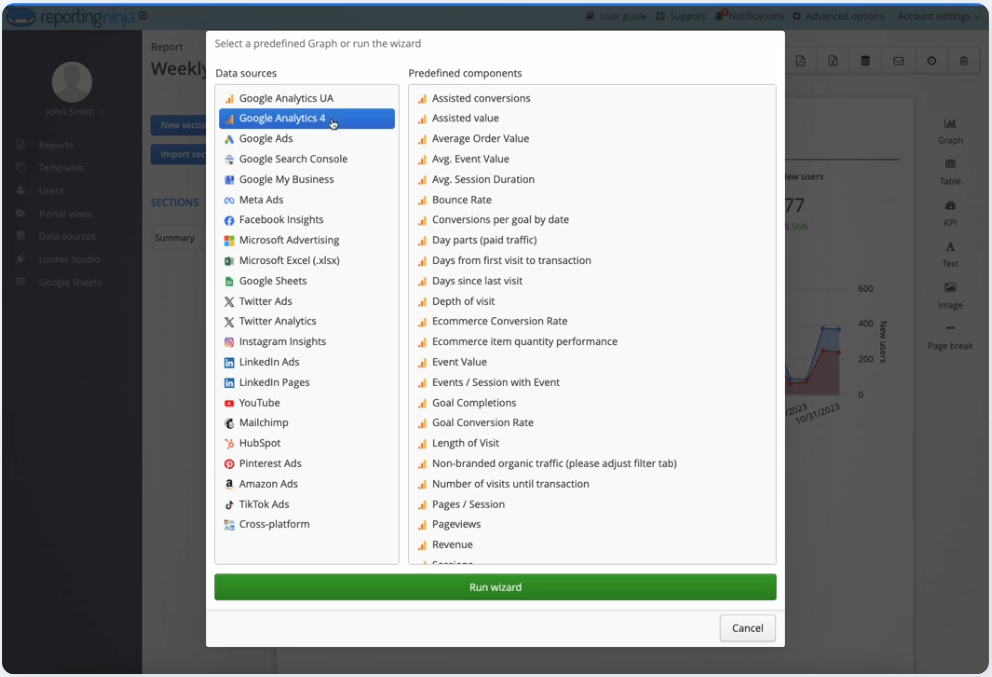
If speed matters, look for tools that include built-in dashboards and templates. This reduces setup time and avoids repetitive work.
Reporting Ninja handles this well by combining connectors with ready-to-use reports, so you can go from data to dashboard without extra tools.
Start a free 15-day trial now!
Pricing can vary widely depending on how tools charge. Some platforms charge per data source, account, or destination, which can quickly increase costs as you scale.
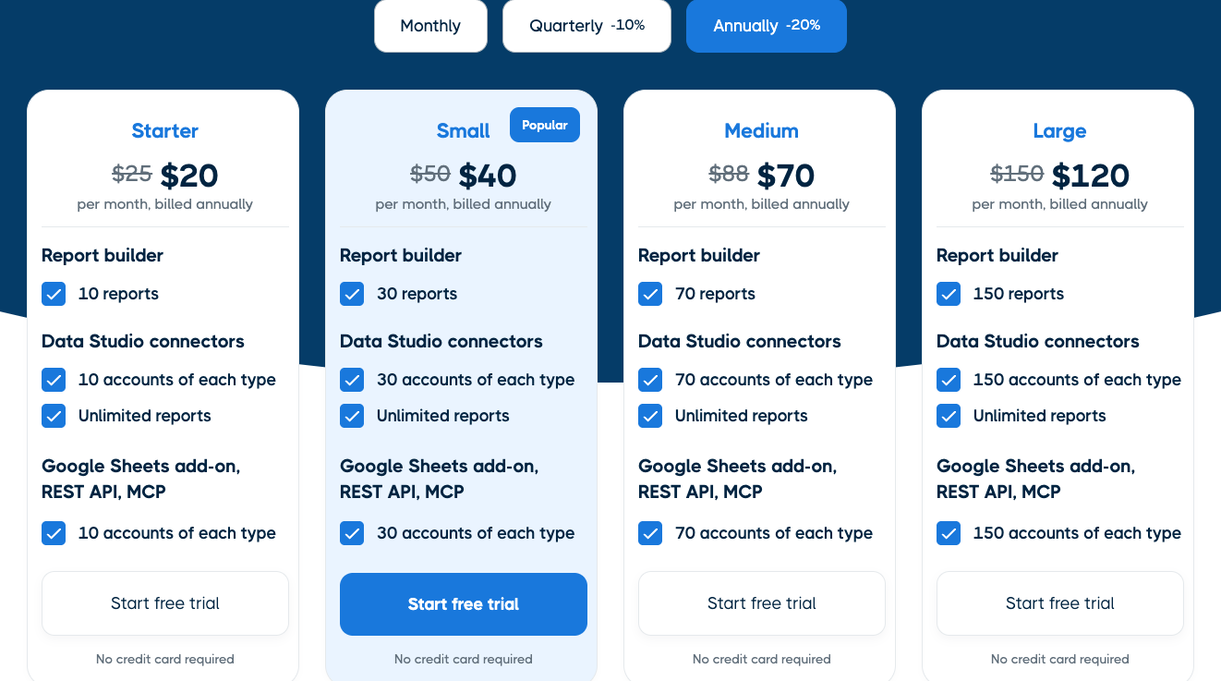
You want pricing that stays predictable as your reporting grows. This is especially important for agencies managing multiple clients.
Reporting Ninja keeps pricing more straightforward, with more features included upfront instead of charging separately for each destination or connector.
There’s a trade-off between flexibility and ease of use. Tools like Supermetrics give you more control over how data is structured, but they require more setup and technical input.
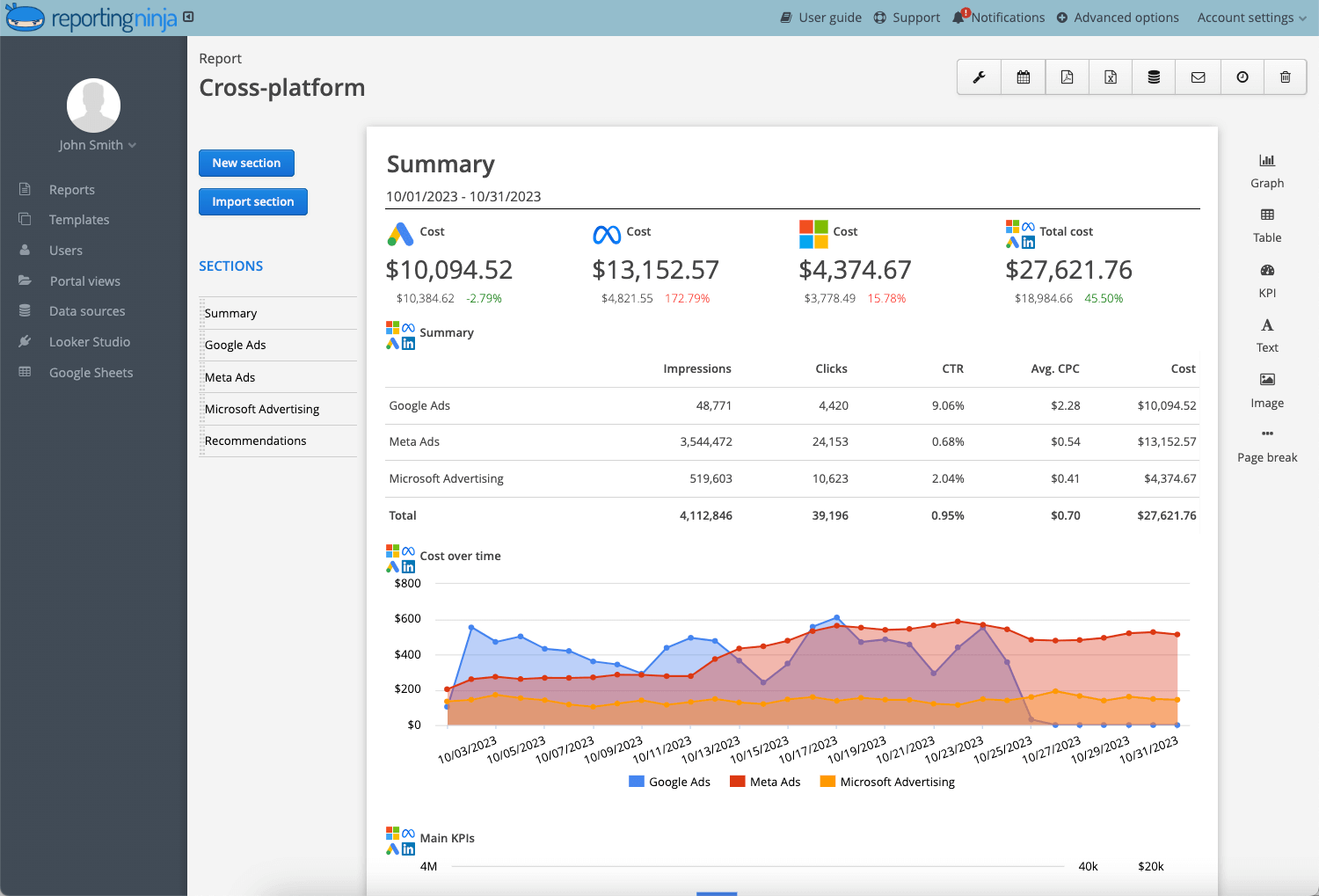
If your priority is usability, look for platforms that simplify data blending and visualization without needing custom queries.
Reporting Ninja leans toward usability. It allows you to combine and visualize data across channels without needing advanced technical knowledge.
Try Reporting Ninja and see how quickly you can turn multi-channel data into clear, client-ready reports without technical setup.
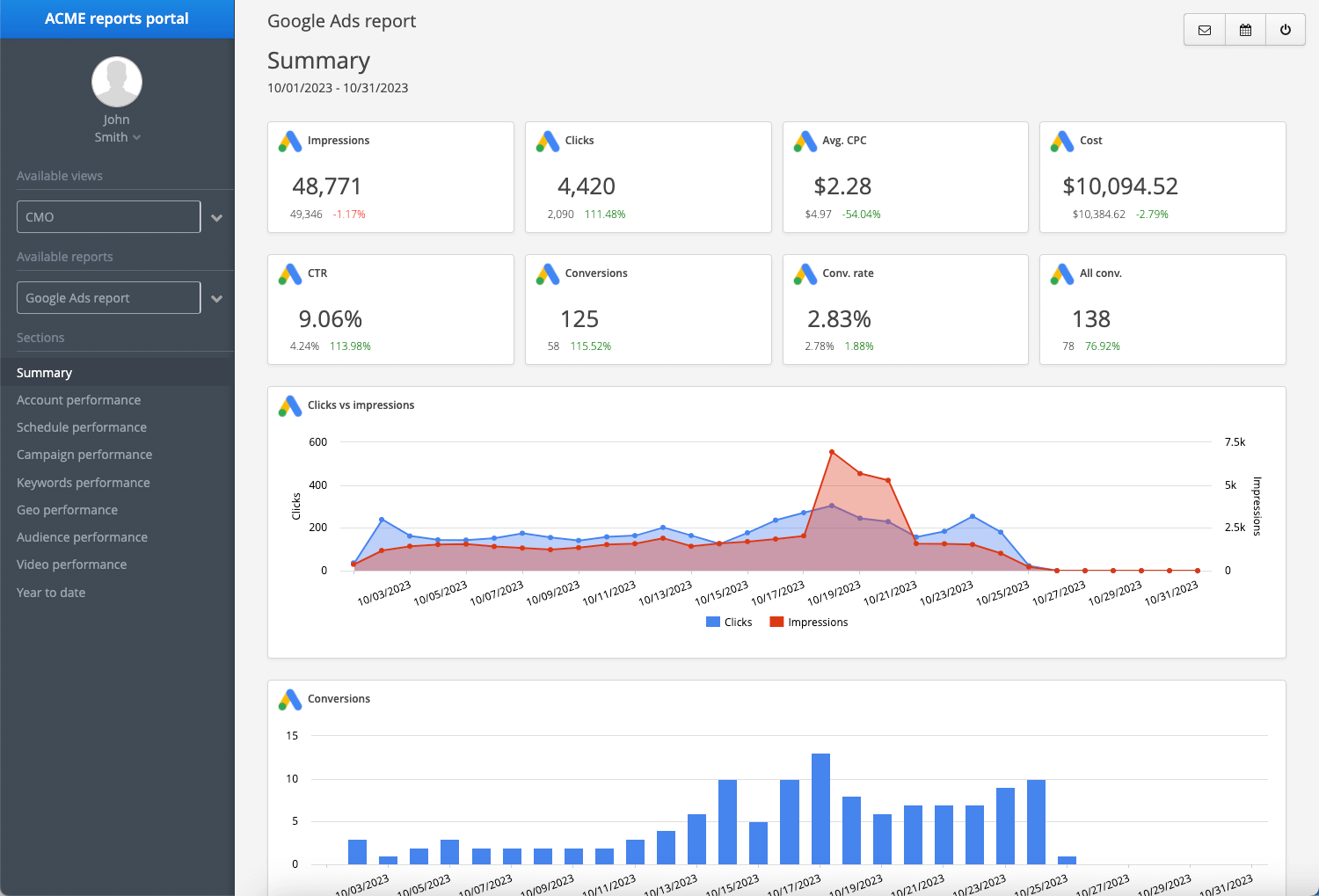
If Supermetrics feels too complex or expensive as you scale, Reporting Ninja offers a more streamlined alternative. It combines data connectors and reporting in one platform, so you don’t need multiple tools to get from raw data to client-ready reports
Reporting Ninja focuses on reducing setup time while still covering the core reporting needs most teams have.
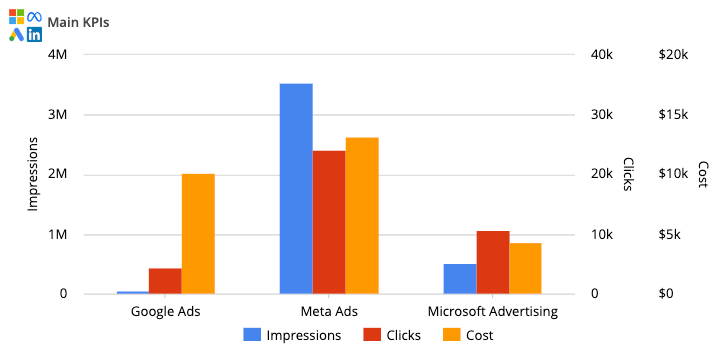
You can pull data from major marketing platforms and build marketing reports in the same place. There’s no need to move data into another tool, such as Looker Studio or Sheets, to visualize it.
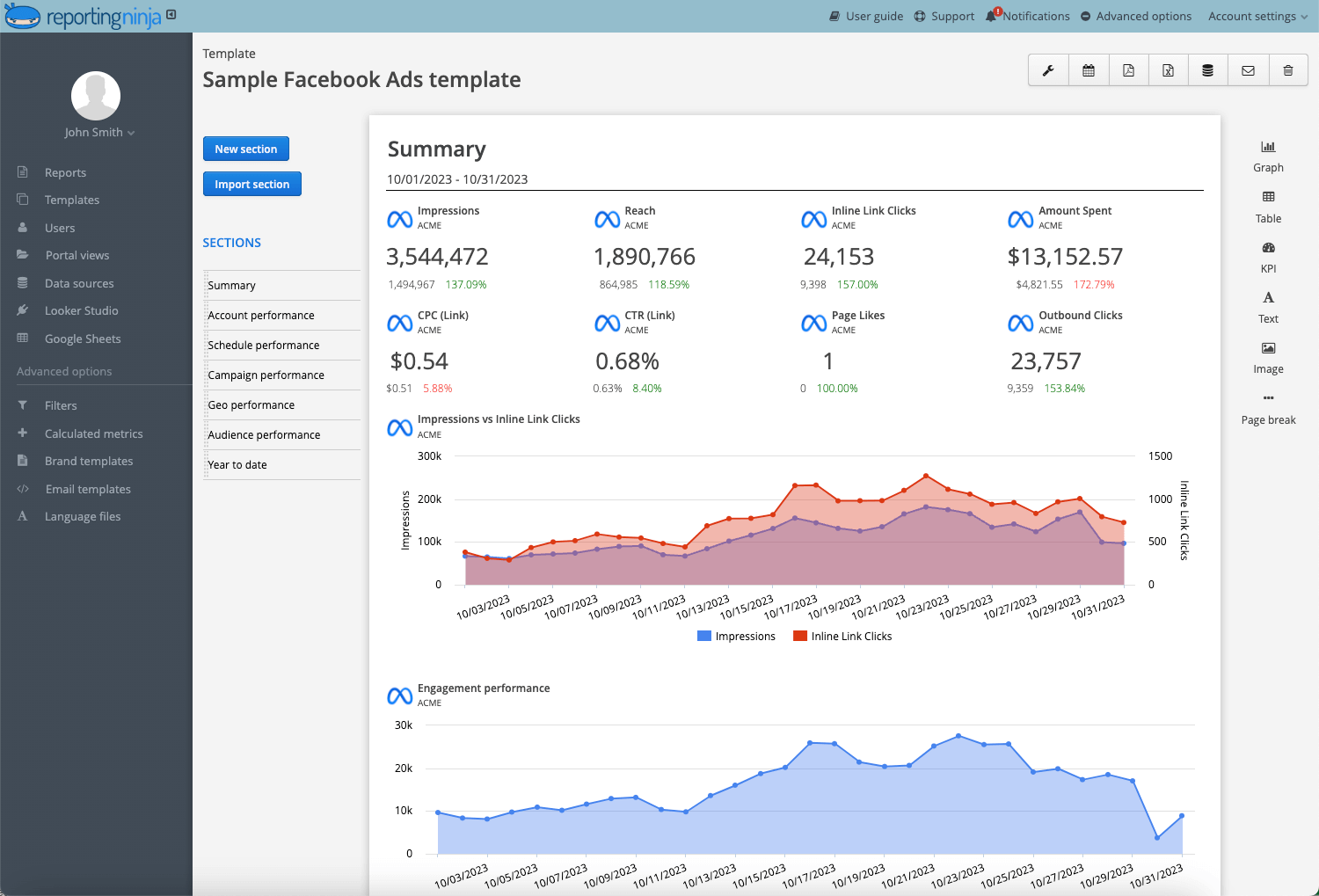
The platform includes ready-to-use templates for common channels like Google Ads and Facebook Ads, as well as SEO tools. This helps you launch reports quickly without building everything from scratch.
You can combine data from multiple platforms into a single dashboard. This makes it easier to present performance across campaigns without manual data blending
Pricing is generally more predictable, with fewer variables tied to destinations or usage scaling.
{{cta-block-v1}}
Users often mention how much time Reporting Ninja saves and how easy it is to turn multi-channel data into clean, client-ready reports. One reviewer describes moving away from hours spent in spreadsheets thanks to automation, while another highlights how the mix of customization, visuals, and integrations improves both workflow and client delivery.


Start using Reporting Ninja to streamline your reporting, build client-ready dashboards, automate reports, and keep costs predictable as you scale.
If you’re weighing up Supermetrics, the decision comes down to how you want to work.
If you need full control over raw data pipelines and already rely on external tools, Supermetrics can fit.
But if your goal is faster reporting, fewer tools, and predictable costs, Reporting Ninja is often the better choice.
You get connectors, dashboards, and templates in one place. No extra setup. No layered pricing.
Start your free trial and build your first report in minutes.
Sometimes. It works well for data-heavy agencies, but costs can increase quickly as you add more clients, accounts, and destinations.
Yes. Every plan includes monthly AI credits (4,000 on Starter and 12,000 on Growth), and ChatGPT, Claude, and Microsoft Copilot are among its core destinations.
No. It moves data but doesn’t create full reports. You still need tools like Looker Studio or Sheets for visualization.
Yes. Reporting Ninja is generally easier because it combines data connectors and reporting in one platform, reducing setup and technical work.
Reporting Ninja in most cases. Its pricing is more predictable, while Supermetrics costs tend to scale with usage and complexity.
Sign up for a 15 days free trial. No credit card required.

Build and automate amazing custom reports in a few clicks. Save time, be more productive, impress your clients.